There is only one interesting question about API documentation, and it is not which renderer looks nicest. It is: how long after the API changes does the documentation become wrong, and what has to happen for it to become right again?
Every tool in this category is an answer to that question. Spec-driven tools answer it with a pipeline: the OpenAPI document changes, the docs regenerate, the reference is correct by construction. Handwritten tools answer it with a person: somebody remembers, opens a pull request, and updates the page. The second answer works right up until the quarter gets busy, and then the drift is invisible because wrong documentation looks exactly like right documentation.
The trap is that the reference is only part of the docs. A spec generates endpoint tables, schemas, parameters and status codes. It cannot generate the paragraph explaining that you must poll the job status endpoint because the export is asynchronous, or the one explaining which of your four ID formats goes where. That prose is what makes documentation usable, it is handwritten, and it drifts. So the real shape of the decision is: which parts are generated, which are written, and how the two are stitched together without one overwriting the other.
Get that wrong and you end up with the most common failure in this category: an auto-generated reference nobody reads because it has no narrative, sitting next to a handwritten guide that describes the API as it was two releases ago.
Key takeaways
- The reference should be generated from the spec and the guides should be handwritten. Tools differ mainly in how gracefully they combine the two.
- A try-it-out console is a real feature with real costs: CORS, credentials in a browser, and requests that write to something.
- Versioned documentation is architecture, not a setting. Decide whether old versions are frozen snapshots or maintained branches before you pick a tool.
- Generated SDK snippets in the docs are only correct if they come from the same pipeline as your published SDKs. Hand-maintained snippets are the fastest-drifting content on the page.
Spec-driven, handwritten, and where each one rots
Three models exist. Almost every tool below is one of them, or a blend with a clear centre of gravity.
Spec-driven reference. An OpenAPI document is the input, the reference pages are output. Endpoints, parameters, request and response schemas, enumerations and error codes all render from it. The drift clock here runs on the spec: if the spec is generated from the implementation, the reference is structurally correct and the only lie possible is one already in your code. If the spec is handwritten and updated separately from the code, the docs inherit that lie faithfully and present it with more authority.
This is the model worth defaulting to, and its weakness is that generated reference pages are dry. A list of fields is not an explanation. Teams that adopt spec-driven docs and stop there usually see support tickets stay flat, because the questions people ask were never answerable from a field list.
Handwritten prose. Markdown pages in a repository, built by a static site generator. Full control over narrative, sequencing and examples. This is where quickstarts, concept pages, authentication guides and migration notes belong, and there is no substitute for them.
The drift clock here runs on discipline. Every code example is a snapshot. Every endpoint path mentioned in a sentence is a snapshot. Nothing fails when they become wrong. The mitigation that works is to test the examples: if your quickstart code is in a file that CI actually runs against a live sandbox, it cannot silently rot. Almost nobody does this and it is the highest-value thing in this article.
Docs-as-a-product platforms. Hosted services that own the whole surface: reference, guides, versioning, search, a console, sometimes user accounts and API keys. You trade control for not building any of it. The drift risk moves to content stored in a vendor system rather than your repository, which reintroduces the review-coupling problem, though most now offer a git-backed mode that resolves it.
The combination that holds up is spec-driven reference plus handwritten guides in the same repository, built together, deployed together, and reviewed in the same pull request as the code change that caused them. Whether that repository is yours or the vendor’s is the main axis the tools below differ on.
Needs first-hand data: Pick twenty code examples from your current documentation and actually run them against production or a sandbox. Record how many fail and why: removed endpoint, renamed field, changed auth, or changed default. That single count is the most honest measure of documentation quality anyone can produce about their own docs, and it takes an afternoon.
The try-it-out console and what it actually costs
Every modern docs tool offers an interactive console: a form next to each endpoint that sends a real request and shows the real response. It is the single feature developers rate most highly and the one with the most hidden cost.
CORS. The request usually originates in the reader’s browser, from your documentation domain, to your API domain. That requires your API to permit the docs origin, which means adding a CORS policy you would not otherwise need, or proxying requests through the docs vendor, which means the vendor sees the traffic. Neither is a dealbreaker and both need a decision from whoever owns the gateway. How this interacts with your edge is covered in API gateways.
Credentials. The console needs a token to send an authenticated request. Where does it come from? Options are: the reader pastes one, the docs platform holds one for them after login, or you issue a short-lived sandbox key automatically. The first is fine and clunky, the second means the platform stores your customers’ API credentials, the third is the good experience and requires real integration work with your own identity system.
Writes. A console pointed at production against a real key will create real records. Someone will run the DELETE example. The options are to point the console at a sandbox environment, to point it at a mock derived from the spec, or to accept the blast radius. A spec-derived mock is the cheapest safe answer and is covered in API mocking tools.
Requests that cannot be modelled. Anything involving a file upload, a redirect-based OAuth flow, webhooks or long-polling does not fit the request-response form. The console will show a broken example rather than no example, which is worse than omitting it.
Needs first-hand data: Put a console in front of ten real readers and record, per endpoint, whether their first attempt returned a 2xx, a 401, a CORS failure or a validation error. The 401 and CORS rates are the honest measure of whether your console is a feature or a trap, and they are invisible from the inside because the person testing it always has a working token.
If you cannot answer the credentials and writes questions, ship documentation without a console. A read-only reference with excellent examples beats a console that returns 401 to everyone who tries it, which is the state a surprising number of public API docs are in.
Versioned docs: decide this before you pick
Versioning is where documentation tooling most often has to be replaced, because the requirement arrives after the choice has been made.
The first question is what your API versioning strategy even is, and this is a decision about the API rather than the docs. Path versioning, header versioning, date-based versions and evergreen-with-deprecations all have different documentation shapes. That decision belongs in API versioning and deprecation, and the docs tool must follow it rather than the reverse.
Given a strategy, two documentation models exist:
Frozen snapshots. Version two ships and version one’s docs are frozen exactly as they were. Simple, honest, and it means bug fixes to the old docs never happen. Fine when old versions are genuinely frozen.
Maintained branches. Each supported version has live documentation that can be corrected independently, which means a clarification written for version three has to be manually applied to versions one and two. This is real ongoing work and the reason documentation for multi-version APIs is so often inconsistent.
Three practical things to check in any tool before committing:
- Can a reader on version one see clearly that a newer version exists, with a link to the migration guide? Missing this is the most common versioned-docs failure.
- Does search return results scoped to the version being viewed? Unscoped search across all versions is actively harmful, because it confidently returns the wrong endpoint.
- Do URLs stay stable when a version is retired? Retiring a version by deleting its URLs generates 404s for every link in every integration guide and forum post ever written about it. Retire by redirecting to a deprecation page, always.
There is also the internal case, which is different enough to state separately: documentation for APIs consumed only by other teams inside your company. Nobody needs a marketing-grade docs site for those, and the correct answer is usually a rendered spec on an internal host, regenerated by CI, with zero handwritten prose beyond a README. Spending months on internal docs tooling is a classic way to produce something nobody reads.
Redocly
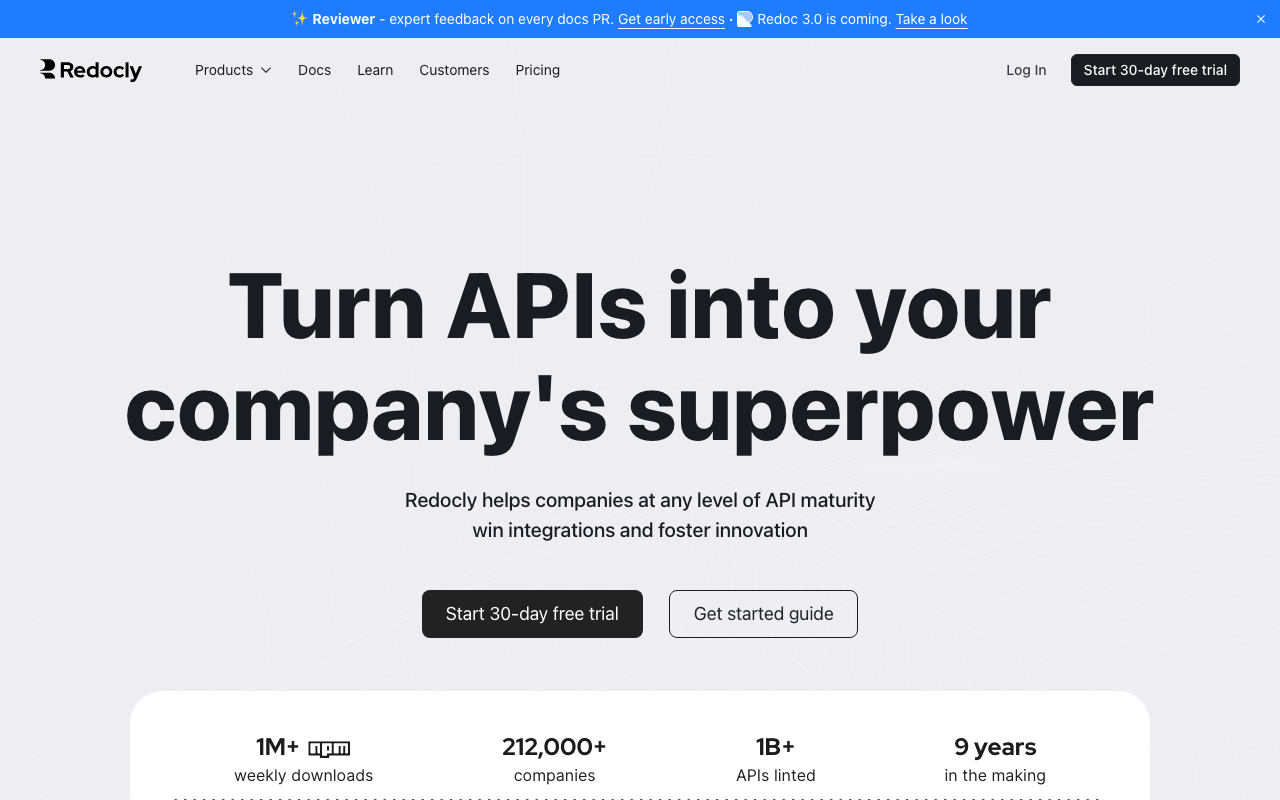
Redocly builds on the Redoc renderer, which is one of the most widely deployed ways to display an OpenAPI document, and extends it into a full documentation platform with a workflow built around the spec in your repository. The centre of gravity is spec-correctness: it lints the document, enforces style rules, catches problems before they render, and treats the API definition as the artifact to govern rather than a file to display. If your organisation has several teams publishing APIs and you need them to look and behave consistently, that governance angle is the differentiator.
Pros
- Spec linting and governance rules are part of the docs pipeline, so inconsistent APIs get caught before publishing
- The underlying renderer is well established and produces reference pages developers already recognise
- Works from the spec in your repository, keeping docs changes inside the same review as the code change
- Handles large, multi-file specifications without the rendering problems that break lighter tools
Cons
- Strongly reference-centric, so the narrative and guide experience needs more assembly than in docs-first platforms
- The full governance and portal capabilities sit in the commercial product, which is a different scale of commitment from the open renderer
- Configuration surface is large, and getting a consistent multi-API portal right is a project rather than an afternoon
Best for: Organisations publishing several APIs from several teams who need consistency enforced mechanically rather than by review.
Pricing: Open-source renderer with no licence cost, plus commercial tiers for the portal, governance and hosted publishing, metered by API count and seats. The linting side of the same story is covered in OpenAPI and Swagger tooling.
Mintlify
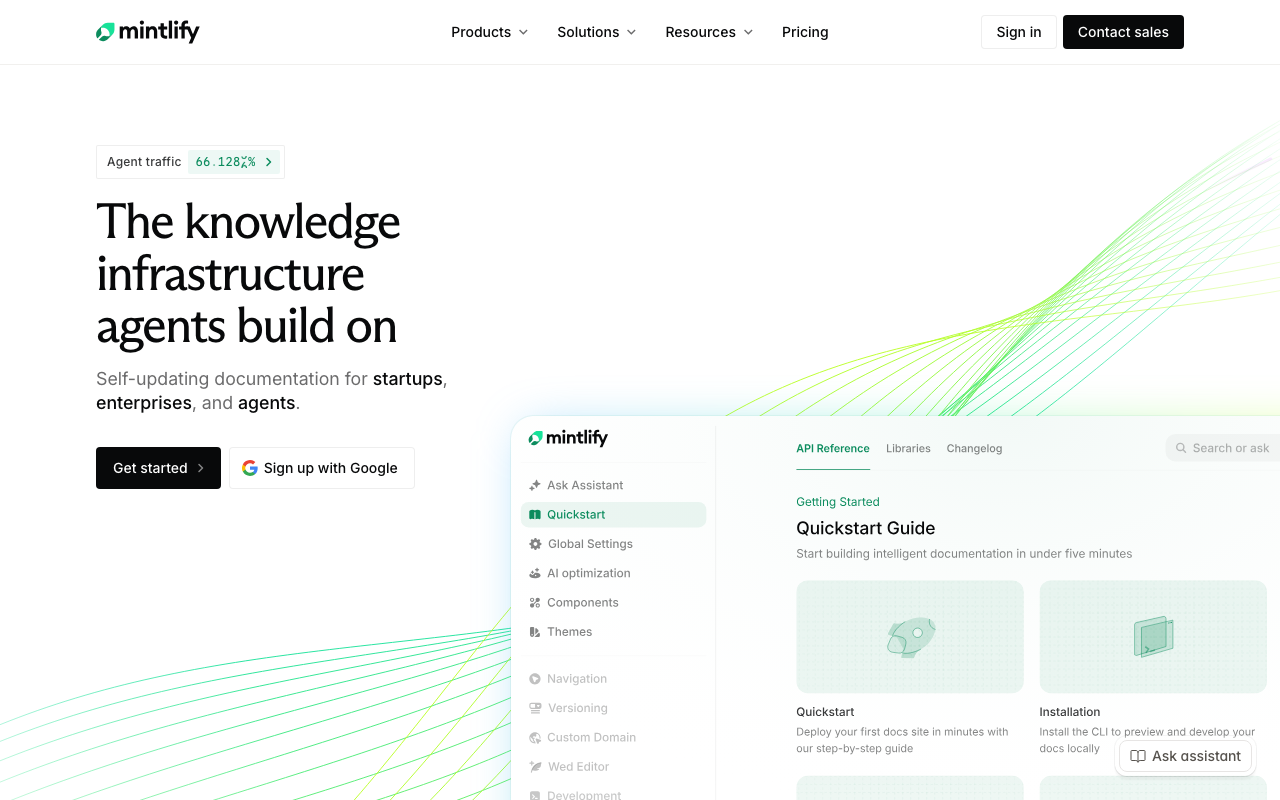
Mintlify is a documentation platform aimed squarely at developer-facing products, combining handwritten MDX pages with a generated OpenAPI reference in one site, with search, versioning and analytics included. Content lives in a git repository and deploys on push, which keeps the review coupling intact while giving you a hosted, designed product rather than a static site generator you configure. It is opinionated about design, which is exactly what most teams want and occasionally the reason to reject it.
Pros
- Handwritten guides and generated reference live in the same site and the same repository without stitching two tools together
- Git-backed with deploy-on-push, so documentation changes ride in the pull request that changed the API
- Strong default design, meaning a credible docs site exists in days rather than after a design project
- Includes the surrounding product surface (search, analytics, versioning) rather than leaving each as an integration
Cons
- Opinionated design means deep visual customisation fights the product rather than extending it
- Hosted-first, so an air-gapped or self-hosted requirement is a poor fit
- Pricing scales with the things growing teams accumulate, so a docs site that starts cheap does not necessarily stay cheap
Best for: Product teams who want a polished public docs site with both guides and reference, fast, without staffing a docs infrastructure project.
Pricing: Subscription tiers by seats and site features, with higher tiers unlocking versioning, custom domains and advanced analytics.
Scalar
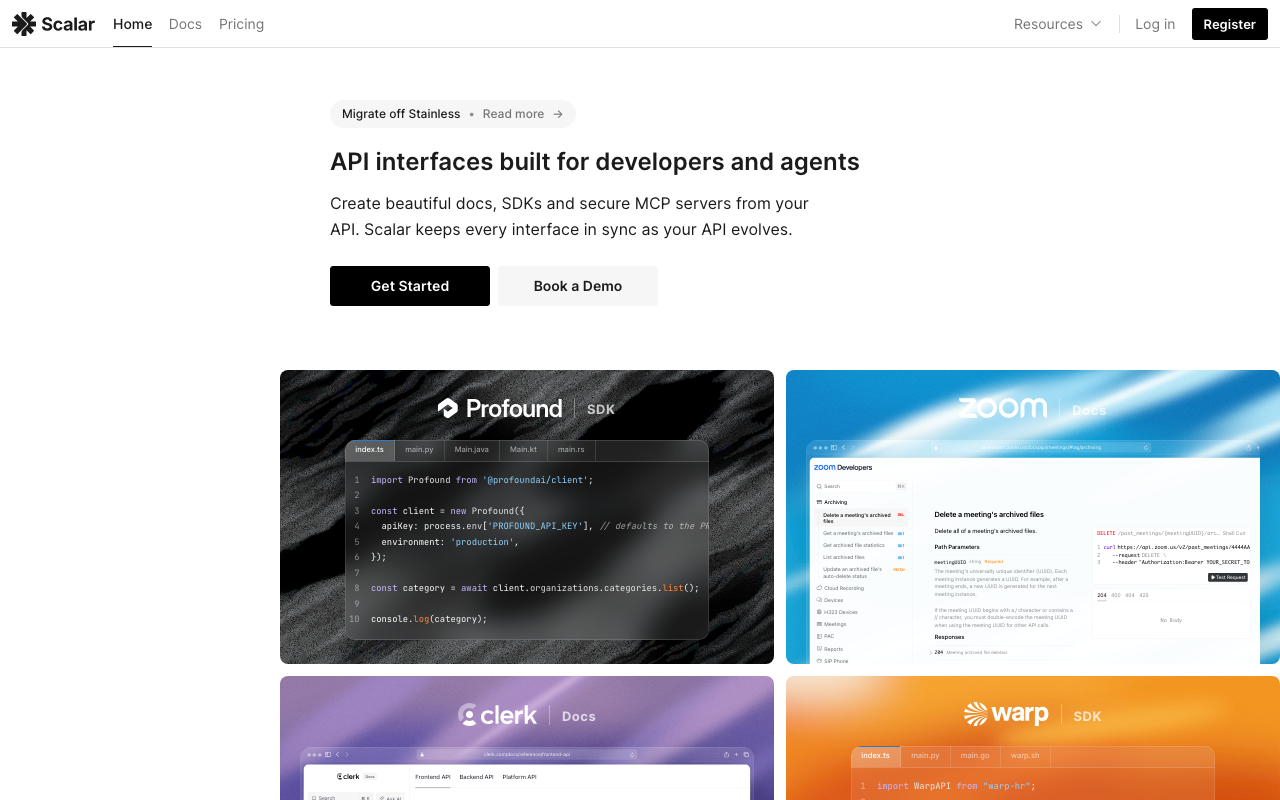
Scalar is an OpenAPI reference renderer with an interactive console, distributed as an open-source component you can embed anywhere, plus a hosted platform around it. The appeal is the specific combination of a modern reading experience and a genuinely good try-it-out panel in something you can drop into an existing site with minimal ceremony. If you already have a documentation site and the weak part is the reference section, this is the piece-sized fix rather than a platform migration.
Pros
- Embeddable as a component, so you can improve the reference without replacing your whole docs stack
- Interactive console is a first-class part of the product rather than a bolted-on panel
- Open source at the core, so the rendering layer carries no licence cost or vendor dependency
- Fast to adopt: pointing it at an existing OpenAPI document produces a usable reference immediately
Cons
- Reference-first, so guides, concepts and tutorials need somewhere else to live
- Younger than the established renderers, with a correspondingly smaller body of edge cases already solved
- The hosted platform features are where the commercial model sits, so a fully free path means you host and integrate it yourself
Best for: Teams with an existing docs site whose reference section is the weak part, and who want a console without adopting a platform.
Pricing: Open-source renderer with no licence cost; hosted platform tiers priced by seats and features. Self-embedding moves the cost into your own build and hosting.
Stoplight
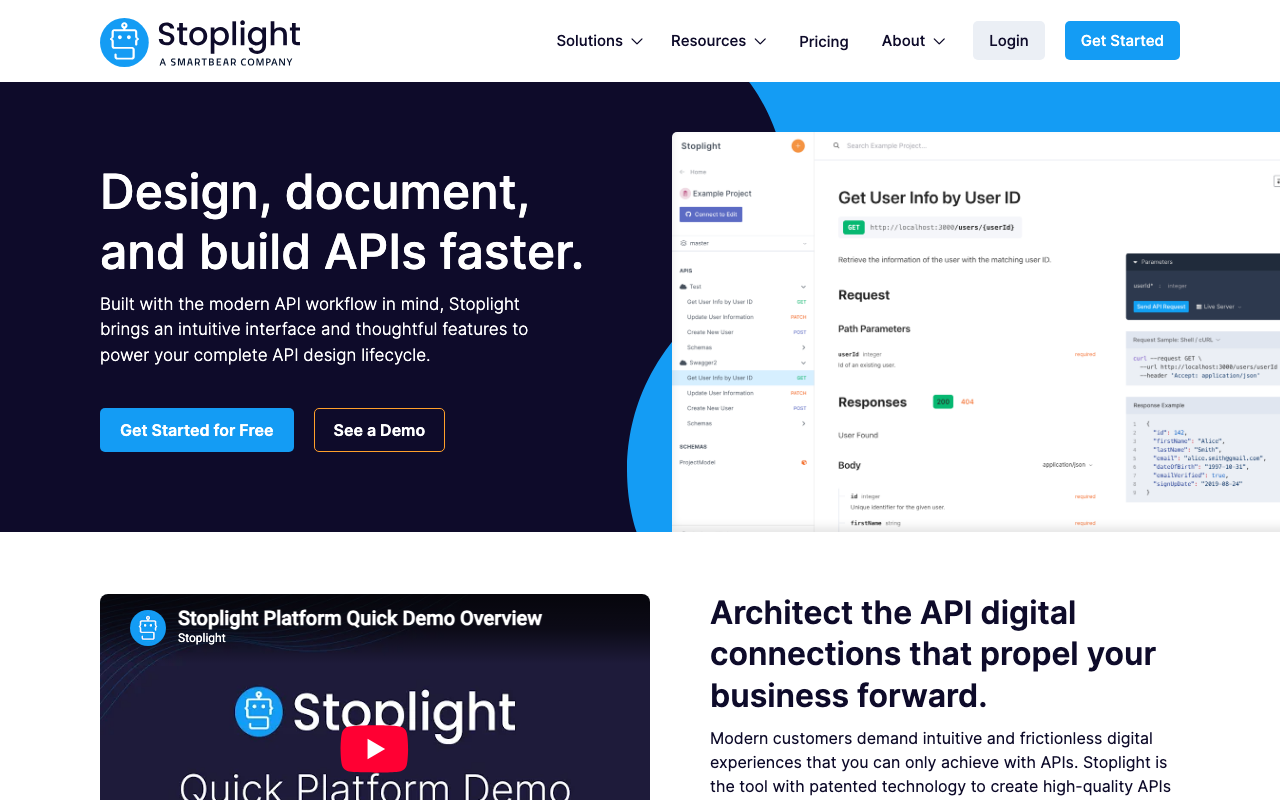
Stoplight approaches documentation from the design side: it is primarily an API design environment, with a visual editor for OpenAPI, style enforcement through its linter, mocking derived from the spec, and documentation as the published output. That ordering matters. If your problem is that engineers write inconsistent specs by hand, a visual designer with guardrails changes the input rather than prettifying the output.
Pros
- Visual OpenAPI editing makes spec authoring accessible to people who will not hand-write YAML, which widens who can contribute
- Style enforcement through its linter catches inconsistency at design time rather than at review
- Spec-derived mocking is built in, so consumers can build against the design before implementation exists
- Design, mock and documentation come from one artifact, which removes a whole class of synchronisation work
Cons
- The design-first workflow is a real process change, and teams that generate specs from code get much less from it
- Documentation output is less flexible than docs-first platforms if you want a heavily narrative site
- The platform is a larger commitment than a renderer, so adopting it for documentation alone is overpaying
Best for: Organisations adopting design-first API development who want the spec authored with guardrails and documentation as a byproduct.
Pricing: Subscription tiers by seats and projects, with governance and enterprise controls in higher tiers. The open-source linter it uses is covered separately in OpenAPI and Swagger tooling.
ReadMe
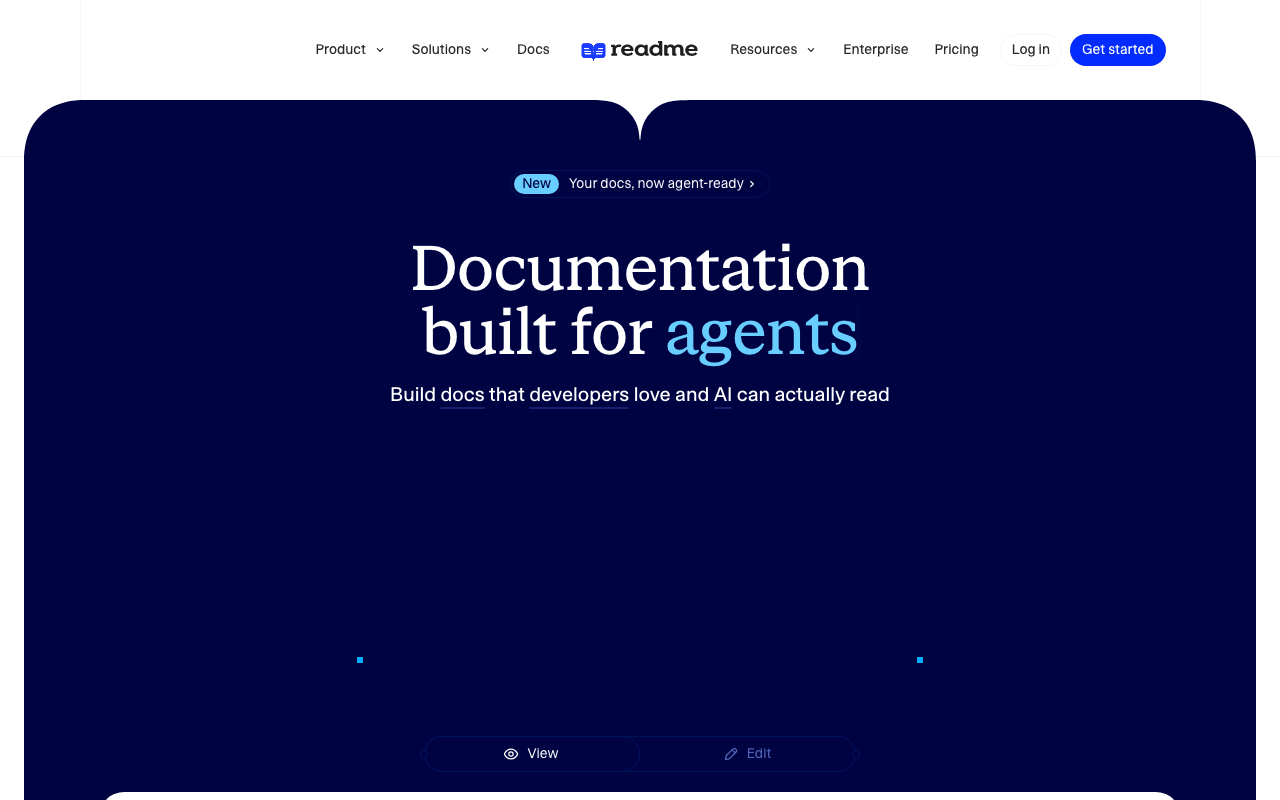
ReadMe is a docs-as-a-product platform with a distinctive bet: it treats documentation as an application with logged-in users. Readers can sign in, see their own API keys pre-filled in examples, view their own recent API calls and errors alongside the documentation, and get examples personalised to their account. That combination turns documentation into a support surface, which is a genuinely different product from a static reference.
Pros
- Personalised documentation with the reader’s own keys and recent request history turns the docs into a debugging tool
- Reduces a specific and expensive support pattern, where a developer cannot tell whether their request or your API is wrong
- Full platform coverage including guides, reference, changelog, versioning and search without assembling pieces
- Built-in metrics on what readers search for and where they fail, which points at the missing page
Cons
- The personalisation features require integrating your API traffic and identity with the platform, which is real engineering work and a data-sharing decision
- Content lives in the platform by default, so review coupling with code changes needs deliberate configuration
- Sits at the expensive end of the category, and the features that justify it are the ones requiring the deepest integration
Best for: Companies whose API is the product, with enough external developers that support volume justifies personalised documentation.
Pricing: Subscription tiers by projects, seats and API call volume for the metrics features, with enterprise controls in higher tiers.
Swagger UI
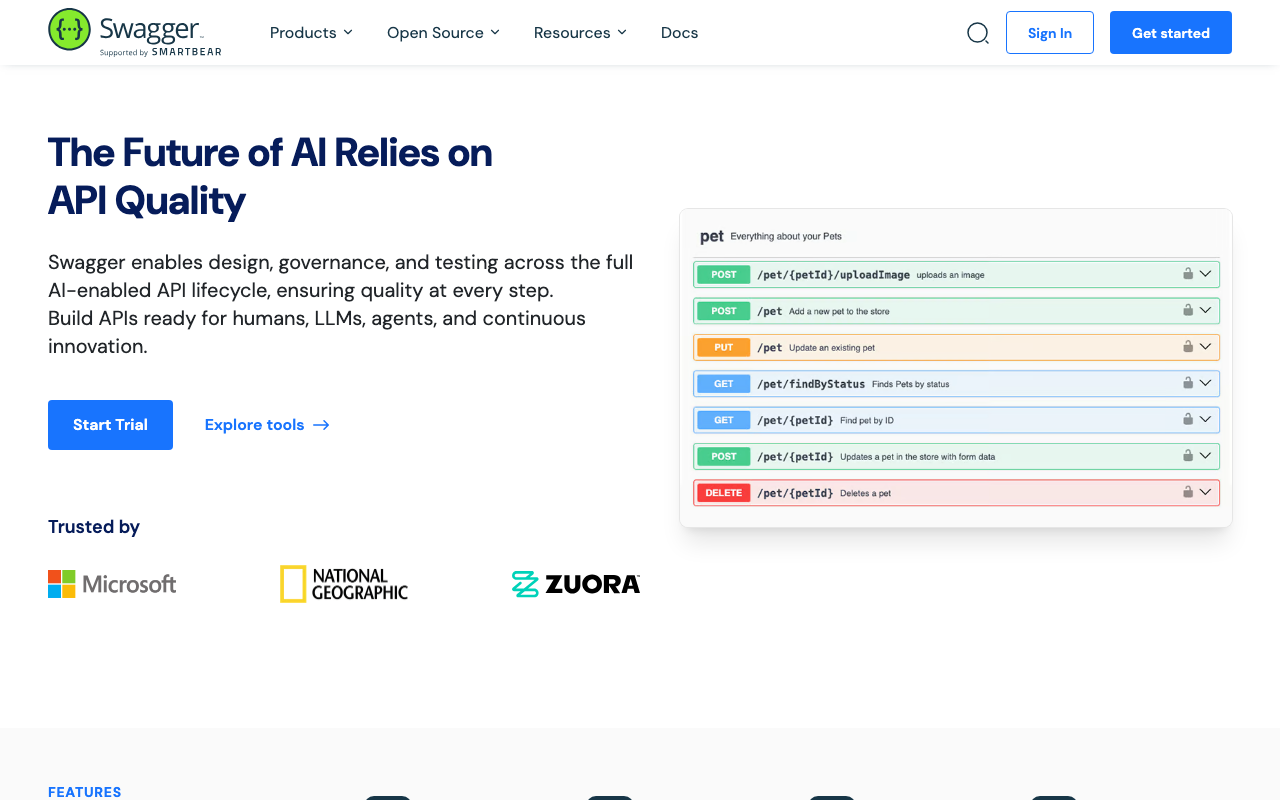
Swagger UI is the reference renderer that most people have seen, usually served directly by a framework at a /docs path. It takes an OpenAPI document and produces a browsable, expandable list of endpoints with a built-in try-it-out panel. It is not a documentation platform and pretending otherwise is the mistake: it is a spec viewer, it is free, it is everywhere, and for internal APIs that is frequently the correct amount of tooling.
Pros
- Present by default in many web frameworks, so an internal API can have a rendered reference in one line of configuration
- Universally recognised, meaning no reader needs to learn the interface
- Open source with no vendor and no bill, running wherever you put it, including air-gapped
- Try-it-out works out of the box for simple auth schemes, which is enough for internal use
Cons
- No concept of guides, narrative, versioning or search, so it cannot be your public documentation on its own
- Dated reading experience compared with modern renderers, particularly for large specs where navigation becomes painful
- Serving it from the API itself exposes your full surface to anyone who finds the path, which is a real exposure decision
Best for: Internal and partner APIs where a correct, always-current reference matters and nobody needs a designed experience.
Pricing: Open source with no vendor and no bill. The real cost is that it solves only the reference problem, so public documentation needs a second tool alongside it.
Docusaurus
Docusaurus is a static site generator for documentation, not an API tool, and it earns its place here through its OpenAPI plugins: point one at a spec and you get generated reference pages inside a site that also holds your handwritten guides. That combination is the classic self-assembled answer, and it is the right one when you want full control, no vendor and content that lives entirely in your repository.
Pros
- Content is Markdown in your repository, fully version-controlled, reviewed with the code and free of any vendor
- Built-in versioned documentation support, which is one of the harder things to add later
- Complete control over design, structure and build pipeline, deployable to any static host
- Mature project with a large plugin ecosystem, so the surrounding problems have existing solutions
Cons
- The OpenAPI reference comes from community plugins, so spec feature coverage and maintenance are outside your control and outside the core project
- You own the build, the search integration, the hosting and the upgrades, which is a small ongoing engineering commitment nobody is assigned
- Reference pages from plugins are generally less polished than purpose-built renderers, particularly for complex schemas
Best for: Teams who want documentation entirely in their own repository with no vendor, and have the engineering appetite to own a build pipeline.
Pricing: Open source with no vendor and no bill. The real cost is engineer time on the build, search, hosting and plugin upgrades, and the risk that a community OpenAPI plugin lags a spec version you need.
Bump.sh
Bump.sh is built around change rather than display. You push your API definition, it renders documentation, and it computes and publishes a human-readable changelog of what changed between versions, including breaking changes. It also handles AsyncAPI alongside OpenAPI, which matters for estates with event-driven interfaces that the REST-only tools cannot describe at all.
Pros
- Automatic, human-readable diffing between spec versions turns the changelog from a manual chore into a pipeline output
- Breaking-change detection at publish time catches problems while they are still a deploy decision
- Covers AsyncAPI as well as OpenAPI, so event-driven interfaces get documented in the same place as REST
- Fits a CI-driven workflow naturally: push the definition, the docs and changelog follow
Cons
- Narrower than full docs platforms for handwritten narrative content, so guides generally live elsewhere
- Value concentrates on the change and changelog story, so a team with one stable API gets less from it
- Being a hosted service, it is a poor fit where documentation must be built and served entirely in-house
Best for: Teams shipping frequent API changes to external consumers who need a trustworthy, automatic changelog rather than a handwritten one.
Pricing: Subscription tiers by number of APIs and seats, with higher tiers for larger catalogues and access controls.
How to choose
One: separate the reference from the guides, on paper, before evaluating anything. List what must be generated and what must be written. Most teams discover the guide list is longer than they expected, which eliminates reference-only tools as a complete answer.
Two: decide whether documentation lives in your repository or the vendor’s. This is the same coupling question that decides API client tooling, and it has the same consequence: content not in the pull request does not get updated by the pull request. Vendors offering a git-backed mode let you have both, and it is worth insisting on.
Three: answer the console questions. Where do credentials come from, and what does a write request hit. If you cannot answer both, drop the console from your requirements rather than buying a tool for it.
Four: check versioning against your actual API versioning strategy, including what happens to URLs when a version is retired.
Five: then compare rendering, which is what everybody starts with and what matters least.
| Tool | Model | Where content lives | Picks itself when |
|---|---|---|---|
| Redocly | Spec-driven with governance | Your repository | Several teams publish APIs and consistency must be enforced |
| Mintlify | Guides plus generated reference | Your repository, hosted build | You want a polished public docs site quickly |
| Scalar | Reference renderer with console | Embedded in your own site | The reference section is the weak part of an existing site |
| Stoplight | Design-first, docs as output | Platform, spec-centric | You are adopting design-first API development |
| ReadMe | Docs as an application | Platform | External developer support volume justifies personalisation |
| Swagger UI | Reference renderer | Served by your API | It is an internal API and correctness is all you need |
| Docusaurus | Static site plus OpenAPI plugins | Your repository | No vendor, full control, and you will own the build |
| Bump.sh | Spec publishing with diffing | Pushed from CI | Consumers need a reliable changelog of every change |
The pairing I would reach for most often is a generated reference from a linted spec plus handwritten guides in the same repository, published together. Whether that is one product or two depends mostly on whether you want to own a build pipeline.
Where documentation sits relative to gateway, testing and client generation decisions is mapped in API management platforms.
Frequently asked questions
Should the OpenAPI document be generated from code or written by hand?
Generated from code keeps the reference structurally accurate and removes the possibility of drift, at the cost of losing the spec as a design artifact you can review before building. Written by hand makes design-first review possible and creates a document that can be wrong. The compromise that works is hand-written for the design phase, then verified against the implementation in CI so a divergence fails the build.
Do generated SDK snippets in the docs actually help?
Only if they come from the same generator that produces your published SDKs. A snippet showing a method signature your SDK does not have is worse than no snippet, because the reader trusts it and then debugs your documentation. If the docs tool generates snippets independently of your SDK pipeline, treat them as illustrative rather than copyable. SDK and API client generators covers the pipeline side.
How do I stop documentation drifting without adding process?
Make the examples executable. Put quickstart code in files, run them in CI against a sandbox, and fail the build when they break. It converts documentation accuracy from a discipline problem into a test failure, which is the only mechanism that reliably survives a busy quarter.
Do I need a separate tool for internal APIs?
Usually the opposite: you need less tooling. A rendered spec on an internal host, regenerated by CI, covers most internal needs. The expensive parts of documentation tooling exist to serve external developers who cannot ask you a question in Slack.
What about documenting webhooks and events?
Most OpenAPI-centric tools handle webhooks poorly or not at all, because the direction of the call is reversed. AsyncAPI exists specifically for event-driven interfaces, and a tool that renders it alongside your REST documentation saves you maintaining a separate handwritten page that nobody updates. That page is one of the most reliably wrong pages on any docs site, so it is worth checking. Delivery mechanics are covered in webhook infrastructure.
Related reading
- Best OpenAPI and Swagger tooling — linting, breaking-change detection and the spec pipeline that feeds every tool here.
- Best SDK and API client generators — where the code snippets in your docs should come from.
- Best tools for API versioning and deprecation — the API-side decision your docs versioning has to follow.
- Best API mocking tools — a safe target for the try-it-out console that does not write to production.
- Best API management platforms — how documentation, gateway and testing choices constrain one another.