A container registry looks like the most boring component in a delivery pipeline. It stores blobs and hands them back. Teams pick one because it came with the cloud account or the source host, and never think about it again.
Then one of four things happens. The pipeline slows down and nobody can explain why, because the time is going into pulls that nobody instrumented. A bill arrives with an egress line item larger than the compute it served. A security review asks which images are signed and by whom, and the answer is none. Or a rate limit on an anonymous base image pull takes out every build simultaneously, on a day nothing changed.
All four are registry decisions made by default. The registry sits on the critical path of every build and every deployment, in both directions, and it is the one place where your entire artefact history lives with a single access control model in front of it.
This is the comparison I would run before choosing: where the bytes travel, how the meter works, whether the scanner tells you anything actionable, and whether the registry can carry a signature and a provenance attestation alongside the image.
Key takeaways
- Pull time is dominated by how many layers actually need fetching and how far they travel, not by raw bandwidth. Layer cache hit rate and region proximity are the two levers that matter.
- Registry billing has three separate meters: stored bytes, transferred bytes, and sometimes requests. Cross-region and cross-cloud egress is where surprise bills come from, not storage.
- Two scanners on the same image return different results because they disagree on what packages are present and which advisory database is authoritative. Neither is wrong; both need tuning.
- Signing and attestation support is now a real differentiator. A registry that cannot store an OCI referrer alongside an image cannot hold your provenance.
The OCI image spec: a standard, not a product
Everything in this category is interoperable because of a specification, and understanding its shape explains most registry behaviour.
An image is not a file. It is a manifest, which is a small JSON document listing a config object and an ordered set of layer blobs, each addressed by its content digest. A tag is a mutable pointer to a manifest digest. A multi-platform image is an index, a manifest of manifests, one per architecture. Pushing an image means uploading blobs the registry does not already have, then uploading the manifest. Pulling means fetching the manifest, then fetching only the layer blobs not already on the host.
The distribution half of the specification defines the HTTP API: the endpoints for blob upload, manifest push, tag listing, and the referrers API that lets one artefact declare itself as related to another.
What it gives you
Content addressing, which means a digest identifies exactly one set of bytes forever and a pull can be verified against it. Deduplication, because a blob already present is never uploaded or downloaded again. Portability, because any conformant registry can serve any conformant client. The ability to store arbitrary artefacts, since Helm charts, signatures, SBOMs and attestations all ride the same blob-and-manifest machinery. And the referrers API, which is the mechanism that lets a signature or an SBOM be discoverable from the image it describes without inventing a tag convention.
What it does not do
It says nothing about authentication beyond the shape of a token exchange, nothing about replication, nothing about retention or garbage collection, nothing about scanning, and nothing about who is allowed to push. It does not guarantee that a registry implements the referrers API, which is why attestation support varies between registries that are all nominally compliant. It does not make tags immutable; that is a registry policy feature and a very good one to turn on. And it provides no identity: content addressing tells you the bytes did not change, not that the bytes came from your build.
Pull latency is a layer problem
The most common mental model is that pulling is a bandwidth problem and a faster network fixes it. That model is wrong often enough to cost real time.
A pull does four things in sequence. It resolves the tag to a manifest. It compares each layer digest against what the host already has. It downloads the missing layers, decompressing as it goes. Then it assembles the filesystem. Only step three is bandwidth-bound, and step three only runs for layers that miss.
So the levers are these, in order of impact.
Cache hit rate on the node. A node that has pulled a sibling image recently already holds the base layers. This is why image layout matters: putting dependencies in a layer that changes rarely and application code in a thin layer on top means most pulls fetch a few megabytes rather than a few hundred. Teams that install dependencies after copying source code invalidate everything on every commit and then wonder why pulls are slow.
Distance. A pull from a registry in another continent pays round-trip latency on every request, and a manifest plus a dozen blob fetches is a lot of round trips before any throughput matters. Registry replication into the regions where your runners and nodes live is the single biggest improvement most teams can make, and it is a configuration option in most of these products.
Concurrency and throttling. Registries limit concurrent connections and request rates. A deployment that rolls a hundred pods at once, each pulling the same image, produces a thundering herd. Some environments solve this with a node-local cache or a pull-through mirror, which converts a hundred external pulls into one.
Decompression. Layers are compressed, and decompression is CPU-bound on the pulling host. On small CI runners this is a real component of pull time, which is why smaller images help even when bandwidth is plentiful.
Rate limits on public base images. Anonymous pulls of popular base images are rate limited on shared registries, and the limit is enforced per source address. Every runner in a CI fleet behind one NAT gateway looks like one client. The fix is mirroring base images into your own registry, which you should do anyway for supply chain reasons.
Needs first-hand data: From a CI runner in each region you build in, time a cold pull of your largest production image with an empty layer cache, and then a warm pull after only the application layer changed. Record both numbers per registry candidate. The gap between cold and warm tells you whether your Dockerfile layering is the problem, and the per-region cold numbers tell you whether replication is.
How registry billing actually meters
Registry pricing is simple to describe and easy to get wrong, because the line item that hurts is rarely the one you shopped on.
Stored bytes. Metered on what the registry holds after deduplication. This is usually the smallest of the three and the one everyone compares. It grows without limit unless you have a retention policy, because every CI build pushes a tag and nothing deletes them. An estate with years of untagged manifests is common and it is pure waste.
Transferred bytes. Egress, and this is where the surprises live. The pattern to understand is that egress is typically free or cheap when the puller is in the same cloud and region as the registry, and priced when it crosses a region boundary, a cloud boundary, or out to the internet. A cluster in one cloud pulling from a registry in another pays twice, once as egress from the registry side and once as ingress or transit on the other, depending on the providers involved.
Requests. Some registries meter API operations separately. This matters at high pull concurrency more than at high byte volume, and it is the meter that a thundering-herd deployment pattern hits hardest.
Seats and features. Registries sold as products rather than as cloud infrastructure often meter users, and put replication, fine-grained access control, immutable tags or scanning behind tiers.
The practical consequence: put the registry where the pullers are. If your Kubernetes clusters are in one cloud and your registry is in another because that is where the source code lives, you are paying cross-cloud egress on every deployment and every scale-up event. Replicating into the consuming cloud usually costs less than the egress it removes, and it makes pulls faster at the same time.
The other practical consequence: write a retention policy on day one. Untagged manifests older than a few days, and build tags older than a defined window, should be garbage collected automatically. Doing this later means auditing which digests are still referenced by running workloads, which nobody enjoys.
Needs first-hand data: Pull one month of registry billing broken down by meter, then divide egress by the number of deployments and scale events in that month. The per-pull egress cost, multiplied by your expected node churn, is the number that decides whether replication pays for itself.
Why two scanners disagree about the same image
Registry vulnerability scanning is sold as a checkbox and delivered with wide variance in quality. Two scanners pointed at one image will return different counts, and understanding why is what turns the output from noise into a signal.
They disagree about what is installed. A scanner builds an inventory by reading package manager databases, operating system package lists, language lockfiles, and sometimes binary fingerprints. A binary built from source and copied in, a vendored dependency, or a statically linked Go binary may be invisible to one scanner and detected by another. Different inventories produce different findings before any advisory matching happens.
They disagree about which advisories apply. Advisory data comes from several sources: the national vulnerability database, distribution-specific security trackers, language ecosystem advisories, and vendor-curated feeds. Distribution maintainers frequently backport a fix without changing the upstream version number, so a scanner matching on upstream version alone reports a vulnerability that the distribution has already fixed. A scanner that reads the distribution’s own tracker does not. This single difference accounts for a large share of disagreement on base-image findings.
They disagree about severity. Severity scores are assigned by different bodies and adjusted by vendors. The same issue can appear as high in one tool and medium in another.
Reachability is the part most tools do not do at all. A vulnerable function present in a library that your code never calls is a different risk from one on a request-handling path. Most registry-integrated scanners report presence, not reachability, which is why unfiltered output is overwhelming.
What to actually require from registry scanning: that it runs automatically on push, that it re-evaluates existing images when new advisories land rather than only at push time, that findings are filterable by whether a fix exists, and that it can be exported so you are not trapped in one console. Re-evaluation is the one people forget and the one that matters, because an image scanned clean in March is not clean in June.
Registry scanning is also the shallow end. Deeper analysis belongs in software supply chain security tooling, and the registry’s job is to be the enforcement point, refusing to serve or refusing to deploy an image that fails policy.
Sigstore and cosign attestations: a standard, not a product
Signing an image answers a question scanning cannot: did this image come from my build system, and what does my build system say about how it was made.
The mechanism has three parts. A signature over the image manifest digest, so it covers exact bytes. An attestation, which is a signed statement about the image, most commonly a provenance document describing the source commit, the builder, and the build parameters, or an SBOM listing the components. And a way to store both so that anyone who can pull the image can find them, which is the OCI referrers API attaching an artefact to the digest it describes.
The keyless flow is what changed adoption. Instead of a long-lived signing key that somebody has to protect, the signer authenticates with a workload identity token, receives a short-lived certificate bound to that identity, signs, and the certificate expires. The signature, the certificate and a timestamp are recorded in an append-only transparency log so that a signature can be verified after the certificate expires and so that unexpected signing events are publicly discoverable.
What it gives you
An identity bound to a signature without key management, which removes the most common reason signing projects fail. Verification at admission time, so a cluster can refuse any image not signed by your build identity. Provenance that names the source repository, the workflow and the commit, which is what makes an image traceable back to code. A transparency log record that makes signature history auditable and makes a secretly issued signature detectable. And a storage convention that any conformant registry can serve.
What it does not do
It does not tell you the image is safe. A signature proves origin, not quality, and a compromised pipeline signs malicious images perfectly. It does not verify itself; without an admission policy that actually checks signatures and rejects failures, signing is decoration. It does not work on registries that do not implement the referrers API, where you fall back to tag-based conventions that are fragile and easy to strip. And it does not solve key trust for air-gapped or offline environments, where the public transparency log and certificate authority are unreachable and you are back to managing keys.
Docker Hub
Docker Hub is the default registry for the container ecosystem and the origin of most public base images. That is its position and its problem: for hosting your own images it is one registry among many, but as the source of the base images every build depends on, it sits on your critical path whether you chose it or not. Anonymous pull rate limits apply per source address, which means an entire CI fleet behind one gateway is one client.
Pros
- The default location for official and vendor base images, so it is in your supply chain regardless
- Automated builds, organisation management and team access control are mature and straightforward
- Broad tooling support, since every container tool assumes it works
- Official and verified publisher programmes give some provenance signal on public images
Cons
- Anonymous and free-tier pull rate limits are enforced per source address and take out whole CI fleets at once
- Not co-located with your compute, so every pull is internet egress with the latency that implies
- Retention and storage policies on inactive content have changed before, which is a real risk for long-lived artefacts
- Scanning and advanced controls sit in paid tiers rather than being baseline
Best for: Publishing public images to the widest possible audience, and as a mirror source rather than as the registry your production cluster pulls from.
Pricing: Free tier for public repositories with rate-limited anonymous pulls; paid tiers priced per seat, adding private repositories, higher pull allowances and scanning.
GitHub Container Registry
GitHub Container Registry stores images alongside the source that built them, under the same organisation, the same teams and the same permission model. The integration that matters is identity: a workflow can obtain a token scoped to the repository without any stored registry credential, and the platform’s artifact attestation feature can produce signed provenance for images built in a workflow with very little configuration.
Pros
- Permissions inherit from the repository and organisation, so there is no second access model to maintain
- Workflow-issued tokens remove long-lived registry credentials from CI entirely
- Native signed provenance attestation for images built in the platform’s own pipelines
- Free storage and transfer for public images, which makes open source distribution straightforward
Cons
- Not co-located with your production compute unless that compute happens to be nearby, so pulls cross the internet
- No first-party geographic replication, so multi-region clusters all pull from the same place
- Storage and transfer for private images meter against an account-level allowance shared with other platform features
- Scanning depends on the platform’s broader security features rather than being a registry-level guarantee
Best for: Teams whose source and CI already live on the platform and who want image permissions to follow repository permissions without a separate system.
Pricing: Free for public images. Private images consume account-level storage and data transfer allowances, with overage billed per gigabyte on each meter.
AWS ECR
Elastic Container Registry is the registry you use when your compute is on AWS, and the reason is unglamorous: pulls from within the same region do not cross a billed network boundary and are fast, and IAM is already the access model your workloads use. It supports cross-region and cross-account replication, pull-through caches for upstream public registries, immutable tags, and lifecycle policies that expire old images automatically.
Pros
- Same-region pulls avoid internet egress entirely and are the lowest-latency option for AWS compute
- IAM policies, roles and VPC endpoints mean no separate registry credentials to manage or rotate
- Pull-through cache for upstream public registries removes anonymous rate limit exposure from your builds
- Lifecycle policies and tag immutability are built in, which makes retention a configuration rather than a project
Cons
- Pulling from outside AWS pays internet egress, which makes it an expensive registry for multi-cloud estates
- Built-in scanning has two tiers with meaningfully different depth, and the basic one is shallow
- The console and CLI experience is functional rather than pleasant, especially for browsing and comparing images
- Cross-region replication is configured per rule and is easy to leave incomplete, producing silent cold pulls
Best for: Teams whose production compute runs on AWS and who want the registry inside the same identity and network boundary as everything else.
Pricing: Metered on stored gigabytes per month plus data transfer out, with transfer within the same region to AWS services not billed. Enhanced scanning is metered separately per image scanned.
Google Artifact Registry
Artifact Registry is Google Cloud’s successor to its container registry and handles container images alongside language package formats in one product with one permission model. The same-cloud argument applies as it does on AWS: co-located pulls are fast and are not billed as egress, and IAM is the access model your workloads already carry. Its multi-format nature is the genuine differentiator, since one repository system covers images and language packages.
Pros
- One product and one permission model for container images and language package formats together
- Same-region pulls from Google Cloud compute avoid egress charges and are low latency
- Regional and multi-regional repositories make placement near workloads a first-class choice
- Remote and virtual repositories cache upstream registries, removing anonymous rate limit exposure
Cons
- Pulls from outside Google Cloud are billed egress, which penalises multi-cloud estates
- Vulnerability scanning depth is tied to a separate platform capability with its own metering
- Repository, project and location layout decisions are awkward to change later
- Console workflows assume familiarity with the wider cloud console, which is a learning cost for a small team
Best for: Teams on Google Cloud who want images and language packages under one registry with one IAM model.
Pricing: Metered on stored gigabytes per month plus network egress, with a free storage allowance and no egress charge for same-region access from the provider’s own compute.
Harbor
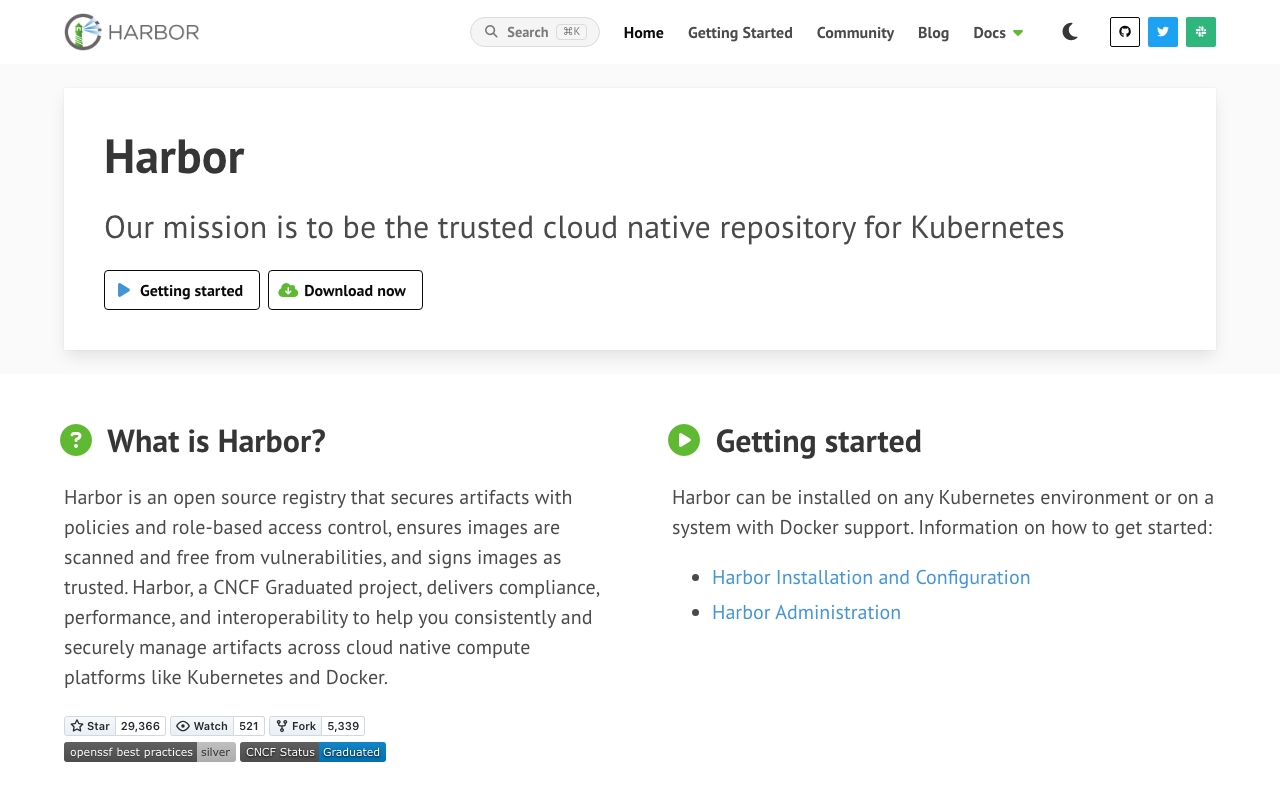
Harbor is the self-hosted, open source registry that behaves like a product rather than a daemon. It adds the things a bare registry lacks: projects with role-based access, replication rules to and from other registries, tag retention policies, quota per project, a pluggable vulnerability scanner, and policy that can block a pull of an image above a severity threshold. It is a CNCF project, which matters for governance confidence.
Pros
- Runs inside your own network and air-gapped environments, where hosted registries simply are not an option
- Replication rules in both directions make it a good hub between clouds or a mirror of upstream public registries
- Project-level quotas, retention policies and pull-blocking policy are built in rather than assembled
- Open source with foundation governance, so there is no licence or vendor-continuity question
Cons
- You operate it, which means a database, object storage, upgrades, backups and someone on call for the thing every deployment depends on
- High availability is a real design exercise, and a registry outage stops deployments across the estate
- Scanner quality depends on the plugged-in scanner, so the scanning story is only as good as what you attach
- Feature velocity and console polish trail the commercial cloud registries
Best for: Organisations with air-gapped or on-premises requirements, or multi-cloud estates that want one registry hub they control with replication out to each cloud.
Pricing: Free and open source with no vendor and no bill. Cost is the infrastructure it runs on, the object storage behind it, and the engineer time to operate and upgrade it.
Quay
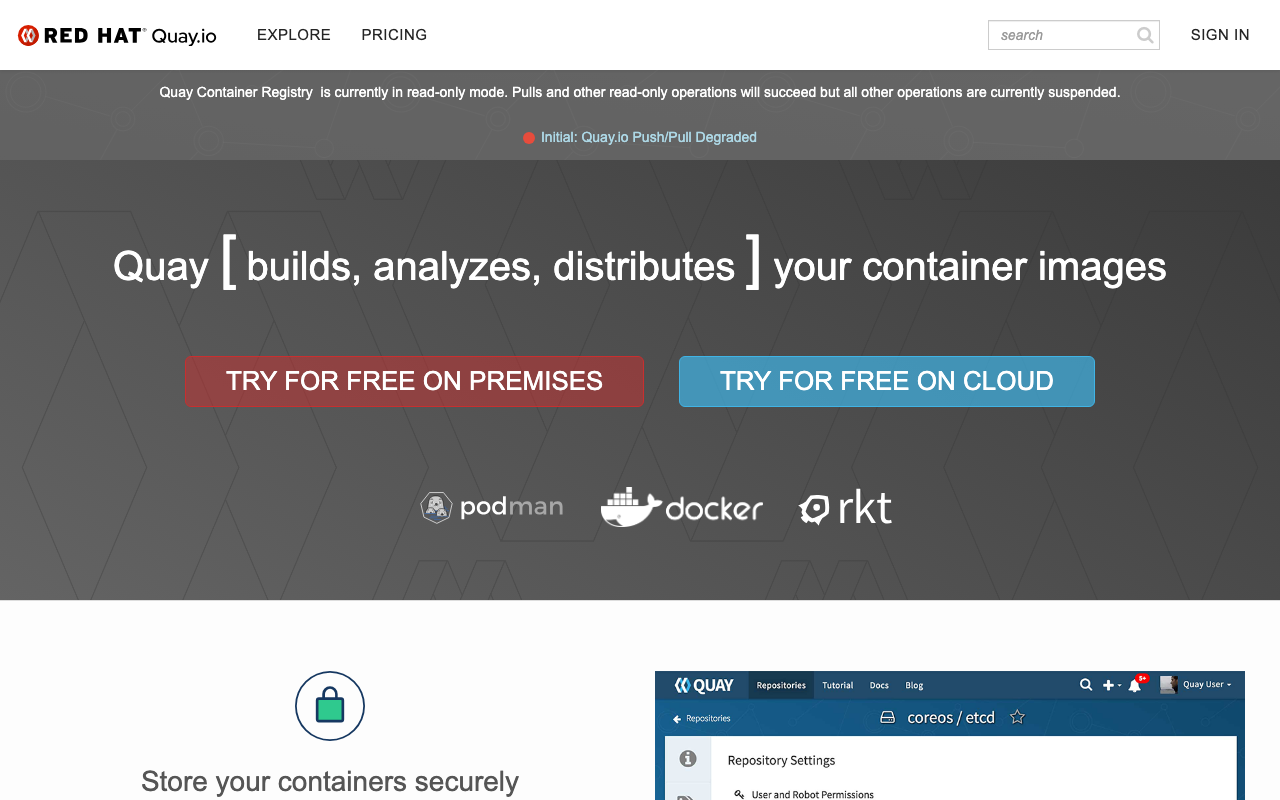
Quay is a registry available both as a hosted service and as a self-hosted product, with a long history in the enterprise container space and a strong association with the Red Hat and OpenShift ecosystem. Its distinguishing features are built-in scanning, a time machine for recovering deleted tags, geographic replication in the self-hosted product, and the ability to run the same software hosted or on your own infrastructure, which is a genuinely useful escape hatch.
Pros
- Same product available hosted or self-hosted, so a change of hosting strategy is not a change of registry
- Built-in vulnerability scanning rather than a bolted-on plugin
- Tag history and recovery of deleted tags saves you from the accidental delete that other registries make permanent
- Geographic replication in the self-managed product supports multi-region estates properly
Cons
- The self-hosted product is a substantial system to operate, with the same on-call implications as any registry you run
- Strongest value is inside a specific enterprise ecosystem, and outside it the advantages narrow
- Hosted tier pricing and feature boundaries are less transparent than the hyperscaler registries
- Console and API ergonomics feel enterprise rather than developer-first
Best for: Enterprises already in the Red Hat ecosystem, and teams that want the option to move between hosted and self-hosted without changing registry software.
Pricing: Hosted tiers priced per private repository or per organisation plan; the self-managed product is licensed as part of an enterprise platform subscription.
Azure Container Registry
Azure Container Registry is the same co-location argument on Azure: pulls from Azure compute in the same region are fast and not billed as egress, and access uses the platform’s identity system. Its distinguishing features are geo-replication presented as a single registry endpoint that resolves to the nearest replica, and tasks that can rebuild images automatically when a base image is updated, which is a genuinely useful answer to base image patching.
Pros
- Geo-replication under one registry name means clients pull from the nearest replica without configuration
- Tasks that rebuild dependent images when a base image changes automate base-image patching
- Managed identity integration removes stored registry credentials from workloads and pipelines
- Content trust, tag locking and retention policies are available at the appropriate tiers
Cons
- Key capabilities including geo-replication and higher throughput sit only in the top service tier
- Pulls from outside Azure pay egress, so it penalises multi-cloud estates like its peers
- Throughput and storage allowances are tied to tier rather than metered purely on use, so scaling is a tier change
- Scanning depends on the wider cloud security product rather than being a registry-native guarantee
Best for: Teams running on Azure, especially multi-region ones that want a single registry endpoint backed by nearby replicas.
Pricing: Tiered daily rate per registry, with each tier including storage and throughput allowances, plus per-gigabyte charges for storage above the included amount and for egress outside the region.
Cloudsmith
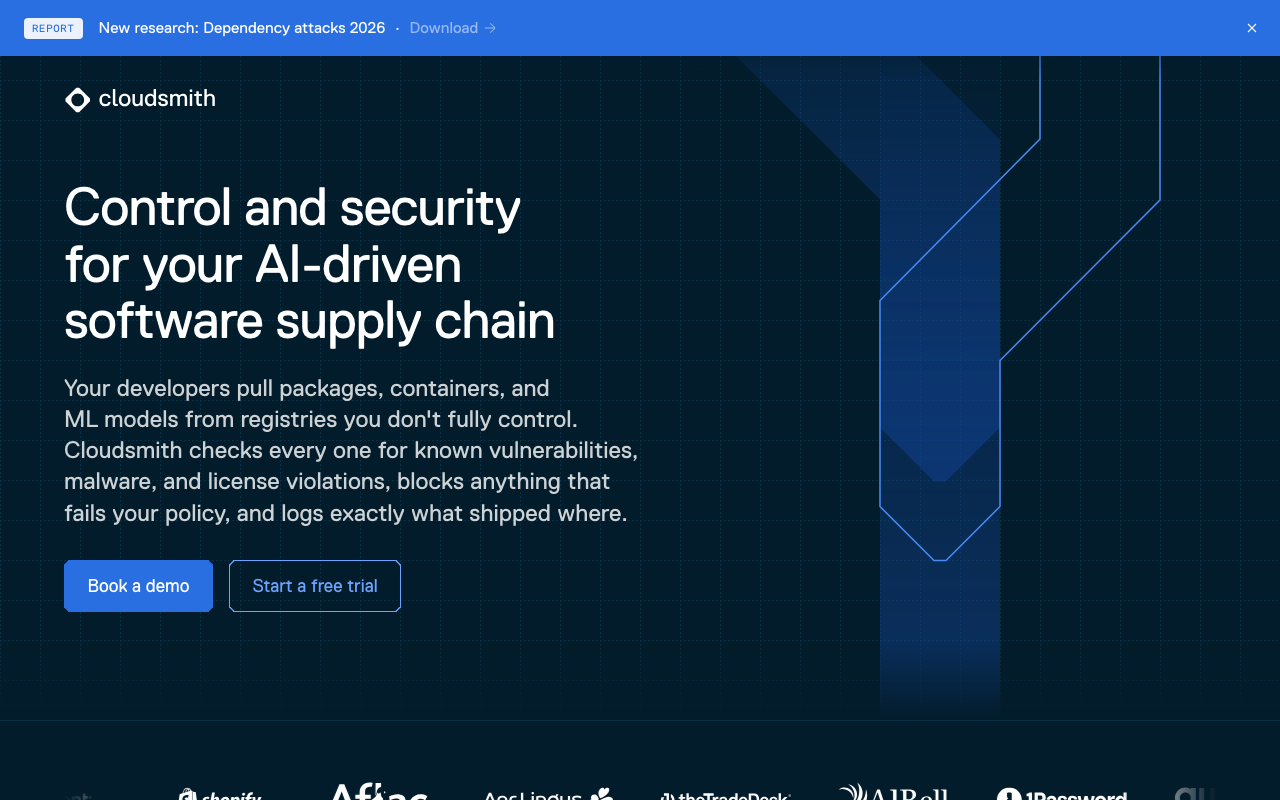
Cloudsmith is a cloud-neutral artefact registry that handles container images alongside a long list of package formats: language packages, operating system packages, Helm charts and more. The argument for it is consolidation and neutrality. If your organisation publishes or consumes artefacts in many formats across more than one cloud, one registry with one access model and one audit trail is worth more than a per-format, per-cloud sprawl.
Pros
- One registry covering container images and many language and OS package formats under one permission model
- Cloud-neutral, so it does not bias your compute placement the way a hyperscaler registry does
- Detailed audit logging and access control that suits regulated environments
- Upstream proxying and caching across formats, removing anonymous rate limit exposure broadly
Cons
- Not co-located with your compute, so pulls cross the internet and pay the latency, unlike a same-cloud registry
- Priced as a product with seat and usage components, which is a new line item rather than an existing cloud bill
- Scanning breadth across many formats is inherently harder than depth in one
- Smaller ecosystem of integrations than the hyperscaler registries, so some tooling needs configuring rather than assuming
Best for: Organisations that publish or consume artefacts in many formats across more than one cloud and want a single neutral registry with one audit trail.
Pricing: Subscription tiers metered on storage and bandwidth with seat components, plus enterprise plans adding compliance and support commitments.
How to choose
Answer these in order and most of the list eliminates itself.
Where does your compute run? If it is overwhelmingly one cloud, the same cloud’s registry is the default for one reason worth more than any feature: same-region pulls are fast and not billed as egress. Overriding that default needs an actual argument.
Do you have an air gap or an on-premises requirement? That is Harbor or self-hosted Quay, and the question is which one your team can operate.
Is your estate genuinely multi-cloud or multi-format? Then a neutral registry, or Harbor as a hub with replication into each cloud, beats picking one cloud’s registry and paying egress to the others.
Do you need signed provenance on every image? Verify that your candidate implements the referrers API, not just that it claims signing support. Tag-based signature conventions work but are easy to strip and awkward to enforce.
Whatever you pick, do four things in the first week: mirror your base images so an upstream rate limit cannot stop your builds, turn on tag immutability for release tags, write a retention policy that expires untagged manifests, and replicate into every region that pulls at scale.
| Registry | Hosting | Strongest when | Main cost risk |
|---|---|---|---|
| Docker Hub | Hosted | Publishing public images | Rate limits on shared CI egress addresses |
| GitHub Container Registry | Hosted | Source and CI already on the platform | Account-level transfer allowances |
| AWS ECR | Hosted, AWS | Compute is on AWS | Egress when pulled from outside AWS |
| Google Artifact Registry | Hosted, Google Cloud | Compute is on Google Cloud, mixed formats | Egress when pulled from outside |
| Harbor | Self-hosted | Air gap, or a controlled multi-cloud hub | Operations and on-call for a critical path system |
| Quay | Hosted or self-hosted | Enterprise Red Hat estates | Self-hosted operational weight |
| Azure Container Registry | Hosted, Azure | Compute is on Azure, multi-region | Top tier required for replication |
| Cloudsmith | Hosted, neutral | Many formats across many clouds | Internet pulls plus a separate subscription |
| OCI image spec (standard, not a product) | — | Always, it is what makes these interchangeable | None |
| Sigstore attestations (standard, not a product) | — | You need verifiable provenance | Useless without admission-time verification |
Needs first-hand data: Push the same production image to your two finalists, then from a runner in each of your build regions record cold pull time, warm pull time after an application-layer change, and the byte volume transferred. Run the same image through each registry’s scanner and count findings that have an available fix. Those four measurements decide it; feature matrices do not.
Frequently asked questions
Should I use my cloud provider’s registry or a neutral one?
Use the cloud provider’s registry if your compute is concentrated in that cloud, because same-region pulls avoid egress charges and network latency, and because the identity model is already in place. Choose a neutral registry when your compute is genuinely spread across clouds, when you publish many artefact formats, or when you need a registry that does not pull your architecture toward one provider. A common middle path is a controlled hub with replication into each cloud, which gives you one source of truth and local pulls everywhere.
How do I avoid base image pull rate limits breaking builds?
Mirror the base images you depend on into your own registry and point every Dockerfile at the mirror. Most registries offer a pull-through cache or remote repository that does this automatically on first request. This removes the rate limit exposure, makes builds faster because the pull is local, and gives you a record of exactly which upstream images entered your supply chain. Do it before an outage forces you to, since the failure hits every build at once.
Is registry vulnerability scanning enough?
It is a useful gate and not a programme. Registry scanning tells you which known advisories match packages it can see in a built image, which misses vendored code, misses reachability, and finds problems late, after the image is built. Use it as the enforcement point that blocks a bad image from deploying, and put the real analysis earlier in the pipeline. The broader picture is in software supply chain security and SBOM tools.
What should a retention policy actually delete?
Untagged manifests after a short window, since they are almost always orphaned intermediate pushes. Build tags after a defined period, keeping a fixed number of the most recent. Never automatically delete anything currently referenced by a running workload or by a release tag, which means release tags need a separate naming convention so a policy can distinguish them. Turn tag immutability on for release tags so the digest behind a version can never change underneath a deployment.
Does the registry belong in my deployment critical path?
It already is, and the question is whether you have planned for it. Every scale-up event, node replacement and rollout pulls images, so a registry outage stops you growing and stops you deploying even if running workloads survive. Mitigations that work: replicate into each region, keep a node-local or cluster-local pull-through cache, and make sure your CI/CD platform fails loudly rather than silently retrying when a registry is unreachable.
Related reading
- Best CI/CD platforms — where images get built and pushed, and how pull time shows up in build time.
- Best software supply chain security and SBOM tools — signing, provenance and dependency analysis beyond registry scanning.
- Best build caching tools — the other half of why builds are slow, before the push even happens.
- Best GitOps tools — the deploy side that pulls what the registry stores.
- Best secrets management for CI/CD pipelines — how a pipeline authenticates to a registry without a stored key.
- Best preview environment tools — per-PR environments, which multiply pull volume dramatically.