These three do not belong in the same category, and people compare them anyway, for a reason that is entirely rational: they all answer the question “what do I put behind this application so I can start building today”.
That is where the similarity stops. Firebase is a backend platform whose database is a document store with realtime sync and an authorization language of its own. Supabase is an application platform whose database is ordinary Postgres, with an API generated from your schema. Neon is a Postgres provider with no application layer at all, whose distinguishing feature is what its storage architecture lets you do with branches and idle compute.
So the real comparison is not feature against feature. It is three questions. What shape is your data, and does the enforcement of that shape live in the database or in your code? How much of your application ends up expressed in the vendor’s own language rather than in yours? And when you need to leave, what exactly do you have to rewrite?
That third question is the one nobody writes about, which is odd given it is the only one whose answer changes if you get it wrong. This article spends the most space there.
Key takeaways
- Relational and document are not presentation styles. They differ on where invariants are enforced, whether a read can join, and whether a write across entities can be atomic.
- Lock-in has layers, and the data layer is usually the shallowest one. What actually traps you is authorization logic, the query API your client code is written against, and the identity store holding your users.
- Leaving Supabase is a
pg_dumpplus rewriting whatever you expressed as RLS policies and generated-API calls. Leaving Neon is logical replication and almost nothing else. Leaving Firebase is a rewrite, and the auth migration is harder than the data migration.- Choose by where you want your invariants enforced and how much application logic you are willing to express in vendor-specific form, not by which free tier looks better.
Relational and document: different guarantees, not different styles
The document-versus-relational argument usually gets framed as flexibility against rigour, which is not wrong but misses what you are actually trading.
Where the schema is enforced. In Postgres the schema is a property of the data. A column is not null or it is not, a foreign key resolves or the write fails. In a document store, unless you opt into validation rules, the shape of a document is enforced by whichever code wrote it. That is genuinely faster on day one. What it produces over three years is a collection containing four generations of document shape, all of which your application must handle forever, because there is no migration that can fix documents you cannot enumerate cheaply.
Whether the database can join. A relational query planner can join five tables and return one result set. A document store cannot, so related data either lives inside one document or gets fetched in a second round trip. That second round trip inside a loop is the N plus one pattern, and in a document store it is not a mistake you can fix with an ORM setting, it is the data model.
Where the aggregate boundary sits. Document stores work well when your reads fetch one whole aggregate: an order with its line items, a post with its comments. They work badly when the same underlying data must be read along two different axes, because one of those axes now requires either duplication or fan-out. Choosing the boundary is the highest-stakes decision in a document model and it is taken at the beginning, when you know least.
Atomicity across entities. Postgres gives you a transaction across any set of rows in the database. Document stores give you atomicity within a document reliably, and across documents with restrictions on scope and count. If your business has an invariant spanning several entities, that invariant is enforced by your application code, at which point it will eventually be violated by the one code path that forgot.
Query flexibility later. This is the asymmetry that decides most of these arguments. Relational data can answer a question nobody anticipated, because the planner will find a way even if it is slow. A document model optimized for known access patterns answers new questions badly or not at all, and the fix is a schema migration across every document.
None of that makes the document model wrong. It makes it a commitment to your access patterns, taken early. If your access patterns genuinely are stable and aggregate-shaped, the model fits and the realtime sync built on top of it is excellent. If they are not, you will spend years paying for it.
Lock-in has layers
“Vendor lock-in” gets used as though it is one thing. It is at least five, ordered here from easiest to escape to hardest.
Data format. Can you get the bytes out in a form something else can read? This is the layer everyone worries about and it is almost always the easiest. A Postgres dump restores into any Postgres. A document export is JSON. Neither is the problem.
Query interface. What does your application code call? Code written against a vendor’s client SDK is coupled to that SDK’s query semantics, its pagination model, its realtime subscription API, and its error shapes. Rewriting that is a change in every file that touches data.
Authorization. Where do your access rules live? Rules expressed in a vendor’s security-rules language, or in Postgres row-level security policies, are real application logic living outside your codebase’s normal review, testing and deployment path. This is the layer people consistently underestimate, because it is invisible until you try to reproduce it somewhere else.
Identity. Where are your users? An auth system holds password hashes you often cannot export in a usable form, OAuth identity links, multi-factor enrolments and session state. Migrating users between identity providers is a distinct project with its own failure modes, and it usually forces either a password reset for everyone or a dual-running period. Authentication providers covers that ground.
Operational coupling. Functions, triggers, scheduled jobs, storage buckets, realtime channels. Each is a small dependency; collectively they are the reason a migration that looked like a week takes a quarter.
The useful exercise before choosing any of these three: for each layer, write one sentence on what you would do if you had to leave in six months. The layers where you cannot write that sentence are your actual risk.
Needs first-hand data: Count your exposure before you commit. Grep your codebase for the vendor’s client import and count the files. Count your RLS policies with
SELECT count(*) FROM pg_policies;or export your security rules file and count the rule blocks. Count your database functions and triggers. Those three numbers are the size of the rewrite, and they are worth recording again every quarter so you can see the trend rather than discovering it.
Supabase
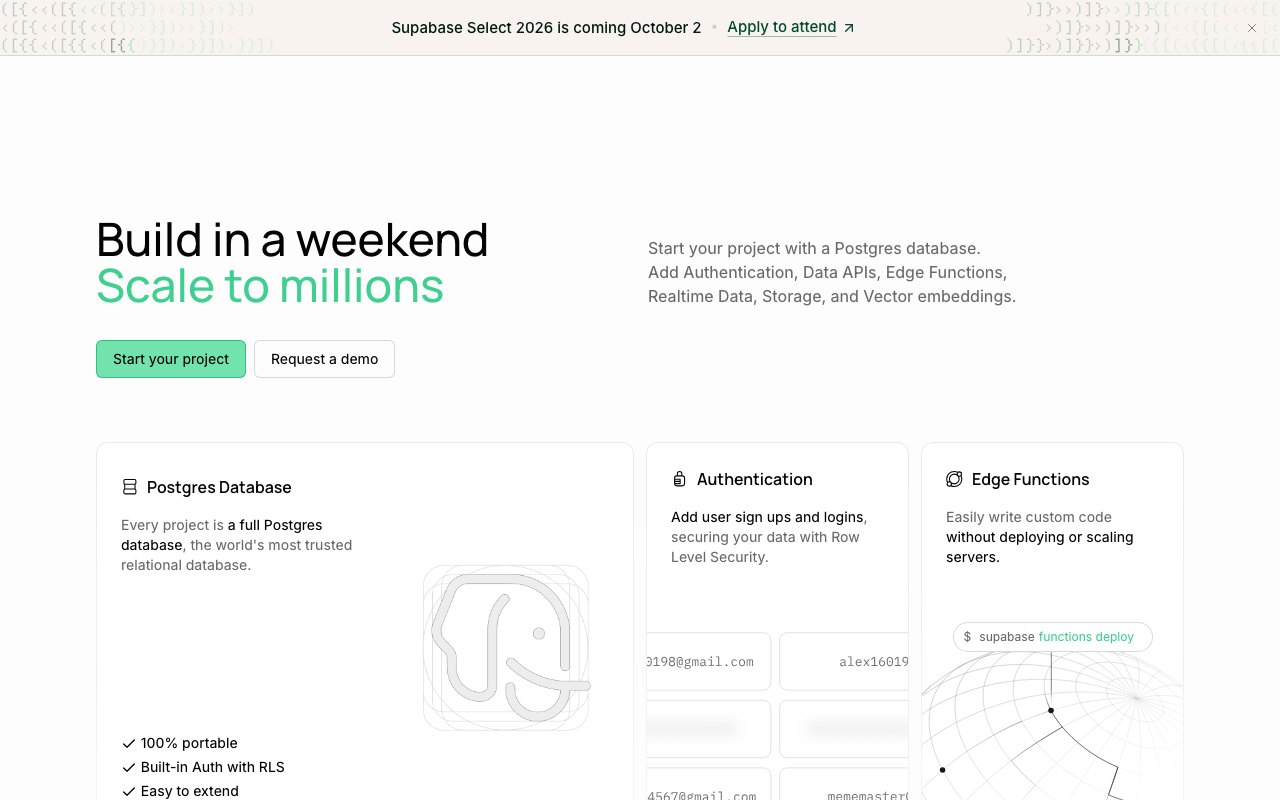
Postgres with an application platform generated on top of it. A REST API derived from your schema, a realtime channel fed by logical replication, authentication, object storage and edge functions. The database underneath is unmodified Postgres, which is the single most important fact about the product: your data is never the thing that traps you.
What can trap you is everything you build in the platform’s idiom. Authorization expressed as row-level security policies is genuine application logic living in the database. Client code written against the generated API is coupled to that API’s shape. Both are reasonable trades, and both are larger than they look when you count them.
Pros
- The database is ordinary Postgres, so extensions, ORMs, migration tools and the entire ecosystem work unchanged, and the data exit is a dump and restore
- Row-level security pushes authorization into the database, so a query from client code cannot read another tenant’s rows even if the client is compromised
- Auth, storage, realtime and functions in one platform genuinely removes several services for a small team
- Because it is Postgres, everything in managed Postgres providers applies: you can reason about connections, vacuum and failover in familiar terms
Cons
- RLS policies are application logic in SQL, outside your normal testing and review path, and they are the part of the platform that does not travel
- A pooler sits in the request path by default for most client configurations, so transaction-mode restrictions apply whether or not you chose them, and the failures surface as confusing driver errors
- The generated REST API encourages putting query logic in the client, which is convenient early and becomes a large surface to rewrite when you add a real backend
Best for: Product teams who want Postgres semantics and a usable backend on day one, and who accept authorization rules living in the database.
Pricing: Tiered plans per project with metered overage on database size, egress, storage and compute add-ons.
Firebase
A backend platform, not a database. Firestore is a document store with realtime listeners and offline persistence, Realtime Database is its older tree-shaped sibling, and around them sit authentication, cloud functions, hosting, messaging and analytics. It is the most complete of the three by a wide margin and the most opinionated about how your application is structured.
The thing it does that neither of the others matches is client sync. A listener attached to a query receives changes as they happen, works offline, and reconciles when connectivity returns. If you are building a collaborative or mobile-first product, that is not a feature you can casually rebuild on Postgres. It is also the feature that binds your client code most tightly to the platform.
Pros
- Realtime listeners with offline persistence and conflict reconciliation are genuinely hard to build and are the platform’s real differentiator
- The auth product is mature, covers the identity providers people actually use, and integrates with the security rules so a client can talk to the database directly
- Scales without capacity decisions, and the operational surface for a small team is close to zero
- The breadth of the platform means fewer integration seams early on, which is worth real time for a mobile product
Cons
- No joins, so any read spanning entities is either a denormalized duplicate you maintain or a fan-out of reads from the client, and the wrong aggregate boundary is extremely expensive to change later
- Security rules are a separate language expressing real authorization logic, with testing tooling that does not resemble the rest of your stack, and they are non-transferable
- Pricing meters document reads, so an inefficient list view or a chatty listener becomes a cost problem rather than only a latency problem, and the incentive pushes you toward more denormalization
- The exit is a rewrite of the data model, the client data layer and the authorization rules, and the user migration is a separate project on top
Best for: Mobile and collaborative applications where realtime sync and offline support are core product requirements and the access patterns are stable and aggregate-shaped.
Pricing: Metered per document read, write and delete plus stored data, bandwidth and function invocations, with a usage-based plan structure.
Neon
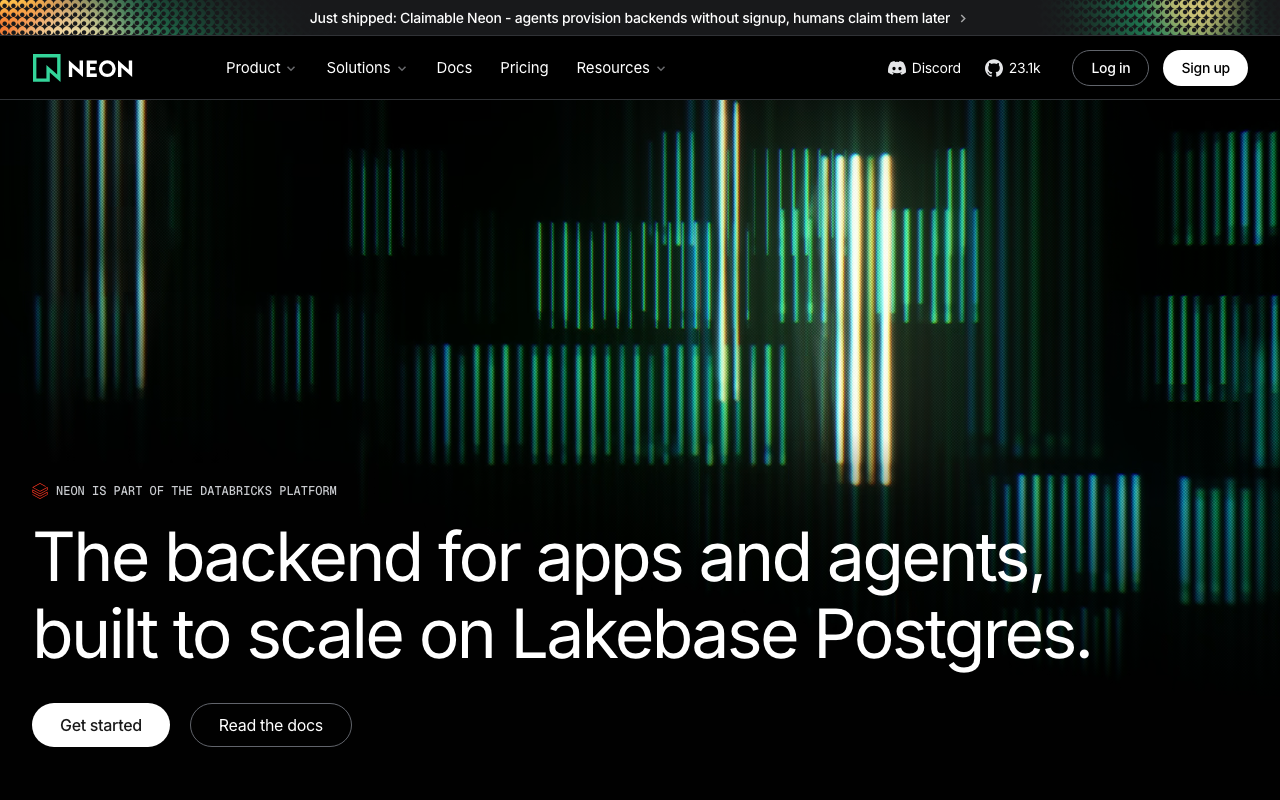
Postgres, with no application layer, and a storage architecture that separates compute from a history-retaining storage service. That separation is what gives it instant copy-on-write branching, scale to zero for idle databases, and point-in-time recovery as a property of the design rather than a backup product.
Comparing it to the other two is a category error that is nonetheless worth making, because the question a team is really asking is “how much platform do I want”. Neon’s answer is none, and the consequence is that it has the thinnest lock-in of the three by a long way: your application talks to Postgres, and Postgres talks to any Postgres.
Neon is now part of the Databricks platform, positioned as Lakebase Postgres. That does not change the lock-in argument, because the exit is still logical replication out of ordinary Postgres. It does change who sets the roadmap, which is worth weighing on a multi-year horizon in the same way any acquisition would be.
Pros
- Lock-in is close to nil at every layer, because the product surface is a Postgres connection string and the exit is logical replication
- Branching gives every pull request a full database at the cost of the delta it writes, which changes what a preview environment can be
- Scale to zero makes the long tail of non-production databases nearly free, which is usually a larger saving than anything you achieve on production
- Point-in-time recovery falls out of the storage design, so restoring to an arbitrary moment does not depend on a separate backup schedule
Cons
- No auth, no storage, no realtime, no generated API, so a small team building a product ships less on the first day than they would on either alternative
- Cold starts are a real latency event on any database allowed to suspend, so production runs always-on and the headline economics do not apply to it, and the storage split adds a network hop on page misses
- Now owned by a large data-platform vendor, so the roadmap and pricing follow that platform’s strategy rather than a standalone Postgres product’s
Best for: Teams who already have or want their own backend, and who value a branch-per-pull-request workflow and a genuinely reversible provider choice.
Pricing: Metered on compute time and stored data, with branches billed on the delta they hold rather than as full copies.
The migration path off each
This is the section that should decide the choice, so it gets the detail.
Off Neon
Logical replication from Neon to any other Postgres, cut over when the replica is caught up, done. Your schema, your queries, your extensions and your ORM are unchanged because the thing you were talking to was Postgres the whole time.
The only real prerequisites are that your extensions exist on the destination and that your application handles the brief write freeze during cutover. If you have been using branching heavily, you also lose that workflow and need an answer for preview environments, which is an inconvenience rather than a rewrite.
Practical estimate: this is the easiest migration in the category, and it is why Neon is the lowest-risk of the three even for teams who would rather have a platform.
Off Supabase
Two separable pieces, and only one of them is hard.
The data is easy. It is Postgres. pg_dump and restore, or logical replication for a near-zero-downtime cutover. Verify your extensions exist on the destination first, because that is the one thing that silently blocks replication.
The platform is the work. Everything you built in the platform’s idiom has to be reproduced:
- Row-level security policies migrate as SQL if your destination is Postgres, but they depend on the platform’s JWT claims being present in the session. You need to reproduce whatever sets those claims, or move the authorization into your application layer, which means auditing every policy and finding the code path that must now enforce it.
- The generated REST API has no equivalent. Every client call written against it becomes a call to a backend you now have to write. The size of that job is the number of distinct queries your client makes, which is usually larger than anyone’s estimate.
- Auth means exporting users. Password hashes may be portable to a destination using a compatible hashing scheme, and OAuth identity links need to be rebuilt against the new provider’s records. This is a project.
- Storage, realtime and edge functions each need a replacement, and realtime in particular means building a change feed, which usually means logical replication into something you operate.
Needs first-hand data: Run the data half of this migration now, as a drill, while it is cheap. Set up logical replication from your project to a plain Postgres instance on another provider, let it catch up, then run your full test suite against the replica with nothing but the connection string changed. Record every test that fails and why. Those failures are your platform coupling, itemized, months before you need the list.
Practical estimate: the database migration is days, the platform migration is proportional to how much of your application you expressed in platform features. A team that used Supabase as “hosted Postgres with auth” leaves easily. A team that built the product in the client against the generated API and RLS is rewriting the backend they never wrote.
Off Firebase
A rewrite, and it is worth being direct about that rather than reassuring.
The data model does not translate. Documents shaped for aggregate reads and denormalized for fan-out have to be normalized into relations, and the denormalized copies have to be reconciled because they have drifted. Expect to find documents whose duplicated fields disagree with their source, because nothing was enforcing that they agree.
Schema archaeology comes first. Since shape was never enforced, you must discover the actual shapes present. Export the collections and enumerate the distinct key sets and type combinations per collection. There will be more than you expect, and the long tail is old documents nobody has read in years and one code path still does.
The client data layer is rewritten. Every listener, every query, every offline interaction. If realtime sync was central to the product, you need a replacement architecture before you can start, not after.
Security rules become something else. Rules expressed in the platform’s language become RLS policies, or backend authorization code, or both. There is no translator. Every rule is reread and reimplemented, and the risk of getting one wrong is a data exposure.
Auth is its own project. User records, identity provider links, multi-factor enrolments. Password hashes in particular constrain your destination: if the new provider cannot verify the existing hashes, every user resets their password, which is a product event with a measurable drop-off you should plan for rather than discover.
The cutover is the hard part. There is no logical replication between a document store and Postgres. You are writing a dual-write or a backfill-plus-tail migration yourself, running both systems while it converges, and reconciling.
Practical estimate: a quarter is optimistic for a product of any size, and the auth migration is frequently harder than the data migration. This is not an argument against choosing Firebase. It is an argument for choosing it deliberately, when realtime sync and offline support are genuinely core, rather than because it was the fastest way to start.
Needs first-hand data: Before committing to a document model, run the archaeology now rather than during a migration. Export a representative sample of your largest collection, then count the distinct sets of top-level keys and the distinct type for each key across documents. If a single collection already carries several incompatible shapes, that is the compatibility code your application will carry forever and the work a future migration would have to untangle.
How to choose
1. Decide where invariants must be enforced. If the correctness of your product depends on relationships between entities holding, you want a database that enforces them. That eliminates the document option regardless of anything else.
2. Ask whether realtime sync with offline support is a core requirement or a nice feature. Core means a collaborative editor, a mobile app that must work on a train, a presence-heavy interface. Nice means a dashboard that updates. The first is a strong argument for Firebase; the second can be built on Postgres with far less commitment.
3. Count how much application logic will live in vendor-specific form. Security rules, RLS policies, generated-API calls in client code. Set a threshold you are comfortable with before you start, because the count only ever goes up.
4. Write the exit sentence for each of the five lock-in layers. Data, query interface, authorization, identity, operations. The layers where you cannot write a sentence are the ones that will decide this in two years.
5. Separate the production choice from the environments choice. Branching and scale to zero are about your development workflow. They can be the deciding factor even if nothing else is close.
6. If you are genuinely undecided, take Postgres. The option that keeps the most future decisions open is the one whose data model answers questions you have not thought of yet.
| Supabase | Firebase | Neon | |
|---|---|---|---|
| Data model | Relational (Postgres) | Document | Relational (Postgres) |
| Schema enforced by | The database | Your application | The database |
| Joins | Yes | No | Yes |
| Realtime | Change feed from replication | Client listeners with offline sync | Not provided |
| Auth included | Yes | Yes | No |
| Authorization lives in | RLS policies in the database | Security rules in the platform | Your application |
| Deepest lock-in layer | Authorization and generated API | Data model, rules and identity | Effectively none |
| Exit shape | Dump plus backend rewrite | Full rewrite plus user migration | Logical replication |
Frequently asked questions
Is Supabase just hosted Postgres?
It is hosted Postgres plus a platform, and how much of the platform you use determines everything about your future flexibility. Used as hosted Postgres with an auth service attached, it is a low-commitment choice. Used as the whole backend, with client code calling the generated API and authorization expressed as policies, the commitment is substantial and largely invisible until you count it.
Can I use Firebase Auth with a Postgres database?
Yes, and it is a common pattern that avoids the deepest part of the lock-in argument while keeping the mature auth product. Your backend verifies the platform’s token and uses the subject claim as your user identifier. You give up the direct client-to-database path and the security rules that make it safe, which means you are writing a backend, which you were probably going to do anyway.
Which one is cheapest?
The wrong question, because the meters are not comparable. Firebase charges per document read, which makes an inefficient list view a cost problem. Supabase and Neon charge for compute and storage, which makes an inefficient query a latency problem first. The cost that actually dominates is the one you pay in engineering time when the model stops fitting.
Does Neon compete with these at all?
Not really, and that is the honest answer. It competes for the same decision because the decision people are making is “how much platform do I want”. Neon’s answer is none, and the reason to pick it is that no platform means no lock-in and a genuinely reversible choice. Serverless databases places it against its actual peers.
What if I just want to start fast and decide later?
Then take Postgres, because it is the option where “decide later” remains available. Every one of these platforms is fast to start on. Only one of them lets you change your mind without a rewrite. Databases for startups makes the same argument at more length.
Related reading
- Best managed Postgres providers — the hub, and where to run Postgres once you have chosen it.
- Best serverless databases — cold starts, scale-to-zero economics and the connection model.
- Best databases for startups — why the default answer is Postgres and when it is not.
- Best authentication providers — the identity layer, which is the hardest part of leaving any of these.
- Best database branching and preview tools — the workflow that often decides this comparison on its own.
- Best connection poolers for Postgres — what the pooler in front of your database is doing to your session state.