Every managed Postgres provider sells the same three sentences: automated backups, high availability, no more patching. All three are true and none of them is why you will regret your choice in eighteen months.
What you regret is narrower. The extension your search feature depends on is not on the provider’s allowlist. The connection ceiling on your plan is lower than the number of application processes your autoscaler creates under load. Failover, described on the marketing page as automatic, severs every open connection and rolls back every in-flight transaction, and nobody wrote the retry logic because nobody read what failover does to a connection.
Connection limits, extension availability and failover behaviour are the axes this decision turns on, and they are the three things comparison grids handle worst: two are not a feature you can tick and the third is a number the provider would rather express as a tier name. This is the hub for everything database-shaped here. Pick the provider from this page, then follow the links for the parts you still have to build yourself.
Key takeaways
- The managed layer owns the machine, the patch cadence and the backup job. It does not own your schema, your query plans, your connection count or your extensions, and those break first.
- Extension availability is the most binding constraint, because it is the one configuration cannot work around. Verify it on a live trial instance, never a docs page.
- Automatic failover means the control plane promotes a standby, not that your transactions survive. Idempotent writes and client-side retry are your job on every provider here.
- Provider choice and pooling strategy are one decision. Ask where the pooler runs and which mode it defaults to before anything else.
What the managed layer actually takes off your hands
It genuinely removes four things: provisioning and replacing hardware, applying minor version patches, running and retaining base backups plus write-ahead log archives, and promoting a standby when a health check fails. That is real work and worth paying for. A two-person team should not be writing its own WAL archiving.
It appears to remove several more, and does not.
Capacity planning. Storage often autoscales; CPU and memory rarely do, and never as fast as a traffic spike. Your work_mem budget is still yours, allocated per sort or hash node, several times within one plan, multiplied by concurrency. No provider protects you from a plan flip that turns an index scan into a hash join.
Connection management. Postgres forks a backend process per connection, each carrying its own memory. That is why every provider caps connections by instance size, and why the cap is low relative to what a fleet of serverless functions will open. Where the pooler runs and what mode it defaults to changes what your application is allowed to do, which makes connection poolers for Postgres a day-one topic rather than an advanced one.
Vacuum and bloat. Autovacuum is on and tuned generically. It falls behind on a table taking heavy updates, nobody tells you, and you find out from a slow index scan months later. Database monitoring is where you catch it.
Recovery correctness. Backups run. Whether they restore, to the point you need, inside the window your business tolerates, is a property of your restore drill, not their backup job. See backup and point-in-time recovery.
Schema change safety. A migration taking an ACCESS EXCLUSIVE lock on a busy table is an outage no matter who runs the server.
Needs first-hand data: On a trial instance of each shortlisted provider, restore the latest backup to a point roughly one hour in the past with the wall clock running. Record the time from initiating the restore to a database accepting queries, and whether the restore lands as a new instance or in place. That number, not the retention window on the pricing page, is your recovery time objective.
The three axes that decide it
Connection limits
The number that matters is the documented maximum, minus what the provider reserves for its control plane and replication, divided by the peak count of application processes that can exist at once. Serverless runtimes make that denominator unbounded, which is why a connection storm is the most common first incident on a managed instance.
Ask three questions. What is the ceiling on the size you will actually run, not the largest offered? Is there a pooler in front, and does it run in the provider’s network or in your application? Does it default to transaction mode, and is what that breaks documented?
Extension availability
This is the constraint with no workaround. If the provider does not ship an extension you cannot install it, because installing one means loading compiled code into the backend process and no managed provider grants that.
Extensions tier by how much the platform must trust them. Ones bundled with Postgres and marked trusted can be created by an ordinary database owner. Ones needing an entry in shared_preload_libraries require a restart and a provider allowlist. Ones spawning background workers or writing outside the data directory require deliberate provider support. That tiering is the whole of Postgres extensions for production workloads.
Failover behaviour
Every provider here can promote a standby. What differs is what you experience.
Synchronous replication holds the commit until a standby has the WAL record, so failover loses nothing and every write pays a network round trip. Asynchronous replication is faster and can lose the tail of work that looked committed. Storage-level replication, where compute is separate from a replicated storage service, promotes fast because no data moves, but the new compute node starts cold and your latency profile is wrong for a while.
In every case, open connections are severed and in-flight transactions roll back. Your client needs reconnect logic, your writes need to be idempotent or guarded by a unique key, and your health check needs to tell “reconnecting” apart from “healthy”.
Needs first-hand data: Trigger a failover deliberately on each candidate using the console’s manual promotion, while a script runs a steady trickle of single-row inserts with unique keys and logs every error. Record the seconds of failed writes, whether any acknowledged insert is missing afterwards, and how long read latency remains above baseline on the new primary.
Neon
Compute separated from storage, with pages held in a history-retaining storage service. That is what makes instant branching and scale to zero possible, and why the first query after idling pays a cold start. Neon is now part of the Databricks platform, positioned as Lakebase Postgres, which is a roadmap consideration rather than a technical one.
Pros
- Copy-on-write branches give every pull request a full database, no dump and restore
- Scale to zero makes non-production databases cost close to nothing while idle
- Point-in-time recovery falls out of the storage design rather than being bolted on
Cons
- Cold starts are a real latency event on any database allowed to suspend, so scale to zero is out for production
- The storage split adds a network hop single-node Postgres does not pay
- Now owned by a large data-platform vendor, so the product’s direction and pricing follow that platform’s strategy rather than a standalone Postgres roadmap
Best for: Teams who want a branch per pull request and will keep production always-on while everything else sleeps.
Pricing: Metered on compute time and stored data, with branches billed on the delta they hold.
Supabase
Managed Postgres wrapped in an application platform: generated REST and realtime APIs, auth, storage, edge functions. The database underneath is ordinary Postgres, so the platform is the lock-in and the data is not.
Pros
- Unmodified Postgres underneath, so leaving is a dump and restore rather than a rewrite
- Row-level security is first class rather than an advanced feature you assemble
- Bundled auth, storage and realtime remove several services for an early-stage product
Cons
- Leaning on the generated API and RLS pushes business logic into the database, which is the part that does not travel
- The pooler sits in the request path by default, so transaction-mode limits apply whether you chose them or not
Best for: Product teams who want Postgres plus auth and realtime on day one and accept authorization rules living in the database.
Pricing: Tiered plans per project with metered overage on database size, egress and compute add-ons.
AWS RDS
Standard Postgres on network-attached storage, with a synchronous standby in another availability zone if you pay for Multi-AZ. Fewest surprises, thinnest platform.
Pros
- Standard Postgres, long supported version range, well-documented extension allowlist
- Multi-AZ uses a synchronous standby, so failover is loss-free at the cost of commit latency
- Fits an existing AWS estate for IAM authentication, private networking and log shipping
Cons
- Storage is a provisioned volume, so IOPS is bought in advance whether used or not
- No branching, no scale to zero, and vertical resizing is a maintenance event
Best for: Teams already inside AWS who want boring, predictable Postgres and have someone to size it.
Pricing: Per-instance-hour by class, plus provisioned storage and IOPS, plus backup storage beyond the allowance.
Aurora
AWS rewriting the storage layer beneath Postgres, so replicas share distributed storage with the primary instead of replaying WAL onto their own copy.
Pros
- Replicas attach to shared storage, so read capacity duplicates no data and cannot lag on replay
- Failover promotes an existing reader rather than rebuilding, shortening the unavailable window
- Storage grows automatically with no provisioned volume decision
Cons
- A storage-engine fork, so extension availability and version support follow AWS rather than the Postgres project
- Storage is metered on I/O as well as instance time, which makes a write-heavy workload hard to forecast
Best for: Read-heavy applications inside AWS that need several replicas and a short failover window.
Pricing: Instance hours plus storage, with I/O metered per request or folded into a higher instance rate.
Crunchy Bridge
Managed Postgres from a team whose business is Postgres itself rather than a platform on top of it: upstream versions, a generous extension set, more than one cloud.
Pros
- Tracks upstream Postgres closely, including extensions platform vendors are slow to allow
- Runs on multiple clouds, so provider choice is not a cloud choice
- Support answers Postgres questions rather than platform questions, which matters during an incident
Cons
- No branching or scale-to-zero workflow, so preview environments are yours to build
- Smaller ecosystem, with fewer integrations assumed by third-party tooling
Best for: Teams who want real Postgres with real extensions and value database expertise in support over an application platform.
Pricing: Per-instance hourly by size with included storage tiers and metered growth.
Tiger Data
The company behind TimescaleDB, offering managed Postgres with the time-series extension built in: automatic partitioning by time, incrementally maintained rollups, columnar compression on older chunks.
Pros
- Continuous aggregates refresh incrementally, which core Postgres materialized views cannot do
- Compression on older chunks changes the economics of retaining history
- Still Postgres, so your ORM, extensions and operational knowledge carry over
Cons
- The value concentrates in time-series and event workloads, and generic OLTP gets little from it
- Hypertables add partitioning semantics your migrations and queries have to respect
Best for: Products with a heavy append-only event stream that want to keep it in Postgres rather than adding a second database.
Pricing: Metered on compute and storage, with compressed data billed at its compressed size.
Google Cloud SQL
Standard Postgres with regional high availability behind a synchronous standby, and connections that usually route through a proxy handling IAM authentication and encryption.
Pros
- Regional high availability is a configuration flag rather than an architecture project
- IAM-based database authentication removes a class of long-lived password handling
- Integrates cleanly with Google Cloud networking, logging and backup tooling
Cons
- The connector proxy is effectively mandatory for many deployment shapes and is another process to run and version
- The extension allowlist moves at Google pace and maintenance windows are less negotiable than on a specialist
Best for: Teams standardized on Google Cloud who want managed Postgres with IAM authentication and no platform layer above it.
Pricing: Per-instance vCPU and memory hours plus provisioned storage, with high availability roughly doubling compute.
Azure Database for PostgreSQL
The flexible server deployment: standard Postgres with zone-redundant high availability, maintenance windows you control, and Entra ID authentication, inside an estate you already operate.
Pros
- Zone-redundant high availability with the standby in a separate availability zone
- Maintenance windows and minor version upgrade timing are yours rather than the provider’s
- Entra ID integration fits organizations that already centralize identity there
Cons
- Enabling an extension is an allowlist plus a server parameter change, so it is change-managed rather than a
CREATE EXTENSION - Performance varies noticeably between storage tiers, so a cheap tier misleads you during evaluation
Best for: Organizations whose compliance boundary is already Azure and who need Postgres inside it.
Pricing: Compute by vCPU hour plus provisioned storage and IOPS tier, with high availability charged as a second instance.
Render
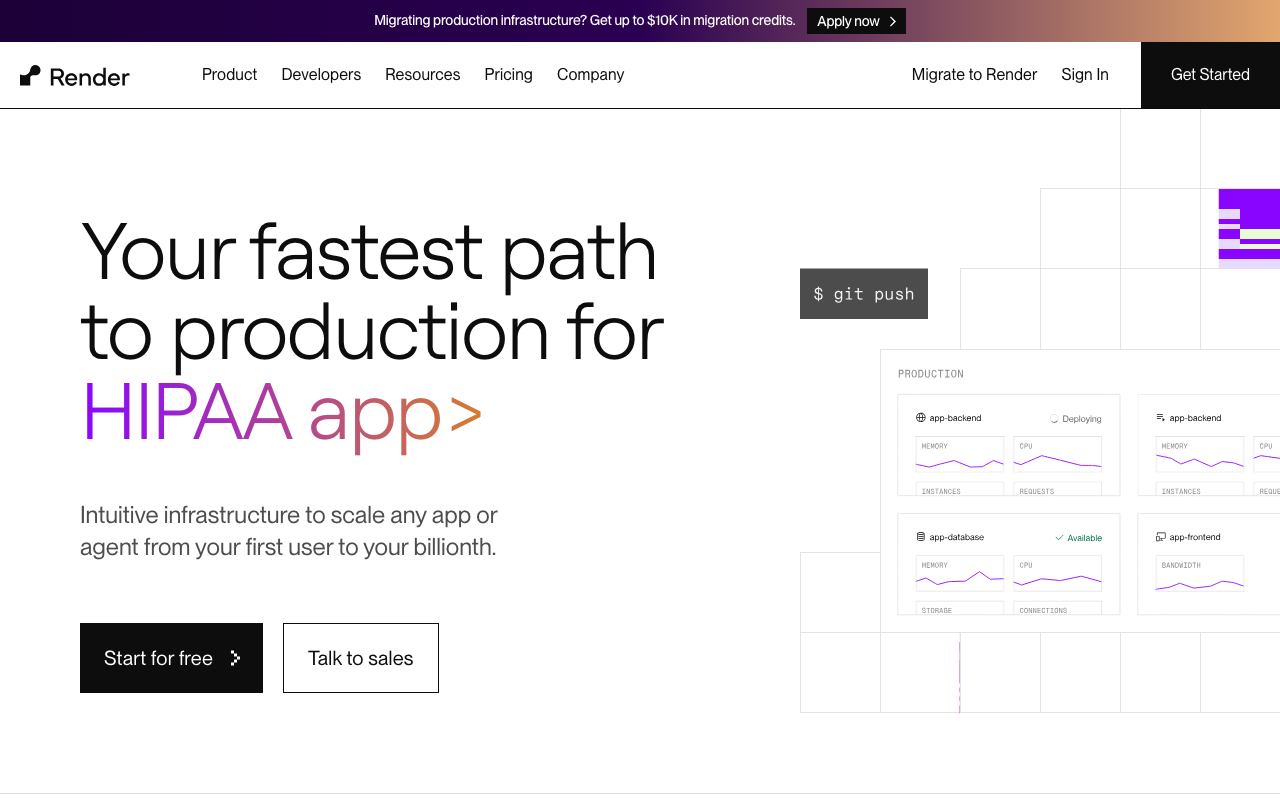
The database attached to an application platform: deploy a service, attach a database, get a connection string injected.
Pros
- Database and application in one platform with private networking between them by default
- Provisioning and connection wiring take minutes with no networking configuration
- Predictable instance-based pricing rather than a metered surface
Cons
- Limited extension set and limited control over server parameters
- Coarser scaling and high availability options, so a workload that outgrows the tier list has to move
Best for: Small teams already deploying their application on Render who want the database in the same place.
Pricing: Fixed monthly instance tiers by CPU and memory with included storage.
Railway
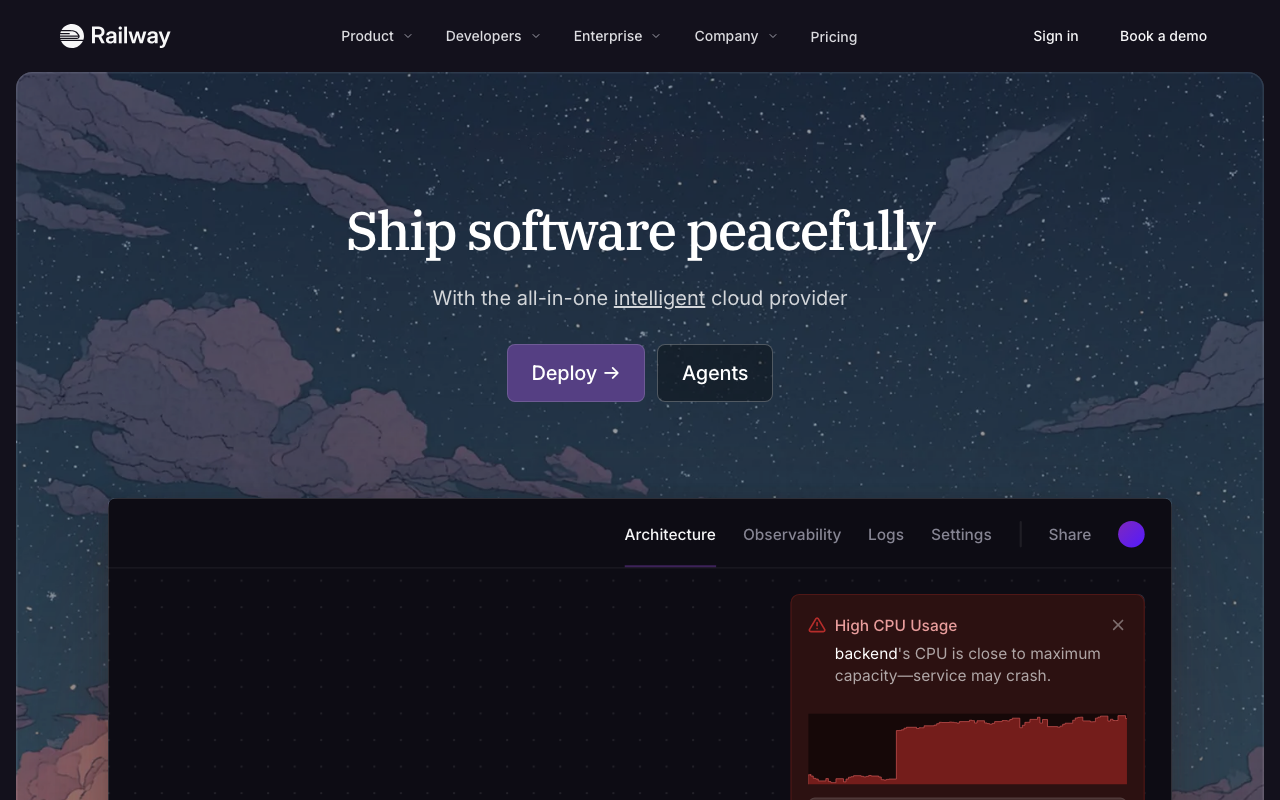
Postgres as a container inside your project. A developer-experience product rather than a database product, which makes it excellent for building and a decision to revisit before the database becomes the thing you cannot lose.
Pros
- Fastest path from nothing to a running Postgres with a connection string in your environment
- Usage-based billing means idle projects cost very little
- Sits in the same project graph as your services, so local-to-deployed parity is simple
Cons
- Container-based deployment means failover is not comparable to a managed standby
- Backup and recovery tooling is thinner than a real recovery objective needs
Best for: Prototypes, internal tools and side projects where setup speed matters more than a recovery objective.
Pricing: Metered on consumed compute, memory and storage rather than a provisioned instance size.
How to choose
The first three steps eliminate most of the list.
1. List your extensions first. Every extension your application creates, including the ones your ORM or search library installs quietly. Any provider missing one is out, and no pricing advantage brings it back.
2. Count peak connections honestly. Maximum application instances times pool size, plus background workers, migrations and your own sessions. If that approaches the ceiling of the instance you intend to buy, you need transaction-mode pooling, and that constrains your application code.
3. Write your recovery objective as two numbers you would defend to a customer. How much data you can lose, how long you can be down. Then test it, because the answer is a property of restore speed, not backup frequency.
4. Decide whether branching changes your workflow. If every pull request needs realistic data, copy-on-write branching is transformative. If your fixtures are small, it is a nice demo.
5. Take the smallest platform that covers it. A hyperscaler if your compliance boundary is already there, a Postgres specialist if extensions and support dominate, a platform provider if two people are doing everything.
| Provider | Shape | Picks itself when |
|---|---|---|
| Neon | Separated compute and storage | Branch-per-pull-request is the workflow you want |
| Supabase | Postgres plus application platform | You want auth, realtime and RLS on day one |
| AWS RDS | Standard managed Postgres | You are on AWS and want no surprises |
| Aurora | Postgres on distributed storage | Read-heavy, several replicas, short failover window |
| Crunchy Bridge | Postgres specialist, multi-cloud | Extension breadth and Postgres expertise in support |
| Tiger Data | Postgres with TimescaleDB | Your workload has a heavy time dimension |
| Google Cloud SQL | Standard managed Postgres | Your estate and identity live in Google Cloud |
| Azure Database for PostgreSQL | Standard managed Postgres | Your compliance boundary is Azure |
| Render | Platform-attached database | Your app already deploys on Render |
| Railway | Container-based Postgres | Setup speed matters more than recovery guarantees |
Where to go next
A different database entirely. Databases for startups, serverless databases, edge databases, time-series databases, analytics and OLAP databases.
Head to head. Supabase vs Firebase vs Neon, PlanetScale alternatives.
Operating it. Postgres extensions, database branching and preview environments, multi-tenant database architecture, TypeScript ORMs.
Data in and out. ETL and ELT tools, change data capture, data warehouses for startups, managed Redis and caching, search infrastructure.
Frequently asked questions
Which provider has the best extension support?
Postgres specialists generally allow more than platform vendors, because their allowlist is a Postgres decision rather than a platform decision. The only answer that binds is the one you get by connecting to a trial instance, running SELECT * FROM pg_available_extensions, and then actually creating the ones you need.
Can I use Postgres for analytics too?
Further than people admit, with a real ceiling. The failure is not slow dashboards, it is an analytics query holding a snapshot that blocks autovacuum on your transactional tables. Postgres vs ClickHouse vs Tinybird covers where that line sits.
Related reading
- Best serverless databases — scale to zero, cold starts, and the HTTP connection model.
- Best Postgres extensions for production workloads — the constraint that decides provider choice most often.
- Best connection poolers for Postgres — transaction versus session pooling and exactly what each breaks.
- Best databases for startups — when the answer is not Postgres, and what the exception costs.
- Postgres vs ClickHouse vs Tinybird — where the analytics workload stops fitting in your primary database.
- Best database backup and point-in-time recovery tools — turning a backup job into a tested recovery objective.