Every OLAP engine in this comparison is fast. That is the uninteresting part, and it is the part every other comparison spends its whole word count on.
They are fast for the same reasons. They store columns separately so a query reads only the columns it references. They sort and compress those columns so scans move less data and the compression works better. They keep sparse or block-level indexes so large ranges get skipped without a per-row lookup. They execute in vectorised batches so the CPU is not paying interpreter overhead per row. Pick any two of these engines, run a realistic query on the same data and the same hardware, and you will get results in the same order of magnitude, with the winner decided by which one’s sort key happens to match your predicate.
What differs by an order of magnitude is what it costs to run them. One of these is a library you import with no server at all. One is a single binary plus a coordination service. Two are two-process-type systems. Two are five-process-type systems that also need a coordination service, an external metadata database and a deep storage layer, and that expect you to understand how ingestion tasks are assigned to workers before you can debug a stuck pipeline.
That gap is the decision. A team of four does not fail to adopt Druid because Druid is slow. They fail because the first person who understood the component topology left, and nobody else can explain why segments are not being handed off.
I have not benchmarked these engines against each other on a common dataset, so this article contains no timings, no throughput figures and no compression ratios. What it contains is the mechanism, the operational shape, and the specific failure each one presents at 3am.
Key takeaways
- These engines are within the same performance band on a given workload. The differences that persist are operational: how many process types you run, what external dependencies they need, and what breaks when one of them is unhealthy.
- Real-time upserts are the hardest capability in this category. Engines built for append-only ingestion handle updates through merge-on-read or delete-and-insert, and both have costs that show up as query slowdown rather than write failure.
- The sort key or segment partitioning is not a tuning parameter. It determines how much data every query reads, and changing it later usually means rewriting the table.
- An open table format underneath changes what you can migrate away from, but it does not make engines interchangeable, because the query performance still comes from engine-specific indexing and caching layers above the files.
What a column store actually does, briefly
You need enough of this to reason about operational behaviour, and no more, because the architectural depth for the specific case of customer-facing per-tenant dashboards is already covered in Postgres vs ClickHouse vs Tinybird. That piece works through sort key design, materialized views and tenant isolation in detail. This one is about the engines themselves and what running them demands.
The short version: rows arrive and are collected into immutable, sorted, compressed units. Different engines call them parts, segments or tablets, but they behave the same way. Each unit stores every column separately, with a header holding the minimum and maximum value of each column so the engine can skip the whole unit without reading it. Background processes merge small units into large ones, because a table made of thousands of small units is slow to query and expensive to hold open.
Three operational facts follow from that, and they apply to every engine here.
Small, frequent inserts are the universal anti-pattern. Each insert creates a unit. Thousands of tiny units means thousands of files to open, thousands of headers to check, and a merge backlog that grows faster than the merger can drain it. Every engine in this list has some version of a “too many parts” or “too many segments” failure, and every one of them is caused by an application inserting row by row instead of batching. This is the single most common way to break an OLAP database, and it is an application design problem, not a database configuration problem.
Updates and deletes are not free, and are not what you think. Immutable units cannot be edited. An update is either a new row that supersedes the old one at read time (merge-on-read), or a delete marker plus an insert that a background process eventually materialises (delete-and-insert, sometimes called merge-on-write). Merge-on-read makes writes cheap and queries progressively more expensive as unmerged versions accumulate. Merge-on-write makes writes more expensive and keeps queries clean. Which one an engine picks is one of the few genuinely differentiating architectural choices in this list.
The sort or partition key decides everything about query cost. A predicate matching a prefix of the sort key means the engine reads a handful of units. A predicate on a column late in the sort key means it reads everything partition pruning failed to eliminate. Two queries that look nearly identical in SQL can differ enormously in bytes read. Getting this wrong is recoverable only by rewriting the table, which on a large dataset is a project.
Parquet and Iceberg: formats underneath, not products
Several of these engines can read, and some can write, an open table format. It is worth being precise about what that buys you, because the marketing implies more than the format delivers.
What it gives you
Parquet is a file format. Columnar layout, per-column encoding and compression, and footer metadata carrying row-group statistics so a reader can skip row groups that cannot match a predicate. Any engine that can read Parquet can read the bytes another engine wrote, which is genuinely useful: it means a dataset is not trapped inside one product’s storage layer.
Iceberg is a table format. It sits above the data files and adds a metadata layer: a manifest of which files belong to the table right now, per-file statistics, schema history, partition specification history, and snapshot identifiers. That gives you atomic commits, time travel to a previous snapshot, schema evolution without rewriting data, and partition evolution without rewriting data. Multiple engines can read the same table concurrently and agree on what it contains.
Practically, this means a lakehouse layout where raw and curated data live in object storage as Parquet under Iceberg metadata, and engines are attached and detached above it. That is a real architectural option and it materially reduces lock-in for the storage layer.
What it does not do
It does not make engines interchangeable for performance. The speed of these systems comes substantially from engine-specific structures that sit above or beside the files: local SSD caches, in-memory dictionaries, bitmap and inverted indexes, pre-aggregated materialised views, and sort orders maintained by their own background merges. An engine reading Iceberg tables from object storage is usually slower than the same engine reading its own native storage, sometimes by a lot, because it gave up those structures. Treating “it supports Iceberg” as “I can swap engines with no consequence” is how teams get surprised.
It does not solve real-time ingestion. Iceberg commits are atomic and metadata-based, which means very frequent small commits produce a large number of metadata files and manifest entries, and the table needs regular compaction and snapshot expiry maintenance. Streaming into Iceberg at high frequency is a solved problem but a solved problem with a maintenance job attached, not a property you get for free.
It does not eliminate the catalogue. Iceberg needs a catalogue to track the current metadata pointer per table, and that catalogue is another service with its own availability and its own permissions model. It is not a lot of operational work, but it is not zero, and it is frequently left out of architecture diagrams.
It is not a query engine. Neither format has a notion of a query, a plan or a cache. Everything about latency comes from what you put above them.
ClickHouse
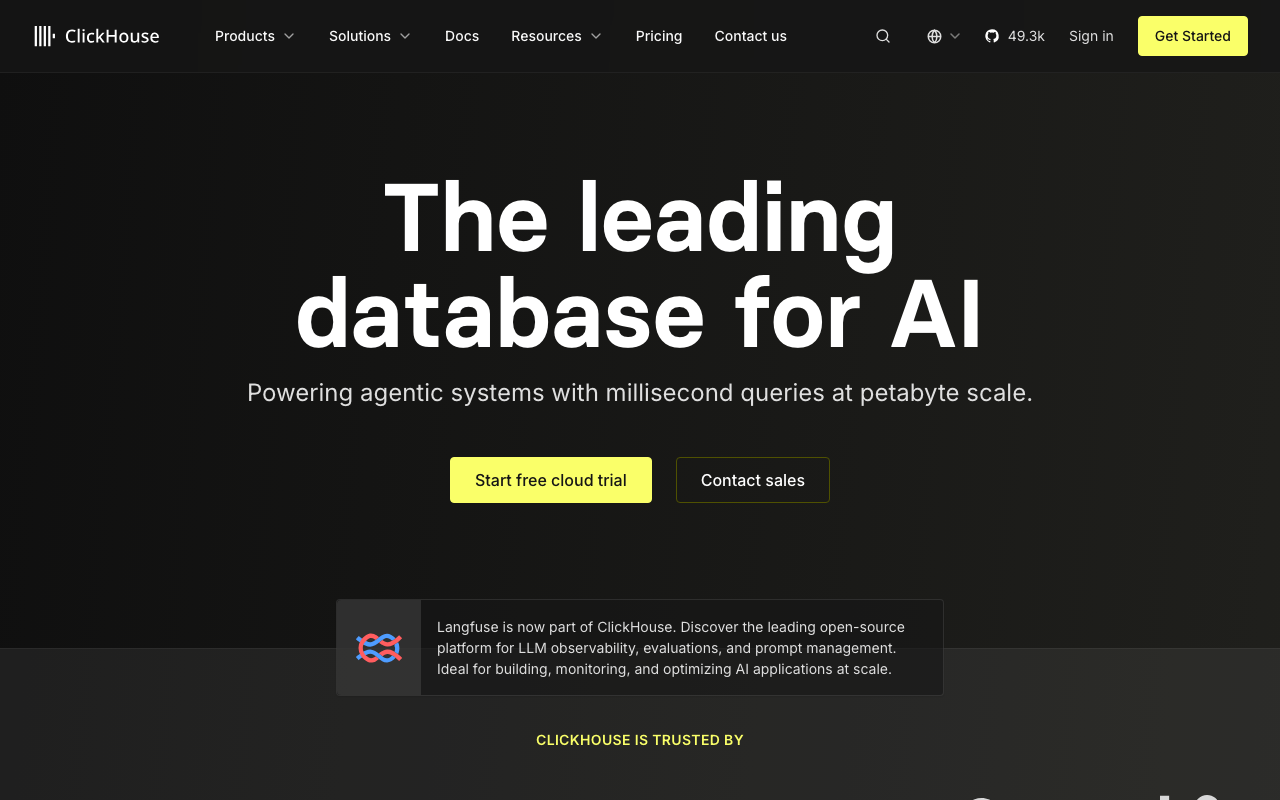
The most widely deployed general-purpose column store in this list. A MergeTree table stores data as sorted, compressed parts with a sparse primary index over granules, and materialized views act as insert triggers that write pre-aggregated rows into target tables as data arrives. A single node runs as one binary with no external dependency; replication requires ClickHouse Keeper for coordination.
That single-binary starting point is why it spreads through organisations the way it does. One engineer can install it, load a dataset and demonstrate value in an afternoon, with no cluster to stand up first.
Pros
- Single binary with no external dependencies for a standalone deployment, which makes evaluation and small production deployments genuinely easy
- Materialized views provide incremental pre-aggregation at insert time, which is the cheapest way to make a dashboard query fast
- Very broad function library and SQL surface, including approximate aggregates and array functions that remove whole classes of application code
- Largest community and the most public operational writing of any engine here, which matters more than it sounds when you are debugging
Cons
- Updates and deletes are mutations: asynchronous background rewrites of affected parts, not transactional row edits, and a workload that needs frequent single-row updates is fighting the design
- “Too many parts” is the signature production failure, caused by small frequent inserts, and it degrades into ingest rejection rather than gentle slowdown
- Replicated clusters require Keeper and a real understanding of parts, merges, mutations and distributed table semantics, which is a substantial step up from single-node
Best for: Teams wanting one general-purpose analytical engine for events, metrics and product analytics, starting on one node and growing from there.
Pricing: Open-source under a permissive licence with no fee for self-hosting; the managed cloud meters compute and storage separately with usage-based scaling.
DuckDB
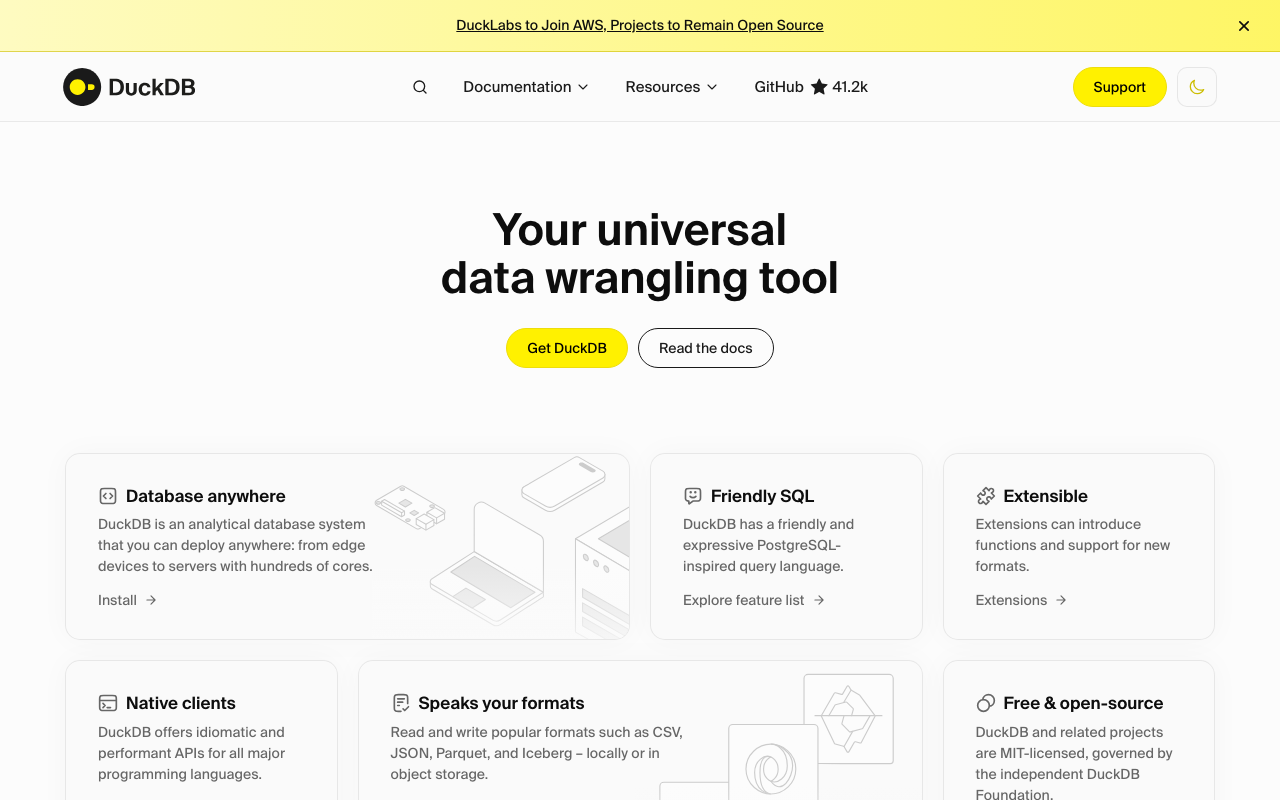
An in-process analytical database: a library you link into Python, R, Node, Java or a CLI, with no server, no daemon and no network. It executes vectorised columnar queries over its own storage format, over Parquet and CSV files directly, and over remote object storage, with a SQL dialect deliberately close to Postgres.
It is the most operationally simple thing in this article by an enormous margin, because it has no operations. It is also single-process, which is both its defining advantage and its hard limit.
Pros
- Zero operational surface: no server, no cluster, no coordination service, no on-call rotation, because there is nothing running between queries
- Queries Parquet in object storage directly with predicate and projection pushdown, so a lakehouse can be explored without standing anything up
- Postgres-flavoured SQL with excellent ergonomics for nested data, which makes it a pleasant analysis tool rather than only an engine
- Embeds into data pipelines and tests, so the transformation logic in CI is the same engine that runs in the notebook
Cons
- Single process on one machine: no concurrent multi-user serving, no horizontal scaling, and no answer for a dashboard with hundreds of simultaneous users
- Writes are single-writer, so it is not a shared store that several jobs can update at once
- Working set larger than the machine’s memory degrades sharply despite out-of-core support, and the ceiling arrives as an operational surprise
Best for: Analysts and pipeline code processing datasets that fit on one machine, and for querying Parquet in object storage without running any infrastructure.
Pricing: No vendor and no bill. DuckDB is an MIT-licensed library; a separate commercial cloud service exists but the engine itself carries no cost.
StarRocks
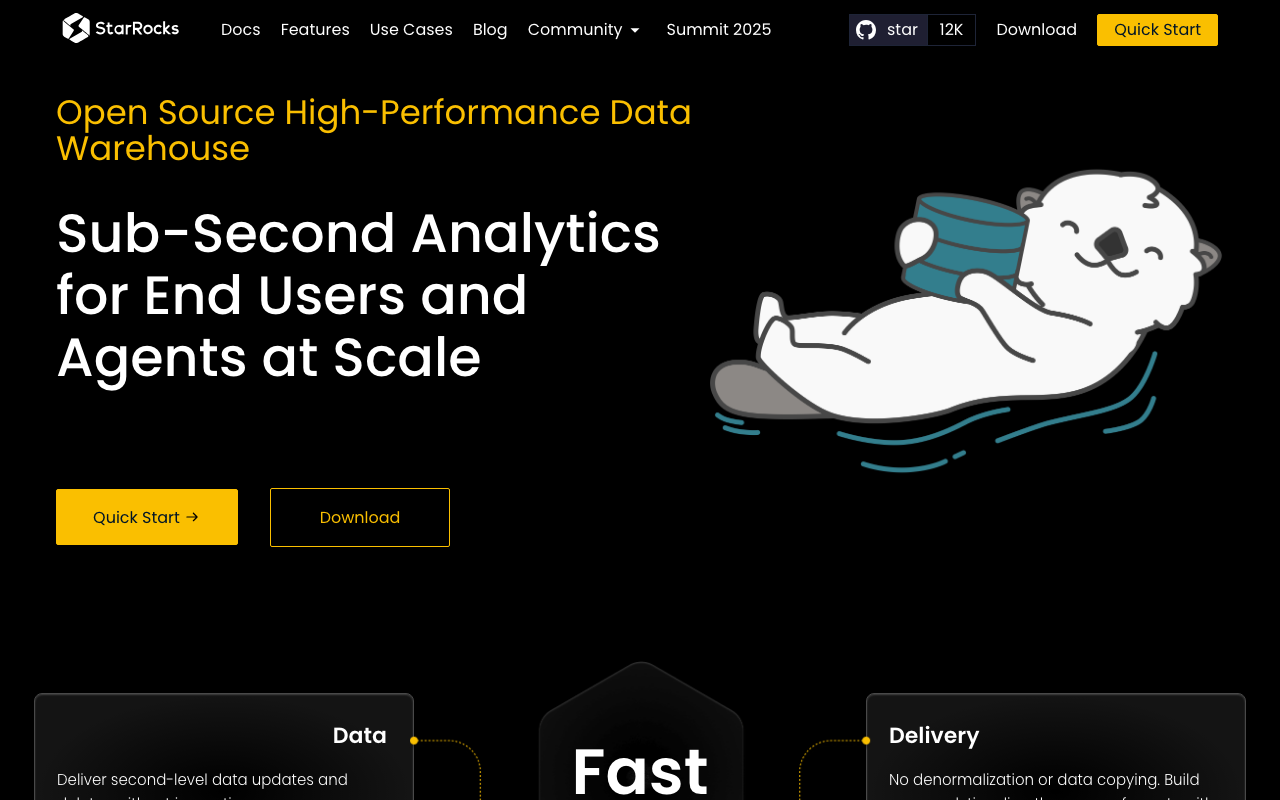
A massively parallel analytical database with a two-tier architecture: frontend nodes handling metadata, parsing and planning, and backend nodes holding data and executing. It stores data as tablets distributed across backends, with a cost-based optimiser and a strong join implementation, which is the thing that separates it from the engines optimised primarily for single-table scans.
Its distinguishing capability is a primary key table model that does merge-on-write, giving real-time upserts with clean read performance rather than accumulating versions.
Pros
- Genuinely good distributed joins with a cost-based optimiser, so a star schema does not have to be flattened into one wide table first
- Primary key tables with merge-on-write give real-time upserts without the read-time merge penalty that other engines accept
- Materialised views can be rewritten into transparently by the optimiser, so queries benefit without application changes
- Can query external Iceberg, Hive and Delta tables, which makes it usable as a query layer over an existing lake
Cons
- Two node types plus their own replication and metadata handling is meaningfully more to operate than a single binary
- Smaller English-language community and fewer public postmortems than ClickHouse, so debugging unusual behaviour is lonelier
- Memory-sensitive under concurrent heavy joins, and query failures from memory limits are a common early operational experience
Best for: Teams with a genuine star schema and real-time update requirements who need joins to be fast without denormalising everything.
Pricing: Open-source under Apache 2.0 with no fee for self-hosting, plus a commercial managed offering priced by provisioned compute and storage.
Apache Pinot
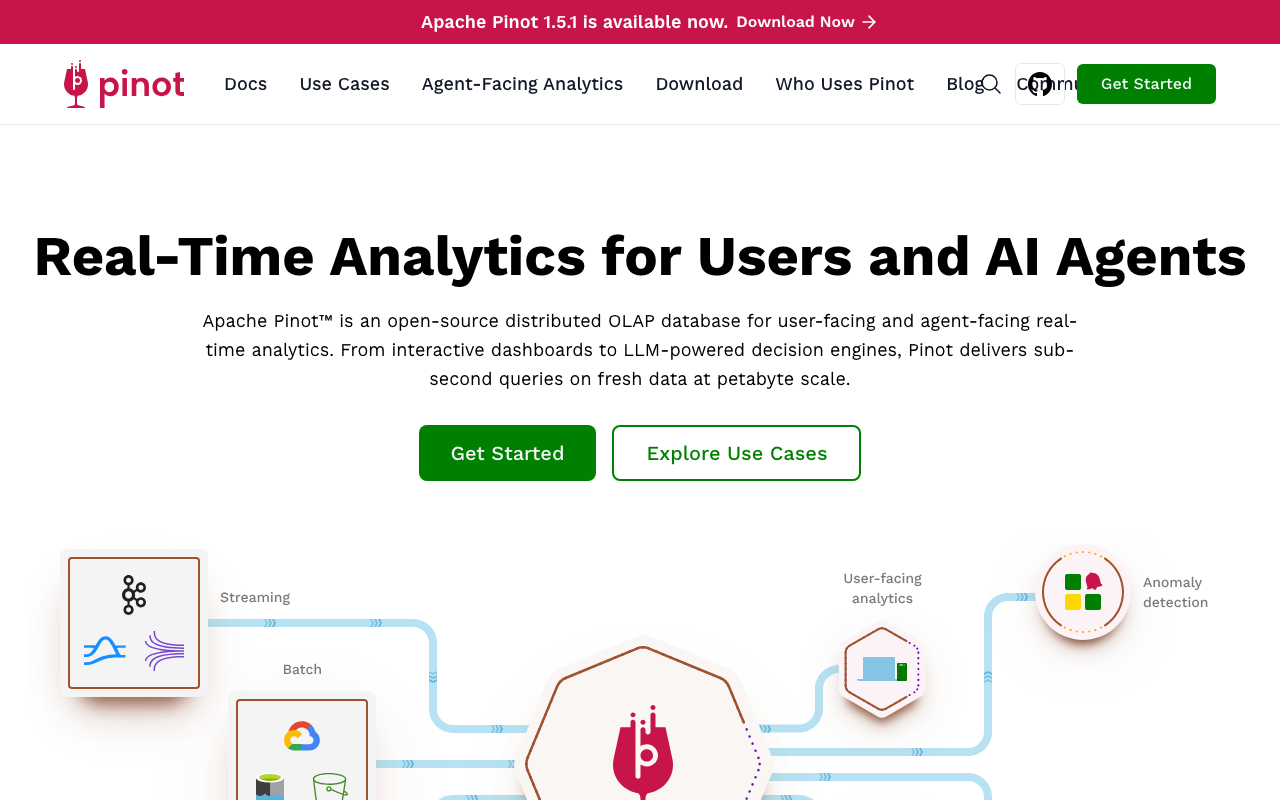
A real-time distributed OLAP store built for user-facing analytics at very high concurrency: many thousands of simultaneous queries with tight latency requirements, which is a different target from the analyst-facing workloads most of this list serves. It achieves it with heavy indexing, including inverted, star-tree, range, text and JSON indexes maintained per segment, and by pushing as much work as possible to index lookups rather than scans.
The architecture is four process types plus ZooKeeper plus a deep store. That is the price of the concurrency profile.
Pros
- Built specifically for high-concurrency user-facing queries, which is a capability most column stores explicitly do not target
- Star-tree indexes pre-aggregate along configured dimension combinations, turning many aggregate queries into index lookups
- Native real-time ingestion from streaming sources with a documented handoff from consuming to committed segments
- Upsert support on real-time tables for keeping a current view of mutable entities
Cons
- Controller, broker, server and minion process types plus ZooKeeper and deep storage is a large operational footprint for a small team
- Index configuration is per table and substantially manual; getting the index set wrong means the concurrency advantage does not materialise
- Joins are the weak point historically, and the design encourages denormalising into wide tables at ingest, which pushes complexity upstream into your pipeline
Best for: Customer-facing analytics embedded in a product, where thousands of end users query concurrently and latency is a product requirement.
Pricing: Open-source under Apache 2.0 with no fee for self-hosting; commercial managed offerings price by provisioned capacity.
Apache Druid
The oldest real-time OLAP system here and the most component-heavy. Data is stored as immutable segments partitioned by time, with a coordinator assigning segments to historical nodes, an overlord managing ingestion tasks on middle managers, brokers fanning queries out and merging results, a metadata database tracking segment state, and deep storage holding the durable copy. ZooKeeper coordinates.
It is genuinely good at what it was built for: time-partitioned event data, real-time and batch ingestion into the same table, and fast time-bounded aggregate queries. The cost is that you are operating a distributed system with six moving parts before you count your own.
Pros
- Mature real-time ingestion with exactly-once semantics from streaming sources, refined over many years of production use
- Time-based segmentation makes time-range queries prune aggressively, which is the dominant query shape for event data
- Separates deep storage from serving, so a lost historical node is a rebalancing event rather than a data loss event
- Extensive built-in approximate aggregation, including sketches for distinct counts and quantiles at a fraction of the storage cost
Cons
- The largest operational footprint in this list: several process types, ZooKeeper, an external metadata database and deep storage, all of which must be healthy
- Ingestion task failures and segment handoff problems are the common production issue and require understanding the internal task lifecycle to debug
- Joins are limited and the data model pushes you toward denormalised ingestion, which makes schema changes expensive upstream
Best for: Organisations with a dedicated platform team, high-volume streaming event data, and time-bounded aggregate queries as the dominant pattern.
Pricing: Open-source under Apache 2.0 with no fee for self-hosting; commercial managed offerings price by provisioned compute and storage.
Apache Doris
An MPP analytical database with a frontend and backend node split, positioned as a single system covering both reporting and real-time serving. It supports several table models: a duplicate model for append-only data, an aggregate model that pre-aggregates on ingest by key, and a unique key model for upserts with a choice of merge-on-read or merge-on-write.
That table-model choice is its most distinctive feature, because it makes the update-cost tradeoff explicit and per-table rather than a property of the whole engine.
Pros
- Explicit per-table choice between append, pre-aggregate and upsert models, so each table pays only the cost its access pattern requires
- Two process types only, which is a simpler topology than the segment-and-task architectures while still being distributed
- MySQL wire protocol compatibility, so existing BI tools and clients connect with no driver work
- Materialised views and a cost-based optimiser handle star-schema joins reasonably well
Cons
- Choosing the wrong table model is a rewrite, and the guidance for choosing is not obvious until you have hit the consequence
- Community and documentation are strongest in Chinese, which slows Western teams debugging unusual behaviour
- Merge-on-read unique key tables degrade query performance as versions accumulate, and the compaction tuning to prevent that is not self-managing
Best for: Teams wanting one engine for both BI reporting and real-time upsert serving, who value MySQL protocol compatibility with existing tools.
Pricing: Open-source under Apache 2.0 with no fee for self-hosting; commercial managed offerings from several vendors price by provisioned capacity.
How to choose
Work down this list. The first question that gives you a hard answer is your answer.
Does the data fit on one machine? If your largest table fits comfortably on a single large instance and your concurrency is a handful of analysts, use DuckDB and stop. The operational saving is not incremental, it is total, and you can always graduate later because your Parquet files move with you. Teams routinely stand up a distributed system for a dataset that a laptop would handle.
Who queries it, and how many at once? A dozen analysts and some scheduled dashboards is a fundamentally different problem from thousands of end users hitting a chart in your product. The first is served well by any of these. The second is the specific target Pinot was built for, and it is where ClickHouse needs careful design work to hold up. Be honest about which one you are building, because the answer changes.
Do you need to update rows, and how often? Append-only event data lets you use any of these. Frequent updates to existing rows narrows the field sharply: StarRocks primary key tables and Doris unique key tables with merge-on-write are built for it, Pinot supports upserts on real-time tables, and ClickHouse and Druid both make you work around it. This is the question most likely to eliminate an engine you had already decided on.
How many people will operate it, and for how long? Count process types. One binary is one thing to restart at 3am. Five process types plus ZooKeeper plus a metadata database is a system that needs someone who understands it to be reachable. If your answer is “one engineer, part time”, the component-heavy options are not viable no matter how well they match your query pattern.
Do your queries join? If the analytical model is a star schema and you want to keep it that way, StarRocks and Doris are the strongest. If you are willing to denormalise into wide tables at ingest, everything else becomes viable and your pipeline gets more complicated instead. That complexity does not disappear, it moves into the ETL layer.
| Engine | Process types | External dependencies | Update model | Concurrency target |
|---|---|---|---|---|
| ClickHouse | One (plus Keeper when replicated) | Keeper for replication | Async mutations | Moderate |
| DuckDB | None; in-process library | None | Standard SQL, single writer | Single user |
| StarRocks | Two | None required | Merge-on-write primary keys | Moderate to high |
| Apache Pinot | Four | ZooKeeper, deep store | Upserts on real-time tables | Very high |
| Apache Druid | Several | ZooKeeper, metadata DB, deep store | Segment replacement | Moderate to high |
| Apache Doris | Two | None required | Per-table model choice | Moderate to high |
| Parquet and Iceberg | (standard, not a product) | Catalogue service | Snapshot commits | Not applicable |
Needs first-hand data: Load one month of your own production event data into your two shortlisted engines on identically sized hardware, with the sort or partition key each engine’s documentation recommends for your predicate. Then run your ten most frequent dashboard queries at your actual peak concurrency, measured from a load generator rather than a single client, and record p50 and p95 end-to-end latency plus bytes read per query. Concurrency is the axis that separates these engines and it is the axis single-query benchmarks never test.
Needs first-hand data: Separately, measure the operational cost you are actually buying. For each candidate, time how long it takes one engineer who has not used it before to go from nothing to a replicated three-node cluster ingesting from your real source, following only public documentation. Record every point at which they had to read source code or ask a community channel. That number predicts your 3am experience far better than any query benchmark.
Frequently asked questions
Which of these is fastest?
On any given workload, whichever one’s sort or partition key best matches your query predicates, which is a property of your configuration rather than the engine. Published benchmarks are mostly measurements of how carefully each engine was tuned by whoever ran them. If you want a real answer, load your own data and run your own queries on identical hardware. If you cannot do that, pick on operational fit, because that difference is real and durable in a way the performance difference is not.
Can I use ClickHouse for customer-facing dashboards?
Yes, with design work, and the constraint is concurrency rather than scan speed. A column store is built for a few large queries, not for thousands of tenants refreshing a chart at the start of the business day. The tenant identifier must lead the sort key so each query reads a narrow slice, and pre-aggregation through materialized views has to do most of the arithmetic before the request arrives. The full argument is in Postgres vs ClickHouse vs Tinybird.
Why does my OLAP database break when I insert one row at a time?
Because every insert creates an immutable storage unit, and the background merger has to combine them. Insert row by row and you create units faster than they can be merged, the count grows without bound, and the engine eventually refuses writes to protect itself. The fix is batching at the application or ingest layer: accumulate rows for a few seconds or a few thousand rows, then insert once. Every engine here has this property and every engine here has a differently named error for it.
Do I need Iceberg?
You need it if multiple engines must read the same tables, if you want time travel and safe schema evolution over data in object storage, or if avoiding storage-layer lock-in is a stated requirement. You do not need it for a single engine serving a single application, where native storage will be faster and simpler. Adding it brings a catalogue service and table maintenance jobs, which is real work that should be justified by one of those reasons.
Is a data warehouse a better choice than any of these?
Different question. A warehouse is optimised for arbitrary questions from a small number of analysts, with elastic compute and a cost model that follows usage. These engines are optimised for known query shapes at higher concurrency on capacity you provision. If your users are analysts exploring, look at warehouses. If your users are your customers looking at a chart in your product, look here.
Related reading
- Best managed Postgres providers — the transactional store these engines sit beside, and where most of their data originates.
- Postgres vs ClickHouse vs Tinybird — the per-tenant dashboard case in depth, including sort key design and tenant isolation.
- Best data warehouses for startups — the elastic-compute alternative and how its cost meters differ from provisioned capacity.
- Elasticsearch vs Loki vs ClickHouse — the same storage reasoning applied to logs, where the index decision dominates.
- Best change data capture tools — how rows get from your transactional database into any of these without a nightly dump.