Nobody leaves Vercel because the product is bad. The product is excellent, the preview deployments changed how frontend teams review work, and the framework integration is genuinely deeper than anywhere else. People leave because the invoice grew faster than the traffic and nobody could explain the shape of the curve.
The reason is that Vercel meters several things that all scale with the same underlying event. A page view can consume bandwidth for the HTML and assets, a function invocation to render it, execution duration while it renders, another invocation and duration for each data-fetching route it calls, an image optimization transform for each new image variant, and a revalidation render in the background. One visitor, five meters. That is not a pricing trick; it is a consequence of an architecture that turns your framework into serverless functions automatically. But it does mean the relationship between traffic and cost is multiplicative rather than linear, and the first time it bites is usually the month something got popular.
Before you migrate, be honest about what you would be giving up, because the alternatives articles that skip this part set people up for a bad quarter. You lose the best preview deployment experience in the industry. You lose framework features that work fully here and partially elsewhere. And if you self-host, you take on four specific pieces of infrastructure that Vercel was providing invisibly.
That last part is what this article does that others do not. The self-hosting section below
is the hard half, and it is the half that gets waved away with “just run next build and
next start”, which is how teams end up with a stale-cache incident three weeks later.
Key takeaways
- The bill is multiplicative because one page view can touch bandwidth, invocations, execution duration, image transforms and background revalidation. Find which meter dominates before choosing a replacement.
- Most alternatives meter one or two things instead of five, which is the actual saving. The tradeoff is that you get less automatic framework behaviour and do more configuration.
- Self-hosting Next.js is entirely viable and has four specific requirements: standalone output, a shared ISR cache, an image optimization answer, and a decision about the middleware runtime.
- Check your caching before you migrate. A meaningful share of surprise bills is uncached responses and image variants being regenerated, and that is cheaper to fix than to move.
Where the bill actually comes from
Open the usage page and find which meter is dominant before you do anything else. The answer changes the destination.
Bandwidth dominates for media-heavy sites, large JavaScript bundles served to many first-time visitors, and anything being scraped. If this is your meter, you want a platform whose bandwidth economics are structurally different, which realistically means Cloudflare or a raw provider with a CDN in front.
Function invocations dominate for server-rendered applications with many small data routes, because each one is a separate invocation. If this is your meter, the fix may be architectural rather than a migration: fewer, fatter routes, or moving data fetching into the page render rather than separate endpoints.
Execution duration dominates when pages are slow to render, usually because they are waiting on a database or an upstream API. This is the meter that punishes you twice, once in latency and once in cost, and it often points at a database in the wrong region rather than a hosting problem.
Image optimization dominates for image-heavy catalogues, because each distinct combination of source image, width and format is a separate transform. A responsive image component with many breakpoints multiplies this quietly.
Incremental static regeneration dominates for large content sites, because every revalidation is a render whether or not anyone was waiting for it. A short revalidation interval on ten thousand pages is a lot of background rendering.
Do this before shopping, because two of these five have fixes that are cheaper than a migration. Uncached responses and unconstrained image variants are configuration problems. Bandwidth from scraping is a firewall problem. Only after those are ruled out is the answer a different platform.
Needs first-hand data: Instrument one real Next.js application and record, for a representative week, how many function invocations, image transforms and revalidation renders occur per thousand page views. That invocations-per-pageview ratio is the number that converts a traffic forecast into a cost forecast, and it is entirely application-specific, so publishing the methodology and a worked example would be more useful than any price table.
Netlify
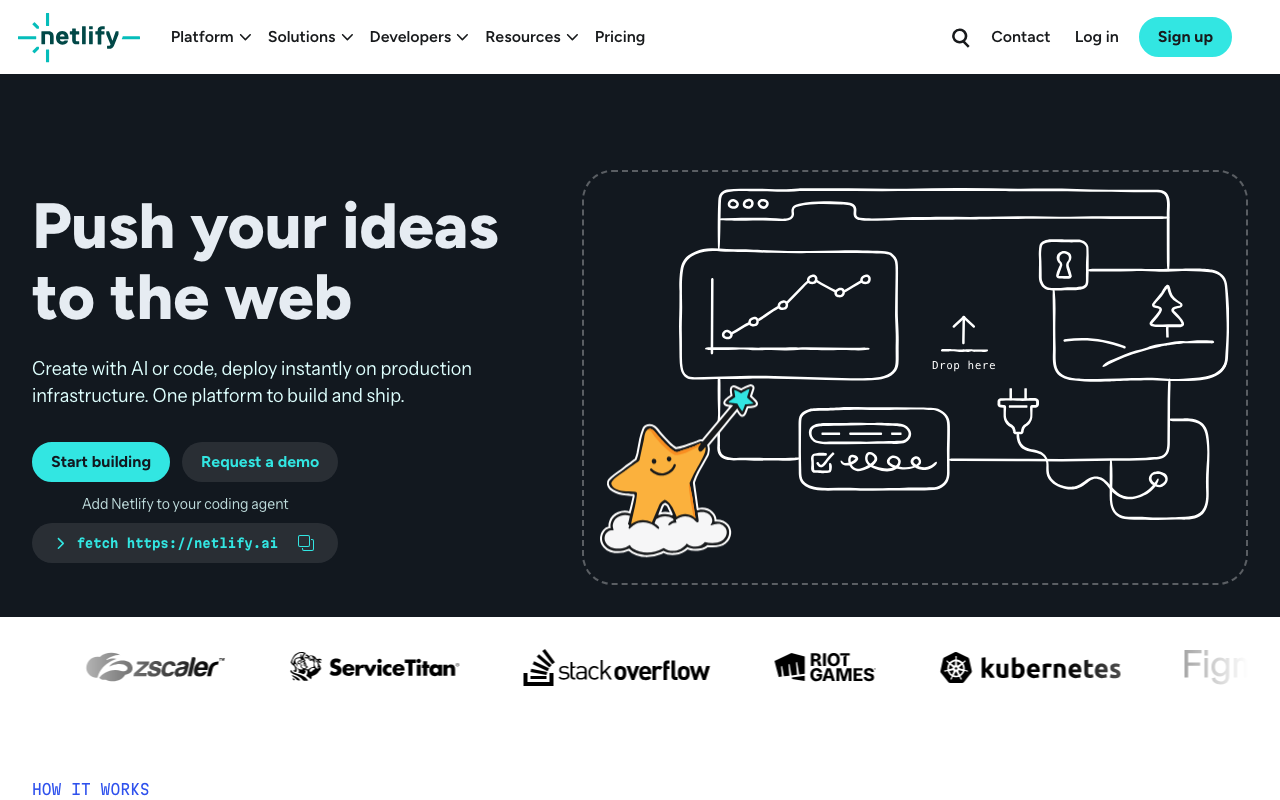
Netlify is the closest like-for-like replacement in developer experience: atomic deploys, instant rollback, per-pull-request previews, declarative redirects and headers in a file in your repository, plus function and edge layers. Architecturally it comes from the static hosting side rather than the framework-compiler side, which makes your build output more portable and your framework integration slightly less magical.
Pros
- Redirects, rewrites and headers live in a plain file in the repository rather than being inferred, which makes behaviour explicit and reviewable
- Atomic deploys with instant rollback make a bad release a non-event rather than a redeploy
- Framework-agnostic heritage keeps the build output portable, so the next migration is cheaper than this one
- Preview deployments and the review workflow are genuinely comparable to what you are leaving
Cons
- Bandwidth is still a primary meter, so a migration driven purely by bandwidth cost may not move the number far enough
- Next.js support is good but tracks behind the framework’s own platform, particularly for newer rendering features
- Build minutes are consumed per branch, so an active repository burns them independently of user traffic
Best for: Teams who want the same workflow and the same shape of deployment with a more portable build output and fewer interacting meters.
Pricing: Per-seat tiers with included bandwidth, build minutes and function invocations, and independent usage charges above each allowance.
Cloudflare

Cloudflare is the structural answer to a bandwidth-dominated bill, because serving traffic is its core business rather than a resold cost. Static assets come off the CDN, dynamic code runs in isolates on the same network, and state lives in its own storage products. The constraint is equally structural: the runtime is not Node, so what runs there is a genuinely different set of code than what runs on a Node server.
Pros
- Bandwidth economics are in a different category from every platform built on resold cloud egress
- Compute runs inside the same network as the CDN, DNS and firewall, so a request is handled without leaving the platform
- Isolate startup avoids container cold starts entirely for workloads that fit the runtime
- Adjacent primitives, including object storage, key-value state and a firewall, remove several separate vendor decisions
Cons
- The runtime is web-standard rather than Node, so native modules, filesystem access and a long tail of npm packages do not work
- CPU time limits make anything long-running an architectural change rather than a bigger plan
- Your database is probably not on Cloudflare, and a distributed frontend in front of a single-region database can be slower than what you had
Best for: Traffic-heavy sites where bandwidth is the dominant meter and the dynamic work is short, request-shaped and portable to web-standard APIs.
Pricing: Metered on requests and CPU time for compute, with storage products priced independently and static asset serving effectively absorbed into the network. The runtime constraints are compared directly in Workers vs Vercel vs Deno Deploy.
Render
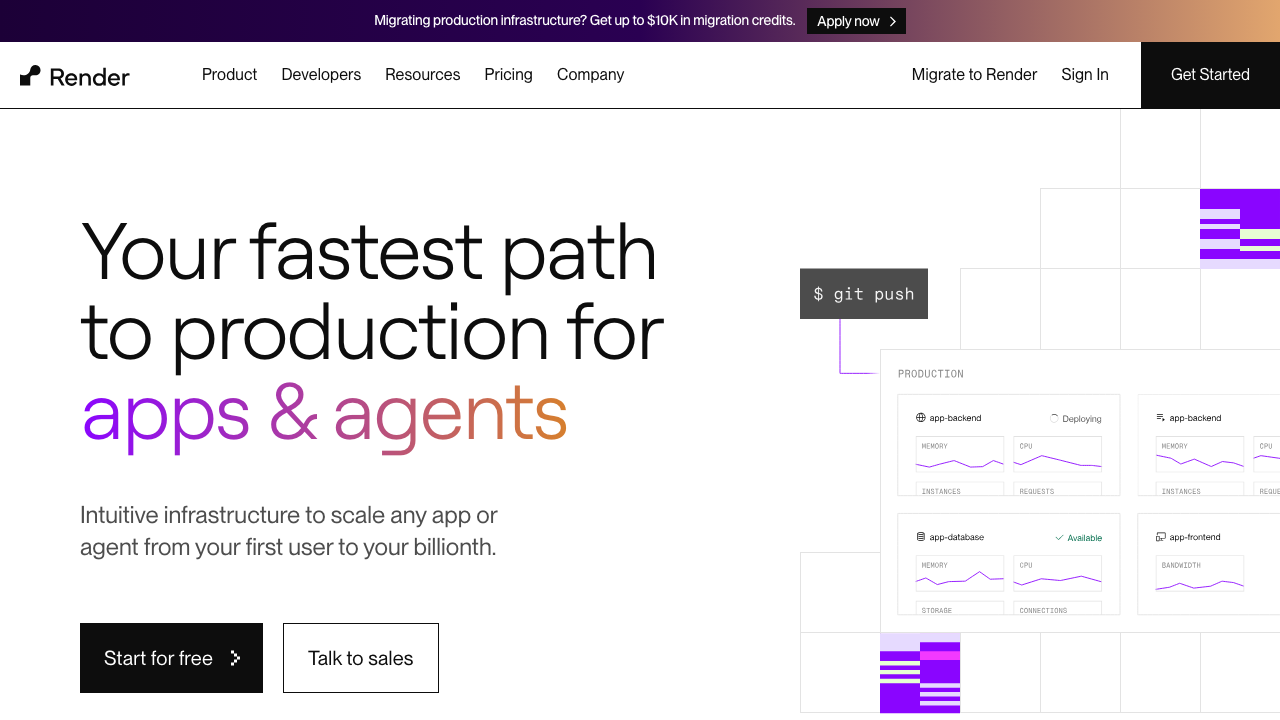
Render runs your application as a long-lived process rather than compiling it into functions. For a Next.js application that means one service, one meter, and a cost that tracks instance size and time rather than page views. It also means you get the rest of a real application in the same account: background workers, cron jobs, managed Postgres and Redis, and private networking between them.
Pros
- One predictable meter, instance size times time, instead of five meters that all move with traffic
- A long-lived process gives back in-memory caching, warm connections and background work
- Managed Postgres and Redis on a private network, which removes the database-latency problem that dominates execution duration bills
- Builds from a Dockerfile as readily as from source, so the artefact is portable onward
Cons
- You lose automatic global distribution; a single-region instance with a CDN in front is a different performance profile and needs cache headers to be right
- Self-hosted Next.js means you own the ISR cache and image optimization decisions described below
- Build performance is unremarkable, and preview deployments are good rather than best in class
Best for: Applications whose Next.js frontend sits in front of a real backend, where consolidating onto one predictable instance bill is worth doing the self-hosting work.
Pricing: Flat monthly rate per service by instance size, with managed databases separate and bandwidth metered above an included allowance.
Railway
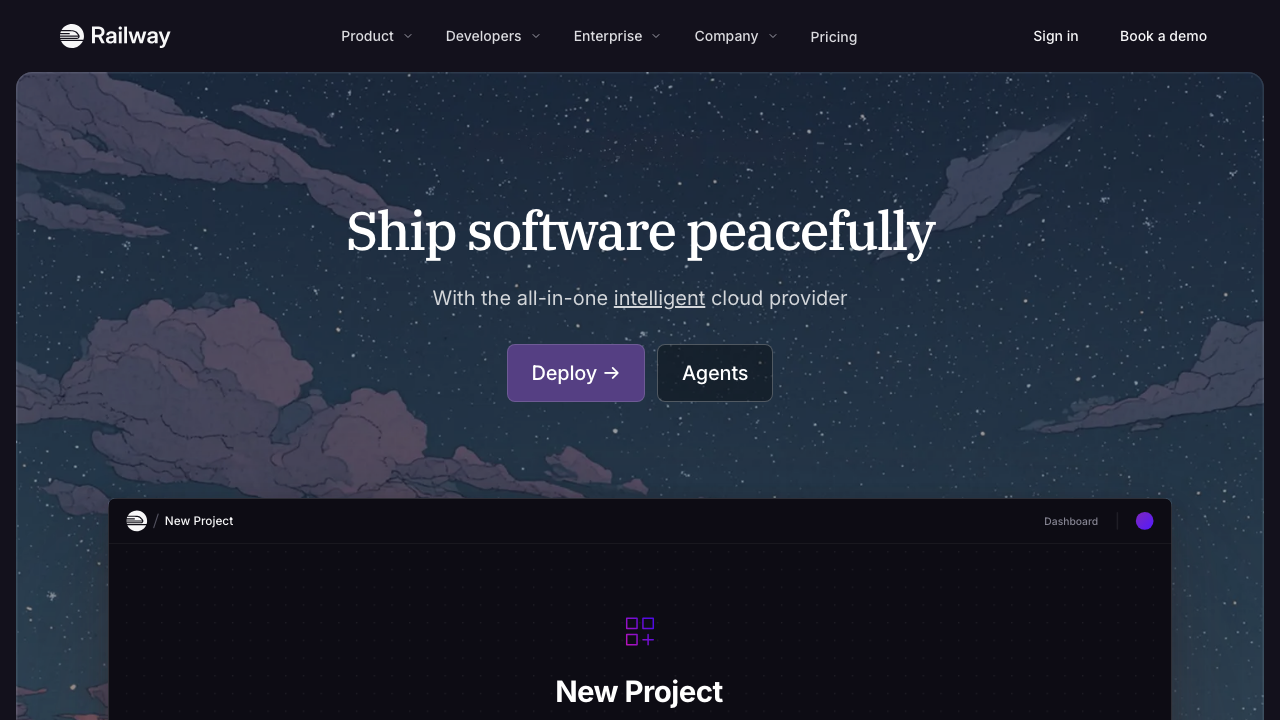
Railway keeps a fast deployment experience and bills on consumption rather than per page view. For a Next.js application it behaves like Render with a different billing curve: cheaper when the application is idle, less predictable when it is busy. Its environment cloning makes full-stack preview environments practical, which is the Vercel feature teams miss most.
Pros
- Consumption billing means a low-traffic application costs very little, which suits internal tools and early products
- Environment cloning produces genuine per-branch environments including dependencies, not just a frontend preview
- Buildpacks and Dockerfiles both supported, so migrating a standard Next.js application is a build configuration exercise
- The service graph makes the whole application visible, which helps when the frontend is only one part
Cons
- Consumption billing is difficult to forecast, and you have traded one unpredictable bill for a different unpredictable bill
- Managed databases are convenient rather than operated, so production data belongs elsewhere
- Same self-hosting responsibilities as any long-lived-process platform: ISR cache, images and middleware runtime are yours
Best for: Teams whose application is idle much of the time and who want per-branch full-stack environments back without Vercel pricing.
Pricing: Metered on compute and memory consumed per service, with storage and egress separate, on top of a subscription including a usage allowance.
Fly.io

Fly.io runs your container as a lightweight VM in the regions you name, with anycast routing in front. For a Next.js migration it is the only option here that gets you close to Vercel’s global distribution while still running a normal long-lived Node process, which is a useful combination: you keep the ability to hold state in memory and still serve users from nearby.
Pros
- Multi-region placement of a normal Node server, so global latency does not require adopting an edge runtime
- Persistent volumes and real processes mean the ISR cache can live on disk per region if you accept the consistency tradeoff
- Machines that stop when idle keep low-traffic deployments cheap despite multiple regions
- The deployment unit is your container, so there is no framework-specific coupling to unwind later
Cons
- Multi-region means multi-region cache coherence, which is the hardest part of self-hosting ISR and Fly makes it easy to create accidentally
- More operational surface than a single-region PaaS, and all of it is overhead if your users are concentrated
- The managed database story expects more involvement than you are used to from a platform add-on
Best for: Applications with genuinely global users that need a real Node runtime, where giving up edge rendering for regional rendering is an acceptable trade.
Pricing: Metered per machine on CPU and memory while running, with volumes, bandwidth and dedicated addresses billed separately.
AWS Amplify
Amplify is the AWS-native answer: git-connected builds, a CDN in front, and framework support including server-side rendering for Next.js, all inside an AWS account. Its reason to exist for this audience is not developer experience, which is weaker than everything above. It is that the workload ends up inside your AWS account, under your existing commitments, network boundaries and compliance perimeter.
Pros
- Everything runs in your own AWS account, so existing commitments, private networking and compliance boundaries apply
- Direct integration with the rest of AWS, so a database or queue in a private subnet is reachable without an internet hop
- Build and hosting are managed, so it is not the same as assembling the equivalent yourself from primitives
- Fits organisations where a procurement conversation about a new vendor is more expensive than a worse developer experience
Cons
- Developer experience is materially behind the specialist platforms, and build debugging in particular is painful
- Next.js support follows the framework rather than leading it, so newer rendering features arrive late
- The cost model inherits AWS complexity, which means it can be cheaper and can also be harder to predict than what you left
Best for: Teams already committed to AWS whose primary requirement is that the workload sits inside their own account and network boundary.
Pricing: Metered on build minutes, requests, served data and server-side rendering compute, billed as part of the AWS account rather than a separate subscription.
Self-hosting Next.js properly
This is the part that other alternatives articles skip. Next.js does self-host, officially
and well, but “run next build then next start” is not the whole answer for any
application using the features that made you pick Next.js in the first place. There are
four things Vercel was doing for you, and you now own them.
Use standalone output, not the default build
Set the standalone output mode in your Next.js configuration. It produces a minimal server
plus only the dependencies actually traced as reachable, rather than requiring your entire
node_modules tree in the runtime image. This is the difference between a container image
that is reasonable to ship and one that is not.
Two things bite people here. The static assets and the public directory are not included in the standalone output automatically, so your Dockerfile has to copy them explicitly alongside the server, and forgetting one produces a site with no CSS. And dependency tracing is static analysis, so anything loaded dynamically at runtime may not be traced; if a package breaks only in the standalone build, that is why, and the fix is to mark it as an external package that should not be traced.
The ISR cache must be shared, or you must accept that it is not
By default, incremental static regeneration writes rendered pages to the local filesystem of the process that rendered them. On Vercel there was a shared, globally coordinated cache behind that and you never saw it. On your own infrastructure, with more than one instance, the default gives you one independent cache per instance.
The consequences are specific and they look like bugs rather than cache behaviour. A user refreshing sees content flip between old and new depending on which instance answered. An on-demand revalidation call invalidates the cache on exactly one instance and the others keep serving stale content indefinitely. A deploy or a restart empties the cache entirely, producing a render storm against your database at the worst moment.
The fix is a custom cache handler. Next.js supports replacing the cache implementation with your own module, and the standard choice is to back it with Redis or another shared store so every instance reads and writes the same cache and revalidation reaches all of them. If you run a single instance and are content to stay that way, the filesystem default is genuinely fine and you should not build this. If you run more than one instance, or autoscale, or plan to, build it on day one rather than after the first stale-content report. The shared store itself is a normal infrastructure decision, covered in managed Redis providers.
Two details to get right while you are in there. Give the cache a key namespace that includes the build identifier, so a deploy does not serve pages rendered by the previous build. And decide deliberately what happens when the shared store is unreachable: falling back to rendering on every request is usually correct, and falling back to serving nothing is not.
Image optimization becomes your problem, and you have three answers
The Next.js image component does a real job: it resizes and re-encodes source images to the
requested width and a modern format, and caches the result. Self-hosted, that work runs in
your own process using the sharp library, which must be present in your runtime image and
which is a native dependency, so it has to be installed for the right platform and
architecture. A standalone Docker build on one architecture deployed to another is a common
way to discover this.
You have three options and they are genuinely different.
Optimize in-process. Keep the default behaviour and make sure sharp is installed. This
works, and it means CPU that would have gone to rendering now goes to image encoding on the
same instances. Cache the results somewhere durable, because the default cache is on local
disk and has the same multi-instance problem as ISR.
Point the image component at an external image service via a custom loader. A dedicated image CDN does the transformation and caching outside your application entirely. This is the option I would pick for any image-heavy site, because it removes a CPU-bound workload from your web tier and the caching problem with it.
Turn optimization off and serve pre-sized images. If your images come from a controlled set rather than user uploads, generate the variants at build time or in your asset pipeline and skip the runtime work. Least flexible, least moving parts, and completely predictable.
Whichever you choose, constrain the allowed widths and remote patterns in your configuration. An unconstrained optimizer that will transform any remote URL at any width is both a cost problem and an open proxy, and the second one is worse.
Decide which runtime your middleware needs
Next.js middleware runs before the request reaches a route, which makes it the natural place for auth checks, redirects, locale routing and A/B splits. Historically it ran only in a constrained, edge-style runtime with a web-standard API surface rather than the full Node API, which is why middleware that needs a database client or a native crypto library has always been awkward. More recent Next.js versions allow middleware to run on the Node runtime, which removes that constraint when you self-host.
The practical guidance: keep middleware small and free of I/O regardless of which runtime it can use. It runs on every matched request including asset requests unless you scope the matcher, so anything slow in there is slow everywhere. Scope the matcher explicitly rather than relying on the default. And if you find yourself wanting a database call in middleware, that is usually a signal the check belongs in the route with a cached session lookup, which is the pattern discussed in session management libraries.
What you actually give up
Be clear-eyed about it. You lose the automatic per-pull-request preview deployments unless you rebuild them on the new platform. You lose global distribution unless you deploy to multiple regions yourself, and doing that reintroduces the cache coherence problem above. You lose the automatic mapping from framework features to infrastructure, which is real work that someone was doing for you. And you take on a container image, its base image updates and its dependency surface, which is now part of your security posture.
In exchange you get one predictable meter, a runtime you fully control, and an application that can move again cheaply. For a lot of teams that is a good trade. For a small team shipping fast with modest traffic, it usually is not.
Needs first-hand data: Build the same Next.js application four ways: default build on a single instance, standalone build on a single instance, standalone with a Redis-backed cache handler across multiple instances, and the same with image optimization delegated to an external loader. Record image size, cold start time, memory at steady state, and behaviour of a revalidation call across instances. The last column is the one that decides whether a self-host is production-ready.
How to choose
If bandwidth is the dominant meter, go to Cloudflare if your dynamic code can be rewritten against web-standard APIs, or to a long-lived-process platform with a CDN in front if it cannot.
If invocations and execution duration dominate, a long-lived process is the structural fix. Render for predictability, Railway for idle-heavy workloads, Fly.io if you need the regions. All three mean doing the self-hosting work above.
If image transforms dominate, you may not need to migrate at all. Constrain the widths, delegate to an image CDN, and re-measure.
If the driver is the AWS account boundary rather than cost, Amplify is the path of least procurement resistance even though the developer experience is worse.
If you mostly want the same workflow at a lower total, Netlify is the smallest change with the most portable outcome.
Whatever you pick, do the migration with the old deployment still live and DNS TTLs lowered in advance, and compare error rates rather than dashboards for the first week.
| Platform | Meters that move with traffic | Runtime | What you take on | Picks itself when |
|---|---|---|---|---|
| Netlify | Bandwidth, build minutes, invocations | Node functions plus edge | Little; closest workflow match | You want the same shape with a portable build |
| Cloudflare | Requests, CPU time | Web-standard isolates, not Node | Rewriting anything Node-specific | Bandwidth is the whole problem |
| Render | Instance time only | Full Node process | ISR cache, images, previews | You want one predictable number |
| Railway | Compute consumed | Full Node process | Same, plus forecasting | The app idles most of the day |
| Fly.io | Machine time, volumes, bandwidth | Full Node process, many regions | Same, plus cache coherence | Users are global and Node is required |
| AWS Amplify | Build minutes, requests, SSR compute | Managed Node | AWS complexity | The workload must live in your AWS account |
Frequently asked questions
Is Next.js harder to self-host than other frameworks?
It is harder than a pure static framework and comparable to any other framework with server-side rendering and a cache. The specific extra work is the ISR cache and image optimization, both of which exist because the framework offers features that need infrastructure. A framework without those features is easier to host and does less.
Will I lose incremental static regeneration if I leave?
No. ISR works self-hosted. What you lose is the shared, coordinated cache behind it, which you replace with a custom cache handler backed by a shared store. That is a real piece of work and it is well-trodden, not exotic.
Do I need to run multiple regions to match the performance?
Usually not. Most of what feels fast about a globally distributed frontend is static assets served from a CDN, and you can have that with a single-region origin. Dynamic rendering is bounded by where your database is, so multi-region compute in front of a single-region database frequently makes things worse. See multi-region deployment if you genuinely need it.
What is the cheapest correct setup for a small Next.js app?
One instance on a flat-rate platform, the filesystem ISR cache, images either pre-sized or delegated to an image CDN, and a CDN in front for assets. No shared cache handler, because with one instance you do not need one. Add the shared cache the day you add the second instance, not before.
Should I move to a different framework instead?
Rarely worth it purely for hosting cost. The framework is not the expensive part; the rendering strategy is. A Next.js application that renders mostly static pages with a long revalidation interval is cheap on any platform. One that server-renders every request against a database is expensive everywhere.
Related reading
- Best hosting platforms for developers — the abstraction map, for deciding whether you want a different vendor or a different rung.
- Best hosting platforms for Next.js — the framework-specific shortlist, including which platforms implement which rendering features.
- Cloudflare Workers vs Vercel vs Deno Deploy — the runtime constraints compared directly.
- Best static site hosting — if the honest answer is that your site did not need a server at all.
- Best CDN providers — often the cheaper fix when bandwidth is the meter that hurts.