Most teams arrive here the same way. One service calls OpenAI, a second calls Anthropic because a different model was better at that job, and then finance asks which customer accounted for last month’s bill. Nobody can answer, because the spend lives in a provider dashboard that knows about API keys and nothing about your tenants.
The first instinct is to fix it in the SDK: a wrapper, retries, token logging, shipped as an internal package. That holds until the third service is in another language, or you want to change a model without a deploy, or the fallback path has to work at 2am with nobody awake to bump a library in six repositories. A gateway is the decision to solve those problems once, in a hop every call passes through. What teams get wrong is not which gateway — the eight below are more alike than their marketing suggests — but where it sits, because that decides your latency, your blast radius, and how many teams change code.
Key takeaways
- A gateway moves cross-cutting concerns — routing, fallback, caching, budgets, key custody, guardrails, one trace per call — out of every service into one hop.
- The architecture question is where that hop lives: in-process wrapper, network proxy, or sidecar. Each has a different failure mode, not a different feature list.
- A proxy adds a component that can be the thing that is down, and it must stream byte-for-byte or you break token-by-token UX.
- The OpenAI API format is why any of this is swappable. It is a de facto wire format with no vendor and no bill, and it stops short of provider-specific behaviour.
What a gateway does that an SDK does not
Every capability below can be written into an SDK wrapper. The point is not that they are otherwise impossible — it is that in a wrapper they exist once per language, per service, per deploy, and in a gateway they exist once.
Provider routing and fallback. A rule that says “send this to model A; on 429, 503 or a timeout, retry at model B on another provider.” In a wrapper that is code in every service and changing it is a release. In a gateway it is config, and it protects services whose owners never heard of it. Routing per request on cost or quality rather than only on failure is the adjacent category, model routing.
Response caching. Exact-match caching on the request body catches retries, duplicated agent steps and the same prompt from a UI that re-renders. Matching on embedding similarity catches far more and adds a correctness risk that belongs to your product — see semantic caching.
Per-team and per-customer budgets. Usually what justifies the project. The gateway issues virtual keys, attaches a budget and rate limit to each, and refuses calls that exceed it — unlike an alert, which fires after the money is gone. Attribution comes free, so per-tenant cost is a query rather than a reconstruction project; the finance-side view is LLM cost tracking.
Key custody. The provider’s real key lives in one place and services hold a revocable gateway key scoped to a subset of models. Otherwise that key is in every service’s environment, every CI system and every developer’s shell history.
Guardrail enforcement. Redaction, injection screening and topic filters at a hop no service can skip. A guardrail in a library is advisory; one in the request path is a control. The checks are their own category, LLM guardrails.
One trace per call. Prompt, response, model, tokens, latency, cache status, retry chain and caller identity in one schema, instead of five services producing that in five shapes. The honest limit: a gateway sees only what crosses it, so agent steps that never reach a provider stay invisible.
Where it sits is the decision people get wrong
Three positions. The feature grid barely distinguishes them; the failure modes do.
A client-side SDK wrapper. A library in your process. No extra hop, nothing new to run. The cost is distribution: every service must adopt and upgrade it, in every language you use, and a routing change is a deploy across all of them. Right for one team with two services. Wrong the moment you cannot name every service that calls a model.
A proxy hop you run or buy. Every service points its base URL at the gateway and changes nothing else. Adoption is one config line, identical in Python, Go, TypeScript and a bash cron job, and policy changes need no deploy. That is a large win, and not a free one:
- An extra round trip on a call that already takes seconds. Noise when not streaming; not automatically noise when streaming, because it lands on time-to-first-token, the latency users actually perceive.
- A new component that can be the thing that is down. Managed means your availability is the product of two vendors’. Self-hosted means an always-on component in the hot path with sizing, upgrades and on-call.
- Streaming must be proxied byte-for-byte. Any layer that accumulates the response to inspect it — an output guardrail, a naive HTTP client, a load balancer with response buffering on — turns token-by-token streaming into one delayed blob. It passes every functional test and ruins the UI.
- Large payloads become your problem. Long-context and multimodal requests flow through your infrastructure now, so body-size limits, timeouts and idle-connection settings on every hop in front of the gateway are yours.
A sidecar or mesh extension. The proxy runs beside the workload, so you keep the base-URL adoption story without a central bottleneck and round trips go to localhost. The cost is distributed state: a per-customer budget enforced across many sidecars needs shared state, and shared state is what turns a simple design into a hard one. Only sensible if you already run a mesh.
Needs first-hand data: Send the same streaming completion three ways — direct to the provider, through a self-hosted proxy in the same region, through a managed gateway — and record time-to-first-token and inter-token gap distribution, not total latency. Total latency hides the regression users notice.
Needs first-hand data: Kill the gateway mid-stream and record what each client SDK does: partial response, hung connection, or clean error. Repeat for a provider 429 with fallback configured. Those two behaviours decide whether the hop belongs in the request path.
The OpenAI API format: the standard underneath, not a product
None of this works without one accident of history. OpenAI’s HTTP interface — /v1/chat/completions, a messages array, a model string, SSE chunks for streaming — became the shape everyone else implemented, so most providers, most local runtimes and every gateway here speak it or expose a translation of it. That is why “swap the base URL” is a sentence that means anything. It is not a specification with a governing body, a conformance suite, or a version you can require in a contract. There is nothing to buy, no dashboard and no bill.
What it gives you
- A base URL and an API key are the whole integration surface, so a gateway needs no application logic change
- The official OpenAI SDK in any language becomes a client for any compatible endpoint, self-hosted models included
- Load tests, request replay and local mocks built around the format work across providers
- It makes a fallback provider technically reachable, which is the precondition for routing at all
What it does not do
- Provider-specific parameters sit outside the common shape — cache control, reasoning-effort settings, provider-specific sampling — passed as untyped extras or dropped
- Compatibility is claimed, never certified: endpoints differ on tool-call formatting, chunk boundaries,
finish_reasonvalues, token accounting and error bodies - It says nothing about behaviour. The same prompt to a different model is a different product
- It has no auth, tenancy, budget, cache or audit semantics, which is why gateways are not interchangeable
The fuller version of this argument is in OpenAI-compatible proxies.
LiteLLM
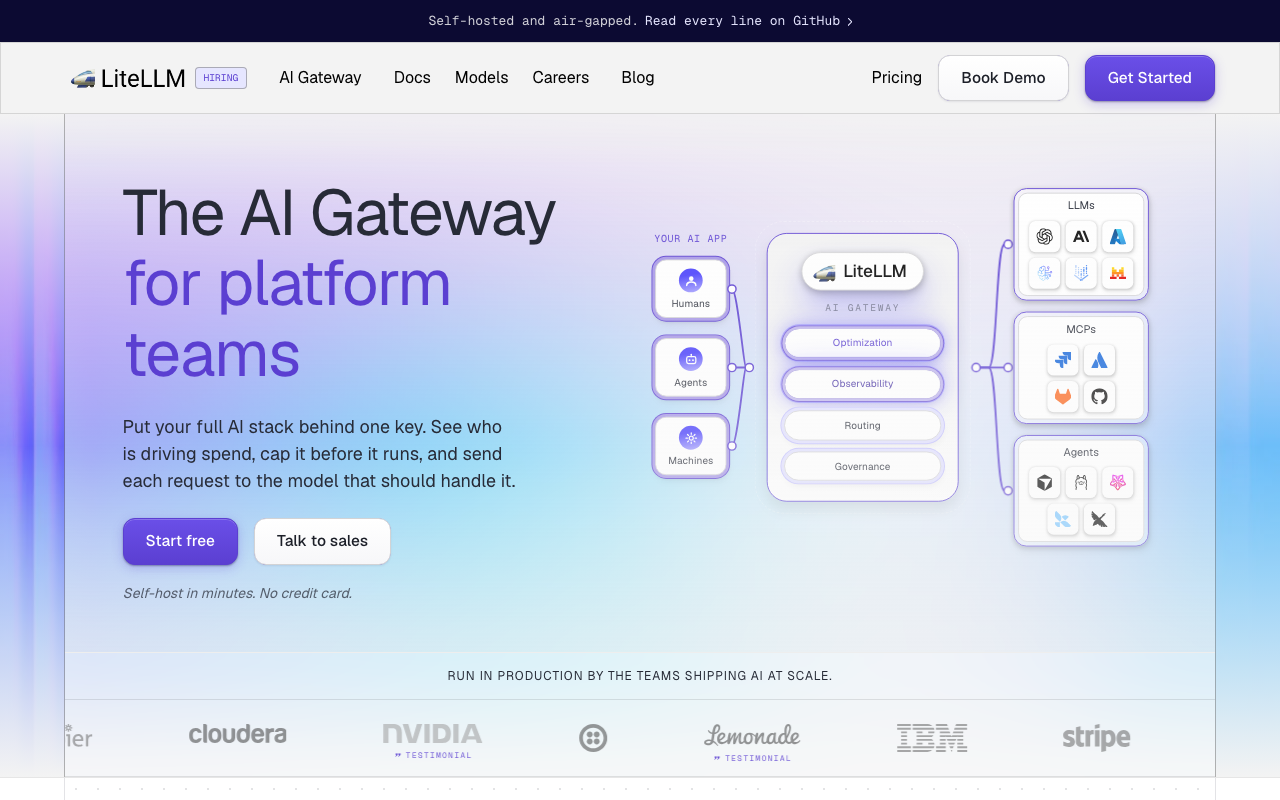
LiteLLM is both architectures at once: a library you call in-process, and a proxy speaking the OpenAI format in front of a long provider list. Teams start with the library and later run the same translation layer as a service with virtual keys and spend logs.
Pros
- Widest provider coverage here, local runtimes included
- Library and proxy are one project, so moving to a hop leaves call sites alone
- Per-key budgets and spend logs address per-team attribution directly
Cons
- A stateful service in the hot path needing a database, sizing and upgrades you own
- Provider breadth is also the rough edges: rare providers get less-exercised translation code
Best for: Teams wanting a self-hosted OpenAI-format layer across many providers, who accept operating a stateful service.
Pricing: Open source with no licence cost for the core plus a paid enterprise tier; self-hosting moves cost into infrastructure and operator time.
Portkey
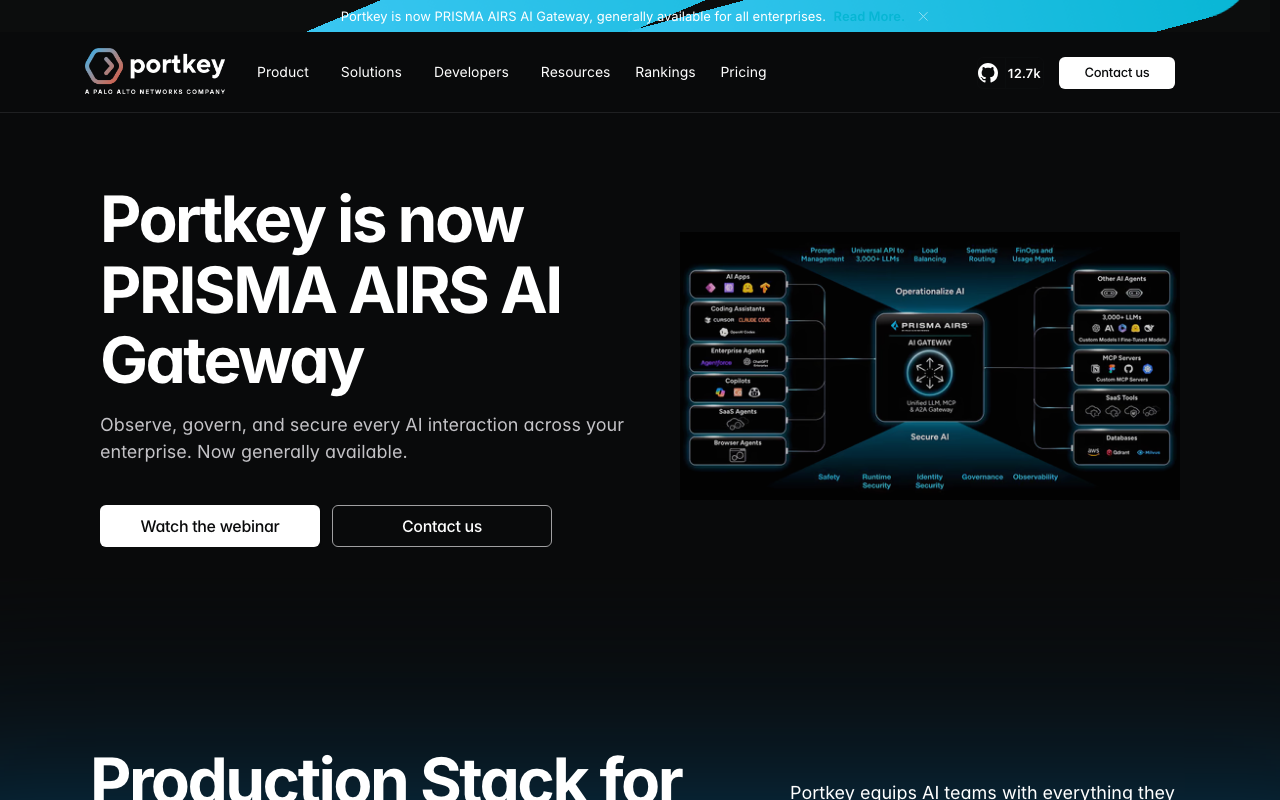
Portkey is now Prisma AIRS AI Gateway, part of Palo Alto Networks, generally available for enterprises. It began as a developer-facing gateway — routing, retries, caching, prompt management, observability behind an OpenAI-compatible endpoint — and now sits in a security portfolio where the gateway is the enforcement point for AI traffic.
Pros
- Routing, fallback, caching, prompt versioning, budgets and tracing in one hop
- Config-object routing makes changing fallback order a config change, not a deploy
- Security framing carries a large security vendor behind it, shortening some procurement
Cons
- The independent-vendor framing is gone; roadmap priorities answer to a larger platform strategy
- A managed hop makes your availability the product of two vendors’ availability
Best for: Teams wanting a managed gateway whose governance controls are already framed for a security review.
Pricing: Usage-based tiers on requests processed, with enterprise contracts for the governance deployment that are not itemised publicly.
Kong AI Gateway
Kong AI Gateway is plugins on Kong’s existing API gateway, so LLM traffic becomes another route with another policy rather than a new system. Its product covers LLM, MCP and agent-to-agent traffic through the same gateway — a bet that governance is about all machine-to-machine AI traffic.
Pros
- Reuses an existing Kong deployment, so auth, rate limiting, logging and audit are already reviewed
- One policy plane for REST, LLM, MCP and A2A instead of a story per protocol
- Runs in your own infrastructure, restricted environments included, no vendor in the path
Cons
- Heavy if you do not already run Kong: an API gateway platform adopted to get an LLM feature
- Prompt versioning, evaluation workflows and experiment tracking are not what this is
Best for: Platform teams already running Kong who want one control plane across REST, LLM, MCP and agent traffic.
Pricing: Open-source core gateway with paid enterprise tiers priced by deployment scale and support; the AI plugins follow the same split.
Cloudflare AI Gateway
The lowest-effort proxy hop available: change the base URL and get logging, caching, rate limiting and retries with nothing deployed. Running at the edge means the hop usually terminates close to the caller, which is the most credible answer to the added-latency objection.
Pros
- Fast to adopt: a base-URL change, no infrastructure, no library
- Edge termination keeps the added hop short, which matters most for time-to-first-token
- Caching and rate limiting are what teams want first, and they are built in
Cons
- A managed third party in the path of every call, with your prompts crossing it
- Ties another part of your architecture to one provider’s ecosystem
Best for: Teams wanting logging, caching and rate limiting in front of provider calls today with nothing new to run.
Pricing: Usage-based on requests through the gateway, with caching and log retention tied to plan level rather than sold separately.
OpenRouter
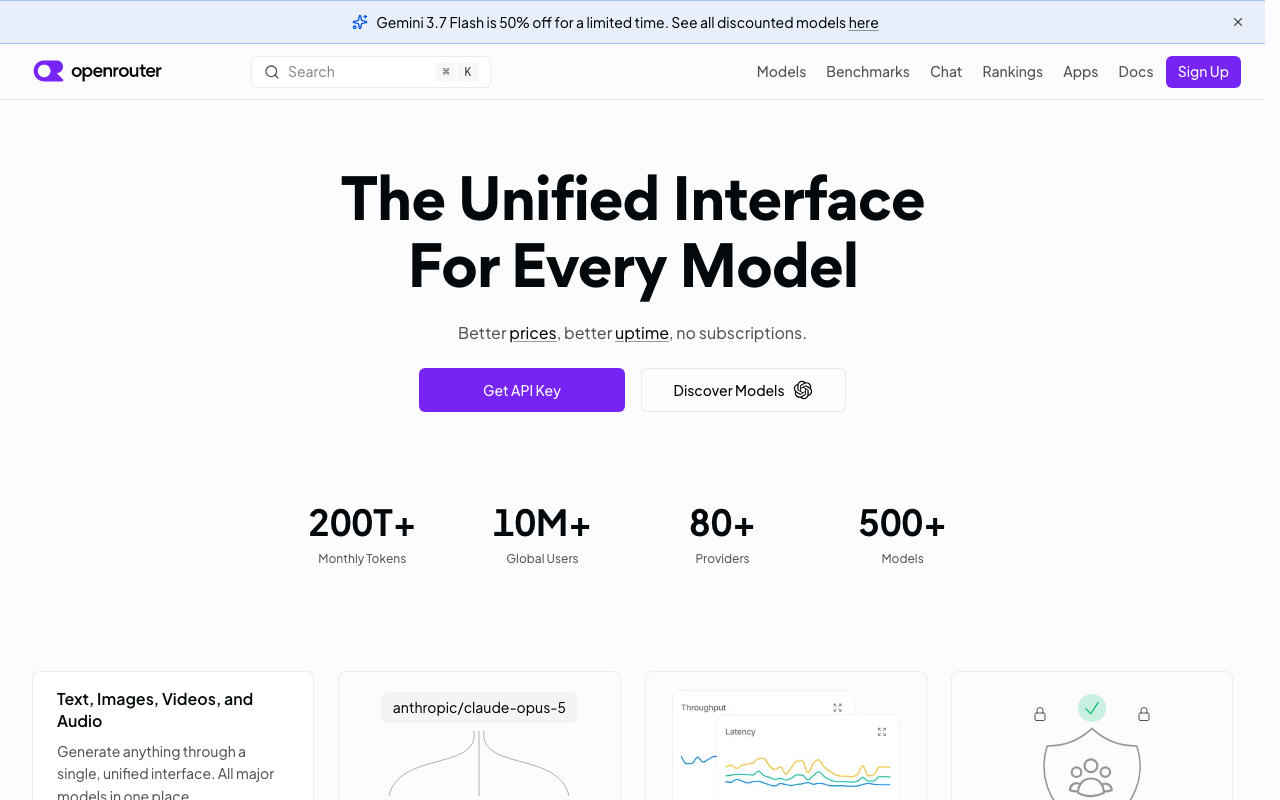
OpenRouter is a different animal: one OpenAI-compatible endpoint fronting a very large model catalogue across many providers, billed to one account. The value is commercial rather than architectural — one key, one invoice, and models that would otherwise each need a contract.
Pros
- One key and one bill across a wide catalogue, removing per-provider signup entirely
- Trying a model is a string change in the
modelfield, the fastest evaluation loop available - A credible fallback target needing no additional procurement
Cons
- A third party between you and the model, with prompts crossing it, which some reviews refuse
- Governance depth is thin: budgets, audit trails and redaction are not the point here
Best for: Small teams and prototypes wanting the widest model access with one key and one invoice.
Pricing: Pay-as-you-go against a prepaid balance with a margin over the underlying provider’s token rates; no seat fee, no commitment.
Helicone
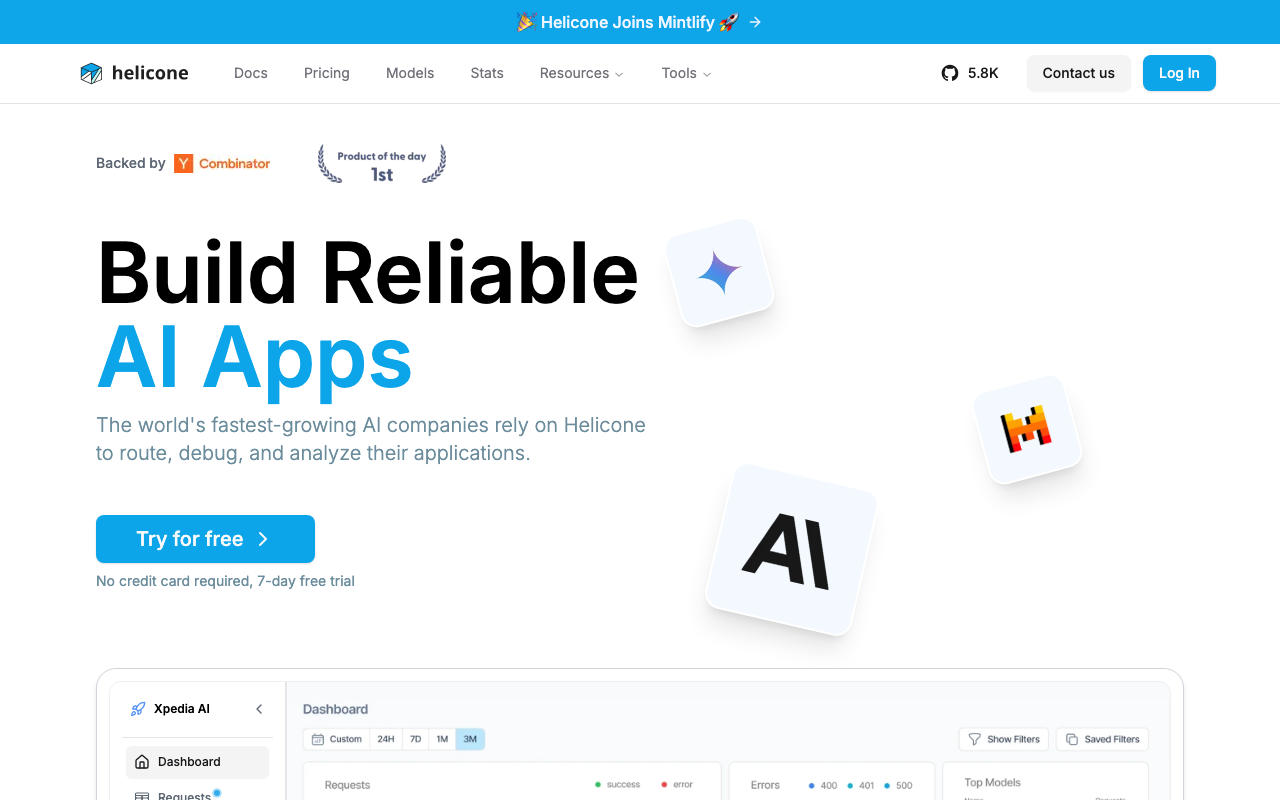
Helicone is the least intrusive way to see LLM calls: point the base URL at it and every request, response, token count and latency appears in a dashboard, with caching and rate limiting at the same hop. It has announced that it is joining Mintlify.
Pros
- Fastest path from zero to per-request LLM logs, with no instrumentation to write
- Observability, caching and rate limiting at one hop
- A self-hostable open-source build answers the objection about prompts leaving your network
Cons
- Proxy-only visibility: agent steps, retrieval and tool executions never reach it
- Now inside a documentation company’s portfolio, so direction is open for a long bet
Best for: Teams whose immediate problem is that nobody can see what the LLM calls are doing.
Pricing: Usage-based on logged requests with retention tiers, plus a self-hostable build costing only the infrastructure you run.
Vercel AI Gateway
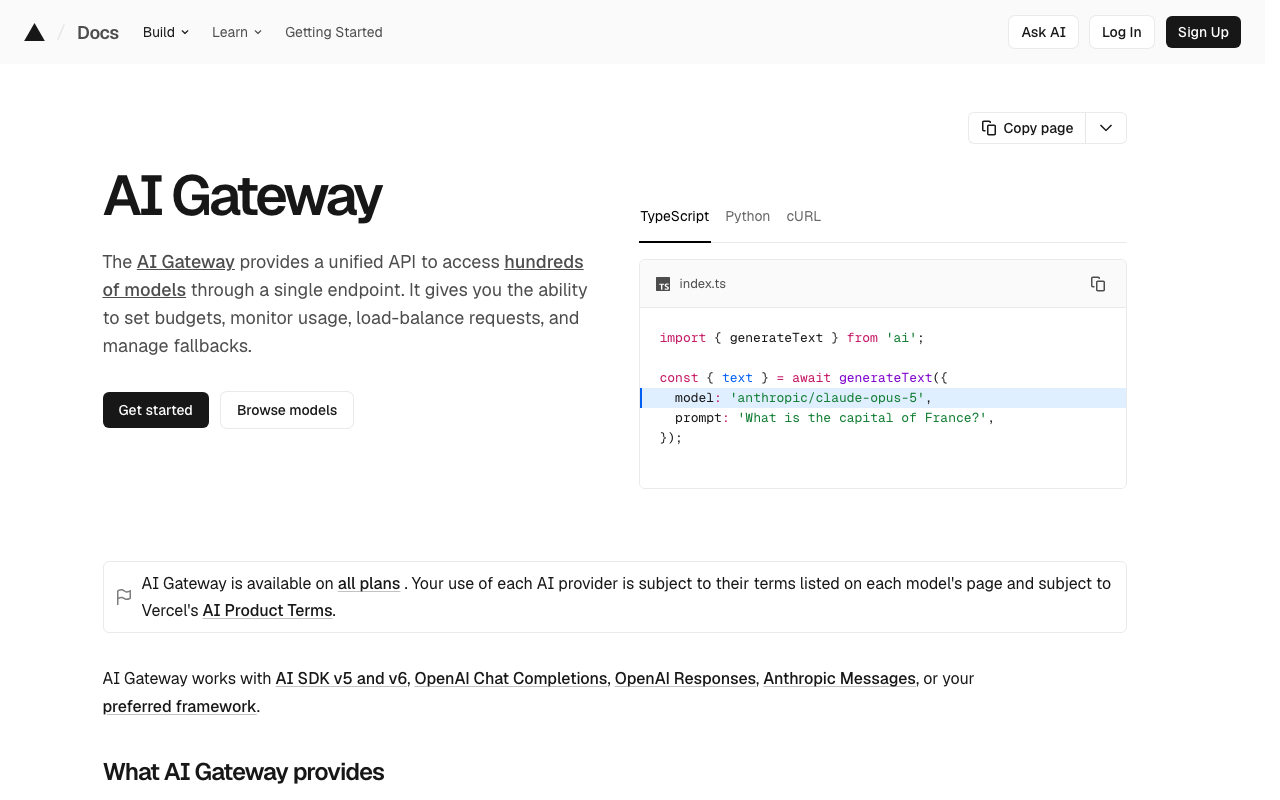
The platform-native option for applications already on Vercel and written against the AI SDK: one endpoint, many providers, no separate provider accounts, usage on a bill you already receive. It belongs to that stack rather than being a general policy gateway.
Pros
- Removes provider signup and key handling for teams already on Vercel
- Fits the AI SDK’s streaming and tool-calling abstractions, where application code lives
- Provider fallback and model switching without a contract with each provider
Cons
- Strongly coupled to one hosting platform; the value drops sharply if services run elsewhere
- Hard budget enforcement, audit trails and redaction are not its centre of gravity
Best for: Product teams on Vercel and the AI SDK who want model access and fallback without managing provider accounts.
Pricing: Usage-based on tokens routed through the gateway, billed alongside existing platform usage rather than as a separate contract.
Envoy AI Gateway
Envoy AI Gateway applies provider credentials, model routing and token-aware rate limiting as an Envoy-based layer, built in the Envoy ecosystem under open governance rather than by a single vendor. The data plane is already the proxy a platform team trusts, and no company’s roadmap decides your upgrade path.
Pros
- The data plane is Envoy, already in the request path in most meshes
- Multi-vendor governance rather than one company’s open-core product
- Kubernetes-native config fits GitOps and existing policy review, with no new control plane
- Token-aware rate limiting is first-class rather than approximated from request counts
Cons
- Assumes real Envoy and Kubernetes expertise; without it, the hardest option here
- No managed offering to fall back on, so capacity, upgrades and on-call are yours
- Prompt management, dashboards and evaluation are out of scope by design
Best for: Kubernetes platform teams already operating Envoy who want LLM policy in the data plane they run.
Pricing: Open source with no licence cost; the whole cost is infrastructure plus the engineers who operate it.
How to choose
Three questions, in order. They eliminate more candidates than any feature comparison.
Can you name every service that calls a model? If yes, and they share a language, a library is still cheaper — read the startup-stage version of this decision first. If no, you need a proxy, because you cannot roll a library out to services you cannot enumerate.
Can prompts leave your infrastructure? If not, the managed options are gone in one line, and your shortlist lives in the open source and self-hosted roundups.
Is the driver cost attribution, reliability, or a security review? Attribution needs virtual keys and hard budget enforcement. Reliability needs fallback plus streaming that survives a provider failing mid-response. A security review needs redaction, audit trails and an acceptable deployment mode — a different shortlist, in AI gateways for enterprise.
| Option | Where it sits | Picks itself when |
|---|---|---|
| OpenAI SDK direct (no gateway) | In-process | One service, one provider, a retry wrapper suffices |
| LiteLLM | Library or self-hosted proxy | You want self-hosted breadth and can run a stateful service |
| Portkey / Prisma AIRS | Managed proxy | The gateway must satisfy a security review |
| Kong AI Gateway | Self-hosted API gateway | Kong is already the front door for everything |
| Cloudflare AI Gateway | Managed edge proxy | You want logs and caching with nothing to run |
| OpenRouter | Managed aggregator | Model access beats governance |
| Helicone | Managed or self-hosted proxy | Nobody can see what the LLM calls are doing |
| Vercel AI Gateway | Managed platform proxy | The application already lives on Vercel |
| Envoy AI Gateway | Sidecar or mesh data plane | You already run Envoy and Kubernetes competently |
Keep the call sites boring whichever you pick. One function taking a model name and messages is what keeps the gateway replaceable; provider-specific parameters across forty call sites are what make it permanent. For the common shortlists head to head, see LiteLLM vs Portkey vs Kong.
Frequently asked questions
Does an AI gateway add meaningful latency?
Rarely when the call is not streaming — the hop is milliseconds against seconds. Streaming is where it hurts, because the number users feel is time-to-first-token, and any layer that buffers the response turns a stream into a delayed blob.
Do I need a gateway if I only use one provider?
Not for routing, possibly for everything else. Key custody, per-customer attribution, changing a prompt without a deploy and one consistent trace are all single-provider problems. If none hurt yet, a gateway is a dependency carried for a benefit you do not have.
What happens to my application if the gateway is down?
Whatever you designed, which by default is nothing good. Decide explicitly: fail closed, or fail open to a direct provider call with a key the service still holds. The second undermines key custody, so choose deliberately rather than during an incident.
Related reading
- Best AI gateways for startups — time to first routed request, and when a base-URL swap is enough.
- Best AI gateways for enterprise — the control list procurement and security block on.
- Best open source AI gateways — which features are genuinely open versus behind the paid tier.
- Best self-hosted LLM gateways — what running the hop yourself costs in operations.
- Best LLM observability tools — the agent-level traces a gateway structurally cannot see.
- Best AI gateways for compliance — redaction, residency and audit as hard requirements.