Open source in this category almost always means open core, and the interesting question is never whether the proxy is free. The proxy is free everywhere. The question is where the vendor drew the line, because that line was drawn deliberately at the features a team needs precisely when it stops being small.
The pattern repeats across nearly every product here. Routing, TLS, basic authentication and simple rate limiting are in the open build. Role-based access control over gateway configuration, audit logging, a developer portal, distributed rate limiting that is actually accurate, and a multi-environment control plane are in the commercial build. Those five are not a random selection. They are exactly what you need on the day a second team starts publishing APIs through your gateway, which is exactly the day your company became worth selling to.
That is not a criticism. It is a purchasing model, and it is a rational one. But it means “we will use the open source version” is only a plan if you have priced what the missing pieces cost to build and run, and most teams have not. Some of them are a weekend. One of them is a product.
So this article is organised around that line. What sits behind the wall in each project, what it genuinely costs to rebuild, and where the two foundation-governed options differ from the open-core ones.
Key takeaways
- The enterprise wall falls in a consistent place across vendors: governance, portal, accurate distributed rate limiting and multi-environment control planes. Everything in the request path is usually free.
- Rebuilding governance is cheap if you use Git as your control plane and expensive if you need a UI. Rebuilding a developer portal is a product, not a sprint.
- Foundation-governed projects like Apache APISIX and Envoy Gateway have no wall in the same sense, and pay for it in commercial support depth rather than features.
- The real cost of the open build is rarely the missing features. It is that nobody is accountable for the thing at 3am except you.
Where the enterprise wall falls, and what crossing it costs
Five capabilities account for nearly every commercial upgrade in this category. Here is what each one is actually worth building.
Role-based access control over gateway configuration. The requirement is that team A can edit its own routes and cannot edit team B’s, and cannot change TLS or bind new listeners. In a commercial product this is a UI with roles and workspaces.
You can rebuild it for close to nothing if you accept a different shape: put gateway configuration in a Git repository, split it by directory, and use code owners plus CI to enforce who may change what. The gateway then only ever receives configuration from a pipeline, and the admin API is disabled. This is genuinely better than most commercial RBAC implementations because the permission model is one your team already understands and the audit trail is the commit history.
It fails when you need non-engineers to make changes, or when a change must be possible during an incident without a pipeline run. Both are real, and neither is common enough to justify the upgrade on its own.
Audit logging of configuration changes. Same answer, and the Git history is strictly better evidence than most audit log implementations. Where this breaks down is when a compliance requirement specifies that the system enforcing the change records it, rather than the system proposing it. If an auditor will accept “all changes flow through CI from a protected branch”, you are done. If they will not, you are buying.
Developer portal. This is the expensive one and the one teams most consistently underestimate. A portal is a catalogue, rendered reference docs from a spec, self-service signup, key issuance and rotation, per-consumer usage visibility, and a support path. That is a product with a frontend, an identity system and a billing-adjacent data model.
Do not build this. If you need a portal, either buy the tier that has one, or assemble it from documentation tooling plus your existing identity provider and accept that the seams show. The middle path of building your own from scratch consumes a quarter and produces something worse than either.
Distributed rate limiting that is accurate. Most open builds ship rate limiting. The free version is frequently node-local, which means with three replicas the effective limit is three times what you configured, or it uses a shared counter with an approximation that drifts under load. The commercial version adds a proper distributed implementation, usually with a sliding window and better synchronisation.
Rebuilding this is a genuine engineering task but a bounded one: a Redis-backed counter with a chosen algorithm, careful handling of the failure case, and a decision about fail-open behaviour. It is a week of work plus ongoing operation of the store. Whether that is cheaper than the licence depends on how much accuracy you actually need, which is the argument in rate limiting solutions.
Multi-environment or multi-cluster control plane. Promoting configuration from staging to production with approval, running data planes across regions from one control plane, and keeping them consistent. In commercial products this is the headline feature.
The open source substitute is, again, your deployment pipeline. Environments are directories, promotion is a merge, and consistency is whatever your CD system guarantees. If you already run GitOps this is close to free. If you do not, the commercial control plane is buying you a deployment system for gateway configuration specifically, which is a strange thing to buy separately.
Needs first-hand data: Implement the Git-as-control-plane substitute for one real multi-team estate and track two numbers over a quarter: median time from a route change being proposed to it serving traffic, and the number of gateway incidents caused by configuration. Compare against the same numbers under a commercial control plane. This is the comparison that would actually settle the build-versus-buy argument and nobody has published it.
Open core and foundation governance are different risks
The seven options below split into two groups, and the distinction matters more than the feature lists.
Open core products are built by a company that sells the commercial build. Kong, Tyk, KrakenD, Traefik and Gravitee are here. The upside is coherent product direction, real documentation, and a support contract available when you need one. The risk is that the wall moves. Features have been relicensed or moved behind the commercial line across this industry often enough that you should treat the current boundary as a snapshot rather than a guarantee.
The practical defence is to check, for each feature you depend on, whether it is in the open build today and whether there is a plausible commercial reason to move it. Anything governance-shaped or multi-tenancy-shaped is at risk. Anything in the request-path plugin set is usually safe, because a gateway that cannot authenticate is not a gateway.
Foundation-governed projects are APISIX under the Apache Software Foundation and Envoy Gateway under the CNCF umbrella. There is no wall, because there is no single company with the right to move it. The tradeoff is different: commercial support comes from third parties with varying depth, and roadmap direction is a community process, which is slower and less coherent than a product manager with a deadline.
If your risk is procurement wanting a named vendor to call, open core is easier. If your risk is a licence change eighteen months into a deployment, foundation governance is the safer bet.
Kong Gateway
The open source Kong build is a complete, capable proxy: Nginx and OpenResty underneath, a large bundled plugin set, and a fully declarative configuration mode that needs no database at all. What is absent is everything a platform team wants once several teams share it, which is where the commercial line sits.
Pros
- The largest bundled plugin set of any open build here, so most policy needs are configuration rather than code
- Declarative mode with no database is a genuinely complete way to run it, not a limited fallback
- Custom plugin development in Lua is well documented and approachable, with a stable plugin API
- Enormous installed base, so operational problems have public answers
Cons
- RBAC, workspaces, audit logging and the developer portal are all commercial, which is precisely the platform-team feature set
- Open source rate limiting has weaker distributed accuracy than the commercial implementation, and the difference is easy to miss until it matters
- Plugin ordering interactions fail in ways the logs do not explain, and this is the most common source of Kong incidents
Best for: Teams that want the broadest plugin coverage without licence cost and will use Git plus CI as their governance layer.
Pricing: Open source build has no licence cost. The commercial offering meters on the hosted control plane and the number of data plane nodes or services under management.
Tyk
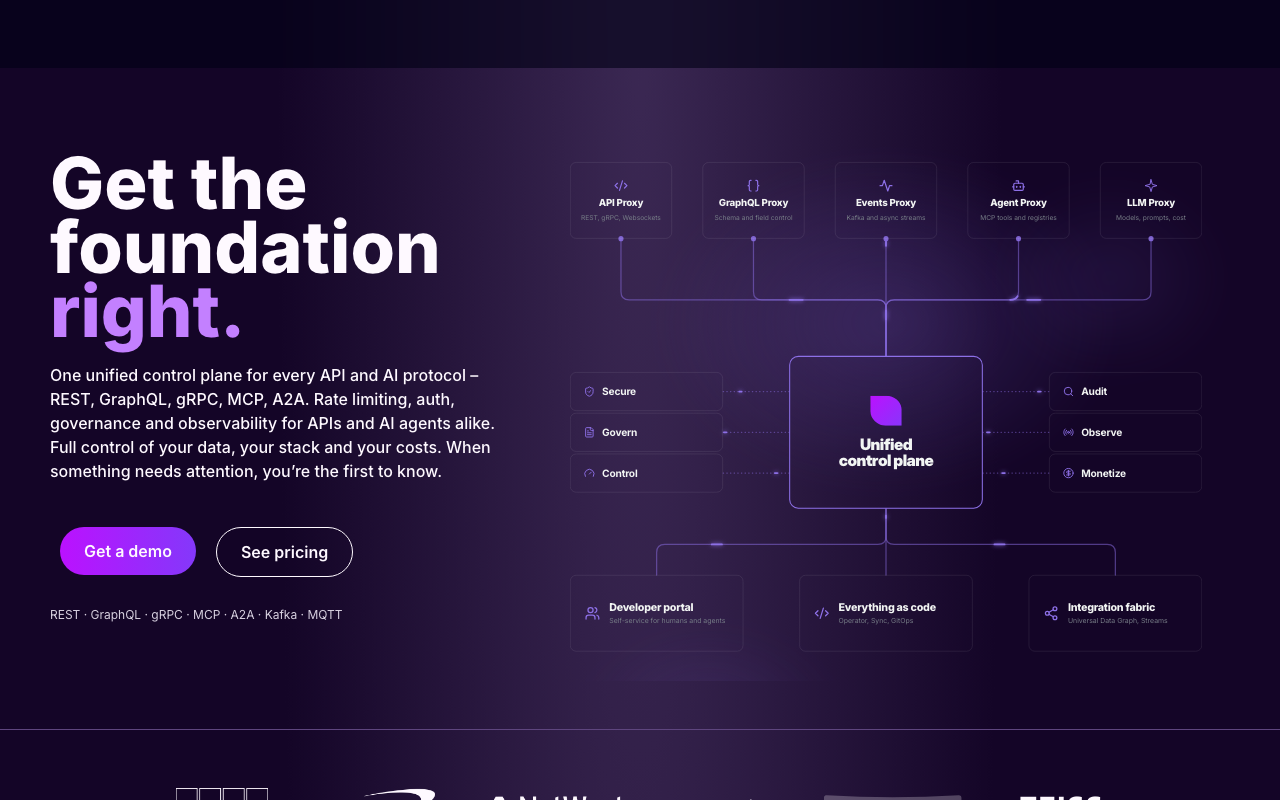
Tyk draws its commercial line in an unusual and, for many teams, a better place. The gateway itself is open source including key management, quotas and rate limiting, which are the features most vendors reserve. What you pay for is the dashboard, the portal and the multi-tenant management layer, meaning the humans-looking-at-it part rather than the request-path part.
Pros
- Policy features that are commercial elsewhere, including API keys, quotas and distributed rate limiting, are in the open build
- Single Go binary with Redis is a small operational footprint compared to an Nginx and Lua stack
- Native consumer and key semantics rather than treating them as a plugin afterthought, which is rare in an open build
- Multi-tenancy concepts exist in the data model, so the commercial upgrade is continuous rather than a re-architecture
Cons
- Redis is a hard runtime dependency for keys and quotas, so Redis availability is API availability
- Without the dashboard, day-to-day management is entirely API-driven, and the open source experience is noticeably rougher than demos suggest
- Smaller plugin ecosystem than Kong or APISIX, so unusual integrations mean writing Go middleware or running a plugin service
Best for: Teams who need API key and quota handling in the free build and can operate Redis at their API’s availability target.
Pricing: Open source gateway has no licence cost. Commercial tiers meter on dashboard, portal and the number of gateway nodes or managed APIs.
KrakenD
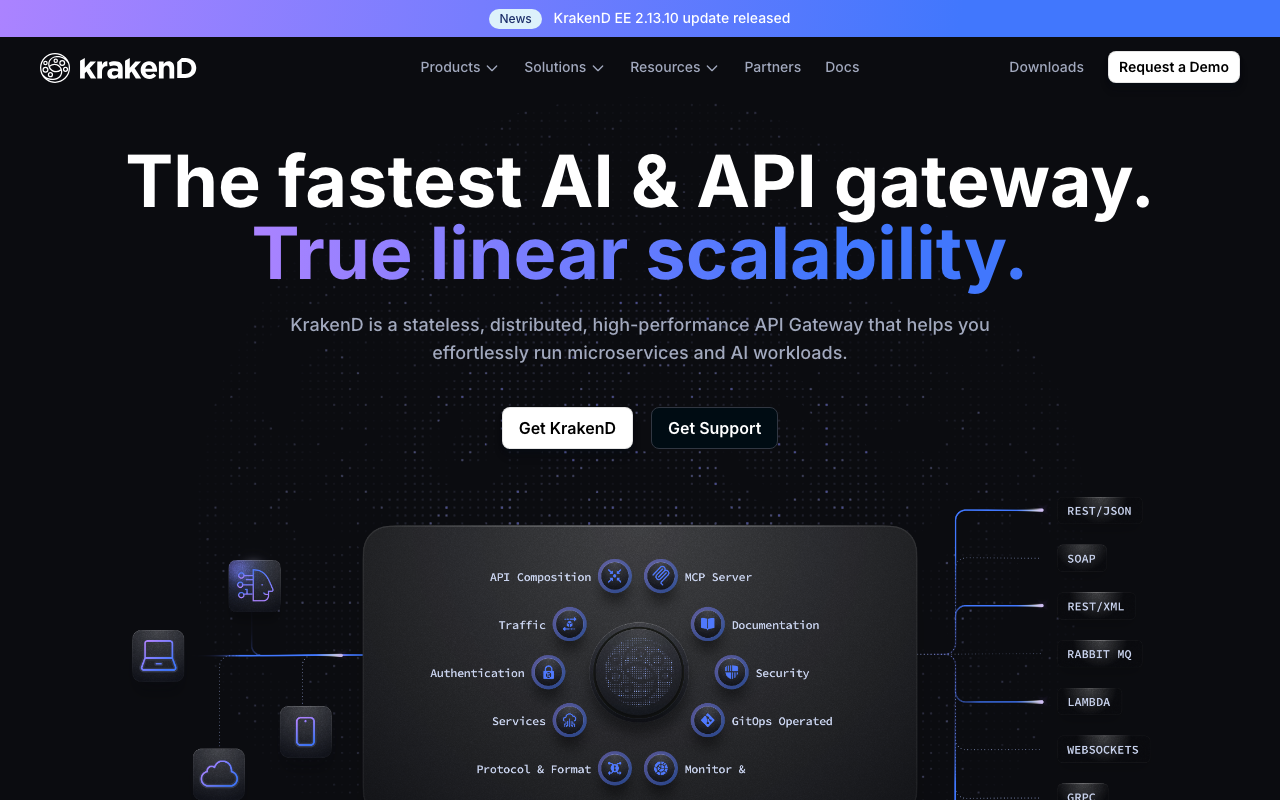
KrakenD’s open build is unusual because the architecture removes most of what the wall normally guards. There is no control plane to gate, no database to manage, and no runtime configuration API, because configuration is an immutable file baked in at startup. What is commercial is the tooling around authoring that file, plus additional policy modules.
Pros
- Stateless by design, so there is no control plane, datastore or admin API to secure or operate
- Immutable configuration means the running config is exactly what your repository says, with drift structurally impossible
- Backend aggregation and response manipulation are in the open build and remove a whole class of backend-for-frontend services
- Very small resource footprint and fast startup, which suits ephemeral and autoscaled environments
Cons
- No runtime configuration changes at all, so every route addition is a deployment, which is discipline for some teams and friction for others
- Distributed rate limiting needs external help because the stateless design has no shared counter
- The configuration file becomes large and repetitive for estates with many endpoints, and the generator tooling that addresses this is commercial
Best for: Teams that want an immutable, dependency-free gateway artefact and are comfortable deploying to change routing.
Pricing: Open source build has no licence cost. The enterprise build is subscription-based and adds authoring tooling, additional policy modules and support.
Apache APISIX
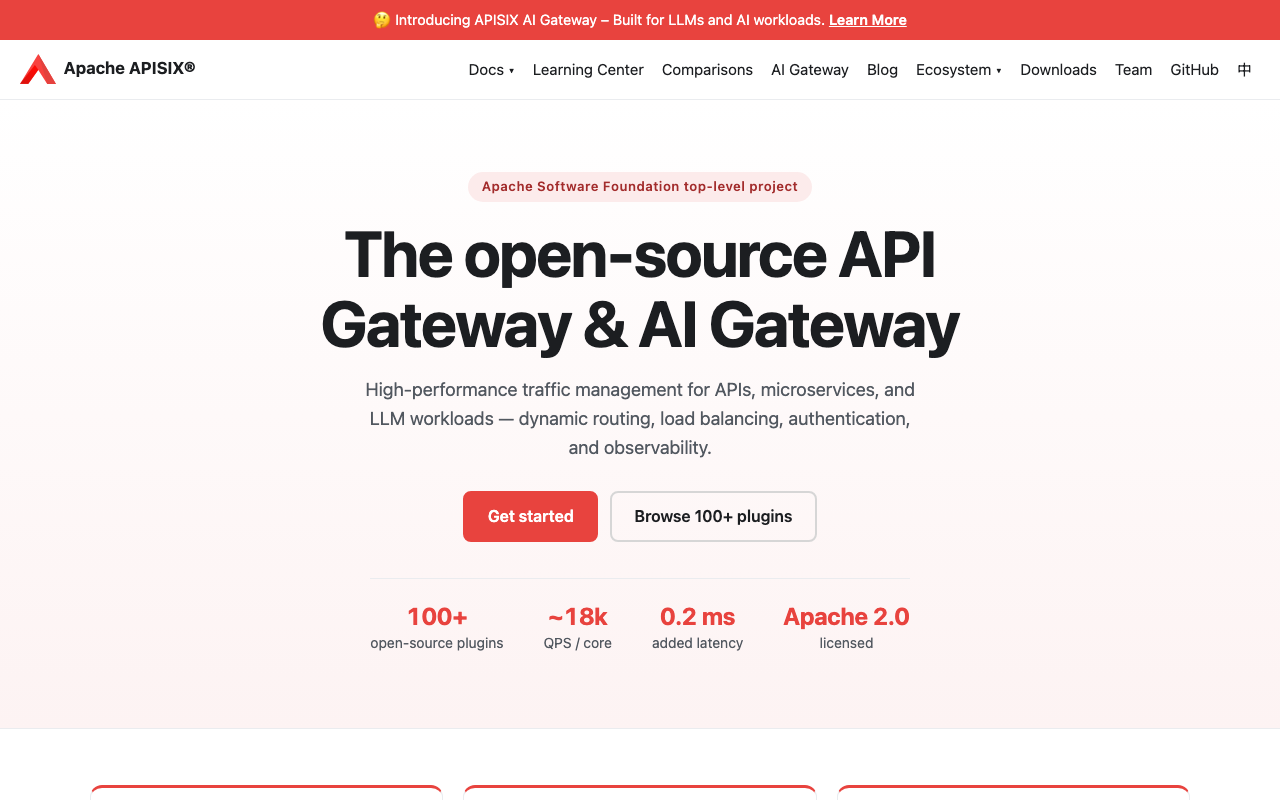
APISIX is the most feature-complete open build in this list, and the reason is governance rather than generosity. As an Apache Software Foundation project there is no company with the right to move features behind a wall, so the advanced authentication, traffic control and observability plugins that are commercial elsewhere are simply present.
Pros
- The broadest policy feature set available without any licence cost, including plugins that are commercial in every open-core competitor
- Plugin runners allow policy in Java, Go, Python or WASM rather than only Lua, which widens who on your team can extend it
- Foundation governance means the feature boundary will not move for commercial reasons
- Configuration propagates through etcd watches, so updates apply quickly without proxy restarts
Cons
- etcd is production infrastructure you now own, and its failure modes are genuinely unintuitive if you have not run it
- Documentation quality is inconsistent, and answers for less common configurations are more often in issue threads than in docs
- Commercial support comes from ecosystem vendors rather than a single accountable company, which some procurement processes will reject
Best for: Platform teams that want maximum capability with no licence cost and can absorb operating etcd.
Pricing: Apache-licensed with no licence cost. Commercial support and managed control planes are available from ecosystem vendors, priced by instance and support tier.
Traefik
Traefik’s open build is a capable reverse proxy with automatic service discovery and certificate management, and a limited middleware set. The commercial line here falls closer to the request path than in most competitors: several middlewares, including distributed rate limiting and some authentication options, are in the commercial build rather than the free one.
Pros
- Provider-based auto-discovery means routes follow your deployments rather than a parallel config that drifts
- Automatic ACME certificate management in the open build removes a recurring operational chore entirely
- Single binary with no external dependencies for basic operation, and the lowest learning curve here
- The same binary works as a Docker proxy, a Kubernetes ingress controller and a Gateway API implementation
Cons
- The commercial line includes request-path features, notably distributed rate limiting, which is unusual and easy to discover late
- No consumer or API key model in the open build, so per-customer quotas need another component
- Middleware plugin ecosystem is thinner than Kong or APISIX, so complex policy chains become awkward
Best for: Teams needing dependable routing, TLS and light middleware with minimal operational investment, where policy depth is not the requirement.
Pricing: Open source proxy has no licence cost. The commercial tier is subscription-based by instance, adding advanced middleware, a management interface and support.
Gravitee
Gravitee is the only option here whose open build includes a developer portal and a management console, not just a proxy. That is a meaningful difference given how expensive a portal is to rebuild. Its other distinguishing bet is event-native APIs, treating Kafka and MQTT as first-class backends rather than something you bridge to.
Pros
- Portal and management console are in the open build, which is the single most expensive thing to rebuild elsewhere
- Event and streaming protocol support is architectural rather than bolted on, which is rare in this category
- Self-hostable end to end, so data residency and air-gapped operation are achievable without a commercial tier
- Policy studio makes complex policy chains visible and editable without writing plugin code
Cons
- Substantially more components to operate than a single-binary gateway, since a full deployment is several services plus a datastore
- The open source and enterprise feature boundary moves more than most, so verify what your version includes rather than trusting a comparison page
- Smaller community than Kong or APISIX, so unusual problems are more often yours alone to solve
Best for: Teams that need a self-hosted gateway and developer portal together without licence cost, particularly where event streams are part of the API surface.
Pricing: Open source build has no licence cost. The enterprise build is subscription-based, scaled by environments and gateway instances under management.
Envoy Gateway
Envoy Gateway is the Envoy project’s own Kubernetes control plane, built around Gateway API as the native configuration model. There is no commercial build from the project itself, which puts it in the same governance category as APISIX: no wall, and correspondingly no vendor to call.
Pros
- No commercial build means no feature wall and no risk of a licence change moving one
- Gateway API is the native configuration model rather than a translation layer, so routing configuration is genuinely portable
- Envoy data plane brings mature HTTP/2, gRPC and observability behaviour with well-understood operational characteristics
- Considerably simpler to operate than a full service mesh while using the same proven proxy
Cons
- Kubernetes only, so it is not an option for VM or hybrid estates
- Younger than the alternatives, with a narrower policy feature set and thinner community answers when something goes wrong
- Rate limiting requires a separate rate limit service plus a datastore, which is more infrastructure than the single-binary options
Best for: Kubernetes-only teams standardising on Gateway API who want Envoy at the edge with no vendor relationship at all.
Pricing: Open source with no licence cost. The operational cost is the control plane, the rate limit service and its backing store.
How to choose
First, list the five walled capabilities and mark which you actually need. Governance, audit, portal, accurate distributed rate limiting, multi-environment promotion. Most teams need two of the five, and both are usually satisfiable with Git and CI. If you need the portal, that changes the answer more than anything else on this page.
Second, decide whether a licence change would hurt you. If you will have hundreds of routes and custom plugins in eighteen months, foundation governance is worth real weight, and APISIX or Envoy Gateway move up the list. If you will have twenty routes and could migrate in a fortnight, open core carries little risk and you get better documentation.
Third, count the processes you are agreeing to operate. This is the number that predicts whether the open build stays pleasant. A single binary with no dependencies is one thing. A proxy plus etcd, or a proxy plus a rate limit service plus Redis, or a full portal stack plus a datastore, is a platform.
Fourth, check what the request path depends on. Free rate limiting that is node-local is not rate limiting once you scale out. Free authentication that calls an introspection endpoint on every request is a latency decision you have not made yet. Read the plugin implementation, not the feature table.
| Project | Governance | Portal in open build | Distributed rate limiting in open build | Extra processes to operate |
|---|---|---|---|---|
| Kong Gateway | Open core | No | Present, weaker accuracy than commercial | None in declarative mode |
| Tyk | Open core | No | Yes | Redis |
| KrakenD | Open core | No | No, needs external help | None |
| Apache APISIX | Apache Software Foundation | No | Yes | etcd |
| Traefik | Open core | No | Commercial | None |
| Gravitee | Open core | Yes | Yes | Management API, portal, datastore |
| Envoy Gateway | CNCF ecosystem | No | Via separate service | Rate limit service and Redis |
If the deployment target is Kubernetes, the shortlist narrows and the ergonomics change enough to be worth reading separately in Kubernetes gateways. If you are weighing one of these against a managed platform, Kong vs Apigee vs AWS API Gateway frames that comparison. And if the traffic in question is model inference rather than conventional REST, open source AI gateways is a different category with different economics.
Needs first-hand data: For each candidate’s open build, run a deliberately hostile configuration test: apply an invalid policy, take down the backing store if there is one, and restart a node cold under load. Record whether traffic continues, whether the failure is visible in logs or metrics, and how long recovery takes unattended. The gap between open and commercial builds shows up here far more than in the feature table.
Frequently asked questions
Is the open source version of these gateways production ready?
Yes, for the request path, in all seven cases. These are the same proxies the commercial builds use, running the same code in production at large scale. What the open builds lack is management surface and governance, not reliability. The risk of running the open build is organisational rather than technical: nobody has a support contract when something unusual happens.
What actually breaks when rate limiting is node-local?
Your configured limit multiplies by your replica count, and it changes whenever you scale. A limit of one hundred requests per minute across five replicas is a limit of five hundred, and after an autoscale event it is a different number again. Worse, the enforcement is uneven, because load balancing does not distribute one consumer’s requests evenly. A consumer can be rejected by one replica while another would have allowed them.
Should I self-host or buy the managed version of the same product?
Ask who will be awake when it breaks. Self-hosting the same software is the right call when you have a platform team and a genuine reason to control the deployment, such as data residency or an unusual network. It is the wrong call when the alternative is one engineer running it as a side responsibility, because the failure mode is a gateway pinned at an old version that nobody wants to touch.
Can I run an open source gateway and a commercial portal separately?
Yes, and it is an underrated combination. The portal’s job is documentation, key issuance and usage visibility, which mostly needs an OpenAPI spec and a way to create credentials in the gateway. Assembling a documentation product with your identity provider in front of an open source gateway gets you most of the portal value without buying a platform. The seams are real but manageable.
How do I stop configuration drift without a commercial control plane?
Disable the admin API in production, or restrict it to a read-only role. Configuration then reaches the gateway only from your pipeline, which means the repository is the single source of truth by construction rather than by convention. This one change removes the most common cause of gateway incidents and costs nothing.
Related reading
- Best API management platforms — the category map, and whether the portal you are considering building is one you need.
- Best API gateways — mechanism first: what a gateway does to a request and what it costs you.
- Best API gateways for Kubernetes — a different shortlist once the target is a cluster.
- Kong vs Apigee vs AWS API Gateway — self-hosted versus enterprise suite versus fully managed.
- Best rate limiting solutions — what accurate distributed rate limiting costs to build yourself.
- Best API monitoring tools — watching a gateway you support yourself, from outside your own infrastructure.