Most passkey rollouts fail in the same two places, and neither of them is the cryptography.
The first is the prompt that cannot succeed. You show a passkey button to a user on a browser, device or managed configuration where the ceremony will not complete, they tap it, something flashes, nothing happens, and they go back to the password field believing your new login is broken. The WebAuthn API is not especially helpful here, because a lot of the reasons a ceremony fails are indistinguishable from the user simply cancelling it.
The second is the phone that fell in a lake. A passkey is a private key held by an authenticator. If the only authenticator holding the only credential is gone, the account is gone unless you built a recovery path, and the recovery path you built is now the real security level of the account. Teams ship the passkey flow, celebrate the phishing resistance, and then quietly bolt an emailed magic link onto the recovery route, which means the account is protected by an inbox.
Both problems are avoidable, and both are avoided by understanding the mechanism rather than the marketing. Passkeys are not a product you buy. WebAuthn is a web standard and passkeys are a naming convention layered on top of it, and every vendor in this article is selling you an implementation of the same specification plus the operational surface around it. Knowing what the specification actually does is what lets you tell the implementations apart.
Key takeaways
- A passkey is a key pair bound to your origin, held by an authenticator. The private key never reaches your server, so there is nothing to breach and nothing to phish.
- Discoverable credentials are what make usernameless login possible, and they consume limited storage on hardware security keys. Non-discoverable credentials do not, but require you to know who the user is first.
- Sync fabric is per ecosystem. An iCloud Keychain passkey and a Google Password Manager passkey live in different silos, and a user who switches phone platforms does not bring their passkeys along.
- Recovery defines your actual security level. A passkey account with emailed link recovery is an email account with extra steps, which may be fine, but should be a decision rather than a surprise.
WebAuthn and passkeys: the standard, not a product
Every vendor below implements the same specification. Getting the vocabulary right is what makes the vendor comparison meaningful.
What it gives you
A key pair bound to an origin. During registration, the authenticator generates a key pair. The private key stays in the authenticator. The public key goes to your server along with a credential ID. During authentication, your server sends a random challenge, the authenticator signs it, and you verify the signature against the stored public key. Nothing secret ever crosses the wire in either direction.
Phishing resistance, structurally. The signed data includes the relying party ID, which is your domain, and the browser refuses to use a credential registered for one origin on a different one. A convincing lookalike site cannot obtain a usable signature, because the browser will not produce one for the wrong origin. This is the property that no shared secret mechanism can match: it does not depend on the user noticing anything.
Two factors in one gesture. The authenticator is something you have. Unlocking it with a fingerprint, face or device PIN is something you are or know. User verification is signalled in the authenticator data flags, so your server can require it rather than hope for it. That is why passkeys are usually treated as more than a single factor, and why a separate second factor adds less on top than teams expect.
A relying party ID you should choose carefully. The relying party ID is a domain, and a credential registered for app.example.com will not work on example.com or on other.example.com. Registering against the registrable parent domain gives you credentials that work across your subdomains. This is a one line decision at implementation time that is painful to change later, because changing it invalidates every credential already registered.
Origin binding that extends to native apps. On iOS and Android, associating your app with your web domain through the platform association files lets the same passkey work in the app and on the web. If you have a mobile app, this is the difference between one credential and two. The practical details are covered in the mobile auth guide.
What it does not do
It does not manage sessions. WebAuthn ends the moment you verify the signature. Everything after that, including how long the session lives, how you refresh it and whether you can revoke it, is your problem and is covered in the session management guide.
It does not tell you who the user is, unless you asked for that. Authentication with a non-discoverable credential requires you to send a list of credential IDs, which means you already knew the identity. Usernameless login requires discoverable credentials, which is a registration time decision.
It does not give you account recovery. The specification has nothing to say about a lost authenticator. That is entirely your design.
It does not guarantee the ceremony is available. Whether a passkey can be created depends on the browser, the platform, the presence of a platform authenticator, enterprise policy, and whether the page is in a context the API permits. There is a capability API for part of this and it does not cover all of it.
Discoverable versus non-discoverable credentials
This is the distinction that most affects your UX, and it is the one most implementation guides gloss over.
A non-discoverable credential stores nothing meaningful on the authenticator. The credential’s state is encrypted into the credential ID itself, which your server stores and sends back during authentication in the allow list. The authenticator can only use it if you hand it the ID. Consequence: you must identify the user first, so the flow is username, then passkey.
A discoverable credential, sometimes still called a resident key, is actually stored on the authenticator along with the user handle and a display name. The authenticator can enumerate it without a hint from you, so you can start an authentication ceremony with an empty allow list and let the platform show the user their accounts. This is what makes the one tap, no username login possible, and it is why the platform can autofill a passkey into a login form.
The cost is storage. A platform authenticator backed by a phone or a password manager has effectively unlimited room. A hardware security key has a small, fixed number of discoverable credential slots, and when they fill up, registration fails. If your users include people with security keys registered against many services, this is a real failure you will see.
The practical answer for most consumer and B2B products is discoverable credentials, because usernameless login is most of the UX benefit. If you support hardware keys for a workforce population, be aware that you are consuming a scarce resource on their key.
Attestation, and why you probably do not want it
Attestation is the authenticator making a signed statement about what it is: make, model, and certification status. The registration response can carry a statement your server verifies against a metadata service to confirm that the credential lives in, say, a specific certified hardware key rather than a software authenticator.
There is a legitimate use for this. Regulated environments and workforce deployments sometimes need to guarantee that credentials live only in approved hardware. If you must enforce that, attestation is the only mechanism that does it.
For consumer and most B2B products, requesting attestation is a mistake. It adds a metadata service dependency, it creates a privacy signal that platforms deliberately restrict, and requesting it can change the user facing prompt in ways that reduce completion. Platform authenticators and password managers generally do not provide the kind of attestation that would let you make fine grained decisions anyway. Set the attestation preference to none unless you have a written requirement that says otherwise, and know that the requirement will make hardware keys mandatory for your users.
Why the platform authenticator matters
Authenticators come in two shapes and the difference drives everything about adoption.
A platform authenticator is built into the device: the secure enclave behind Face ID or Touch ID, the Android hardware backed keystore, Windows Hello. It is always present, it is unlocked by a gesture the user already performs dozens of times a day, and it needs no extra hardware. This is what makes passkey adoption plausible at consumer scale.
A roaming authenticator is external: a USB or NFC security key, or a phone acting as an authenticator for another device over the hybrid transport. It is portable across machines, which is its whole advantage, and it requires the user to have it with them.
The consequence for your rollout is that the platform authenticator determines your ceiling. If a meaningful share of your users are on managed enterprise laptops where the platform authenticator is disabled by policy, or on older devices, or in browsers that lag, your passkey adoption is capped regardless of how good your flow is. This is why capability detection before the prompt matters so much, and it is the single feature worth checking in every vendor in this list.
Needs first-hand data: Before you build anything, log the results of the platform authenticator availability and conditional mediation checks for every visitor to your login page, bucketed by operating system, browser and version. That distribution tells you the realistic adoption ceiling for your specific user base, which is the number every planning conversation needs and which no published figure can give you.
Cross device sync, and what it actually guarantees
The word passkey usually implies a synced credential, and the sync is per ecosystem.
Apple syncs passkeys through iCloud Keychain across devices signed into the same Apple account, end to end encrypted. Recovery of that keychain depends on Apple’s account recovery, which is outside your control and is the actual backstop for your users on Apple devices.
Google syncs passkeys through Google Password Manager across Android devices and Chrome profiles signed into the same account, with its own recovery model.
Third party password managers, including 1Password, Bitwarden, Dashlane and others, store passkeys in their own vault and sync across every platform their client runs on. This is the only sync fabric that crosses the Apple and Google boundary, and it is why a meaningful share of technically inclined users store passkeys in a manager rather than the platform.
Three consequences follow, and they are the ones your support team will meet.
A passkey is not portable between ecosystems. A user who registers a passkey on an iPhone and then switches to Android does not have that passkey on the new phone. They must register again, which means they must authenticate some other way first, which means your fallback path is load bearing during every platform switch.
Device bound credentials exist and behave differently. A credential created on a hardware security key does not sync anywhere. If the key is lost, the credential is gone. The registration response carries flags indicating whether a credential is backup eligible and whether it is currently backed up, and those flags are worth storing, because they tell you whether this particular credential survives the loss of the device it was made on. A user whose only credential is not backup eligible is one dropped key away from lockout, and you can know that at registration time.
Cross device authentication works but is not sync. The hybrid transport lets a user authenticate on a laptop using a passkey on their phone, over a QR code and a local proximity check. This is genuinely useful and it is how a user on a borrowed or corporate machine gets in. It is also slower, it needs both devices, and it needs Bluetooth enabled, which is a step users find confusing the first time.
The fallback path, and why it decides your rollout
You do not get to ship passkeys only. Plan the fallback as a first class flow.
Detect before you offer. Check for platform authenticator availability and for conditional mediation support before rendering a passkey affordance. Offering a ceremony that cannot complete produces a user who believes your login is broken, and that impression is expensive.
Use autofill rather than a button where you can. Conditional mediation lets the browser surface available passkeys in the username field’s autofill, so the user taps their account and is done. The fallback is the same form, working the way it always did. This is the flow with the least breakage, because a user with no passkey sees nothing unusual.
Keep one non-passkey path that actually works. For most products this is an emailed one time code, which brings the deliverability considerations covered in the passwordless authentication guide. For workforce systems it is more often an existing SSO path. Whatever it is, it is now your weakest credential and it should be protected accordingly.
Handle the enterprise device honestly. Managed laptops with the platform authenticator disabled, browsers pinned to old versions, and virtual desktop environments where the hybrid transport does not work are all real. In B2B products these are not edge cases, they are specific customers, and the right answer is usually per tenant configuration rather than one global flow.
Store enough to debug. Record the credential ID, the authenticator AAGUID where available, the backup eligibility and backup state flags, the transports, and the creation time for each credential. When a user cannot log in, that row is the difference between a diagnosis and a shrug.
Account recovery when the only credential is gone
This is the part of a passkey programme that is genuinely hard, and it is mostly not a technical problem.
Push for a second credential at enrolment. The cheapest recovery is another passkey on another device, registered while the user is already authenticated. Prompting for it immediately after the first registration, while the user understands what is happening, is far more effective than asking later. If a user has two credentials in different sync fabrics, most lockout scenarios disappear.
Decide what recovery is allowed to do. There is a real difference between recovery that grants a session and recovery that registers a new passkey. The second is more dangerous, because it creates a durable credential. Requiring a step up, a delay, or both before a recovery flow can register a new authenticator is the control that stops recovery from becoming the preferred attack path.
Impose a cooling period for high value accounts. A recovery that registers a new credential should notify every channel on file and, where the account matters, should not take effect immediately. The waiting period is the most effective single control against takeover through recovery and the most frequently omitted.
Revoke on recovery. Every existing session and refresh token must die when an account is recovered, and the old credentials should be removed or marked for review. If the attacker got in first, a recovery that leaves their session alive has solved nothing.
Do not let support be the bypass. A help desk that can remove a passkey and send a login link after a few questions is a social engineering target, and it undoes the phishing resistance you just bought. If humans can restore access, the identity check they perform is your real authentication mechanism and should be designed as one.
Needs first-hand data: Count how many of your passkey enrolled users have exactly one credential, and break that down by whether the backup eligibility flag was set at registration. The users with one non-backup-eligible credential are your lockout queue, and you can email them a prompt to register a second one before it happens.
Corbado
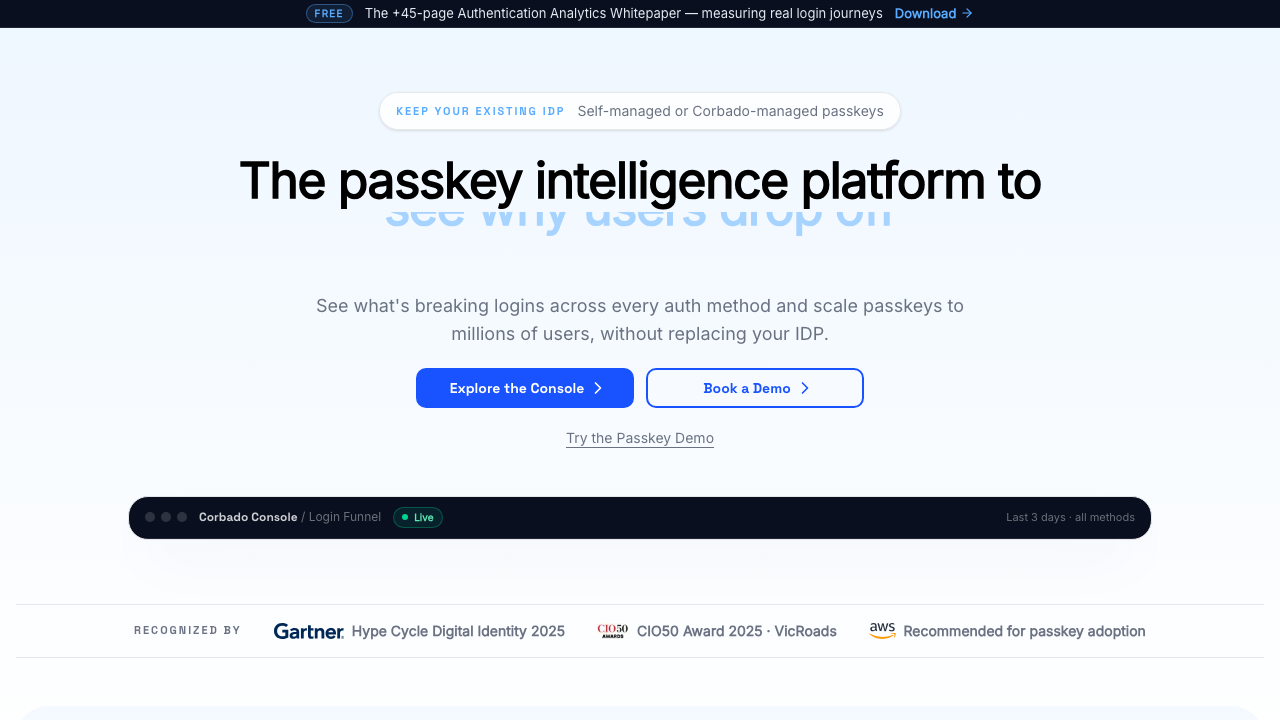
Corbado is built for one job: getting passkey adoption up on an application that already has an authentication system. It sits in front of or alongside your existing provider and handles the parts of a rollout that generalist platforms treat as an afterthought, particularly device and browser capability detection before a prompt is shown and the fallback chain when the ceremony cannot complete.
Pros
- Capability detection before prompting, which directly addresses the most damaging passkey UX failure
- Designed as a layer over an existing identity system, so adopting passkeys is not an identity migration
- Narrow focus means the passkey specific edge cases, including hybrid transport and autofill behaviour, get real attention
- Adoption analytics around the passkey funnel, which is the data you need to justify the project internally
Cons
- Not a complete identity platform, so sessions, tenancy, SSO and user management still come from somewhere else
- Another vendor on the critical login path, which is a new availability dependency in front of an existing one
- Strategic exposure: the incumbent providers keep improving their own passkey support, which narrows the gap this product exists to fill
Best for: Teams with a working auth system and a mandate to raise passkey adoption without replacing the identity layer.
Pricing: Metered on active users of the passkey layer, positioned as an addition to existing identity spend rather than a replacement.
Hanko
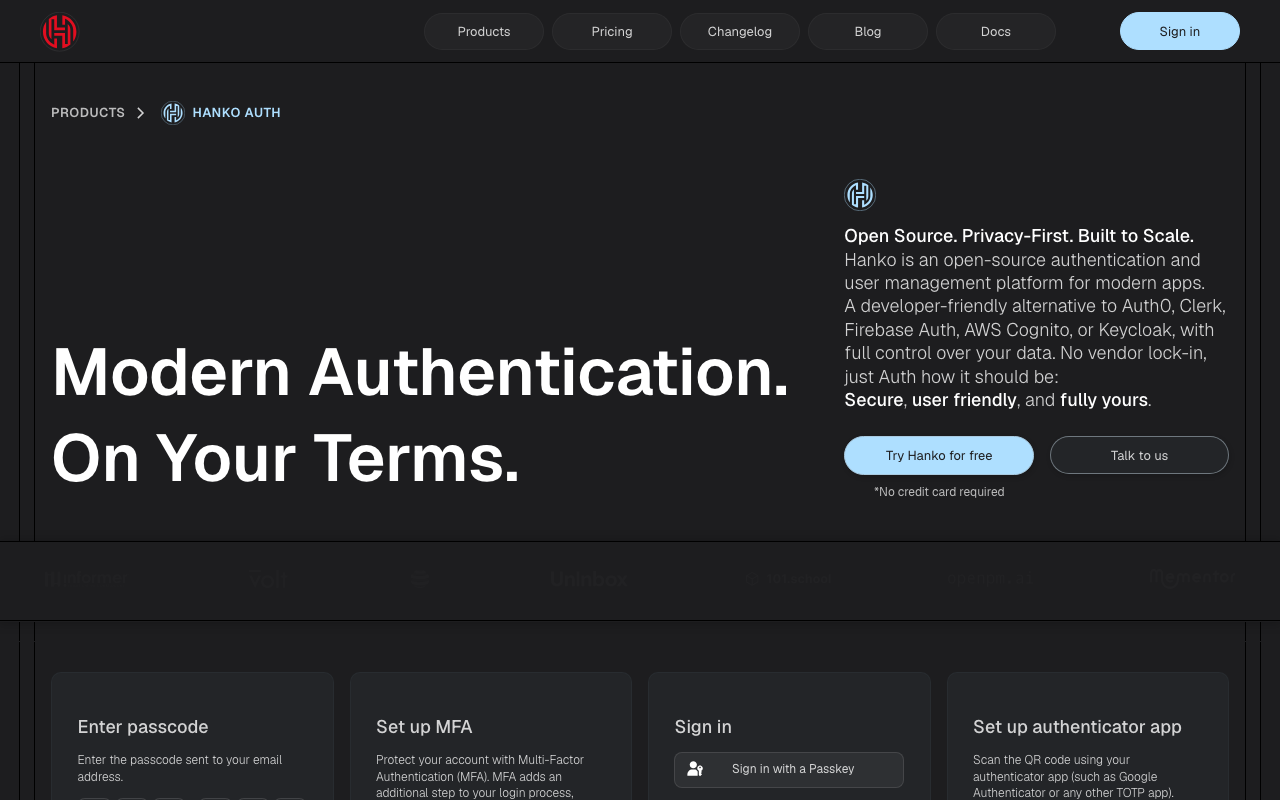
Hanko is an open source, self-hostable authentication service designed passkey first. The web component gives you a login surface where the passkey is the default path and email codes are the fallback, rather than the reverse. Because the whole thing is open source and small, the exact ceremony handling and fallback logic is readable rather than inferred.
Pros
- Passkey first ordering by default, which is the ordering you want and rarely the one a password era platform gives you
- Self-hostable, so credentials and user records stay inside your infrastructure and compliance boundary
- The drop in component includes the enrolment prompt and credential management screens that in-house builds usually skip
- Small enough to read end to end, which matters when you need certainty about what the fallback does
Cons
- Self-hosting puts you on the hook for availability and upgrades of a service that gates every login
- Narrow feature surface: enterprise SSO, SCIM and multi-tenant administration are not the product
- Smaller ecosystem than the platforms, so adjacent integrations are more often written than installed
Best for: Teams who want a self-hosted, passkey first login and do not need enterprise identity features from the same vendor.
Pricing: Open source with no licence cost when self-hosted, plus a managed cloud metered on active users; self-hosting costs infrastructure and ownership time.
Stytch
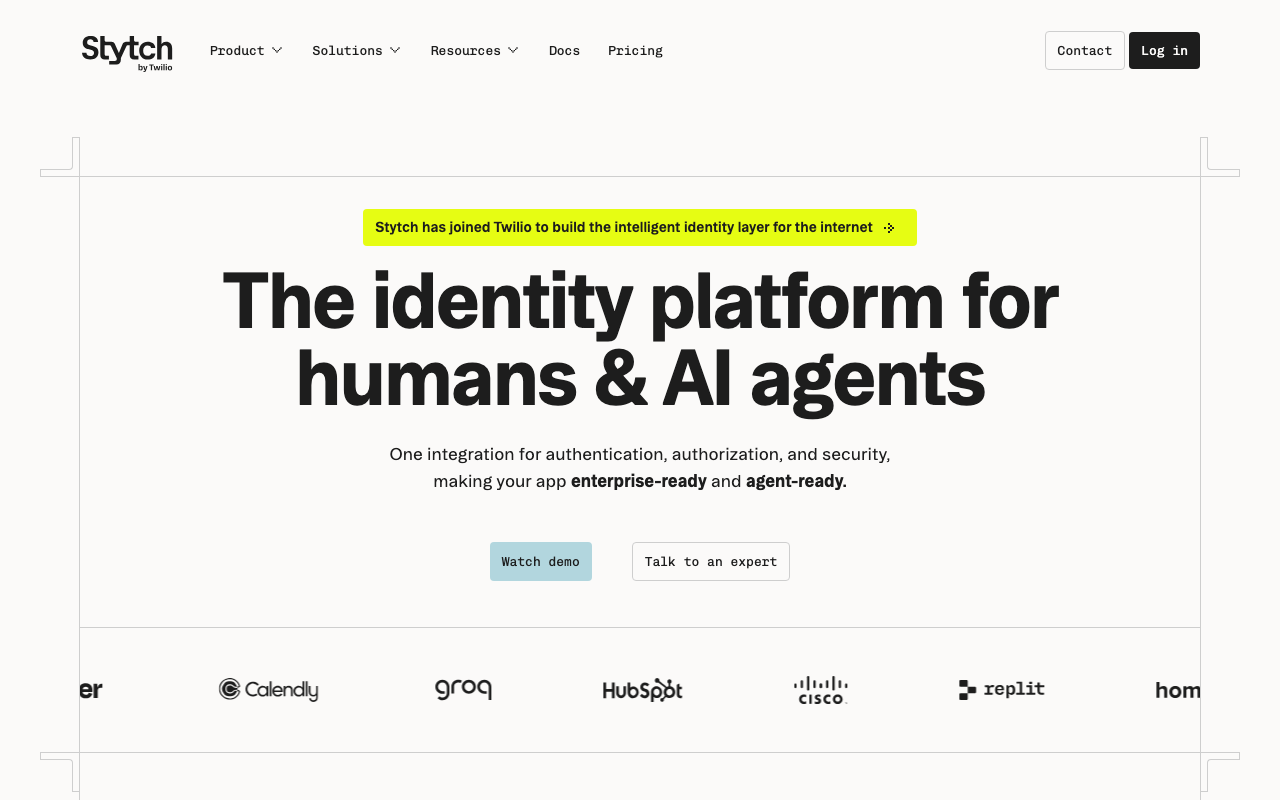
Stytch offers passkeys as part of an API first authentication platform, alongside magic links, one time codes, OAuth and sessions. The relevant property for passkeys is that the API is low level enough to control the ceremony properly: you can implement autofill driven authentication, manage multiple credentials per user, and build the fallback chain you actually want rather than the one a widget assumes.
Pros
- Headless APIs give you control over the ceremony, which is necessary for conditional mediation and custom fallback logic
- Passkeys share the user and session model with the other passwordless mechanisms, so the fallback is not a second integration
- Separate B2C and B2B product lines, so per organisation passkey policy in a multi-tenant app is supported rather than improvised
- Device and fraud signals around the login, which is where passkey-only vendors have the least to offer
Cons
- More integration work than a drop in component if a login box this week is the requirement
- Credential records live with the vendor, which makes a later migration a project and raises residency questions in enterprise deals
- Two product lines means the documentation and the meter you are reading may not be the one that applies to you
Best for: Teams building a passkey first flow in code, who need magic link or code fallback from the same platform and tenancy from the same user model.
Pricing: Metered on monthly active users with separate meters for the consumer and B2B lines; messaging for fallback channels is billed as a pass through.
Descope
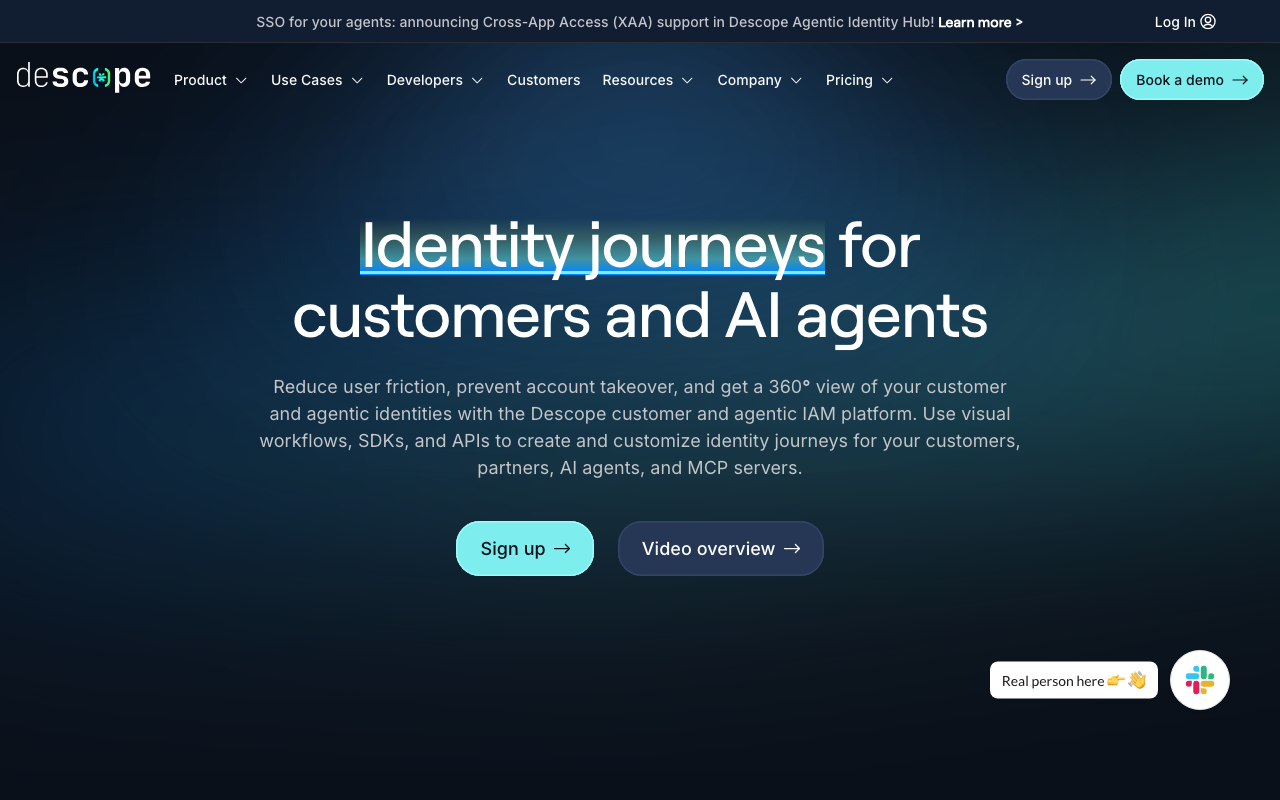
Descope’s visual flow builder is a good structural fit for passkeys specifically, because a passkey rollout is mostly branching logic. Try the passkey, detect that the device cannot, fall back to a code, step up when a risk signal fires, prompt for a second credential after a successful first registration. Expressing that as an editable flow rather than conditionals in an auth service makes it far easier to change when reality disagrees with your plan.
Pros
- The fallback chain is explicit and editable, which is exactly where hand rolled passkey implementations decay
- Flow changes do not require a deploy, so responding to a device or browser problem is minutes rather than a release cycle
- Per tenant flow variation, which matters when one enterprise customer’s managed devices cannot complete the ceremony
- Passkeys sit alongside every other factor in one product, so the fallback is configuration not integration
Cons
- Login logic living in a vendor console rather than your repository means diffing, review and rollback are the vendor implementation
- Deep customisation eventually pushes you into the SDK anyway, and the visual abstraction can then be in the way
- Younger and smaller than the incumbents, which surfaces in enterprise procurement and in the depth of community answers
Best for: Teams whose passkey rollout needs real branching across device capability and tenant policy, expressed as a flow rather than code.
Pricing: Per monthly active user tiers, with tenancy and advanced flow capabilities gated to higher tiers and messaging metered separately.
Auth0
Auth0 supports passkeys inside a mature identity platform, which means passkeys coexist with enterprise connections, social login, MFA policies and the actions pipeline. For an organisation that already runs Auth0, enabling passkeys is a configuration and UI exercise rather than a new vendor relationship, and that is usually the deciding factor.
Pros
- Passkeys sit next to enterprise SSO, social login and adaptive MFA in one system, serving several user populations from one integration
- Actions let you attach custom logic to registration and authentication, including enforcing a second credential or a step up before recovery
- Mature operational surface: audit logs, log streaming, tenant separation and the evidence enterprise buyers request
- Large body of documentation and community answers, which shortens debugging on unusual devices
Cons
- Pricing is the most common reason teams evaluate alternatives, and passkey support does not change that calculus
- Passkeys are a feature in a large platform, so the ceremony level controls are less granular than a passkey focused vendor provides
- The universal login customisation model constrains how far you can take autofill driven flows compared to a headless implementation
- Configuration complexity is real, and tenant drift between environments is a recurring source of login incidents
Best for: Organisations already on Auth0, or those who need passkeys alongside enterprise SSO and compliance artefacts from one platform.
Pricing: Monthly active user tiers with enterprise connections and advanced security priced separately.
Clerk
Clerk ships passkeys inside its prebuilt component set, which means the enrolment prompt, the credential list, the rename and delete actions, and the multi-device management screens exist without you building them. For passkeys in particular this is worth more than it sounds, because credential management is the part of a passkey programme teams consistently postpone and users consistently need.
Pros
- Credential management UI ships with the product, including listing, naming and removing passkeys per device
- Enabling passkeys is close to a settings change rather than an integration, which makes an experiment cheap
- Component quality is high enough to use unmodified, so the passkey flow looks finished on day one
- Strong Next.js and React integration, discussed further in the Next.js auth guide
Cons
- Opinionated components limit how far you can customise the ceremony, and full control means dropping to lower level APIs
- JavaScript framework centric, so native mobile and non-JS backends are less well served
- Credentials and user data live with the vendor by design, which makes migration a real project
- Per active user pricing catches products with large, low value user bases
Best for: JavaScript product teams who want passkeys plus complete credential management shipped quickly rather than built.
Pricing: Free entry tier with per monthly active user pricing above it and separate charges for organisation features.
SuperTokens
SuperTokens is an open source authentication framework with a recipe model, and passkey support sits alongside its passwordless, social and session recipes. Its advantage in this list is the combination of self-hosting and a session layer that was designed rather than assumed, which matters because revoking sessions after a recovery event is the part of a passkey programme that stateless implementations get wrong.
Pros
- Self-hosted deployment keeps credential records in your own database, removing both migration risk and residency questions
- The session recipe underneath handles rotation and revocation properly, which recovery flows depend on
- Open source, so the exact ceremony handling and fallback ordering is readable
- Recipes compose, so adding passkeys to an existing passwordless deployment does not change the data model
Cons
- Self-hosting adds a core service on the critical path of every authenticated request
- Enterprise features such as SAML, directory sync and admin delegation are thinner than the platforms
- The recipe abstraction is comfortable until you need behaviour it did not anticipate
- Smaller community means fewer existing answers for unusual device and browser combinations
Best for: Teams who want self-hosted passkeys with genuinely good session handling, without adopting a full identity platform.
Pricing: Open source and free to self-host at infrastructure cost; the managed service is metered on monthly active users with paid add ons.
Keycloak
Keycloak is the open source identity and access management server that a large share of self-hosted identity runs on, and it supports WebAuthn both as a passwordless authenticator and as a second factor, configurable per realm through the authentication flow editor. If you already run Keycloak, passkeys are a flow configuration rather than a new system, and the attestation and authenticator policy controls are more granular than most commercial products expose.
Pros
- Fine grained WebAuthn policy per realm, including user verification requirements, attestation preference and acceptable authenticator lists
- Authentication flows are fully configurable, so a passkey first flow with a specific fallback chain is built in the admin console
- Runs entirely inside your infrastructure with no vendor in the login path at all
- Mature and widely deployed, so the failure modes are well documented by a large operator community
Cons
- You operate it, which means HA, database, key rotation, upgrades and being the person who patches it when a CVE lands on a Friday
- The admin console and flow editor are powerful and genuinely unfriendly; a misconfigured flow is easy to produce and hard to spot
- Upgrades between major versions have historically required real migration work, and the configuration surface makes regressions easy
- Default login screens need meaningful work before a consumer product would ship them
Best for: Organisations already running Keycloak, or those who need WebAuthn policy control and refuse to put a vendor on the login path.
Pricing: Open source with no licence cost; you pay in infrastructure and in the engineering time to run and upgrade it. The self-hosted identity provider guide covers what that involves.
1Password
1Password is not an authentication provider, and it appears here because it is part of your passkey deployment whether you choose it or not. It stores passkeys in a vault that syncs across every platform its client runs on, which makes it the main cross ecosystem sync fabric available to your users, and its enterprise product is how many organisations will actually hold workforce passkeys.
Pros
- Passkeys sync across Apple, Google, Windows and Linux in one vault, which the platform providers deliberately do not do
- Enterprise administration for a workforce population, including recovery paths controlled by the organisation rather than by a consumer cloud account
- Sharing and vault structure give teams a credible answer for shared or service accounts, which platform passkeys handle badly
- For your users, it removes the ecosystem lock that otherwise forces re-registration on every platform switch
Cons
- It is a credential manager, not a relying party implementation; you still need one of the other options in this list to build the login
- Its presence on your users’ devices is not something you control, so you cannot design a flow that assumes it
- Adding a manager to a workforce deployment means the manager’s own account recovery becomes part of your threat model
- Consumer adoption is far from universal, so it solves the cross ecosystem problem only for the users who already use it
Best for: Workforce deployments where passkeys need to survive platform switches and be administered by the organisation rather than by each user’s personal cloud account.
Pricing: Per user subscription for individuals, families and business tiers, with enterprise administration in the higher business tiers.
How to choose
The vendor question is downstream of three decisions you should make first.
Are you adding passkeys to an existing system or building new? Adding to an existing system points at a layer that does not require migrating your identity data. Building new means you are choosing an auth platform and passkeys are one criterion among many; start from the authentication provider hub.
Is your population consumer or workforce? Consumer means platform authenticators, synced credentials, autofill driven login and an emailed fallback. Workforce means managed devices, possible hardware key requirements, attestation, and a fallback that routes through existing SSO rather than email. These are different products even when the same vendor sells both.
Do credential records have to stay in your database? That reduces the list to the self-hostable options immediately. It is a decision better made now than during a migration, and the open source authentication guide covers the operational cost.
Then check three things in whichever vendor you shortlist, because they separate a real passkey implementation from a checkbox. Does it support conditional mediation so passkeys appear in autofill rather than behind a button? Does it expose the backup eligibility and backup state flags so you can identify users whose only credential is device bound? Does it ship credential management UI, or is that yours to build?
| Option | Shape | Picks itself when |
|---|---|---|
| Corbado | Passkey adoption layer | You have an auth system and need adoption, not a migration |
| Hanko | Open source, passkey first | You want passkey first login you run yourself |
| Stytch | API first platform | You need ceremony level control plus a code fallback |
| Descope | Visual flow platform | Device and tenant branching is the hard part |
| Auth0 | Full identity platform | Passkeys must coexist with enterprise SSO and compliance |
| Clerk | Prebuilt components | You want credential management UI without building it |
| SuperTokens | Open source framework | Self-hosted passkeys with serious session handling |
| Keycloak | Self-hosted IAM server | You need WebAuthn policy control and no vendor in the path |
| 1Password | Credential storage | Workforce passkeys must survive a platform switch |
One closing point that costs nothing. Prompt for a second credential immediately after the first registration succeeds. It is the cheapest recovery mechanism available, it happens while the user is authenticated and paying attention, and it removes most lockout scenarios before they exist. Nearly every passkey deployment skips it and nearly every one regrets it.
Frequently asked questions
What is the difference between a passkey and WebAuthn?
WebAuthn is the browser API and the specification underneath. A passkey is a WebAuthn credential, usually a discoverable one that syncs through a platform or password manager, presented to users with consistent naming and UI across the ecosystem. Every passkey is a WebAuthn credential; not every WebAuthn credential is what people mean by a passkey, because a device bound credential on a hardware key does not sync and behaves differently on loss.
What happens if a user loses the device with their passkey?
It depends on whether the credential was synced. A passkey in iCloud Keychain, Google Password Manager or a password manager vault is recoverable by signing into that account on a new device, and your application is not involved. A device bound credential on a hardware key or a non-syncing authenticator is gone permanently, and the user needs your recovery path. The registration response tells you which kind you stored through the backup eligibility flag, so you can identify the exposed users in advance and prompt them to register a second credential.
Should I require attestation?
Almost certainly not. Attestation exists so a relying party can verify what kind of authenticator holds a credential, which is useful only if you have a written requirement to restrict credentials to approved hardware. Requesting it adds a metadata service dependency, can change the user prompt in ways that reduce completion, and yields little for platform authenticators and password managers. Set the preference to none unless a regulator or security policy says otherwise, and understand that requiring it means requiring hardware keys.
Can passkeys replace MFA entirely?
For most consumer and B2B products, yes, for the login itself. A passkey combines possession of the authenticator with user verification through biometric or PIN, and the origin binding removes the phishing attack that a second factor is usually added to mitigate. What it does not replace is step up authentication before sensitive actions and a recovery path that is not weaker than the login. The comparison against traditional factors is in the MFA provider guide.
Related reading
- Best authentication providers for developers — the platform decision that sits above this one.
- Best passwordless authentication providers — magic links and one time codes, which is what your passkey fallback will be.
- Best MFA providers for developers — how passkeys compare to TOTP, push and SMS on interception risk.
- Best session management libraries — what happens after the signature verifies, including revocation on recovery.
- Best auth solutions for mobile apps — associating your app with your domain so one passkey covers both.
- Best self-hosted identity providers — what running Keycloak or an equivalent actually costs.