The first time passwordless breaks in production it does not arrive as an auth incident. It arrives as a support queue. Nobody can log in, nothing is down, every dashboard is green, and the tickets all say some version of “I never got the email.”
That is the trade you made when you deleted the password field. A password is a credential the user holds and your database verifies. A magic link or an emailed code is a credential you mint and then hand to a third party for delivery, and that third party is a mail provider, a corporate mail gateway, and a spam filter you have never configured. Your login now has an availability dependency on infrastructure you do not own, cannot page, and cannot roll back.
That is not an argument against passwordless. Password reset flows already had exactly this dependency, so most teams were already one inbox away from a lockout and simply never counted it. The argument is that passwordless promotes a fragile path from the recovery flow to the primary flow, which means the failure rate that used to affect the few percent of users who forgot their password now affects everybody, every session.
The second thing worth getting straight before you shortlist a vendor is that “passwordless” is a marketing label over three genuinely different products. Magic links, one time codes and passkeys have different threat models, different UX shapes, different support burdens and different things that go wrong. A provider that is excellent at one can be mediocre at another, and buying the category rather than the mechanism is how teams end up shipping the wrong one.
Key takeaways
- Magic links, emailed or texted one time codes, and passkeys are three separate mechanisms. Only passkeys remove the shared secret in transit; the other two move it into a channel you do not control.
- Email deliverability is the real availability risk. A login mail that lands in a spam folder or is delayed by a corporate gateway is an outage that never shows on your status page.
- Magic links break in ways codes do not: link scanners in security gateways consume single use tokens, and opening the link in the mail app browser starts the session in the wrong browser.
- Account recovery is not a feature you add later. In a passwordless system the recovery path is the weakest credential you have, and it defines your actual security level.
The three mechanisms, and what each one actually costs you
Magic links
A magic link is a single use, time limited token embedded in a URL, delivered to an address you believe belongs to the user. Clicking it proves control of the inbox and your server exchanges the token for a session.
The appeal is that it is one click and there is nothing to type. The problems are specific and they all come from the fact that a URL in an email is handled by software before it reaches a human.
Security gateways pre-fetch links. Corporate mail security products, and several consumer providers, follow URLs in inbound mail to check them for malware. If your token is single use and consumed on GET, the scanner burns it and the user clicks a link that says “this link has expired.” This is the single most common magic link support ticket in B2B products and it is not a bug in your code. The mitigations are real but each has a cost: require a POST or an explicit button click on a landing page so a GET does not consume the token, allow a small number of uses within a short window, or bind the token to a code the user must confirm.
The browser context breaks. The user requested the link in Chrome on their laptop and opened it in the in-app browser of their mail client on a phone. The session gets created in the wrong browser, on the wrong device, and the original tab is still spinning. Handling this well means binding the link to the originating session and either completing the original tab over a websocket or polling endpoint, or telling the user plainly what happened. Handling it badly means users log in twice a day and think your product is broken.
Delivery latency is user-visible in a way it never was for password reset. Nobody minds a reset mail taking ninety seconds. Everybody minds it on every login.
One time codes
An emailed or texted numeric code inverts the tradeoff. The user types six digits into the tab they are already in, so the browser context problem disappears entirely and link scanners have nothing to consume. You keep the delivery dependency and you add typing.
Codes are also easier to reason about operationally. You can rate limit per address and per IP, you can lock after a fixed number of wrong attempts, and the code never appears in a URL that ends up in browser history, a Referer header, or a screenshot pasted into a support ticket.
The failure mode codes introduce is phishing and real time relay. A user who can be convinced to read six digits to someone on the phone has handed over their account, and there is no technical defence in the mechanism itself. SMS delivery adds interception and SIM swap on top, which is covered properly in the MFA provider guide; the short version is that SMS is the weakest delivery channel available and should be a fallback, not a default.
Passkeys
Passkeys are the only mechanism in this article where nothing shared is transmitted. A key pair is generated on the device, the private key never leaves the authenticator, and login is a signature over a server supplied challenge that is bound to your origin. That origin binding is what makes passkeys phishing resistant in a way neither links nor codes can be.
Passkeys are a standard rather than a product, and the mechanics deserve more space than this article can give them. The passkey and WebAuthn provider guide covers discoverable credentials, attestation, cross device sync and the recovery problem in detail. What matters here is the shortlisting consequence: a passkey rollout is never passkey only. You need a fallback for the user on a shared machine, the user whose phone is in a drawer, and the enterprise laptop with a policy that blocks the platform authenticator. That fallback is almost always a magic link or a code, which means you are buying both mechanisms regardless.
Needs first-hand data: Instrument the gap between “code or link requested” and “session created”, bucketed by email domain. You are looking for the domains where the median jumps or the completion rate collapses. That table is the single most useful artefact in a passwordless rollout and no vendor will produce it for you.
Email deliverability is now part of your login system
Treat this as an engineering surface, not a marketing one, because the people who own deliverability at most companies are in marketing and their incentives are different from yours.
Separate your transactional sending domain from your marketing one. Reputation is per domain and per IP. A marketing campaign that gets a spike of spam complaints degrades the reputation of everything sent from that domain, and if your login codes ride on it, a bad newsletter becomes a login outage. Use a dedicated subdomain for authentication mail and never send anything else from it.
Get SPF, DKIM and DMARC right and then monitor them. These are not a one time setup. An SPF record that grows past its lookup limit silently starts failing. A DKIM key that was rotated by a provider without your involvement starts failing for a subset of receivers. DMARC aggregate reports are the only feedback channel you have from the receiving side, and nobody reads them until an incident.
Understand that the gateway is not the inbox. Your email provider reports the message as delivered when the receiving mail server accepted it. What happened after that, including a corporate quarantine or a junk folder placement, is invisible to you. Delivered is not read. Any dashboard that shows you a delivery percentage near perfect while users cannot log in is measuring the wrong boundary.
Content matters more than it should. Authentication mail that looks like marketing gets filed like marketing. Minimal HTML, no tracking pixels, no click tracking wrapper that rewrites your link through a third party domain, a plain text alternative that actually contains the code, and a subject line that does not change. Click tracking on a magic link is particularly bad: it rewrites the URL to a domain that is not yours, which both hurts filtering and makes the link look like phishing.
Have a second sending path ready before you need it. A provider level incident at your email vendor is a total login outage. The design that survives this is a fallback provider you can switch to with a config change, and it has to be warmed and authenticated in advance because a cold domain sending a burst of login mail is exactly what spam filtering is built to stop.
Know which addresses will never work. Shared team inboxes, aliases that forward to several people, addresses behind aggressive quarantine policies, and disposable domains all behave badly. For B2B products the forwarding case is worth special attention: a forwarded magic link is a valid credential sitting in someone else’s mailbox.
Needs first-hand data: Send a seed set of real login messages to accounts on the top ten mail providers among your users, including at least two corporate tenants with default security policies, and record the actual folder placement. Repeat after any change to your sending domain. Provider dashboards cannot answer this question and it is the one that matters.
Account recovery is the other half of the product
In a password system, recovery is a side door. In a passwordless system it is a second front door, and it is usually built to a lower standard than the one users walk through every day.
State the principle plainly: your account security is the strength of your weakest enrolled factor, not your strongest. If a user logs in with a passkey but can recover with an emailed link, you have an email based account with an extra step, and an attacker who owns the inbox owns the account. That is a legitimate design, but you should choose it deliberately rather than discover it during an incident review.
The decisions that actually matter:
Do you allow recovery to add a new credential without any prior factor? If yes, inbox compromise is total compromise. If no, you will lock out real users and you need a support process with identity checks, which is a cost and a social engineering surface of its own.
Do you delay or notify? A recovery that adds a new passkey should notify every existing channel and, for high value accounts, should impose a waiting period during which the account holder can cancel it. The delay is unpopular and it is the single most effective control against account takeover through recovery.
Do you have a second factor that is not email? A recovery code printed at enrolment, a second passkey on a different device, or a verified phone gives you a recovery path that does not collapse into the inbox. Most products ship none of these and then discover the gap when a customer with real money in the account gets taken over.
What happens to sessions after recovery? Recovery must revoke every existing session and every refresh token. If it does not, an attacker who got in first keeps their session while the legitimate owner recovers, and the owner believes the problem is solved. Whether your stack can actually do that depends on choices covered in the session management guide, and stateless tokens make it harder than teams expect.
For consumer products at scale, identity proofing eventually becomes part of this conversation; the identity verification and KYC tooling guide covers what that costs in lost signups.
Stytch
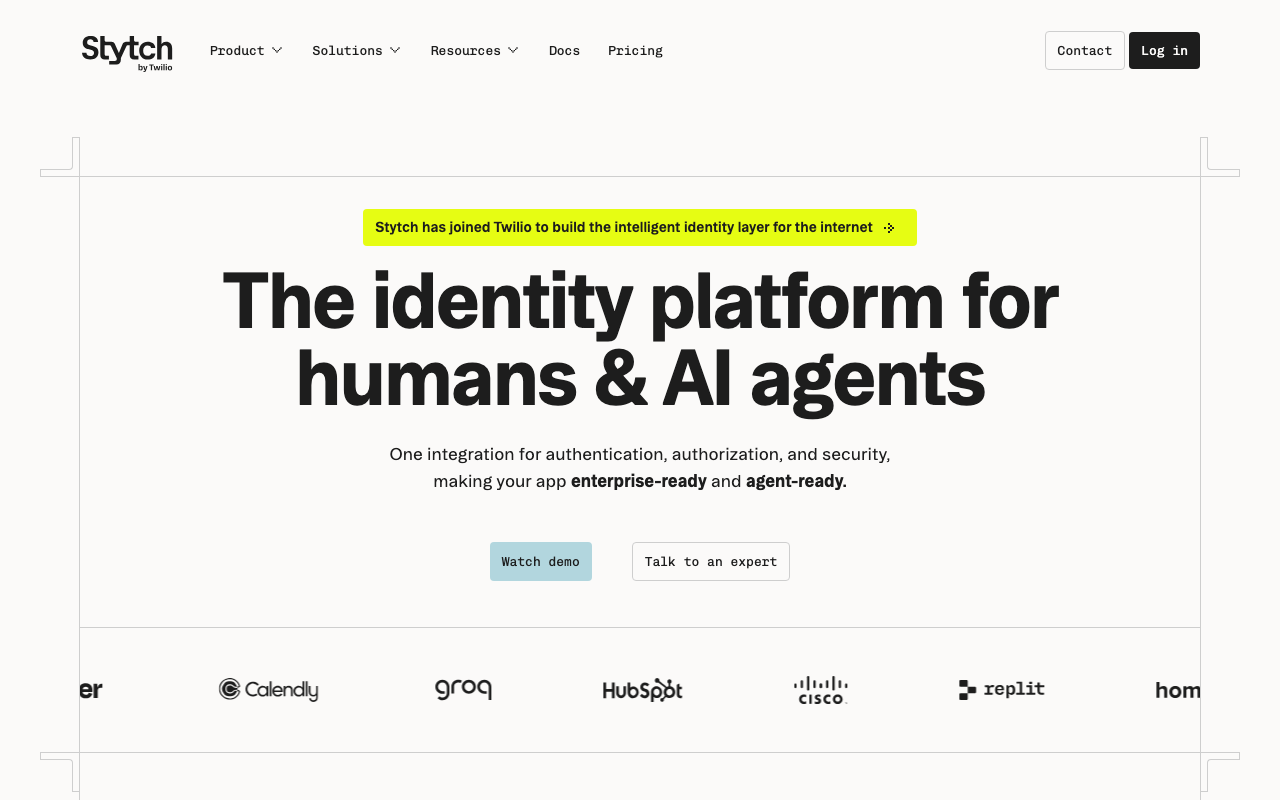
Stytch is an API first authentication platform built around passwordless as the primary product rather than as a feature bolted onto a password system. It ships magic links, one time codes over email and SMS, passkeys, OAuth and embeddable session management, with both headless SDKs and prebuilt UI. Its distinguishing property for this category is depth in the delivery layer itself: the link and code flows expose the knobs you actually need, including link expiry, redirect validation and the option to require a code alongside the link.
Pros
- Passwordless primitives are first class rather than an add on, so magic links, codes and passkeys share one user model and one session layer
- Headless APIs mean you can build the flow you want without fighting a hosted widget, which matters when the link landing page needs custom handling for scanner pre-fetch
- Both B2C and B2B product lines, so organisation scoped passwordless for multi tenant apps does not require rebuilding the tenancy model yourself
- Strong fraud and device intelligence surface around the login, which is where passwordless products usually have the least tooling
Cons
- You are still responsible for deliverability strategy and domain reputation; using a vendor sending path is convenient and gives you less control than sending from your own warmed domain
- The API first design means more integration work than a drop in component library if all you want is a login box this week
- Two distinct product lines for consumer and B2B means the documentation you are reading may not be the one for your model, and the pricing meters differ
Best for: Product teams making passwordless the primary login rather than an option, who want to control the flow in code and need the link and code mechanics to be configurable.
Pricing: Metered on monthly active users with separate meters for the B2C and B2B product lines, and SMS delivery billed as a pass through cost.
Descope
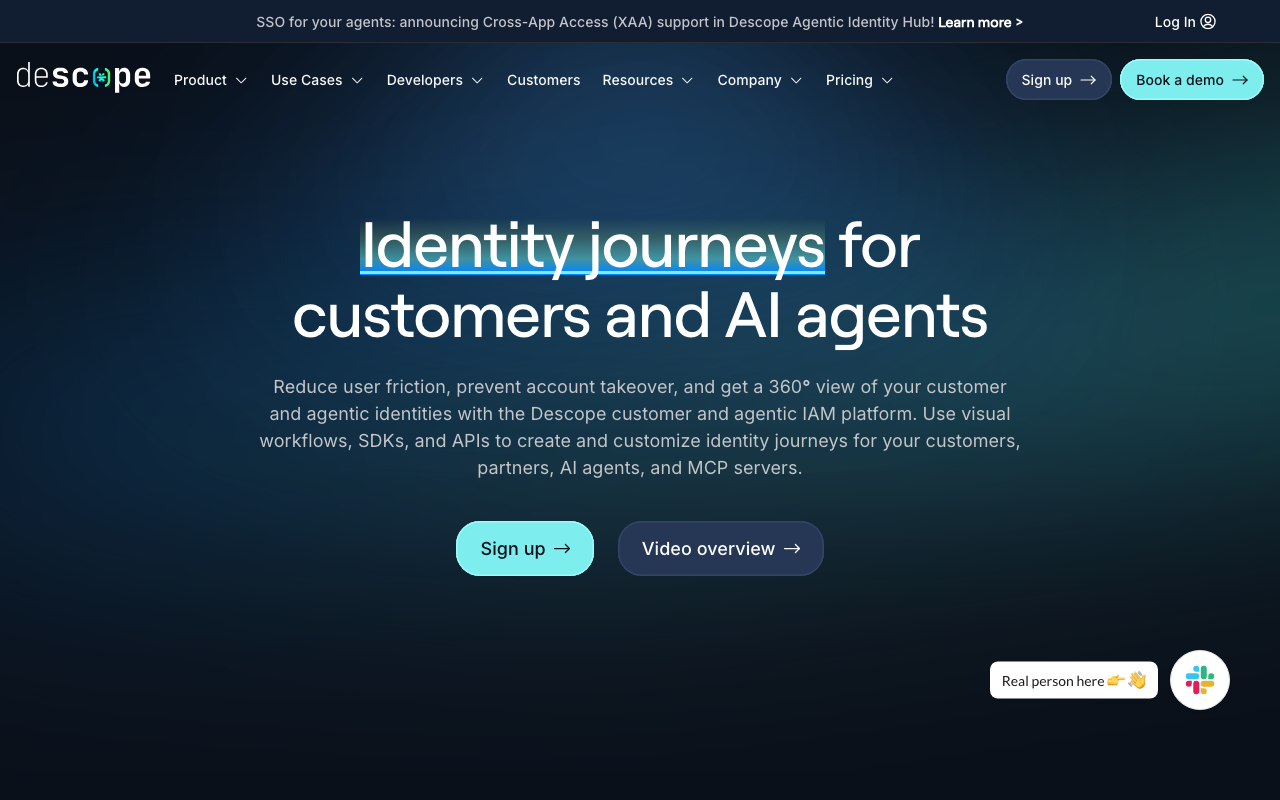
Descope builds authentication as a visual flow you compose, with drag and drop steps for magic links, one time codes, passkeys, social login, MFA and conditional logic between them. That model is a genuinely good fit for passwordless, because passwordless is mostly branching: try the passkey, fall back to a code, step up if the risk signal fires, handle the user who has no enrolled factor.
Pros
- Flow builder makes the fallback chain explicit and editable, which is exactly where hand rolled passwordless implementations rot
- Changing a login flow does not require a deploy, so you can respond to a deliverability incident by switching mechanism quickly
- Broad factor coverage in one product, so a passkey first flow with a code fallback is configuration rather than two integrations
- Strong B2B tenancy model with per tenant flow differences, which matters when one enterprise customer bans one of your mechanisms
Cons
- A visual flow is a form of logic that lives outside your repository, so review, diffing and rollback are the vendor implementation rather than your git history
- Deep customisation eventually pushes you back into their SDK surface, and the abstraction that made the simple case fast can be in the way
- Smaller and younger than the incumbents, which shows up in enterprise procurement and in the volume of community answers when something obscure breaks
Best for: Teams whose passwordless flow needs real branching across factors and tenants, and who would rather express that as a flow than as conditional code in their auth service.
Pricing: Per monthly active user tiers with higher tiers unlocking tenancy and advanced flow features, and messaging costs metered separately.
Hanko
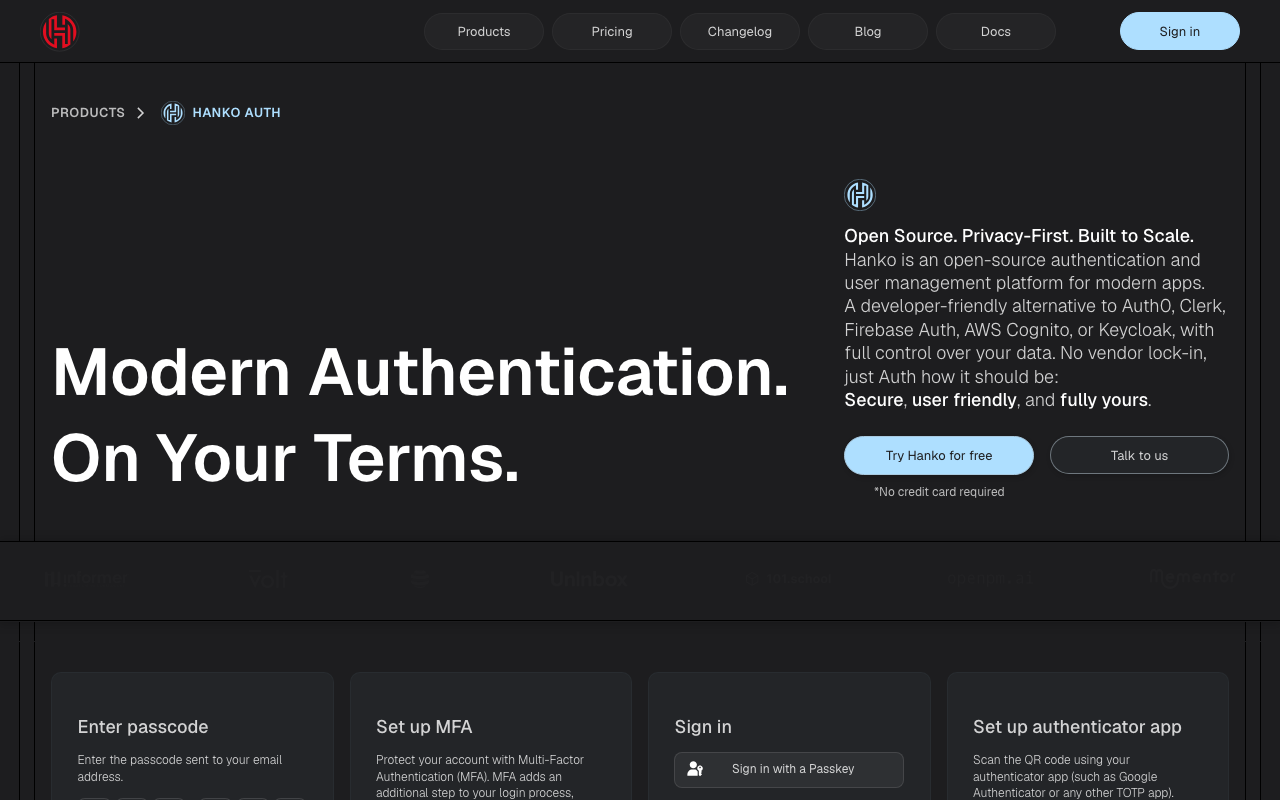
Hanko is an open source authentication service built passkey first, with email codes and magic links as the supporting cast. It ships as a self-hostable backend plus a web component you drop into a page, and the whole design point is that the passkey flow should be the default rather than an opt in setting buried in account preferences.
Pros
- Open source and self-hostable, so the login path and the user table stay inside your infrastructure and your compliance boundary
- The web component gets a credible passkey first flow onto a page quickly, including the enrolment prompt that most in-house implementations never build
- Passkey first ordering by default, which is the ordering you want but rarely the one you get from platforms that grew out of password systems
- Small enough to read, which is worth real money when you need to know precisely what the fallback logic does
Cons
- Self-hosting means you own availability, upgrades and the database behind the one service that gates everything, which is a standing operational cost
- Narrower feature surface than the full platforms: enterprise SSO, tenancy and directory sync are not the product
- Smaller ecosystem, so integrations with adjacent tools are more often something you write than something you install
Best for: Teams who want a passkey first login they can self-host, and who do not need enterprise SSO or multi-tenant administration from the same vendor.
Pricing: Open source with no licence cost when self-hosted, plus a managed cloud offering metered on active users; the self-hosted cost is infrastructure and the engineer who owns it.
Corbado
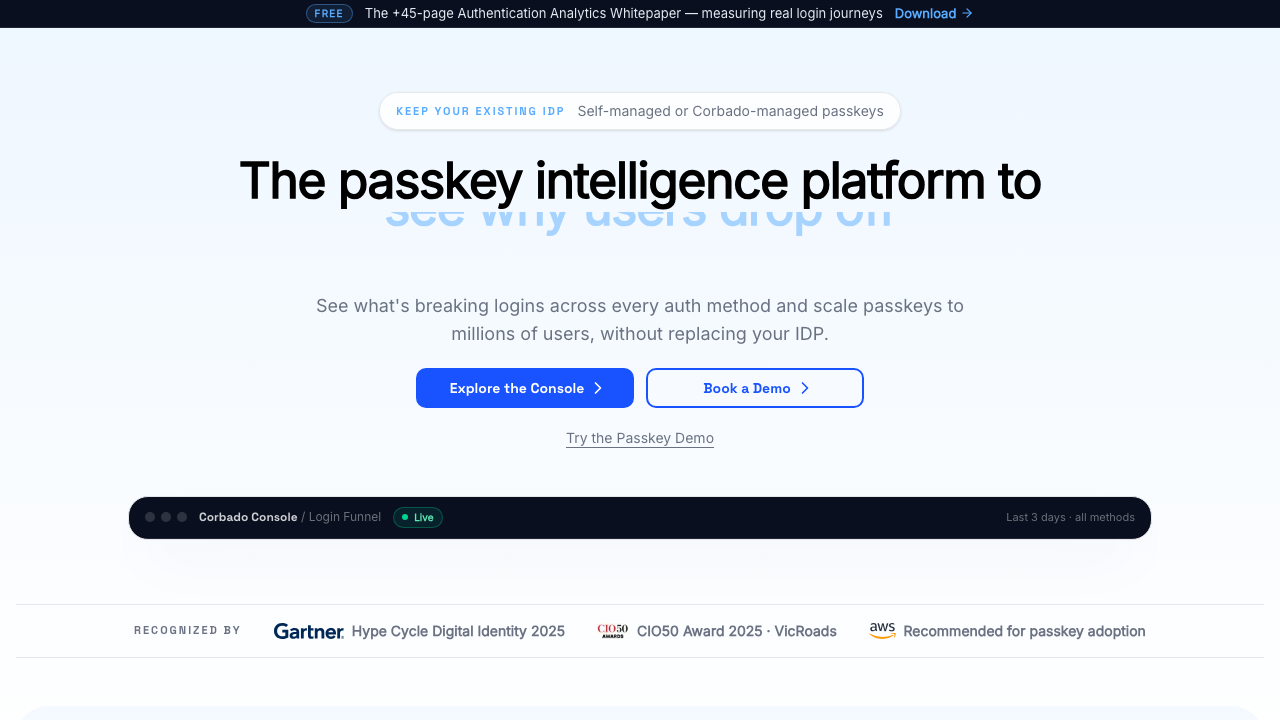
Corbado is narrower than everything else here on purpose: it is a passkey adoption layer designed to sit in front of or alongside an existing authentication system. Rather than replacing your identity provider, it handles the parts of a passkey rollout that are genuinely hard, notably detecting whether the current device and browser can actually complete a passkey ceremony before you show the user a prompt that will fail.
Pros
- Device and browser capability detection before prompting, which prevents the worst passkey UX failure of offering a flow the device cannot complete
- Designed to layer onto an existing provider, so a passkey rollout does not have to be an identity migration
- Focused product surface, which means the passkey specific edge cases get attention that generalist platforms spread across fifty features
- Fallback handling to codes or existing credentials is part of the design rather than something you bolt on
Cons
- Not a complete identity platform; you still need something underneath it for sessions, tenancy, SSO and everything else
- Adds a vendor to the login path, which is a new availability dependency in front of the dependency you already had
- A narrow product is a narrower bet, and the strategic question of what happens when your main provider ships equivalent passkey support is real
Best for: Teams with an existing auth system and a mandate to increase passkey adoption without ripping out the identity layer underneath.
Pricing: Metered on active users of the passkey layer, sold as an addition to your existing identity spend rather than a replacement for it.
Auth0
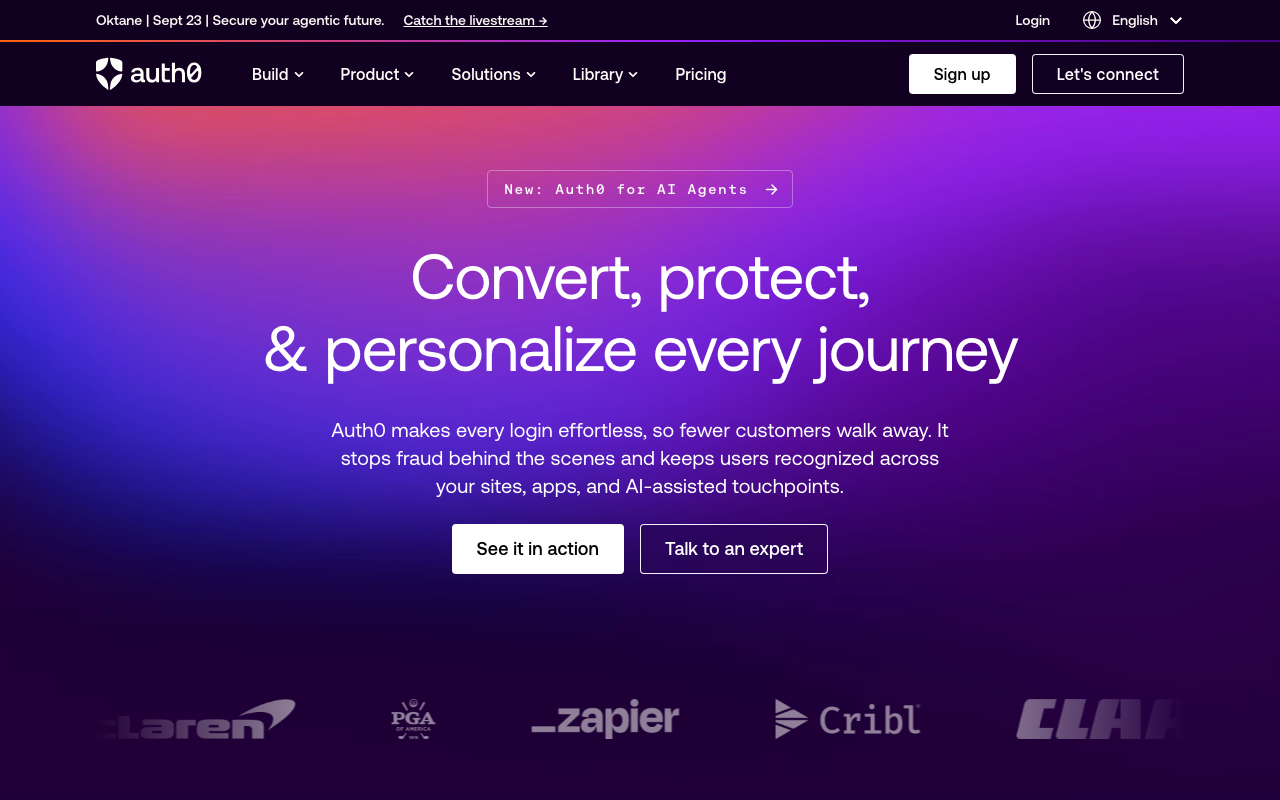
Auth0 covers passwordless as one capability inside a mature identity platform: email and SMS one time codes, magic links, passkeys, and the rules and actions engine that lets you insert custom logic at each stage of the pipeline. If your requirements include enterprise connections, a large social login matrix, tenancy and compliance paperwork alongside passwordless, this is the option where none of that is a gap.
Pros
- Passwordless sits next to enterprise SSO, social login and MFA in one system, so you are not integrating three vendors to serve three customer segments
- Actions and hooks let you attach custom risk logic to the passwordless flow without a separate service
- Deep operational maturity: log streams, tenant separation, deployment pipelines and the audit surface that enterprise buyers ask for
- Broad documentation and an enormous body of community answers, which shortens debugging on the long tail
Cons
- The pricing model is the most common reason teams leave, and passwordless flows that lean on SMS add a second growing meter on top
- Passwordless is a feature inside a large platform, so the specific flow controls are less granular than a passwordless native vendor gives you
- Platform breadth brings configuration complexity, and tenant configuration drift between environments is a recurring source of incidents
- Migration in and out is a project, covered in more depth in the Auth0 alternatives guide
Best for: Organisations that need passwordless alongside enterprise SSO and compliance evidence from the same platform, and who would rather buy breadth than assemble it.
Pricing: Monthly active user tiers with enterprise connections and advanced security features priced separately; SMS delivery is an additional metered cost.
Clerk
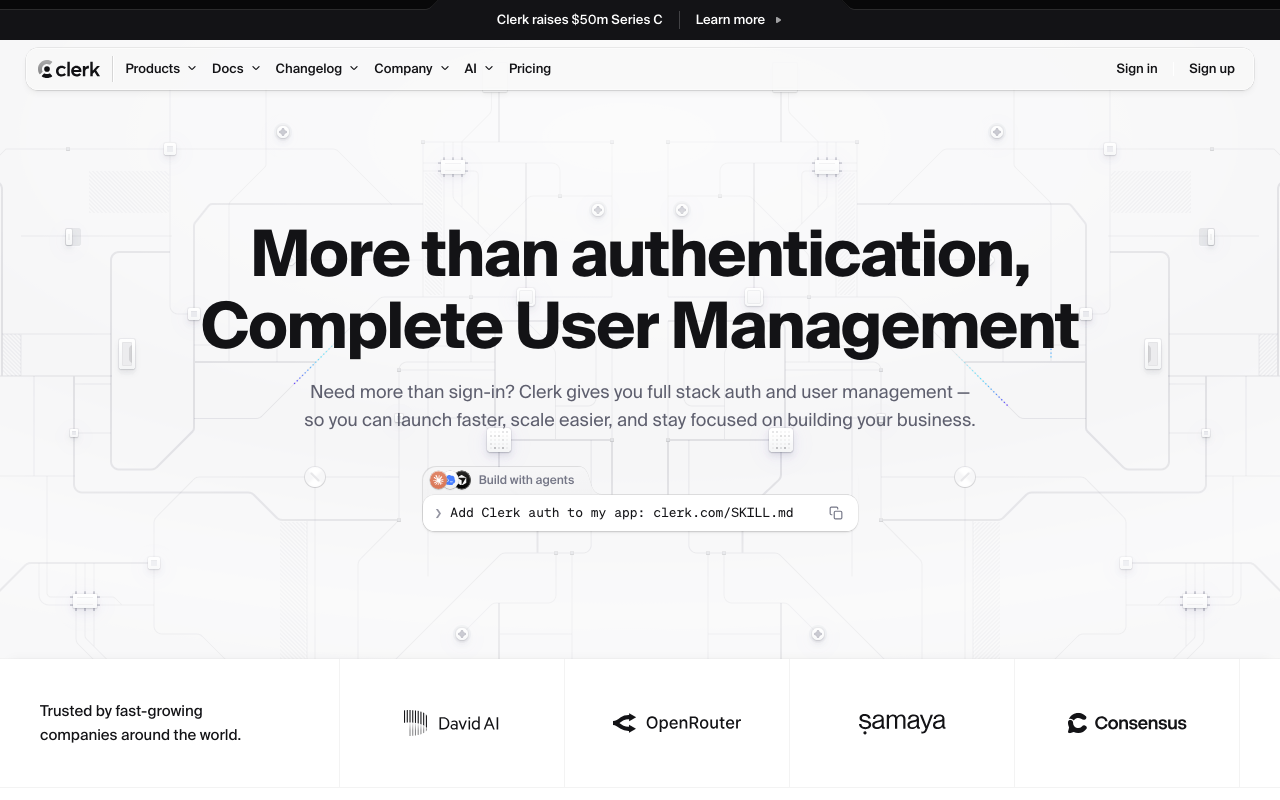
Clerk is the prebuilt UI option. It ships complete, well designed React and Next.js components for sign in, sign up, account management and organisation switching, with email codes, magic links, passkeys, social and MFA behind them. The value proposition is time: a working, good looking passwordless flow in an afternoon, including the account management screens that teams normally postpone for a year.
Pros
- The account management surface, where users enrol and remove passkeys and change their email, ships with the product instead of being a backlog item
- Component quality is high enough to use unmodified in production, which is rare and is the actual reason teams pick it
- Passwordless, passkeys and MFA are toggles rather than integrations, so changing the mechanism is a settings change
- Strong Next.js integration, discussed further in the Next.js auth guide
Cons
- Opinionated components mean customisation past a point becomes fighting the abstraction, and full control means dropping to lower level APIs anyway
- Frontend framework centric, so non-JavaScript backends and native mobile are less well served than the React path
- User data lives with the vendor by design, which makes a later migration a real project and raises the residency question early in enterprise deals
- Pricing scales with active users, and the per user model catches products with large, low value user bases
Best for: JavaScript product teams who want a complete, polished passwordless login and account management surface shipped this week rather than this quarter.
Pricing: Free entry tier with per monthly active user pricing above it, plus separate charges for organisation and enterprise features.
SuperTokens
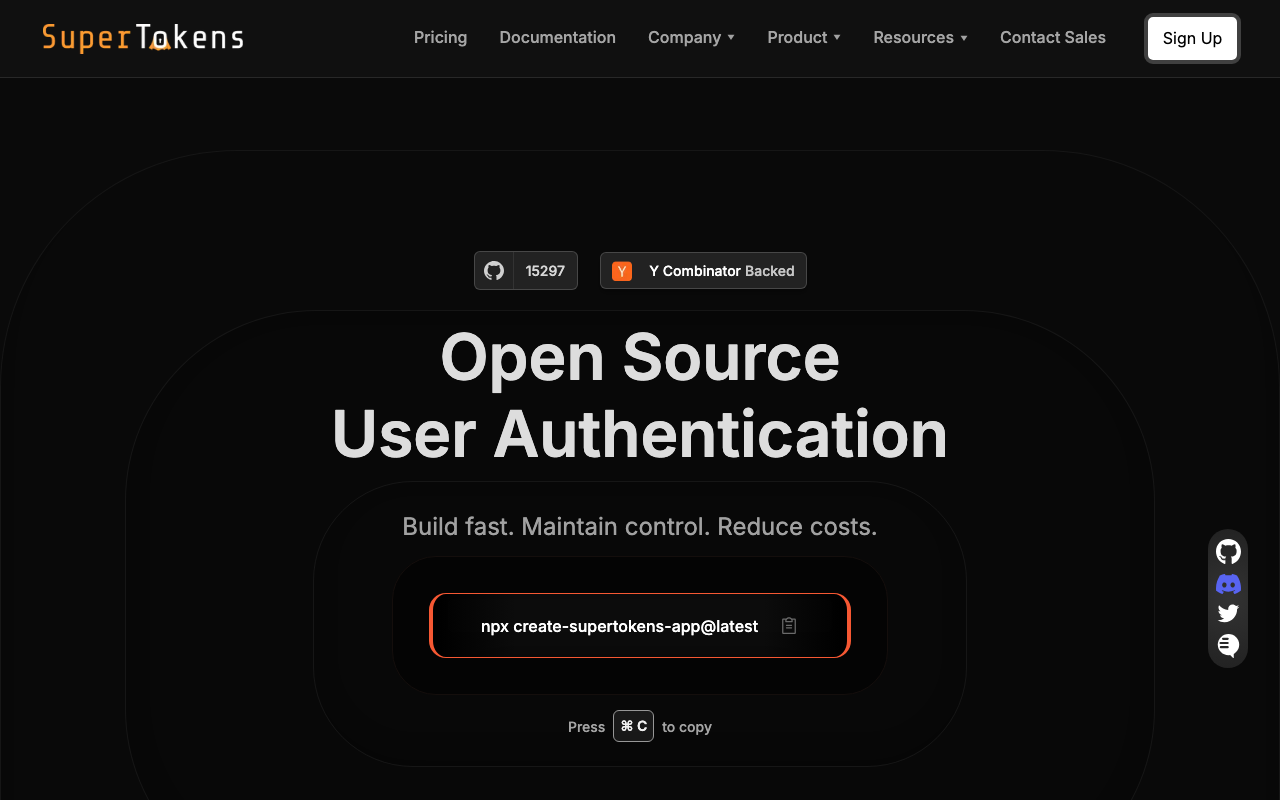
SuperTokens is an open source authentication framework with self-hosted and managed deployment options, built around recipes: passwordless, email and password, social, session management and MFA as composable modules. Its unusual property is that the session layer is genuinely good rather than an afterthought, which matters because passwordless login is only half the problem and session handling is the other half.
Pros
- Self-hosting keeps the user table in your own database, which removes the migration risk and answers residency questions directly
- The passwordless recipe supports link and code flows with the configuration you need, and the session recipe underneath it handles rotation properly
- Open source, so the exact behaviour of token handling and the fallback path is readable rather than inferred from documentation
- Recipe composition means you can start with passwordless and add MFA or social without changing your data model
Cons
- Self-hosting adds a core service to operate, and it is on the critical path for every request that checks a session
- Smaller feature surface at the enterprise end: SAML, directory sync and admin delegation are thinner than the platforms
- The recipe abstraction is pleasant until you need behaviour it did not anticipate, at which point you are reading source
- Smaller community than the incumbents, so unusual integration problems have fewer existing answers
Best for: Teams who want passwordless and solid session handling as open source components they self-host, without adopting a full identity platform.
Pricing: Open source and free to self-host at infrastructure cost; the managed service is metered on monthly active users with paid add ons for advanced features.
Logto
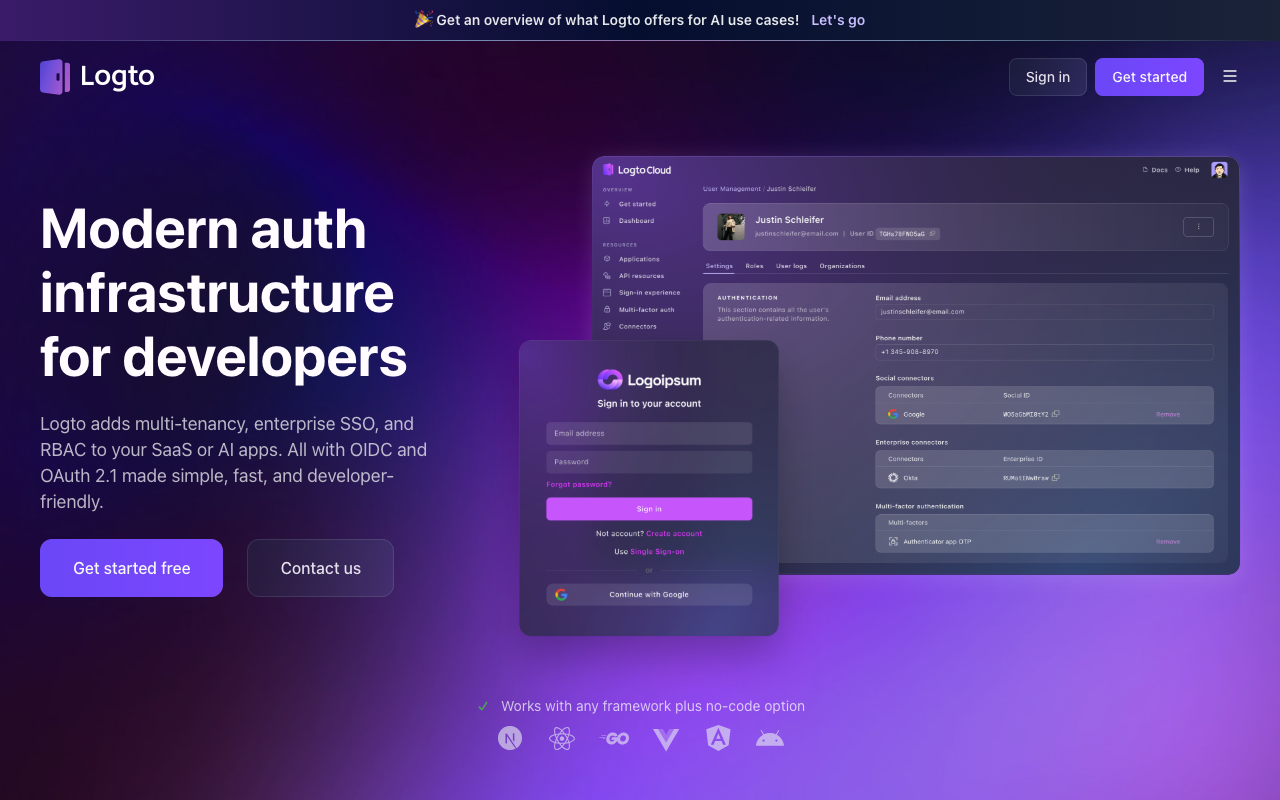
Logto is an open source identity platform built on OIDC with passwordless flows, social connectors, multi-tenancy and a usable admin console. It is aimed at teams who want something closer to a complete identity product than a library, but still want the option to run it themselves. For passwordless specifically it covers email and SMS codes, magic links and passkeys, with connectors for delivery providers rather than a single locked-in sending path.
Pros
- Pluggable connectors for email and SMS delivery, so you can send from your own warmed domain and your own provider rather than the vendor path
- Complete admin console and OIDC foundation, so it behaves like an identity provider rather than a login widget
- Multi-tenant organisation support in the open source product, which is unusual at this end of the market
- Self-hostable with a managed cloud option, so the deployment decision is reversible
Cons
- Running it yourself means operating the OIDC provider that gates everything, including key rotation and upgrade discipline
- Younger than the established open source options, so long lived deployments have less migration history to learn from
- The breadth means some features are present but shallow compared to specialists, particularly around fraud signals and adaptive risk
- Enterprise procurement will ask questions about vendor size that the product cannot answer for you
Best for: Teams who want an open source, self-hostable identity provider with passwordless and multi-tenancy, and who want to keep control of their own email delivery path.
Pricing: Open source and free to self-host; the managed cloud is metered on monthly active users with tiers gating organisation and enterprise features.
Magic
Magic is the odd one in this list and it is included because its architecture answers a different question. Rather than storing a credential or a session secret on your side, it uses a key management model where the user gets a non-custodial key, originally built for web3 wallet login and since extended to general application authentication. The email magic link is the recovery and access mechanism for that key rather than a session token in the usual sense.
Pros
- The key based model means the credential is not a secret sitting in your database waiting to be breached
- Delegated key management removes an entire class of storage problems for applications that need signing, not just login
- Straightforward SDK integration for the common case, with the wallet and signing capability available if the product later needs it
- Genuinely differentiated in applications that combine conventional login with on-chain identity
Cons
- The architecture is the point, and if you do not need key management the added conceptual weight buys you nothing over a conventional provider
- Narrower coverage of the boring enterprise requirements: SAML, SCIM, directory sync and tenancy are not what this product is for
- The strong association with crypto tooling makes it a harder sell in procurement for products with no crypto component
- Recovery is still fundamentally email based, so the inbox dependency discussed above applies here too
Best for: Applications that need user held keys or wallet style identity alongside conventional login, rather than teams looking purely for a passwordless login box.
Pricing: Metered on monthly active users with higher tiers for enterprise features and dedicated infrastructure.
How to choose
Decide the mechanism before you decide the vendor, because the mechanism determines which vendor properties matter.
Is this a consumer product with high signup volume? Codes beat links. The link scanner problem is worse in B2B but the browser context problem is worse in consumer, where most mail is read on a phone and most signups start on a desktop. Codes avoid both. Look at CIAM platforms if your volume also brings bot registration and progressive profiling into scope.
Is this a B2B product where users are on managed devices? Passkeys first with a code fallback. Managed devices have platform authenticators, corporate mail gateways break links, and your enterprise customers will eventually ask about phishing resistance in a security questionnaire.
Do you need this working this month? Prebuilt components. The account management screens where users enrol and remove credentials are the part teams underestimate, and buying them is the difference between a two week project and a two quarter one.
Do you need the user table in your own database? That narrows the list to the self-hostable options immediately, and it is a decision better made now than during a migration. The open source authentication guide covers what running it actually involves.
Are you replacing passwords or adding an option? If you are keeping passwords, you have not removed a failure mode, you have added one. That can still be the right call during a transition, but be explicit about it, and do not let the password reset flow quietly remain the weakest path into every account.
| Option | Shape | Picks itself when |
|---|---|---|
| Stytch | Passwordless native API platform | You want control of link and code mechanics in code |
| Descope | Visual flow based platform | The fallback chain across factors and tenants is the hard part |
| Hanko | Open source, passkey first | You want passkey first login self-hosted, without a platform |
| Corbado | Passkey adoption layer | You have an auth system and need passkey adoption, not a migration |
| Auth0 | Full identity platform | Passwordless has to coexist with enterprise SSO and compliance |
| Clerk | Prebuilt UI and components | You want polished login and account management shipped now |
| SuperTokens | Open source framework | Self-hosted passwordless with serious session handling |
| Logto | Open source OIDC platform | You want an IdP you run, with your own email delivery path |
| Magic | Key management based auth | The product needs user held keys, not just a login |
Whatever you pick, the highest return work is not in the vendor selection. Send authentication mail from a dedicated subdomain, keep a second sending provider warmed, make the recovery path no weaker than the login path, and measure folder placement rather than delivery acceptance. Those four things will do more for your login success rate than any feature on this list. The broader build versus buy question sits in the authentication provider hub.
Frequently asked questions
Are magic links or one time codes better?
Codes, for most products. They avoid two failure modes that links cannot fully escape: security gateways that pre-fetch URLs and consume single use tokens, and users who open the link in their mail client browser and end up authenticated in the wrong browser. Links are one fewer action for the user when they work, so the case for them is strongest in consumer products whose users read mail on the same device they browse on. If you ship links, do not consume the token on a bare GET and do bind the link back to the originating session.
Is passwordless more secure than passwords?
It depends entirely on the mechanism and the recovery path. Passkeys are meaningfully more secure because the credential is bound to your origin and cannot be phished or replayed. Emailed links and codes move the credential into the inbox, which makes account security equal to inbox security, and for most users that is a password protected mail account. That can still be an improvement, because it removes password reuse and credential stuffing from your threat model, but it is not automatically stronger.
What happens when the login email does not arrive?
Plan for it as a product requirement, not an edge case. That means a visible resend with a sensible cooldown, an alternate mechanism the user can switch to without starting over, clear copy telling them to check spam and quarantine, and a support path that can verify identity another way. It also means a second sending provider you can fail over to, warmed and authenticated ahead of time, because a provider level incident is a total login outage otherwise.
Do I still need MFA if I am passwordless?
If your passwordless factor is a passkey, it already carries possession and usually a local biometric or PIN, so a separate second factor adds less than people assume. If your passwordless factor is an emailed code or link, you have a single factor that is only as strong as the inbox, and a second factor is worth having for anything valuable. The full tradeoff is in the MFA provider guide.
Related reading
- Best authentication providers for developers — the build versus buy decision and the category map behind this whole cluster.
- Best passkey and WebAuthn providers — the mechanism in depth, plus cross device sync and the recovery problem.
- Best MFA providers for developers — interception risk by factor, enrolment drop-off and step-up authentication.
- Best session management libraries — what happens after login, and whether you can actually revoke a session.
- Best CIAM platforms — consumer scale concerns including bot signups and progressive profiling.
- Best auth providers for startups — where the free tiers stop and when the auth bill starts to matter.