There is a month, usually somewhere between the eighteenth and the thirtieth, when a founder opens the invoices and notices that authentication now costs more than hosting the entire product. Nothing broke. Nobody made a bad decision. The meter simply did what it was always going to do, and a line item that was free for a year became the second largest bill in the stack.
That is the actual problem with choosing auth as a startup, and it is not the problem the comparison articles solve. Every provider has a generous free tier, every provider is easy to install, and every provider will get you a working login by lunchtime. The differences that matter show up much later: what the meter counts, how steeply it steps, and what it costs to leave once a hundred thousand password hashes are sitting in somebody else’s database.
The second problem is time. A seed-stage team has a fixed number of engineering weeks before the next milestone, and any of them spent on login is a week not spent on the thing customers are paying for. So the two axes that actually matter are how fast you get to a working login, and what the bill looks like at ten times your current usage.
This article covers both, then nine providers with the cons stated properly.
Key takeaways
- Monthly active user billing is not linear. Most providers step in tiers, and the step is where the bill jumps by a multiple rather than a percentage.
- The features that get gated behind the first paid tier are almost always the ones a growing product needs next: SSO, MFA policy, removing vendor branding, and audit logs.
- Open-source libraries like Auth.js and Better Auth have no vendor meter at all, which trades a predictable bill for infrastructure and maintenance you own.
- The exit cost is decided on day one by whether password hashes are exportable and verifiable elsewhere. Check that before you write the first line of integration code.
What monthly active user billing actually counts
Everyone prices on MAU and almost nobody defines it the same way, which makes cross-vendor comparison harder than it looks.
What counts as active varies. For some providers a monthly active user is anyone who completed an authentication event in the billing period. For others it is anyone who held a valid session, which includes users who never typed a password because a refresh token silently renewed. Those two definitions produce very different numbers for a product with long sessions, and the second one is far more expensive for a mobile app where users stay logged in for months.
Machine identities may or may not count. If your backend services authenticate through the same provider using client credentials, ask explicitly whether those are billed as users, as machine-to-machine tokens on a separate meter, or not at all. This is a common surprise, and it is covered further in API authentication tools.
Deleted and dormant users. Some meters count distinct users seen in the period, so churned accounts stop costing you. Others count records stored. For a consumer product with heavy churn those diverge sharply.
The tier step is the real risk. A per-user rate is easy to forecast. A tier is not. If the plan covers a fixed allowance and the next plan up starts at a much larger allowance, you pay for the whole next tier the day you exceed the first one by a single user. The bill does not rise gradually, it jumps, and it jumps at the exact moment growth is going well and you least want a surprise.
Feature gating is the second meter. This is the one that actually catches teams. The volume allowance on the free tier is usually generous enough. What forces the upgrade is a feature: enterprise SSO connections, custom MFA policy, removing the provider’s branding from the hosted login page, role-based access beyond a handful of roles, or audit log export. So the honest question is not “when do I exceed the free user count”, it is “which gated feature do I need first, and what tier is it in”.
For most B2B products the answer is SSO, and it arrives with the first enterprise deal. For most consumer products the answer is MFA policy or bot protection, and it arrives with the first abuse wave.
Needs first-hand data: For each provider you are seriously considering, build a spreadsheet with one row per month for thirty-six months, projecting your user growth, and mark the exact month each tier boundary and each gated feature is crossed. Then chart total cost per provider over that window. The ranking at month thirty-six is usually different from the ranking at month three, and that reordering is the whole decision.
Time from install to working login, and what actually eats it
Every provider demos a working login in five minutes and every one of them is telling the truth. The five minutes is real. The two weeks afterwards are also real, and they are spent on the same four things regardless of which provider you picked.
Callback and redirect handling. Local development, preview deployments and production all need registered redirect URIs. Preview deployments are the painful one, because every pull request gets a new hostname, and providers differ enormously in whether they support wildcard redirect patterns or make you register each one. If your team uses per-branch preview environments, ask about this specifically before you choose.
Session shape in your framework. Getting a token is easy. Deciding where it lives, how server-rendered pages read it, how middleware validates it without a network round trip, and what happens at the edge is the work. This is where framework-specific guidance earns its keep, which is why auth for Next.js exists as its own problem.
Email deliverability. Verification emails, reset emails and magic links all have to arrive. Providers send them from their own domain by default, which works until it does not, and then you are configuring a custom sending domain with SPF, DKIM and DMARC records. Budget a day for this and do it before launch rather than after the first support ticket.
The user model. Your database needs a user record. The provider has a user record. Deciding which is authoritative, how they stay in sync, and what happens when a webhook delivery fails is the architectural decision hidden inside the integration. The lazy version, storing the provider’s user ID as a foreign key and treating the provider as the source of truth for everything else, is also usually the correct one, right up until you need to query users by a property the provider does not index.
The genuine differentiator on speed is whether the provider ships prebuilt UI components. A drop-in signup component that already handles error states, password strength, verification resend and the mobile viewport saves a real week, and that week is the argument for the component-first providers below.
Clerk
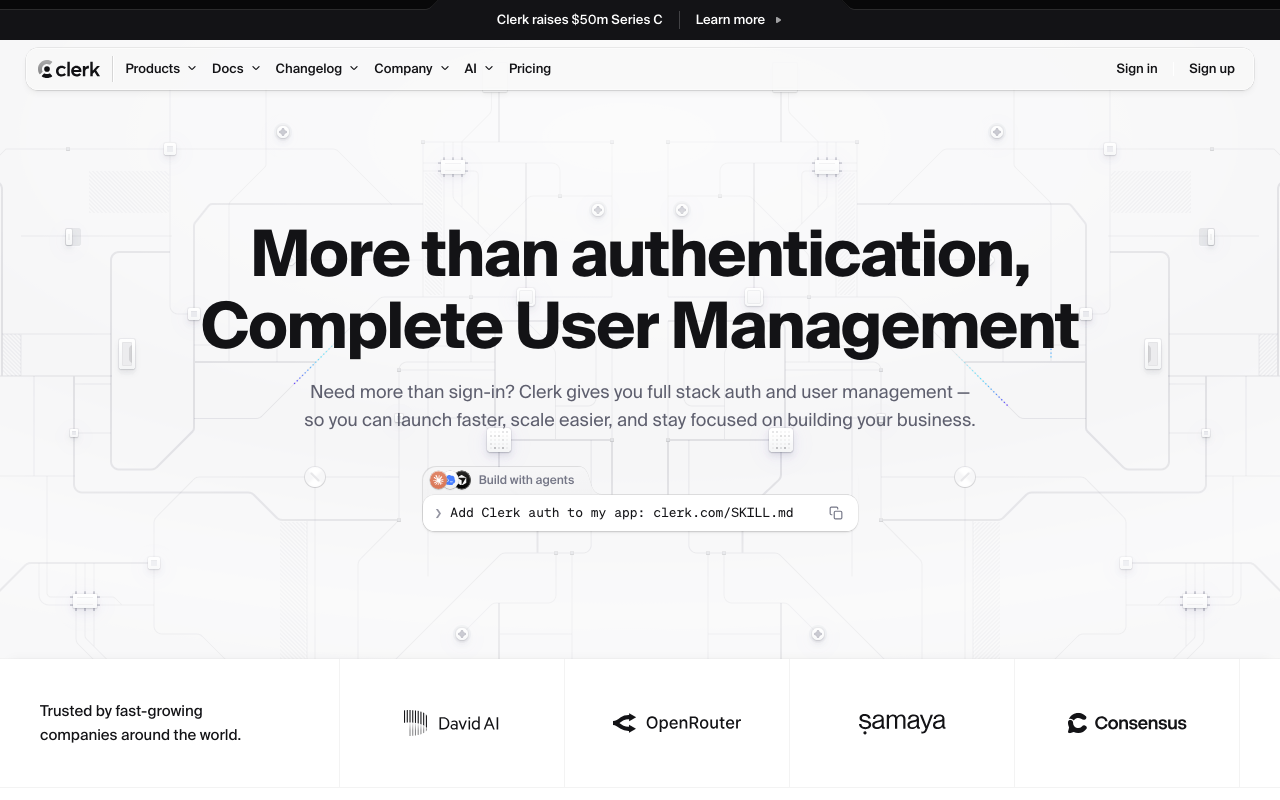
Clerk is the clearest expression of the prebuilt-UI bet: React and framework components for signup, login, user profile, organization switching and account management that you drop in and style rather than build. The components are not a scaffold you eject from, they are the product, and they cover the states teams normally forget, including verification resend, error copy and session management UI. It also ships organization primitives by default, which makes it unusually well suited to B2B products that would otherwise build tenancy themselves.
Pros
- Prebuilt components handle the long tail of auth UI states that normally consume a week each
- Organizations, invitations and member roles are first-class rather than something you model yourself
- Strong Next.js and React integration, including middleware helpers and server component support
- Session and device management UI exists out of the box rather than being a feature you build later
Cons
- The component approach couples your frontend to the vendor more tightly than a token-based integration, so the exit cost is UI work as well as data migration
- Deep customisation past the theming layer means dropping to the lower-level APIs and rebuilding what the components gave you
- Priced per active user with organization and enterprise features on higher tiers, so B2B products hit gated features early
- Heaviest fit for non-React stacks, where the main advantage does not apply
Best for: React or Next.js teams who want a complete, styled auth experience including organizations without spending engineering weeks on login UI.
Pricing: Per monthly active user above a free allowance, with organizations, enterprise SSO connections and branding removal on higher tiers. Machine-to-machine and enterprise connections are metered separately from end users.
Supabase Auth
Supabase Auth is the identity layer inside the broader Supabase platform, and its defining property is that users live in a Postgres table you own. That changes the calculation completely: your application queries users with a join rather than an API call, row-level security policies reference the authenticated user directly in the database, and there is no synchronisation problem between a vendor user record and your own. If you are already using Supabase for the database, auth is close to free in integration effort.
Pros
- User records live in your own Postgres database, so no user sync webhook to build or debug
- Row-level security policies reference the authenticated identity directly, pushing authorization into the database
- Self-hostable, and the hosted and self-hosted builds are the same open-source software
- Social providers, magic links, OTP and MFA covered without additional services
Cons
- Strongly coupled to the Supabase platform; adopting it purely for auth on a non-Supabase stack is an unusual choice
- Multi-tenancy and organization modelling is your schema design rather than a provided primitive, so B2B products build more themselves
- Enterprise SSO and SAML sit in higher tiers and are thinner than the dedicated enterprise vendors
- Prebuilt UI is minimal compared with the component-first providers, so login screens are still your work
Best for: Teams already building on Supabase Postgres who want auth that their database queries and RLS policies can reference natively.
Pricing: Included in the platform tiers with a monthly active user allowance, with enterprise SSO and advanced security controls on higher plans. Self-hosting removes the licence cost and moves it into infrastructure.
Auth0
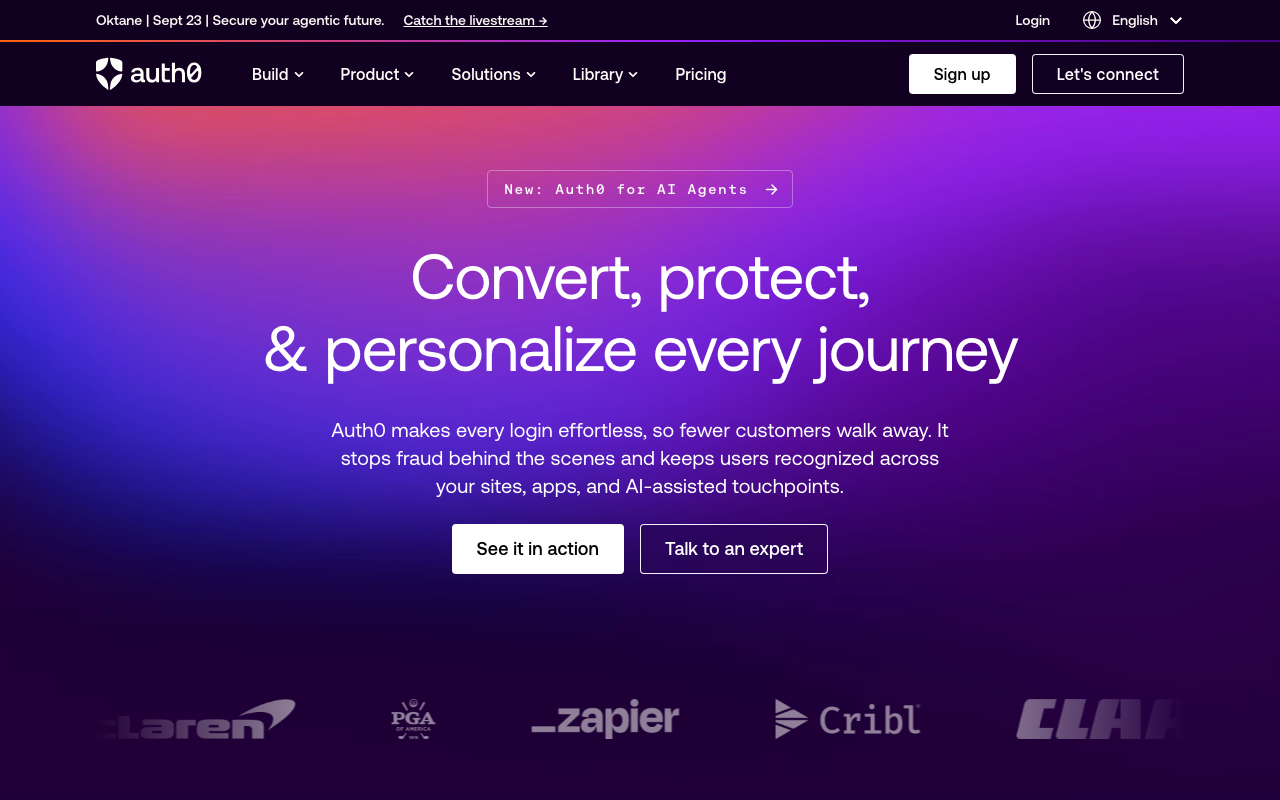
Auth0 is the mature default, and maturity is a real feature in identity. Nearly every protocol edge case you will hit has already been hit by somebody else on Auth0, the documentation reflects that, and the extensibility model lets you run your own logic inside the login pipeline rather than around it. For a startup the relevant question is not capability, it is whether you are buying a platform sized for a company much larger than yours.
Pros
- Deepest protocol coverage in the category, including the enterprise federation edge cases that break newer products
- Extensibility hooks let you run custom logic during the login transaction, which handles unusual requirements without forking your flow
- Very large body of documentation, community answers and SDKs, so most problems are already solved somewhere
- Universal Login is a hosted, maintained login experience that stays current with protocol and browser changes
Cons
- Per active user pricing with enterprise connections billed separately becomes expensive at consumer scale faster than most alternatives
- The free and low tiers gate features that growing products need quickly, including MFA policy depth and enterprise connections
- Configuration surface is large enough that the initial setup is genuinely more complex than the newer entrants
- Migration off it is a real project, which is the entire reason Auth0 alternatives is a question people search
Best for: Teams that expect enterprise federation requirements early and want the implementation that has already handled the protocol edge cases.
Pricing: Per monthly active user with tier steps, with enterprise connections, machine-to-machine tokens and advanced security features metered or gated separately from the base user count.
Kinde
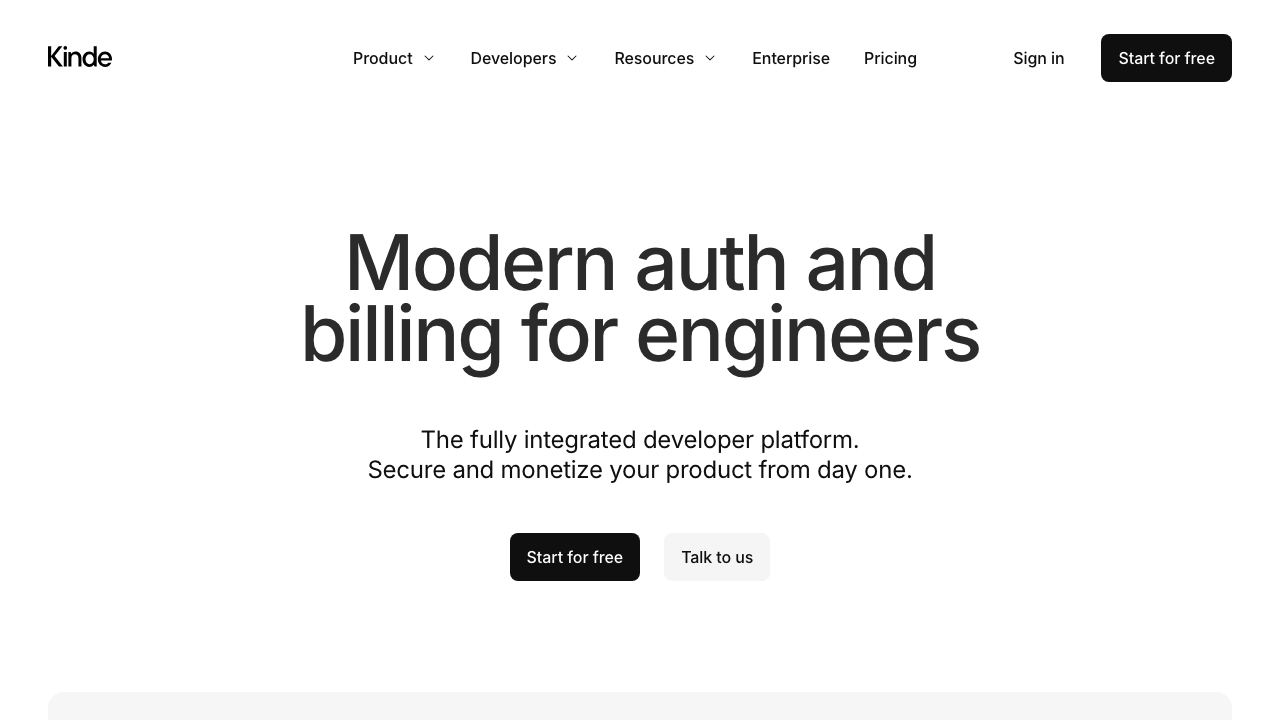
Kinde is built for the specific shape of a B2B SaaS startup: organizations, feature flags and billing-adjacent entitlements alongside authentication, rather than authentication with tenancy bolted on. The bet is that a small SaaS team needs the same three things at the same time and would rather buy them together than integrate three vendors. That makes it a good fit for its target and an odd fit outside it.
Pros
- Organizations and per-organization settings are core primitives, not a higher-tier addition
- Feature flags and entitlements in the same product remove an integration most SaaS teams do separately
- Clean, modern developer experience with SDKs across the common web and mobile frameworks
- Enterprise connections available without the pricing shape of the incumbent platforms
Cons
- Younger product with a smaller ecosystem, so unusual problems have fewer existing answers
- Bundling flags and entitlements is only an advantage if you want those from the same vendor
- Less depth than the established platforms on protocol edge cases and unusual federation requirements
- Smaller vendor, which is a genuine consideration for the system that gates your entire product
Best for: Early B2B SaaS teams who want organizations, auth and feature entitlements from one product rather than three integrations.
Pricing: Per monthly active user with a free allowance, with organization count and enterprise connections influencing the tier rather than being separate meters.
Better Auth
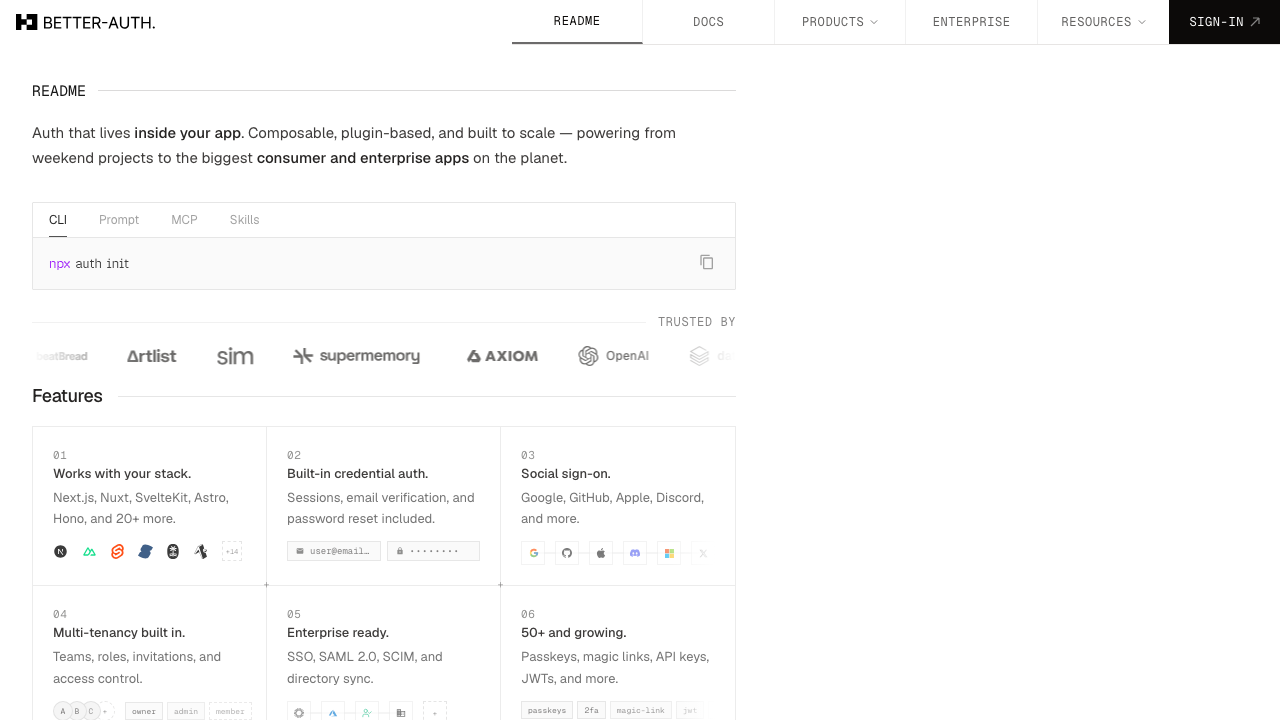
Better Auth is a TypeScript authentication library rather than a service: it runs inside your application, writes to your database, and ships the flows as code you call rather than an API you call over the network. The plugin model covers organizations, two-factor, passkeys and the rest, and because there is no vendor in the request path there is no per-user meter and no external dependency on your login. The tradeoff is that everything a provider would operate is now yours.
Pros
- No vendor in the authentication path, so no per-user bill and no third party that can be unavailable during your login
- Users, sessions and accounts live in your own database with a schema you can query and join against
- Plugin system covers organizations, MFA, passkeys and OAuth providers without switching to a different product
- Full TypeScript types across client and server, which catches a category of integration bugs at compile time
Cons
- You own every operational concern a provider would handle: session store scaling, key rotation, abuse defence and security patching
- No hosted login UI, so every screen and every error state is your work
- Enterprise SAML and SCIM require significantly more assembly than buying a provider that ships them
- TypeScript and JavaScript only, so it is not an option for polyglot backends
Best for: TypeScript teams who want auth inside their own application and database, and are willing to own the operational and security maintenance in exchange for no meter.
Pricing: Open source with no vendor and no bill. The cost is the infrastructure it runs on plus the ongoing engineering time to keep the implementation current with protocol and browser changes.
Auth.js
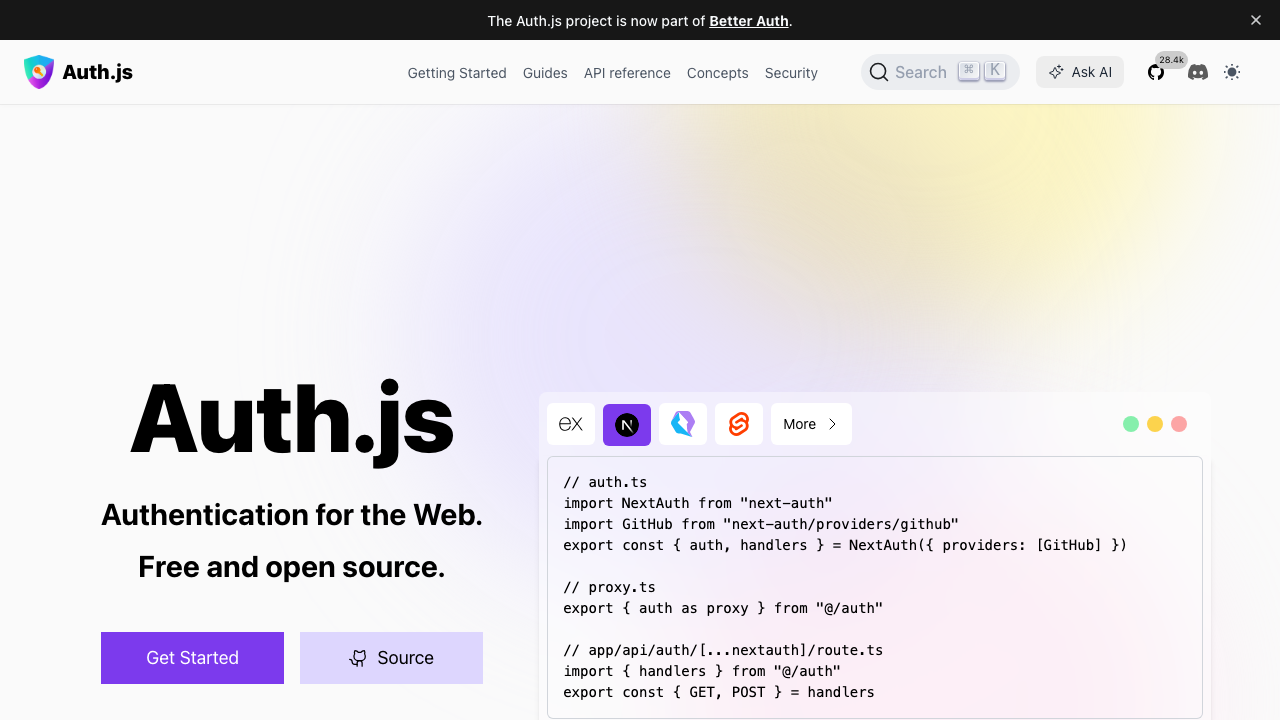
Auth.js, still widely known by its former name NextAuth, is the most deployed authentication library in the JavaScript ecosystem, and its strength is breadth of provider coverage combined with an adapter model that works with almost any database. It handles OAuth flows and session management well, it is free, and for a product whose auth requirement is genuinely “log in with GitHub and Google” it is difficult to justify anything else.
Pros
- Very large catalogue of OAuth providers configured by a few lines each
- Database adapters for most common stores, so it fits an existing schema rather than dictating one
- Enormous installed base, which means most integration problems already have a public answer
- Free with no meter, and the session lives in your own infrastructure
Cons
- Scope stops at authentication; organizations, MFA policy, admin delegation and SCIM are all your problem
- The API has changed meaningfully across major versions, and migration guides have been a recurring source of friction
- Configuration is code rather than a console, so non-engineers cannot change anything about login
- Enterprise SAML is not the model, so the first enterprise deal forces a second system alongside it
Best for: JavaScript products whose requirement is social and email login with sessions in their own database, and who do not expect enterprise federation soon.
Pricing: Open source with no vendor and no bill. Cost is your infrastructure and the maintenance of the integration across major version upgrades.
SuperTokens
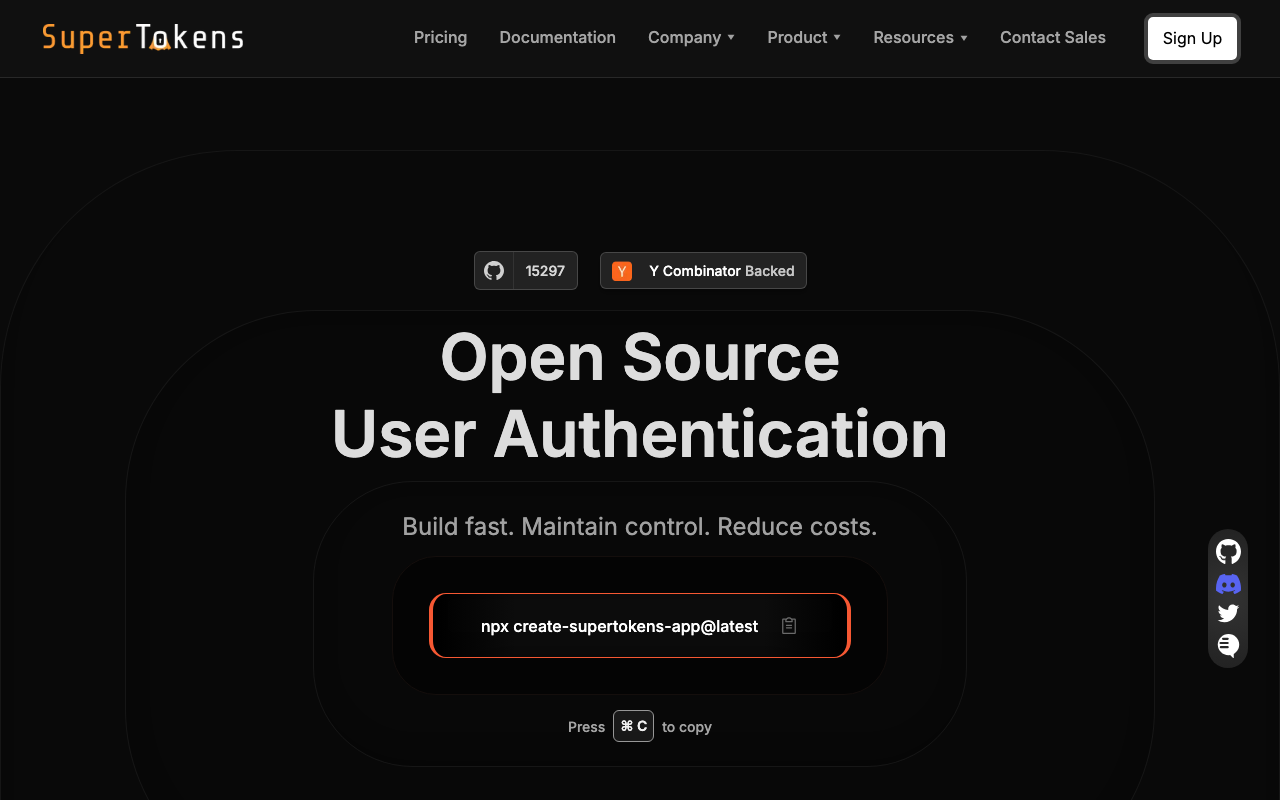
SuperTokens sits deliberately between a library and a platform: an open-source core you can self-host, plus a managed option, with recipes for the common flows and a notably thought-through session implementation including refresh token rotation and detection of token theft. The architecture keeps user data in a database you control even when the core is managed, which is a meaningful difference for teams with data residency constraints who still do not want to build it all.
Pros
- Self-hosted and managed use the same open-source core, so changing your mind is a hosting decision
- Session handling is a genuine strength, including refresh token rotation and reuse detection rather than a bare JWT
- User data stays in a database you control, which satisfies residency requirements without forfeiting a maintained implementation
- Recipe model means you enable the flows you want instead of configuring a large general-purpose platform
Cons
- Self-hosting means you now operate the core service and its database, and it is on the critical path of every login
- Smaller ecosystem and fewer prebuilt integrations than the large platforms
- Prebuilt UI exists but is less polished than the component-first providers
- Enterprise SSO and SCIM depth trails the dedicated enterprise vendors
Best for: Teams that want a maintained auth implementation but need user data in their own database, particularly where session security is a stated requirement.
Pricing: Open source and free to self-host, with managed tiers metered on monthly active users and some features, including enterprise connections, available as paid additions.
Logto
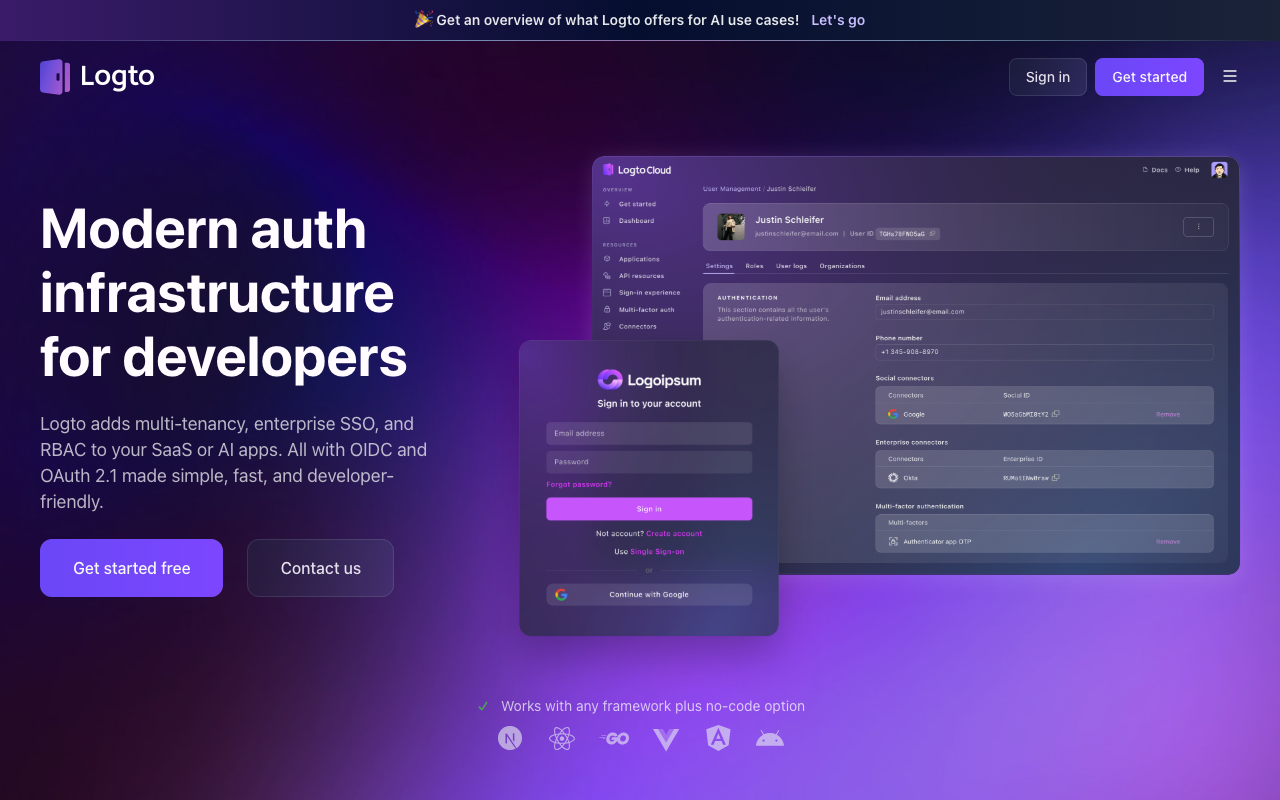
Logto is an open-source identity platform that packages a standards-compliant OIDC provider with an admin console, prebuilt sign-in experience and multi-tenant organization support, available self-hosted or as a managed cloud. It reads as an attempt to give the open-source self-hosting option the developer experience of the commercial products, and it largely succeeds, which makes it a reasonable answer for teams who want to avoid a per-user meter without accepting a bare protocol server.
Pros
- Genuine OIDC provider implementation rather than a proprietary auth API, so standards clients work against it
- Admin console and hosted sign-in experience included, which most self-hosted options make you build
- Organization support for multi-tenant products without moving to an enterprise tier
- Same product self-hosted or managed, so the migration path between them is a deployment change
Cons
- Self-hosting puts a stateful identity service and its database on your critical path with you as the operator
- Younger project, so the long tail of enterprise federation quirks is less battle-tested than the incumbents
- Smaller community than the large open-source identity servers, which shows when you hit an unusual problem
- Managed tiers gate some multi-tenant and enterprise features, so the free self-hosted path is the one with full capability
Best for: Teams that want an open-source, self-hostable OIDC provider with a usable console and sign-in UI, and expect multi-tenant organizations.
Pricing: Open source and free to self-host; managed cloud is tiered by monthly active users with organization and enterprise features influencing the tier.
Stytch
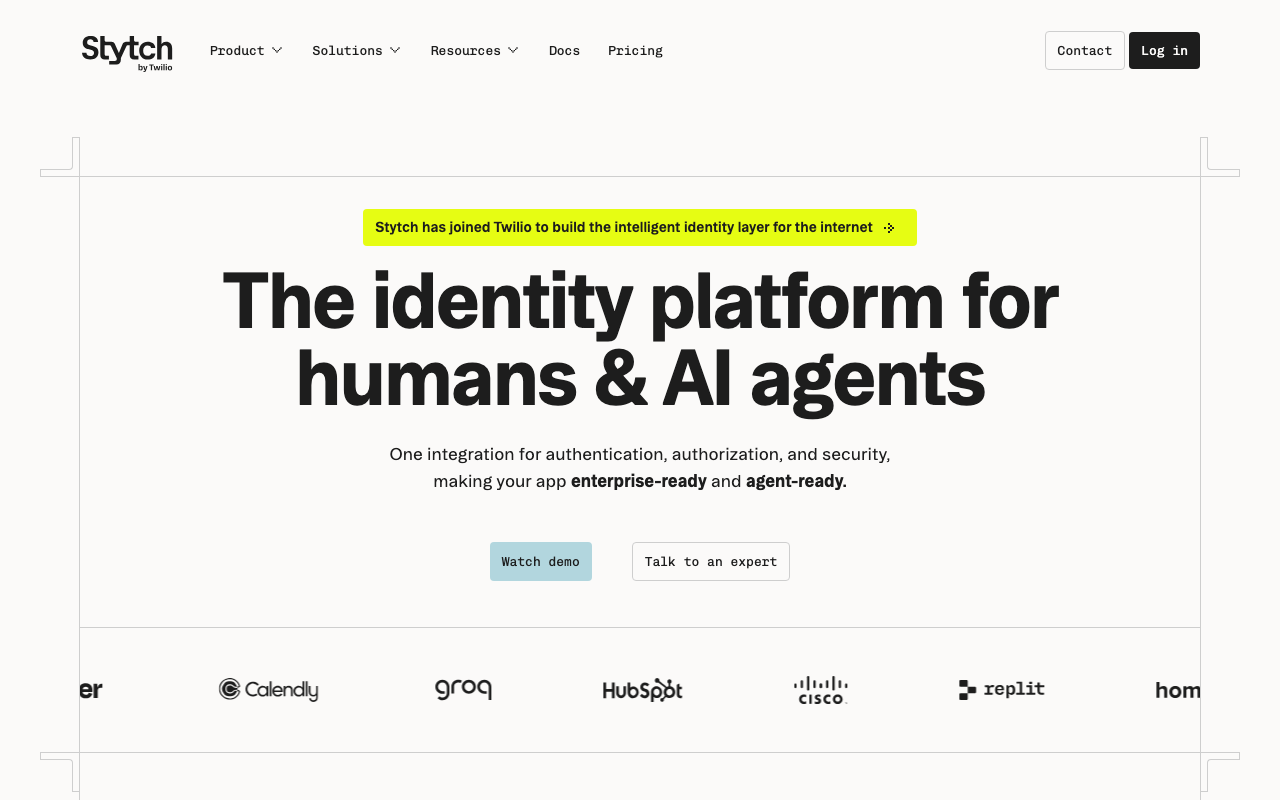
Stytch approaches auth as an API-first product rather than a UI product: you call endpoints for magic links, one-time passcodes, passkeys, OAuth and session management, and you build the interface. It also carries a genuine fraud and bot defence capability, which is unusual in this bracket and matters for consumer products whose signup endpoint becomes a target. The API-first stance is the whole positioning, and it is either exactly what you want or exactly what you do not.
Pros
- Broad passwordless coverage across magic links, one-time codes and passkeys as first-class primitives
- Fraud and bot detection built into the product rather than an integration you add after the first abuse wave
- API-first design gives complete control over the interface and flow ordering
- Both consumer and B2B organization models supported as distinct products rather than one bent to fit both
Cons
- You build the UI, so time to a polished login is longer than with the component-first providers
- Two distinct product lines mean choosing the wrong one early is an awkward correction later
- Passwordless focus makes it a less natural fit if classic password login has to remain the primary method
- Pricing model layers fraud protection and organization features on top of the user meter, so the total is harder to forecast
Best for: Product teams building a custom passwordless signup experience who also need bot and fraud defence on the signup endpoint.
Pricing: Per monthly active user with separate metering for organization and enterprise capabilities, and fraud prevention priced as an additional component.
How to choose
Do this in an afternoon rather than a sprint.
First, decide where user records live. Your database or the vendor’s. That single answer splits the list cleanly: Supabase Auth, Better Auth, Auth.js, SuperTokens and self-hosted Logto keep users in your store; Clerk, Auth0, Kinde and Stytch keep them in theirs. It is also the decision that is hardest to reverse, so make it deliberately rather than by picking whichever SDK looked nicest.
Second, decide whether you need organizations. If your customers are companies, you need tenancy, and buying it is much cheaper than building it. If your customers are individuals, tenancy machinery is cost with no benefit. This is the split that sends you to either auth providers for B2B SaaS or CIAM platforms.
Third, price the thirty-six month curve, not the current month. Project your users, mark the tier boundaries, and mark when you will need the first gated feature. For B2B that gated feature is nearly always enterprise SSO and it arrives sooner than planned, which is the argument made in full in enterprise SSO solutions.
Fourth, verify the exit before you enter. Ask one question in writing: can we export password hashes in a format another provider can verify, and do user identifiers remain stable. If the answer is no, every future migration forces a password reset on every user, and you should price that in now.
| Provider | Where users live | Meter | Picks itself when |
|---|---|---|---|
| Clerk | Vendor | Active users, tiered | You want organizations and polished UI without building either |
| Supabase Auth | Your Postgres | Platform tier allowance | You are already on Supabase and want RLS to reference identity |
| Auth0 | Vendor | Active users plus separate enterprise meters | Protocol edge cases and federation depth matter early |
| Kinde | Vendor | Active users, organization aware | You want auth, organizations and entitlements from one vendor |
| Better Auth | Your database | No vendor meter | TypeScript stack, you want auth inside your own app |
| Auth.js | Your database | No vendor meter | Requirement really is social and email login, nothing more |
| SuperTokens | Your database | Self-host free, managed by active users | Data must stay yours but you do not want to build it |
| Logto | Your database or theirs | Self-host free, managed by active users | You want a real OIDC provider you can self-host |
| Stytch | Vendor | Active users plus fraud component | Custom passwordless UX with bot defence on signup |
If none of these survives your pricing curve, the honest answer is to run something yourself, and open source authentication covers what that costs in operations rather than licence fees. The full build versus buy argument sits in the authentication providers hub.
Needs first-hand data: Take one greenfield application and implement the same four flows on three of these providers: email signup with verification, social login, adding TOTP, and logging out of one device while staying logged in on another. Record wall-clock hours per provider, split between reading documentation and writing code. Publishing that table with the framework and stack named would answer the question every founder is actually asking.
Frequently asked questions
When does a free auth tier actually stop being free?
Usually on a feature, not on a user count. The volume allowances are generous enough that most early products sit inside them for a long time, and what forces the upgrade is enterprise SSO, MFA policy control, removing vendor branding from the login page, or audit log export. Work out which of those you need first and check which tier it lives in, because that is your real starting price.
Is a self-hosted library cheaper than a provider?
The licence is free and the operations are not. Running auth yourself means you own the session store, key rotation, abuse defence and security patching, and those land as unscheduled work at inconvenient times. For a team of two it is often still the right trade early. For a team that has just signed its first enterprise customer it usually is not, because enterprise federation is exactly where a library leaves you the most to build.
Should I use social login only and skip passwords?
For consumer products it is a reasonable starting point and it removes password storage entirely. Two things to plan for: account linking, when the same human arrives through Google one week and GitHub the next, and the enterprise customer whose staff cannot use personal social accounts. Passwordless alternatives that avoid both are covered in passwordless authentication.
How much does it cost to switch providers later?
The bounded part is rewriting your integration, which is days. The unbounded part is your users. If password hashes export in a format the new provider verifies on first login, users notice nothing. If they do not, every user must reset their password during the cutover, and a meaningful fraction never will. That is why the exportability question belongs at the start of the evaluation rather than the end.
Related reading
- Best authentication providers — the build versus buy decision and a category map of the whole space.
- Best auth providers for B2B SaaS — what changes when your users belong to organizations.
- Best auth solutions for Next.js — App Router, middleware and edge runtime constraints in detail.
- Best open source authentication — running it yourself, and what that costs in operations.
- Best passwordless authentication — magic links, one-time codes and passkeys compared honestly.
- Clerk vs Auth0 vs WorkOS — three different architectural bets on the same problem.