Every comparison of these three runs the same feature grid down the left margin. Social login, MFA, SAML, organisations, SDKs, webhooks. All three tick most of the boxes, the conclusion is that they are broadly similar at different prices, and the reader learns nothing, because none of those rows is why anyone regrets this choice.
The regret is structural. These three are not competing implementations of the same product. They are three different answers to the question of how much of your authentication you want to own.
Clerk bets that the expensive part is not authentication, it is the account management interface: the sign-in screen, the profile page, the organisation switcher, the invite flow, the member list with role dropdowns. So it ships those as components you drop in, and takes a position inside your frontend to do it.
Auth0 bets that identity is a general problem and you need a platform that can model anything: any connection type, any tenancy shape, custom code running inside the login pipeline, a management API covering the whole configuration surface. It gives you primitives and generality, and asks you to assemble the experience.
WorkOS bets that you already have authentication working, and the thing that is actually blocking you is the enterprise checklist your first serious customer just sent over. So it sells the enterprise layer as a normalised API: SSO against whatever identity provider the customer runs, directory sync, audit logs, an admin portal. It has since added full user management, but the shape of the bet has not changed.
The failure mode for each is different and shows up at a different moment. With Clerk it is the design review where your components cannot be themed into the design system. With Auth0 it is month eighteen, when the tenant configuration is more complex than the product it serves and one engineer understands the Actions. With WorkOS it is realising that the enterprise layer is excellent and you still have to build everything a consumer signup needs.
Key takeaways
- All three will authenticate a user. Choose on how much of the experience you want to own and where your hard requirement sits, not on a feature grid.
- Clerk puts code in your frontend, which is why it saves the most time and why it is the hardest of the three to migrate away from later.
- Auth0 is the only one of the three with hosted code inside the login pipeline that can deny a login, which is the requirement that eliminates alternatives more often than any other.
- WorkOS prices per enterprise connection rather than per end user, which makes it very cheap or very expensive depending purely on the shape of your customer base.
What all three do identically
Clear these off the evaluation, because arguing about them wastes the time you need for the parts that differ.
Standards-based authentication. All three issue tokens, all three speak OIDC and OAuth 2.0 as a provider, all three handle social login against the common identity providers, and all three verify email addresses and run password resets. The implementations differ in ergonomics, not in outcome.
Multi-factor authentication. All three support TOTP and support passkeys. All three have some concept of requiring a second factor conditionally.
Organisations as a concept. All three have a tenant primitive for B2B: a container that users belong to, with membership and some notion of role. The depth differs considerably, which is covered below, but none of them requires you to invent multi-tenancy from scratch.
Enterprise SSO, eventually. All three can connect a customer’s SAML identity provider. The difference is how much work it is per customer and who does that work, which turns out to be the most consequential difference in the whole comparison.
Webhooks. All three emit events for user and organisation lifecycle changes so you can keep your own database in sync. Note the word emit. An outbound event after the fact is not the same as code running inside the decision, and that distinction separates Auth0 from the other two.
SAML and SCIM: standards, not products
Both of the enterprise requirements that drive this comparison are specifications rather than features, and it helps to say what each actually is before comparing who implements it well.
SAML is an XML-based standard for passing a signed authentication assertion from an identity provider to a service provider. The customer’s identity provider signs a document saying who the user is, your application validates the signature against a certificate you exchanged during setup, and trusts the contents. It predates OIDC by a long way and it is still what most enterprise IT departments hand you, because it is what their tooling supports.
SCIM is a REST API and JSON schema for provisioning and deprovisioning user accounts between systems. The customer’s identity provider pushes creates, updates and deactivations to endpoints your application exposes.
What they give you
- A protocol the customer’s IT team already knows how to configure, which is the entire reason enterprises ask for them by name
- Authentication that terminates in the customer’s identity provider, so their password policy, their MFA and their conditional access rules apply to your product without you implementing any of it
- A defined deactivation path, which is what makes “employee leaves, access ends” work across the customer’s whole application estate
- A signed, verifiable trust relationship rather than a shared secret in a config file
What they do not do
- Neither specifies what your roles, entitlements or permissions mean; you still map the customer’s groups onto your own authorisation model
- Neither is uniform in practice: SAML assertion attribute names, NameID formats and signature scopes vary per identity provider, and SCIM implementations diverge on filtering, PATCH semantics and how deactivation is represented
- Neither tells you when it has silently stopped working, which is how deprovisioning gaps appear
- Neither is a product, so you cannot buy SAML; you buy something that implements it and absorbs the per-customer differences
That last point is the whole argument for WorkOS and it is worth understanding on its own terms. The per-identity-provider differences are enumerated in enterprise SSO solutions.
The same B2B login, built three ways
Take a concrete, boring requirement. A B2B SaaS product. Users sign up with email or Google. They create a workspace. They invite teammates by email. There are two roles, admin and member. Six months later, a customer with two thousand employees signs a contract and their security team sends you a document asking for SAML SSO, SCIM provisioning and audit logs, with a go-live date.
That is most B2B products. Here is how each of the three handles it.
In Clerk
The first part is close to free. You drop in the sign-in and sign-up components, enable Google and email, and you have a working, styled authentication flow the same afternoon. Organisations are a built-in primitive, so workspace creation, the organisation switcher, the invitation flow and the member list with role management are components too. The roles exist as a concept in the product rather than a table you designed.
Your application reads the active organisation and the user’s role from the session. Middleware in your framework protects routes. There is very little identity code in your repository, which is the point.
When the enterprise customer arrives, SSO is a configuration for that organisation. The pieces exist. What you should check is where enterprise connection capability sits in the plan structure and who does the per-customer configuration: your engineer, your support team, or the customer.
The part that bites is design. The components are themeable within limits. If your design system has strong opinions about form controls, spacing and error states, you will at some point be writing CSS against somebody else’s DOM, which is the exact work you bought the product to avoid. Evaluate this on day one by rebuilding your actual sign-in screen, not a demo.
In Auth0
You configure a tenant, define connections for database and Google, and point your application at a hosted login page or build your own against the SDK. Nothing is styled for you beyond the Universal Login page, which is customisable but is a login page rather than an account management suite.
Workspaces are Organizations, which is a real primitive with membership, roles and per-organisation connections. But the invitation UI, the member list, the role dropdown and the workspace settings screen are yours to build. Auth0 gives you the API and the data model.
Roles and permissions exist in the platform, and you decide whether to put role claims in the token via an Action or to resolve them in your own backend. This is the moment where Auth0’s generality pays off and where the complexity starts, because now you have logic living in a vendor’s pipeline that your engineers have to remember exists.
When the enterprise customer arrives, you create an enterprise connection for that organisation, exchange metadata with their IT team, and map assertion attributes. Auth0 has done this against every identity provider that exists, so the edge cases are handled. You still do the configuration per customer, and each one is a conversation with someone else’s IT department.
Then there is the thing only Auth0 has here: if the customer says users from their domain must never authenticate with a password, or must be blocked outside business hours, or must have a claim resolved from your own service at login time, you write an Action. Hosted JavaScript, running at post-login, able to add claims, call your API and deny the login. Neither of the other two has a direct equivalent.
In WorkOS
The framing inverts. You already have your signup, your workspace model, your invitations and your role logic, either because you built them or because they came from something else. WorkOS is not trying to own that.
If you adopt its user management layer you get hosted authentication and an organisations model too, and it is a reasonable complete solution. But the reason to pick WorkOS is the second half of the story.
When the enterprise customer arrives, you send their IT team a link to the admin portal. They configure their own identity provider connection there: upload metadata, map attributes, set up directory sync. Your engineers are not in the loop. Your support team is not translating SAML error messages over email. The connection appears against that organisation in your system, and your application receives a normalised profile regardless of whether the customer runs Okta, Entra, Google or something regional you have never heard of.
Directory sync produces normalised events when users are added, updated or deactivated in the customer’s directory, so your provisioning logic is written once against one shape rather than per identity provider. Audit logs are an API you write events to and the customer can export from.
What WorkOS does not do is care much about the first half of the story. Consumer signup at volume, social login breadth, progressive profiling, bot registration defence. Not the product.
Where each one stops fitting
Clerk stops fitting when your design system will not accept their components, when your stack is not JavaScript-centric enough to benefit from the framework integration, when you need self-hosting or data residency, or when the authentication logic you need has to run somewhere they do not execute code. It also stops fitting the day you decide to leave, because the frontend coupling is real and the migration is not a token issuer swap.
Auth0 stops fitting when the bill outgrows the value, which happens because the meter is monthly active users and your active user count is not proportional to revenue. It also stops fitting when the configuration surface exceeds the product’s complexity, which is a real condition and not a joke: a five-person team maintaining twelve Actions, three custom database scripts and a tenant configuration nobody has audited in a year has bought a platform to solve a problem they did not have. And it stops fitting when self-hosting is a requirement, because there is no answer.
WorkOS stops fitting when your problem is not enterprise readiness. If you have a hundred thousand consumer users and three enterprise customers, per-connection pricing is lovely and the rest of the product is not addressing your actual work. It also stops fitting if you adopt only the enterprise layer and keep your own auth, because now two systems have opinions about what a user is and the reconciliation code is yours forever.
There is one more shape worth naming, because teams discover it late: Clerk or Auth0 for authentication with WorkOS for the enterprise layer is a real and reasonable architecture. Two vendors, one for the consumer path and one for enterprise connections. The cost is the user reconciliation problem and two billing relationships. The benefit is that each product does the thing it is good at. Decide deliberately rather than arriving there by accident.
Needs first-hand data: Take real SAML metadata from two customers running different identity providers, and configure both in each candidate using only public documentation and no vendor help. Record wall-clock time including the back-and-forth with the customer. Multiply by your enterprise pipeline for the next year. That number decides this evaluation more honestly than any feature list.
Clerk
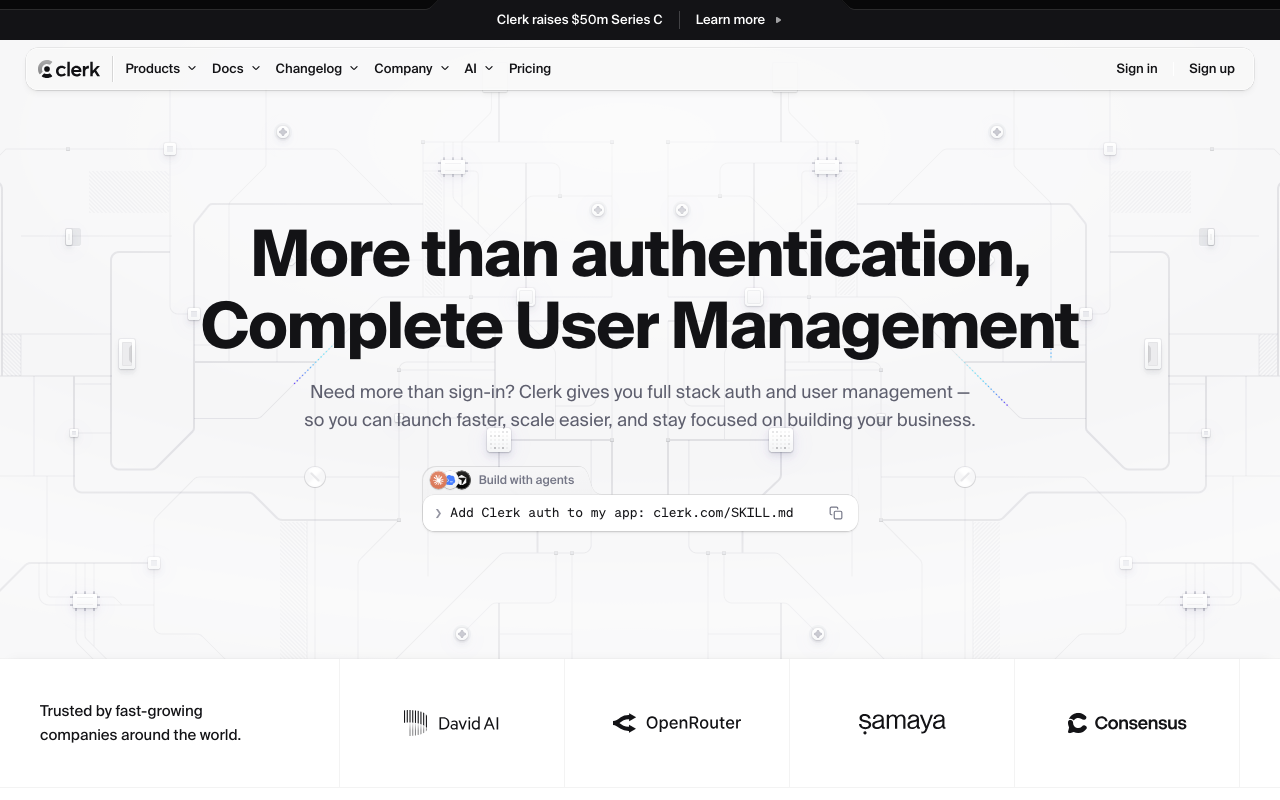
Clerk sells the account management interface, not just the token. Sign-in, sign-up, user profile, organisation switcher, member management and invitation flows arrive as framework components with a hosted backend behind them, and the framework integration goes deep enough that auth state is available in middleware, server components and API routes without you wiring it. The bet is that the screens, not the protocol, are where teams actually lose weeks. It is the fastest path from nothing to a working, styled, multi-tenant login of anything in this comparison.
Pros
- Account management screens including organisation membership and invitations arrive as components rather than as a quarter of frontend work
- Organisations, roles and invitations are first-class primitives, which matches the shape of most B2B products without you designing the model
- Deep integration with modern JavaScript frameworks, including server-side helpers and middleware, so auth state is where you need it
- Session and token handling is opinionated and handled for you, which removes a category of subtle bugs teams write themselves
Cons
- The components are the product, so a design system the components cannot absorb turns your time saving into a CSS fight against someone else’s DOM
- Strongly oriented to JavaScript and TypeScript, and a polyglot backend estate gets much less from it
- Frontend coupling makes a future migration harder than moving between token issuers, which is a cost you pay later at a worse time
- Managed only, so data residency and self-hosting requirements are unanswerable
Best for: Product teams on a modern JavaScript stack who want multi-tenant B2B auth and the whole account management surface working this week, and whose design system can live with themed components.
Pricing: Metered on monthly active users with organisation and enterprise capabilities tiered separately, so the plan boundary matters as much as the per-user rate.
Auth0
Auth0 is the general platform of the three, and generality is both the argument for it and the complaint about it. Connections cover social, enterprise SAML and OIDC, LDAP through a connector, custom database connections against your own store, and passwordless. Organizations model B2B tenancy with per-organisation connections and membership. Actions run your JavaScript inside the login pipeline at defined points, with the ability to enrich tokens, call your services and deny the login outright. Very little is impossible; quite a lot is more configuration than a simple product needs.
Pros
- The only one of the three with hosted code inside the authentication pipeline that can block a login, which is the requirement that most often eliminates alternatives
- Broadest connection coverage including the awkward legacy cases that appear in enterprise deals
- Management API covers essentially the whole configuration surface, so tenants are automatable and reproducible in code
- Long track record against real identity provider quirks, which saves weeks that do not appear on any feature list
Cons
- Metered on monthly active users with enterprise capabilities gated by tier, which is the most common reason teams leave
- Configuration surface grows faster than product complexity, and Actions become load-bearing logic that only one engineer understands
- You build the account management UI, so the invitation flow, member list and workspace settings are your work
- Managed only, with no self-hosting path
Best for: Teams whose requirements genuinely need generality: unusual connection types, custom logic that must run inside the login decision, or tenancy shapes the simpler products cannot express.
Pricing: Metered on monthly active users with organisations, enterprise connections and advanced security features tiered separately, so which plan your requirements force matters more than the headline rate.
WorkOS
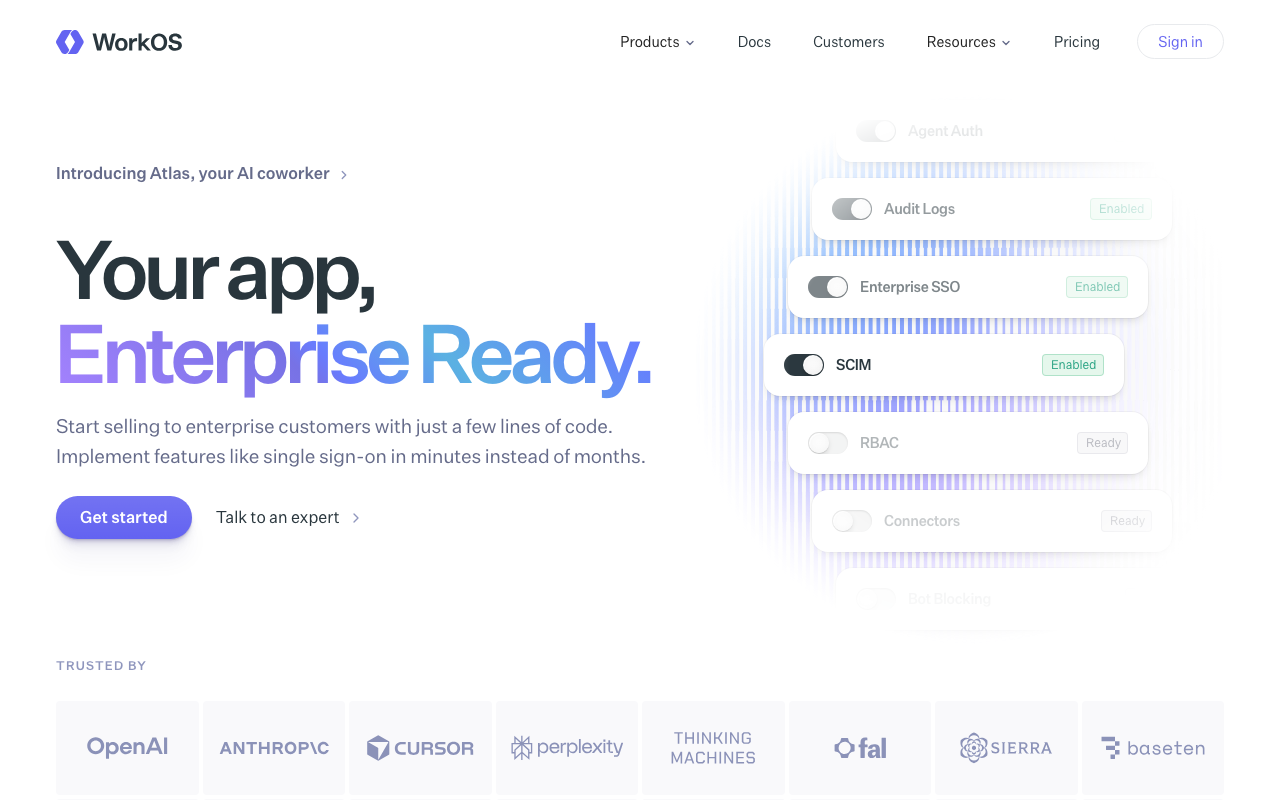
WorkOS normalises enterprise identity into one API and puts the per-customer configuration work in the customer’s hands. SSO against any identity provider returns a consistent profile shape; directory sync turns SCIM differences into normalised events; the admin portal is a link you send to the customer’s IT team so they configure their own connection; audit logs are an API you write to and they export from. A user management layer has been added so it can be your whole authentication system, but the distinctive value remains that enterprise onboarding stops being engineering work you schedule.
Pros
- One normalised interface across identity providers, so per-customer SAML and SCIM differences become the vendor’s problem rather than recurring engineering time
- Admin portal removes your team from the configuration loop, which is what actually shortens enterprise onboarding
- Per-connection pricing means the cost tracks the customers who are paying you enterprise money rather than your total user count
- Adoptable alongside existing authentication, so it can be a partial migration rather than a full replacement
Cons
- Consumer-scale concerns such as social login breadth, progressive profiling and bot registration defence are not the focus
- Running it beside existing auth leaves two systems with opinions about what a user is, and the reconciliation is yours to maintain
- Per-connection pricing inverts badly if you have many small enterprise customers rather than a few large ones
- Managed only, with no self-hosting answer, and less prebuilt account UI than the component-first option
Best for: B2B SaaS teams whose next four deals all require SAML and SCIM, who already have authentication working, and who want enterprise onboarding off the engineering roadmap.
Pricing: Metered per enterprise connection and per feature rather than per end user, which is the structural difference that makes the arithmetic favourable or unfavourable depending on your customer mix.
How to choose
Ask these in order and stop at the first clear answer.
Is self-hosting or data residency a hard requirement? If yes, none of these three. Go to self-hosted identity providers and stop reading this comparison.
Do you need code that runs inside the login decision and can deny it? If yes, Auth0, or a self-hostable product with equivalent hooks. Outbound webhooks do not do this and pretending they do is how you discover the gap in an incident.
Do you already have authentication that works, and is the blocker the enterprise checklist? If yes, WorkOS. Do not replace working auth to get SAML.
Is your stack modern JavaScript, and is the account management UI the work you want to delete? If yes, Clerk, after you have rebuilt your real sign-in screen with their components and shown it to whoever owns your design system.
Otherwise, the tiebreaker is your customer mix. A few large enterprise customers and a small total user count points at WorkOS on cost. A large user base with a few enterprise deals points at Clerk or Auth0 with the enterprise features tiered in.
| Clerk | Auth0 | WorkOS | |
|---|---|---|---|
| The bet | Prebuilt UI components you drop in | A general platform that can model anything | Enterprise features as an API |
| Assumes you have | A JavaScript frontend and no account UI | Requirements that need generality | Working authentication already |
| Where it lives | Inside your frontend | Beside your app as a hosted platform | Behind your existing auth, or replacing it |
| Enterprise SSO setup | Configured per organisation | Configured per connection by you | Configured by the customer in the admin portal |
| Code in the login decision | No | Yes, Actions | No |
| Meter | Monthly active users | Monthly active users | Enterprise connections |
| Migration cost later | Highest, due to frontend coupling | Moderate, plus whatever lives in Actions | Lowest, it is an API behind your code |
| Picks itself when | You need the whole account surface now | You have a requirement nothing else expresses | Your first big deal needs SAML next month |
Then validate with a two-week trial that tests what the table cannot.
- Build your real sign-in and workspace settings screens, with your real design tokens, in each candidate. Not the demo app.
- Configure two real customers with different identity providers using only documentation.
- Write down the one piece of custom logic your login flow needs, and implement it in each. If one candidate cannot, that is the answer.
- Deactivate a user in a test directory and measure how long until access actually ends in your application.
- Price all three against your projected user and enterprise-customer counts at twelve and twenty-four months, not today.
Needs first-hand data: Measure time from empty repository to a deployed, themed, multi-tenant login in each product, with the same engineer doing all three. The gap between the marketing claim and your number is the honest measure of integration cost, and it is usually the difference between two of these three.
Frequently asked questions
Can I use WorkOS alongside Clerk or Auth0?
Yes, and it is a legitimate architecture: one product for consumer and self-serve signup, WorkOS for enterprise connections. The cost you take on is reconciling two ideas of a user, so decide which system is the source of truth for identity before you write the first line, not after the second enterprise customer arrives.
Which one is cheapest?
It depends entirely on the ratio of enterprise customers to total users, because WorkOS meters connections and the other two meter users. A product with a hundred thousand free users and five enterprise customers gets a very different answer from one with two thousand users and eighty enterprise customers. Model both meters against your own twelve-month projection.
Is Clerk only for Next.js?
No, but the JavaScript ecosystem is clearly where the investment is, and the deepest integrations are there. If your backend is Go, Java or Python and your frontend is not React-shaped, you get the hosted backend and much less of the value that justifies the choice.
What happens to my Auth0 Actions if I move to Clerk or WorkOS?
They do not port. Categorise them first. Claims enrichment usually has an equivalent. Side effects become webhooks. Anything that denies a login needs a synchronous blocking hook, and if the target does not have one that logic has to move into your own application, which may be the right place for it anyway. The full migration mechanics are in Auth0 alternatives.
Do any of these let me keep my own user database?
Auth0 does, through custom database connections with scripts it runs against your store. Clerk and WorkOS expect to hold the identity records and sync to you over webhooks. If your own database must remain the source of truth for users, that narrows this to Auth0 or to something self-hosted.
Which one should a two-person startup pick?
Whichever gets you to a working login fastest, which is usually Clerk if you are on a JavaScript stack. At that stage the cost of being wrong is small and the cost of spending three weeks on login is large. Revisit when enterprise deals or the invoice make it a real decision, and read auth providers for startups for where the free tiers stop.
Related reading
- Best authentication providers for developers — the full category map and the build versus buy decision underneath it.
- Best auth providers for B2B SaaS and enterprise — multi-tenancy models and the requirements that appear with your first enterprise deal.
- Auth0 alternatives — migration mechanics if you are already on Auth0 and leaving.
- Best enterprise SSO solutions for B2B SaaS — per-identity-provider quirks and self-serve admin setup.
- Best auth providers for startups — where each free tier stops and when the auth bill overtakes hosting.
- Best self-hosted identity providers — the option none of these three offer.