B2B authentication is a different product from consumer authentication, and the difference is one sentence: the unit is not a person, it is an organization.
That sounds like a modelling detail. It is the whole architecture. A consumer product has users who own their own accounts, choose their own login method, and leave when they feel like it. A B2B product has users who belong to a company, whose login method is dictated by that company’s IT department, whose permissions are granted by an admin who does not work for you, and who are removed by a process you do not control and cannot see. Every one of those differences becomes a feature you either bought or are about to build at short notice.
The short notice is the part worth dwelling on. The requirements in this article do not arrive gradually. They arrive in a single email from a prospect whose security review has produced a list, and the list is always roughly the same: SAML single sign-on against their identity provider, SCIM provisioning so joiners and leavers propagate automatically, role-based access with an admin console their own people can use, audit logs they can export, and a session policy that matches their internal standard. The deal is larger than anything you have signed, and the answer is due in two weeks.
Teams who bought an auth provider with organization primitives on day one answer that email with configuration. Teams who built a user table with an email column answer it with a quarter.
Key takeaways
- The multi-tenancy model you choose, an isolated directory per organization or one shared user pool with membership records, determines whether the same person can belong to two customers and whether per-tenant login policy is possible at all.
- Per-organization SSO configuration is the feature that separates B2B auth products from everything else. One global identity provider connection is not enterprise SSO.
- SCIM is where deals are won on paper and lost in production, because the failure mode is silent: deprovisioning stops firing and nobody notices until an audit.
- Admin delegation is a product surface, not a setting. Whoever configures SSO for the customer should be the customer, or every new tenant costs you engineering time.
The two multi-tenancy models
Every B2B auth product picks one of two shapes, and the choice constrains what you can offer for the life of the system.
Organization as an isolated directory. Each customer gets its own user pool. Identities are scoped to the tenant, and an email address can exist independently in two different organizations as two unrelated records. Login is tenant-aware from the start: the user arrives at a tenant-specific URL or subdomain, and the login policy applied is that tenant’s policy.
This model is clean for strict isolation requirements and it maps well to products where a user genuinely belongs to exactly one company. It has two costs. Cross-organization membership is awkward, because a consultant working with three of your customers now has three separate accounts. And tenant discovery becomes a user experience problem: somebody arriving at your root domain has to be routed to their tenant before you can decide how to authenticate them.
Shared user pool with membership records. One identity per human, plus join records connecting that identity to one or more organizations with a role in each. The user logs in once and switches between organizations inside your product.
This is the model most modern B2B products want, because agencies, contractors and multi-team customers all work naturally. The cost is that login policy is now ambiguous. If a user belongs to two organizations and one of them mandates SAML while the other allows passwords, what happens at the login screen? The workable answer is to resolve the identity provider from the email domain before authentication, so the user’s employer determines the method and organization membership determines what they can see afterwards. That is domain-based routing, and whether a provider does it well is one of the sharpest differences between products in this category.
The corollary nobody plans for. Under a shared pool, an organization that enables mandatory SSO is asserting control over identities that also exist elsewhere in your system. If a customer claims the domain example.com and turns on enforced SSO, every existing password-based user with that email domain must be migrated into the SSO path, including ones who signed up individually before the company became a customer. Getting this transition wrong locks out real users on the day of the enterprise rollout, which is the worst possible day. Ask every vendor how domain claiming and enforced SSO interact with pre-existing accounts, and do not accept an answer that does not mention existing users.
Needs first-hand data: Build the same three-tenant scenario in each shortlisted provider: one organization with password login, one with enforced SAML, and one user whose email belongs to both. Then walk through what the login screen does, what happens when the SSO tenant enforces SSO after that user already had a password, and whether the user keeps a single identity. Record the outcome per provider. This scenario is where the marketing pages stop being useful and almost nobody publishes what actually happens.
SCIM: the standard underneath, not a product
SCIM is a specification for user provisioning over HTTP, not something you buy. Your customer’s identity provider becomes the client and your application becomes the server, and the identity provider pushes create, update and deactivate operations as employees join, change role and leave.
What it gives you
- Automatic account creation when an employee is added to your application’s group in the customer directory, so nobody files a ticket to get access
- Automatic deactivation when someone leaves, which is the requirement security reviews actually care about
- Attribute and group synchronisation, so a role change in the customer directory propagates into your product without human involvement
- An answer to the compliance question about how access is revoked, backed by a standard the auditor already recognises
What it does not do
- It does not define behaviour consistently. The specification leaves room, and Okta, Microsoft Entra and Google Workspace each fill that room differently, so a compliant implementation still needs per-provider testing.
- It does not handle authorization. SCIM carries groups and attributes; deciding what those mean inside your product is your model, covered in authorization and permissions services.
- It does not fail loudly. When a sync stops, nothing breaks visibly. Accounts simply stop being created and, far worse, stop being deactivated. Six months later somebody discovers that departed employees still have live accounts, and that finding lands in an audit report.
- It does not cover soft deletion semantics cleanly. Some identity providers deactivate, some patch an attribute, some delete outright, and your application needs a defined behaviour for each.
The practical requirement is therefore not “we support SCIM”. It is per-connection sync health that a human can see, a record of the last successful operation per tenant, and an alert when a connection goes quiet. Treat SCIM endpoints as an integration that will silently rot and instrument it accordingly. The detail sits in SCIM provisioning tools.
The requirements that arrive with the first enterprise deal
Beyond SSO and SCIM, four things show up on the security review and each one is a surface you either have or build.
Admin delegation. The customer’s IT administrator wants to configure their own identity provider connection, manage their own members, set their own session timeout and read their own audit log, without emailing you. If they cannot, every new enterprise tenant costs you a support engagement, and that cost scales linearly with sales success. A self-serve admin portal is the single most valuable feature in B2B auth, and it is the feature most home-grown systems never get around to building.
Custom domains. Enterprise buyers do not want their employees redirected to a vendor-branded login URL. They want login.customer.com or at minimum your product on their subdomain, with their certificate. This is also a security review item, because a redirect to an unfamiliar domain is exactly what phishing training tells employees to distrust. Check whether custom domains are a tier or a per-tenant capability, because per-tenant custom domains and one vanity domain for your whole product are very different features sold with the same words.
Audit logs, exportable. Not a console view. A stream your customer can pull into their own SIEM, and that you can retain long enough to satisfy your own compliance obligations. Vendor consoles with short retention windows do not satisfy either requirement, which is why the audit trail usually ends up in your own log management pipeline regardless of what the provider offers.
Per-tenant security policy. Session lifetime, idle timeout, MFA requirement, password rules and IP restrictions, set per organization rather than globally. One customer’s standard is thirty minutes of idle timeout, another’s is a working day, and a single global setting means you are permanently non-compliant with somebody. This is a data model question: is policy attached to the organization, or to your application?
The procurement dynamics around all of this are the same ones described in APM for enterprise, and they are worth internalising once: enterprise buying is a process of elimination on constraints, not a comparison of features.
WorkOS
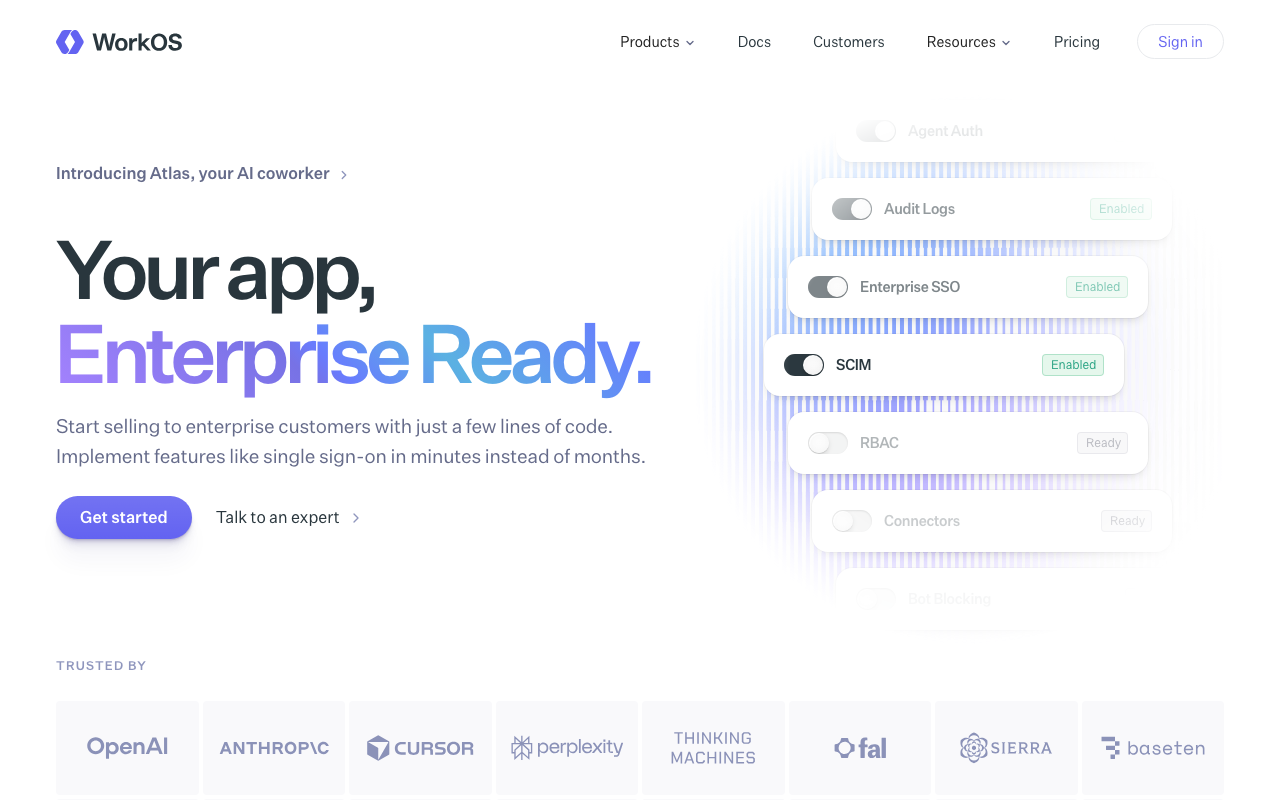
WorkOS made the sharpest bet in this category: sell the enterprise features as an API and let teams keep whatever authentication they already have. SSO, directory sync, audit logs and admin portal are separate products behind one abstraction, so a team with a working password login can add SAML for one customer without replacing their auth system. The abstraction is the value: one integration on your side, and WorkOS absorbs the per-identity-provider differences behind it.
Pros
- One API covers SAML, OIDC and every major identity provider, so per-customer variation stops being your code
- Hosted admin portal lets the customer configure their own connection, removing the support engagement per tenant
- Adoptable incrementally alongside existing authentication rather than requiring a migration
- Directory sync abstracts the SCIM differences between Okta, Entra and Google behind one event model
Cons
- Not a complete auth platform in the traditional sense, so consumer-scale login features are not the focus
- Pricing is oriented around enterprise connections, which makes it expensive if you have many small tenants each wanting SSO
- The abstraction hides identity provider specifics, which is the point, but it also limits you when a customer needs an unusual assertion mapping
- Adds a vendor in the critical path of enterprise logins specifically, so your failure modes now differ between tenant types
Best for: B2B SaaS teams with working authentication whose first enterprise deals demand SAML and SCIM, and who want to ship that in weeks rather than rebuild identity.
Pricing: Metered primarily on enterprise connections rather than end users, with directory sync and audit log capabilities as separate components. The base user directory is priced separately from the enterprise features.
Auth0
Auth0 is the most protocol-complete platform in the category, and in B2B that matters because the long tail of enterprise federation is where implementations break. Its organizations model supports member roles, per-organization connections and invitations, so tenancy is native rather than something you construct. The counterweight is commercial: enterprise connections are metered separately from users, which means the meter moves in step with exactly the deals you are trying to win.
Pros
- Organizations with per-organization identity provider connections, roles and invitations are built in
- Deepest coverage of federation edge cases, including the assertion and attribute mapping quirks that break newer products
- Actions let you run custom logic inside the login transaction, which handles tenant-specific requirements without forking flows
- Large SDK and documentation surface, so unusual problems usually already have a public answer
Cons
- Enterprise connections are a separate meter, so the cost curve rises with the number of enterprise tenants rather than with usage
- Substantial configuration surface; getting organizations, connections and rules right takes real learning time
- Advanced organization and security features sit in higher tiers, which arrive sooner for B2B products than consumer ones
- Migration away is a genuine project, which is why Auth0 alternatives is a well-trodden search
Best for: B2B products expecting many enterprise tenants with varied and occasionally strange identity provider requirements, who want the implementation that has seen them all.
Pricing: Per monthly active user for the base directory, with enterprise connections, machine-to-machine tokens and advanced organization features metered or tiered separately.
Okta

Okta sells two distinct things and confusing them wastes evaluation time. The workforce product manages your own employees. Customer Identity, the line that came from the Auth0 acquisition, is the one relevant here: authentication for the users of your product. Buying Customer Identity brings the brand recognition that shortens security reviews, and it brings an enterprise commercial posture that a twenty-person company will feel.
Pros
- Name recognition carries real weight in customer security reviews, which shortens procurement conversations
- Deep enterprise federation capability with mature handling of directory integration and provisioning
- One vendor relationship if you also need workforce identity internally, with shared administrative concepts
- Strong compliance and certification posture, which answers a whole section of most vendor questionnaires
Cons
- Enterprise sales motion and commercial structure, so evaluating seriously usually means talking to sales first
- The workforce and customer identity product lines are genuinely different, and material written about one frequently misleads about the other
- Heavier and more expensive than the developer-first options for a product that only needs customer identity
- Platform breadth means configuration complexity that a small team will feel disproportionately
Best for: B2B companies selling into regulated or security-conscious enterprises where the identity vendor itself is a line item in the buyer’s review.
Pricing: Per monthly active user with feature tiers, and enterprise capabilities including advanced policy and provisioning positioned in higher tiers. Commercial terms are typically negotiated rather than self-serve at enterprise volume.
Frontegg
Frontegg is built around the observation that B2B products all build the same admin surfaces, so it ships them: a self-serve admin portal your customers use directly, covering SSO configuration, member management, roles, security policy and audit logs, embedded into your application. Authentication is included, but the admin portal is the actual product, and it targets exactly the cost that scales badly with enterprise sales success.
Pros
- Embeddable, customer-facing admin portal removes the per-tenant support engagement that otherwise grows with every deal
- Per-tenant security policy including session, MFA and password rules is a first-class concept
- Multi-tenancy, roles and permissions are native rather than modelled by you
- Covers audit logs and entitlements in the same product, closing several enterprise checklist items at once
Cons
- Embedding vendor UI deeply into your product creates a coupling that is expensive to unwind later
- Opinionated about how tenancy and admin should look, which fights products with an unusual organizational model
- Enterprise-oriented pricing makes it a heavy choice for a product with many small tenants
- Less depth than the incumbents on the rarest protocol and federation edge cases
Best for: B2B SaaS teams whose bottleneck is building customer-facing admin surfaces, not login itself, and who want to stop configuring tenants by hand.
Pricing: Tiered on monthly active users with tenant count and enterprise capabilities such as SSO connections and advanced policy influencing the tier.
PropelAuth
PropelAuth is unusually focused: B2B only, organizations as the primary object, and a hosted admin experience for both you and your customers. There is no consumer product bent to fit, which shows in the defaults. Organizations, roles, invitations, per-organization SSO and a customer-facing management page are what you get out of the box, and the API is shaped around asking whether a given user has a given role in a given organization.
Pros
- Organizations are the core primitive, so B2B modelling matches the product instead of working around it
- Self-serve organization management and SSO setup for your customers included by default
- API surface is designed around per-organization role checks, which is the query B2B code actually makes
- Focused scope means fewer decisions to make and less configuration to get wrong
Cons
- B2B-only by design, so a product with both consumer and business users needs something else alongside it
- Smaller vendor and ecosystem than the incumbents, which matters for a dependency this central
- Less extensibility inside the login transaction than platforms with a custom code hook model
- Thinner on the unusual federation and attribute mapping requirements that large enterprises occasionally bring
Best for: Pure B2B SaaS teams who want organizations, roles and customer-managed SSO working correctly by default rather than assembled.
Pricing: Tiered on organizations and users together, with enterprise SSO connections and advanced capabilities influencing the tier rather than metered per connection.
Clerk
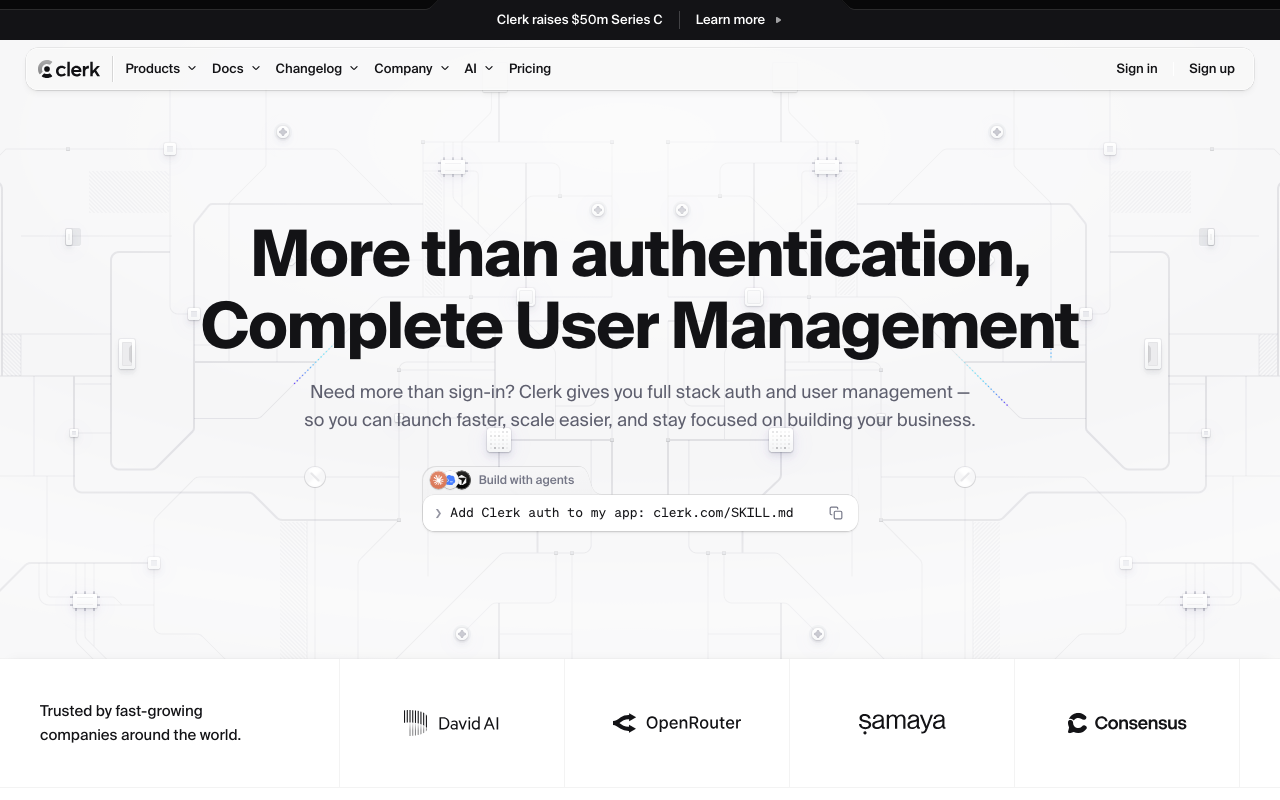
Clerk arrived as a consumer-grade component library and grew organization support into a credible B2B offering: organization creation, invitations, member roles and an organization switcher, all as prebuilt components. For a React or Next.js team that means the tenancy user interface, which is otherwise a genuine chunk of frontend work, arrives finished. The enterprise end of the spectrum is newer territory for it than for the incumbents, and that is the thing to probe.
Pros
- Organization management UI including switching, invitations and member roles ships as components
- Best-in-class developer experience for React and Next.js, including server component and middleware support
- Session and device management surfaces exist by default rather than being features you build
- Fast path from nothing to a working multi-tenant product, which matters more than it sounds at seed stage
Cons
- Component-level coupling to your frontend makes a future migration a UI project as well as a data one
- Enterprise federation depth is younger than the incumbents, so unusual identity provider requirements need checking case by case
- Organization and enterprise features sit on higher tiers, which B2B products reach quickly
- Advantage narrows sharply outside the React ecosystem
Best for: React-based B2B products that want multi-tenant auth and its entire user interface working in days, with enterprise requirements expected later rather than immediately.
Pricing: Per monthly active user with organizations and enterprise SSO connections on higher tiers, and enterprise connections metered separately from ordinary users.
Descope
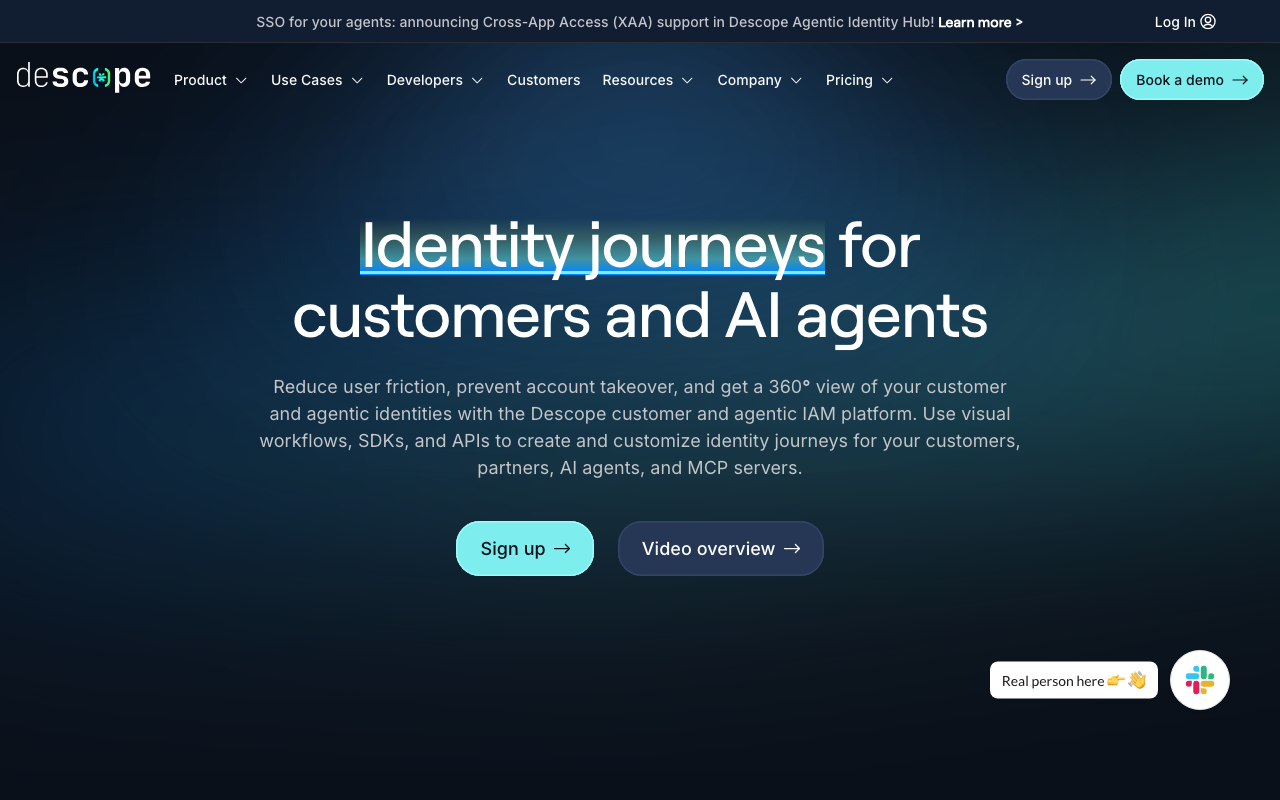
Descope’s distinguishing idea is a visual flow builder: authentication journeys composed as drag-and-drop steps rather than written as code, covering passwordless, MFA, risk checks and tenant-specific branching. For B2B that translates into per-tenant login journeys that a non-engineer can modify, which is a genuinely different answer to the problem that every enterprise customer wants something slightly different.
Pros
- Visual flow builder makes per-tenant authentication variation a configuration change instead of a code branch
- Strong passwordless and passkey support treated as first-class rather than bolted on
- Multi-tenant model with per-tenant SSO and policy built in
- Flow changes can be made and reviewed without a deploy, which shortens the loop on customer-specific requests
Cons
- Visual flows become their own artefact to version, review and test, and that discipline is easy to skip
- Logic expressed in a builder is harder to diff and code review than logic expressed in your repository
- Younger vendor, with less accumulated handling of rare federation quirks than the incumbents
- The flow abstraction is the product, so requirements it does not model cleanly are awkward to express
Best for: Teams whose enterprise customers each want a slightly different login journey, and who would rather configure that variation than branch on tenant in application code.
Pricing: Per monthly active user with tenant count and enterprise connection capabilities influencing the tier, and advanced risk and fraud capabilities as higher-tier features.
Zitadel
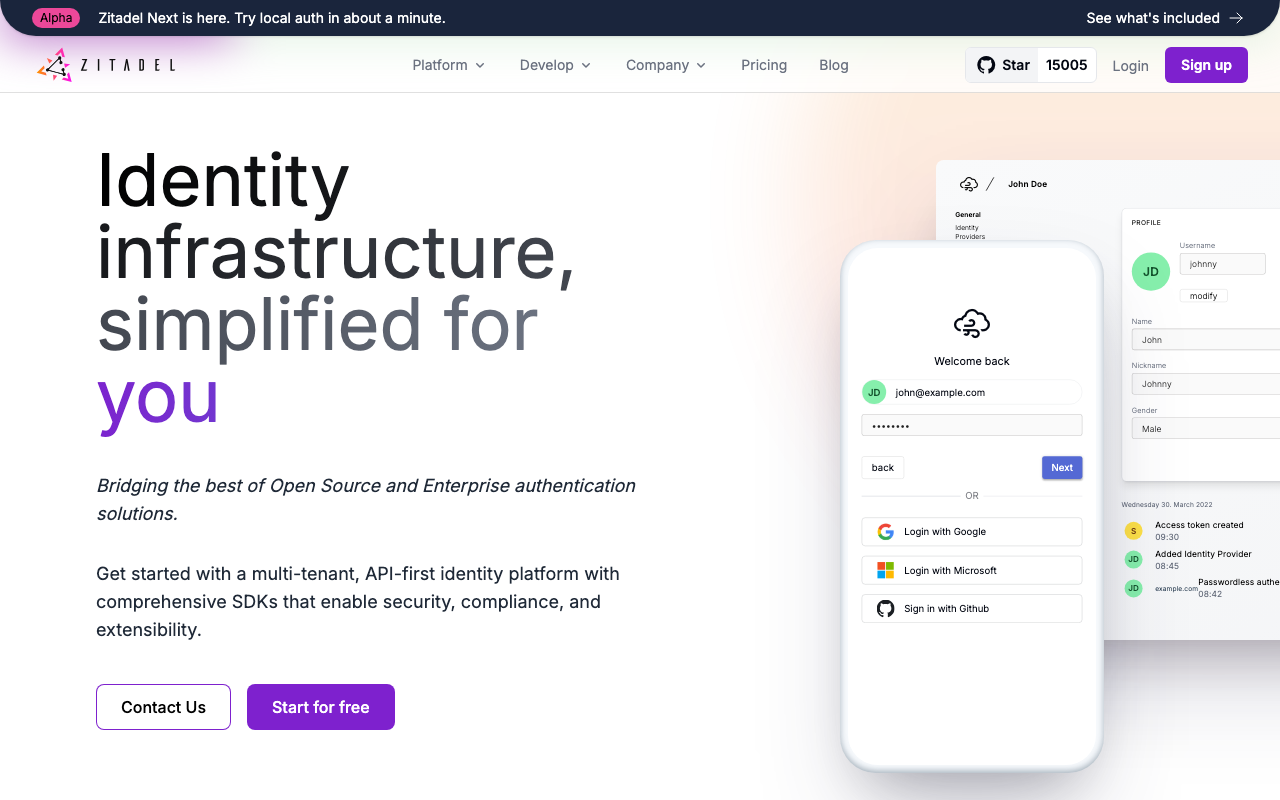
Zitadel is an open-source identity platform with multi-tenancy in the core data model rather than added on top, available self-hosted or as a managed cloud. It implements OIDC and SAML properly, supports organizations with per-organization policy and identity providers, and keeps an event-sourced audit history of every change. For a B2B product that needs real tenancy and cannot or will not put user data in a vendor cloud, it is one of very few credible answers.
Pros
- Multi-tenancy and per-organization identity provider configuration are in the core model, not a paid layer
- Genuine OIDC and SAML implementation, so standards-based clients and enterprise identity providers work as expected
- Event-sourced architecture gives a complete, queryable audit history of configuration and identity changes
- Self-hosted and managed are the same software, so residency requirements do not cost you features
Cons
- Self-hosting means operating a stateful identity service that gates your entire product, including upgrades and key rotation
- Steeper learning curve than the developer-first hosted products, with concepts that take time to map onto your domain
- Prebuilt UI is functional rather than polished, so customer-facing login screens usually need work
- Smaller ecosystem of integrations and community answers than the incumbents
Best for: B2B teams with data residency or self-hosting requirements who need real per-organization SSO without accepting a per-connection meter.
Pricing: Open source and free to self-host; the managed cloud is tiered with usage-based components. Self-hosting converts the cost into infrastructure and the engineers who operate it.
LoginRadius
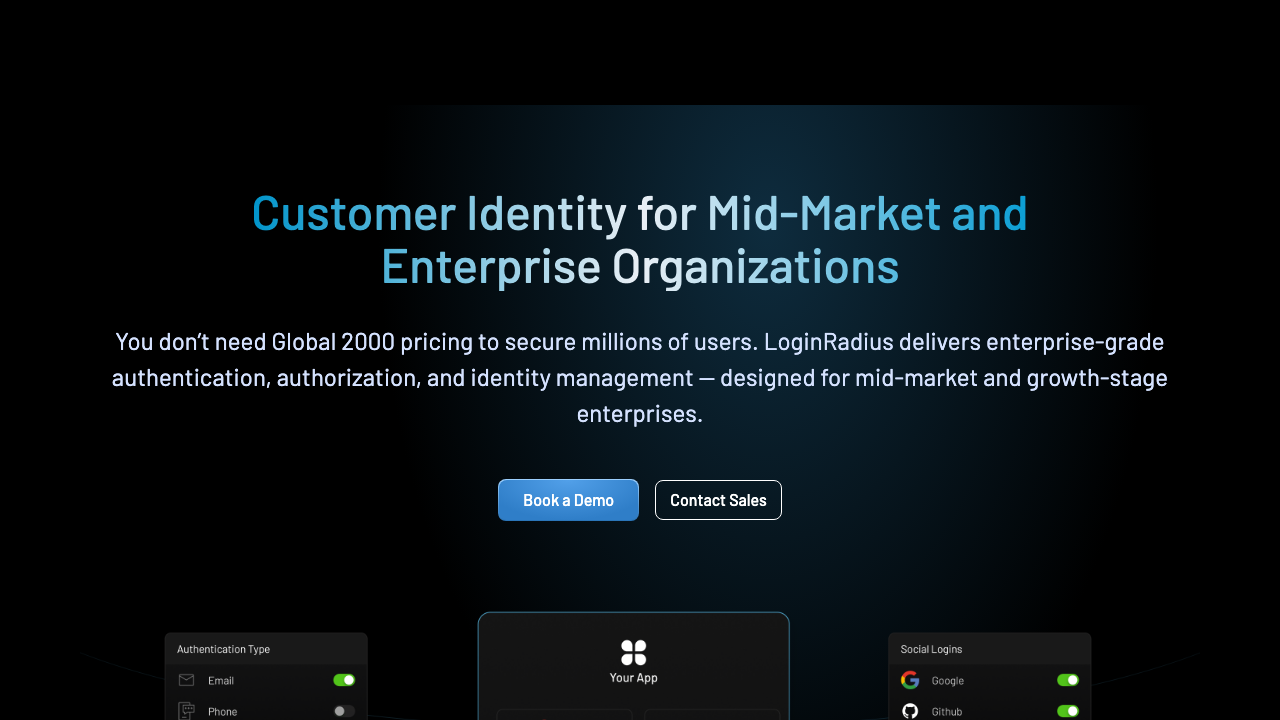
LoginRadius is a customer identity platform built for scale and compliance breadth: large social login coverage, consent and preference management, regional data residency options, and enterprise federation. I should state plainly that I spent eleven years there and ran product and engineering, so treat my assessment of it as informed rather than neutral. Architecturally it sits closer to the CIAM end than the developer-tooling end, which makes it a better fit for a company with both consumer-scale registration and enterprise B2B tenants than for a small team wanting a fast integration.
Pros
- Built for large user volumes with regional data residency options that satisfy specific jurisdiction requirements
- Consent, preference and privacy management included, which matters when the same platform serves consumer and business users
- Broad social and enterprise federation coverage, including the identity providers that only appear in specific markets
- Enterprise support and compliance posture oriented toward organisations with formal vendor review processes
Cons
- Platform breadth means a heavier integration than the developer-first products, and a longer path to first login
- Commercial motion is enterprise-shaped, so self-serve evaluation is limited compared with the newer entrants
- Developer experience and documentation density trail the products built developer-first from the start
- Feature surface is wider than a pure B2B SaaS product needs, so you pay for capability you may not use
Best for: Companies with both large consumer registration volume and enterprise B2B tenants, particularly where regional data residency is a contractual requirement.
Pricing: Enterprise agreements based on monthly active users and the feature modules enabled, with data residency and premium federation capabilities as commercial line items rather than self-serve tiers.
How to choose
Answer these in order and the list collapses quickly.
One. Is your tenancy model isolated directories or a shared pool with memberships? If a single human can belong to two of your customers, you need the shared pool, and you need domain-based identity provider routing to go with it. If they cannot, isolated directories are simpler and stricter. Getting this wrong is the most expensive mistake available in this category, worse than picking the wrong vendor, because it is a data model migration rather than an integration rewrite.
Two. Do you already have working authentication? If yes, the cheapest correct answer is frequently to keep it and add enterprise connectivity as a layer. That is the WorkOS argument, and for a team with a deal on the table and two weeks to answer it, it is usually right. If no, buy a platform with organizations built in.
Three. Who configures a new tenant’s SSO? If the answer is one of your engineers, your cost per enterprise customer never falls and your sales team has an engineering dependency in every close. A self-serve admin portal is the difference between enterprise deals being profitable and being a tax on the roadmap.
Four. Where can user records live? Answer the residency question before the feature question. If user data must stay in your infrastructure, most of this list disappears and you are choosing between Zitadel and the options in self-hosted identity providers.
| Provider | Tenancy model | Admin delegation | Picks itself when |
|---|---|---|---|
| WorkOS | Layer over your existing auth | Hosted admin portal | You have auth and need SAML plus SCIM fast |
| Auth0 | Organizations in a full platform | Configurable, mostly yours to build | Federation edge cases will be many and strange |
| Okta | Full customer identity platform | Enterprise admin surfaces | The buyer reviews your identity vendor by name |
| Frontegg | Organizations plus embedded admin UI | Embedded, customer-facing | Building admin surfaces is your actual bottleneck |
| PropelAuth | Organizations as the core object | Included by default | You are pure B2B and want correct defaults |
| Clerk | Organizations as components | Component-based | React product that needs tenancy UI finished now |
| Descope | Tenants with visual flows | Per-tenant flow configuration | Every customer wants a different login journey |
| Zitadel | Multi-tenant in the core model | Console per organization | Self-hosting or residency is a hard requirement |
| LoginRadius | Consumer scale plus enterprise tenants | Enterprise admin surfaces | Consumer volume and B2B tenancy in one platform |
The narrower question of SSO alone, including why each customer integration is slower than you expect, is in enterprise SSO solutions. The wider build versus buy argument is in the authentication providers hub.
Needs first-hand data: Time the full enterprise onboarding path on each shortlisted provider: from the customer admin receiving an invitation link to a test user successfully logging in through their own identity provider with SCIM provisioning active. Measure it separately for Okta, Microsoft Entra and Google Workspace as the customer identity provider, and count how many steps required an engineer from your side. That number, per provider per identity provider, is the real cost of an enterprise customer.
Frequently asked questions
Do I need a separate provider for B2B and consumer users?
Usually not, but you do need one whose tenancy model handles both. The question to ask is what happens to a user who signs up individually and later joins an organization that enforces SSO. If the platform can migrate that identity into the organization without creating a duplicate, one provider is fine. If it cannot, you will end up with two records for the same human and a support queue explaining why.
Is SCIM really necessary, or is SSO enough?
SSO controls who can get in. SCIM controls who has an account at all, and specifically who stops having one. Without SCIM, an employee who leaves the customer keeps a valid account in your system until somebody manually removes it, and security reviewers know this. For smaller tenants manual management is tolerable. For anything above a few hundred seats it becomes both an operational burden and an audit finding.
What does per-organization SSO actually mean?
That each customer configures their own connection to their own identity provider, with their own certificate, their own attribute mapping and their own enforcement policy, independently of every other customer. A single global SAML connection for your whole product is not this, and it fails at the second enterprise customer. If a provider describes SSO without describing where a customer admin configures it, it is probably the global kind.
Should the customer or my team configure the SSO connection?
The customer, with a hosted portal, once you have more than a handful of enterprise tenants. Doing it yourself is faster for the first two and becomes a permanent linear cost afterwards, with your engineers sitting in scheduling calls with the IT departments of other companies. It also removes you from the loop when their certificate expires, which is the most common ongoing failure in enterprise SSO.
Related reading
- Best authentication providers — the build versus buy decision and a map of the whole category.
- Best enterprise SSO solutions — SAML versus OIDC in practice and the per-customer integration cost.
- Best SCIM provisioning tools — where implementations diverge and how deprovisioning fails quietly.
- Clerk vs Auth0 vs WorkOS — the same B2B login built three ways.
- Best authorization and permissions services — roles and resource permissions once tenancy exists.
- Best self-hosted identity providers — when user data cannot leave your infrastructure.