Finding Auth0 alternatives is not the hard part. There are a dozen credible products and most of them will authenticate a user perfectly well. The hard part is that you are not really choosing a product. You are planning a migration of the one system where a bad cutover means nobody can log in, including your support team, including the people trying to fix it.
Auth identity data is the least portable data you own. Not because vendors are hostile, though some export paths are deliberately awkward, but because most of what makes an identity system work is not rows in a table. It is password hashes in a specific format, second-factor secrets that were never designed to leave the vault, WebAuthn credentials cryptographically bound to a domain, session cookies signed by a key you are about to retire, and a few hundred lines of vendor-specific code sitting in the login pipeline that has no equivalent anywhere else.
So the shape of this decision is: work out what actually moves, work out what has to be rebuilt, and only then look at products. A migration plan written after the contract is signed is how teams end up running two identity providers for nine months.
The other thing worth being blunt about: some teams should not leave. Auth0 does a handful of things that the cheaper and simpler alternatives genuinely do not do, and if you depend on one of them you are not migrating, you are rebuilding. That list is in this post too.
Key takeaways
- Password hashes are the most portable part of your user data and MFA enrolment is the least. Plan for every user to re-enrol their second factor.
- WebAuthn and passkey credentials are bound to a Relying Party ID. If the domain running the WebAuthn ceremony changes, every passkey is dead, and no export format fixes that.
- Rules and Actions are hosted code in the login pipeline. Most alternatives replace them with outbound webhooks, which is not the same thing because a webhook cannot easily deny a login without you designing that in.
- Segment by why you are leaving. Price at scale, wanting to self-host, and wanting something simpler point at three different shortlists, and picking from the wrong one reproduces the problem you left.
What actually moves, and what has to be rebuilt
Before any shortlist, inventory your own tenant against these five things. This is the part that determines the project size.
Password hashes
This is the good news. Auth0 stores passwords as bcrypt hashes, and bcrypt is the most portable password format in the industry precisely because it encodes its cost factor and salt inside the hash string itself. A bcrypt hash beginning $2b$ carries everything a verifier needs. Any target system that can verify bcrypt can accept your hashes directly, and users never know a migration happened.
Two practical caveats. First, exporting hashes is not a self-serve button in most vendors including Auth0; it is a support request, and the answer can depend on your plan. Start that request before you plan the timeline, not after. Second, “supports bcrypt” from a target vendor can mean two different things: verifying your existing hash on login forever, or verifying it once and immediately rehashing to the target system’s preferred algorithm. The second is what you want. It means the legacy format has a finite life.
If your hashes are not bcrypt, because they came from a system you migrated into Auth0 years ago and are still stored in a custom database connection, the portability question is about that original format instead. Salted SHA variants and PBKDF2 are commonly importable. Anything bespoke, a hash with a pepper held in your application config, or a double-hashing scheme somebody invented in 2013, usually is not.
The escape hatch when hashes cannot move is lazy migration, and it is the single most useful technique in this entire post. You point the new provider at the old one as a custom credential source. On a user’s first login the new system forwards the plaintext credential to a verification endpoint you control, that endpoint checks it against the old system, and on success the new system stores its own hash and never asks again. Active users migrate silently over weeks. Dormant users migrate whenever they come back, or get a password reset at the end of the window. Almost every serious provider supports this pattern in some form, and the ones that do not should be a strike against them.
Needs first-hand data: For each shortlisted provider, get a written answer to three questions before signing anything. Which hash algorithms does the bulk import accept, does it verify-and-rehash or verify-forever, and does the lazy migration path support your existing verification endpoint shape. Vendor documentation is inconsistent on all three and the answers change the migration timeline by weeks.
User IDs
Auth0 subject identifiers look like auth0|653f... or google-oauth2|1078.... If any of those strings are stored as a foreign key in your own database, and in most applications they are, then the identifier is not an implementation detail, it is your primary key for a person.
You have two honest options. Carry the old identifier across as an external ID or metadata field on the new account, and keep resolving through it. Or run a mapping table at the edge of your application that translates the new subject to the old one, which sounds temporary and will still be there in four years. Both work. What does not work is assuming the new provider will mint the same identifier, because none of them will.
Social logins deserve separate attention because the upstream identifier may or may not survive.
For Google, the sub claim identifies the Google account and stays stable for the same user even if you register a new OAuth client, so re-linking by sub works. For most standard OIDC providers the same logic holds.
Sign in with Apple is the one that bites. Apple’s user identifier is scoped to your developer team and the Services ID configuration, and Apple’s private relay email addresses are generated per app. Move to a new Apple configuration without transferring the existing one and your users come back as brand new people with email addresses you cannot match on, because the relay address is different too. Apple provides a transfer mechanism for exactly this reason. Find it and plan it before you plan anything else, because it has its own sequencing constraints and it is not something you improvise during a cutover weekend.
Enterprise SAML connections have a similar problem in a different costume. The identifier you receive in an assertion is whatever the customer’s identity provider was configured to send, usually NameID or a specific attribute. If the new system asks for a different attribute, or normalises the NameID differently, existing users will not match. Multiply that by every enterprise customer whose IT team you now have to email.
MFA enrolment
This one is simple and unwelcome: it does not transfer. Plan for re-enrolment.
TOTP shared secrets are stored encrypted by the provider and are not part of any normal export. Push notification enrolments are bound to the vendor’s own mobile SDK and backend. Recovery codes are hashed. SMS and email factors are the only ones that carry, and only because they are really just a phone number and an address that travel with the user record.
The consequence is a forced re-enrolment event for every user with MFA on, which is the most dangerous moment in the whole migration. Users who lost the phone that has the authenticator app, users who never wrote down recovery codes, and users who will assume the re-enrolment prompt is a phishing attempt all arrive at your support queue in the same week. Staff for it. Communicate before, not during. And decide in advance what your identity-proofing fallback is for a user who cannot complete re-enrolment, because “email a support agent” is a social engineering surface you just created at scale.
The detail on factor types and enrolment drop-off is in MFA providers for developers, and it is worth reading before you pick the target, since some providers make step-up re-enrolment much less painful than others.
WebAuthn credentials are worse than non-portable, they are actively destroyed by the wrong migration. A passkey is bound to a Relying Party ID, which is a domain. The authenticator will only release that credential to a page whose origin matches. If your login currently runs on login.yourcompany.com and the new provider wants to run the ceremony on its own hosted domain, every passkey your users have is now unusable, permanently, and there is no export format in existence that would help. Keeping the RP ID identical across the migration is a hard requirement if you have passkeys in production, and it dictates whether a provider’s hosted login page is acceptable to you at all. The mechanics are covered in passkey and WebAuthn providers.
Sessions and tokens
Sessions do not migrate. Accept it and design the cutover around it.
At the moment you flip, every existing session cookie was signed by a key the new system does not have, and every outstanding refresh token was issued by an authorization server that is about to stop answering. Everyone gets logged out. For a consumer product that is an annoyance. For an internal tool where people keep a tab open for weeks it is a support spike.
The part that actually breaks production is validation. Every service you own that verifies a JWT is checking an issuer, an audience, and a signature against a JWKS endpoint. All three change. The order of operations that works is: teach every resource server to accept both issuers and fetch both JWKS documents, deploy that everywhere, verify it with a canary, then switch the token minting, then remove the old issuer once the longest-lived refresh token has expired. Do it in the other order and you find out which internal service nobody remembered, at the worst possible time.
Machine-to-machine credentials are their own list. Every client credentials grant, every API key issued to a partner, every CI job holding a secret. Those are not users and they will not appear in a user export.
Needs first-hand data: Count your outstanding refresh tokens by age and find the longest configured refresh token lifetime including any absolute expiry. That number is the minimum length of your dual-issuer window, and it is usually longer than the migration plan assumes.
Rules, Actions and the login pipeline
This is where “just export the users” migrations die.
Auth0 lets you run your own code inside the authentication flow. Actions, and the older Rules, execute at defined points such as post-login and pre-registration, can read and write app and user metadata, can add custom claims to tokens, can call out to your systems, and can deny the login outright. Over a few years teams accumulate a lot of load-bearing logic there: enriching tokens with a tenant ID from an internal service, blocking logins from a country, forcing MFA based on a risk signal, provisioning a record in your own database on first login, syncing a CRM.
Very few alternatives have the same thing. The replacements fall into four categories and they are not equivalent.
Hosted code in the pipeline. Zitadel has Actions and FusionAuth has Lambdas: JavaScript you write, the vendor runs, inside the flow. This is the closest equivalent and the shortest port.
Compiled extension points. Keycloak gives you full server-side SPI: you write Java, package a JAR, deploy it with the server. More powerful than anything else on this list and a completely different operational posture, because your auth logic is now part of your deployment artifact.
Your own backend owns the flow. SuperTokens has function overrides that run in your process, and Stytch is an API you call from code you already wrote. There is no pipeline to inject into because the pipeline is your application. This is the most flexible option if you are already comfortable owning the flow and the largest rewrite if you are not.
Webhooks only. Several managed providers offer outbound webhooks on identity events. This is fine for synchronising a downstream system and it is not a substitute for a rule, because an outbound notification after the fact cannot decline a login. If any of your Actions currently returns a deny, check very carefully whether the target supports a blocking, synchronous hook before you assume it is a port rather than a redesign.
Inventory every Rule and Action, and label each one: token claim enrichment, side effect, or access decision. The access decisions are the ones that constrain your shortlist.
Why you are leaving, and why it changes the shortlist
Three reasons drive almost every Auth0 exit. They point at different products.
Price at scale. The bill grew faster than the business, usually because monthly active users is the meter and your active user count is not proportional to your revenue, or because a feature you needed for one enterprise deal moved you to a tier priced for a different kind of company. If this is you, look at providers whose meter is shaped differently: per organisation rather than per user, flat feature pricing, or self-hosted where the ceiling is your own hardware. Do not move to another per-MAU managed platform on a slightly better rate. You have bought eighteen months.
You want to self-host. Data residency, an air-gapped environment, a regulator who wants to know exactly which machine holds credentials, or simply not wanting the login page for your product to depend on someone else’s status page. Keycloak, Ory and Zitadel are the serious answers, FusionAuth if you want a single deployable binary with a commercial relationship attached. Read best self-hosted identity providers for the operational load before you commit, because the failure modes are different: you now own key rotation, session store capacity and the Friday afternoon CVE.
You want something simpler. Auth0 is a general platform that can model almost anything, and the cost of that generality is configuration surface. Teams building a straightforward B2B SaaS product frequently find they are maintaining a tenant configuration far more complex than their actual requirements. Clerk, Descope and WorkOS each simplify by giving up generality in a different direction, and the question is whether you give up the part you need.
What Auth0 does that the alternatives do not
Be honest about this before committing, because underestimating it is how migrations stall at eighty percent.
Breadth of connection types. Social providers, enterprise SAML and OIDC, WS-Federation, LDAP and Active Directory via a connector, database connections with custom scripts against your own store, and passwordless. Most alternatives cover the common half of that list very well and nothing outside it. If you have a customer on WS-Federation or an on-premises directory reached through a connector, check that specific item first.
Custom database connections with full scripting. The ability to keep your own user store as the source of truth, with login, create, verify, change password and delete implemented as scripts the platform runs, is rarer than you would expect. It is also the mechanism a lot of teams use for lazy migration into Auth0, which is mildly ironic when you are migrating out.
Extensibility depth. As above. Hosted code at multiple lifecycle points with metadata read and write, plus the ability to deny, is a genuinely large surface.
Tenant and environment modelling. Organisations, separate tenants per environment, per-organisation connections and membership, and a management API that covers essentially the whole configuration surface so everything is automatable.
Maturity of the edge cases. Account linking across identities, anomaly detection, breached password detection, bot protection, and the long tail of things that only matter once you have enough users for the long tail to exist. Each one is small. Collectively they are years of work.
Clerk
Clerk sells prebuilt, themeable UI components rather than an identity API you build a UI on top of. Sign-in, sign-up, user profile, organisation switcher and member management arrive as React and framework components you drop in, with the hosted backend behind them. For a team whose actual complaint about Auth0 is that they still had to build and maintain all the account management screens themselves, that is the whole pitch. The tradeoff is that you are adopting a component model and a session approach that reaches into your frontend, which is deeper integration than a token-issuing service.
Pros
- Account management screens you would otherwise build and maintain yourself, including organisation membership and invitations, arrive as components
- Organisations, roles and invitation flows are first-class rather than assembled from a general primitive, which matches how most B2B products are actually shaped
- Framework integration for modern JavaScript stacks is deep, including middleware and server-side helpers, so auth state is available where you need it
- Shortest path from nothing to a working, styled login of anything in this list
Cons
- The components are the product, so a design system that the components cannot be themed into means you are fighting the tool that you bought to save time
- Heavily oriented to JavaScript and TypeScript ecosystems, and a polyglot backend estate gets less benefit
- Deeper frontend coupling than a plain OIDC provider, which makes a future migration away harder than the one you are doing now
- Managed only, so it does not answer the self-hosting or data residency reason at all
Best for: Product teams on a modern JavaScript stack who are leaving Auth0 because they were still building account UI, and who want organisations and invitations without designing that model themselves.
Pricing: Priced on monthly active users with a separate meter for organisation-level and enterprise features, so the cost shape is similar to what you are leaving and the question is where the feature lines fall relative to your plan.
WorkOS
WorkOS started from the opposite end: rather than being your authentication system, it provides the enterprise features that a B2B product gets asked for the moment it sells upmarket. Single sign-on against any customer identity provider, directory sync via SCIM, audit logs and admin portal, all behind one normalised API so you do not implement per-customer SAML quirks yourself. It has since added a full user management layer, which makes it a plausible complete Auth0 replacement rather than only a bolt-on, but the enterprise connectivity is still where its strength is concentrated.
Pros
- Normalises the genuinely horrible parts of enterprise identity, so per-customer SAML differences are the vendor’s problem rather than two engineer-weeks each
- Admin portal lets the customer’s IT team configure their own connection, removing you from the loop on every onboarding
- Directory sync and audit logs are product rather than something you assemble, which covers the enterprise checklist items that appear during procurement
- Clean fit if you keep your existing authentication and only want the enterprise layer, which makes it a partial migration rather than a full one
Cons
- If what you need is consumer-scale sign-up flows, social login breadth and progressive profiling, this is not the centre of the product
- No self-hosting, so it does not address the data residency reason
- Adopting only the enterprise layer leaves you with two systems that both have opinions about what a user is, and you own the reconciliation
- Less prebuilt UI than the component-first options, so you are still building screens
Best for: B2B SaaS teams whose Auth0 pain is enterprise connection configuration and whose next four deals all require SAML and SCIM.
Pricing: Priced per connection and per feature rather than per end user, which is why the arithmetic changes sharply if your enterprise customer count is small relative to your total user count.
Okta

Okta owns Auth0, which makes “moving to Okta” a strange sentence, but the two products remain architecturally distinct and serve different buyers. Okta Customer Identity is the enterprise-procurement end of the same market: heavier governance, deeper policy modelling, lifecycle management and a compliance posture built for organisations where identity is owned by a security function rather than an application team. If you are leaving Auth0 because your own company was acquired into an Okta shop, or because your security team wants one vendor across workforce and customer identity, this is the move that gets approved.
Pros
- Governance, policy and compliance depth that satisfies security review at large organisations without custom work
- Single vendor across workforce and customer identity if the organisation already runs Okta internally
- Very large integration catalogue and a long track record with enterprise identity providers and their quirks
- Mature lifecycle and provisioning capabilities rather than a thin SCIM implementation
Cons
- Enterprise pricing and procurement posture, which is the opposite direction from a cost-driven exit
- Developer experience is heavier than the modern alternatives, and the time from signup to a working login is not comparable
- Configuration surface is very large, so if you are leaving because Auth0 was too complex, this is not simpler
- Managed only, with no self-hosting answer
Best for: Organisations where identity is owned by a security or IT function and the requirement is governance depth and a single vendor, not developer velocity.
Pricing: Enterprise agreements with per-user metering across separate product lines, negotiated rather than listed, which means the real number depends on your commitment and bundle.
Keycloak
Keycloak is the open-source identity server that most self-hosting teams end up evaluating first, and often end up running. It implements OIDC, OAuth 2.0 and SAML properly, supports realms as a tenancy boundary, federates to LDAP and Active Directory, and exposes server-side extension points deep enough to implement essentially anything. It is also a Java application with a relational database that you now operate, upgrade and secure, and that sentence is the entire decision.
Pros
- Genuinely complete protocol coverage including SAML identity provider and service provider roles, which many modern alternatives skip
- Extension SPIs let you replace authenticators, user storage, mappers and policies with your own code, which is a superset of what hosted pipeline code can do
- No per-user cost of any kind, so consumer-scale user counts stop being a budget conversation
- LDAP and Active Directory federation out of the box, which is the item that eliminates most alternatives for enterprises with an on-premises directory
Cons
- You own uptime for the service that gates every other service, including the upgrades, and major version upgrades have historically not been gentle
- Extensions are Java packaged with the server, so your auth customisations become part of a deployment artifact rather than configuration
- Administration console and developer ergonomics are dated compared with the managed alternatives, and the learning curve is real
- High availability, session store sizing and key rotation are your design problems, and getting them wrong shows up as intermittent login failures that are miserable to debug
Best for: Teams with platform engineering capacity who need self-hosting, LDAP federation or unbounded user counts, and who will assign a named owner to the deployment.
Pricing: No licence cost. The bill is infrastructure plus the engineer time to operate it, and commercial support is available through third parties if you want a phone number.
Ory
Ory is a set of composable open-source services rather than one monolith: identity management, OAuth 2.0 and OIDC provider, permissions, and a zero-trust proxy, each doing one job with an API. That design is its best feature and its main filter. If you want to own the login UI completely and treat identity as a set of APIs your application orchestrates, this fits better than anything else here. If you wanted a login page to exist without you writing one, it fits worse.
Pros
- API-first with no imposed UI, so your login experience is entirely yours, including on non-web surfaces
- Components are separable, so you can adopt the OAuth 2.0 server without the identity store or vice versa
- Written in Go and deployed as stateless services against your database, which is a much lighter operational shape than a JVM application server
- Managed cloud and self-hosted are the same software, so the deployment decision stays reversible
Cons
- You are building the login, registration, recovery and settings flows yourself, and that is more work than teams estimate
- The composable model means more moving parts to understand and configure before anything works end to end
- Smaller ecosystem of examples and community answers than Keycloak for the equivalent problem
- Open-source and cloud feature lines need checking carefully, because an evaluation on self-hosted may not reflect the managed product
Best for: Engineering teams who want identity as composable APIs under their own control, and who consider owning the auth UI a benefit rather than a cost.
Pricing: Open source with no licence cost for the self-hosted components, plus a usage-based managed cloud; the self-hosted cost is infrastructure and the engineering time to run several services.
SuperTokens
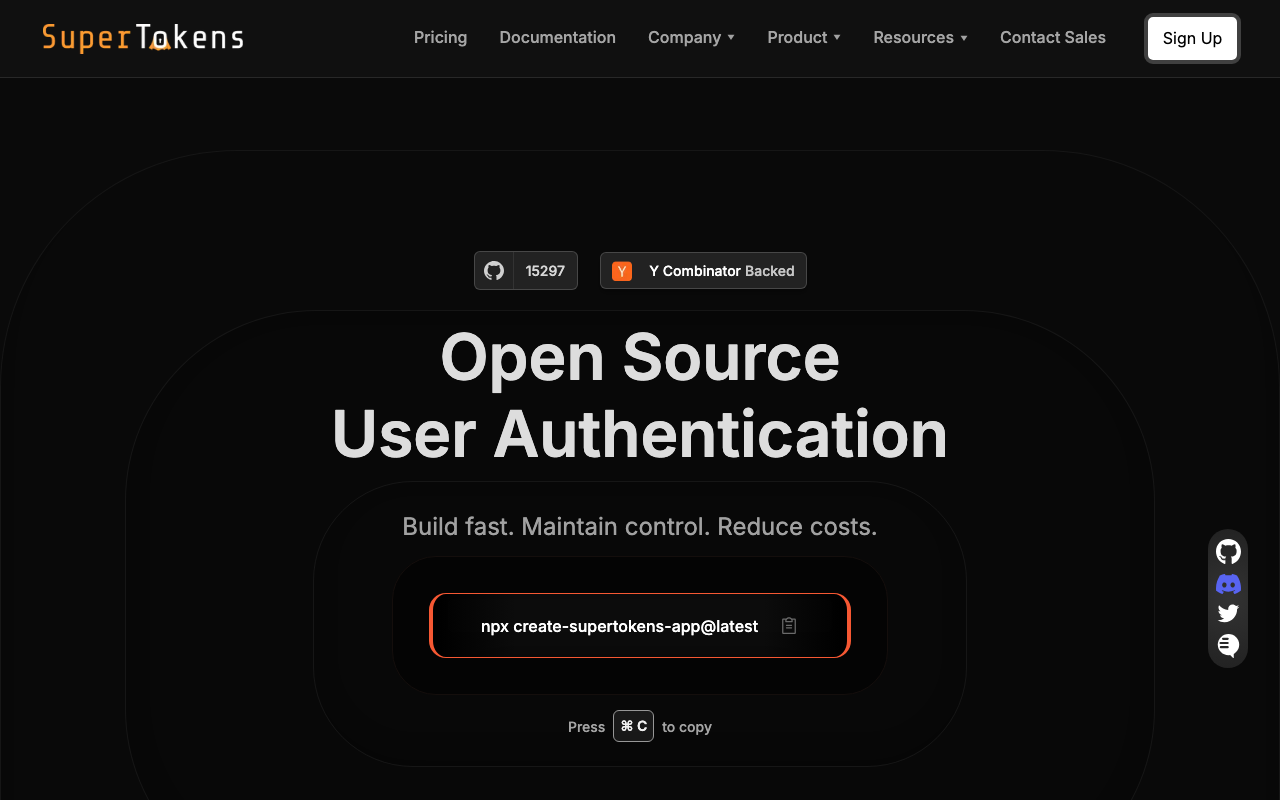
SuperTokens is an open-source authentication system with an unusual split: a core service holds the identity data, and a backend SDK runs inside your own application to expose the auth routes. The practical effect is that customisation happens by overriding functions in your codebase rather than configuring a vendor console or writing code for a vendor to run. For a team leaving Auth0 because Actions were doing too much and the indirection was painful, this is the architectural answer.
Pros
- Overriding auth logic means writing code in your own repository, in your own language runtime, reviewed and deployed like everything else you own
- Self-hostable core, so the data residency question is answerable, with a managed option using the same software
- Session management is a genuine focus rather than an afterthought, including rotation and revocation behaviour that is documented rather than implied
- Recipe-based feature model keeps the surface small, so you configure the flows you actually use
Cons
- The SDK-in-your-backend design means language and framework support is the constraint, and a polyglot estate will find gaps
- Smaller company and ecosystem than the incumbents, which matters for enterprise procurement and for finding answers at 2am
- Enterprise connectivity such as SAML and directory sync is thinner than the products built around it
- Two deployable things to understand, the core and your integrated backend, which is more conceptual overhead than a hosted API
Best for: Teams with a small number of backend languages who want auth logic to live in their own codebase and the user store to live on their own infrastructure.
Pricing: Open source with no licence cost for self-hosting, plus paid tiers for a managed core and for advanced features; the self-hosted path trades the bill for running one stateful service.
Zitadel
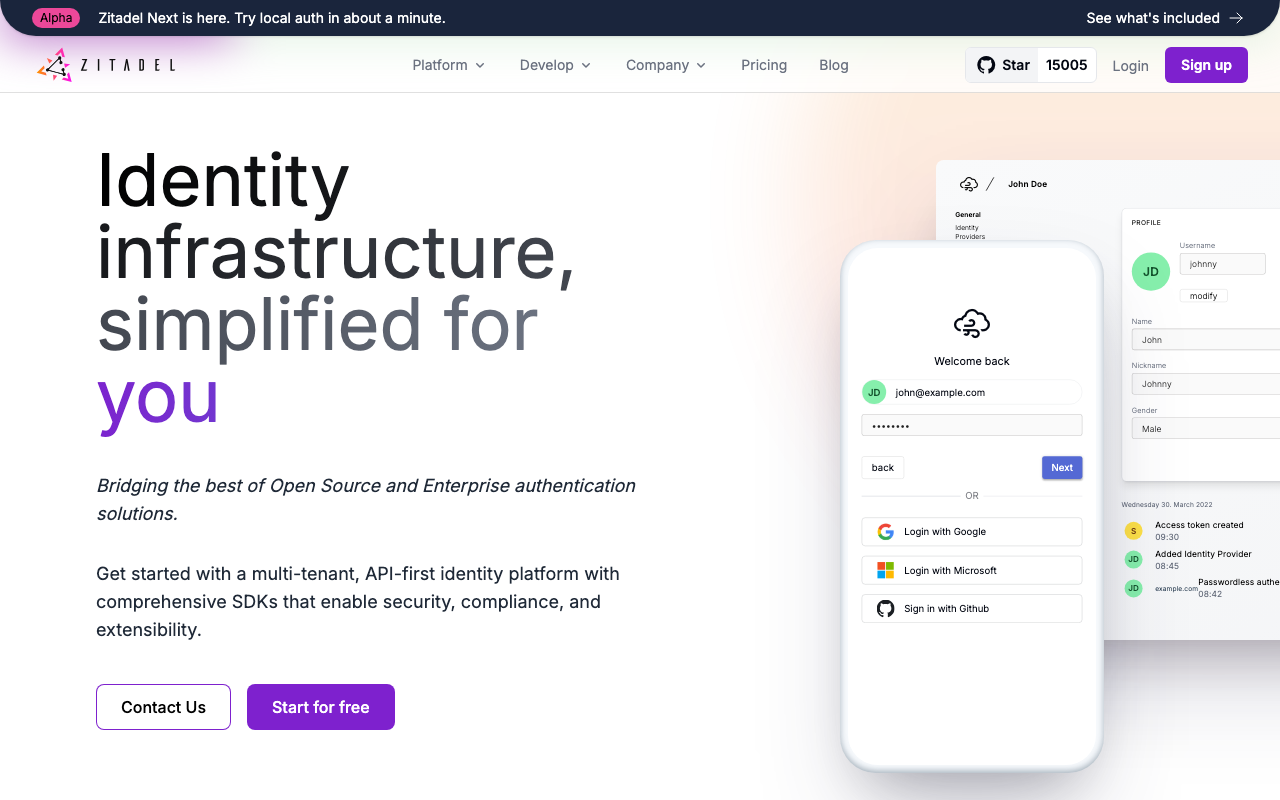
Zitadel is a modern open-source identity platform built around an event-sourced core, with multi-tenancy through organisations as a primary concept rather than an add-on. It supports OIDC, OAuth 2.0 and SAML, offers Actions for custom JavaScript in the flow, and ships as a Go binary you can self-host or consume as a managed cloud. Of the open-source options it is the closest in developer experience to the managed products, which makes it the usual landing spot for teams who want to self-host without adopting Keycloak’s operational weight.
Pros
- Organisations and projects are built into the data model, so B2B multi-tenancy does not need to be simulated with naming conventions
- Actions provide hosted JavaScript in the authentication flow, which is the shortest port for existing Auth0 Actions of anything self-hostable
- Event-sourced core gives an audit trail of identity changes as a property of the design rather than a feature someone added
- Same software self-hosted and managed, so you can start on their cloud and move in-house without changing the integration
Cons
- Event-sourced storage is unfamiliar operationally, and capacity planning and troubleshooting look different from a conventional relational schema
- Smaller community than Keycloak, so unusual problems have fewer existing answers
- Enterprise identity provider edge cases and legacy protocol support are narrower than the incumbents
- Younger product, so long-lived deployments have fewer war stories to learn from
Best for: Teams that want self-hosting and real multi-tenancy without taking on Keycloak, and who have Auth0 Actions to port rather than rewrite.
Pricing: Open source with no licence cost for self-hosting, with a managed cloud metered on usage and tiers for enterprise support; self-hosting converts the bill to infrastructure and operator time.
FusionAuth
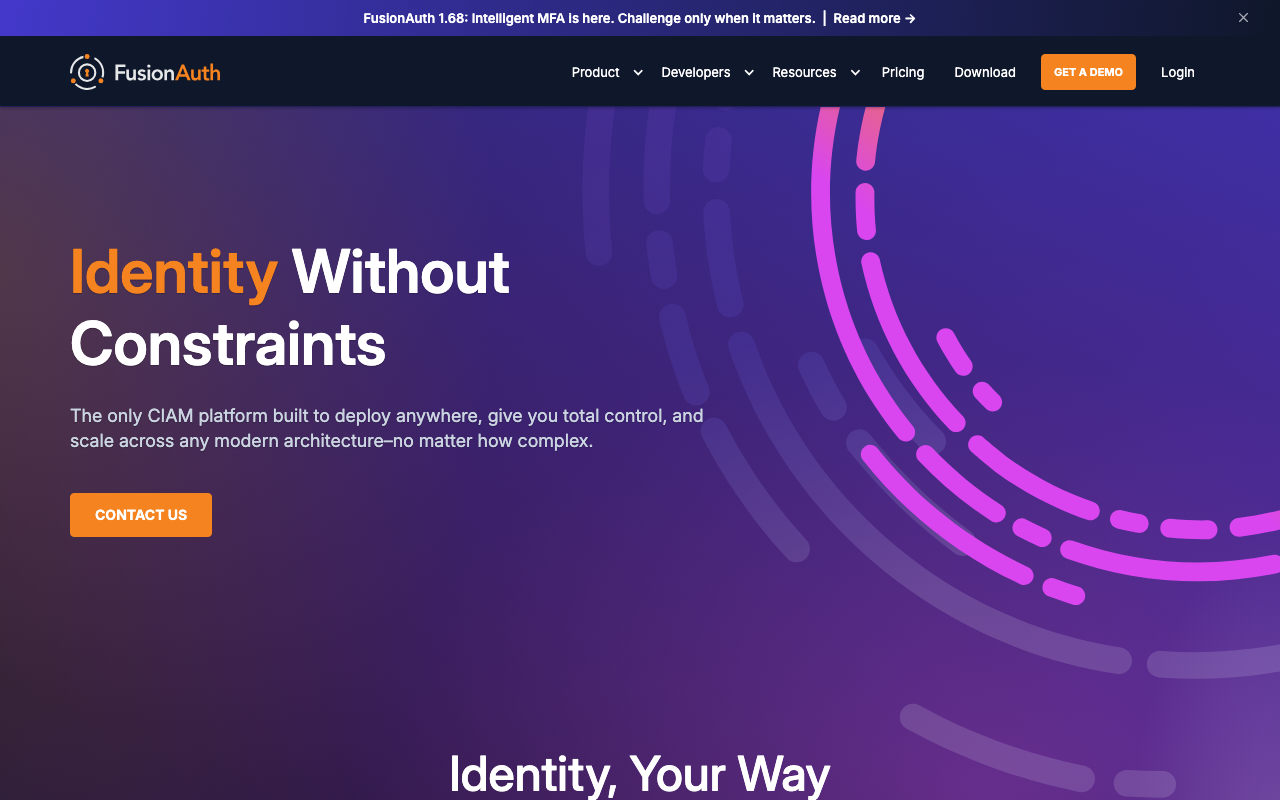
FusionAuth is a single deployable application with a commercial licence model, which is a deliberately different position from both the pure open-source projects and the pure SaaS. You run it yourself, or they host it, and the feature set is aimed squarely at teams migrating from a hosted provider: pluggable password hashing so imported hashes can be verified and rehashed, Lambdas for custom JavaScript in the flow, tenants and applications for multi-tenancy, and a comprehensive API. For migration specifically, the password hashing flexibility is the detail that matters most.
Pros
- Pluggable password hashing designed for exactly this problem, which is the single most useful migration feature anyone on this list offers
- Lambdas give hosted JavaScript in the token and login flows, so pipeline logic ports rather than being rebuilt
- One deployable application with a conventional database, which is a much simpler operational story than a multi-service architecture
- Self-hosted and vendor-hosted are the same product, so deployment is a commercial decision rather than an architectural one
Cons
- Commercially licensed rather than open source, so self-hosting does not mean free, and feature gating by tier needs checking against your actual requirements
- Administrative UI and developer experience are functional rather than polished compared with the newer managed products
- Smaller ecosystem and fewer framework-level integrations than the JavaScript-first tools
- Enterprise federation breadth trails the incumbents on the long tail of legacy protocols
Best for: Teams migrating off a hosted provider who want to keep existing password hashes working and run the system themselves without adopting a multi-service platform.
Pricing: Licensed by tier with a free self-hosted edition and paid editions for advanced features and support, plus a hosted option; the meter is feature tier and deployment rather than purely per user.
Descope
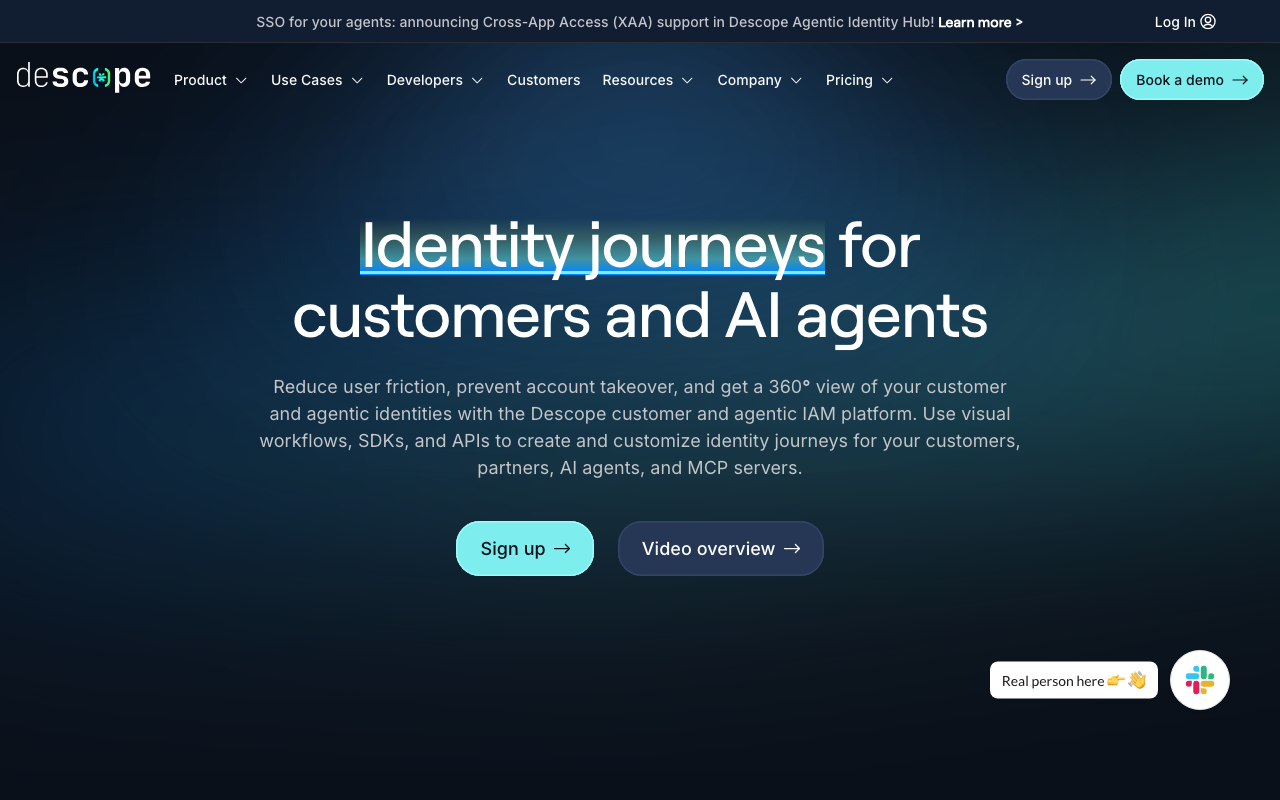
Descope’s organising idea is a visual flow builder: authentication journeys are drag-and-drop workflows with conditions, branches and connectors, rather than code in a pipeline. Passwordless, passkeys, MFA and risk-based steps are nodes in a flow you can change without a deploy. For teams leaving Auth0 because Actions were code nobody wanted to maintain, this is the opposite bet, and whether that is an improvement depends entirely on whether you consider a visual flow easier or harder to review than a function.
Pros
- Authentication journeys are changeable without a code deploy, which shortens the loop on experiments like adding a step-up factor for a risky action
- Passwordless and passkey support is central rather than bolted on, so the modern flows are the default path
- Flow builder makes the actual login logic visible to people who are not the engineer who wrote it, which is genuinely useful for review
- Connectors to third-party services cover a lot of what teams were doing with custom pipeline code
Cons
- A visual flow is harder to diff, review and roll back than code in version control, and complex flows become their own maintenance problem
- Managed only, so it answers the simplicity reason and not the self-hosting one
- Newer vendor with a smaller track record, which matters when the system in question is the one that gates everything
- Porting Auth0 Actions means re-expressing imperative logic as a flow, which is a translation rather than a copy
Best for: Teams that want passwordless and step-up authentication as configurable journeys, and who prefer changing login logic without a deployment.
Pricing: Priced on monthly active users with tiering for enterprise connectivity and advanced features, so the cost shape resembles what you are leaving.
Stytch
Stytch is an authentication API first, with UI components available but not the centre of the product. It covers passwordless flows, passkeys, OAuth, B2B organisation-scoped authentication and fraud and bot detection, and expects you to call it from your backend rather than handing your login experience over. The B2B product models organisations, per-organisation SSO and just-in-time provisioning as primitives, which makes it a serious option for multi-tenant SaaS rather than only a consumer passwordless tool.
Pros
- API-first, so your flows stay in your code and there is no hosted pipeline abstraction to learn or later unwind
- B2B product treats organisations, per-organisation authentication policy and JIT provisioning as first-class concepts
- Passwordless and passkey support is deep rather than a checkbox, including the fallback paths that determine whether passwordless actually works
- Fraud and bot detection matter at consumer scale where sign-up abuse is a real cost, and having it in the same product avoids another vendor
Cons
- You are writing the flows, so it is more integration work than dropping in components
- Managed only, with no self-hosting answer for data residency requirements
- Less prebuilt account management UI than the component-first products, so profile and organisation screens are yours to build
- Breadth of legacy enterprise protocol support trails the incumbents
Best for: Teams that want authentication as an API they call from their own backend, with passwordless and B2B organisation modelling built in, and who are happy owning the UI.
Pricing: Metered on monthly active users with separate shapes for the consumer and B2B products and additional metering for fraud prevention, so which product line you are on changes the arithmetic significantly.
How to choose
Do the inventory first. Until you know what has to be rebuilt, every product looks equally good.
- Export a sample of users and confirm what the hash format actually is, not what you assume it is.
- List every Rule and Action and label each one as claim enrichment, side effect, or access decision. The access decisions constrain your shortlist.
- Count users with MFA enrolled and with passkeys registered. Those are your two re-enrolment populations, and the passkey one may be a hard blocker depending on domains.
- Find every place your code stores an Auth0 subject identifier, including analytics, billing and support tooling. That list is longer than you think.
- Enumerate every enterprise SAML connection and the exact attribute each customer sends as the identifier.
- Only now, shortlist. Two or three products from the row that matches your reason.
| Why you are leaving | What to look for | Where to start |
|---|---|---|
| Price at scale | A meter that is not per monthly active user, or no meter at all | WorkOS, Keycloak, Zitadel, FusionAuth |
| Want to self-host | Same software self-hosted and managed, plus an honest look at who operates it | Keycloak, Ory, Zitadel, SuperTokens |
| Want something simpler | Prebuilt UI or configurable flows, and a smaller configuration surface | Clerk, Descope, Stytch |
| Enterprise features are the actual need | SAML, SCIM, admin portal and audit logs as product | WorkOS, Okta |
| Auth logic should live in your codebase | Overrides or an API rather than hosted pipeline code | SuperTokens, Stytch, Ory |
Then run the cutover in this order, which is the only order that fails safe.
- Stand up the new provider in parallel and integrate one low-risk internal application against it.
- Make every resource server accept both issuers and both JWKS endpoints. Deploy everywhere. Verify with a canary that a token from each issuer works.
- Bulk import users with hashes where possible, and configure lazy migration for whatever cannot be imported.
- Move authentication for a small user segment. Watch login success rate, not uptime.
- Communicate MFA re-enrolment before it happens, with a support plan staffed for the week after.
- Cut over the rest. Keep the old tenant live and paid for until the longest refresh token has expired, then decommission.
Needs first-hand data: Instrument login success rate, by connection type, for the four weeks before you start. Without that baseline you cannot tell whether a post-migration dip is the migration or normal variance, and every migration produces a dip that someone will panic about.
Frequently asked questions
Can I export password hashes from Auth0?
Bulk user export through the management API gives you the user records. Password hashes are handled separately and are typically a support request rather than a self-serve export, and the answer can depend on your plan. Ask early, in writing, because if the answer is no then your entire migration strategy becomes lazy migration and that changes the timeline.
Will my users have to reset their passwords?
Not if bcrypt hashes move and the target verifies bcrypt, and not if you use lazy migration where the new system verifies against the old one on first login. Users should have to reset passwords only for accounts that never log in during your migration window, and that is a deliberate cleanup rather than a failure.
Do I need downtime to migrate off Auth0?
No, if you dual-run. The pattern is: both issuers valid at every resource server, import users ahead of time, then move authentication traffic gradually. What you cannot avoid is that existing sessions end when you switch, so plan the cutover for your lowest-traffic window and tell people.
What happens to Auth0 Actions?
They do not transfer anywhere. Categorise them first: claims enrichment usually ports easily to any target with a token customisation hook, side effects can become webhooks, and access decisions need a target that supports a synchronous blocking hook. Zitadel Actions and FusionAuth Lambdas are the closest structural equivalents, Keycloak SPIs are more powerful and more work, and SuperTokens or Stytch move the logic into your own backend.
Is Okta a real alternative to Auth0 given they are the same company?
Yes, because they are different products with different buyers, and moving between them is a genuine migration rather than a plan change. It is the right answer when the driver is enterprise governance or vendor consolidation, and the wrong answer when the driver is cost or developer experience.
Should I move to an open-source provider to cut costs?
Only with a named owner. Self-hosting converts a predictable invoice into engineering time plus on-call responsibility for the service that gates every other service. At large user counts the arithmetic is compelling. At small ones it usually is not, and an unmaintained identity server is a security incident waiting for a date.
Related reading
- Best authentication providers for developers — the full category map and the build versus buy decision underneath it.
- Clerk vs Auth0 vs WorkOS — the three-way comparison if those are your finalists.
- Best self-hosted identity providers — what you take on operationally when you leave managed identity.
- Best open source authentication solutions — upgrade pain, HA setup and who patches it when a CVE lands.
- Best auth providers for B2B SaaS — multi-tenancy, per-organisation SSO and the requirements that appear with your first enterprise deal.
- Best MFA providers for developers — factor types, enrolment drop-off and step-up APIs, which is the part of the migration users actually feel.