Mobile auth fails differently from web auth, and the differences are not cosmetic. On the web your session lives in a cookie the browser manages, the tab is either open or it is not, and a redirect is a redirect. On a phone you are holding long-lived credentials on a device you do not control, in a process the operating system can freeze or kill at any moment, receiving OAuth callbacks through a mechanism another app can sometimes claim.
The bugs that follow are the ones every mobile team eventually files. Users randomly signed out after a week away. A refresh that works in the simulator and deadlocks on a cold launch with four screens requesting data at once. A login that opens a browser and never comes back. An app that shows a logged-in shell with no data because it cached identity but not entitlement.
None of those are fixed by picking a different vendor. They are fixed by getting five things right, and the vendors differ mostly in how much of each they do for you. So this guide covers the mechanics first, then which platforms handle them honestly.
Key takeaways
- Tokens belong in the iOS Keychain or the Android Keystore, and the accessibility attribute you choose decides whether a locked or restored device can read them. The default is rarely what you want.
- Biometric unlock is a local gate, not an authentication factor. A Face ID call that returns a boolean proves nothing to your server. Binding a Keychain or Keystore key to biometric release is what makes it meaningful.
- Refresh token rotation plus a process the OS can kill mid-refresh is the mechanism behind most mystery logouts. Persist the new token before using it, and serialise refresh through a single flight.
- Custom URL scheme callbacks can be claimed by another app. Universal Links and App Links are verified against a domain you control, and PKCE is what makes an intercepted authorization code useless.
Where the token actually lives
The first decision is storage, and the platforms give you one correct answer each.
iOS Keychain. Encrypted storage managed by the OS, with an accessibility attribute per item that decides when the item can be read. This attribute is the part teams skip, and it determines real behaviour:
WhenUnlockedmeans the item is unreadable while the device is locked. Correct for anything your app only touches in the foreground, wrong if a background task needs it.AfterFirstUnlockmeans readable after the user has unlocked once since boot. This is what background refresh and push-triggered work usually need.- The
ThisDeviceOnlyvariants exclude the item from encrypted backups and device-to-device transfer. Without them, a restored backup can carry a refresh token onto a different physical device, which is almost never what you intended for a long-lived credential.
The Keychain gotcha that surprises people: Keychain items survive app deletion. Delete the app, reinstall it, and yesterday’s token is still there. Sometimes that is a feature. More often it produces a fresh install that appears signed in as a previous user of the device, which is a real privacy problem on shared hardware. Clear Keychain items on first launch after install if that is not the behaviour you want, and be deliberate about which it is.
Android Keystore. Keys are generated inside the Keystore and, on most modern hardware, inside a trusted execution environment or a dedicated StrongBox element. The important property is that the key material cannot be extracted by your process or by anyone who roots the device: you ask the Keystore to perform operations with the key, you never hold it. Tokens themselves are not stored in the Keystore; you encrypt them with a Keystore-held key and store the ciphertext in ordinary app storage.
Two Android-specific behaviours to plan for. Keys can be configured to invalidate when biometric enrolment changes, so adding a fingerprint destroys the key and your stored token becomes undecryptable. That is a security feature and it needs a graceful path back to sign-in rather than a crash. And key generation parameters differ across OEM implementations enough that you should treat StrongBox availability as optional, with a software fallback.
What not to do, and this is still the most common finding in mobile security reviews: UserDefaults, SharedPreferences, a plain SQLite table, or a React Native AsyncStorage entry. All are plaintext on disk. A device backup, a forensic extraction or a rooted device reads them directly. If a cross-platform framework is in play, verify which native store its secure-storage package actually uses, because several popular packages fall back to plaintext when the platform API is unavailable rather than failing loudly.
Needs first-hand data: For your own app, dump the application container from a device or simulator after a full sign-in and enumerate every file that contains a fragment of your access or refresh token. Do it again after a backup and restore to a second device. The list is usually longer than the one place you intended, because logging, crash reporting and network debugging libraries all copy request headers.
Biometric unlock is a local gate, not an authentication factor
This is the distinction most implementations get wrong, and the wrong version is worse than useless because it looks secure in a demo.
The wrong construction: call the biometric API, get back a success boolean, and if it is true, read the stored token and proceed. Everything in that sentence happens inside your process, on hardware the user controls. On a jailbroken or rooted device the boolean is trivially forced, and the token was readable anyway. The biometric prompt added a user-visible ceremony and zero security.
The right construction: the biometric result must gate the release of key material, not a branch in your code. On iOS, create the Keychain item with an access control that requires biometry, so the item simply cannot be read until the OS has authenticated the user. On Android, generate the Keystore key with user authentication required, so the decrypt operation fails without a successful biometric. In both cases the security property comes from the operating system refusing to perform an operation, not from your app deciding to skip one.
Then be precise about what that gives you. It protects a credential already on the device against someone holding an unlocked phone. It says nothing to your server. Your backend cannot tell whether the user presented a face, a fingerprint, a passcode, or nothing at all, because all it received was a normal bearer token. If you need biometric verification as an authentication or step-up factor that the server can trust, you need a cryptographic assertion signed by a device-bound key, which is what passkeys are for.
Two further details worth building in from the start. Configure biometric-bound keys to invalidate on enrolment change, so a newly added fingerprint cannot unlock credentials bound before it. And always provide a passcode or full re-authentication fallback, because biometrics fail routinely for wet hands, masks, sunglasses and sensor faults, and an app with no fallback is an app that locks people out.
WebAuthn and passkeys: the standard, not a product
Several vendors below sell passkey support. The underlying specification is worth separating from them, because it is what turns the local gate above into something your server can verify.
What it gives you
- A key pair generated on the device, with the private key held in the Secure Enclave or Keystore and never transmitted, so there is no shared secret to leak from your database
- A signed assertion over a server-supplied challenge, which is proof of possession the backend can verify rather than a boolean your app reports
- Origin and relying-party binding, which makes credentials phishing-resistant in a way no one-time code can be
- Platform sync through iCloud Keychain and Google Password Manager, so a new device inherits credentials without a recovery flow
What it does not do
- It does not specify account recovery, which remains the weakest link and the place attackers go once passkeys close the phishing path
- Synced passkeys are as strong as the platform account backing them, so a compromised Apple or Google account is a compromised credential set
- Cross-ecosystem movement is awkward: a passkey created in one platform’s manager does not simply appear in another’s
- It says nothing about sessions. After the assertion verifies you still issue and manage tokens exactly as described in session management.
Background refresh, and the race that logs people out
Your app does not run continuously. iOS suspends a backgrounded process and can terminate it under memory pressure; Android does the same through its own lifecycle. You cannot keep a timer running to refresh tokens on schedule. Everything happens on foreground or on demand, and that produces three specific problems.
The long absence. A user opens the app after three weeks. The access token expired long ago. Whether they stay signed in depends entirely on the refresh token’s absolute lifetime, and the answer is a product decision nobody usually makes explicitly. Pick it, write it down, and make sure the app distinguishes an expired refresh token from a network failure, because showing a login screen to a user who is merely offline is an avoidable way to lose them.
The thundering herd on cold launch. An app launches, five screens request data, all five get a 401 at roughly the same moment, all five trigger a refresh. With rotating refresh tokens, four of those requests present a token that has just been consumed, reuse detection fires, and the server revokes the entire token family. The user is signed out for doing nothing but opening the app.
The fix is a single-flight refresh: one mutex, one in-flight refresh, every other caller awaits its result and retries with the new token. This is not optional with rotation enabled, and it is the single most valuable piece of code in a mobile auth layer.
The kill during rotation. The app requests a refresh, the server rotates and returns a new refresh token, and the OS terminates the process before the new token is persisted. On next launch the app presents the old token, reuse detection treats it as theft, and the session dies. This is the mechanism behind most “users randomly logged out” reports on apps that recently enabled rotation.
Mitigating it needs care on both sides. On the client, write the new refresh token to secure storage before you consider the refresh complete and before you use the new access token. On the server, a short grace window where the immediately previous refresh token is accepted once, without triggering family revocation, absorbs the crash case without meaningfully weakening reuse detection. Ask any vendor you are evaluating whether they implement that window and how long it is, because the answer tells you whether they have run this in production.
Needs first-hand data: Measure your own unintended sign-out rate: sessions that ended in a token refresh failure rather than an explicit logout, segmented by time since last foreground and by whether the app was killed during a refresh. Correlate spikes against releases. This number is invisible in crash reporting and is usually the top driver of churn nobody has attributed correctly.
Deep link callbacks and the hijack risk
OAuth on mobile ends with a redirect back into your app, and how that redirect is delivered is a security decision.
Custom URL schemes are claimable. Any app can declare that it handles myapp://. On Android the system may present a chooser or, worse, route silently. On iOS the behaviour when two apps claim the same scheme is not something you control. A malicious app that registers your scheme can receive your authorization code.
This is exactly why PKCE is mandatory for mobile OAuth, not optional. The client generates a random verifier, sends its hash with the authorization request, and presents the verifier at token exchange. An intercepted code is useless without the verifier, which never left the legitimate app. Any provider or SDK that does not use PKCE for a native client in the current decade should be disqualified on that basis alone.
Universal Links and App Links are the better delivery mechanism. Both require hosting an association file on a domain you control, which the OS fetches and verifies. Another app cannot claim your verified https link, which removes the interception path rather than mitigating it. The cost is real setup: the association file must be served correctly, the OS caches its verification result, and a misconfiguration produces a link that opens in a browser and never returns to the app. Budget time for it and test on a real device after a fresh install, because that is the case where verification runs.
Use the system browser, not an embedded webview. ASWebAuthenticationSession on iOS and Custom Tabs on Android run outside your process, share the system cookie jar, and display the real URL and certificate to the user. An embedded WKWebView or WebView gives your app access to everything the user types, which is precisely the property that makes it indistinguishable from a phishing screen. Major identity providers block embedded webviews for their own sign-in for this reason, and if an SDK you are evaluating uses one, that is a strong signal about the rest of it.
One consequence worth anticipating: the system browser is a separate context, so a user who cancels the sheet produces a cancellation your app must handle distinctly from a failure. A surprising number of apps treat both as an error and show an alert to a user who simply changed their mind.
Offline auth state
The phone has no network at launch. What does your app do?
The answer has to be more nuanced than “show the login screen”, because that punishes the user for being in a tunnel, and more nuanced than “trust the cached state”, because cached state is attacker-controlled data on a device you do not own.
A model that works in practice separates three things.
Identity for display. Name, avatar, which account is active. Cache it freely. Getting it wrong is a cosmetic bug.
Local data access. Whatever the user has already synced. Gate it on the local credential being present and unexpired by the device clock, understanding that the device clock is user-settable, so this is a convenience control rather than a security one. If the data is sensitive enough that a clock change matters, it should be encrypted with a biometric-bound key rather than merely gated by a timestamp check.
Anything with consequence. Payments, permission changes, reading anything the user may have lost access to since the last sync. These require a live server check, full stop. The failure message should say the network is unavailable, not that the user is signed out.
Then handle the two transitions. A logout performed while offline must be honoured locally at once, wiping local credentials and cached data, and queued as a server-side revocation for when connectivity returns. And an access revoked server-side while the device was offline has to take effect on the next successful call, which means your app needs a clear, tested path from a 401 on a background sync to a clean signed-out state rather than an error loop. Auth failures that surface as crash reports rather than as handled states are worth watching for in your mobile error tracking, because they usually indicate this path was never exercised.
Auth0
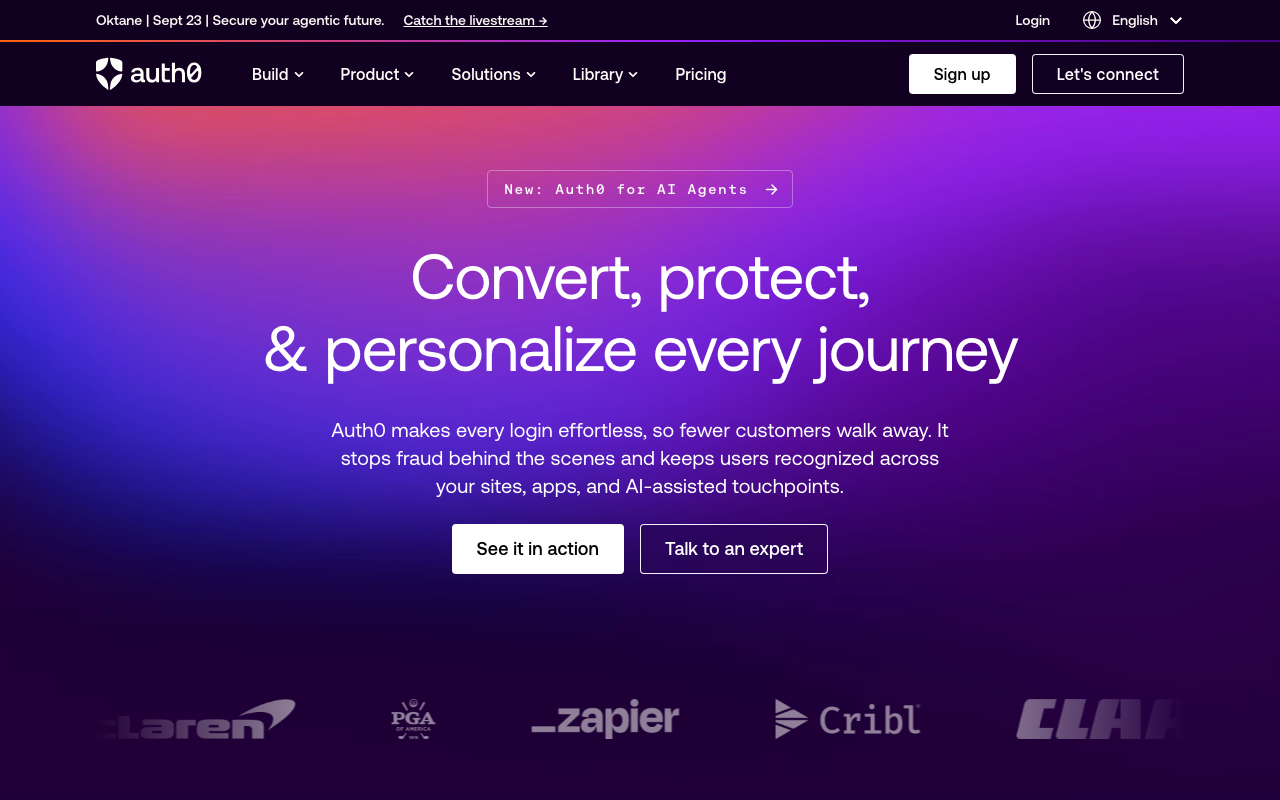
Auth0 has the most complete native mobile SDK set of the hosted platforms, and importantly its SDKs implement the correct patterns by default rather than leaving them to you. The iOS and Android libraries use the system browser for the authorization flow, use PKCE for native clients, store credentials in the Keychain or an encrypted store backed by the Keystore, and ship a credentials manager that handles refresh with biometric gating as a configuration option rather than an exercise.
That default-correctness is worth more than a feature list. Most of the failures in this article come from an SDK that made an easier choice, and Auth0’s have been through enough production mobile deployments to have stopped making them.
Pros
- Native SDKs use the system browser and PKCE by default, so the deep link hijack path is closed without you configuring anything
- Credentials manager handles secure storage and refresh, including biometric-gated release, rather than handing you a token and wishing you luck
- Rules and actions let you add step-up requirements server-side, so a sensitive operation can demand re-authentication without an app release
- Broad enterprise and social connection coverage in the same tenant that serves your mobile users
Cons
- Monthly active user pricing is a poor fit for consumer mobile apps with a long tail of infrequent users, and the bill grows with exactly the metric you are trying to grow
- Machine-to-machine and advanced feature metering sit on separate lines, which makes total cost hard to forecast
- The platform is large, and the distance between a working configuration and a correct one is wider than the quickstart suggests
- Migrating out means exporting users and dealing with password hashes, which is a project rather than a task, as Auth0 alternatives covers
Best for: Teams shipping native iOS and Android apps who want SDKs that already implement the correct mobile flows and can absorb per-MAU pricing.
Pricing: Per monthly active user tiers with enterprise connections, machine-to-machine tokens and advanced security features metered or tiered separately.
Clerk
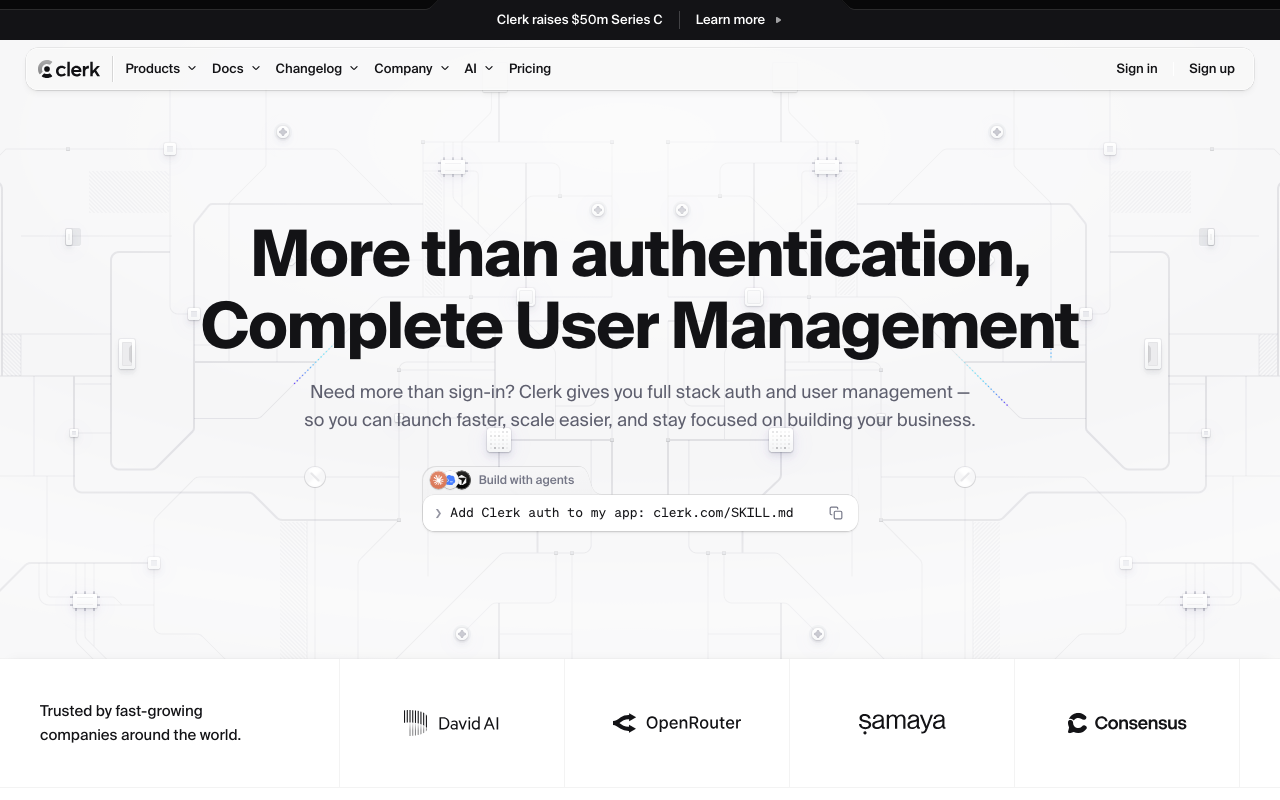
Clerk’s mobile story is strongest for React Native and Expo, where its SDK gives you the same prebuilt components and organization model as the web product with a native storage layer underneath. For a team shipping a cross-platform B2B app that also has a Next.js web surface, having one user directory, one organization model and one session concept across both is a genuine reduction in work rather than a marketing claim.
The tradeoff is the shape of the product. Clerk is components-first, and components-first is a much better fit for web than for mobile, where design systems are more opinionated and native feel matters more.
Pros
- Shared user directory, organizations and session model between the web app and the mobile app with no synchronisation work
- React Native and Expo support is first-class rather than a community wrapper, including secure token storage on both platforms
- Organizations, roles and invitations are built in, which is the feature set B2B mobile apps otherwise build twice
- Session tokens are short-lived JWTs, so API calls from the app verify without a round trip to Clerk
Cons
- Weakest of this list if you are shipping fully native Swift and Kotlin apps rather than React Native
- Prebuilt components are harder to reconcile with a native design system than with a web one, and customisation fights the abstraction
- Per-monthly-active-user pricing lands badly on consumer mobile apps with many infrequent users
- Your user directory is vendor-held, with the migration considerations that implies
Best for: React Native or Expo teams shipping a B2B app alongside a web product who want one organization model across both.
Pricing: Free tier with a monthly active user allowance, then per-MAU pricing with organizations and enterprise features on higher plans.
Stytch
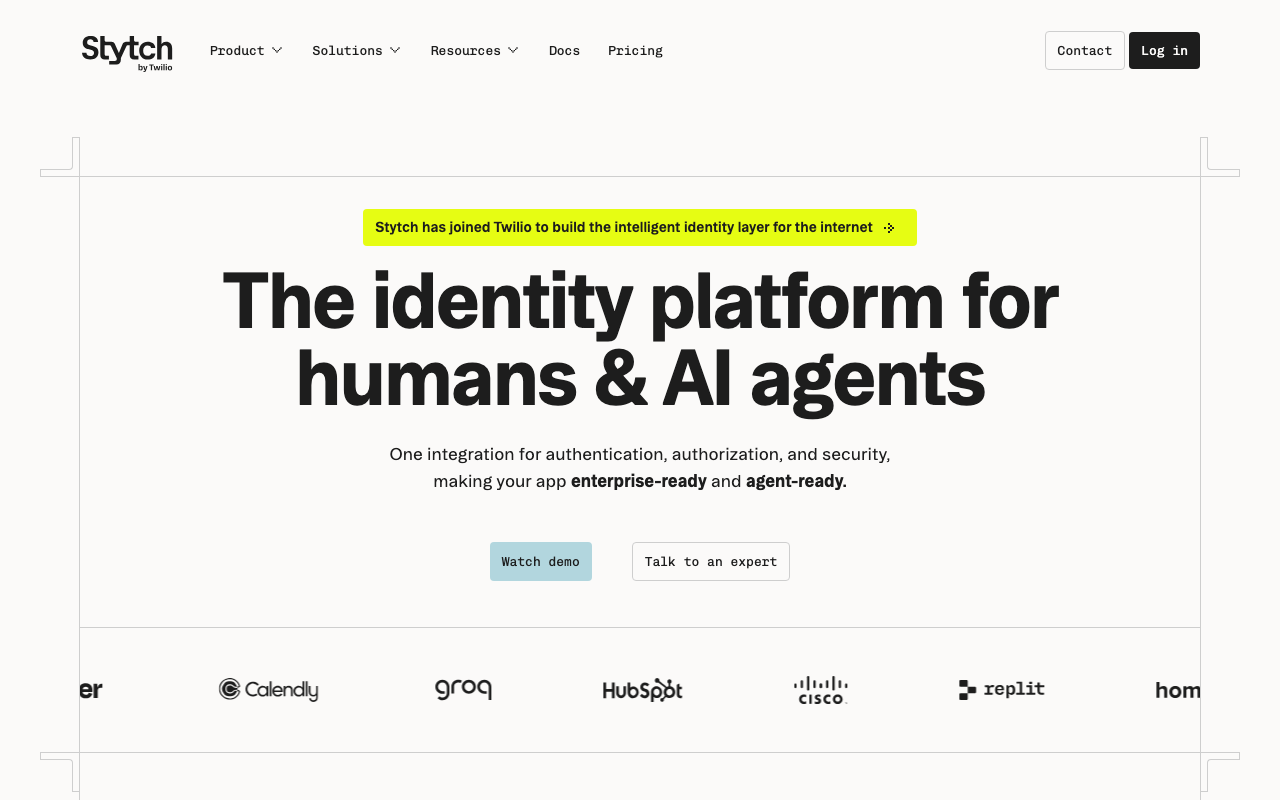
Stytch is API-first and that suits mobile particularly well, because mobile teams almost always want to own the user-visible flow. You get primitives for passkeys, biometric registration, one-time passcodes, magic links and OAuth, plus device fingerprinting and fraud signals, and you compose the experience. Its passkey support is core rather than a premium tier, which matters as mobile authentication moves in that direction.
The honest cost is code. There is no drop-in that produces a finished sign-in screen, and every flow you assemble is one you maintain, including the refresh and storage discipline described above.
Pros
- Headless primitives let you build a fully native sign-in experience without fighting a component library
- Passkeys and device-bound credentials are core capabilities rather than an upsell, which aligns with where mobile auth is going
- Device fingerprinting and fraud signals sit alongside the auth primitives, useful for consumer apps with bot signup pressure
- Separate consumer and B2B product lines, so the data model matches the shape of your app
Cons
- Considerably more integration work than a components-first provider, and the secure storage and refresh layers are yours to write correctly
- Two product lines means verifying which capabilities exist on the one you chose rather than reading the general marketing
- Vendor-held user directory with the usual migration weight
- Pricing depends on which primitives you compose, which makes early forecasting harder
Best for: Consumer mobile teams who want full control of a passkey or passwordless flow and have the engineering capacity to own the client-side session layer.
Pricing: Per monthly active user with separate consumer and B2B plans, and fraud and device intelligence features metered separately.
Descope
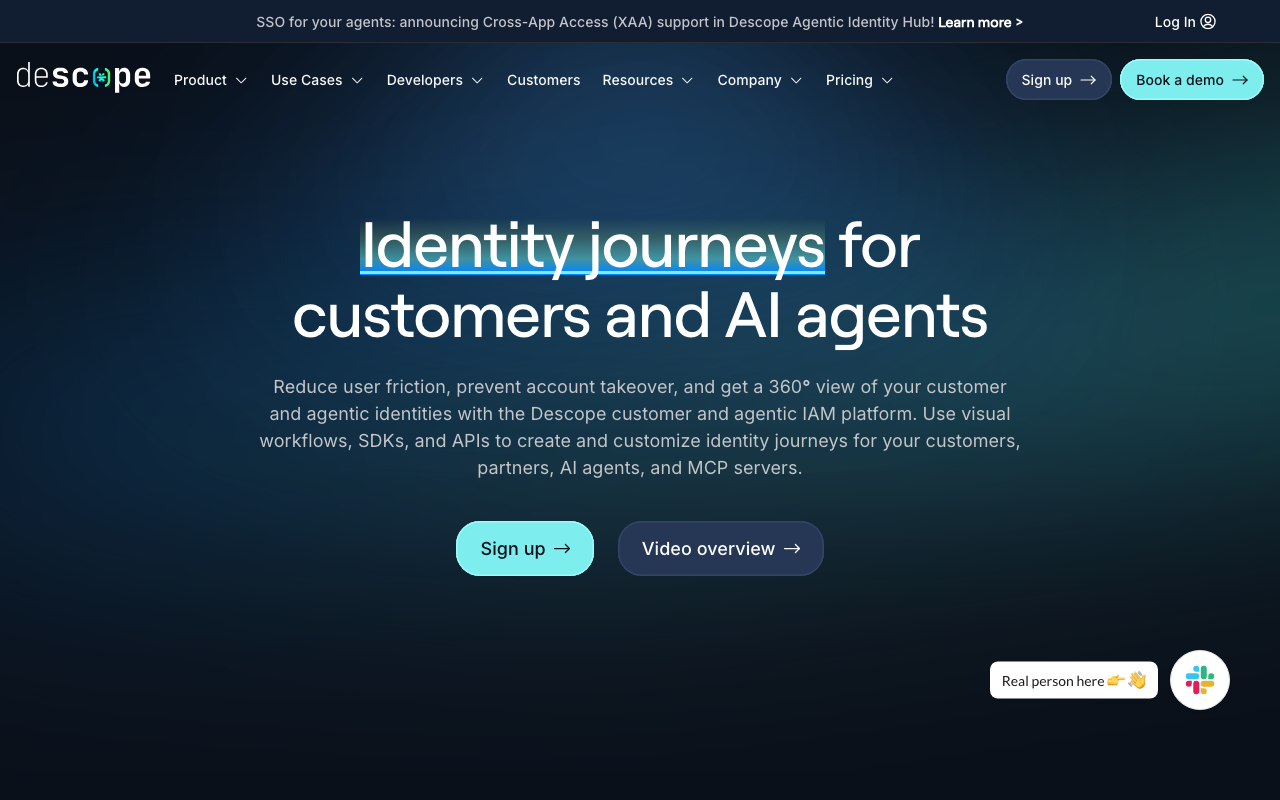
Descope’s distinguishing idea is the visual flow builder: authentication journeys are configured as flows rather than written as code, so adding a step-up challenge, changing an MFA requirement or swapping a passwordless method is a change you deploy from a console instead of through the app stores. On mobile that is a structural advantage, because a change to a hardcoded auth flow in a native app waits for review and then waits again for users to update.
The corresponding risk is the same one: your auth logic now lives in a vendor’s flow definition, and that is both a dependency and a thing that needs its own review and change control.
Pros
- Flow changes ship without an app store release, which is the difference between responding to an attack this afternoon and next week
- Step-up authentication and risk-based challenges can be added to existing flows without touching client code
- Native and cross-platform SDKs with passkey and biometric support built into the flow model
- Good fit for teams iterating on signup and login conversion, since experiments do not require a release
Cons
- Auth logic living in a vendor console needs change control and review, and a flow edit is a production change with no pull request unless you build one
- Younger vendor than the incumbents, which matters for a dependency in front of every session
- Debugging a flow is a different skill from debugging code, and the feedback loop is less familiar
- The abstraction is excellent until you need something outside it, at which point you are working against the grain
Best for: Mobile teams who iterate on authentication flows frequently and cannot afford an app store release cycle for every change.
Pricing: Per monthly active user tiers with advanced flow, risk and enterprise connection features on higher plans.
SuperTokens
SuperTokens is the option here for teams who need server-side session revocation and want the credential store in their own infrastructure. It runs as a core service you self-host or take managed, and its session model is built around rotating refresh tokens with reuse detection, which is precisely the mechanism this article warns about when the client gets it wrong. Its SDKs implement the single-flight refresh and persistence ordering that make rotation survive a process kill.
For mobile that combination matters: you get real revocation, meaning a stolen device can be cut off immediately rather than at token expiry, without depending on a vendor directory.
Pros
- Genuine server-side session revocation, so a lost or stolen device can be signed out immediately rather than after a token lifetime
- Rotating refresh tokens with reuse detection implemented on both sides, including the client-side single-flight behaviour teams usually have to discover the hard way
- Self-hosting is first-class, so user credentials can stay inside your infrastructure for data residency requirements
- No per-monthly-active-user cost on the self-hosted path, which suits consumer apps with large infrequent user bases
Cons
- You are operating a stateful service that gates every authenticated request, with the availability requirements that implies
- Native iOS and Android SDK maturity trails the hosted platforms, so verify your exact stack rather than assuming parity with the web SDKs
- Frontend and backend SDK versions must stay aligned, which makes upgrades a coordinated change across app releases
- Enterprise SSO breadth is thinner than the dedicated platforms
Best for: Teams who need immediate session revocation on mobile devices and are willing to run a service to get it, particularly where user data cannot sit with a vendor.
Pricing: Open source and free to self-host at infrastructure cost, with a managed cloud priced per monthly active user and paid add-ons above the core.
Firebase Auth
Firebase Authentication is the default for mobile and deserves to be. The SDKs are excellent, secure token persistence is handled, refresh is handled, the phone number and social flows are the most battle-tested implementations available, and it integrates directly with Firestore and Cloud Storage security rules so that the identity your app holds is the identity the database enforces against. For a consumer app that is a large amount of correctness for no integration effort.
What you are accepting is a Google-shaped world. Identity lives in Firebase, the authorization model is Firebase security rules and custom claims, and moving off means a migration touching every client and every rule.
Pros
- Mobile SDKs handle secure storage and token refresh correctly by default, which removes the largest source of mobile auth bugs
- Phone number authentication with SMS delivery is included and is the most widely deployed implementation of a genuinely hard flow
- Security rules for Firestore and Storage evaluate against the same identity, so authorization does not have to be reimplemented in a backend
- Generous inclusion in the Firebase platform makes it effectively free for most apps to start with
Cons
- Custom claims are size-limited and propagate only on token refresh, so permission changes take effect on a delay you do not fully control
- The authorization model is Firebase security rules, which is powerful for Firebase data and irrelevant for your own backend
- Ecosystem lock-in is real: identity, database and rules are one decision, not three
- Enterprise SSO, SAML and organization models are not the product focus, so B2B requirements push you elsewhere
Best for: Consumer mobile apps, particularly those already using Firestore, where phone and social sign-in are the primary flows and enterprise identity is not a requirement.
Pricing: Included in the Firebase platform with a free allowance, with phone and SMS verification and advanced identity features billed separately by usage.
AWS Amplify
Amplify packages AWS Cognito with client libraries, and that pairing is the whole evaluation. The libraries handle secure storage on iOS and Android, hosted UI and OAuth flows, and the session lifecycle reasonably well. Underneath, Cognito gives you user pools, identity pools that vend temporary AWS credentials, and direct integration with API Gateway authorizers, which is genuinely useful if your backend is AWS-native.
The reputation for rough edges is earned rather than unfair. Cognito’s configuration model is unforgiving, several settings are immutable after pool creation, and its behaviours around token lifetime, triggers and custom attributes have surprised a lot of teams.
Pros
- Identity pools vend scoped temporary AWS credentials to the device, which is the cleanest way to let a mobile app talk directly to AWS services
- Native integration with API Gateway and AppSync authorizers removes custom token verification from your backend
- Client libraries handle Keychain and Keystore storage and the refresh lifecycle without you writing it
- Costs sit inside an existing AWS agreement rather than adding a vendor relationship
Cons
- Several user pool settings are immutable after creation, so a configuration mistake means creating a new pool and migrating users
- Cognito’s developer experience is widely regarded as the weakest part of the AWS identity story, and the documentation surface is fragmented across Amplify and Cognito
- Customising flows beyond the provided triggers gets awkward quickly
- Value drops sharply if your backend is not on AWS, at which point you are adopting AWS complexity for an auth service
Best for: Mobile apps with an AWS-native backend where direct, scoped device access to AWS services is worth the configuration cost.
Pricing: Per monthly active user against a free allowance, with advanced security features and SAML or OIDC federation priced separately.
Kinde
Kinde offers native iOS, Android and cross-platform SDKs alongside an organization model built for B2B from the start, plus feature flags and entitlement concepts in the same product. For a small team shipping a B2B mobile app, that bundling removes a second vendor, and the organization model means a user belonging to multiple customer accounts is a first-class case rather than something you model yourself.
It is a smaller vendor than the incumbents, which is a genuine consideration for a dependency that gates every session on every device.
Pros
- Organizations and roles are core to the data model, so multi-tenant mobile apps do not need a parallel structure in their own database
- Feature flags and entitlements in the same product remove a separate integration for gating paid features on device
- Native and cross-platform SDKs following the standard OAuth native app patterns
- Simpler configuration surface than the large platforms, which shortens time to a working implementation
Cons
- Smaller vendor and a shorter production track record than the incumbents for a dependency in front of every session
- Native SDK maturity and community answers are thinner, so unusual problems mean a support ticket
- Enterprise connection breadth and compliance depth trail the established platforms
- Bundling flags and entitlements with auth is convenient until you want to replace one independently
Best for: Small B2B teams shipping a mobile app who need organizations, roles and feature gating from a single vendor.
Pricing: Free tier with a monthly active user allowance, then per-MAU plans with enterprise connections on higher tiers.
Logto
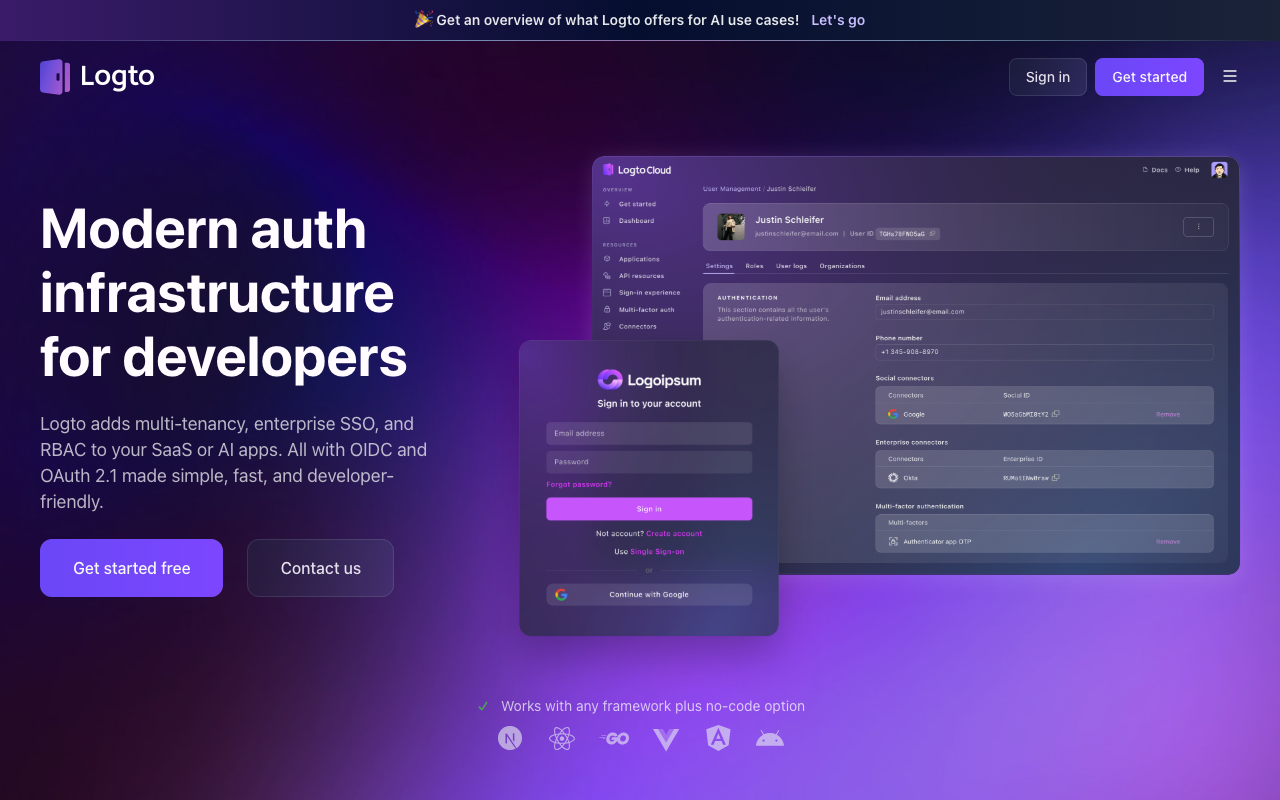
Logto is an open-source identity platform with a deliberately modern developer experience and SDKs across native iOS, Android, React Native and Flutter. It implements the standard OAuth native app patterns, supports self-hosting with the same code as its cloud offering, and includes organizations and multi-tenancy without gating them behind an enterprise tier.
Its position is the useful one for mobile teams who dislike per-MAU pricing on a consumer app but do not want to run Keycloak. It is a lighter operational commitment than the traditional open-source platforms with a much closer feel to the hosted developer tools.
Pros
- Open source with a genuine self-hosting path, so a consumer app with a large user base is not paying per monthly active user
- SDK coverage across native and cross-platform mobile runtimes rather than web-first with mobile as an afterthought
- Organizations and multi-tenancy included rather than reserved for a higher tier
- Considerably lighter to operate than the older open-source identity platforms
Cons
- Smaller ecosystem than the incumbents, so production war stories and third-party integrations are fewer
- Self-hosting still means running a stateful service that gates authentication, with upgrades and availability as your problem
- Enterprise protocol depth and compliance certifications trail the established vendors
- Advanced features and support sit in paid cloud tiers, so the free self-hosted product is a smaller surface than the site implies
Best for: Consumer or prosumer mobile teams who want to self-host identity to avoid per-user pricing without taking on a heavyweight platform.
Pricing: Open source and free to self-host at infrastructure cost, with a managed cloud on per monthly active user tiers and paid add-ons.
How to choose
Three questions, in order.
What is your app built in? Fully native Swift and Kotlin favours the vendors with real native SDKs, which in this list means Auth0, Descope, Stytch, Firebase and Logto. React Native or Expo shifts the answer toward Clerk and the cross-platform SDKs, and makes verifying the underlying secure storage implementation mandatory rather than optional. This question eliminates more candidates than any other and is the one people ask last.
Consumer or B2B? Consumer means large user counts, infrequent logins, phone and social sign-in, and bot signup pressure, which makes per-MAU pricing painful and self-hosting or Firebase attractive. B2B means organizations, roles, and eventually SSO from a customer’s identity provider, which makes Clerk, Kinde, Auth0 or WorkOS-shaped platforms the right family. Do not buy a consumer product for a B2B app; the organization model is the expensive part to retrofit. The CIAM platforms guide covers the consumer end in depth.
How fast must a stolen device be cut off? If the answer is minutes, a short-lived JWT with no server-side revocation is fine. If the answer is now, you need real session revocation, which means SuperTokens, a self-hosted platform, or verifying explicitly that your chosen vendor can invalidate a specific device session immediately rather than waiting for token expiry.
| Option | Native SDKs | Self-host | Session revocation | Organizations |
|---|---|---|---|---|
| Auth0 | iOS, Android, cross-platform | No | Per-session, vendor-managed | Yes |
| Clerk | React Native and Expo first | No | Vendor-managed | Built-in |
| Stytch | Native and cross-platform | No | API-managed | B2B product line |
| Descope | Native and cross-platform | No | Flow-managed | Yes |
| SuperTokens | Web-first, mobile varies | Yes | Immediate, server-side | Multi-tenancy recipe |
| Firebase Auth | Strongest native SDKs | No | Token refresh delay | Not the focus |
| AWS Amplify | iOS, Android, cross-platform | No | Cognito-managed | Limited |
| Kinde | Native and cross-platform | No | Vendor-managed | Built-in |
| Logto | Native and cross-platform | Yes | Server-side | Built-in |
| WebAuthn passkeys (standard, not a product) | Platform APIs | Not applicable | Not applicable | Not applicable |
Then, whatever you pick, write the four pieces of code no vendor supplies: single-flight refresh, persist-before-use on token rotation, a handled path from a 401 during background sync to a clean signed-out state, and an offline mode that distinguishes no network from no session. Those four are where mobile auth actually breaks.
Frequently asked questions
Why do my users get randomly logged out?
Almost always refresh token rotation racing with process lifecycle. Either several requests refreshed concurrently on cold launch and reuse detection revoked the family, or the process was killed after the server rotated the token and before the client persisted the new one. Fix with a single-flight refresh mutex, persisting the new token before using it, and a short server-side grace window on the previous token.
Is Face ID or fingerprint unlock a second factor?
Not as usually implemented. A biometric call that returns a boolean inside your app proves nothing to the server and is bypassable on a compromised device. It becomes meaningful when it gates release of a Keychain item or a Keystore key, and it becomes a factor your backend can verify only when it produces a signed assertion from a device-bound key, which is what passkeys and WebAuthn provide.
Can I store a refresh token in AsyncStorage?
No. It is plaintext on disk and readable from a backup, a rooted device or a forensic extraction. Use the Keychain on iOS and a Keystore-wrapped encrypted store on Android. If you use a cross-platform secure storage package, verify what it falls back to when the platform API is unavailable, because some fall back to plaintext silently.
Should the OAuth flow open in an in-app webview?
No. Use ASWebAuthenticationSession on iOS and Custom Tabs on Android. An embedded webview gives your app visibility into everything the user types, which is the definition of a phishing surface, and it does not share the system session so users re-authenticate needlessly. Many identity providers refuse embedded webviews outright.
Do I still need SMS one-time codes on mobile?
Only as a fallback, and preferably a shrinking one. SMS is interceptable through SIM swap and network attacks, and delivery is unreliable internationally. On a phone you already have better options: a device-bound passkey, or a push-based approval. The tradeoffs across methods are covered in MFA providers and passwordless authentication.
Related reading
- Best authentication providers for developers — the full landscape and the build-versus-buy arithmetic.
- Best session management libraries — refresh token rotation and revocation, the server side of the mobile problem.
- Best passkey and WebAuthn providers — turning device biometrics into something your server can verify.
- Best passwordless authentication providers — magic links and OTP, and the deliverability problem underneath both.
- Best MFA providers for developers — step-up authentication and recovery design for mobile users.
- Best error tracking tools for mobile apps — where unhandled auth failures show up as crashes instead of handled states.