Object storage looks like the most commoditised thing you can buy. Every provider takes bytes, stores them durably, and hands them back over an HTTP API that is more or less the same one. The obvious conclusion is that you should pick on price per stored gigabyte, and that conclusion is wrong more often than almost any other infrastructure decision.
The reason is that stored bytes are rarely the expensive part. A bucket holding a few terabytes of user uploads costs very little to store and can cost an order of magnitude more to serve, because the bill is dominated by the bytes leaving the provider. Teams shop on the storage line, sign up, build, and then meet the egress line six months later when a product gets popular or a customer asks for an export.
The second surprise is compatibility. Almost every provider in this category advertises an S3-compatible API, and almost none implement all of it. The gaps are rarely in the parts you test on day one. They are in multipart edge cases, conditional requests, versioning semantics, lifecycle rules, event notifications, and the pre-signed URL parameters your SDK happens to use. You discover them when a library you did not write makes a call the provider does not support.
This is how I would actually evaluate the category: understand where the money is made, understand what the API guarantees, and only then compare providers.
Key takeaways
- Egress is the meter that decides the bill for most workloads. Providers that do not charge for it make money somewhere else, and finding out where is the whole evaluation.
- S3 compatibility is a spectrum. Core object operations are universal; versioning, lifecycle, conditional requests, event notifications and multipart edge cases are where implementations diverge.
- Where the bytes are consumed matters more than where they are stored. Co-location with your compute or your CDN removes egress entirely in several architectures.
- Migration cost is dominated by egress from the provider you are leaving, which means the cheapest time to change providers is before you have much data.
The S3 API: a de facto standard, not a product
Amazon published an HTTP API for object storage, the ecosystem standardised on it, and it became the interface that every other provider implements. It was never submitted to a standards body. It is a standard by adoption, which has specific consequences for how carefully you should trust the word “compatible”.
The core of it is small and universal. Buckets are flat namespaces. Objects are addressed by key, and the apparent directory structure is a prefix convention with no directories underneath it. PUT, GET, HEAD, DELETE and list operations cover most usage. Large uploads use a multipart flow: initiate, upload numbered parts, complete with a manifest of part identifiers. Authentication uses a request signing scheme that derives a signature from the request, a secret and a timestamp, which is also what makes pre-signed URLs possible: a URL that carries a valid signature and an expiry, letting a browser upload or download directly without your server touching the bytes.
Around that core sits a much larger surface that is where compatibility claims get thin: object versioning, lifecycle transition rules, object lock and retention, server-side encryption with customer-supplied or externally managed keys, bucket policies and access control lists, cross-origin configuration, event notifications on object creation and deletion, replication rules, inventory reports, byte-range and conditional requests, and storage class transitions.
What it gives you
Portability of code, because the SDKs, CLI tools, backup utilities, upload libraries and framework integrations all speak the same protocol. That is the genuine value, and it is large: your application does not know or care which provider is behind the endpoint, and switching is usually a configuration change rather than a rewrite. Direct browser uploads via pre-signed URLs, which keeps large files off your application servers entirely. Range requests, which make video streaming and partial reads work without downloading whole objects. And a broad ecosystem of tooling that assumes this interface, which means backup, sync, migration and analytics tools work against any conformant provider.
What it does not do
It does not guarantee behaviour, only shape. Two providers can accept the same call and behave differently on consistency, on list ordering, on what happens when a multipart upload is abandoned, or on whether a conditional request is honoured. It does not define performance: throughput, request rate limits and per-object latency vary enormously and are not part of the interface. It says nothing about durability or replication guarantees, which are provider claims rather than protocol features. It does not cover pricing or egress behaviour at all. And critically, it has no notion of completeness, so “S3-compatible” is a marketing claim with no defined test suite behind it, and the only way to know what a provider implements is to test the specific calls your stack makes.
Egress is the entire story
Here is the mechanism, because understanding it explains every pricing page in this category.
Storing bytes is cheap. Disks are cheap, and at scale the marginal cost of another terabyte of replicated storage is small. Serving bytes is not equally cheap, because it consumes network capacity that the provider buys or peers for, and because network capacity is provisioned for peaks rather than averages.
But the gap between what egress costs a large provider and what it is billed at is where the economics get interesting. A hyperscaler with global peering arrangements pays very little per byte at the margin. Egress pricing on those platforms is therefore not primarily a cost recovery mechanism. It is a structural feature: it makes data expensive to move out and cheap to move between the provider’s own services, which makes co-locating compute with data the rational choice, which is exactly the behaviour the provider wants.
Once you see that, the alternatives sort themselves by how they replace that revenue.
Zero-egress providers charge nothing for data transfer out and make their money on stored bytes and on API operations. The model works because they either expect a storage-heavy, transfer-light usage pattern, or because they want the storage to feed an adjacent product they also sell you. Read the operations pricing carefully here, because a workload with many small objects and high request rates can cost more on a zero-egress provider than a transfer-heavy workload does elsewhere.
Egress-capped providers include a transfer allowance proportional to what you store, typically some multiple of your stored volume per month, and charge above it. This is a reasonable compromise that penalises exactly one usage pattern: a small amount of very frequently served data, such as a popular set of images. If your bucket is mostly cold archive with occasional restores, the cap never binds.
Bundle providers fold storage and transfer into a flat allowance attached to a wider platform, which is simple to reason about and stops being cheap the moment you exceed the bundle.
Self-hosted removes the meter entirely and replaces it with hardware, bandwidth commits and operational time. The egress you pay is your own transit or peering bill, which at sufficient scale is genuinely cheaper and below that scale is not.
The architectural lever that matters more than any of this: put a CDN in front of the bucket. A cache hit serves from the edge without touching the origin, so egress from the bucket is proportional to cache misses rather than to requests. Several providers waive origin egress to their own CDN entirely, which turns the bucket bill into storage plus operations and moves the transfer cost into the CDN’s meter, where it is usually cheaper and where you have cache control levers. This interaction between the bucket and the CDN in front of it is the single most effective cost decision in the category.
Needs first-hand data: Pull one month of storage billing broken out by meter: stored bytes, Class A operations, Class B operations, and egress by destination. Then compute your ratio of egress bytes to stored bytes. Below roughly one, storage price dominates and you shop on that. Well above one, egress dominates and the storage price is nearly irrelevant to your decision.
S3-compatible rarely means fully compatible
Every provider here claims compatibility. The claim is true for the operations you will test in an afternoon and unreliable for the ones your dependencies use.
These are the places implementations actually diverge, roughly in order of how often they bite.
Multipart upload edge cases. Part size minimums, maximum part counts, whether parts can be uploaded out of order, whether an abandoned multipart upload is automatically cleaned up or silently accrues storage charges forever, and whether copy-part from an existing object is supported. The abandoned-upload case is a real cost leak: incomplete multipart uploads consume billed storage and are invisible in a normal object listing.
Conditional requests. Headers that make a write conditional on the object not existing, or on matching a specific version identifier, are what you need to implement safe concurrent writes without a separate lock. Support for these varies, and a provider that ignores a conditional header rather than rejecting it turns a correctness mechanism into a silent no-op, which is far worse than not supporting it at all.
Versioning and object lock. Full versioning with delete markers, and retention modes that prevent deletion for a period, are compliance features. Providers implement subsets, and the subset boundaries matter if you are relying on this for audit or ransomware protection.
Lifecycle rules. Transition to colder classes, expiry by age, expiry by prefix and abort-incomplete-multipart rules. A provider without lifecycle rules means retention becomes a cron job you write.
Event notifications. Firing a message when an object is created or deleted is how upload pipelines are usually built. Some providers have it, some have a different mechanism, some have nothing and you poll.
Consistency. Read-after-write consistency for new objects is now common, but list-after-write and overwrite-then-read behaviour still vary. Code that writes an object then immediately lists the prefix to confirm is code that will eventually behave differently on a different provider.
Signature versions and pre-signed URL parameters. Which signing version is supported, whether session tokens work, and whether the specific query parameters your SDK adds are accepted. This is the most common source of “it works with the CLI but not from the browser”.
Request rate and object size limits. Not an API difference but a behavioural one. Per-prefix request rate limits, maximum object size and maximum part count differ, and they surface as throttling under load rather than as errors in testing.
Needs first-hand data: Before committing, run your own application’s integration test suite against each candidate endpoint, not a generic compatibility checker. Specifically exercise: a multipart upload of an object larger than your biggest real file, a conditional write, a pre-signed browser upload from an actual browser with CORS, a lifecycle rule, and an event notification if you use one. Record which of the five work unmodified.
Cloudflare R2
R2 is object storage with no egress charges, built by a company whose primary business is a global network, which is why it can afford the model. The strategic point is co-location: R2 sits inside the same platform as Workers, the CDN and the image pipeline, so serving objects to the internet or to edge compute happens without a transfer meter. If your delivery path is already Cloudflare, this removes an entire line item rather than reducing it.
Pros
- No egress charges at all, which removes the meter that dominates most object storage bills
- Native binding to edge compute, so a Worker reads and writes objects without an HTTP round trip to a separate provider
- Integrated with the platform CDN and image handling, so a public asset path needs no additional origin configuration
- Location hints and jurisdiction controls let you influence where data physically resides
Cons
- Class A and Class B operation charges are the real meter, and a workload with many small objects and heavy listing can be expensive despite free egress
- Narrower feature surface than mature providers, with limited lifecycle, versioning and replication, and regional placement influenced rather than precisely chosen
- Strong pull toward the rest of the platform, which is convenient until you want your storage to be neutral
Best for: Teams already serving through Cloudflare who want public assets or user uploads delivered without an egress bill.
Pricing: Metered on stored gigabytes per month plus separate rates for mutating and read operations, with no charge for data transfer out.
Backblaze B2
B2 is storage from a company that built its business on cheap durable capacity and publishes an unusually plain pricing model. Its distinguishing move is a set of partnerships with CDN and compute providers under which egress to those partners is not billed, which converts the transfer cost from a per-byte meter into an architectural decision about who your CDN is.
Pros
- Straightforward pricing on stored bytes with a simple published model and no tier archaeology
- Free egress to partner CDN and compute networks, which covers the delivery path for most public content
- Both a native API and an S3-compatible endpoint, so tooling choice is genuinely open
- Object lock and versioning support, which matters for backup and ransomware-resistant retention
Cons
- Egress outside the partner arrangements is metered, so the free-transfer benefit is conditional on your architecture
- Fewer regions and thinner ecosystem integrations than the hyperscalers, constraining latency, residency and which managed services treat it as a first-class target
- Performance for high request-rate workloads is not its design centre, and it shows under heavy small-object traffic
Best for: Backup, archive and media libraries served through a partner CDN, where storage volume is large and the delivery path is fixed.
Pricing: Metered per stored gigabyte per month with a published allowance of free egress proportional to storage, plus free transfer to partner networks and per-operation charges on some call classes.
Wasabi
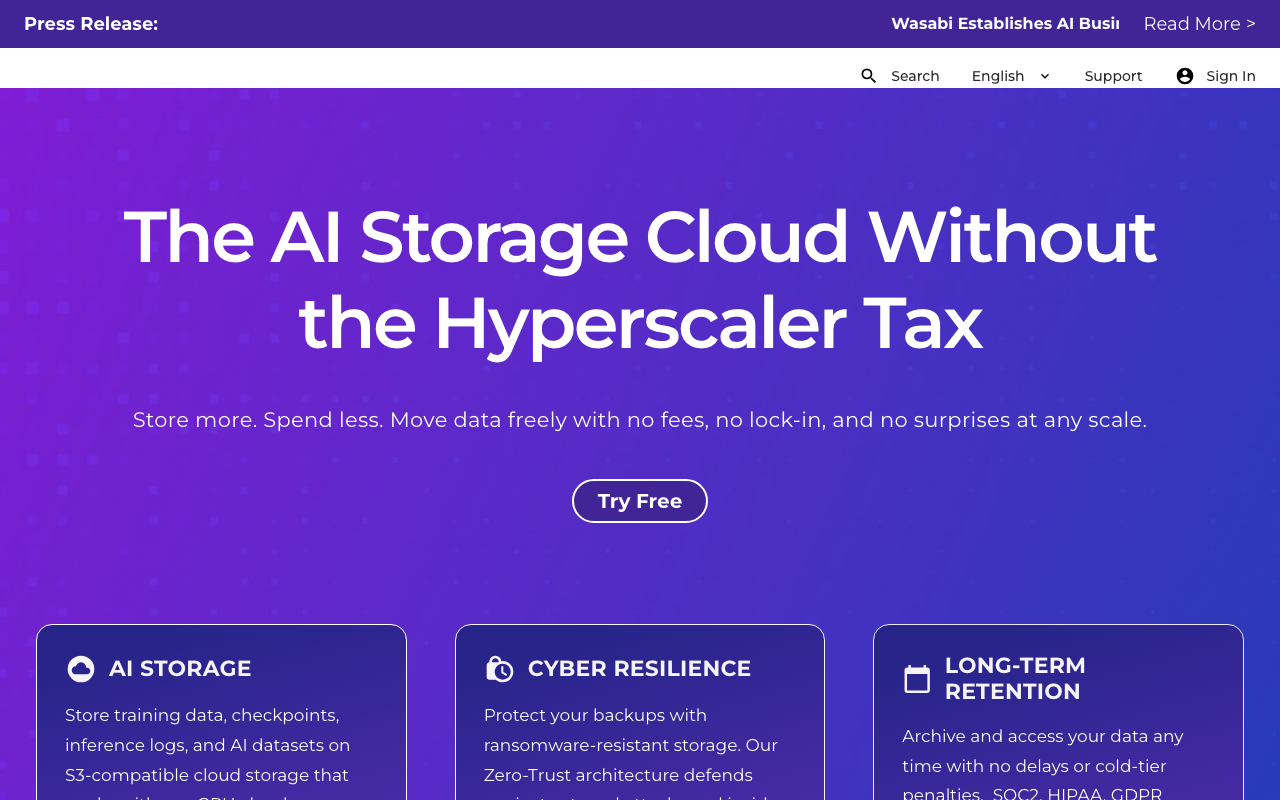
Wasabi sells a deliberately simple proposition: one storage price, no egress charges, no API request charges. The simplification is enforced by a usage policy, because a flat model only works if usage stays within a reasonable band, so the terms include a minimum retention period per object and an expectation that monthly egress stays within a multiple of stored volume. Understanding those terms is the whole evaluation.
Pros
- Single storage meter with no egress and no request charges makes forecasting trivial
- Predictable bill is genuinely valuable for finance teams tired of variable cloud transfer lines
- Immutability and object lock support suit backup and compliance retention workloads
- No tiering decisions to make, since there is one storage class rather than a hierarchy to manage
Cons
- Minimum retention period means deleting an object early still bills for the remainder, which punishes short-lived data badly
- The fair-use egress expectation makes it unsuitable for content delivery workloads where transfer far exceeds stored volume
- Not co-located with any major compute platform, so reads from your application cross the internet
Best for: Backup, archive and long-retention data where objects live for months and transfer is occasional restores rather than continuous delivery.
Pricing: Flat rate per stored terabyte per month with no egress or request charges, subject to a minimum object retention period and fair-use limits on transfer relative to storage.
DigitalOcean Spaces
Spaces is object storage bundled into a developer cloud, priced as a base subscription that includes a storage allowance and a transfer allowance, with overage on both. It exists to be the obvious storage choice for someone already running droplets and managed databases on the same platform, and it succeeds at that. It is not trying to compete on raw capacity economics.
Pros
- Bundled transfer allowance shared across the account, so storage transfer draws on the same pool as your compute
- Built-in CDN in front of buckets with no separate product to configure
- Same console, API and billing relationship as the rest of your infrastructure on the platform
- Simple enough that setting up a public asset bucket is a few minutes of work
Cons
- Base subscription applies whether or not you use the included capacity, which is poor economics for small buckets
- Overage rates on transfer mean a traffic spike still produces a variable bill
- Basic feature surface with limited lifecycle and versioning, and a short region list that constrains geographic placement
Best for: Teams already running their application on DigitalOcean who want asset storage inside the same account and bandwidth pool.
Pricing: Monthly base subscription including a storage and transfer allowance, with per-gigabyte overage charges on both above the included amounts.
MinIO

MinIO is S3-compatible object storage you run yourself, on your own disks, in your own network. That changes the entire cost structure: there is no per-gigabyte meter and no egress charge, and instead there is hardware, capacity planning, replication design and an on-call rotation. It is also the standard way to get object storage semantics inside an air-gapped or on-premises environment where no hosted provider is permitted.
Pros
- No storage or egress meter at all, since the cost is your own hardware and transit
- Runs on-premises and air-gapped, which is the only option under some regulatory and network constraints
- High-performance design intended for local network throughput rather than internet delivery
- Useful as a local development target so code paths match production without cloud calls
Cons
- You own durability, which means erasure coding configuration, disk replacement, capacity forecasting and backups are your responsibility
- Licensing terms for the open source distribution require careful review before commercial deployment
- A storage outage takes down everything that reads objects, and there is no vendor to escalate to
Best for: On-premises and air-gapped environments, and local development where you want an S3-compatible endpoint without a cloud account.
Pricing: Open source distribution available at no licence cost under terms that need legal review for commercial use, with a commercial subscription offering support and additional capabilities. Real cost is hardware, network and operations.
Scaleway
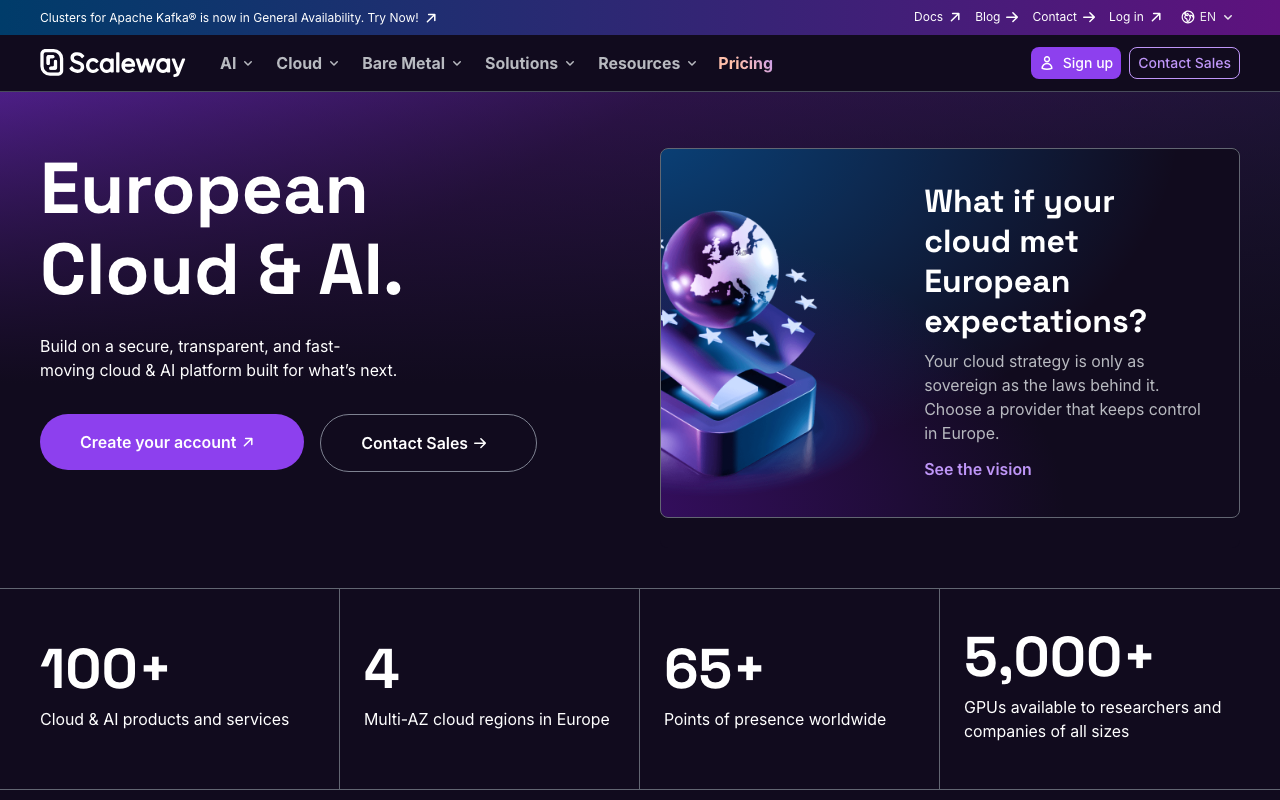
Scaleway is a European cloud whose object storage sits alongside its compute, with data residency in European regions as a first-class proposition rather than a checkbox. For teams with a genuine requirement that data does not leave a specific jurisdiction, the provider’s own corporate domicile matters as much as its region list, and that is the argument here.
Pros
- European jurisdiction for both the data and the operating company, which is a materially different position from a region selector on a global provider
- Multiple storage classes including cold tiers, so retention economics are tunable
- Co-located with the provider’s own compute, so internal reads avoid internet transfer
- Straightforward pricing structure with a free allowance on the standard class
Cons
- Region footprint is concentrated in Europe, so global delivery needs a CDN in front rather than nearby regions
- Smaller ecosystem and thinner documentation than the hyperscalers, so fewer tools treat it as a native target and edge cases are under-documented
- Cold storage class retrieval has its own timing and cost behaviour that needs modelling before use
Best for: Teams with a European data residency requirement that a region selector on a US-domiciled provider does not satisfy.
Pricing: Metered per stored gigabyte per month by storage class, with a free allowance on the standard class and separate metering for egress and retrieval from cold tiers.
Tigris
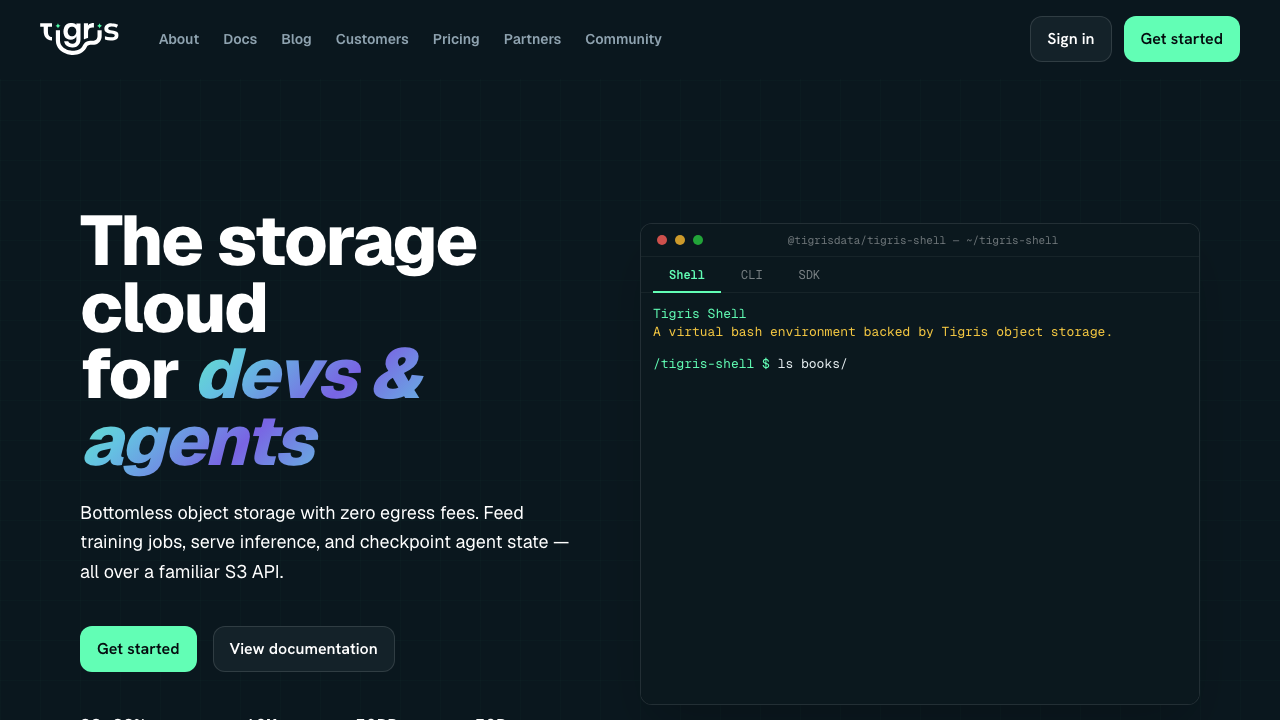
Tigris is object storage designed around global distribution rather than single-region buckets: objects are placed and cached near where they are accessed rather than living in one region you picked at creation. It is tightly associated with edge and multi-region application platforms, which is where the design pays off, because the usual answer for global reads is a CDN in front of a single-region bucket and this replaces that with distribution in the storage layer itself.
Pros
- Objects are distributed toward access locations automatically, so global read latency does not depend on your bucket region choice
- No egress charges, which removes the meter that punishes globally distributed reads
- S3-compatible API, so existing tooling and SDKs work without change
- Designed to pair with multi-region application platforms, so the storage layer does not become the single-region constraint in an otherwise global deployment
Cons
- Younger product with a shorter production track record and thinner ecosystem integrations than the established providers
- Automatic placement means less direct control over exactly where a given object resides, which complicates strict residency requirements
- Closely associated with a particular platform ecosystem, which is an advantage there and less of one outside it
Best for: Globally distributed applications where reads come from everywhere and a single-region bucket behind a CDN is the bottleneck you are trying to remove.
Pricing: Metered on stored gigabytes and on operations, with no charge for data transfer out.
AWS S3
S3 is the reference implementation and still the most complete object store available, which is why it belongs in a list of its own alternatives. Versioning, object lock, replication, event notifications, inventory, analytics, several storage classes with automatic tiering, and integration with essentially every managed service on the platform. You pay for that completeness with the most complex pricing surface in the category and with egress that is priced to keep your compute nearby.
Pros
- The most complete feature surface, including versioning, object lock, replication, lifecycle and event notifications that others implement partially
- Deep integration with the rest of the platform, so analytics, compute and data services read from it natively
- Storage classes and intelligent tiering let retention economics be tuned automatically rather than by a cron job
- Extremely mature, with the largest ecosystem of tooling and the most operational knowledge available
Cons
- Internet egress pricing is the single largest cost risk in the category and is what drives most teams to look at alternatives, with cross-region and cross-service transfer accumulating invisibly on top of it
- Pricing spans storage class, request class, retrieval, transfer and management features, which makes forecasting genuinely hard
- Early-deletion and minimum-duration charges on colder classes surprise teams who tier aggressively
Best for: Workloads already on AWS where the data is read mostly by AWS services in the same region, and workloads that genuinely need the full feature surface.
Pricing: Metered per gigabyte per month by storage class, plus per-request charges that differ by operation class, plus retrieval charges on colder classes, plus data transfer out priced per gigabyte with same-region transfer to platform services not billed.
How to choose
Answer these in order. The first two usually decide it.
What is your egress-to-storage ratio? Compute it from your existing bill or from your expected traffic: monthly bytes served divided by bytes stored. If that number is small, you are an archive workload and you shop on storage price and retention terms. If it is large, you are a delivery workload and egress pricing plus CDN integration is the entire decision.
Where is the data consumed? If your compute and your object storage are in the same provider and region, egress often does not apply at all, and the alternative that looked cheaper may not be once you add the transfer you just created. If the consumer is the public internet, a CDN in front changes the arithmetic more than the provider choice does.
Do you have a residency requirement, and how strict is it? A region selector on a global provider satisfies some requirements. A requirement about the operating company’s jurisdiction satisfies fewer, and narrows the list considerably.
Which API features do you actually use? Go through your code and your dependencies and list the calls. If you use versioning, object lock, lifecycle rules or event notifications, several providers drop out immediately. If you only use PUT, GET and pre-signed URLs, the whole list is open to you.
How much data would you have to move to leave? This is the question people ask last and should ask first. Migration cost is dominated by egress from the provider you are leaving. The decision is cheap now and expensive later, which is an argument for thinking about it before the bucket is large rather than after.
Whatever you pick, do three things in week one: put a lifecycle rule in place that aborts incomplete multipart uploads, run your own integration tests against the endpoint rather than trusting the compatibility claim, and set a billing alert on the egress meter specifically rather than on the total. The same discipline applies to the platform your application runs on, where transfer between services is the equivalent invisible meter.
| Provider | Egress model | Strongest when | Main risk |
|---|---|---|---|
| Cloudflare R2 | No egress charge | Delivery path is already Cloudflare | Operation charges on small-object workloads |
| Backblaze B2 | Free to partner networks | Backup and media behind a partner CDN | Egress outside the partnerships is metered |
| Wasabi | No egress charge, fair use | Long-retention backup and archive | Minimum retention period on every object |
| DigitalOcean Spaces | Bundled allowance | App already on the same platform | Base subscription regardless of usage |
| MinIO | Self-hosted, no meter | On-premises and air-gapped | You own durability and on-call |
| Scaleway | Metered | European jurisdiction requirement | Concentrated regional footprint |
| Tigris | No egress charge | Globally distributed reads | Younger product and thinner ecosystem |
| AWS S3 | Metered internet egress | Consumed by AWS services in-region | Egress and pricing surface complexity |
| The S3 API (standard, not a product) | — | Always, it is what makes these swappable | Compatibility claims have no defined test |
Frequently asked questions
Is zero-egress object storage actually free to serve from?
No, the money moves to a different meter. Providers with no transfer charge recover it through stored bytes, through per-operation charges, or because the storage feeds an adjacent product they sell you. The evaluation is not whether egress is free but whether your specific access pattern is cheap under that provider’s actual meters. A workload with millions of small objects and heavy listing can cost more under free egress than a transfer-heavy workload does under metered egress.
Do I still need a CDN if my storage has no egress charge?
Usually yes, for latency rather than cost. A CDN serves from a location near the user, which a single-region bucket cannot, and it absorbs request load that would otherwise hit your origin. The exception is storage that is itself globally distributed or natively integrated with an edge network, where the caching layer is already present. Either way, the interaction between bucket and CDN is worth designing deliberately rather than bolting on later.
How do I test whether a provider is really S3-compatible?
Run your own application’s integration tests against the endpoint. Generic compatibility matrices test the common path, which every provider passes. What matters is the specific calls your code and your dependencies make: the exact multipart flow your upload library uses, the pre-signed URL parameters your SDK generates, whether your conditional writes are honoured or silently ignored, and whether your CORS configuration works from a real browser. Budget a day for this before committing.
What actually breaks when I migrate between providers?
Three things, in order. Pre-signed URL generation, because signing version and parameter handling differ. Any code that relies on list ordering or on immediate list-after-write consistency. And anything using the features outside the core: lifecycle rules, event notifications, versioning semantics and object lock all need reimplementing rather than reconfiguring. The bytes themselves move fine; it is the behaviour around them that needs work.
Should I self-host object storage to avoid egress fees?
Only at scale, and only if you already operate physical or dedicated infrastructure. Self-hosting replaces a predictable per-gigabyte meter with hardware, bandwidth commitments, erasure coding configuration, disk replacement and an on-call rotation for a system every other service depends on. That trade is good when your transfer volume is large enough that transit costs less than metered egress, and bad below it. For teams running on VPS and bare metal for cost control it is a natural extension; for everyone else it is a distraction.
Related reading
- Best hosting platforms for developers — where the compute that reads these buckets runs, and the transfer meters between them.
- Best CDN providers for developers — the layer that turns origin egress into cache misses and usually decides your bill.
- Best VPS and bare metal providers for cost control — the self-hosting path, including bandwidth economics.
- Best GPU cloud providers for AI workloads — where training data lives and what moving it between clouds costs.
- Best edge compute platforms — reading objects from code running near the user rather than in one region.
- Best container registries — the same egress and co-location arithmetic applied to image storage.