The cost argument for renting machines is real and it is larger than most teams believe. Per vCPU, per gigabyte of memory and per terabyte of transfer, the gap between a managed cloud and a competent VPS provider is not a few percent. It is a multiple, and for bandwidth-heavy workloads it can be a large multiple.
The argument against is also real and it is almost never stated in a form you can put in a spreadsheet. It is not “the cloud is more reliable”, because a well-run pair of dedicated servers is more reliable than most single-region cloud deployments. It is that the managed services you are currently buying are doing work, and when you stop buying them, a person starts doing that work instead. That person has a salary, and their attention has an opportunity cost measured in features not shipped.
So the honest version of this calculation has two columns that the blog posts omit. The first is the replacement inventory: every managed service you currently use, and what running it yourself costs in setup and in ongoing attention. The second is the hours: not just the migration, but the recurring monthly drain of patching, backup verification, certificate renewal, capacity planning and being the person who gets called.
I have been on both sides of this. The version that works is a team with genuine Linux competence, steady predictable load, and a bill that has become a visible line item. The version that fails is a team that reads a cost comparison, migrates, and discovers six months later that their most senior engineer is now a part-time sysadmin.
Key takeaways
- The per-unit price difference is large and real. It is also not the whole calculation, and the missing column is engineer hours, both one-off and recurring.
- Count the replacement inventory before you count the savings. Managed Postgres, object storage, load balancing, backups, log aggregation and monitoring all become yours.
- Steady, predictable utilisation is what makes this work. Rented machines are priced on capacity, so anything spiky pays for peak all month.
- A hybrid is usually the right answer. Move the workloads that are steady and bandwidth-heavy, keep the database managed, and keep the parts that are genuinely elastic where elasticity is cheap.
The calculation, done properly
Build the comparison with these rows, in this order. Most published versions stop after the first two.
Compute and memory. Straightforward per-unit comparison, and the one where the gap is largest. Be careful to compare like for like: a shared vCPU on a budget provider and a dedicated core are not the same product, and if your workload is latency-sensitive the difference matters more than the price.
Bandwidth. Frequently the largest single item and the one that drives most migrations. Managed cloud providers meter egress; most VPS providers include a substantial allowance and charge modestly above it. If your product moves a lot of bytes, this row alone can dominate the entire comparison.
Redundancy you currently get implicitly. A managed database with a standby replica and automated failover is two machines and an orchestration layer. If you compare one rented machine against one managed instance, you have compared a single point of failure against a highly available pair. Price the pair.
Backups and their verification. Snapshots are cheap and they are not backups until you have restored one. Budget the storage, the retention, the off-site copy, and the recurring time to test a restore. The realistic version of this row includes a scheduled restore drill, because a backup nobody has restored is a hope. See database backup tools for the mechanics.
The replacement services. Enumerated in the next section. This is where the estimate usually goes wrong.
One-off migration hours. Setup, hardening, automation, data migration, cutover, and the two weeks afterwards where things you did not anticipate surface. Multiply your honest estimate by two; everyone underestimates this, including people who know they underestimate it.
Recurring operational hours. The row nobody writes down. Kernel and package updates, certificate renewal when automation breaks, disk filling up, log rotation, capacity planning, someone investigating a noisy alert, and the on-call rotation that now includes infrastructure as well as application failures. Estimate hours per month and multiply by a loaded engineering cost.
Risk-adjusted downtime. Not a number you can compute honestly, but a factor you can reason about. An outage you cause yourself takes longer to fix than one your provider causes, because you are debugging rather than waiting, and you are doing it without a vendor support team.
If after all that the answer is still strongly in favour of renting machines, it is a good decision and you should make it. Frequently it is. The point is not that the cloud wins; the point is that the version of the comparison that only has the first two rows is not an argument, it is a slide.
Needs first-hand data: Track a team that has completed this migration for twelve months and record infrastructure hours per month, split into planned maintenance, unplanned incidents and capacity work, alongside the infrastructure bill before and after. The hours column is the entire disagreement in this debate and nobody publishes it, which is why both sides argue from anecdote.
The replacement inventory
Go through your current provider’s console and list every service you use. Each one becomes a row in your plan. These are the ones that catch people.
Managed database. The largest item by far. Running Postgres yourself means replication, failover, connection pooling, backup and point-in-time recovery, version upgrades, and tuning. It is entirely doable and it is a specialist skill. My strong recommendation is to move compute first and leave the database managed, at least initially, which captures most of the saving with a fraction of the risk. See managed Postgres providers.
Object storage. Needed for uploads, backups and static assets. Most providers here offer an S3-compatible service, which means your application code does not change. The egress pricing on that service is a separate question from the compute pricing and worth checking independently, alongside S3 alternatives.
Load balancing and TLS termination. Either a managed load balancer from the provider or a reverse proxy you run yourself with automated certificate issuance. The self-run version is a well-trodden path and the thing that breaks is certificate renewal automation, silently, sixty days before anyone notices.
Private networking. Machines talking to each other over a private network rather than the public internet. Every provider here offers this and the implementations differ in whether it is isolated per account by default. Verify rather than assume, because the failure mode is a database reachable by another tenant.
Monitoring and alerting. You are no longer getting infrastructure metrics for free. You need host metrics, disk space alerts, and something watching the things that used to be somebody else’s job. This is an additional service, self-hosted or bought, covered in APM tools and alerting tools.
Log aggregation. Logs on a single machine are fine until there are six machines. Ship them somewhere, and decide whether that somewhere is self-hosted or a vendor, per log management tools.
Secrets. Environment variables on a machine you administer is a different security posture from a managed secret store. Decide deliberately rather than by default: secrets managers and CI/CD secrets management.
Deployment. You no longer have a git-push-to-deploy platform. Either you build one with CI plus a deployment tool, or you run a self-hosted control plane such as the ones described in PaaS platforms, which is the option that preserves developer experience at server prices.
Patching and image management. Somebody now decides when the kernel gets updated and whether a reboot is needed, and somebody notices when a base image has an unpatched vulnerability. Automate it or it will not happen.
The pattern in that list: about half of it is genuinely low effort with modern tooling, and about half of it is an ongoing commitment. Sort your own list into those two buckets honestly and the decision usually makes itself.
Hetzner
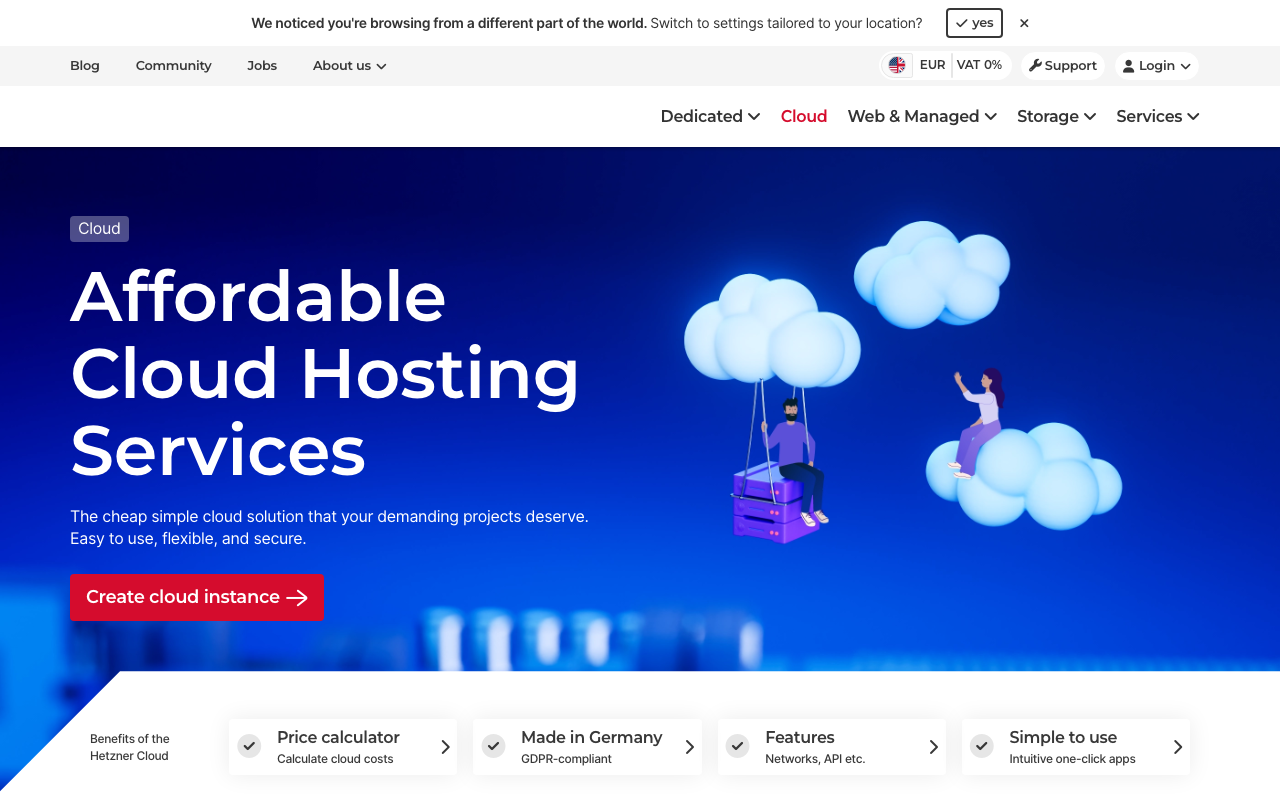
Hetzner is the reason this conversation happens. Its pricing per unit of compute, memory and bandwidth is aggressive enough to change architecture decisions, and it offers genuine dedicated and bare metal machines alongside virtual ones, plus an auction for previously used dedicated hardware at lower rates. The tradeoff is a concentrated geographic footprint and a support model that expects competence.
Pros
- Price per vCPU, per gigabyte of memory and per terabyte of traffic is the benchmark the rest of this list is measured against
- Real dedicated servers and bare metal, not just virtual slices, which removes noisy-neighbour variance for latency-sensitive work
- Generous included traffic allowances change the economics for media-heavy and download-heavy products entirely
- A straightforward cloud layer with private networks, load balancers, volumes and S3-compatible object storage for the pieces you do not want to build
Cons
- Geographic footprint is concentrated rather than global, so worldwide users need a CDN in front rather than more regions
- Support is efficient rather than hand-holding, and the account and verification process can be abrupt for new customers
- Managed service coverage is thin compared to the hyperscalers, so more of the replacement inventory above lands on you
Best for: Teams with real Linux competence running steady, bandwidth-heavy workloads where the unit economics have become a visible line item.
Pricing: Flat monthly rent per machine by specification for both virtual and dedicated servers, with large included traffic allowances and metered overage above them.
OVHcloud
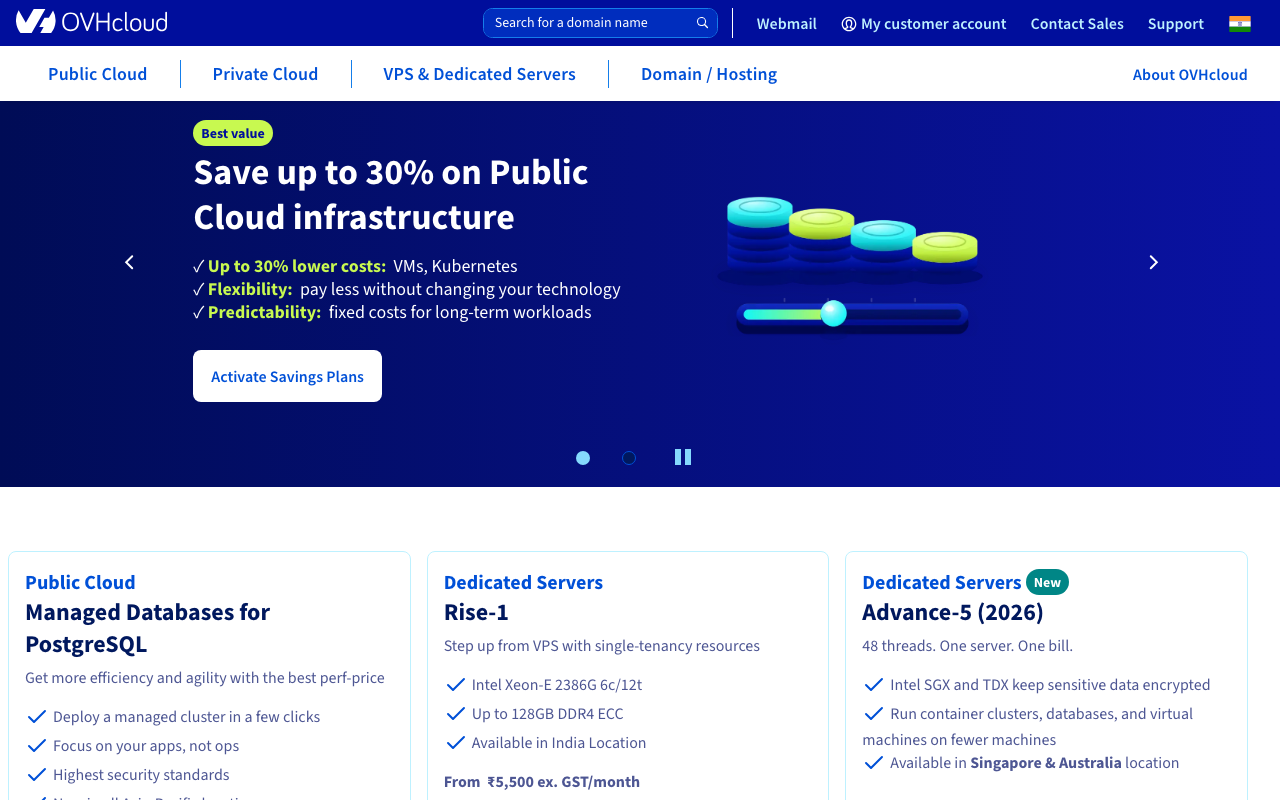
OVHcloud is a large European provider with an unusually wide range: budget dedicated servers, higher-specification bare metal, a public cloud layer, and its own network. Its distinguishing characteristics for this decision are scale, European data residency, and a bare metal catalogue deep enough to cover unusual hardware requirements that the virtualised providers cannot address at all.
Pros
- Very broad bare metal catalogue, including high-memory and storage-dense configurations that virtualised providers do not offer
- Operates its own network and data centres at scale, with European data residency as a first-class property
- Anti-DDoS protection included at the network level rather than sold as an upsell
- Multiple product ranges from budget to enterprise within one provider, so scaling up does not mean migrating
Cons
- The product catalogue is large and confusingly segmented, and picking the right range is genuinely harder than it should be
- Control panel and API ergonomics lag the developer-focused providers noticeably
- Support experience is inconsistent, and the self-service documentation does not always keep pace with the product range
Best for: Teams needing specific or unusual bare metal configurations, European data residency, or a provider that can scale from a budget box to a rack.
Pricing: Flat monthly rent per server by range and specification, with bandwidth included at the network level for most dedicated ranges and metered on the public cloud products.
DigitalOcean
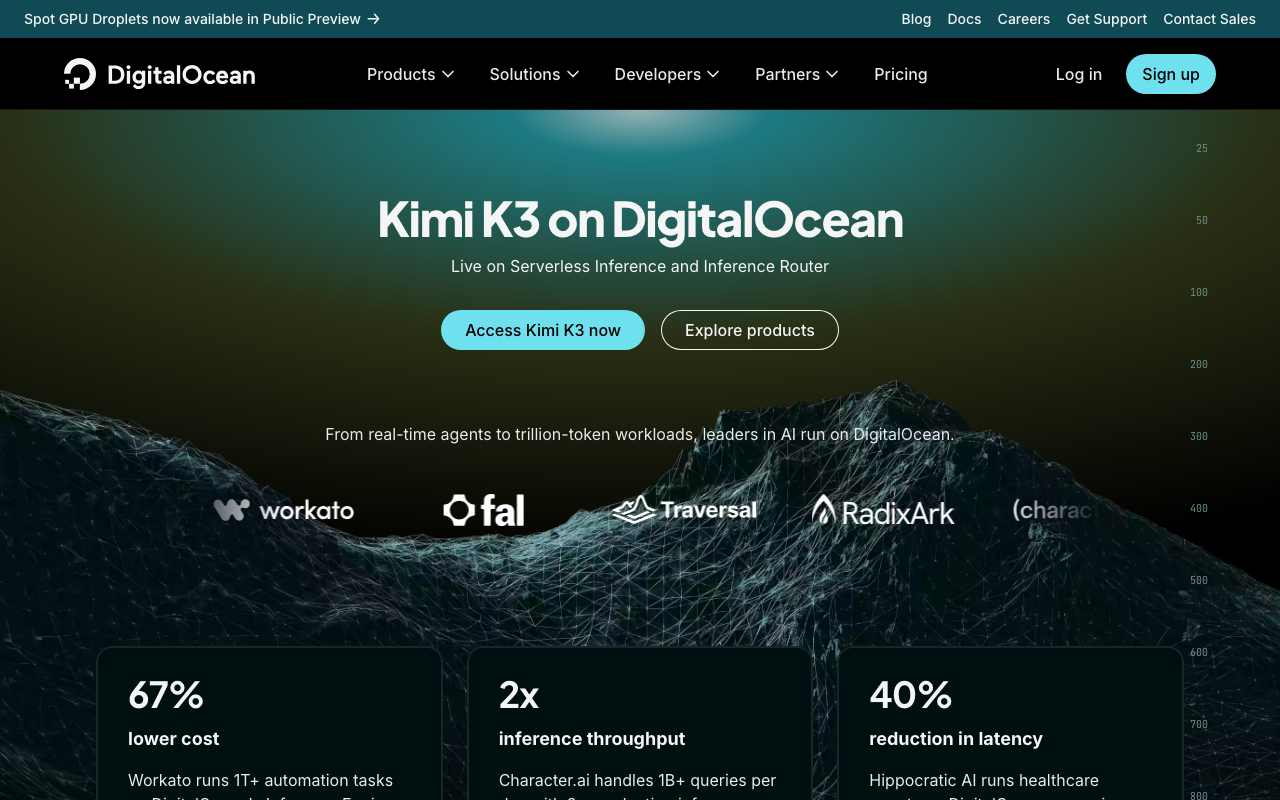
DigitalOcean is the developer-experience option in this category. The machines are more expensive than Hetzner and cheaper than the hyperscalers, and what you are paying the difference for is a console, an API and documentation that are all genuinely good, plus managed databases, Kubernetes and object storage in the same account. For a team stepping down from a PaaS rather than leaping to bare metal, that continuity is worth real money.
Pros
- The best documentation and learning material in this category, which measurably lowers the cost of the first three months
- Managed Postgres, Redis, Kubernetes and S3-compatible storage in the same account, so the replacement inventory is shorter
- Clean API and Terraform support, so infrastructure as code works properly from day one
- Predictable flat pricing with bandwidth pooled across the account rather than metered per machine
Cons
- Meaningfully more expensive per unit than the European budget providers, which is the entire reason those providers appear in this article
- No true bare metal offering, so noisy-neighbour variance and hardware-specific requirements are not addressed
- Each individual managed service is competent rather than best in class, and specialists beat it on any single axis
Best for: Teams moving down from a managed platform who want to keep managed databases and good tooling while cutting compute costs.
Pricing: Flat monthly rates per droplet by size, with managed databases, load balancers and storage priced separately and bandwidth pooled across the account.
Linode
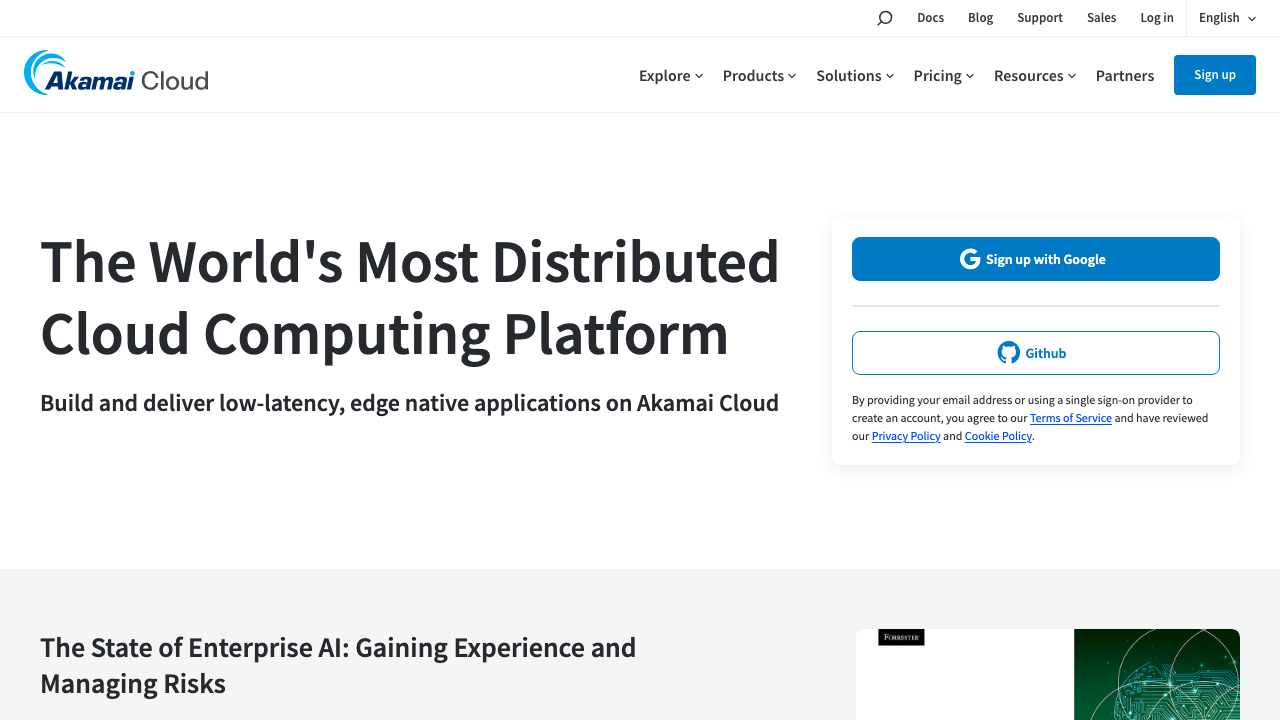
Linode, now part of Akamai, occupies similar ground to DigitalOcean with a longer history and a different strength: its parent operates one of the largest edge networks in existence, so distribution in front of your origin is available from the same relationship. The core product is straightforward virtual machines with a clean API, predictable pricing and a support reputation that is unusually good for the price band.
Pros
- Long operational track record with a support reputation that is genuinely better than the price band suggests
- Access to a very large edge network from the same provider, which shortens the CDN decision
- Transparent flat pricing with generous transfer allowances pooled across the account
- Dedicated CPU instance types available for workloads where shared vCPU variance is unacceptable
Cons
- Per-unit pricing is well above the European budget providers, so it is not the answer if raw cost is the only driver
- The managed service catalogue is narrower than DigitalOcean’s, so more of the replacement inventory is yours
- Product direction under its parent has been oriented toward the edge and enterprise story rather than the individual developer
Best for: Teams who want predictable virtual machines with strong support and an obvious path to a large edge network in front of them.
Pricing: Flat monthly rates per instance by size with pooled transfer allowances, and separate metered charges for object storage and backups.
Vultr
Vultr competes on breadth of location and speed of provisioning. It has a wide global footprint for a provider of its size, offers both shared and dedicated CPU instances plus genuine bare metal, and adds GPU instances, which makes it one of the few providers here that covers an AI workload without a separate vendor.
Pros
- Unusually wide geographic footprint for this price band, which makes single-provider multi-region genuinely practical
- Offers shared vCPU, dedicated CPU and bare metal in one catalogue, so you can match instance type to workload precisely
- GPU instances available in the same account, covering inference workloads without a second provider
- Fast provisioning and a clean API, with good infrastructure as code support
Cons
- Performance consistency on the cheapest shared instances is variable, and the variance is not always visible until it matters
- Managed service catalogue is thinner than DigitalOcean’s, so the replacement inventory is longer
- Support quality is adequate rather than a differentiator, which matters more once you own the whole stack
Best for: Teams who want many geographic locations from one provider, or a mix of instance types including bare metal and GPU without splitting vendors.
Pricing: Flat monthly rates per instance by type and size with included transfer allowances, and separate metering for bare metal, GPU instances and object storage.
Scaleway
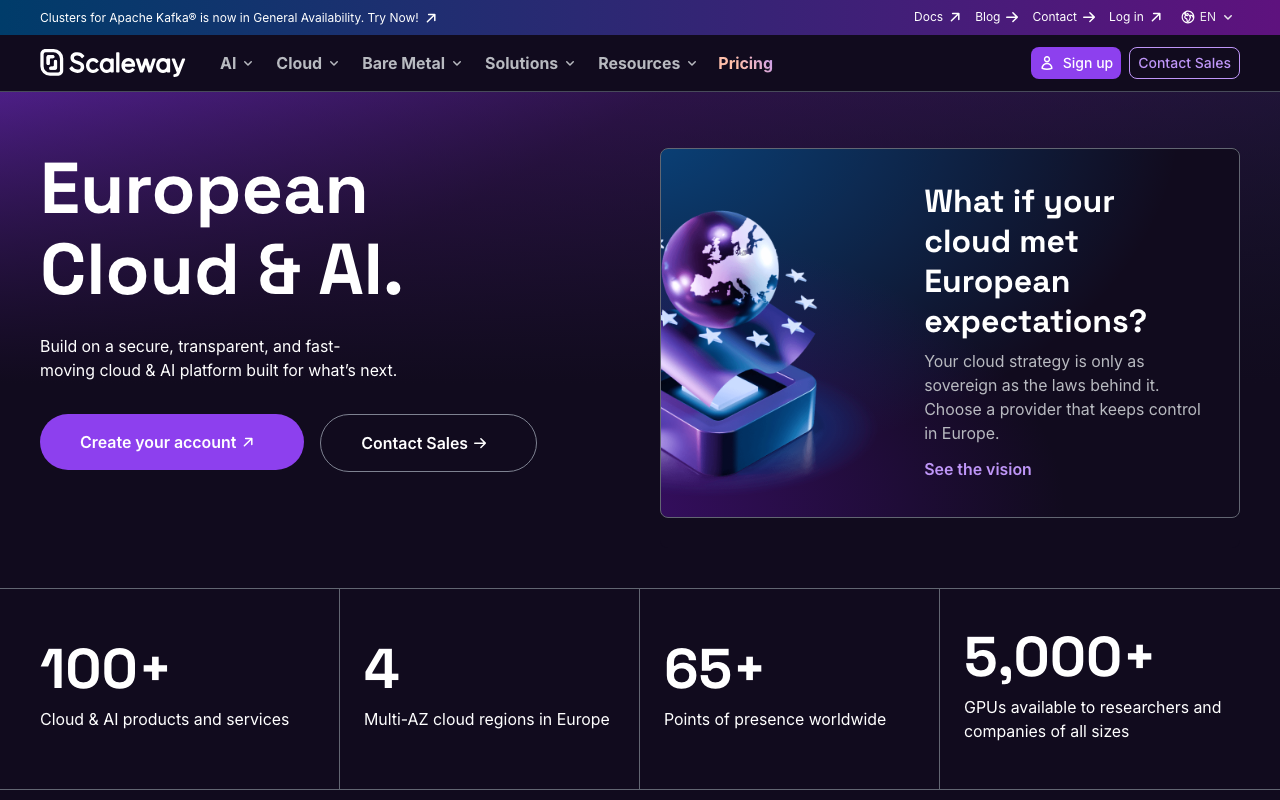
Scaleway is a European provider with a distinct product mix: virtual instances, bare metal, a serverless layer, managed databases and object storage, with European data sovereignty as an explicit selling point rather than an afterthought. It sits between the budget providers and the hyperscalers on both price and managed service depth.
Pros
- European data sovereignty is a first-class property of the offering, which matters for specific regulatory requirements
- Managed database, object storage and serverless containers reduce how much of the replacement inventory you own
- Bare metal and virtual instances in the same account with a coherent API across both
- A genuinely modern console and API compared to the older European providers
Cons
- Smaller ecosystem than the larger providers, so third-party tooling and community answers are thinner
- Regional footprint is Europe-centred, so global users need a CDN or another provider entirely
- Capacity for specific instance types can be constrained, which is a planning problem rather than a pricing one
Best for: European teams with data residency requirements who want managed services alongside cheap compute without moving to a hyperscaler.
Pricing: Flat monthly or hourly rates per instance by type, with managed databases, object storage and bandwidth metered separately.
Oracle Cloud
Oracle Cloud is on this list for one specific reason: its always-free tier includes a meaningful allocation of compute, including Arm-based instances, at a level that is genuinely useful rather than a demo. That makes it a real option for side projects, internal tools and low-traffic services, with the caveat that free capacity is subject to availability and the surrounding platform is an enterprise cloud with an enterprise cloud’s complexity.
Pros
- The always-free allocation is substantially more capable than comparable free tiers, particularly the Arm-based compute
- Includes free block storage and a bandwidth allowance, so a small service can run end to end at no cost
- A full cloud platform underneath, so growing past the free tier does not require changing provider
- Arm instances are well-suited to modern workloads and the cost per unit of performance is competitive even on paid tiers
Cons
- Free tier capacity is subject to regional availability, so provisioning is not guaranteed when you want it
- The console and account model carry enterprise cloud complexity that is heavy for the size of workload most people run here
- Free resources can be reclaimed under the terms of the tier, which makes it unsuitable for anything you actually depend on
Best for: Side projects, internal tools and experiments where a capable free allocation is worth accepting availability uncertainty and a heavier platform.
Pricing: An always-free allocation of compute, storage and bandwidth, with everything above it metered on standard cloud units per resource.
How to choose
First, decide if you should do this at all. The preconditions are genuine Linux competence on the team, load that is steady rather than spiky, and a bill that is a visible line item rather than a rounding error. If any of those three is missing, the migration will cost more than it saves. Read hosting for startups instead.
Then move compute before data. The application tier is the easy, low-risk, high-saving part. The database is the hard, high-risk, moderate-saving part. Doing the first and keeping the second managed captures most of the benefit for a fraction of the risk, and you can revisit the database later from a position of experience.
Then pick on the constraint that is not price. If you need bare metal or unusual hardware, OVHcloud or Hetzner. If you need many regions, Vultr. If you need European data residency with managed services, Scaleway. If you need to keep good tooling and managed databases while cutting compute cost, DigitalOcean or Linode. If price is genuinely the only constraint and you have the skills, Hetzner.
Then build the operational floor before you migrate anything real. Configuration management so machines are reproducible, automated certificate issuance, host and disk monitoring with alerts that reach a human, automated backups with a scheduled restore drill, and log shipping. If those five are not in place, you have not left the cloud, you have built a fragile version of it. Infrastructure as code from day one is not optional here, and the options are in infrastructure as code tools.
Then re-run the calculation after six months with real hours rather than estimated ones. If the hours are higher than you projected, that is not a failure, it is data. Move the noisiest workload back to a managed service and keep the rest.
| Provider | Bare metal | Managed services depth | Geographic reach | Picks itself when |
|---|---|---|---|---|
| Hetzner | Yes, including an auction range | Thin | Concentrated | Unit cost is the driving constraint |
| OVHcloud | Yes, very broad catalogue | Moderate | Broad, Europe-weighted | You need specific or unusual hardware |
| DigitalOcean | No | Good | Moderate | You want to keep managed databases and tooling |
| Linode | Dedicated CPU, not bare metal | Moderate | Moderate | Support quality and an edge network matter |
| Vultr | Yes, plus GPU | Thin | Widest in this band | You want many regions from one provider |
| Scaleway | Yes | Good | Europe-centred | Data sovereignty plus managed services |
| Oracle Cloud | Limited | Full cloud platform | Broad | A capable free tier is the requirement |
Needs first-hand data: Run one identical workload, a CPU-bound service under fixed synthetic load, on the cheapest shared-vCPU instance from each provider for a week, and record the variance in completed work per hour rather than the average. Shared vCPU variance is the difference between these providers that pricing pages cannot show and that decides whether the cheap option is actually cheap.
Frequently asked questions
How much engineering time does running my own servers actually cost?
It depends almost entirely on how much you automate up front. A well-automated fleet of a dozen machines is a few hours a month in steady state plus occasional incidents. A set of hand-configured machines is a continuous low-grade drain and one person’s implicit responsibility. The variance is in the automation, not the machine count, which is why configuration management before migration is non-negotiable.
Should I move my database off managed hosting too?
Not at the same time, and possibly not at all. The database is where the operational risk concentrates: replication, failover, point-in-time recovery, connection limits and version upgrades are each a specialist topic. Move compute, keep the database managed, and revisit once the rest is stable and you know what your operational capacity really is.
Is bare metal worth it over virtual machines?
For latency-sensitive workloads, databases and anything where consistent performance matters more than elasticity, yes, because you stop sharing a physical machine with an unknown neighbour. For everything else, virtual instances are easier to provision, resize and replace, and the flexibility usually wins.
What about Kubernetes on rented machines?
It works and it is a lot of operational surface to take on at the same moment you are taking on machine management. If you want an orchestration layer, adopt it before or after the provider migration, never during. The alternatives are compared in container hosting platforms.
How do I keep the developer experience I am giving up?
Run a self-hosted control plane on top of the machines. That gives you push-to-deploy, TLS and routing at server prices, and the options are covered in PaaS platforms. It adds a layer you now operate, which belongs in the hours column, but it preserves the workflow that makes teams productive.
Related reading
- Best hosting platforms for developers — the abstraction map, and where rented machines sit on it.
- Cloud cost compared — the methodology for comparing invoices across providers without fooling yourself.
- Best PaaS platforms — including the self-hosted control planes that give you push-to-deploy on your own servers.
- Best S3 alternatives — object storage with very different egress economics, often the other half of the saving.
- Best infrastructure as code tools — the automation that decides whether your hours column is small or large.