Every secrets manager encrypts at rest with a key you can rotate, controls access with a policy language, and writes an audit log. If you evaluate them on that, they all pass, and you will pick one on the demo or the logo.
The two things that actually differ are lifetime and bill shape.
Lifetime is whether the product can make a credential that dies on its own. A store that holds a database password you typed in five years ago has not reduced your risk much; it has centralised it and made the blast radius of one policy mistake larger. A store that mints a database user valid for fifteen minutes, scoped to one role, and revokes it when the lease expires has changed the problem. Everything marketed as “secrets management” sits somewhere on that line, and most products sit at the storage end.
Bill shape is the part nobody models before adoption. Several of these products meter per stored secret per month, per secret version, or per retrieval API call. That reads as trivial on a spreadsheet with forty secrets. It reads differently when three hundred pods restart during a deploy, each fetching nine secrets at boot, in a cluster that autoscales. Teams respond by packing twenty values into one JSON blob, which is a billing optimisation that destroys the per-secret access control they bought the product for.
Pick on those two axes. The encryption is table stakes and none of these will be the weak link in your architecture.
Key takeaways
- Dynamic secrets, where the store creates a short-lived credential on demand rather than handing out a stored one, are the only feature here that structurally changes risk. Everything else moves the same long-lived string to a better-guarded place.
- Managed rotation only covers credential types the vendor has written a rotation path for. For everything else you write and maintain the rotation code yourself, and that code is a production dependency.
- Per-secret and per-request metering pushes teams toward packing many values into one secret, which silently collapses fine-grained access control. Check the meter before you design your secret layout.
- Storage and delivery are separate decisions. The store is where the value lives; the agent, sidecar, operator or CSI driver that gets it into a running process is a different choice with its own failure modes.
Static, rotated and dynamic: three different lifetimes
Sorting the vocabulary decides the shortlist, because vendors use the same words for very different mechanics.
A static secret is a value you put in and take out. The store encrypts it, controls who reads it, and logs the read. Its lifetime is however long until a human remembers to change it, which in practice is until an audit or an incident. Every product here does this.
A rotated secret is a static secret with automation attached. On a schedule, something calls the upstream system’s credential API, creates a new credential, writes the new value as a new version, verifies it works, and retires the old one. The important detail is that this automation is credential-type specific. Rotating a managed relational database user is a solved path in several products. Rotating the API key of a payments provider whose API the vendor has never integrated is a function you write, test, monitor and page on.
A dynamic secret inverts the model. Nothing is stored. The store holds one privileged credential for the upstream system and uses it to create a fresh, scoped, short-lived credential each time a client asks. The client gets a lease. When the lease expires, or when you revoke it, the store deletes the credential upstream. There is no long-lived value to leak, because one never existed.
The consequence worth internalising: with dynamic secrets, a credential leaked into a build log expires by itself. With static secrets, a credential leaked into a build log is a permanent liability until a human notices, and noticing is the step that does not happen. This is the same argument that makes OIDC federation the right default for cloud credentials in CI, covered in depth in CI/CD secrets management.
Dynamic secrets have real costs. The store now holds a credential powerful enough to create users on your database, which makes it a higher-value target and an availability dependency on the path to every new connection. Lease revocation needs the upstream system reachable, so a network partition can leave orphaned credentials that nobody is tracking. Connection pooling fights the model, because a pool that holds connections for hours does not want credentials that expire in fifteen minutes, and the workaround is either renewing leases or accepting that pooled connections outlive the credential that opened them.
The honest position: use dynamic secrets where the backend is supported and the client can tolerate short lifetimes, use federation for cloud credentials, and accept that a long tail of third-party API keys will remain static strings needing rotation nobody wants to do.
Needs first-hand data: Classify your existing secret inventory into three buckets before you shortlist anything: credentials the candidate store can generate dynamically, credentials it can rotate through a supported managed path, and credentials where rotation is code you write. The size of the third bucket is the real measure of how much this purchase will change, and it is usually the largest of the three.
What a secret costs at scale, and how the meter changes your design
Read the pricing page as an architecture document, because it will shape your secret layout whether you intend it to or not.
The meters in this category come in four shapes.
Per stored secret per month. Encourages fewer, larger secrets. A team that would naturally create one secret per credential per environment ends up creating one secret per service per environment containing a JSON object, because the first layout costs ten times the second. The access control loss is direct: you can no longer grant a service read access to only the one credential it needs, because the credential lives inside a blob with nineteen others.
Per secret version. Rotation creates versions. Aggressive rotation on a store that meters versions means rotation has a running cost, and the cleanup of old versions becomes a job you have to write. Check whether destroyed versions stop counting.
Per retrieval API call. This is the one that surprises people, because the call volume is a property of your deployment pattern rather than your secret count. An application that fetches secrets once at boot and caches them generates negligible calls. An application that fetches on every request, or a Kubernetes operator that refreshes every sixty seconds across four hundred workloads, generates a lot. The mitigation is a caching agent or sidecar, which is another component to run.
Per seat or per client. Scales with team size or with the number of machines authenticating, not with secret count. This can be the cheapest shape for a large secret inventory and the most expensive for a large fleet.
The design rule that follows: decide your secret granularity from your access control requirements first, then check what that layout costs on each candidate’s meter. If the cost forces a coarser layout than your access requirements need, that is a reason to rule the product out, not a reason to accept a coarser layout.
The second cost nobody budgets is availability engineering. Once every deployment reads from the store at boot, the store is in the critical path of every restart. That means high availability, disaster recovery, a tested restore, and a decision about what happens when the store is unreachable during a rolling restart. Self-hosted products make this explicitly your problem. Managed products make it the vendor’s problem and yours anyway, because you still need to answer what your workloads do when the service is degraded.
Needs first-hand data: Instrument one week of secret retrievals in your current setup. Record the number of distinct secrets, the number of read operations, the distribution of reads across services, and the peak read rate during a deploy. Then price that exact profile against each candidate’s meter. Teams routinely discover the read rate is one or two orders of magnitude above what they assumed, driven by a restart loop or an over-eager refresh interval nobody configured deliberately.
Delivery is a separate decision from storage
The store holds the value. Something has to get it into a running process, and that something is a separate choice with its own failure modes.
Environment variable injection via a CLI wrapper is the simplest and the leakiest. Anything that dumps the environment prints the secret, including many crash handlers, diagnostic endpoints and verbose logging modes.
File materialisation writes the secret to a path with restrictive permissions, usually into a tmpfs mount. Narrower than the environment, and it supports secrets too large or too structured for an environment variable, such as certificates.
A sidecar or agent authenticates on the workload’s behalf, caches, renews leases, and rewrites the file when the value changes. This is what makes dynamic secrets practical and what keeps the retrieval meter down. It also means an extra container in every pod and a new class of incident where the sidecar is healthy but stale.
A CSI driver or Kubernetes operator presents secrets as mounted volumes or native secret objects. Native secret objects are convenient and are base64 encoded rather than encrypted unless you have configured encryption at rest for the cluster’s datastore, which is a thing to check rather than assume.
SDK-level fetching from inside the application gives the most control and the least operational surface, at the cost of coupling application code to the store’s client library, which is the thing you will want to change in three years.
Pick the delivery mechanism per workload type, not per organisation. A batch job, a long-lived service and a serverless function have genuinely different requirements, and forcing one pattern across all three is how you end up with a Lambda that pays a retrieval call on every invocation.
HashiCorp Vault
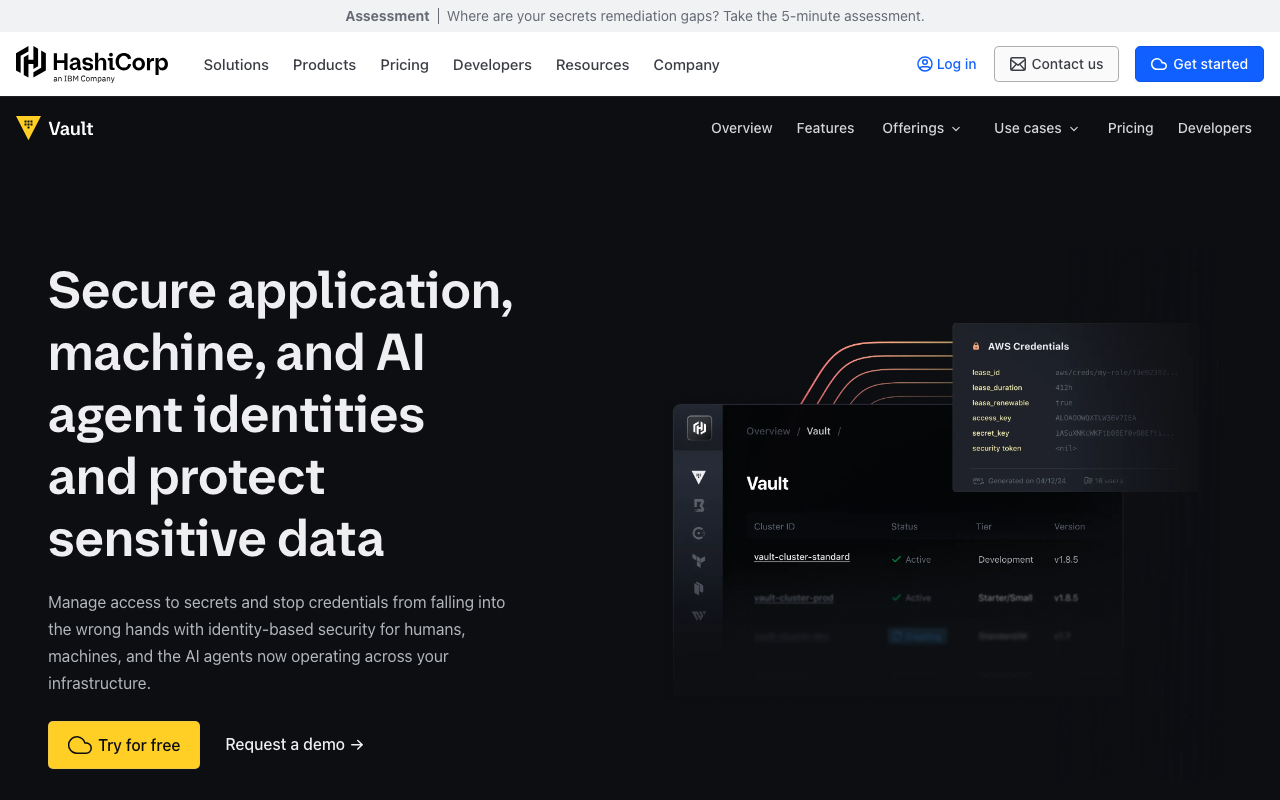
Vault is the reference implementation of the full category: pluggable authentication backends, fine-grained policy, leases with automatic expiry and revocation, comprehensive audit devices, and secret engines that generate dynamic credentials for databases, cloud providers, SSH and PKI. The dynamic secret engines are the genuine differentiator and the reason Vault is still the answer for organisations with many heterogeneous backends. It is also the heaviest thing here to operate, and the 2023 move to the Business Source License made that operational cost a licensing question too.
Pros
- The broadest set of dynamic secret engines, so short-lived credentials are available for databases, cloud IAM, SSH and internal PKI from one system
- Leases, renewal and revocation are first-class, which gives every issued credential a bounded lifetime by design rather than by convention
- Authentication backends for Kubernetes, cloud identity, OIDC and CI platforms mean workloads authenticate with what they already are, without a bootstrap secret
- Audit devices record every request and response hash, which is the granularity regulated environments actually ask for
Cons
- Operationally heavy in a way that catches teams out: unsealing, storage backend, HA topology, upgrades, and a disaster recovery plan you have actually tested
- It becomes a hard dependency of every deployment and every new database connection, so a Vault outage is a production outage
- The Business Source License is a genuine blocker for some organisations and the reason a fork exists
- Policy complexity is real, and a policy that grants more than intended fails silently, because nothing errors when access is too broad
Best for: Organisations with many different backend systems, strict audit requirements, and a platform team that can own a critical availability-sensitive service.
Pricing: Source-available community edition free to self-host under the Business Source License, commercial tiers licensed per client or node adding namespaces, replication and governance, plus a managed cloud offering metered on clients and usage.
OpenBao
OpenBao is the Linux Foundation fork of Vault created after the licence change, continuing under an open source licence. Because it forked from a Vault release, the API surface, the CLI, the policy language and the storage layout are the same, which makes it the lowest-friction destination for a Vault deployment that cannot live with the licence. The tradeoff is that the two codebases diverge as each project ships, and vendor integrations built against Vault may or may not be tested against OpenBao.
Pros
- Open source licence with foundation governance, which removes the licensing question entirely for organisations that cannot accept BUSL terms
- API, CLI and policy compatibility inherited from the fork point, so existing automation and client libraries largely work unchanged
- The same secret engine model including dynamic credentials, so the capability that justifies this category is present rather than trimmed
- Community governance means roadmap decisions happen in public, which is a real consideration after being surprised by a licence change once
Cons
- Divergence from Vault grows over time, so compatibility is a fact about today rather than a guarantee, and it must be re-verified at each upgrade
- Third-party integrations and vendor documentation overwhelmingly target Vault, so unusual paths need testing rather than trusting
- Smaller ecosystem of managed hosting options, so self-hosting is effectively the deployment model
- Inherits every operational burden of Vault, including unsealing, HA and disaster recovery, with a smaller pool of people who have run it in anger
Best for: Teams already running Vault who need an open source licence, and new deployments that want Vault mechanics under foundation governance.
Pricing: Free and open source with no vendor and no bill. Cost is the infrastructure it runs on and the engineering time to operate it, plus commercial support if you buy it from a third party.
Infisical
Infisical is a modern secrets platform with an open source core and a genuine self-hosting path, aimed at the developer workflow rather than at infrastructure operators. It models secrets as projects containing environments and folders, ships a CLI for injection, integrates with CI platforms and clouds, generates dynamic secrets for supported backends, and includes secret scanning to catch credentials before they reach a repository. The bet is that most teams want Vault’s outcomes without Vault’s operational surface.
Pros
- Open source core that can be self-hosted, so secrets stay inside your boundary without adopting a heavyweight platform
- Environment and folder structure maps onto how teams actually organise configuration, which reduces the naming convention work every other product leaves to you
- Dynamic secrets for supported backends bring short-lived credentials without operating Vault
- Built-in secret scanning closes the leak path that a store alone does nothing about, covered further in secret scanning tools
Cons
- Self-hosting means you now run an availability-critical service, with the same HA, backup and restore obligations as any secrets platform
- The open core boundary moves, and capabilities you depend on can end up on the commercial side of it
- Dynamic secret backend coverage is narrower than Vault’s, so check your specific databases and clouds rather than the category claim
- Younger project, so unusual failure modes have fewer public answers when you hit one at an awkward hour
Best for: Teams who want a modern secrets workflow with dynamic secrets, self-hosted for compliance or data residency, without running Vault.
Pricing: Open source core free to self-host, with a hosted service and enterprise tiers priced per seat adding SSO, audit retention and advanced access controls.
Doppler
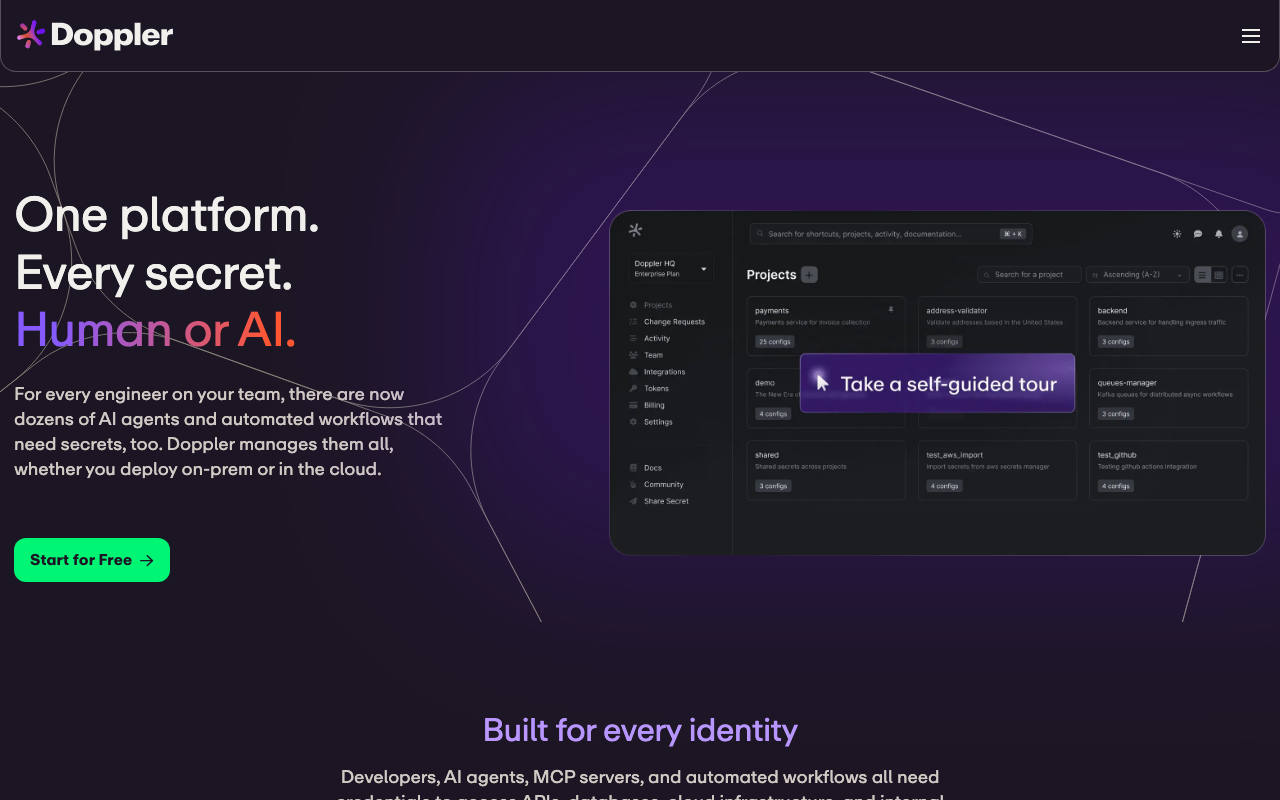
Doppler is built around the developer and pipeline workflow rather than around infrastructure primitives. Its distinguishing model is configuration inheritance: a value defined once in a base config is overridden only in the environments where it differs, which removes the copy-paste divergence that makes staging and production quietly different. Delivery is through a CLI that runs your process with secrets injected, or through integrations that sync values into CI platforms, cloud providers and container platforms.
Pros
- Environment inheritance is the best answer in this list to the practical problem of keeping many environments consistent without duplicating every value
- Broad sync integrations push secrets into the systems that need them without writing glue, which is most of the adoption work in other products
- Change history per secret with clear diffs makes the “who changed this and when did it break” question answerable in seconds
- Fast enough to adopt that a small team gets real value the same day, which matters more than feature depth for teams with no platform function
Cons
- A third-party service holding every secret you have, which is a trust and availability decision that deserves an explicit answer rather than a shrug
- Sync-based integration copies secrets into other systems, so the source of truth is authoritative but not exclusive, and revoking access in Doppler does not remove the copy already in your CI platform
- Environment variable injection is the primary delivery pattern, and that is exactly the exposure shape that leaks into logs and crash dumps
- Per-seat pricing scales with team size rather than secret count, which can outpace the value as the organisation grows
Best for: Small and mid-sized teams who want strong environment modelling and fast integration without operating a secrets service.
Pricing: Free tier for individuals and small teams, then per-seat monthly pricing with higher tiers adding SSO, audit log retention and finer access control.
AWS Secrets Manager
AWS Secrets Manager is the native option for teams whose workloads are on AWS, and its argument is integration rather than features. Access is governed by IAM policies you already write, encryption uses KMS keys you already manage, every access lands in the audit trail you already collect, and managed rotation for supported credential types works by invoking a Lambda function that performs the rotation. There is nothing new to operate, which is worth more than most feature comparisons admit.
Pros
- IAM-based access control means no second permission system to maintain, reconcile or audit separately
- Managed rotation for supported credential types, notably the managed relational databases, automates the sequence most teams never get to
- Access events land in the existing cloud audit trail alongside every other API call, so investigation uses one tool
- Combines cleanly with OIDC federation so a CI job assumes a role and reads exactly the secrets that role permits, with no stored credential anywhere
Cons
- Per-secret monthly charges plus per-call charges push teams toward packing many values into one secret, which defeats the fine-grained IAM control that is the main reason to use it
- Rotation outside the supported types means writing, testing and monitoring your own rotation function, which is production code with a pager attached
- No dynamic secret generation in the Vault sense, so short-lived database credentials need a different mechanism
- AWS-centric, so a multi-cloud or hybrid estate ends up with a second store and two access models
Best for: Teams running on AWS who want secrets under the same identity, encryption and audit model as everything else, with no service to operate.
Pricing: Metered per stored secret per month plus a charge per API call, with rotation functions billed as ordinary serverless compute.
Google Secret Manager
Google Secret Manager is the equivalent native service on Google Cloud, with the same integration argument: IAM controls access, Cloud Audit Logs record it, and Cloud KMS encrypts it. Its distinguishing detail is explicit version lifecycle, where versions are independently enabled, disabled and destroyed, which maps directly onto the overlap pattern that makes rotation possible without downtime.
Pros
- IAM permissions can be granted per secret, which makes least privilege straightforward to express without inventing a policy language
- Explicit version enable, disable and destroy supports the two-credentials-valid-at-once rotation pattern natively
- Access logging integrates with platform audit logging with no additional configuration or agent
- Works cleanly with workload identity federation, so workloads and CI jobs authenticate without a bootstrap credential
Cons
- No built-in rotation for credential types, so every rotation path is code you write and own
- Metering on access operations means a chatty application or a tight refresh interval turns into a line item nobody predicted
- Sparse organisational structure for many secrets across many environments, so hierarchy is naming convention rather than a modelled concept
- Google Cloud-centric, with the same awkwardness as its peers outside that boundary
Best for: Teams on Google Cloud who want secret access governed by the same IAM and audit systems as the rest of their infrastructure.
Pricing: Metered per active secret version per month plus a charge per access operation, with a free allowance at low volume.
1Password
1Password extends a password manager many organisations already deploy into machine-readable secret delivery through service accounts, a connect server and secret references resolved at run time by the CLI or SDKs. The argument is consolidation: one system for human credentials and machine credentials, one audit trail, and one offboarding process that actually removes both kinds of access when someone leaves.
Pros
- One system for human and machine secrets means offboarding removes both without a second process that someone forgets to run
- Secret references resolved at run time keep real values out of configuration files, repositories and container images
- Vault-level access scoping is a model your organisation already understands and administers, which shortens rollout considerably
- Strong audit trail spanning human and automated access in one place, which is a question auditors ask and most machine-only stores answer partially
Cons
- Not designed primarily for infrastructure workflows, so complex environment modelling and large-scale machine access feel bolted on next to purpose-built tools
- Connect server deployment adds infrastructure when you need high-throughput programmatic access, which reintroduces the operational burden you were avoiding
- No dynamic secret generation, so every credential here is long-lived and rotation remains a manual or bespoke process
- Seat-oriented pricing fits human use better than large fleets of machine identities
Best for: Organisations already standardised on 1Password for human credentials who want pipeline and workload secrets in the same place with the same offboarding.
Pricing: Business plan pricing per user seat, with service accounts and programmatic access included at the appropriate tiers rather than metered per retrieval.
Akeyless
Akeyless is a SaaS-first secrets platform whose distinguishing technical claim is a distributed fragments approach to key management, where the encryption key is never assembled in one place, including on the vendor’s side. Functionally it covers the full category: static secrets, dynamic and just-in-time credentials for databases and clouds, certificate management, secretless access to targets, and a gateway component you run for caching and private network reach.
Pros
- Dynamic and just-in-time credentials across databases, clouds and remote access, so short-lived credentials are available without self-hosting a platform
- The key management model is designed so the vendor cannot unilaterally decrypt your secrets, which materially changes the SaaS trust conversation
- A gateway you deploy handles caching and private network access, which keeps retrieval latency and API call volume under your control
- Covers certificate and PKI issuance alongside secrets, which consolidates two tools that usually sit apart
Cons
- SaaS-first, so an outage of the vendor’s control plane is your problem even with a local gateway, and you need to know exactly what the gateway can serve while disconnected
- The gateway is real infrastructure to deploy, size and upgrade, so “no operational burden” is not quite accurate
- Smaller community than the incumbents, so worked examples and third-party integrations are thinner and more of the integration work lands on you
- The distributed key model is a genuine differentiator and also a thing your security team will need to understand before they can approve it
Best for: Teams who want dynamic secrets and PKI as a managed service but cannot accept a vendor holding a key that decrypts everything.
Pricing: Subscription tiers metered on a combination of client count and managed objects, with the gateway you host billed as your own infrastructure.
How to choose
Answer these in order. The first question eliminates more candidates than the rest combined.
Do you need dynamic secrets, or only better storage? If the credentials you care most about are database users and cloud roles, and you can accept short lifetimes, dynamic secrets are the reason to pay for anything in this category. That narrows you to Vault, OpenBao, Akeyless, or Infisical if its backend coverage includes your specific databases. If you mostly hold third-party API keys that cannot be generated on demand, dynamic secrets are irrelevant to your actual inventory and you should not pay a complexity premium for them.
Is your compute on one cloud? If yes, the native store is the default and the burden of proof is on the alternative. It is already integrated with your identity, encryption and audit systems, and it adds no service to operate. Move off it only when you have a concrete requirement it fails, most commonly dynamic secrets or multi-cloud.
Can you operate an availability-critical service? Vault and OpenBao are excellent and they are a platform team’s job. If the honest answer is that one person would be responsible and that person is also on call for the product, choose managed.
What does your read pattern cost? Take the retrieval profile from the exercise above and price it. If a candidate’s meter forces you to pack secrets into blobs, it has failed the access control requirement, not just the budget one.
Do you have a licence constraint? If BUSL is a blocker, the decision is OpenBao and the migration is mostly mechanical. That path is covered in detail in HashiCorp Vault alternatives.
| Product | Dynamic secrets | Runs where | Meter shape | Picks itself when |
|---|---|---|---|---|
| HashiCorp Vault | Broadest coverage | Self-hosted or managed | Per client or node | Many backends, strict audit, platform team exists |
| OpenBao | Inherited from Vault | Self-hosted | No licence cost | Vault mechanics required, BUSL is a blocker |
| Infisical | Supported backends | Self-hosted or vendor | Per seat | Modern workflow with self-hosting required |
| Doppler | No | Vendor | Per seat | Environment modelling matters, no ops budget |
| AWS Secrets Manager | No, rotation instead | AWS | Per secret and per call | Workloads are on AWS |
| Google Secret Manager | No | Google Cloud | Per version and per access | Workloads are on Google Cloud |
| 1Password | No | Vendor | Per seat | Already standardised for human credentials |
| Akeyless | Yes, managed | Vendor plus your gateway | Per client and object | Dynamic secrets as SaaS, vendor must not hold the key |
Whatever you pick, sequence the work correctly. Adopt OIDC federation for cloud credentials first, because it removes more long-lived secrets than any product will. Then inventory what is genuinely left. Then buy for that inventory. Teams that buy first end up migrating a pile of credentials that should have been deleted.
Frequently asked questions
What is the difference between a secrets manager and a password manager?
Audience and access pattern. A password manager is built for humans: a browser extension, a mobile app, sharing with a colleague, recovery when someone forgets a master password. A secrets manager is built for machines: an API, workload identity authentication, policy evaluated per request, audit logs designed for volume, and ideally credentials generated on demand. The products converge at the edges, and 1Password is the clearest example of one crossing over, but the operational requirements are different enough that most organisations end up with both.
Do I need dynamic secrets, or is rotation enough?
It depends on what fraction of your inventory can support them. Dynamic secrets are strictly better where available, because the credential expires whether or not anyone notices a leak. Rotation is the fallback for credentials the store cannot generate, and it is worth doing, but understand what you are buying: rotation shortens the window from years to weeks, while dynamic secrets shorten it to minutes. If your critical credentials are database users on a supported engine, push for dynamic. If they are third-party API keys, rotation is the ceiling and you should design the rotation automation as production code rather than a runbook.
Should the secrets manager be in the critical path of my deploys?
It already is, once workloads read from it at boot. The question is whether you have acknowledged that and engineered for it. Practical controls: cache with an agent or sidecar so a brief outage does not fail every restart, make sure the failure mode is a clear error rather than an empty string interpreted as a valid value, test what a rolling restart does while the store is unreachable, and keep a documented break-glass path that does not itself depend on the store. Teams discover the missing break-glass path during the incident where they need it.
How do I organise secrets across environments?
Model the access requirement first: which principal needs which credential in which environment, and what should be impossible. Then express that in whatever structure the product offers, which is folders and environments in some products and naming conventions in others. Two rules hold everywhere. Production secrets must be unreachable from non-production principals by policy rather than by convention, and no secret should be shared across environments, because a shared value means a staging compromise is a production compromise. If the product’s pricing pushes you toward coarser grouping than this requires, that is a product problem.
What happens when someone leaves the team?
Their access to the store is removed by your identity provider, which is the easy half. The hard half is every static secret they could read while they had access, all of which must now be treated as known to a former employee. That is the rotation backlog nobody schedules, and it is the strongest practical argument for dynamic secrets: a credential that expired an hour after they last used it does not appear on that list at all. Whatever your model, the offboarding checklist should name the rotation set explicitly, and your audit logging should be able to tell you what they actually read.
Related reading
- Best application security tools — where secrets management sits in the wider programme, and what to do first.
- HashiCorp Vault alternatives — the licence and complexity exits, with the secret path migration nobody documents.
- Best secrets management for CI/CD pipelines — OIDC federation, log leakage, and rotation without breaking the pipeline.
- Best secret scanning tools — finding the credentials already committed before you migrate anything.
- Best audit logging tools — recording who read which secret, in a form an auditor will accept.
- Best security tools for small engineering teams — the minimum viable version of this when nobody owns platform.