A platform as a service is a trade: you give up control of the build, the base image, the router and the init system, and in exchange you stop owning them. It is a good trade for most teams most of the time. It stops being a good trade at a point that is different for every team, and the thing that determines where that point falls is not price.
It is whether the platform has an escape hatch. Every application eventually needs something the abstraction does not expose: a sidecar process, a specific kernel setting, a persistent disk, a private network peering, a cron job that runs for longer than the platform’s request timeout. Platforms differ enormously in what happens at that moment. Some let you drop one service down to a container or a plain machine while the rest stays managed. Some tell you the feature is on the roadmap.
So evaluate a PaaS on four axes, in this order. What happens between git push and a running process, because that is the part you interact with fifty times a week. What the managed database add-on actually manages, because that is the part you cannot easily replace under load. Which scaling controls are exposed, because the defaults will be wrong for your workload. And where the escape hatch is, because you will need it.
Key takeaways
- The build step is the product. Buildpack detection is fast to start and opaque to debug; a Dockerfile is slower to write and portable everywhere, and most platforms now support both.
- A managed database add-on is a spectrum. Ask specifically about point-in-time recovery, connection limits, major version upgrades and whether you can get a plain connection string out.
- Scaling controls matter more than scaling capability. Every platform can add instances; far fewer let you control concurrency per instance, which is the knob that actually fixes latency under load.
- The escape hatch determines your ceiling. A platform where one service can drop to a raw container without leaving the account is one you can grow on.
What happens between git push and a running process
Six things, and knowing which one is slow is most of operating a PaaS.
Detection. The platform inspects the repository and decides what it is. A lockfile means Node, a requirements file means Python, a Gemfile means Ruby. This is where “it deployed as the wrong language” comes from in polyglot repositories, and the fix is usually to be explicit rather than to fight the detector.
Dependency install. The slowest step for most stacks and the one most improved by caching. Platforms cache dependency layers between builds keyed on the lockfile, so a lockfile that changes on every build silently disables your cache. If your builds are slow and you cannot explain why, check whether anything in the build is rewriting the lockfile.
Build. Compile, bundle, collect static assets, run whatever build script the manifest names. Memory limits during build are a real and badly documented constraint: a bundler that works on your laptop with plenty of RAM can be killed by the build container.
Image assembly. The result is packaged into a runnable artefact. If the platform uses buildpacks, this produces an OCI image without you writing a Dockerfile. If you supplied a Dockerfile, the platform builds that instead. The distinction matters for portability, and it is the subject of the buildpack discussion in Heroku alternatives.
Release. A one-off command that runs before the new version takes traffic, which is where database migrations belong. Platforms that have a first-class release phase make zero-downtime migrations tractable. Platforms that do not push you into running migrations from the application’s startup path, which means every instance in a scale-out tries to migrate at once. If you are doing this seriously, see database migration tools.
Health check and cutover. The new instances start, the platform probes them, and the router shifts traffic once they pass. The two configuration mistakes here are a health check that does not actually test readiness, which produces a cutover to a broken version, and a health check that hits your database, which produces a cascading failure whenever the database is slow.
The slow step is almost always dependency install plus build. The dangerous step is almost always release and cutover, because that is where a bad deploy becomes an outage rather than a failed build.
Needs first-hand data: Take one identical repository, a moderately sized application with a real dependency tree, and deploy it to each platform in this list. Record cold build time with no cache, warm build time with cache, and time from push to traffic served. The ratio between cold and warm is the number that predicts your daily experience.
What a managed database add-on actually manages
“Managed Postgres” covers everything from a genuinely operated cluster to a container with a volume. Four questions separate them, and none appear on the comparison page.
Point-in-time recovery, or snapshots? Snapshots let you restore to the last backup. Point-in-time recovery lets you restore to the moment before someone ran the wrong update statement. These are different products with the same label, and the difference is what you care about on the worst day of the year.
What is the connection limit, and what happens at it? Postgres connection limits scale with instance memory, and a platform that scales your web tier horizontally will exhaust them. Ask whether a pooler is included, whether it runs in transaction or session mode, and whether prepared statements still work. This is the single most common way a PaaS application falls over during a traffic spike, and the general treatment is in Postgres connection poolers.
How do major version upgrades happen? In-place with downtime, or via a replica and a cutover you orchestrate? Some platforms will do it for you on a schedule you do not choose, which is fine until it is not.
Can you get a plain connection string, and can you replicate out? If yes, the add-on is a convenience you can replace later. If no, it is a lock. Logical replication out to another provider is the specific capability that makes migration possible without downtime.
The general rule I would apply: use the platform’s add-on until the database is the thing you are most worried about, then move it to a dedicated provider and keep the application where it is. The application tier is easy to move and rarely the problem. The database is hard to move and usually the problem, which is backwards from how people plan. See managed Postgres providers for that decision.
Scaling controls, and the one everybody forgets
Every platform on this list can run more instances. That is not the interesting part.
Horizontal instance count is the control everyone exposes. Autoscaling on CPU is the usual default and it is the wrong signal for most web applications, because a request waiting on a database is not burning CPU. An application can be completely saturated at low CPU utilisation and the autoscaler will never fire.
Concurrency per instance is the control that actually fixes latency, and far fewer platforms expose it. How many requests does one instance handle at once, and what happens to the rest? For a threaded or process-based runtime this is your worker count. For an async runtime it is an event loop that will happily accept a thousand requests and serve all of them slowly. Getting concurrency right usually beats adding instances.
Queue depth and request timeout determine what happens when you are over capacity. A platform that queues requests indefinitely converts an overload into a total outage, because every client is waiting and retrying. A platform that sheds load returns errors, which is unpleasant and recoverable.
Scale to zero is a cost control, not a scaling control, and it trades away your first request after idle. Fine for internal tools, wrong for webhook receivers and anything with an SLA on p99.
Worker and cron scaling is separate from web scaling and frequently forgotten until a queue backs up. Check that background workers can scale independently, because coupling them to web traffic is exactly backwards: queues get deepest when traffic has already stopped.
Ask any platform: can I set concurrency per instance independently of instance count, and can I autoscale on a custom metric such as queue depth rather than CPU? The answers sort this category quickly.
Render
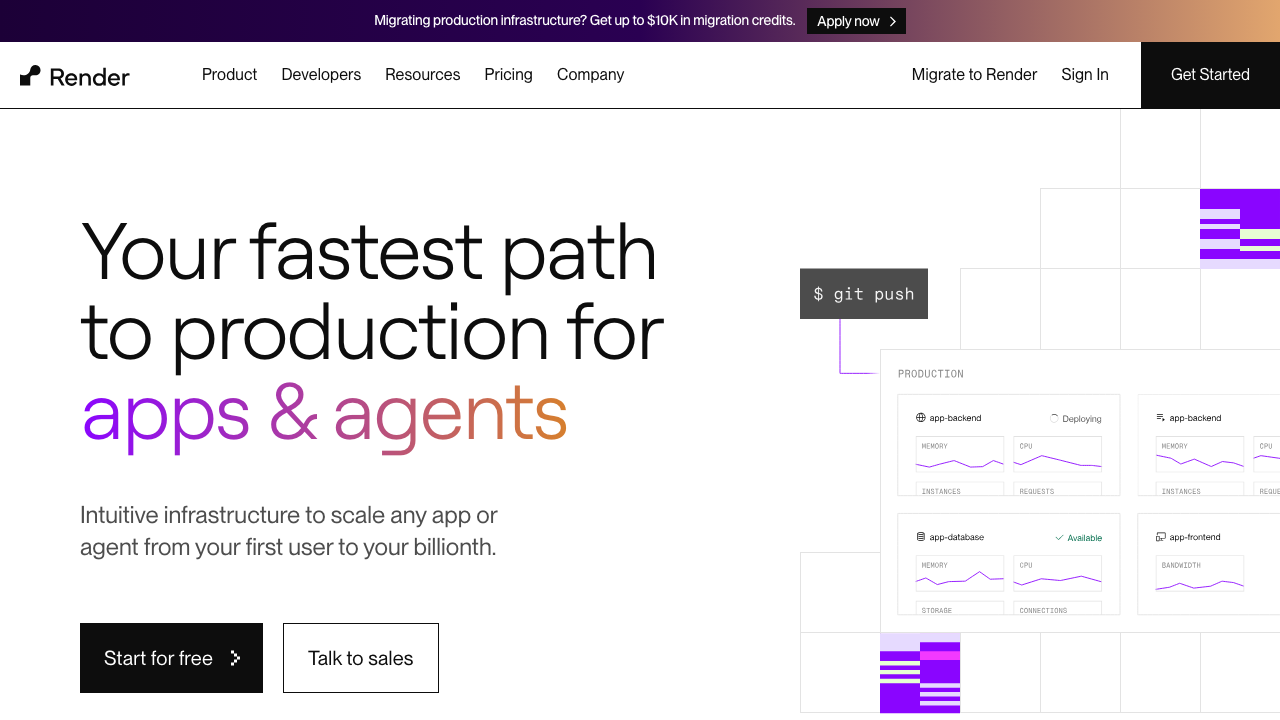
Render is the most complete implementation of the modern PaaS shape: web services, background workers, cron jobs, static sites, managed Postgres and Redis, private networking, and an infrastructure definition that lives in a YAML file in your repository. It builds from source with its own detection or from a Dockerfile you supply, which keeps your artefact portable while still giving you the push-to-deploy experience.
Pros
- Covers the whole shape of a real application, so web, workers and cron are the same primitive rather than three vendors
- Infrastructure as a repository file means environments are reproducible and changes go through review
- Private networking between services by default, so the database is not exposed to the internet
- Dockerfile and source-based builds are both first-class, so portability is preserved without giving up convenience
Cons
- Build performance is unexceptional, and large dependency trees make it felt on every deploy
- Regional footprint is narrow, so global latency has to be solved with a CDN rather than more regions
- Autoscaling signals are basic, and concurrency tuning is left to your runtime configuration rather than exposed by the platform
Best for: Teams running a conventional web application with background work who want one platform and one bill for all of it, with the artefact still portable.
Pricing: Flat monthly rate per service instance by size, separate plans for managed databases, and bandwidth metered above an included allowance.
Railway
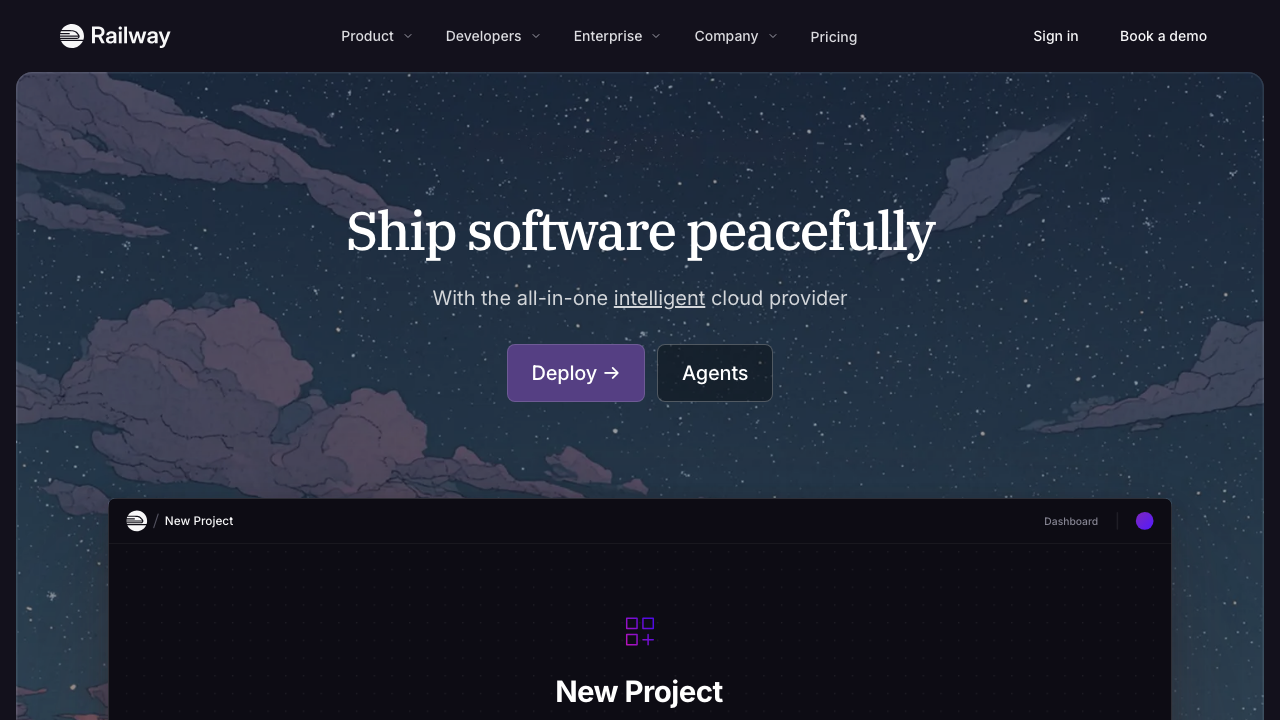
Railway treats an environment as a graph you can see and clone. Services, databases and their connections appear on a canvas, provisioning is a few clicks, and an entire environment can be duplicated for a branch. Billing is consumption-based rather than a fixed instance rent, which fits workloads that are genuinely spiky and misfits workloads that need a predictable number.
Pros
- Fastest path in this list from nothing to an application plus database plus queue running together
- Environment cloning makes full-stack preview environments per branch practical rather than aspirational
- Consumption billing means idle services cost little, which suits pre-product-market-fit traffic
- Supports Dockerfiles and buildpacks, so the artefact stays yours
Cons
- Consumption billing is genuinely hard to forecast, and a looping process or a memory leak becomes a bill rather than a crash
- Managed databases are convenient rather than operated, and lack the recovery guarantees you want for production data
- Less operational track record than the incumbents, which matters for services you carry a pager for
Best for: Early teams who want a complete environment running today and will move the database to a dedicated provider when it matters.
Pricing: Metered on compute and memory consumed per service with storage and egress separately, on top of a subscription tier that includes a usage allowance.
Fly.io
Fly.io is a PaaS in ergonomics and a different thing architecturally. Your container runs as a lightweight VM in the regions you name, with anycast routing in front sending each request to the nearest healthy instance. Because they are real VMs you get the whole process model back: long-lived connections, persistent volumes, sidecars and background processes all behave normally, which is unusual for something with this deployment experience.
Pros
- Multi-region deployment of a normal containerised application is configuration, not architecture
- Real VMs mean WebSockets, persistent volumes and long-running processes work without workarounds
- Machines can stop when idle and start on demand, which makes low-traffic services genuinely cheap
- Private networking spans regions, so a distributed application can still talk to itself simply
Cons
- Distributed by default means distributed debugging by default, and a regional failure is harder to reason about than a single-region outage
- The managed Postgres story expects meaningful operational involvement compared to a fully managed provider
- More concepts to learn than a single-region PaaS, and all of it is wasted if your users are in one place
Best for: Containerised applications with genuinely global users, or anything needing long-lived connections and persistent disk with PaaS-grade deployment ergonomics.
Pricing: Metered per machine on CPU and memory for running time, with volumes, bandwidth and dedicated addresses billed separately.
Heroku
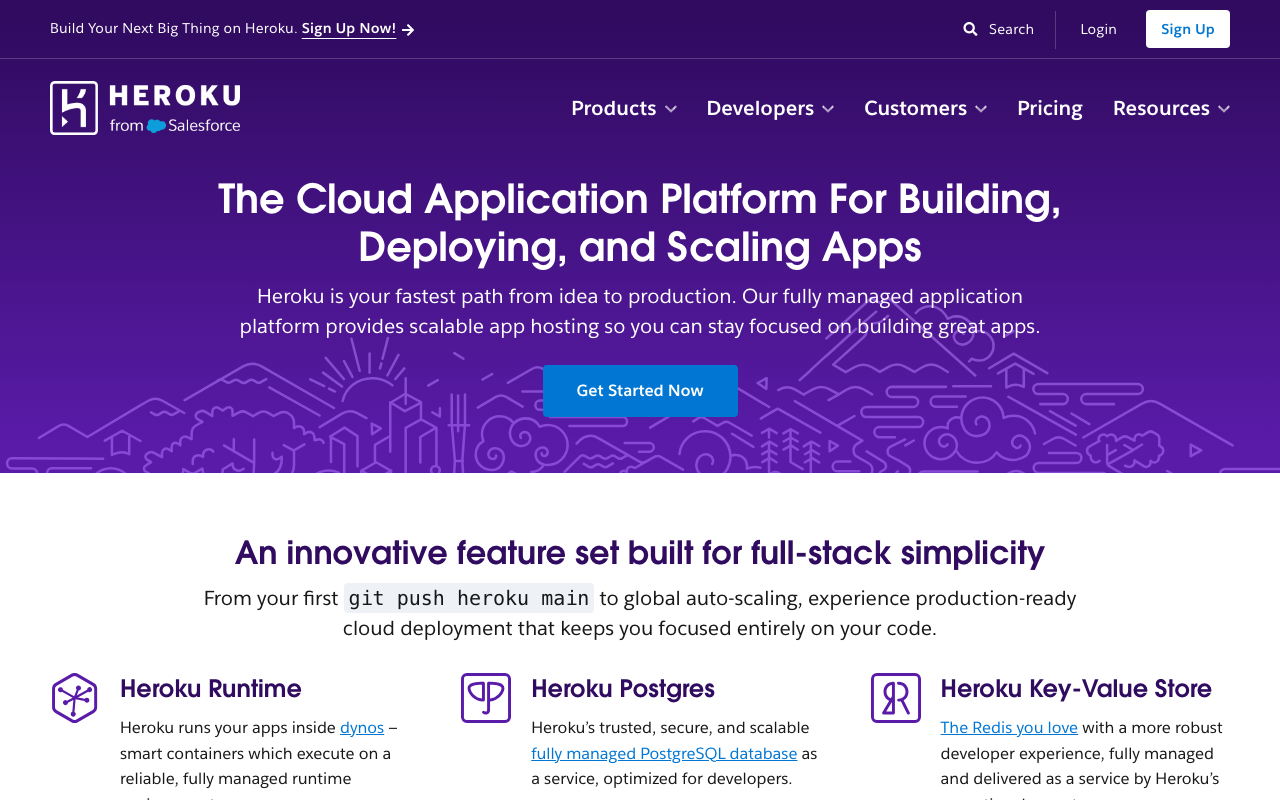
Heroku defined this category and most of the vocabulary in this article: dynos, buildpacks, the release phase, add-ons, the twelve-factor application. It remains an unusually well-designed developer experience and an unusually mature one, and the reason teams leave is rarely the product. It is the cost per unit of compute relative to the alternatives, and a pace of platform evolution that has been slower than the market around it.
Pros
- The reference implementation of push-to-deploy, and the ergonomics still hold up against everything built since
- Enormous add-on marketplace, so most third-party dependencies are one command away with billing consolidated
- Release phase, review apps and pipelines are mature features that competitors have been reimplementing for years
- Buildpacks produce a reproducible artefact and the buildpack API is widely supported elsewhere
Cons
- Cost per unit of compute is high relative to every alternative in this list, and that gap is why migration articles exist
- Ephemeral filesystem and a fixed request timeout are hard constraints that shape your architecture whether you like it or not
- Platform capability has moved slowly, so features that are standard elsewhere arrive late or not at all
Best for: Teams who value a mature, predictable platform and whose compute footprint is small enough that the price premium stays below the cost of migrating.
Pricing: Per-dyno monthly rates by size, with add-ons including the managed database billed separately by plan. If the compute premium is the problem, Heroku alternatives maps the buildpack and add-on equivalents one to one.
Coolify
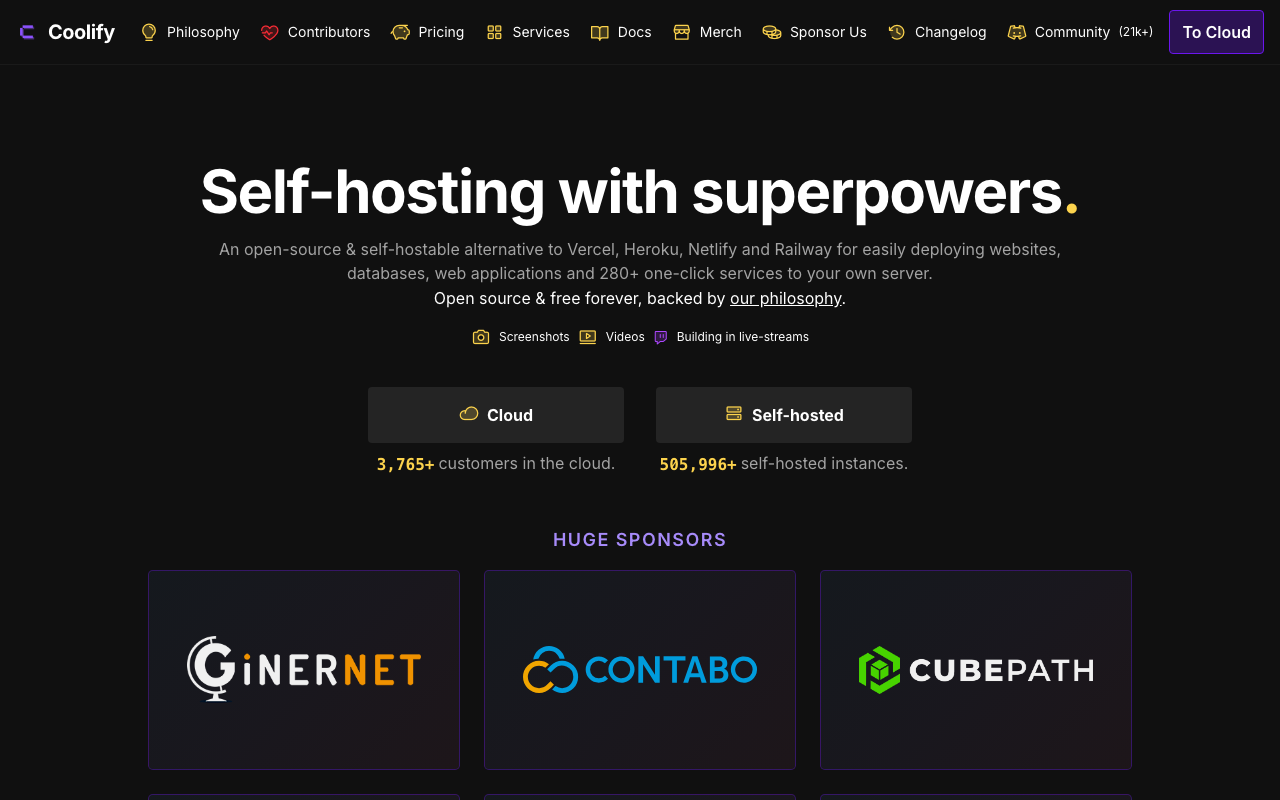
Coolify is a self-hosted control plane that turns servers you already own into a PaaS. You point it at a VPS or bare metal box, connect a git repository, and it handles building, running, routing, TLS and databases on your own hardware. It is the answer to “I want the Heroku experience on Hetzner prices”, and it is honest about what that means: you own the machines underneath.
Pros
- Gives you push-to-deploy, TLS and routing on infrastructure you rent directly, which changes the cost structure completely
- Open source with no per-application licence, so adding services does not add platform cost
- Manages databases, backups and scheduled tasks alongside applications rather than leaving them to you
- No vendor lock-in at all, because the underlying artefacts are containers on machines you control
Cons
- You are operating the control plane as well as the applications, and an outage of the control plane is now your incident
- Scaling across many machines is far less refined than the commercial platforms, and multi-node setups need real care
- Younger project with a smaller operational track record, so unusual failure modes have fewer existing answers
Best for: Small teams with Linux competence who want PaaS ergonomics at raw infrastructure prices and accept owning the layer in between.
Pricing: Open source with no licence cost for self-hosting; your spend is the servers underneath plus a paid cloud option if you want the control plane hosted.
Dokku
Dokku is the minimal version of this idea: a single-host PaaS built on Docker and buildpacks, driven entirely from the command line over SSH. It is deliberately small, it has been stable for a very long time, and it does one thing well, which is turning one machine into a git-push target that runs containers with routing and TLS.
Pros
- Extremely small conceptual surface, and the whole thing is comprehensible in an afternoon
- Buildpack compatible, so applications written for a classic PaaS usually run with no changes
- Long track record and a plugin ecosystem covering databases, TLS and scheduled jobs
- Costs nothing beyond the machine, and the machine can be very small
Cons
- Single-host by design, so scaling beyond one machine means leaving Dokku or building the orchestration yourself
- Command-line only, with no dashboard, which is a real barrier for teams with mixed skill levels
- Every operational concern below the container is yours, including the host, backups and upgrades
Best for: Individuals and small teams running several small applications on one server who want git-push deploys and nothing else.
Pricing: Open source with no licence cost; you pay only for the machine it runs on.
Platform.sh
Platform.sh takes a different position from everything else here: the entire environment, including services and their relationships, is defined in configuration files in the repository, and every branch gets a byte-for-byte clone of production including the data. That cloning model is the product. It is aimed squarely at agencies and enterprises running many similar applications, particularly in the PHP and content management world, where reproducing production for a review is the expensive part.
Pros
- Every branch produces a complete environment with cloned data, which makes reviewing changes against real content genuinely possible
- The whole topology including services lives in versioned configuration, so environments are reproducible by construction
- Strong multi-application and multi-service support in one project, which fits complex content-driven estates
- Compliance and governance features are deeper than the developer-focused platforms in this list
Cons
- The configuration model is opinionated and specific, and learning it is a real investment before you are productive
- Pricing is aimed at organisations rather than individuals, and there is no meaningful hobby path in
- Less natural for the modern JavaScript and container-native workflow than for its traditional content management strengths
Best for: Agencies and enterprises running many similar applications where cloning production data into every review environment is the workflow that matters.
Pricing: Per-project subscriptions sized by environment resources, with development environments included at a lower tier than production.
DigitalOcean App Platform
App Platform is DigitalOcean’s PaaS layer over its own infrastructure. The individual features are middle of the road; the reason to pick it is continuity. The same account gives you managed databases, object storage, Kubernetes and plain virtual machines, so the escape hatch is not a migration to a different vendor, it is a different product in the same console with the same private network.
Pros
- The escape hatch is unusually short: drop one service to a droplet or to Kubernetes without changing vendor or network
- Predictable flat pricing per instance rather than several interacting meters
- Integrates directly with DigitalOcean managed Postgres, Redis and S3-compatible storage over private networking
- Documentation and learning material are genuinely good, which lowers the cost of the first month
Cons
- The build system is the weakest part of the product and is noticeably less refined than the dedicated PaaS platforms
- Feature depth lags Render and Railway on the developer experience details that you touch daily
- Fewer regions than the hyperscalers, and there is no global network in front by default
Best for: Teams who want managed deployments now and expect to move some workloads down to raw infrastructure later without a vendor migration.
Pricing: Flat monthly rates per app instance by size, with managed databases and storage priced separately and bandwidth pooled across the account.
How to choose
Start with the escape hatch. Write down the one thing you already know the abstraction will not do: a persistent disk, a sidecar, a long-running job, a specific kernel feature. Ask each candidate what happens then. Platforms that answer “drop that service to a container or a machine in the same account” are the ones you can grow on.
Then check the release phase. If you run database migrations, you need a first-class place to run them before traffic shifts. This is a small feature that prevents a large class of outage.
Then check concurrency controls. Autoscaling on CPU will not save a database-bound application. Confirm you can set requests-in-flight per instance and, ideally, scale on a queue-depth metric.
Then decide about the database separately. Use the platform add-on to start, confirm you can get a plain connection string and replicate out, and plan to move it to a dedicated provider before it becomes the thing keeping you awake.
Then compare prices at your actual utilisation, not at list. A service at steady high utilisation is priced very differently from one that idles most of the day, and consumption-billed platforms and flat-rent platforms cross over at a point you can calculate.
| Platform | Build model | Escape hatch | Scaling control worth checking | Picks itself when |
|---|---|---|---|---|
| Render | Source detection or Dockerfile | Dockerfile, then another host | Instance count, runtime concurrency | You want web, workers and cron in one place |
| Railway | Buildpacks or Dockerfile | Dockerfile, then another host | Consumption, not instances | You need a full environment running today |
| Fly.io | Your container image | It is already your container on a VM | Per-machine placement and autostop | Users are global or you need persistent disk |
| Heroku | Buildpacks | Container registry deploys | Dyno count and type | Maturity matters more than unit cost |
| Coolify | Buildpacks or Dockerfile on your servers | You already own the machines | Whatever the host allows | You want PaaS ergonomics at VPS prices |
| Dokku | Buildpacks on one host | SSH into the host | Process scaling on one machine | Several small apps, one server |
| Platform.sh | Declarative repository config | Limited, the model is the product | Environment sizing per branch | Cloned production data per branch is the workflow |
| DigitalOcean App Platform | Source detection or Dockerfile | Droplets or Kubernetes, same account | Instance count and size | You expect to move down the stack later |
Needs first-hand data: For each platform, run a deliberately failing deploy: a migration that errors during release, a health check that never passes, and a process that exits immediately on boot. Record what the platform does with traffic in each case and how long it takes to surface a useful error. That behaviour is what you will experience at 3am and none of it is documented in comparable form.
Frequently asked questions
Buildpacks or a Dockerfile?
Start with buildpacks because they are faster to get running and the platform maintains the base image and its security updates. Move to a Dockerfile when you need a system package the buildpack does not install, when build debugging becomes painful, or when you want the same artefact running in CI and production. Most platforms here support both, so this is not a one-way door.
Is a PaaS more expensive than running my own servers?
Per unit of compute, always. Including the engineer time to operate those servers, usually not until you reach a size where you would have hired an infrastructure person regardless. The full version of that arithmetic, including the hours, is in VPS and bare metal providers.
Can I run background workers and cron jobs on any of these?
Not equally. Render, Railway, Fly.io and Heroku treat workers as first-class service types. On function-oriented and edge platforms, background work is a different architecture involving a queue, which is a real design change rather than a configuration option.
What about Kubernetes instead?
Kubernetes is the option when you need the control a PaaS removes and have someone to operate it. The honest threshold is having a person whose job includes the cluster. Below that, a PaaS or a container platform gives you most of the benefit without the operational surface, which is the comparison in container hosting platforms.
How do preview environments work across these?
Almost all of them create a deployment per pull request. The hard part is not the application, it is the data: whether the preview gets a clone of production, an empty database, or a shared one that previews can corrupt. That distinction is covered properly in preview environment tools.
Related reading
- Best hosting platforms for developers — the abstraction ladder, and how to pick a rung before a vendor.
- Heroku alternatives — buildpack compatibility and add-on equivalents mapped one to one.
- Best container hosting platforms — the next rung down, for when the PaaS abstraction stops fitting.
- Best managed Postgres providers — where to move the database once the add-on stops being enough.
- Best preview environment tools — the data problem behind per-branch environments.