Most Heroku alternatives articles rank seven platforms on price and stop. That is not the problem you have. You already know the alternatives are cheaper. What you do not know is which of the things your application currently depends on will still work, and how many days it will take to replace the ones that will not.
Your application is not just code. It is a Procfile, a set of buildpacks, a release phase that runs migrations, an ephemeral filesystem you have designed around, a fixed request timeout you have designed around, config vars injected as environment, and somewhere between three and fifteen add-ons that are each doing a job you may have forgotten about. The add-ons are the part that turns a one-day migration into a three-week one, because each is a separate vendor decision you made once and never revisited.
The good news is that the Heroku model won. Buildpacks became a standard, twelve-factor became the default way to write a service, and every platform in this article speaks some version of the same language. A Procfile-shaped application with config vars and a Postgres URL is portable in a way that a 2012 application was not.
So this is structured as a migration, in the order you would actually do it: what you are migrating off, what the buildpack standard guarantees, how each add-on maps, and then the platforms evaluated on how much of that they absorb without you rewriting anything.
Key takeaways
- Buildpacks are a standard, not a Heroku feature. Platforms that support Cloud Native Buildpacks can usually run your application with no Dockerfile and no code changes.
- The add-ons are the migration, not the app. Inventory every add-on, find its equivalent, and note which ones have no equivalent and need to become a separate vendor relationship.
- Two Heroku constraints you designed around disappear elsewhere, and that is a trap: the ephemeral filesystem and the fixed request timeout. Code that assumed them is fine; code that worked around them can now be simplified, but do that after the migration, not during.
- Move the application first and the database second, on separate days. Doing both at once means you cannot tell which one broke.
What you are actually migrating off
Take an inventory before you shop. Every item here is something a replacement platform either provides, provides differently, or does not provide.
The Procfile. Your process types: web, worker, scheduler, release. Every platform here maps these onto its own service types, but the mapping is not always one to one. A platform with no separate worker type means your background processing becomes a different shape.
Buildpacks. Whichever ones you declared, plus any custom ones. This is the most portable part of your setup and the one most likely to just work.
The release phase. A command that runs after build and before the new version takes traffic, which is where your migrations live. Check that your target has a real equivalent, because the alternative is running migrations from application startup and that breaks the moment you scale past one instance.
Config vars. Environment variables per app and per pipeline stage. Universally supported, and the most common source of a botched cutover because one variable gets missed. Export the full list and diff it against the new platform before you switch DNS.
The ephemeral filesystem. You either already store uploads in object storage, in which case nothing changes, or you have a bug you have not hit yet. Migration is a good time to check which.
The request timeout. A hard ceiling on how long a web request can take. If you built around it with a job queue, that design is portable and good. If you have an endpoint that sits just under the limit, it will behave differently elsewhere, usually by hanging for longer rather than failing fast.
Review apps and pipelines. Per-pull-request environments and a staging-to-production promotion flow. Most platforms have an equivalent; the data story behind preview environments varies enormously, which is covered in preview environment tools.
The add-ons. The long tail. Inventory them now, including the ones nobody has looked at in two years, because one of them is probably doing something load-bearing.
Buildpacks and OCI: the standards underneath, not a product
Buildpacks began as a Heroku mechanism and became Cloud Native Buildpacks, a specification that turns source code into an OCI container image without a Dockerfile. OCI, in turn, is the specification that defines what a container image and its runtime are. Neither is a product, neither has a vendor or a bill, and neither is something you choose instead of a hosting platform. They are the reason this migration is feasible at all: the artefact your application becomes is defined by an open specification, so any platform that can run an OCI image can run your application.
What they give you
- A path from source to a runnable image with no Dockerfile, using detection and build logic maintained by someone else
- Reproducible images with a defined layer structure, so dependency layers cache between builds
- Base image updates without rebuilding from source, because the launch layer can be rebased onto a patched base
- A standard artefact any OCI-compatible runtime accepts, which is the actual portability guarantee
- A software bill of materials describing what went into the image, which matters for the questions in supply chain security tools
What they do not do
- Buildpack implementations differ, so a classic Heroku buildpack and a Cloud Native Buildpack for the same language are not guaranteed to produce identical behaviour
- They say nothing about how your application is routed, scaled, secured or monitored, which is entirely the platform’s job
- Custom buildpacks you wrote against the older API may need porting to the newer specification
- Neither standard gives you a registry, a scheduler or a network; those are still products, and the registry decision is covered in container registries
The practical consequence: if your application builds with standard buildpacks today, treat that as strong evidence the migration is a configuration exercise rather than a code exercise. If it needs a custom buildpack, budget a day to either port it or replace it with a Dockerfile, which is the more durable answer anyway.
Mapping the add-ons
This is the part that decides your timeline. Go through your add-on list and put each one in one of these buckets.
Postgres. Every platform in this article has a managed Postgres offering, and they vary in exactly the ways that matter: point-in-time recovery versus snapshots, connection limits, and whether logical replication out is available. The migration itself is a dump and restore for small databases and logical replication with a cutover for large ones. This is the add-on worth moving to a dedicated provider rather than an equivalent, which is the argument in managed Postgres providers.
Redis. Universally available as a managed offering, and universally the easiest migration because most Redis use is a cache that can be cold on the other side. If you are using Redis as a queue backing store, it is not a cache and you need a real cutover plan. See managed Redis providers.
Scheduler. Becomes a cron service on every platform here. Check the timezone semantics and whether overlapping runs are prevented, because those two differ and both cause incidents.
Log drains. Heroku ships logs to a drain. Everywhere else you either use the platform’s built-in log view or ship to a dedicated tool. The built-in view is always fine for a week and never fine for a year, so plan the real destination now: log management tools.
Error tracking and APM. Almost always already a separate vendor accessed through an environment variable, in which case it migrates for free. Verify the agent does not depend on a Heroku-specific environment variable such as the dyno identifier, because several do for release tracking. See error tracking tools and APM tools.
Email and SMS. Third-party APIs behind an API key. These migrate by copying an environment variable, with one caveat: if the add-on was provisioning the account for you, you now need your own account with that vendor, including domain verification, which takes longer than you expect.
Search. If you used a hosted search add-on, you need a direct relationship with that vendor or a replacement. This is usually the longest single item on an add-on inventory, and the options are in search infrastructure tools.
Everything obscure. The add-on somebody enabled for one feature in 2021. Find out whether anything still calls it before you spend a day replacing it. Frequently the answer is no.
Needs first-hand data: Take one real production application with a Procfile, a release phase and at least five add-ons, and migrate it to each platform in this list. Record engineer hours per phase: build parity, add-on replacement, data cutover and DNS. That per-platform hour count is the number every reader wants and nobody publishes.
Render
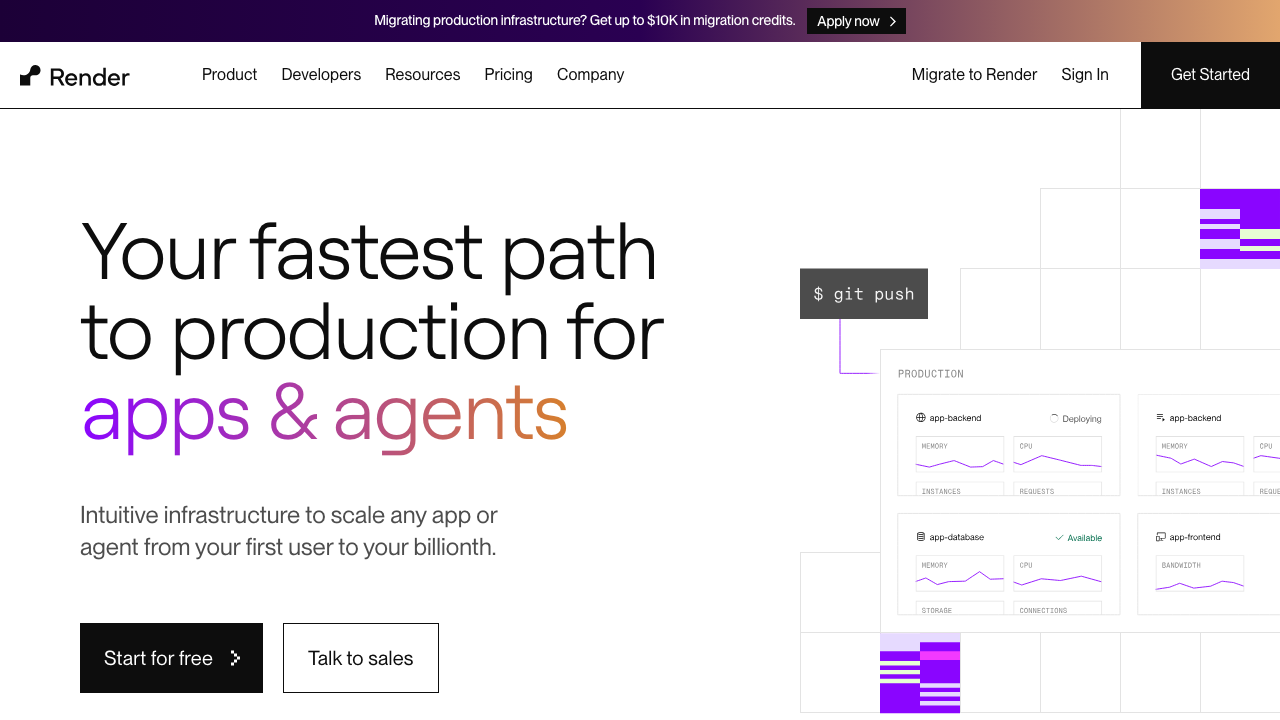
Render is the most direct structural replacement for Heroku. It has the same service vocabulary, meaning web services, background workers, cron jobs and static sites, plus managed Postgres and Redis, private networking and a release command that runs before traffic shifts. It builds from source with its own detection or from a Dockerfile, and the whole environment can be defined in a YAML file in the repository.
Pros
- The service model maps almost one to one onto Procfile process types, so the mental translation is close to zero
- A real pre-deploy command covers the release phase, which keeps migrations out of application startup
- Managed Postgres and Redis in the same account preserve the add-on convenience without a marketplace
- Infrastructure defined as a repository file makes the migrated setup reproducible rather than clicked together
Cons
- Build times are unremarkable and large dependency trees feel slower than they did before
- Fewer regions than you may be used to, so global latency needs a CDN rather than more regions
- No add-on marketplace, so any third-party service you were buying through Heroku becomes its own vendor relationship
Best for: Teams who want the Heroku experience with the same shape of application and the fewest decisions to make during the migration.
Pricing: Flat monthly rate per service by instance size, with managed databases priced separately by plan and bandwidth metered above an included allowance.
Railway
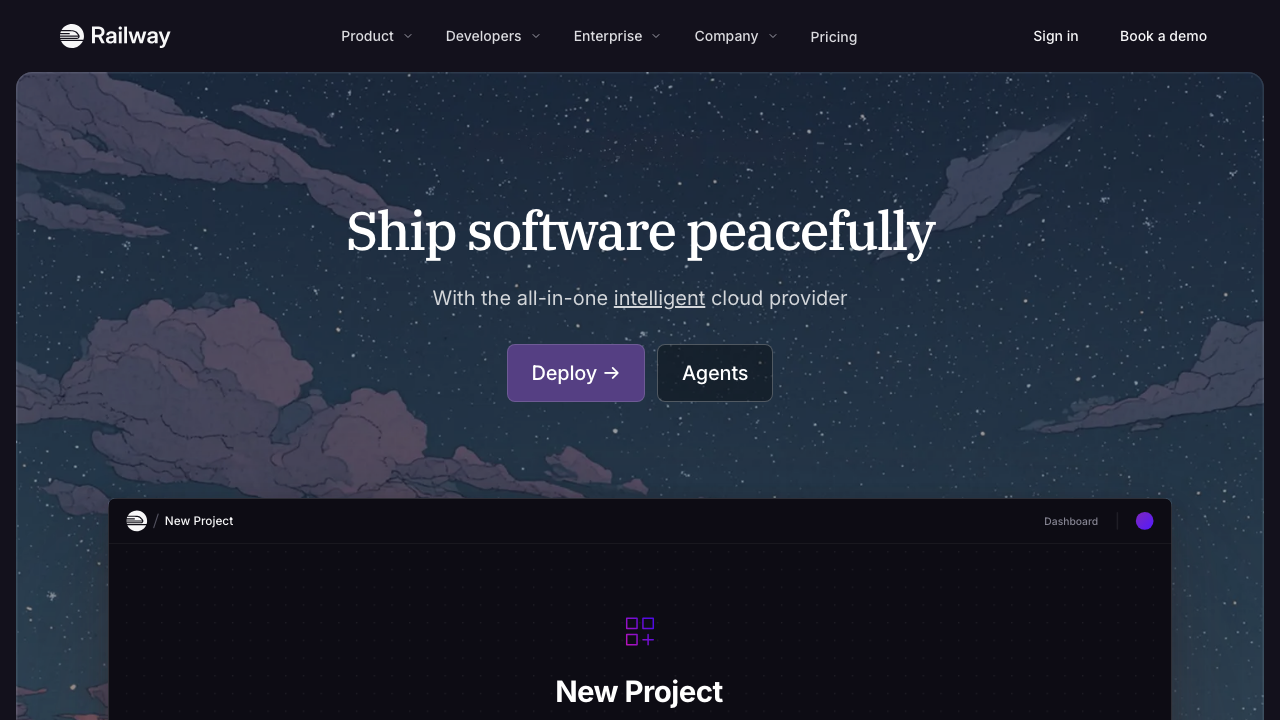
Railway keeps the push-to-deploy experience and changes the billing model: you pay for compute consumed rather than renting an instance by the month. It supports buildpacks and Dockerfiles, provisions databases in a few clicks, and can clone an entire environment, which makes per-branch full-stack environments straightforward.
Pros
- Buildpack support means most Heroku applications deploy without a Dockerfile or code changes
- Consumption billing is materially cheaper for services that idle, which describes many migrated side projects and internal tools
- Environment cloning gives you a genuine staging environment without doubling a fixed bill
- The service graph makes the shape of a migrated application visible, which helps when the Procfile was the only documentation
Cons
- Consumption billing is hard to forecast, and the failure mode of a stuck process is an invoice rather than a crash
- Managed databases are convenient rather than operated, so production data deserves a dedicated provider
- Less mature operationally than Heroku, which is a real consideration if you are migrating something you carry a pager for
Best for: Teams migrating applications with spiky or low traffic where paying for idle dynos was most of the bill.
Pricing: Metered on compute and memory consumed per service, with storage and egress separate, on top of a subscription tier including a usage allowance.
Fly.io

Fly.io runs your container as a lightweight VM in regions you choose, with anycast routing in front. For a Heroku migration it is the option that removes the two constraints you designed around: you get persistent volumes and you get long-running processes. It also introduces something you did not have, which is multi-region placement, and that is a capability rather than a requirement.
Pros
- Persistent volumes and real VMs mean file-backed workloads and long-lived connections stop being workarounds
- Machines that stop when idle and start on demand make low-traffic migrated apps genuinely cheap
- Regional placement with anycast routing is available if your users are spread out, without an architecture rewrite
- Containers are the deployment unit, so the artefact is fully portable onward
Cons
- No buildpack path as direct as the others, so you will most likely write a Dockerfile as part of the migration
- Distributed by default means debugging is harder than a single-region platform, and you inherit that whether you wanted the regions or not
- Managed Postgres expects more of you operationally than a Heroku add-on did
Best for: Migrations where the Heroku ephemeral filesystem or request timeout was a real constraint, or where users are spread across continents.
Pricing: Metered per machine on CPU and memory while running, with volumes, bandwidth and dedicated addresses billed separately.
Coolify
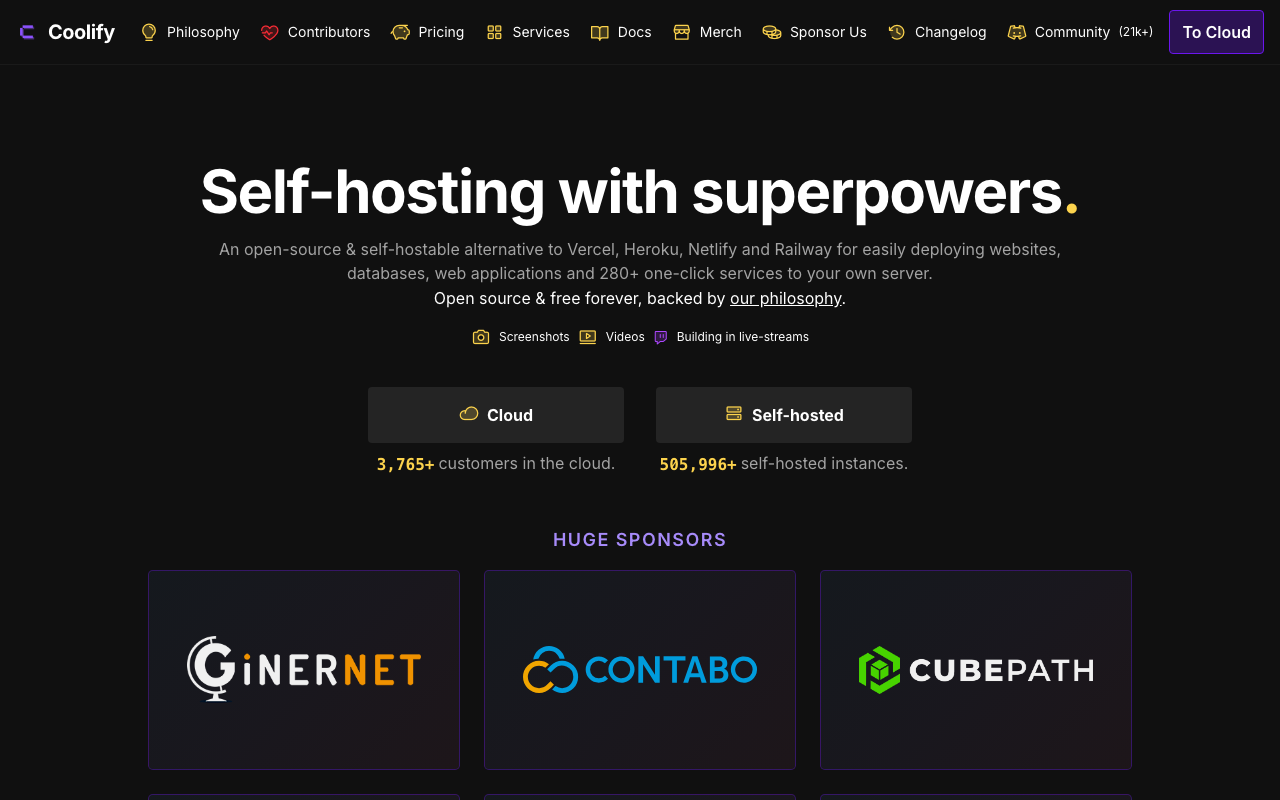
Coolify is a self-hosted control plane that turns servers you rent into a platform. You connect it to a VPS or bare metal box, point it at a git repository, and it handles builds, routing, TLS, databases and scheduled tasks. For a Heroku migration it is the option that changes the cost structure rather than reducing it, because you are now renting raw compute and running the platform layer yourself.
Pros
- Supports buildpacks and Dockerfiles, so a standard Heroku application usually builds without changes
- Manages databases, backups and scheduled jobs alongside applications, which covers most of an add-on inventory
- No per-application platform cost, so migrating twenty small applications does not cost twenty times as much
- The underlying artefacts are containers on machines you control, so there is no second migration later
Cons
- You now operate the control plane as well as the applications, and control plane downtime is your incident
- Multi-node scaling is far less refined than the commercial platforms and needs genuine care
- Younger project, so unusual failure modes have fewer prior answers to find
Best for: Teams with Linux competence migrating several applications at once, where the dyno bill was the entire reason for the move.
Pricing: Open source with no licence cost for self-hosting; you pay for the servers underneath, plus an optional paid hosted control plane.
Dokku
Dokku is the smallest faithful reimplementation of the Heroku model: git push to a single host, buildpacks, a Procfile, plugins for databases and TLS, and nothing else. It has been stable for a long time and its conceptual surface is small enough to hold in your head, which is a real operational virtue.
Pros
- Buildpack and Procfile compatible, so classic Heroku applications frequently deploy with no changes at all
- Small enough to understand completely, which means debugging it does not require learning a platform
- Plugin ecosystem covers Postgres, Redis, TLS and scheduled jobs, which handles a basic add-on inventory
- Costs nothing beyond one machine, and the machine can be modest
Cons
- Single host by design, so there is no horizontal scaling story beyond that machine
- Command line only with no dashboard, which excludes teammates who were happy in the Heroku UI
- Host operations including patching, backups and monitoring are entirely yours
Best for: Individuals and small teams moving several small applications onto one server, where the Heroku experience mattered more than the Heroku scale.
Pricing: Open source with no licence cost; your spend is the single machine.
DigitalOcean App Platform
App Platform gives you push-to-deploy over DigitalOcean’s own infrastructure, with managed Postgres, Redis, object storage and Kubernetes in the same account. For a Heroku migration its distinguishing feature is that the escape hatch is short: if one service turns out not to fit the PaaS model, you move it to a droplet on the same private network rather than to a different vendor.
Pros
- Supports buildpacks and Dockerfiles, so most migrations are a build configuration exercise
- Managed Postgres, Redis and S3-compatible storage in the same account cover a large part of a typical add-on list
- Flat predictable pricing per instance, which is the closest billing model to the dyno you are leaving
- Dropping a service to a plain machine or Kubernetes later requires no vendor change
Cons
- The build system is the least refined part of the product and is where migrations hit friction
- Developer experience details lag the dedicated PaaS platforms on the things you touch daily
- Fewer regions than the hyperscalers, and no global network in front by default
Best for: Teams who want a predictable flat bill like the one they had, plus the option to move workloads to raw infrastructure without another migration.
Pricing: Flat monthly rates per app instance by size, with managed databases and storage separate and bandwidth pooled across the account.
Porter
Porter takes a different position from everything else here: it gives you a PaaS interface over Kubernetes running in your own cloud account. You get push-to-deploy, managed databases and a dashboard, and underneath it is a cluster in your AWS, GCP or Azure account that you own. That combination is aimed specifically at teams that outgrew a PaaS and do not want to hire a platform engineer to run Kubernetes.
Pros
- The workloads run in your own cloud account, so cloud commitments, credits and compliance boundaries apply to them
- Buildpack and Dockerfile support keep the migration itself close to a normal PaaS move
- Because the substrate is standard Kubernetes, the escape hatch is a cluster you already own rather than an export
- Fits organisations that need the workloads inside a specific cloud account for procurement or data residency reasons
Cons
- Kubernetes is still underneath, so the hard failure modes are Kubernetes failure modes and the abstraction leaks under pressure
- You are paying for the platform layer on top of cloud costs, so it is not the cheap option
- Requires an existing cloud account and the permissions to let a third party manage resources in it, which is a procurement conversation
Best for: Teams leaving Heroku who need workloads inside their own AWS, GCP or Azure account but do not want to operate Kubernetes directly.
Pricing: Subscription for the platform layer, sized by cluster or workload count, charged on top of the cloud infrastructure costs you pay your provider directly.
How to choose
Run the migration in this order regardless of which platform you pick.
Week one, build parity. Get the application building and running on the new platform with a throwaway database. Do not touch production. The output of this week is a list of everything that did not work, which is your actual scope.
Week two, add-ons. Replace each add-on and point the staging deployment at the replacements. Email and search are the long poles because they need new vendor accounts and domain verification.
Week three, data. Dump and restore for a small database, logical replication for a large one. Practise the cutover on a copy and time it. Then do it for real during a quiet window with the application in maintenance mode if you can afford that, or with replication and a short read-only period if you cannot.
Week four, DNS. Lower TTLs several days in advance. Keep the old deployment running and able to serve until you are certain. Watch error rates rather than dashboards.
The platform choice itself is mostly determined by two answers: how much you want the shape of your application to stay the same, and whether you want to own machines.
| Platform | Buildpack path | Release phase equivalent | Add-on coverage | Picks itself when |
|---|---|---|---|---|
| Render | Source detection or buildpacks | Yes, a pre-deploy command | Postgres, Redis, cron in account | You want the closest structural match |
| Railway | Buildpacks or Dockerfile | Yes, via deploy commands | Postgres, Redis, cron in account | Idle dynos were most of the bill |
| Fly.io | Dockerfile in practice | Yes, via release commands | Postgres in account, rest external | The filesystem or timeout was a real constraint |
| Coolify | Buildpacks or Dockerfile | Yes, via deploy scripts | Databases and cron, self-hosted | You want the Heroku model at server prices |
| Dokku | Buildpacks, natively | Yes, Procfile release process | Plugins for Postgres, Redis, cron | One machine, several small apps |
| DigitalOcean App Platform | Buildpacks or Dockerfile | Yes, a pre-deploy job | Postgres, Redis, object storage | You want flat pricing plus an escape hatch |
| Porter | Buildpacks or Dockerfile | Yes, via pre-deploy hooks | Cloud-native services in your account | Workloads must sit in your own cloud account |
| Cloud Native Buildpacks | (standard, not a product) | Not applicable | Not applicable | It is what makes all of the above portable |
Needs first-hand data: Build one identical application with the classic Heroku buildpack and with the equivalent Cloud Native Buildpack, and compare the resulting images: size, layer count, base image provenance and what each reports in its bill of materials. That comparison determines how much a buildpack migration changes your security surface, and it is not published anywhere useful.
Frequently asked questions
Will my Procfile work on these platforms?
Dokku reads it natively. Render, Railway and DigitalOcean App Platform map process types onto their own service definitions, which is a small configuration translation rather than a code change. Fly.io expects you to express processes in its own configuration. In every case the concept survives, only the file changes.
What happens to my review apps?
Every platform here has a per-pull-request deployment equivalent. What differs is the data: some give you an empty database, some let you seed one, and cloning production data into a preview has privacy implications worth thinking about before you enable it. This is the subject of preview environment tools.
Should I move the database at the same time as the application?
No. Move the application first and have it connect back to the existing database over the internet for a short period, or move the database first and repoint the existing application. Doing both at once means any problem has two possible causes and you will not be able to roll back cleanly.
Is it worth migrating just to save money?
Only if the saving is large relative to the engineer time. A small application costs more in migration hours than it saves in a year. A fleet of applications, or one large one, usually justifies it comfortably. Do the arithmetic before you start, using the framework in cloud cost compared.
What if I want to leave the PaaS model entirely?
Then the destination is a container platform or plain machines, and the migration is the same inventory exercise with more of the boxes landing in the “you build this” column. See container hosting platforms and VPS and bare metal providers.
Related reading
- Best PaaS platforms — the full category, evaluated on build model, add-ons, scaling controls and escape hatch.
- Best hosting platforms for developers — the abstraction map, if you are questioning the PaaS model itself rather than the vendor.
- Best managed Postgres providers — where the database should live once it is no longer an add-on.
- Best container hosting platforms — the next rung down, for teams leaving the PaaS abstraction as well as the vendor.
- Best preview environment tools — replacing review apps, including the data problem nobody plans for.