Every startup hosting comparison is a list of free tiers. That is the least useful way to look at this, because the free tier is not the product. The free tier is a sales instrument, and what you actually need to know is the shape of the thing on the other side of it.
Three questions decide this and none of them are about features. What is the free tier metering, so you know which of your behaviours burns it. What happens at the limit: does the platform throttle, hard stop, or silently bill you. And when you outgrow the platform, which is the goal, what does leaving cost in engineering days.
The third question is the one nobody asks at the point where it is cheap to answer. A platform you can leave in a weekend and a platform you can leave in a quarter look identical on day one. They look identical on day two hundred as well, right up until the bill arrives and you discover which one you picked.
I have made this call at several sizes, and the pattern holds: teams over-optimise the monthly cost at seed stage, where the cost is a rounding error against salaries, and under-optimise the coupling, which is the thing that actually constrains them later. Pick for the exit, not the entry.
Key takeaways
- Free tiers meter different things. Bandwidth, build minutes, function invocations and sleeping instances all run out at different points, and you should know which one your app burns first.
- The dangerous overage is the one billed automatically. A platform that hard-stops at the limit gives you an incident; a platform that keeps serving gives you an invoice, and the invoice is worse when the traffic was a scraper.
- Migration cost is a function of primitives. A container image plus a Postgres URL is portable. A framework adapter, proprietary routing and platform-specific caching are not.
- The cheapest platform at scale is almost always a rented machine, and the honest comparison includes the engineer hours that machine consumes.
What a free tier is actually metering
Free tiers look generous because they are stated in units you do not measure. Convert them into things you do.
Bandwidth is the meter that catches static-heavy and image-heavy sites. Every uncompressed hero image, every unoptimised video poster, every font file served from your own origin instead of cached, multiplies against every visitor. The reason bandwidth overruns surprise people is that the traffic that triggers them is usually not human: a crawler, a scraper, a misconfigured monitoring check hitting a large page every thirty seconds, or one popular link.
Build minutes catch monorepos and anyone with preview deployments on every branch. The build cost scales with pull request activity rather than user traffic, which means a five-person team with an active repository can exhaust build minutes while serving almost no users at all. This is a caching problem first, which is why build caching tools and monorepo build tools belong in a hosting budget conversation.
Function invocations and execution time catch anything with server-rendered pages, because on several platforms every dynamic page view is an invocation. A site that feels like static content can be entirely dynamic underneath, and the meter does not care about the feeling.
Instance hours, with sleeping catch anything that needs to respond quickly to the first request after a quiet period. The free tier keeps the instance but stops paying for it to be awake, and the first user after idle waits for a cold boot. For a marketing site that is fine. For a webhook receiver it is a bug report.
Seats and projects catch you organisationally rather than technically: the free tier is fine for the app and not fine for the team, and the upgrade is triggered by hiring rather than by traffic.
Needs first-hand data: Take one real production week for a small SaaS application and measure it simultaneously in every free-tier unit: GB egressed, build minutes consumed across all branches, function invocations, GB-seconds of execution and instance hours awake. Publishing that conversion table would let any reader translate one platform’s free tier into another’s, which is currently guesswork.
The overage cliff has three shapes, and only one is safe
When you cross a limit, platforms do one of three things, and the difference matters more than the limit itself.
Hard stop. The site returns an error or the build refuses to run until the next billing period or until you upgrade. This is loud, embarrassing, and safe. You find out immediately and the maximum damage is bounded by your downtime.
Throttle. Requests are slowed or queued rather than refused. This is the worst of the three for diagnosis, because the symptom is indistinguishable from a performance regression and you will spend an afternoon profiling your own code before checking the dashboard.
Automatic billing. Service continues, the meter runs, the invoice arrives. This is the only shape that has no ceiling, and it is the reason bandwidth overage stories exist. The mitigating question to ask any vendor is not “what does the overage cost” but “can I set a hard spend cap, and what happens when I hit it”. Many cannot, or the cap only applies to some meters.
Whatever the shape, put a budget alert on the account on the day you create it, and put an alert on egress specifically. The traffic spike that costs you money will not look like a traffic spike in your product analytics, because bots do not convert.
A practical defence that costs nothing: make sure your CDN is actually caching. A significant fraction of surprise bandwidth bills are the same assets served repeatedly because a cache header was wrong or a query string was busting the cache key. Check that before you shop for a cheaper platform, and see CDN providers for the general case.
The migration cost nobody quotes
The right way to price a platform is to ask what you would have to rewrite to leave it. Score each of these honestly.
Your build output. If the platform builds from source using its own detection, you do not have a portable artefact. If it builds a container image you could run anywhere, you do. This single question accounts for most of the difference in migration cost across this entire list.
Your routing and redirects. Every platform has its own configuration file format for redirects, rewrites, headers and proxying. These are usually small files and usually mechanical to translate, but they encode real business logic and translating them wrong is an SEO incident.
Your framework adapter. Frameworks that were designed on a specific platform have features that only fully work there. Incremental regeneration, image optimization and edge middleware are the usual three. Other platforms implement them to varying depths, and “supported” covers a wide range of behaviour.
Your data. A managed Postgres add-on is portable if you can take a dump and restore it elsewhere, which is almost always true. It is less portable if you adopted platform-specific extensions or branching workflows. See managed Postgres providers and database migration tools for the mechanics.
Your environment and secrets. Trivial to move, easy to get wrong under time pressure, and the most common cause of a failed cutover. Keep secrets in something that is not the hosting platform if you can, which is the argument in CI/CD secrets management.
The general principle: platforms whose primitives are a container image, a port and a connection string are cheap to leave. Platforms whose primitives are proprietary are not. That is not an argument against the second kind, it is an argument for knowing which one you bought.
Vercel
Vercel is the fastest path from a repository to a production URL for a modern JavaScript framework, and it is the reference implementation for Next.js because the same company builds both. The platform is an opinionated compiler target: your framework is analysed at build time and split into static assets, serverless functions and edge middleware automatically. That automation is genuinely excellent and it is also the coupling, because the mapping from your code to those three things is the platform’s, not yours.
Pros
- Preview deployments per pull request work perfectly with no configuration, which changes how a team reviews frontend work
- Framework detection and build configuration are effectively zero-config for the common JavaScript stacks
- The Next.js feature surface, including incremental regeneration and image optimization, works fully here first and elsewhere later
- Excellent developer experience end to end, from CLI to logs to rollback
Cons
- Bandwidth and function execution are separate meters that both scale with traffic, and the combination is what produces the bills people post about
- Deep framework coupling means leaving is a real project rather than a redeploy, particularly for anything using regeneration or image optimization
- Long-running work does not fit the model, so background jobs and WebSockets need another service anyway
Best for: Frontend-heavy product teams shipping a JavaScript framework who value preview deploys and framework fidelity more than they fear the meter.
Pricing: Per-seat subscription on top of usage meters for bandwidth, function invocations and execution duration, with included allowances per tier and automatic overage above them. If the meter is why you are here, Vercel alternatives covers the migration in detail.
Netlify
Netlify invented most of this category and remains the strongest pure static and Jamstack host, with a build system, a serverless function layer and an edge layer layered on top. Architecturally it is closer to “a very good static host that grew a backend” than to a general application platform, and that heritage shows in the parts that are best: atomic deploys, instant rollback, and redirect and header configuration that is declarative, reviewable and framework-agnostic.
Pros
- Deploys are atomic and rollback is instant, which makes bad releases a non-event
- Redirect, rewrite and header configuration lives in a plain file in your repository rather than a dashboard
- Framework-agnostic in a way that keeps your build output portable, so migrating away is mostly mechanical
- Strong preview deployment and form handling story for marketing and content sites specifically
Cons
- Bandwidth is the primary meter and it is the one that moves fastest if your site is media-heavy
- The function and edge layers are capable but not where you would build a substantial backend
- Build minutes are consumed per branch, so an active monorepo burns them without any user traffic
Best for: Content and marketing sites, documentation, and Jamstack applications where the backend lives elsewhere and portability of the build output matters.
Pricing: Per-seat tiers with included bandwidth, build minutes and function invocations, and usage-based charges above each allowance independently.
Render
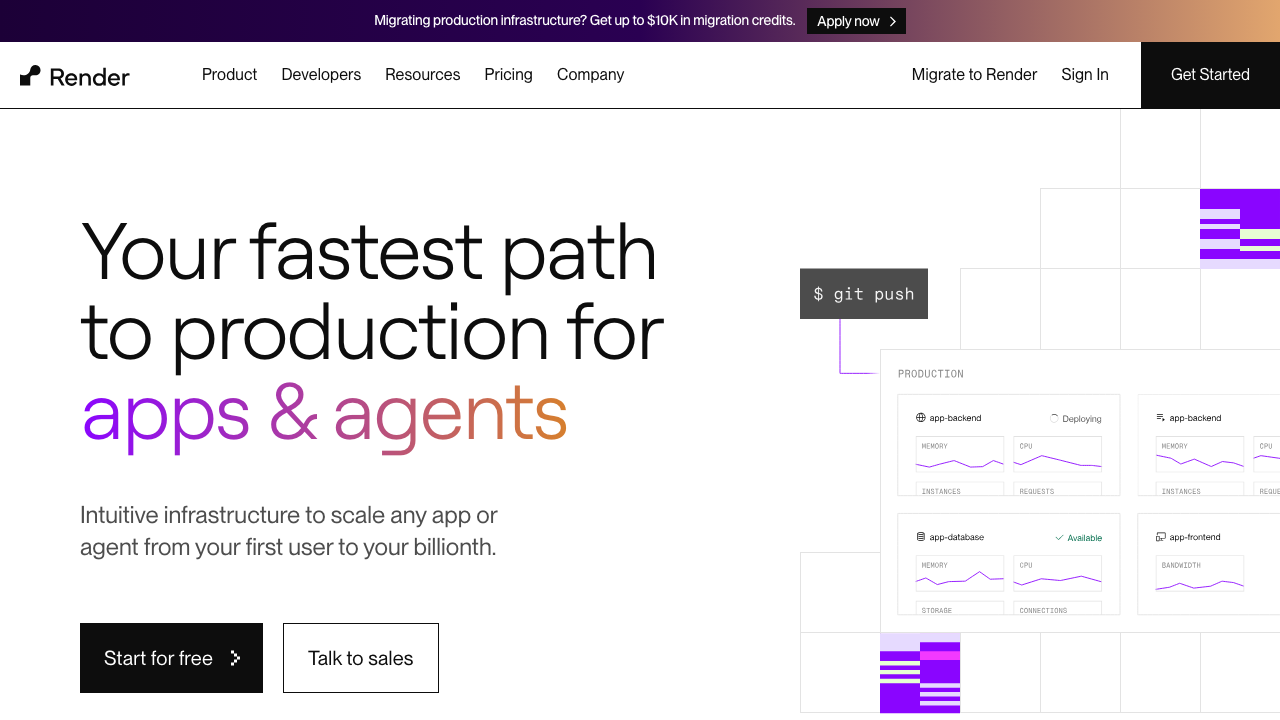
Render is the closest thing to a modern replacement for the classic PaaS experience: connect a repository, it builds and runs your service, and it also runs managed Postgres, Redis, cron jobs, background workers and static sites under one account. The reason it matters for startups specifically is that it covers the full shape of a real application rather than just the web tier, so you are not assembling three vendors to get a worker queue.
Pros
- Web services, background workers, cron jobs, managed Postgres and Redis all under one account and one bill
- Runs from a Dockerfile as easily as from source, so your artefact stays portable
- Infrastructure defined in a YAML file in the repository, which makes environments reproducible and reviewable
- Private networking between services, so your database is not on the public internet by default
Cons
- Free instances sleep when idle, which is fine for a demo and wrong for anything receiving webhooks
- Fewer regions than the hyperscalers, so latency-sensitive global traffic needs a CDN in front rather than more regions
- Build performance is adequate rather than fast, and large dependency trees feel it
Best for: Small teams running a conventional web application with a database and background workers who want one platform for all of it.
Pricing: Per-instance monthly rates by size for services, separate rates for managed databases by plan, and bandwidth billed above an included allowance.
Railway
Railway is a PaaS built around the idea that infrastructure should be something you can see. You get a canvas of services, databases and their connections, provisioned in a few clicks, with usage-based billing rather than fixed instance rents. The developer experience is the best in this list for spinning up a complete environment quickly, including ephemeral ones per branch.
Pros
- Fastest path from nothing to an application plus database plus queue running together
- Usage-based billing means you pay for what runs, which suits spiky pre-product-market-fit traffic
- Environment cloning makes per-branch full-stack preview environments genuinely practical
- Runs Dockerfiles and buildpacks, so the artefact question has a portable answer
Cons
- Usage-based billing is harder to forecast than a fixed instance rent, and a runaway process is a runaway bill
- Managed database offerings are convenient rather than production-hardened, and you will eventually want a dedicated provider
- Smaller operational track record than the incumbents, which matters for anything you are on call for
Best for: Early-stage teams who want a full environment including dependencies running today and will revisit the database decision later.
Pricing: Consumption-based on compute and memory used per service, with storage and egress metered separately, plus a subscription tier that includes a usage allowance.
Fly.io

Fly.io runs your container as a lightweight VM close to your users, in whichever regions you name. The model is genuinely different from the rest of this list: it is not a region you deploy to, it is a set of regions with an anycast address in front and automatic request routing. That makes it the only platform here where global distribution of a stateful application is the default shape rather than an upgrade.
Pros
- Multi-region deployment of a normal containerised application is a configuration line rather than an architecture project
- Real VMs, so long-lived connections, WebSockets, background processes and persistent volumes all work normally
- Anycast routing plus per-region placement gives genuine latency wins for globally distributed users
- Postgres and other stateful services can run in the same network with private networking between regions
Cons
- Distributed by default means distributed failure modes by default, and debugging a multi-region issue is materially harder
- The managed database story expects more operational involvement than a fully managed provider
- More concepts to learn than a single-region PaaS, which is wasted effort if your users are all in one place
Best for: Teams with genuinely global users running a containerised application that needs long-lived connections or regional placement.
Pricing: Metered per machine by CPU and memory for the time it runs, with volumes, bandwidth and IP addresses billed separately. Machines can stop when idle, which changes the economics for low-traffic services.
Cloudflare
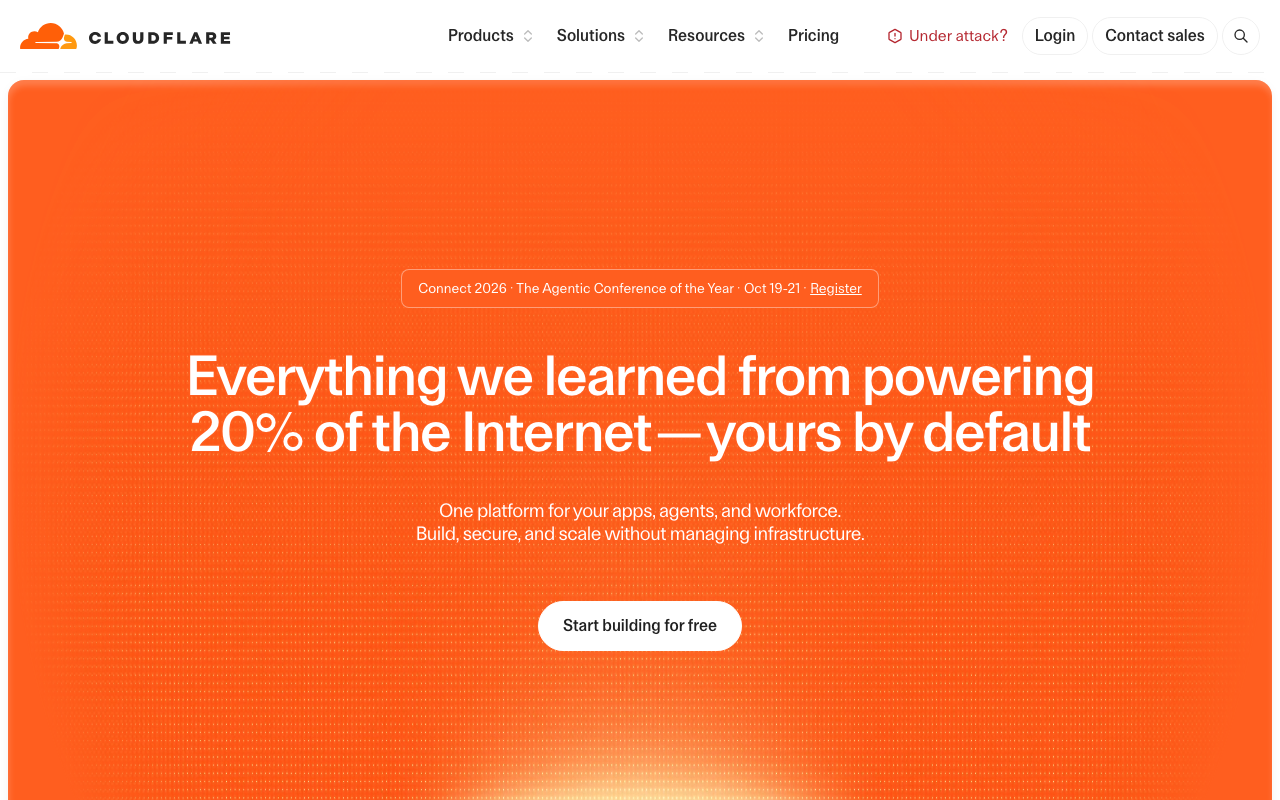
Cloudflare approaches hosting from the network rather than from the server. Static assets are served from its CDN, dynamic code runs in isolates on the same network, and state lives in its own storage products rather than in a database you rent by the hour. The result is the most favourable bandwidth economics in this comparison and the most constrained runtime, and both of those are consequences of the same architecture.
Pros
- Bandwidth economics are structurally different from the rest of this list because serving traffic is the core business rather than a resold cost
- Compute runs in the same network as the CDN, DNS and WAF, so the request never leaves the platform to be processed
- Isolate-based startup avoids the container cold start problem entirely for the workloads that fit
- A complete set of adjacent primitives, from object storage to a WAF, without leaving the account
Cons
- The runtime is not Node, so native modules, filesystem access and many npm packages simply do not run
- Compute has execution time limits that make long-running work a different architecture rather than a bigger plan
- Your data is unlikely to be in the same place as your compute, which can make an edge deployment slower than the regional one it replaced
Best for: Traffic-heavy applications whose dynamic work is short, request-shaped and can be rewritten against web-standard APIs rather than Node APIs.
Pricing: Requests and CPU time metered for compute, with storage products priced independently and static asset serving effectively subsumed into the network. The Workers, Vercel and Deno Deploy comparison sets the constraints side by side.
Hetzner
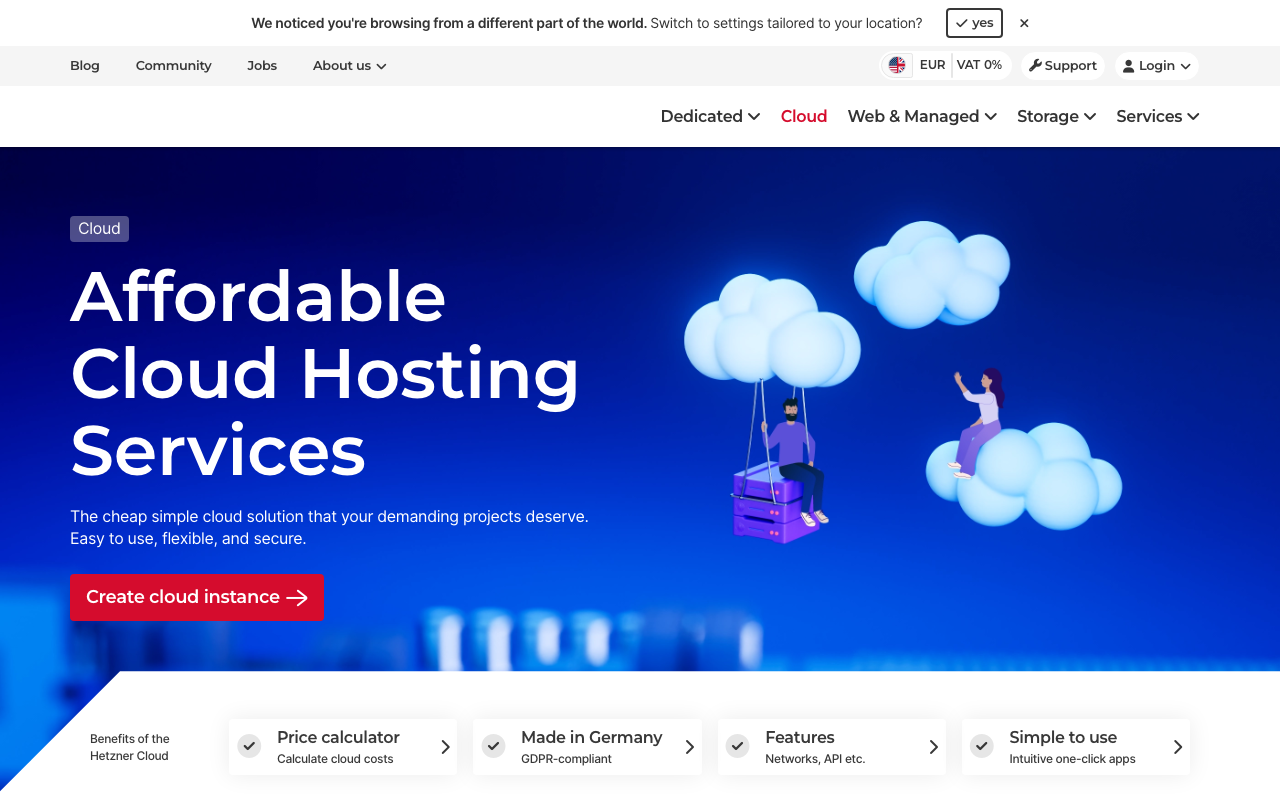
Hetzner rents machines. There is no build system, no git integration, no managed Postgres add-on and no preview deployments, and the price per unit of compute and memory is dramatically lower than anything else in this comparison. For a startup this is either irrelevant or transformative depending entirely on whether anyone on the team wants to own a server.
Pros
- Price per vCPU, per GB of RAM and per TB of bandwidth is in a different class from the managed platforms
- Dedicated and bare metal options remove the noisy-neighbour variability of shared cloud instances
- Generous included bandwidth allowances change the calculation for media-heavy and download-heavy products
- No proprietary primitives at all, so there is nothing to migrate off later
Cons
- You own everything: patching, TLS renewal, backups, monitoring, log rotation and the pager
- Regional footprint is concentrated rather than global, so worldwide latency needs a CDN in front
- No managed database, queue or object storage equivalent to the PaaS add-ons, so you run those yourself
Best for: Teams with at least one person who is comfortable operating Linux, running workloads with steady utilisation where the managed premium has become a real line item.
Pricing: Flat monthly rent per server by specification, with large included traffic allowances and metered overage. The full version of this trade is in VPS and bare metal providers.
DigitalOcean
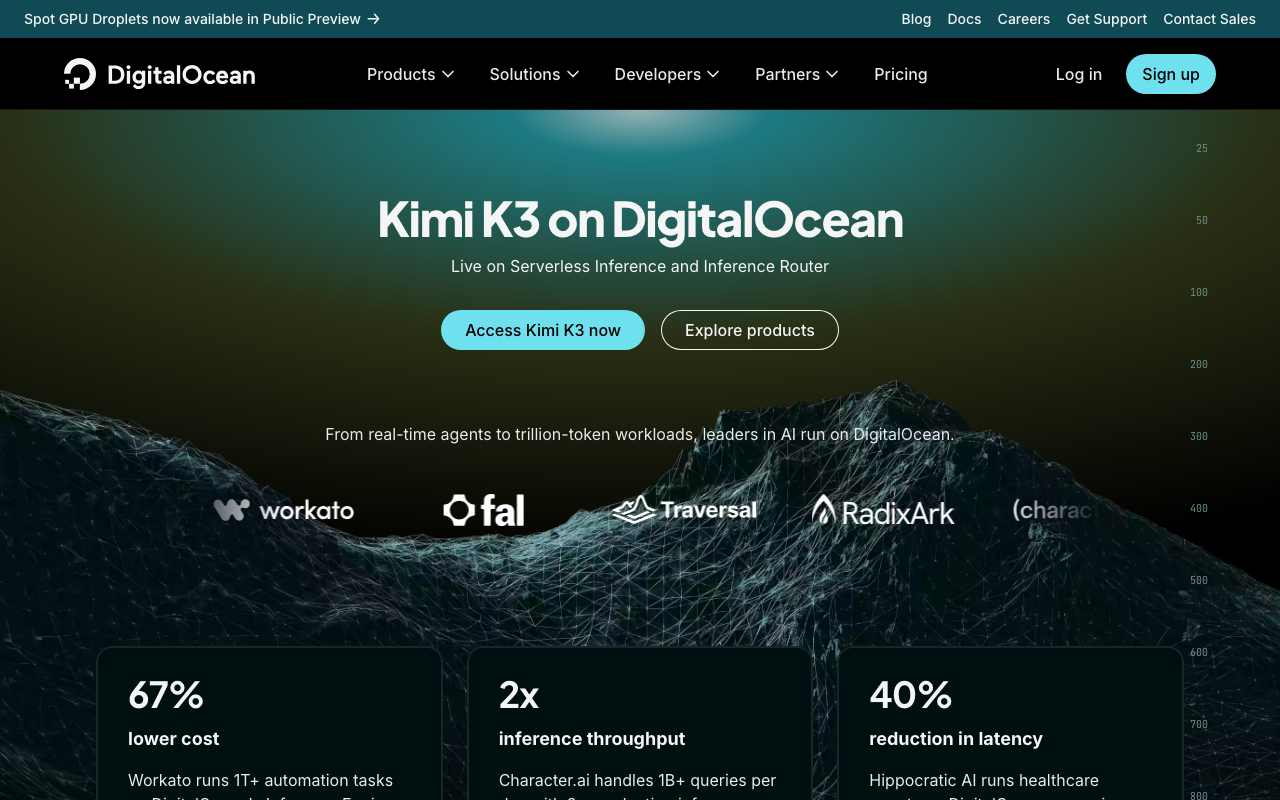
DigitalOcean sits deliberately between the PaaS platforms and the raw providers. You can rent a plain virtual machine, or use App Platform to get a git-push deployment experience, or use managed Postgres, Redis, Kubernetes and object storage, all in one account with predictable pricing. For a startup that expects to move down the abstraction ladder as it grows, that continuity is the actual product.
Pros
- One account spans managed PaaS, managed databases, Kubernetes and plain virtual machines, so growing down the stack does not mean changing vendor
- Pricing is flat and predictable by instance size rather than metered on many dimensions
- Object storage with an S3-compatible interface and bundled CDN removes a separate vendor decision
- Documentation and community material are unusually good for people learning the infrastructure layer
Cons
- Each individual product is competent rather than best in class, so specialists beat it on any single axis
- App Platform is less polished than the dedicated PaaS platforms and its build system is the weakest part
- Fewer regions than the hyperscalers, and region selection matters more here because there is no global network in front by default
Best for: Teams who want a managed experience now and the option to drop to plain machines later without a vendor migration.
Pricing: Flat monthly rates per resource by size for droplets, managed databases and App Platform instances, with bandwidth pooled across the account above an included allowance.
How to choose
Answer these in order and stop when one applies.
Is your product mostly content with a small dynamic surface? Netlify or Cloudflare. Optimise for bandwidth pricing and cache correctness, and read static site hosting.
Is it a Next.js application and is shipping speed the constraint? Vercel, knowingly. Budget for the meter and read hosting for Next.js before you adopt anything framework-specific that you would have to unwind.
Do you have background workers, a queue or scheduled jobs? Render or Railway. These are the platforms where the non-web parts of your application are first-class rather than an afterthought, and PaaS platforms goes deeper on the tradeoffs.
Are your users genuinely spread across continents? Fly.io, and think hard about where the database goes before you enjoy the latency numbers.
Is bandwidth your dominant cost already? Cloudflare if the runtime constraints fit, Hetzner if they do not.
Are you paying a managed premium on steady, predictable load? Hetzner or DigitalOcean. Do the arithmetic including the hours, which is the subject of cloud cost compared.
| Platform | Primary meter | Overage shape to check | Exit difficulty |
|---|---|---|---|
| Vercel | Bandwidth plus function execution | Automatic billing above allowance | High if you use framework-specific features |
| Netlify | Bandwidth plus build minutes | Automatic billing per meter | Low, build output is portable |
| Render | Instance size times time | Flat, predictable per instance | Low, runs your Dockerfile |
| Railway | Compute consumed | Usage-based, forecast carefully | Low, runs your Dockerfile |
| Fly.io | Machine time plus volumes | Usage-based per machine | Low, it is your container |
| Cloudflare | Requests and CPU time | Usage-based above allowance | High, the runtime is not Node |
| Hetzner | Flat monthly rent | Traffic overage above allowance | None, it is a server |
| DigitalOcean | Flat monthly rent per resource | Pooled bandwidth overage | Low |
Needs first-hand data: Deploy the same small application with a Postgres dependency and one background worker to each of these eight platforms. Record wall-clock time from empty account to production URL, number of configuration files required, and what had to change in the application code. The last column is the migration cost, measured rather than estimated.
Frequently asked questions
Which free tier lasts longest?
Wrong question, because they run out along different axes. A media-heavy marketing site exhausts bandwidth first. A monorepo with active pull requests exhausts build minutes first. A server-rendered app exhausts function execution first. Work out which of your behaviours is the heaviest and compare only that meter.
Should I start on a VPS to save money?
Only if someone on the team genuinely wants to. At seed stage, hosting is a rounding error against salaries and the expensive resource is engineering attention. The VPS argument becomes strong when the bill is a real line item and your load is steady, not before.
How do I avoid a surprise bandwidth bill?
Three things, all cheap. Set a budget alert on day one. Verify your CDN is actually caching by checking hit ratios rather than assuming. And put something in front of the origin that can absorb a scraper, because the traffic that produces these bills is usually automated.
When should I move off the platform I started on?
When the platform constraint starts appearing in design discussions. The signal is not the bill, it is hearing “we cannot do that here” about a feature you want. That is the point where the coupling is costing you product velocity, and it usually arrives before the cost argument does.
Do I need a separate CDN if my host includes one?
Usually not at first. Most platforms here front your origin with a network already. The case for a separate CDN is when you need control over cache keys, headers and purge behaviour that the bundled one does not expose, which is covered in CDN providers.
Related reading
- Best hosting platforms for developers — the category map, and how to pick an abstraction before a vendor.
- Best PaaS platforms — git-push ergonomics, database add-ons, and the escape hatch to raw infrastructure.
- Vercel alternatives — what leaving actually involves, including self-hosting Next.js properly.
- Best VPS and bare metal providers — the cost comparison done honestly, engineer hours included.
- Best databases for startups — the other half of this decision, and the one that is harder to reverse.