Two conversations lead here, and they want different answers.
The first is the renewal. The quote arrived, it scales with developers, you hired, and the number went up in a way nobody budgeted for. The tool works fine. The question is purely whether you are getting that much value from it, which usually turns into a question about which parts you actually use.
The second is the noise. The scanner is installed, the findings queue is long, nobody has worked it in months, and someone has concluded that the tool is the problem. Sometimes it is. Often it is not, because a presence-based queue is long regardless of which vendor produces it, and replacing one broad scanner with another broad scanner moves the same backlog to a different dashboard.
Those two problems have different solutions and it is worth knowing which one you have before you shop. If price is the driver, the honest answer is that the open source stack covers a meaningful fraction of the job and you should know precisely what falls off. If noise is the driver, the thing you need is reachability analysis, and most of the cheaper options have less of it, not more.
What follows is what each alternative actually replaces, and a direct accounting of the capabilities that disappear when you move to free tooling. That last part is the section most comparison pages skip, so it is the one worth reading.
Key takeaways
- Snyk is four products sold as one: dependency scanning, static analysis, container scanning and infrastructure configuration scanning. Replacing it means deciding which of the four you are actually using.
- If price is the driver, the open source stack covers detection well. What you lose is curated advisory research, reachability, fix pull requests and a management layer, in that order of importance.
- If noise is the driver, moving to a free presence-based scanner makes it worse, not better. The capability that shrinks a queue is reachability, and it is a paid feature nearly everywhere.
- Per-developer pricing is the structural complaint. Tools metered by repository, by application, by lines of code or not at all will change your bill shape completely, sometimes in the wrong direction.
What you are actually replacing
Before comparing anything, list which parts you use. Teams routinely discover they are paying a platform price for one component.
Dependency scanning is the part almost everyone uses, and for most teams it is the whole reason the contract exists. Detection here is broadly comparable across the market; what differs is advisory curation, reachability and fix quality.
Static analysis of your own code is a separate product with separate strengths, and the alternatives are genuinely different in kind rather than cheaper versions of the same thing. Covered in depth in SAST tools.
Container image scanning is the component most easily replaced, because the open source options in this specific area are strong and the problem is well bounded. See container security scanners.
Infrastructure configuration scanning is frequently bought and rarely used, and when it is used it often overlaps with a cloud posture tool you already have.
The other thing to inventory is the surrounding workflow: pull request checks, the ignore and suppression policy, the ticket integrations, the reporting somebody sends to a customer or an auditor. That workflow is usually a larger migration cost than the scanning itself, and it is the part that makes a cheaper tool expensive.
Semgrep
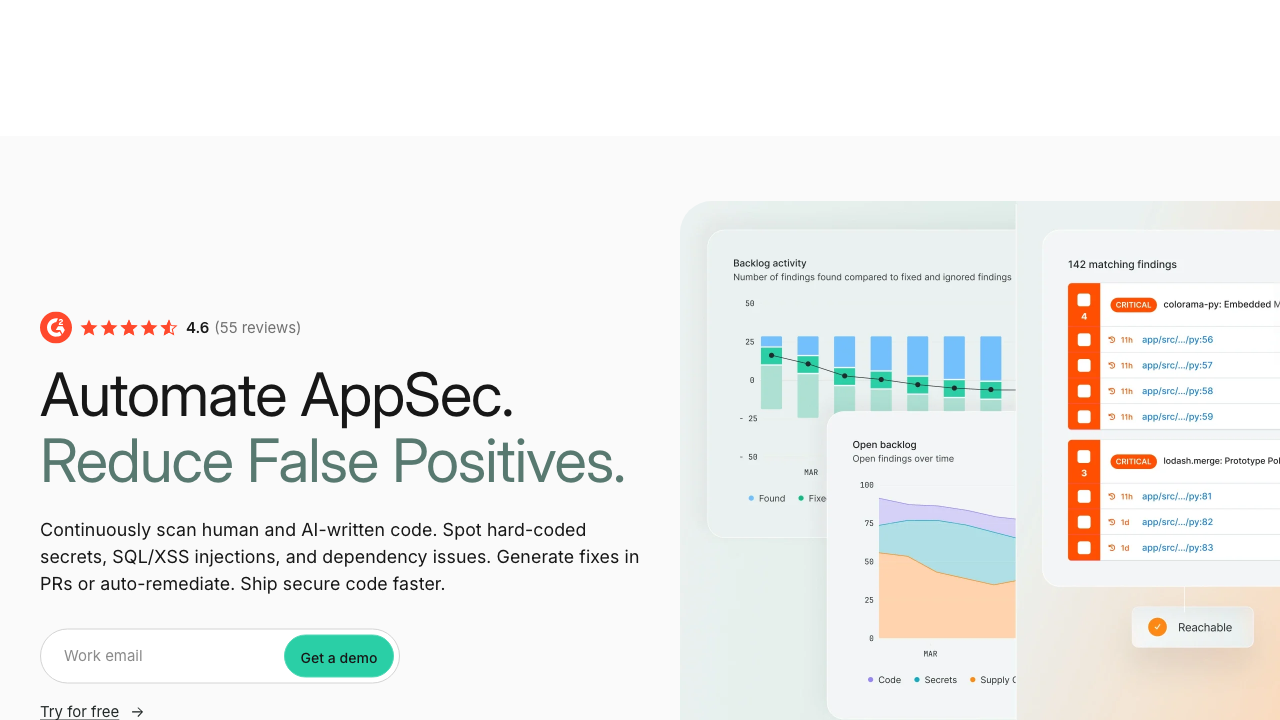
Semgrep replaces the static analysis component and, with its supply chain product, part of the dependency component. Its distinguishing property is that rules are readable patterns in the target language rather than opaque proprietary logic, which extends to reachability: the rule that decided a vulnerable dependency is actually invoked is something you can open and argue with. For teams whose complaint is that they cannot tell why a finding fired, that transparency is the point.
Pros
- Rules and reachability logic are inspectable, so findings can be verified rather than trusted
- Fast enough on changed files to run as a pull request check rather than a scheduled job
- The open engine is genuinely useful on its own, so you can evaluate on real code before paying anything
- Custom rules let you encode your own patterns the week an incident teaches you one
Cons
- The open engine does single-function dataflow only, so cross-file analysis needs the commercial tier
- Supply chain reachability depends on a curated rule existing per advisory, so coverage is deep in places and absent elsewhere
- Container and infrastructure coverage is not a like-for-like replacement for the platform you are leaving
- Licensing changes upstream have made the long-term open story less predictable than it was
Best for: Teams whose primary use was code scanning and dependency reachability, and who value being able to read why a finding fired.
Pricing: Free and open source command line engine. Hosted platform and the cross-file and supply chain products are subscription, metered by contributing developers.
Trivy
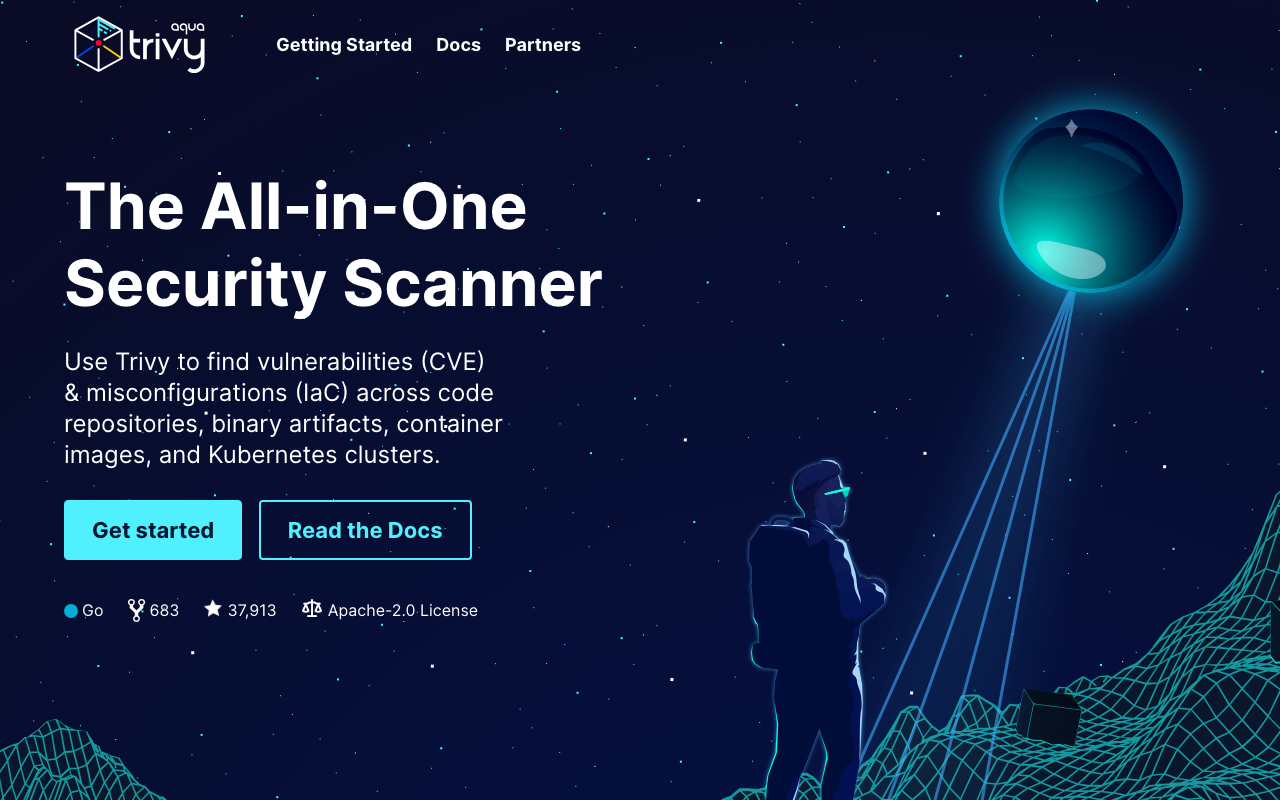
Trivy is the single most common replacement for the dependency and container halves, because it covers both plus infrastructure configuration and Kubernetes in one binary with no account and no meter. It consults distribution security trackers rather than only upstream version ranges, which removes a real class of false positive on backported fixes, and it both generates and consumes standard SBOM formats.
Pros
- Covers dependencies, images, infrastructure code and clusters in one tool with no per-developer meter
- Distribution-aware matching avoids a large class of backported-fix false positives
- Drops into any pipeline in minutes with no procurement, account or telemetry
- Generates and consumes standard SBOM formats, so it fits either direction of a supply chain workflow
Cons
- No reachability analysis, so if noise was your reason for leaving, this does not fix it
- No management layer: triage, suppression, ownership and history across repositories are your build
- No fix pull requests, so every finding is a research task rather than a reviewable change
- Advisory enrichment is thinner than a curated commercial database, particularly for newly disclosed issues
Best for: Teams leaving on price who want one free tool covering dependencies and images, and who have somewhere else to put the triage workflow.
Pricing: Free and open source with no vendor and no bill. The maintaining company sells a separate commercial platform with management and reporting.
Grype
Grype covers matching specifically, and deliberately nothing else. Hand it an SBOM or an image and it matches components against vulnerability data. The reason to choose it over a broader scanner is architectural: generating inventory once and re-matching it as advisories land is the workflow you actually want for artefacts already in production, and separating those two steps makes that natural rather than awkward.
Pros
- Re-evaluates a stored SBOM against today’s advisories without rebuilding the artefact
- Multiple advisory sources including distribution trackers, which reduces backported-fix noise
- Clean exit codes and output make CI policy gates simple to express
- Composes with a separate generator, keeping inventory and matching as distinct, auditable steps
Cons
- No reachability, no fix guidance, no workflow, by design
- Output quality is capped by the inventory it was given, so a weak SBOM produces a confident incomplete answer
- Covers matching only, so it is one component of a replacement rather than a replacement
- Database updates need deliberate handling in offline or air-gapped builds
Best for: Teams building their own scanning pipeline who want matching as a separate, scriptable step rather than as part of a platform.
Pricing: Free and open source with no vendor and no bill. The cost is build time and the triage process you build yourself.
GitHub Advanced Security
If your code already lives on the dominant host, the closest thing to a like-for-like platform replacement is the host’s own security bundle: dependency alerts and updates, secret scanning with provider verification, and code scanning powered by a query engine that does deep interprocedural analysis. The argument is consolidation, since findings land as pull request annotations in the interface engineers are already in, with no additional integration to maintain.
Pros
- Findings appear natively in the pull request, which is the cheapest possible moment to act on them
- The code scanning engine does genuinely deep whole-program analysis rather than pattern matching
- Secret scanning with push protection is strong and covers a job a dependency scanner does not touch
- One vendor, one bill, one permission model, with nothing new to integrate or operate
Cons
- Dependency alerts are presence-based with no reachability, so a noisy queue stays noisy
- Deep code analysis is slow enough to be a scheduled job rather than a fast pull request gate
- Hard platform lock-in, and it covers nothing outside that host
- Per-committer metering can be close to what you were already paying, so the saving is not guaranteed
Best for: Teams entirely on one code host who want consolidation and are willing to trade reachability for native workflow integration.
Pricing: Included free for public repositories. On private code it is a per-active-committer add-on to the platform subscription.
Socket
Socket is not a replacement and should not be evaluated as one. It covers a threat class the incumbent does not: dependencies that are malicious right now, with no advisory yet, because nobody has reported them. It analyses package behaviour and what changed between versions, flagging new install scripts, unexpected network calls, environment variable reads and signs of maintainer takeover.
Pros
- Detects behavioural change, which is the actual shape of recent supply chain attacks
- Flags dangerous behaviour before any advisory exists, which advisory matching cannot do by construction
- Arrives as a pull request comment at the moment somebody adds the dependency, which is when the decision is made
- Adds a different signal rather than more of the same, so it does not lengthen the existing queue
Cons
- Does not replace known-vulnerability scanning, so it is additive cost rather than a saving
- Behavioural analysis has its own false positives, since legitimate packages do sometimes need network access
- Ecosystem coverage is narrower than the broad scanners
- Value depends on developers reading the feedback rather than approving past it
Best for: Teams adding a malicious-package signal alongside whatever scanner they keep, particularly with fast-moving dependency graphs.
Pricing: Free for open source projects, with paid per-developer tiers for private repositories adding policy and organisation controls.
Aikido
Aikido is the most direct commercial substitute in shape: one platform bundling dependency scanning, static analysis, secret scanning, container scanning, infrastructure configuration and surface monitoring, aimed explicitly at teams who found the incumbent too expensive or too loud. Architecturally it orchestrates a mix of open source engines with its own triage and deduplication layer on top, which is exactly the layer teams discover they need after moving to free tools.
Pros
- Broad coverage in one product, so it is a genuine like-for-like replacement rather than a component
- Built around noise reduction, with deduplication and auto-triage as the headline rather than detection volume
- Fast self-serve onboarding without an enterprise sales cycle
- Pricing structure is generally more predictable for small and mid-sized teams than per-developer platform tiers
Cons
- Depth in any single area is bounded by the underlying engines, so it is not deeper than the tools it orchestrates
- Reachability is less mature than in the vendors who built their product around it
- Younger vendor, so enterprise requirements such as unusual compliance attestations may not be met yet
- Consolidation means a single point of failure for your entire scanning programme
Best for: Small and mid-sized teams who want one affordable platform covering everything the incumbent did, with triage included rather than assembled.
Pricing: Free tier for small teams and open source, then subscription tiers scaled by developers and repositories, with enterprise options.
Mend
Mend is the long-established enterprise competitor, with its centre of gravity in dependency scanning, license compliance and automated remediation at organisational scale. Where it differentiates is the parts an enterprise actually gets audited on: license policy enforcement, detailed reporting across hundreds of applications, and remediation workflow with ownership and approval rather than a pull request thrown over the wall.
Pros
- License compliance and policy enforcement are first-class, not an afterthought bolted onto security scanning
- Reporting and application management built for an organisation with formal application ownership
- Automated remediation with approval workflow rather than unmanaged pull requests
- Long track record and the compliance attestations large procurement processes ask for
Cons
- Enterprise sales motion with annual contracts and limited self-serve evaluation
- Interface and workflow are oriented to a security function rather than to developers
- Reachability and prioritisation are less of a differentiator than the management layer
- Heavier to operate and configure than the lighter tools in this list
Best for: Enterprises where license compliance and cross-application reporting matter as much as vulnerability detection.
Pricing: Annual enterprise contracts, typically metered by developers or applications, quoted rather than listed.
What you actually lose going open source
This is the section to read before you cancel anything. The open source stack covers detection well. Four things fall off, and they fall off in this order of impact.
Curated advisory research. Public feeds are the floor, not the ceiling. Commercial databases add entries for issues that never received an identifier, correct version ranges that were published wrong under disclosure pressure, and frequently carry an ecosystem advisory before it reaches the national feed. The practical effect is a window during which a free scanner reports nothing and a commercial one reports something, and the length of that window varies by ecosystem and by issue. You cannot measure this from the outside, which is precisely why it is worth measuring on your own dependency set before deciding it does not matter.
Reachability analysis. This is the big one and it is why the noise-driven migration so often disappoints. Open source scanners are presence-based almost without exception. If your complaint was queue length, moving to a free tool gives you the same queue with fewer features for working it. The honest options are to keep paying for reachability somewhere, to adopt a commercial tool built specifically around it, or to accept presence-based findings and manage them with a policy that triages by exposure and asset value rather than by score. The mechanism and the levels of reachability are covered in dependency scanning and SCA tools.
Fix pull requests that compute the minimum safe upgrade. A commercial platform will tell you the smallest version bump that resolves a finding without violating the rest of your constraint graph, and open the change. An open source scanner tells you a package is vulnerable. On a transitive finding four levels deep, that difference is an afternoon of somebody’s time per finding. You can partially recover this by pairing a scanner with dedicated update automation, which is the standard assembly and works well, but the two are not integrated and neither one knows what the other decided.
The management layer. Deduplication across tools and repositories, suppression with expiry dates, ownership assignment, ageing reports, and the exported evidence somebody hands to an auditor. This is unglamorous and it is the thing teams underestimate most. With one repository you do not need it. With sixty, the absence of it is why nobody can tell you whether things are getting better. Expect to build it, buy a vulnerability management platform for it, or accept that you do not have it.
Three things you do not lose, worth saying plainly. Ecosystem coverage breadth is comparable. Container and operating system package scanning is genuinely strong in the open tools, in some respects better because of distribution tracker integration. And SBOM generation and consumption is fully solved for free.
Needs first-hand data: Before switching, run both the incumbent and your candidate against the same repository at the same commit for a month. Record findings each tool raised that the other did not, and how many days apart they raised the shared ones. That advisory lead time, measured on your own dependency set, is the capability you are actually buying and the only way to price it.
How to choose
One. Diagnose price or noise. If it is price, work out which of the four components you use, replace only those, and budget for the management layer you are about to lose. If it is noise, the answer is reachability and you will probably still be paying somebody. Migrating for noise reasons onto a presence-based free tool is the most common mistake here.
Two. Check what your metering would become. Per developer, per repository, per application, per lines of code, per target, or not at all. These produce wildly different bills for the same organisation, and a tool that is cheaper for a small team with many repositories can be more expensive for a large team with few. Model your actual shape before believing any comparison.
Three. Count the workflow migration, not the scanning migration. Suppression state, ignore policies, ticket integrations, pull request checks, the report you send customers. That is the real project.
Four. Do not consolidate onto one tool just because you can. The strongest practical assembly is usually a fast pattern matcher in the pull request, a free scanner covering dependencies and images, dedicated update automation, and one paid capability where it earns its price, which is nearly always reachability or malicious package detection.
Five. Verify coverage on your own stack before you sign anything. Run the candidate against a repository where you already know the answer, including one deliberately outdated dependency you understand, and confirm it finds what it should. Vendor language coverage matrices describe support, not depth.
| Tool | Replaces | Reachability | Picks itself when |
|---|---|---|---|
| Semgrep | Code scanning, part of dependencies | Yes, rule based | You want inspectable findings |
| Trivy | Dependencies, containers, infrastructure | No | Price is the driver and you accept triage work |
| Grype | Matching only | No | You are assembling your own pipeline |
| GitHub Advanced Security | Most of the platform, on one host | No, for dependencies | Everything already lives on that host |
| Socket | Nothing, it adds | Not applicable | Malicious packages are the concern |
| Aikido | The whole platform | Limited | You want one cheaper bundle with triage included |
| Mend | Dependencies and license compliance | Limited | Compliance reporting matters as much as detection |
Needs first-hand data: After migrating, track the number of findings your team actually fixed per month, before and after. Tool changes routinely reduce the finding count while also reducing the fix count, which looks like progress on a dashboard and is not. The fixes are the outcome, not the queue length.
Frequently asked questions
Will moving to open source reduce our finding count?
Possibly, and not for a good reason. A free scanner without curated advisory data may report fewer findings because it knows about fewer issues, not because your exposure changed. Before treating a smaller number as an improvement, check whether the findings that disappeared were ones you had already triaged as real. The metric worth tracking across a migration is how many genuine issues you fixed, not how many rows the dashboard shows.
Can we replace the whole platform with free tools?
Detection, largely yes. Prioritisation and management, no. The realistic free assembly is a broad scanner for dependencies and images, update automation for the fix flow, a pattern-based code scanner in the pull request, and secret scanning from your code host. What that assembly does not give you is reachability, curated advisory lead time, computed minimum upgrades, or a place where findings have owners and dates. For a small team that is a fine trade and the sequencing is in security tools for small engineering teams. For sixty repositories it is not.
Is per-developer pricing unreasonable for a security tool?
It is defensible for a tool developers use directly and unreasonable for one they do not. The test is whether every seat you are paying for corresponds to a person who sees findings and acts on them. If scanning is run centrally by two people and results go into tickets, you are paying a developer meter for a service two people consume, and a tool metered by repository or application will fit better. If findings genuinely arrive in every engineer’s pull requests and get fixed there, the meter matches the value.
What about license compliance?
It is a separate requirement that rides along in most of these products and is genuinely differentiated in a few. Open source scanners will report detected licenses; enforcing a policy about which licenses are acceptable, tracking exceptions, and producing evidence an acquirer or a customer will accept is a management feature. If license compliance is a real obligation for you, evaluate it explicitly rather than assuming it came in the box, because it is one of the clearest reasons to stay commercial.
Should we run two scanners at once?
Temporarily during a migration, yes, and that overlap is the only way to measure what you are giving up. Permanently, only if they cover genuinely different classes, such as one advisory-based scanner plus one behavioural tool for malicious packages. Two presence-based scanners running permanently produce overlapping findings with different identifiers and no automatic reconciliation, which creates exactly the deduplication problem that vulnerability management platforms exist to solve. That is a real cost, so incur it deliberately.
Related reading
- Best application security tools — the hub, and how the four components relate to each other.
- Best dependency scanning and SCA tools — reachability levels in detail, which is the capability the decision turns on.
- Best SAST tools — the code scanning half, where alternatives differ most in kind.
- Best container security scanners — the component the open tools replace most cleanly.
- Best secret scanning tools — a job none of these cover well, and the highest-signal scanner you can run.
- Best security tools for small engineering teams — the free assembly, sequenced.