Every engineering organisation has the same documentation problem and reaches for the same solution. The docs are stale, nobody writes them, so buy a tool that writes them from the code. The tool produces a large volume of plausible pages very quickly, everyone is briefly relieved, and six months later the docs are stale again except now there are ten times as many of them and no human has read any of it.
The reason this keeps happening is that “documentation generation” describes at least four different jobs with wildly different success rates, and the tools get sold as if they were one job. Extracting a type signature into a reference page is close to solved. Explaining why a module exists is not solved at all, and is unlikely to be, because the answer is not present in the code.
The question worth asking about any tool in this category is narrower and more useful than “does it generate good docs”. It is: what fraction of this output would I publish without editing, and what happens to it when the code changes next week.
Most of the time the honest answer to the first question is “very little”, and saying so is not a criticism of the tools. It is the difference between using them well and using them to manufacture debt.
Key takeaways
- Documentation generation is four jobs, not one: reference extraction from types, narrative prose, onboarding orientation, and drift detection. Only the first and last are reliably automatable.
- Generated prose restates what the code does. The value in documentation is why it does it, which is not in the source and cannot be inferred from it.
- Drift detection is the feature that actually pays back, because a doc that announces it is wrong is more useful than a doc that is quietly wrong.
- Publishing unedited generated prose is worse than having no docs, because readers trust it and it removes the social pressure that would have produced real documentation.
The four jobs hiding inside one category
Before comparing tools, separate what you are asking them to do. The tools that are good at one of these are usually bad at the others, and buying the wrong one for your problem is the common failure.
Reference extraction. Take the type signatures, function arguments, return types, exceptions and annotations that already exist in the source, and render them as browsable pages. This is a deterministic transformation of information that is genuinely present, and it works. Doxygen, TypeDoc and Sphinx have done it for years without any model involved. When your API surface is typed, the reference is essentially free.
The limit is that a reference page tells a reader what the function accepts, never when to call it. A perfect reference is table stakes and nobody thanks you for it.
Narrative explanation. Why this module exists, what problem it solves, which of the three similar-looking helpers to use, what the constraint was that made this design the least bad option. This is the documentation people actually need, and almost none of it is recoverable from the code. A model reading the source can tell you the function retries three times with backoff. It cannot tell you that the retry count is three because the upstream provider rate-limits on the fourth attempt within a second, which is the only sentence in that page worth reading.
Onboarding orientation. A map of the codebase: where things live, which service owns which concern, the paths a request takes. Generated versions of this are surprisingly decent because the structural facts are real and the model is summarising rather than inventing rationale. It is also the documentation that rots slowest, because architecture moves more slowly than implementation.
Drift detection. Noticing when documentation no longer matches the code it describes. This is the job with the best ratio of automation value to risk, and it is the one most teams never configure.
If you are clear about which of these four you are buying, the shortlist collapses quickly. If you are not, you will end up with a tool that generates a lot of the second category and quietly convinces you that the problem is solved.
Why generated prose is mostly not publishable
This is the part that vendor demos are structured to avoid, so it is worth being specific about the failure modes rather than gesturing at “AI can be inaccurate”.
Restating the signature in sentences. The most common output is a paragraph that carries no information the declaration did not already carry. “The createUser function creates a user. It accepts a CreateUserInput object and returns a User.” This is not wrong and it is not useful. It adds page weight, it dilutes search, and it makes a reader who is looking for the answer to a real question conclude that your docs do not have answers. A reference table would have said the same thing in a tenth of the space.
Confident wrong rationale. When a generator does attempt the why, it produces something that reads exactly like the truth and is derived from pattern rather than fact. It will explain that a cache exists “to improve performance” when the cache exists because a downstream service has a hard quota and the cache is the quota compliance mechanism. That sentence is now in your docs, it sounds authoritative, and the next engineer removes the cache during a refactor because the profiler shows it is not on the hot path.
This is the failure that makes generated prose actively worse than an empty page. An empty page sends the reader to ask someone. A confident wrong page sends them to production.
Undocumented assumptions presented as behaviour. Generators describe the happy path they can see. Error semantics, partial failure behaviour, idempotency guarantees and concurrency assumptions are the parts of an interface that matter most in an incident, and they are exactly the parts that are implicit in the code rather than stated by it.
Volume as a defence against review. Two hundred generated pages cannot be reviewed by a human in any meaningful sense, so they are not reviewed, so the error rate is unknown. A documentation set whose error rate is unknown is a documentation set you cannot cite in an incident, which means it has no operational value at all.
The workflow that does work is narrow and unglamorous: generate a draft, have the person who wrote the code edit it in the same pull request, and treat the generator as a way to avoid a blank page rather than a way to avoid writing. The editing pass is where all the value is added, and any process that makes the editing pass optional will produce docs nobody trusts.
Needs first-hand data: Take fifty generated pages from your own codebase, hand them to the engineers who own that code, and record two numbers per page: minutes to edit to publishable quality, and count of statements that were factually wrong. The ratio of those two numbers across your codebase is the only honest measure of whether a generator is worth running, and it varies enormously between a well-typed service and an untyped legacy module.
Drift detection is the feature worth paying for
The reason documentation dies is not that nobody writes it. It is that it is written once and the code moves. Every organisation has a wiki page that was correct on the day it was written and has been silently wrong for two years.
Drift detection attacks that directly, and the implementations differ in a way that matters.
Coupling by reference. The documentation holds a durable pointer to a specific symbol, file range or commit. When that code changes, the pointer is marked stale and the document is flagged for review. This is the mechanism with the fewest false negatives, because it does not attempt to judge whether the change was semantically relevant, only that the described code moved. It also has the most false positives, and a tool that cries stale on every whitespace change will be muted within a month.
Coupling by extraction. The document embeds a live snippet pulled from the source at build time rather than a copy. This eliminates a whole class of drift outright, because the code sample in the docs is the code. It only covers examples, not prose, but examples are the part readers copy and therefore the part where being wrong is most expensive.
Semantic comparison. A model reads the current code and the current document and judges whether they still agree. This catches cases the pointer approach misses and produces a judgement rather than a signal, with everything that implies about reliability. Treated as a reviewer that raises questions, it is useful. Treated as a gate that blocks merges, it will be disabled.
Ownership and expiry. The least technically interesting mechanism and the most effective one. Every document has an owner and a review date. When the date passes, the owner gets a task. No model required. If you adopt exactly one thing from this article, adopt this.
The practical arrangement for most teams is extraction for code samples, ownership and expiry for everything, and pointer-based coupling on the ten documents that genuinely matter. Attempting pointer coupling across the entire wiki produces noise, and noise produces muting.
Needs first-hand data: Instrument your documentation site for six months and record, per page, the last edit date against the last change date of the code it describes. The distribution of that gap tells you whether you have a writing problem or a maintenance problem. They need different tools and most teams diagnose the wrong one.
Mintlify
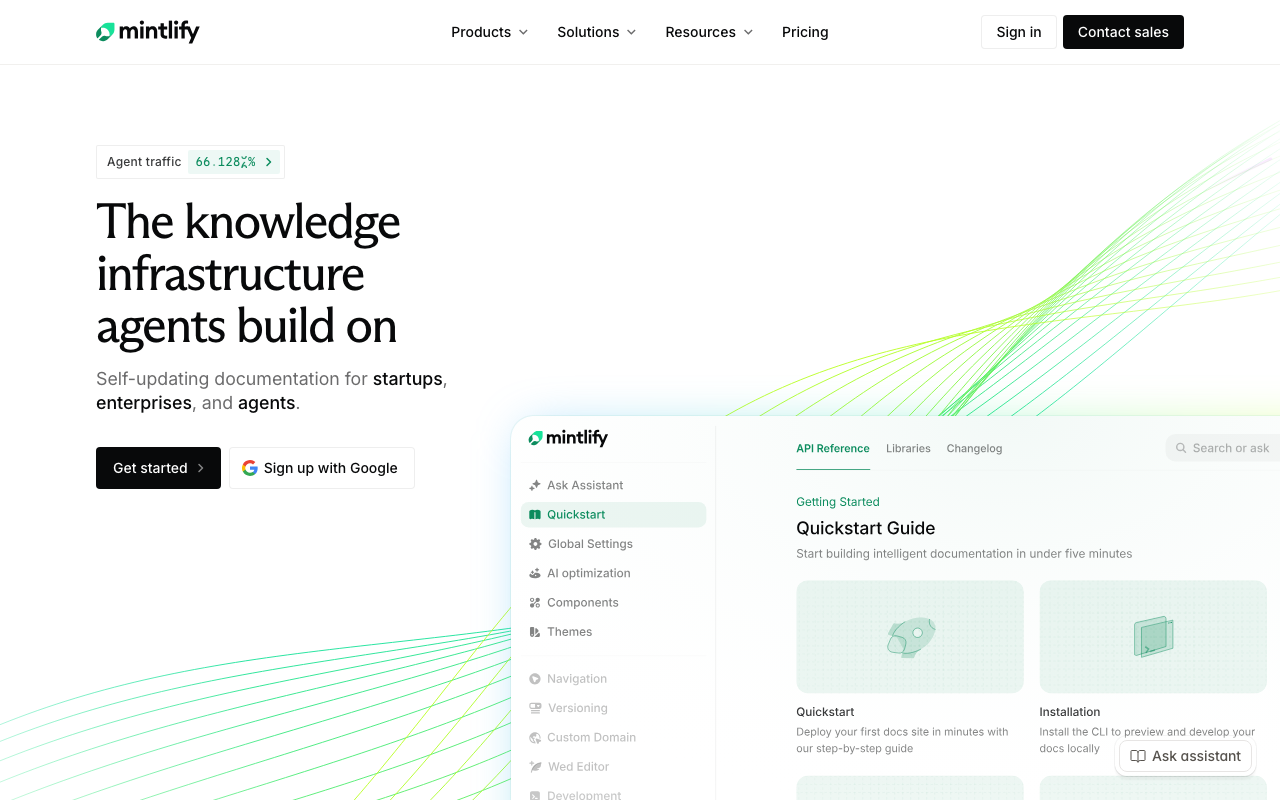
Mintlify is a documentation platform first and a generator second, which is the right order. You write docs in markdown in your repository, it renders them as a fast searchable site with components for API references, and it layers generation and maintenance features on top of that. The OpenAPI-driven reference pages are the strongest part of the product, because that is the job where extraction is genuinely reliable.
Pros
- Docs-as-code workflow keeps documentation in the repository and in the pull request, which is where review pressure exists
- API reference pages generated from an OpenAPI specification stay accurate as long as the specification does, which moves the accuracy problem to a place you already control
- The published site is fast and the search is good, which sounds cosmetic but determines whether anyone reads the docs at all
- Component library for callouts, tabs and code groups produces documentation that looks maintained rather than dumped
Cons
- The generation features are a layer on a publishing product, so if you want deep code-to-prose analysis this is not where the depth is
- Quality of the reference output is bounded entirely by the quality of your OpenAPI specification, which is usually the real problem
- Hosted platform means your documentation site availability is now a vendor dependency
- Theming flexibility is deliberately constrained, which is good for consistency and frustrating when design has opinions
Best for: Product and platform teams who publish external developer documentation from an OpenAPI specification and want the site itself to be a solved problem.
Pricing: Free tier for small public projects, then per-editor subscription tiers with higher tiers gating custom domains, access control and analytics.
Swimm
Swimm takes the drift problem as its central thesis rather than the generation problem, and that focus is why it belongs on this list. Documents are written alongside code and coupled to specific symbols and code ranges, and the tool tracks those couplings so that a change to the referenced code marks the document as needing attention. It is the clearest commercial implementation of pointer-based coupling.
Pros
- Coupling documents to code ranges means staleness is detected mechanically rather than noticed by a frustrated reader
- Integrates into the pull request so a change that invalidates a document raises the flag at review time, when context is still in someone’s head
- Aimed squarely at internal documentation and onboarding walkthroughs, which is where most organisations actually hurt
- Encourages short, code-adjacent documents rather than enormous wiki pages, which is the format that survives
Cons
- The coupling has to be created deliberately per document, so coverage is only as good as the discipline applied
- False positives on refactors that move code without changing behaviour are a real source of alert fatigue
- Value is concentrated in internal docs, so it does not replace a public documentation site
- Adds a tool-specific format and workflow that the whole team has to learn, and partial adoption produces little benefit
Best for: Engineering teams whose main pain is internal documentation going quietly wrong, particularly around onboarding walkthroughs and complex subsystems.
Pricing: Free tier for small teams, then per-seat subscription with enterprise tiers adding self-hosting and administrative controls.
Doxygen
Doxygen is the oldest serious answer to reference extraction and still the default in C and C++, with support for a long list of other languages. It parses source and comment blocks and emits browsable reference documentation, call graphs and inheritance diagrams. There is no model and no judgement anywhere in it, which is precisely why its output is trustworthy: it reports what the parser found.
Pros
- Deterministic extraction means the output is exactly as accurate as the source declarations and comments, with no invented content
- Generated call graphs and inheritance diagrams give real structural orientation that prose summaries rarely match
- Mature to the point of boredom, with decades of accumulated handling for awkward language constructs
- Runs in CI as a plain build step with no external service, so documentation builds cannot be blocked by a vendor outage
Cons
- Output looks like software from another era unless you invest in custom templating or a third-party theme
- Configuration is a large file of options that nobody on the team wants to own
- Reference extraction only, so it contributes nothing to narrative documentation or drift detection on prose
- Comment-block syntax is its own dialect to learn and to enforce in review
Best for: C and C++ codebases, and any project that needs authoritative API reference output with zero tolerance for generated inaccuracy.
Pricing: No vendor and no bill. Open source under a permissive licence, distributed through normal package managers, with cost measured only in the engineering time to configure and host the output.
TypeDoc
TypeDoc does for TypeScript what Doxygen does for C++: read the type system and emit reference documentation from it. Because TypeScript types are structural, complete and checked, the extracted reference is unusually good, and in a well-typed library most of what a consumer needs is already encoded in the declarations. It is the lowest-effort meaningful documentation available to a TypeScript project.
Pros
- Types are the source of truth, so the reference is correct by construction and updates on every build with no separate maintenance
- Integrates directly into a normal TypeScript build, so there is no second parser to keep in sync with the compiler
- Doc comments extend the extracted output without duplicating the type information, which keeps comments short and current
- Plugin ecosystem covers markdown output, custom themes and monorepo layouts
Cons
- Only as informative as your types, so a codebase full of loose object types produces a reference that says nothing
- Provides no narrative layer at all, so it is one half of a documentation set rather than a documentation set
- Monorepo and multi-entry-point configurations take real effort to get right
- Default theme is functional rather than pleasant, which matters for a public library
Best for: TypeScript library and SDK authors who need an accurate public API reference that cannot drift from the implementation.
Pricing: No vendor and no bill. Open source, installed as a development dependency, with the only cost being build time and whatever hosting you point the output at.
Sphinx
Sphinx is the documentation build system that grew up around Python and then outgrew it. It combines reference extraction from docstrings with a full authored-documentation toolchain, cross-referencing, versioned builds and an extension system deep enough that large projects build their entire documentation practice on it. It is the tool that takes both jobs seriously rather than one.
Pros
- Handles reference extraction and long-form authored documentation in one toolchain with real cross-referencing between them
- Cross-reference resolution means a broken link to a renamed symbol fails the documentation build, which is drift detection by another name
- Extension and theme ecosystem is deep, including multi-version documentation builds that most hosted tools do not attempt
- Output is a static site you host yourself, so there is no vendor in the path of your documentation
Cons
- The markup and configuration have a genuinely steep learning curve, and the first useful build takes longer than people expect
- Extension quality varies and a project can end up depending on an unmaintained one
- No content generation beyond extraction, so blank pages stay blank until a human writes them
- Build times on large documentation sets get long enough to discourage local iteration
Best for: Python projects and any team that wants one toolchain covering both API reference and authored guides, with versioned output and no hosted dependency.
Pricing: No vendor and no bill. Open source, with cost limited to build infrastructure and the hosting you choose for the generated static site.
DocuWriter
DocuWriter sits in the newer category of tools whose primary job is turning source files into written documentation, tests and diagrams using models rather than parsers. You point it at code and it produces prose documentation, and the pitch is coverage: getting something written for the large surface of your codebase that has nothing at all.
Pros
- Produces a first draft for undocumented code quickly, which removes the blank-page problem that stops most documentation efforts
- Works across many languages without per-language configuration, which matters in a polyglot codebase
- Covers adjacent artefacts such as generated tests and diagrams from the same source input
- Useful for legacy code where nobody remaining can write the first pass, as a starting point for a human to correct
Cons
- Output is generated prose, so it carries the confident-wrong-rationale failure mode and must be reviewed line by line before publishing
- No coupling between the generated document and the code it describes, so drift begins immediately after generation
- Encourages volume, and volume is the thing that makes documentation unreviewable
- Newer and smaller than the established tools, so it is a thinner dependency to build a documentation practice on
Best for: Teams facing a large undocumented or inherited codebase who need a starting draft for humans to correct rather than a publishable artefact.
Pricing: Subscription tiers metered on volume of code processed, with higher tiers raising limits and adding team features.
Cursor
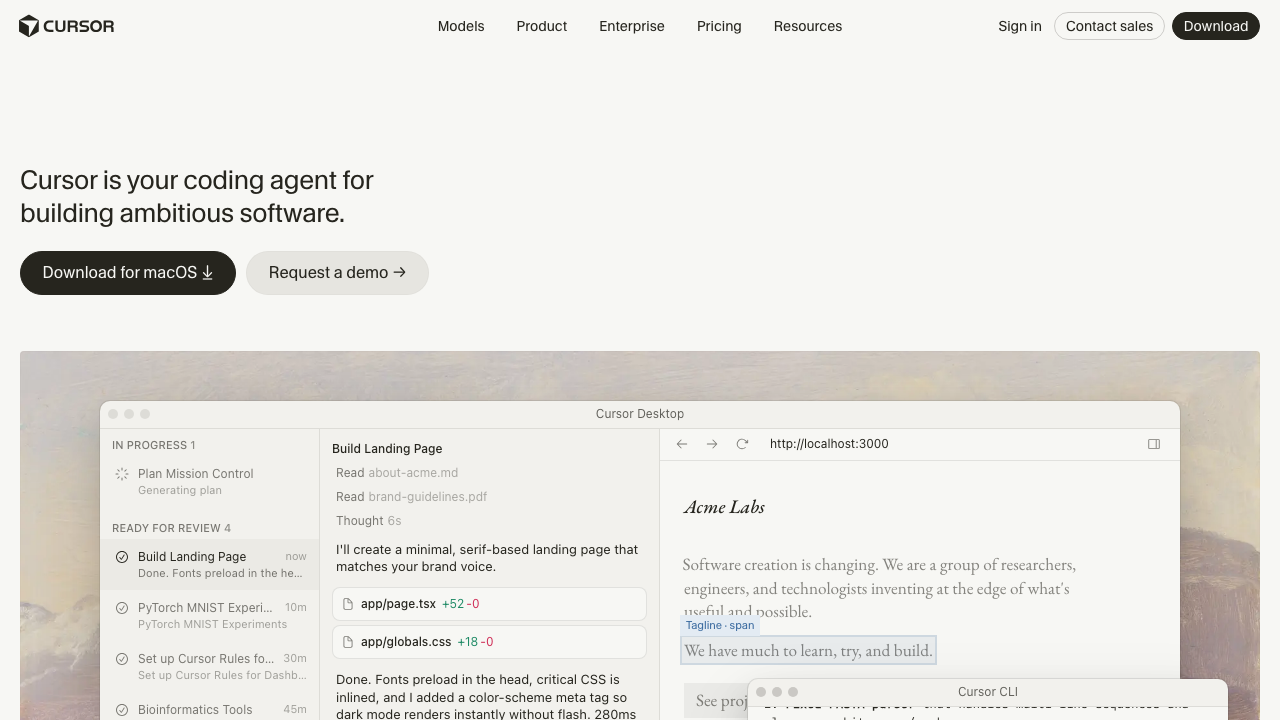
Cursor is a general-purpose AI code editor rather than a documentation product, and it is on this list because it is where a lot of documentation actually gets written now. With the repository indexed, asking it to document a module produces output informed by surrounding code rather than by that file alone, and the editing loop is immediate: you read the draft, fix the wrong sentence and move on in the same window.
Pros
- Repository-wide context produces drafts that reference real neighbouring code rather than describing a file in isolation
- The generate-then-edit loop happens in the editor, which is the only workflow where the human correction pass reliably happens
- No new tool for the team to adopt if they already use it for code, which removes the main adoption cost
- Equally good at updating an existing document as at writing a new one, which is the more common real task
Cons
- Nothing in the tool tracks whether a document it wrote is still accurate, so drift detection is entirely absent
- Quality varies sharply with how much of the relevant context fits into the working set, and the failure is silent
- Not a publishing pipeline, so the site, navigation and versioning are still your problem
- Per-seat cost is hard to attribute to documentation when the tool is bought for coding
Best for: Teams already using an AI editor who want documentation drafted next to the code and corrected in the same pass, with a separate publishing tool underneath.
Pricing: Free tier with limited model usage, then per-seat subscription plans, with heavier usage metered on top.
Claude Code
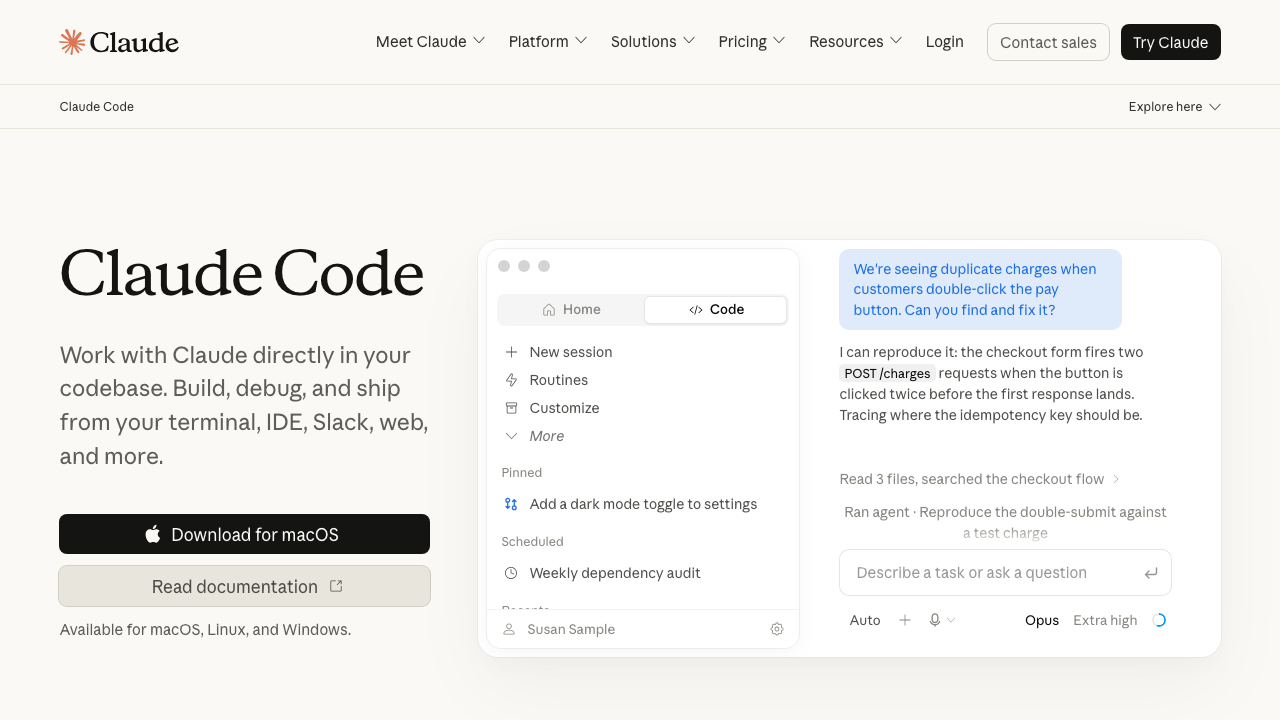
Claude Code is Anthropic’s agentic coding tool, available as a terminal CLI, a desktop application for Mac and Windows, a web application and extensions for VS Code and JetBrains. For documentation work the relevant difference from an editor-based assistant is that it operates across the whole repository as an agent: it can read many files, run commands, follow imports and then write documentation informed by what it actually traced rather than what was in one buffer. Given a project convention file, it will also follow your documentation style without being reminded each time.
Pros
- Agentic exploration across the repository means it can follow a call path before describing it, which is the difference between an accurate architecture document and a plausible one
- Runs as a command, so documentation generation and refresh can be scripted into CI or a scheduled job rather than done by hand
- Project conventions captured in a repository file are applied consistently, which keeps generated drafts in one voice
- Available across terminal, desktop, web and IDE extensions, so it fits whichever workflow the team already has
Cons
- It is a general-purpose coding tool with no documentation-specific features such as coupling, staleness tracking or publishing
- Agentic runs over a large repository consume meaningful model usage, and unbounded documentation sweeps are the easiest way to notice that
- Output still requires the same human correction pass as any generated prose, and the confidence of the writing makes skipping that pass tempting
- The Claude Agent SDK is a separate product, so building a bespoke documentation pipeline is a different piece of work from using the tool interactively
Best for: Teams that want documentation drafted and refreshed by an agent that has actually traced the code, with the refresh step scripted rather than manual.
Pricing: Included with Claude subscription plans, or billed as metered API usage when run against an API key, so cost tracks how much code the agent reads and writes.
How to choose
Answer one question first: which of the four jobs is your actual problem. Nearly every bad purchase in this category comes from skipping it.
Your public API reference is wrong or missing. Use the extractor for your language. TypeDoc, Sphinx or Doxygen, plus an OpenAPI specification if you ship an HTTP API. Add a publishing product like Mintlify if the site itself is the pain. No model is required and introducing one adds risk for no benefit.
Your internal docs are quietly wrong. This is a drift problem, not a writing problem. Swimm is the tool built for it, and ownership plus review expiry is the free version that gets you most of the way. Generating more prose will make this worse.
You have inherited a large codebase with nothing written. Use a general-purpose agent, Claude Code or Cursor, to produce orientation documents: where things live, what calls what, which service owns which concern. Have the humans who will maintain it edit every page before it is published. Resist the instinct to generate a page per file.
You need external developer documentation that looks maintained. Mintlify or Sphinx, depending on whether you want a hosted product or your own pipeline. The generator matters less than the review process attached to it.
Then decide the publishing rule and write it down: no generated page is published without a named human editor recorded on it. That single rule is worth more than the choice of tool.
| Tool | Primary job | Generation | Drift detection | Picks itself when |
|---|---|---|---|---|
| Mintlify | Publishing and API reference | From OpenAPI | Tied to specification accuracy | You publish external developer docs |
| Swimm | Internal docs maintenance | Assisted authoring | Code-coupled, explicit | Internal docs go silently stale |
| Doxygen | Reference extraction | Deterministic | Rebuild only | C or C++ reference is the need |
| TypeDoc | Reference extraction | Deterministic | Rebuild only | TypeScript library or SDK |
| Sphinx | Reference plus authored guides | Deterministic | Cross-reference build failures | You want one toolchain for both |
| DocuWriter | Prose generation | Model-driven | None | A large codebase has nothing written |
| Cursor | General-purpose editor | Model-driven | None | Drafts should be edited in the editor |
| Claude Code | General-purpose agent | Model-driven, repository-wide | None | Refresh should be scripted |
Frequently asked questions
Can AI generate documentation good enough to publish without editing?
For reference material derived from types and signatures, yes, but that is extraction rather than generation and you should use a deterministic tool for it. For prose explaining why code exists, no. The reasoning behind a design decision is usually not present in the source, so a model produces a plausible reconstruction rather than the actual reason, and a plausible wrong reason is more damaging than a missing one because readers act on it. Treat generated prose as a draft with a mandatory human editing pass, and make the editor’s name visible on the page.
How do I stop documentation from going stale?
In order of effectiveness and inversely to effort: give every document an owner and a review date, embed code samples by reference from the source rather than pasting them, couple important documents to the specific code ranges they describe so a change flags them, and require a documentation checkbox on pull requests that change public interfaces. The first item is free and catches the most. Tooling helps with the third, and that is where a product like Swimm earns its place.
Should API reference documentation be generated or written?
Generated, from the types or the API specification, always. Handwritten reference documentation drifts within one release and there is no mechanism to notice. The place for writing is everything the reference cannot say: when to use this endpoint over that one, what the error semantics mean in practice, what the rate limits are and how to back off. Keep the two clearly separated so the generated half can be regenerated without touching the written half. The specification side of this is covered in OpenAPI and Swagger tooling.
Does generating documentation for legacy code actually work?
Partially, and only for the structural parts. An agent can produce an accurate map of a legacy system, which modules exist and what calls what, because those facts are in the code. It cannot recover why the 2014 workaround exists, and it will invent a reason. The workable approach is to generate orientation documents, have whoever is left that knows the system annotate the ten places where the generated explanation is wrong, and accept that those annotations are the valuable part. The broader problem is covered in AI tools for legacy code migration.
Is a documentation site or a knowledge base the right home for this?
Reference documentation belongs in a generated site next to the code, versioned with it. Internal narrative documentation belongs wherever your engineers already look, which is usually not a separate documentation site, and choosing a beautiful tool nobody opens is the most common way to waste this effort. The tradeoffs are worked through in knowledge base tools for engineering teams.
Related reading
- Best AI coding assistants — the general-purpose tools that end up writing most documentation drafts.
- Best API documentation tools — the publishing side, when the output is external developer docs.
- Best OpenAPI and Swagger tooling — where accurate API reference actually comes from.
- Best knowledge base tools for engineering teams — deciding where internal documentation should live.
- Best AI tools for legacy code migration — documenting a system nobody remaining understands.
- Best code search tools — the fastest alternative to documentation for answering where something lives.