Portkey is now Prisma AIRS AI Gateway, part of Palo Alto Networks, and generally available for enterprises. That single fact has put a lot of teams into a re-evaluation they were not planning, and it is worth saying immediately that “re-evaluate” is the right response and “migrate” is not automatically the right conclusion.
Most replacement lists answer a question nobody asked. Finding other gateways was never the hard part. The hard part is that four teams looking at this decision have four incompatible requirements, and a shortlist that satisfies one of them actively fails the others.
One team cannot use a managed gateway at all, because their data is not allowed to leave a network boundary. Another is fine with managed and is reconsidering because the corporate context of the purchase changed. A third has realised they are operating two control planes when they already had a perfectly good one. A fourth is paying for a governance platform when what they use is routing and a spend number.
A team that needs air-gapping and picks a hosted aggregator has solved nothing. A team that only needed routing and picks another governance platform has swapped one over-purchase for another. So work out which one you are before you read a single product block.
Key takeaways
- Self-hosting requirements, the acquisition, control-plane duplication, and over-buying are four different problems with four different answers.
- If your data cannot leave your network, only the self-hostable options qualify, and the list gets short fast.
- The acquisition is a legitimate input in both directions: for some buyers a security vendor behind the gateway is the reason to stay, for others it is roadmap and packaging risk they did not choose.
- Replacing a governance platform with a bare proxy has a real cost. Write down what you give up, because underestimating it is how migrations stall at eighty percent.
Reason one: you need to self-host or air-gap
If your prompts cannot traverse a third party’s infrastructure, this is not a preference and no vendor assurance resolves it. It eliminates most of the category in one step.
The requirement arrives in three shapes. Data residency, where payloads must stay in a jurisdiction the vendor’s regional coverage does not match. Egress control, where a security team maintains an allowlist and will not add a gateway vendor’s endpoints. True air-gapping, where there is no route to the public internet at all, which additionally forces you to self-host the models.
The distinction that matters is between “self-hostable” and “self-hostable including the control plane”. Plenty of products let you run a data plane in your cluster while configuration, keys and analytics live in the vendor’s cloud. That satisfies a residency requirement about payloads and fails an air-gap requirement about connectivity. Ask specifically: with the public internet blocked, does this deploy, configure, authenticate and operate?
The shortlist is LiteLLM, Envoy AI Gateway, Kong AI Gateway self-hosted, TrueFoundry for its bring-your-own-cloud deployment, and Helicone if observability rather than routing is what you are actually replacing.
Be clear-eyed about the cost. You take on a stateless proxy tier, a Redis for shared rate limits and cache, and a Postgres holding keys, budgets, spend and possibly full prompt payloads — plus the uptime of a service every AI feature depends on. The self-hosted gateway operations piece is the detailed version of that bill, and the compliance-driven view covers what auditors ask for.
Needs first-hand data: Test each self-hostable candidate in a network namespace with egress blocked to everything except your own model endpoints. Record what breaks: telemetry pings, licence checks, model-price table refreshes, registry pulls. That list is the real air-gap gap, and it is never in the documentation.
Reason two: the acquisition changed the calculus
Write this reason down honestly, because it is two opposite reasons wearing the same clothes and the correct action differs completely.
For some buyers this is exactly what they wanted. An enterprise security vendor behind the AI gateway simplifies a lot. Security teams already own the vendor relationship, the procurement path exists, AI runtime security stops being a separate purchase, and the answer to “who is accountable if this component is compromised” is a company with an established security practice. If your organisation already buys from Palo Alto Networks, this consolidation is a reason to stay. Some teams evaluating alternatives right now will conclude that, and they will be right.
For others it is a change they did not sign up for. They chose a focused independent vendor whose entire roadmap was the gateway. Under a large platform owner, the reasonable expectation is that priorities align with the platform’s — packaging alongside other security products, feature investment weighted towards security and governance, an enterprise motion. None of that is bad, and none of it is what a team optimising for gateway features specifically selected.
Be precise about what that concern is and is not. It is not a prediction about pricing; I do not know what the pricing will be and neither does anyone writing a list like this. It is not a claim the product will be discontinued. It is the ordinary risk profile of any component whose corporate ownership changes: the roadmap now serves a larger strategy, and packaging decisions are made above the product.
The practical test is one question. Does your requirement live in the direction the product is now heading? If you need deeper AI security, policy enforcement, prompt-injection defence and runtime protection, the answer is yes and you should stay. If what you need is provider coverage, routing sophistication, prompt experimentation and low-friction developer ergonomics, the answer is less clear, and the alternatives worth looking at are the ones whose entire product remains the gateway.
Shortlist for that second case: LiteLLM for an open-source project with no single vendor’s commercial pressure on its core, Envoy AI Gateway if you want the gateway to be foundation-adjacent infrastructure rather than a product, and Kong AI Gateway if you are trading one large vendor for another but want it to be the vendor whose gateway you already run. Note the honest observation about that last option: the concern about buying into a large vendor’s platform applies to Kong too. The difference is whether you already have the relationship.
One thing not to do: pick a small independent vendor because it is independent. This middle layer has been consolidating steadily, and today’s independent vendor is a candidate for the same conversation next year. If independence is your criterion, the durable version is open source you can run yourself, not a startup’s current cap table.
Reason three: you want one gateway of record
This reason surfaces during a security review rather than a budget review, and it is the most under-diagnosed of the four.
The symptom is that someone asks which of our systems can call which external services and who authorised it, and the answer requires two consoles. Your REST traffic is governed by your API gateway, with authentication, authorisation, rate limits, logging destinations, network policy and a service catalogue. Your LLM traffic is governed by a separate product with its own key namespace, policy model, logs and idea of what a team is.
Two control planes is a tax you pay continuously: every access-policy change happens twice, every audit question is answered twice, every incident starts by working out which layer to look at, and the two disagree about identity in some subtle way you discover at the worst time.
The case strengthens as agent traffic grows. When agents call MCP servers, MCP servers call internal APIs, and agents call other agents, the traffic graph starts to look like a service-mesh problem, and it gets hard to argue that the component governing service traffic should not govern this too.
Shortlist: Kong AI Gateway if Kong is already your gateway, since it now frames itself around governing LLM, MCP and agent-to-agent traffic through one control plane; Envoy AI Gateway if Envoy is your data plane and you want LLM routing expressed as Kubernetes resources alongside the rest of your ingress.
What you give up is depth. A gateway whose entire product is LLM traffic ships model-specific features first: newer providers, richer prompt management, finer cost attribution. That is usually the right trade in an organisation with a real audit function and usually the wrong one in a small team shipping fast.
Reason four: you only needed routing and spend visibility
Look at what your team actually uses, not what is available. A surprising number of gateway deployments use three features: one endpoint for many models, a fallback when a provider fails, and a dashboard someone checks monthly.
If that is you, you are paying for a governance platform to act as a proxy, and the honest reckoning is not “find a cheaper platform” but “buy the thing you use”. The lighter end of the category is a genuinely different product shape: adopt with a base-URL change, get routing, fallback, caching, rate limits and a spend number, stop there.
Shortlist: Cloudflare AI Gateway if you are already on Cloudflare, Vercel AI Gateway if your application deploys on Vercel, OpenRouter if what you want is breadth of model access with billing aggregated, and Helicone if the feature you truly rely on is per-request visibility.
The tell that you are in this segment: nobody on your team can name the governance features you have enabled. If SSO, role hierarchies, audit export and guardrail policies are configured and used, you are not in this segment and downgrading will hurt.
Needs first-hand data: Pull a month of gateway audit and usage logs and count distinct features exercised — routing decisions taken, fallbacks fired, guardrails triggered, budget enforcements hit, prompt versions served, audit exports run. Most teams find two or three features carry all the value, and that count decides their segment.
Spend visibility is worth separating from the gateway question entirely. Cost attribution across models, teams and features is its own tooling category, and a thin gateway plus a dedicated cost tool often beats a platform that does both moderately well — the LLM cost tracking options cover that split. The cost-shock dynamic is the same one that drives observability migrations, which the Datadog alternatives piece works through in a category with more history.
OpenAI-compatibility: the standard that makes migration possible, not a product
Every option below advertises an OpenAI-compatible endpoint, and that is the single reason a gateway migration is tractable. It is a specification, not something you choose or buy.
The OpenAI request and response shape — a messages array, tool definitions, an SSE stream of deltas at a /v1/chat/completions-style path — became the de facto wire format for model calls. Because every gateway here presents that same front door, swapping one for another is mostly a base-URL and key change rather than a rewrite.
What it gives you
- Migration between gateways is a configuration change in your application, not a code change per call site
- You can run two gateways side by side and shadow traffic to compare them honestly
- Your investment in application-level code survives the gateway decision entirely
- Self-hosted inference servers present the same interface, so one client covers hosted and local models
What it does not do
- Compatibility is partial. Provider-specific parameters, reasoning controls, cache hints, safety settings and multimodal payloads are handled differently by each gateway, and those differences are where a migration actually breaks
- It does not carry your configuration. Routing rules, fallback chains, key hierarchies, budgets, guardrail policies and prompt templates are vendor-shaped and move by hand
- It does not carry your history. Request logs, traces and spend records rarely export into a competitor’s schema in usable form
- It says nothing about authentication, tenancy, audit or quotas — which is the entire substance of what a gateway sells
Read that second list as the migration plan. Endpoint compatibility is the easy eighty percent; configuration and history are the part that takes weeks.
What you would be giving up
A migration that trades a governance platform for a bare proxy has a cost, and pretending otherwise is how a migration stalls with two gateways running in parallel and nobody willing to finish.
Prompt management with versioning. A platform that stores prompts as versioned artifacts, lets you change one without a deploy, and records which version served which request is doing real work. On a bare proxy, prompts live in your codebase and change with a release — a workflow some teams prefer, and a change your prompt authors will feel immediately. The prompt management category exists because this is a real gap to fill.
Guardrails as configuration. PII detection, injection heuristics, topic restriction and schema validation configured centrally and applied to every route are worth more than the same logic scattered across services. Replacing them means a dedicated guardrails tool or code in every call site, and the second option decays.
Access control and audit on the gateway itself. Who can create a virtual key, raise a budget, or read prompt contents in logs — plus a record of who changed which configuration when. On lighter tools this is often a single account with a shared key, which is a finding waiting to happen, and the configuration audit trail is the thing teams miss most, usually during a security review three months after the migration.
Budget enforcement, not just budget reporting. A dashboard showing overspend is not a gateway refusing the request that caused it. Check which one your replacement does, because “cost visibility” is used for both.
Unified request-level observability, and someone on the hook. One place showing the request, resolved model, tokens, latency, cost, guardrail verdict and retry history for a single call — assembling that from access logs plus a separate tracing tool is a project. And with a managed platform, somebody answers the phone when it breaks and the security questionnaire already has answers. Self-hosting makes your team both the support tier and the compliance evidence.
The honest framing: for each of those five, decide whether you use it, whether you would replace it, and who does that work. If more than two come back as “we use it and have no replacement plan”, you are not ready to migrate and the next step is a conversation with your current vendor rather than a proof of concept.
LiteLLM
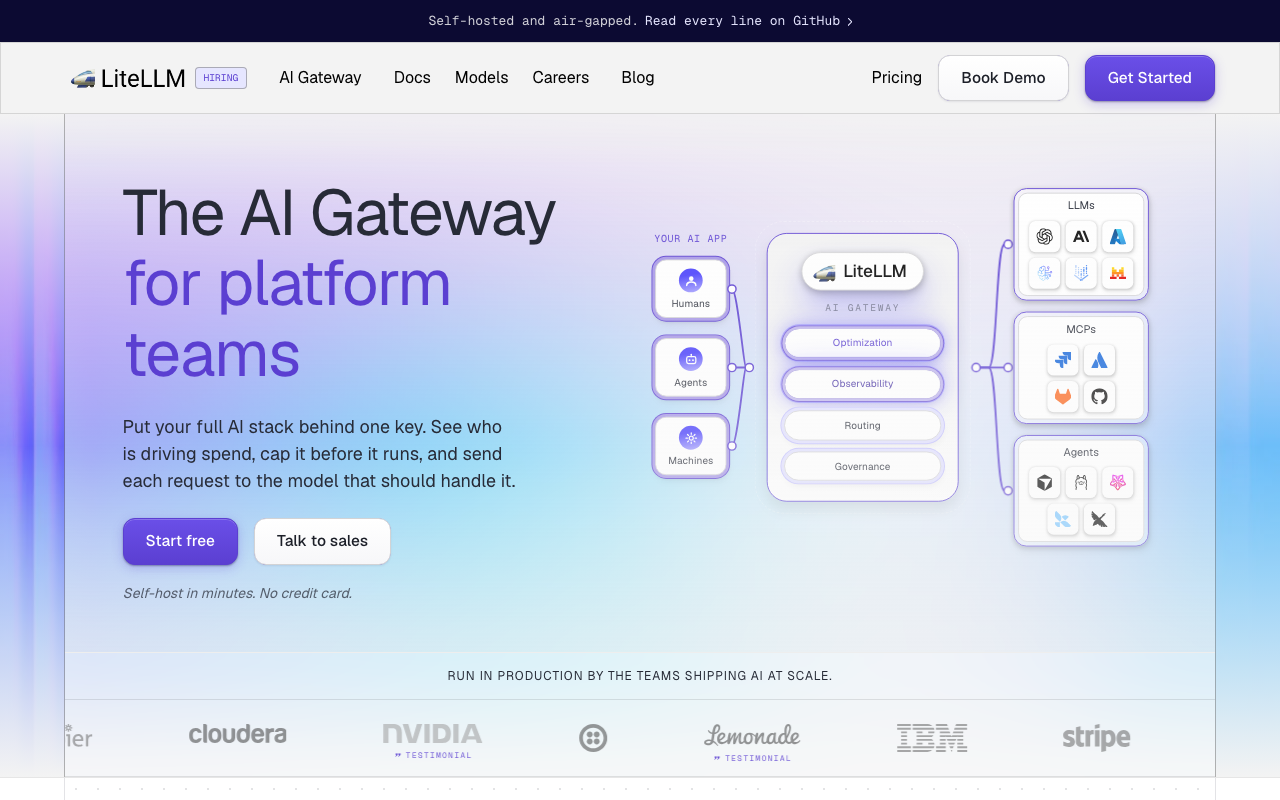
LiteLLM is a library that grew into a proxy: a Python package normalising a very long list of provider APIs to the OpenAI call shape, wrapped in a proxy server with virtual keys, team budgets, spend tracking, caching, rate limits and an admin UI. It is the strongest answer for reasons one and two — self-hosted is its native mode and the core is open source, so there is no vendor in the data path and no corporate owner whose strategy determines the roadmap of the thing in your request path.
Pros
- Broadest provider and model coverage in the category, which is what you want in front of a market that adds endpoints constantly
- Self-host-first, with keys, budgets, spend tracking and the admin UI in the open-source proxy
- Config is YAML in version control, so routing and fallback chains are reviewable rather than console state
- Treats a self-hosted inference server as just another provider, which makes the air-gapped shape achievable
Cons
- You inherit three components — proxy, Redis, Postgres — and the uptime of a service every AI feature depends on
- Python in the request path means concurrency and worker sizing under high request rates and many long-lived streams is your tuning problem
- The governance features that make an enterprise security review easy sit behind a paid tier, so the open-source build is not a like-for-like replacement
- Fast release cadence, so pinning versions and reading release notes becomes ongoing work
Best for: Teams with a named platform owner who need data control or air-gapping and want the widest provider coverage, accepting that the gateway’s uptime is now theirs.
Pricing: Open source with no licence cost for the core proxy plus a paid enterprise tier for advanced governance and support; the self-hosted cost is infrastructure plus operator time.
Kong AI Gateway
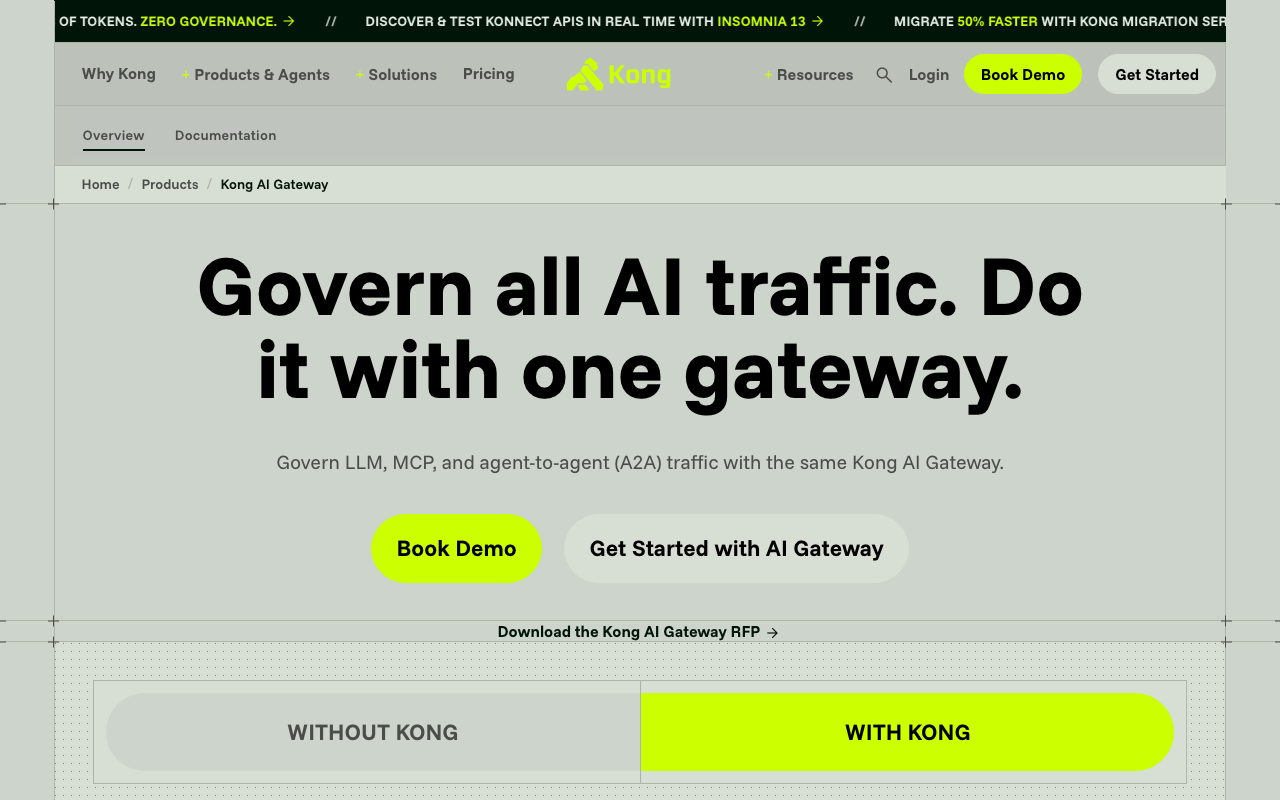
Kong AI Gateway is Kong Gateway plus a family of AI plugins, and it is the direct answer to reason three: one gateway of record instead of two control planes. Its product framing covers LLM, MCP and agent-to-agent traffic through the same gateway, the clearest position anyone has taken on where agent governance belongs. Every plugin you run for authentication, authorisation, logging and rate limiting applies to model routes unchanged, and it deploys self-hosted, which makes it a candidate for reason one too.
Pros
- One policy layer and one team for REST, LLM, MCP and agent traffic, an organisational win before a technical one
- Self-hostable, including a DB-less declarative mode that removes a stateful component entirely
- Existing authentication, rate-limiting and logging plugins apply to LLM routes, so governance is not rebuilt in a second system
- Positioned for the agent-traffic problem rather than only the model-call problem
Cons
- The advantage is conditional on already running Kong; adopting it for LLM traffic alone is a lot of gateway for a narrow job
- The open-source and enterprise split across the AI plugin set must be verified early, because an open-source evaluation may not match what you ship
- LLM-specific depth — provider coverage, prompt management, cost attribution — trails the specialists
- Trading one large vendor for another, which addresses the roadmap concern only if the Kong relationship already exists
Best for: Platform teams already running Kong who want to collapse two control planes into one and are heading towards agent and MCP traffic they must govern.
Pricing: Open-source gateway with no licence cost plus an enterprise subscription for the advanced plugin set and managed control plane.
Cloudflare AI Gateway
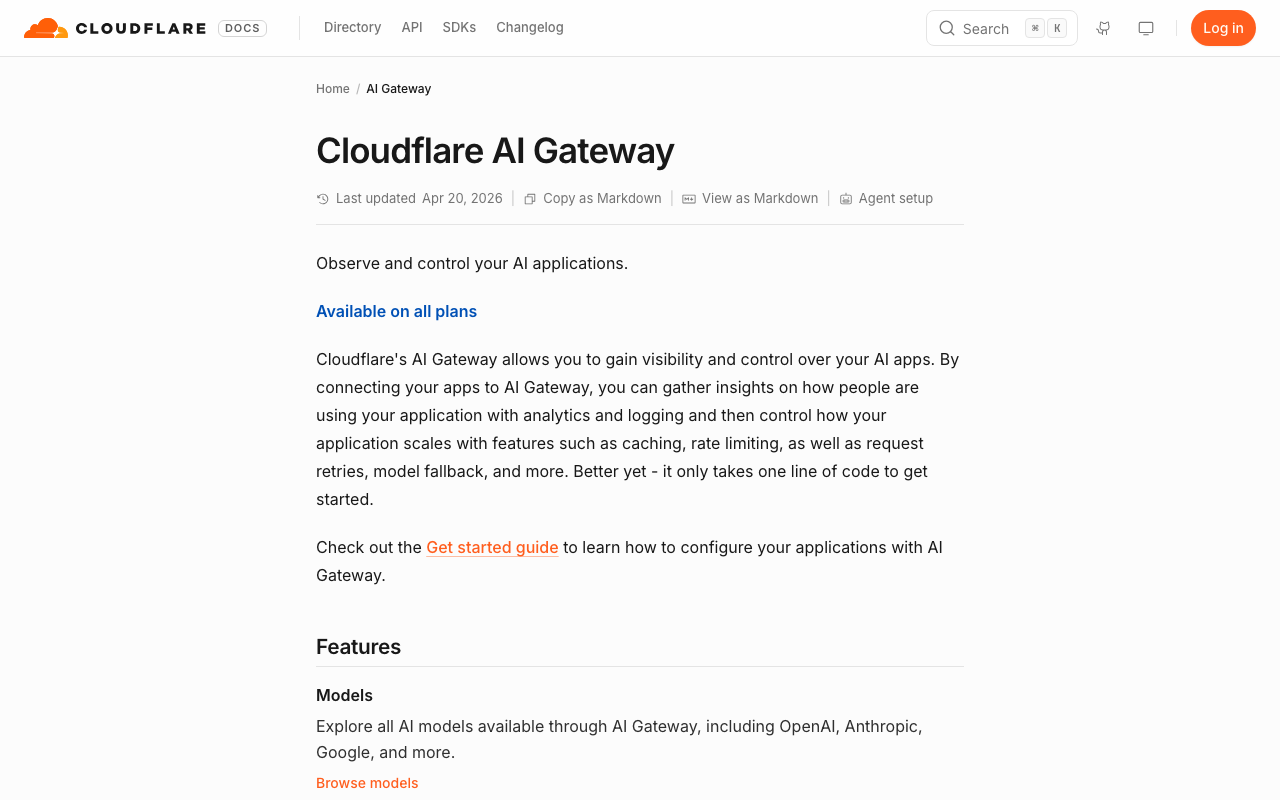
Cloudflare AI Gateway is the clean answer to reason four for anyone already on Cloudflare. It sits on the edge network, you adopt it by changing a base URL, and you get caching, rate limiting, retries and fallback, request logging, analytics and cost visibility without operating anything. Because it runs at the edge rather than in one cluster, the added hop is close to the caller rather than a region round trip.
Pros
- Adoption is a base-URL change with no infrastructure to run, the shortest path off a platform you are over-buying
- Edge placement means the extra hop does not add a cross-region round trip
- Usually a configuration change inside a platform you already have rather than a new vendor and a new security review
- Caching, rate limiting, retries and analytics cover the features most teams actually use
Cons
- Managed only, with no self-hosted or air-gapped path, so it fails reason one completely
- Governance depth is well short of an enterprise gateway: team hierarchies, granular RBAC, prompt versioning and audit trails are not the product
- Consolidates another dependency onto one platform vendor, which is the same concentration concern in different clothes
- Deepest value assumes you are already a Cloudflare customer
Best for: Teams already on Cloudflare whose real requirements are one endpoint, fallback, caching and a cost number, with no self-hosting constraint.
Pricing: Usage-based within the Cloudflare developer platform, metered on gateway traffic and logging rather than sold as an enterprise gateway licence.
OpenRouter
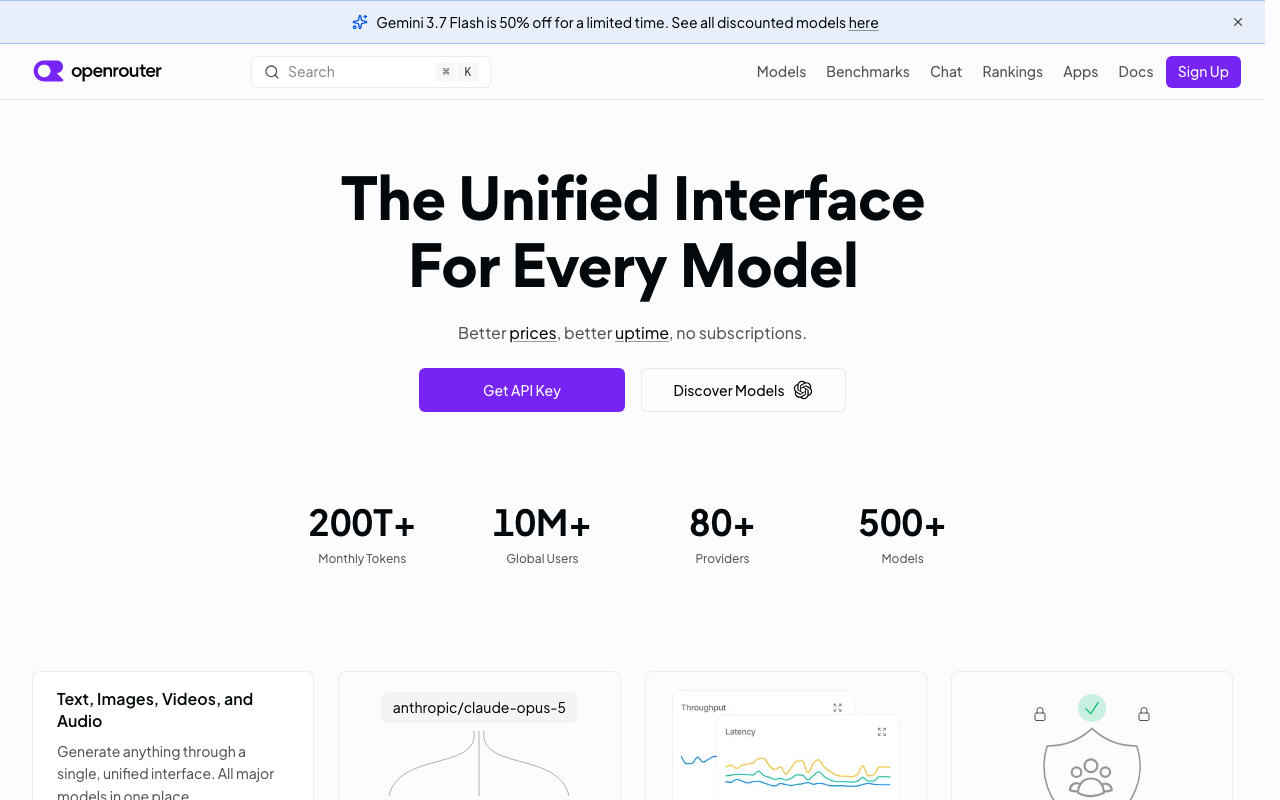
OpenRouter solves a different problem from every other option here, and it is important not to mistake it for a governance replacement. It is a hosted aggregator: one API, one key and one bill across a very large catalogue of models and the providers serving them, with routing across those providers for availability and price and automatic failover between them. If your Portkey usage was fundamentally “give me access to many models without signing many contracts”, this is a more direct expression of that.
Pros
- The widest practical model access from a single integration and a single commercial relationship
- Routing across multiple providers serving the same model gives real availability benefit a single-provider fallback cannot
- Billing aggregation removes genuine procurement burden: one payment relationship instead of many
- Effectively zero adoption cost — an endpoint, a key, and you are running
Cons
- Hosted only, so it is disqualified for any residency or air-gap requirement, and every prompt traverses a third party
- Not a governance product: team hierarchies, RBAC, audit trails, guardrail policy and prompt management are not what it does
- Adds a commercial intermediary between you and the providers, which affects negotiated rates, enterprise terms and data-processing agreements
- Provider-level variation behind a single model name means behaviour and latency can differ between requests in ways you do not control
Best for: Teams whose actual requirement is broad model access and consolidated billing, with governance handled elsewhere or not yet needed.
Pricing: Usage-based on tokens through a credit model, with the intermediary’s margin embedded in the per-model rate rather than charged as a separate platform fee.
Helicone
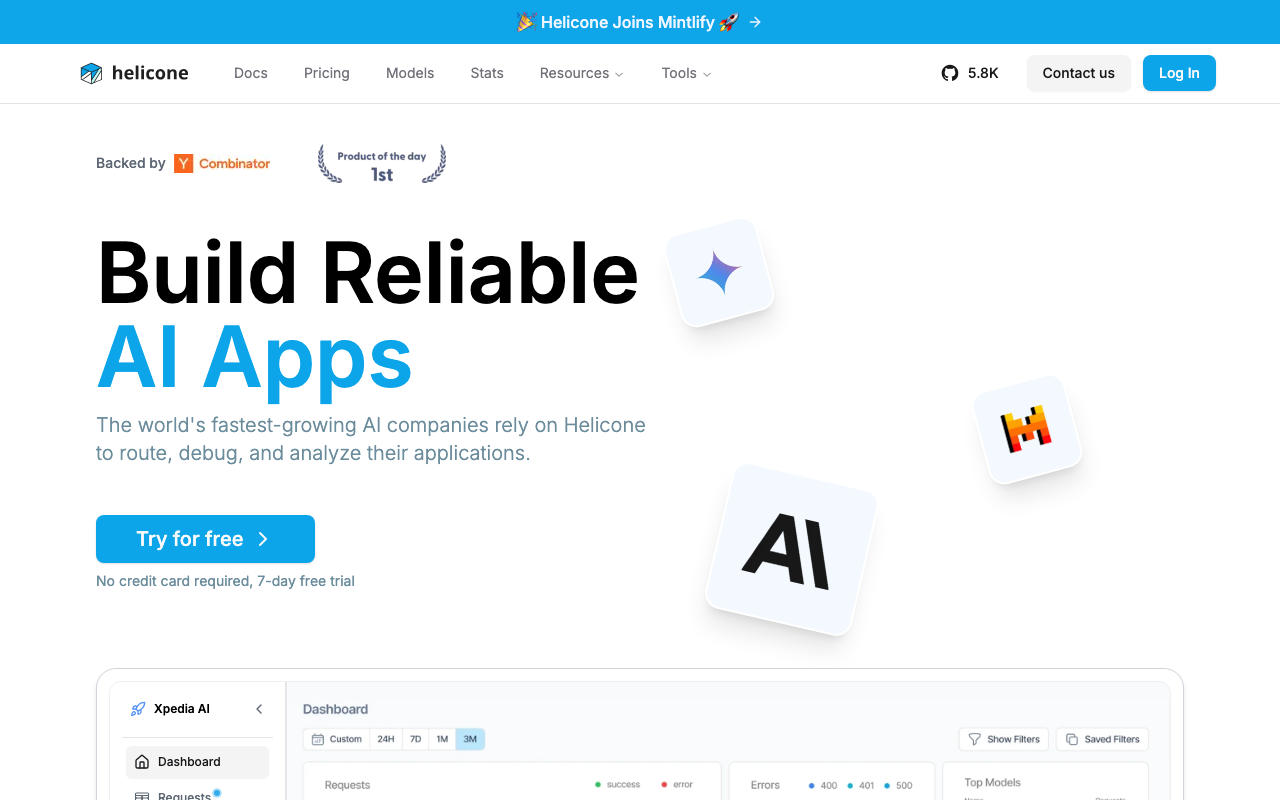
Helicone approaches the request path from the observability side: adopt it with a base-URL change and get per-request logging, tracing, caching, rate limiting and cost attribution. It matters for two reasons at once — it is self-hostable, and for teams whose only genuinely used Portkey feature was request-level visibility it is a closer match than another governance platform. Helicone has announced it is joining Mintlify, worth weighing exactly as you are weighing the Portkey situation.
Pros
- Observability depth is the product rather than a side feature, so prompt-level debugging and cost attribution are strong
- Self-hostable, which keeps the prompts it is designed to capture inside your own network
- Very low adoption and removal cost, which makes it a safe intermediate step during a migration
- Open source core, so the independence concern is addressed by the licence rather than by a vendor’s ownership
Cons
- Routing, fallback and multi-provider load balancing are not its centre of gravity, so as a gateway replacement it does less
- The full self-hosted deployment is several stateful services including a columnar analytics store, heavier than proxy plus Postgres plus Redis
- Its corporate home is changing, so if roadmap stability under a new owner is your stated reason for leaving Portkey, apply the same test here
- Governance features — RBAC depth, budget enforcement, audit trails — are thinner than an enterprise gateway’s
Best for: Teams whose real requirement is per-request LLM visibility and prompt debugging, ideally inside their own infrastructure, with routing secondary.
Pricing: Open source and self-hostable with no licence cost, alongside a usage-based managed tier metered on logged requests.
TrueFoundry
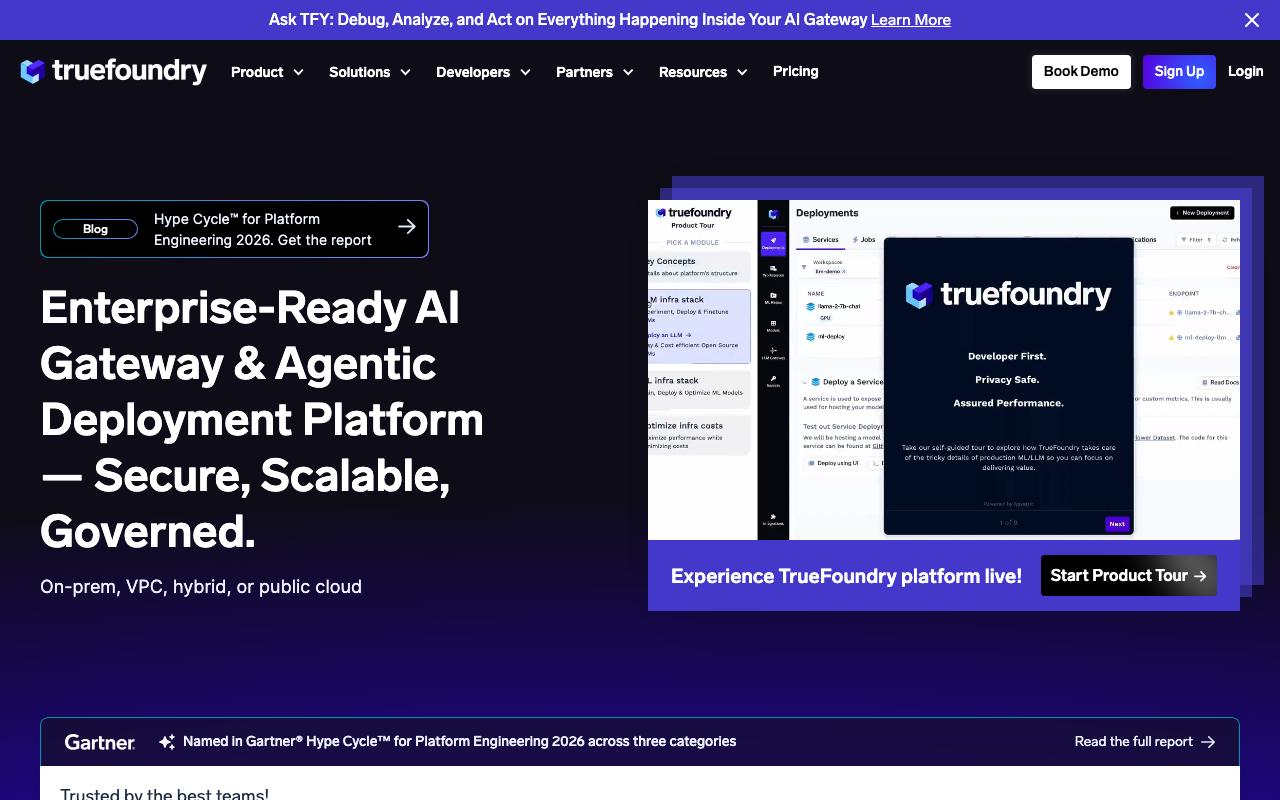
TrueFoundry is the option when reason one and the governance requirements collide — when you need the enterprise surface you have from Portkey but the deployment has to be inside your own perimeter. Its control plane and data plane can run in your own Kubernetes cluster and VPC, and alongside the gateway it handles model deployment and serving, so it covers both governing access to models and running them without a second vendor inside the boundary.
Pros
- Bring-your-own-cloud deployment satisfies data residency and the enterprise governance requirement with the same product
- Covers serving as well as gateway routing, which reduces vendor count inside a controlled perimeter
- Enterprise-shaped on what blocks procurement — SSO, role-based access, audit trails, per-team budgets — rather than assembled
Cons
- Substantially more platform than a team replacing a gateway usually wants, with a matching learning curve
- Commercial with a sales-led motion, so evaluation is a conversation, and you are again dependent on one vendor’s roadmap
- Breadth means one vendor’s opinions across serving, routing and governance instead of pieces you can replace individually
Best for: Enterprises that need Portkey-level governance with the whole deployment inside their own VPC, and that also run their own models.
Pricing: Commercial, sold on enterprise agreements rather than a public list price, with infrastructure on your own cloud account billed separately.
Envoy AI Gateway
Envoy AI Gateway suits teams whose reason is a mix of one, two and three: open source, self-hosted, foundation-adjacent rather than a single vendor’s product, and it makes LLM routing a data-plane concern on Envoy rather than a separate service. It adds provider routing, upstream credential injection and token-aware rate limiting on top of Envoy Proxy and the Kubernetes Gateway API, configured with custom resources reviewed like the rest of your ingress.
Pros
- The data plane is Envoy, so streaming, connection pooling, timeouts and observability behave the way your platform team expects
- No vendor control plane to trust, operate or worry about the roadmap of, which addresses the acquisition concern structurally
- Kubernetes-native declarative configuration, so LLM routing sits alongside the rest of your traffic policy
- Token-based rate limiting rather than request counting, the correct unit for model traffic
Cons
- No dashboard for spend, usage or prompt inspection — everything a platform gave you in a UI becomes metrics, logs and your own assembly work
- Assumes Kubernetes and real Envoy fluency, a steep first fortnight for a team that just wanted a gateway
- Furthest of any option here from a like-for-like governance replacement; team hierarchies, budget workflows and prompt-level audit UI are not the shape of the project
Best for: Platform teams already running Envoy or Envoy Gateway who want LLM routing as infrastructure they control, with no vendor in the control plane.
Pricing: Open source with no licence cost; the cost is cluster capacity plus platform engineering time to own the configuration and build the reporting yourself.
Vercel AI Gateway
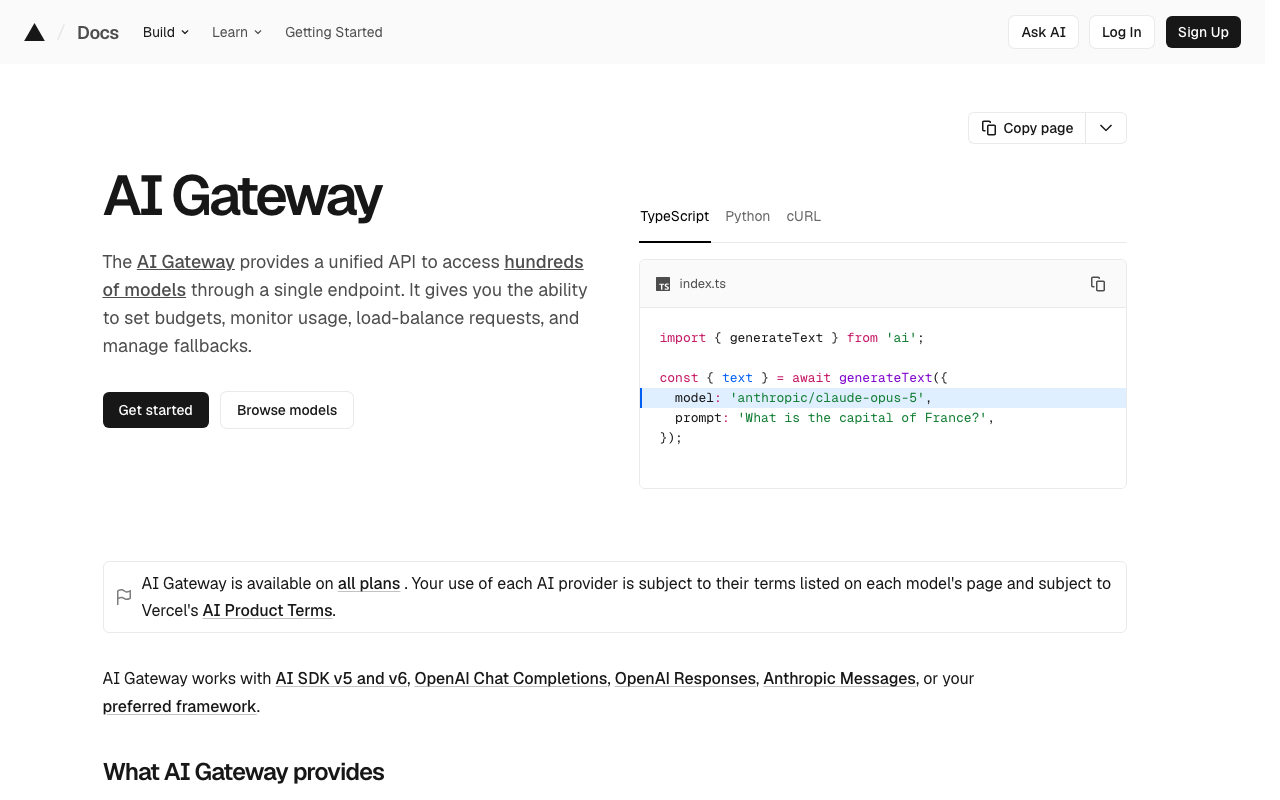
Vercel AI Gateway is the reason-four option for teams whose application already lives on Vercel. One endpoint and one key across many models, spend limits, provider failover and usage observability, integrated with the framework and SDK the team already uses. Like the Cloudflare option, its appeal is being a configuration change inside a platform you already pay for rather than a new vendor relationship.
Pros
- Effectively zero integration cost for a team already building on Vercel, with the gateway wired into the SDK they call models through
- One key across many models removes provider account sprawl without a procurement project
- Spend limits and usage visibility cover the cost-control need most teams actually exercise
- No infrastructure to operate and no second control plane to learn
Cons
- Managed only, with no self-hosted path, so it fails any residency or air-gap requirement outright
- Governance is thin against an enterprise gateway: RBAC depth, audit trails, guardrail policy and prompt versioning are not the product
- Tightly coupled to the Vercel platform, so value drops sharply if your services run elsewhere
- Aimed at application developers rather than platform teams, which shows in multi-team administration
Best for: Product teams already deploying on Vercel whose requirements are one endpoint, failover and a spend ceiling, with no self-hosting constraint.
Pricing: Usage-based on model tokens routed through the gateway within the Vercel platform, rather than an enterprise gateway licence.
How to choose
Do not shortlist anything until you have named your reason. Then read across one row.
| Your reason for leaving | What actually qualifies | Where to start |
|---|---|---|
| Must self-host or air-gap | Self-hostable including the control plane, no phone-home dependencies | LiteLLM, Envoy AI Gateway, Kong self-hosted, TrueFoundry, Helicone |
| The acquisition changed the calculus | Open source you can run, or a vendor relationship you already have | LiteLLM, Envoy AI Gateway, Kong AI Gateway |
| Want one gateway of record | LLM traffic as a plugin or route on your existing gateway | Kong AI Gateway, Envoy AI Gateway |
| Only needed routing and spend visibility | A thin managed proxy inside a platform you already use | Cloudflare AI Gateway, Vercel AI Gateway, OpenRouter, Helicone |
Then run this over two to three weeks.
- Count the features you actually exercise. A month of usage or audit logs, one line per feature, with a count. This decides your segment and it frequently contradicts what the team believes.
- Write the giving-up list, marking each item “do not use”, “use and have a replacement”, or “use and have no plan”. More than two in the last bucket means stop.
- Test the hard constraint first, not the features. If air-gapping is the reason, block egress and see what breaks before you look at a dashboard. If one control plane is the reason, try to express your real access policy in the candidate’s model before anything else.
- Shadow real traffic through the top two. Everything here speaks the same request format, so you can copy production traffic to a candidate without changing behaviour. Compare time-to-first-token, not average latency.
- Force a provider failure and watch the fallback, the retry behaviour and what a streaming client sees. Then have the person who answers security reviews answer one real question from the candidate’s audit surface — if they cannot, you have found the gap that will stall the migration.
- Run both gateways in parallel with a defined end date. Migrations that stall are migrations without a date on the decommission.
The full category is mapped in the AI gateway hub, and the head-to-head with the two most common replacements is in LiteLLM vs Portkey vs Kong AI Gateway.
Frequently asked questions
Should I leave just because of the acquisition?
No, not on its own. Run the direction test: if your requirements are AI security, policy enforcement and governance, the product is now owned by a company whose whole business is that, and staying is the low-risk choice. If your requirements are provider coverage, routing sophistication and developer ergonomics, the concern is that those are no longer the centre of the roadmap, and that is a reasonable basis for re-evaluation.
What is the fastest migration off a managed gateway?
Change the base URL to a candidate that speaks the same request format, shadow a fraction of traffic, compare. That takes a day. The weeks go into re-expressing configuration — routing rules, virtual keys, budgets, guardrail policies, prompt templates — none of which exports cleanly, and into deciding what to do with request history that will not come with you.
Can I keep the current gateway for some traffic?
Yes, and for a large estate it is often the sensible end state rather than a transitional hack. Keep the governance-heavy platform for regulated or customer-facing workloads that need guardrails and audit, and route internal batch and experimentation traffic through something thinner. The requirement is that the split is deliberate and documented.
Do any of the alternatives replace prompt management?
Not really, in this list. Prompt versioning with a record of which version served which request is a distinct capability, and the thin proxies do not have it. Your options are a dedicated prompt platform, or moving prompts into your codebase and treating them as code with reviews and releases. The second is a perfectly good answer and a workflow change rather than a feature swap.
Is self-hosting actually cheaper?
The licence is cheaper and the total often is not. You are adding a stateful critical-path service, its Redis, its Postgres, its upgrades and its on-call. At small scale a managed gateway usually wins on total cost. Self-hosting wins where data control is a hard requirement, where volume is large enough that usage-based metering dominates, or where you already have a platform team with capacity.
Related reading
- Best AI gateways — the full category map, including options none of these reasons point at.
- LiteLLM vs Portkey vs Kong AI Gateway — the three architectural bets, compared directly.
- Best self-hosted LLM gateways — what the self-hosted path costs to operate, in detail.
- Best AI gateways for enterprise — the governance surface you would be replacing, itemised.
- Best open source AI gateways — licence models and what each project keeps behind an enterprise tier.
- Best LLM cost tracking tools — if spend visibility is the feature you are really buying, buy it directly.