There is a specific kind of exhaustion that only hits teams spread across many timezones. It is not the early call or the late one. It is the discovery, at 09:00 your time, that a decision you needed was made nine hours ago in a thread you were asleep for, by people who did not realise they were deciding anything, and that reversing it now would cost more than living with it.
That is the actual problem in distributed engineering. Not that people cannot talk. Slack works fine. The problem is decision latency and decision opacity: how many working days it takes to resolve a question that spans two timezones, and whether the people outside the overlap window can see how the answer was reached.
Most writing about async tools targets a team with four hours of overlap where everyone speaks at roughly the same time of day. That team has a mild scheduling inconvenience. The team that actually needs help is the one where two engineers share zero working hours, where a clarifying question costs a full day, and where a badly worded message costs two.
I will say the conclusion up front so the rest can be read against it. The most valuable thing on this list is not a product. It is a written decision log in a repository, reviewed like code. Every tool below is a way of making conversation cheaper. Only the log makes the conclusions durable, and conclusions are what the person waking up eight hours later actually needs.
Key takeaways
- The metric that matters is decision latency: working days from question raised to answer visible to everyone affected. Optimise for that, not for response time.
- Video is excellent for showing and explaining, and terrible for finding. Never let a decision exist only inside a recording.
- Chat is a poor decision medium because the conclusion is indistinguishable from the discussion around it. Something has to lift the outcome out.
- A written decision log in a repository, reviewed like code, outperforms every product here, and works for the person who joins in eighteen months.
Timezone spread is a different problem from remote work
Distributed teams are not one category. There are three, and they need different things.
Same timezone, different places. Everyone works the same hours. This is remote work, not async work, and ordinary chat plus video calls covers it. Most async advice is written for this group and it is mostly unnecessary for them.
Partial overlap, two to four hours. The overlap window becomes the scarcest resource in the organisation, and it gets consumed by standups and status meetings, which are the two things least deserving of it. The fix is largely policy: protect the overlap for things that genuinely need synchronous interaction, which means decisions with disagreement, design discussions with unknowns, and difficult feedback. Everything else moves to writing.
No meaningful overlap. This is the hard case and the one this article is for. Every round trip costs a working day. A question, a clarification, and an answer is three days. Nobody meets. Onboarding a new engineer happens entirely through artefacts. Traditional management, which runs on frequent short conversations, simply stops functioning.
For that third group, a few mechanics matter more than any tool:
Decision latency is the metric. Working days from question raised to answer recorded where everyone affected can see it. Measure it on real questions. Most teams discover it is three to five days for things that feel small, and that the majority of the elapsed time is round trips over ambiguity rather than actual thinking.
Write to eliminate round trips. The single most useful skill on a zero-overlap team is writing a message that cannot produce a clarifying question. That means stating the context, the options considered, the recommendation, what you will do if nobody responds, and by when. The default-action clause is the important one: “I will proceed with option B on Thursday unless someone objects” converts a blocking question into a non-blocking one, which is the difference between one day and four.
Write handoffs, not status. At the end of your day, what you finished, what is half-done and where the sharp edges are, what you are blocked on and who can unblock it. This is the highest-value written artefact in a follow-the-sun team and it takes five minutes.
Give every decision an owner and a deadline. Without those, an async discussion expands until someone gets frustrated and calls a meeting nobody can attend. With them, silence becomes consent and work continues.
Needs first-hand data: Take ten decisions from the last quarter and measure the working days from the question first being raised to the answer being visible in writing to everyone affected. Then categorise the delay: waiting for a person, waiting for clarification of an ambiguous message, or actual deliberation. On most zero-overlap teams the ambiguity category dominates, and that is a writing problem, not a tooling problem.
Screen recording and code walkthroughs: what video is good and bad at
Video is the tool distributed teams reach for first and misuse most.
What it genuinely does better than writing. Showing something on screen. A UI bug where the description takes four paragraphs and the recording takes twenty seconds. A reproduction of a flaky behaviour. A walkthrough of an unfamiliar subsystem where the value is in the navigation, watching someone move through the code in the order that makes it make sense. Tone, which matters more than people admit for feedback that could be read as harsh. And a demo, where the point is that the thing works.
What it is bad at. Everything to do with retrieval. You cannot skim a video. You cannot search inside it without a transcript, and transcripts of technical content mangle identifiers and command names. You cannot quote from it in a pull request. You cannot diff it when the system changes, so a walkthrough recorded today describes a system that will not exist in a year, with no indication of that on the recording. And you cannot consume it faster than the speaker spoke, which for a twenty-minute recording watched by six people is two hours of team time spent to save one person fifteen minutes of writing.
The rule I would apply. Video may explain a decision. It may not contain one. If the recording is where the conclusion lives, the conclusion is lost, because nobody will find it and the person who joins next year will not know it exists. Record the walkthrough, then write three lines saying what was decided and link the recording as background.
For code walkthroughs specifically, there are three options and the choice is usually made badly:
- A recording suits explaining existing code to someone who will watch it once, and suits a large architectural orientation where the navigation is the content.
- A live pair session suits debugging something neither person understands, where the interaction is the point and no recording would capture it. This needs overlap, which zero-overlap teams do not have, and is worth burning a weekend hour for occasionally when it genuinely unblocks someone.
- An annotated pull request beats both for reviewable changes. Comments on specific lines, in the diff, permanently attached to the code, searchable, and visible to the next person who touches it. Most requests for a walkthrough are better served by the author leaving a few well-placed comments explaining the non-obvious parts.
The written decision log beats every tool here
Here is the argument, and I would rather make it plainly than bury it under product blocks.
Every tool below optimises conversation. Chat makes messages fast. Video makes explanation rich. Threaded tools make discussion organised. None of them produce the artefact a distributed team actually needs, which is a durable, findable statement of what was decided and why, readable by someone who was not there and did not have the context.
Conversation is ephemeral by design, and that is fine for conversation. The failure is when the only record of a decision is the conversation that produced it. Six months later someone asks why the service retries three times instead of five, and the honest answer is that there was a discussion in a channel that is now beyond retention, involving two people who have left, and nobody can reconstruct it. So the team either re-decides, badly, or preserves the behaviour out of fear.
What a decision log is. A directory in a repository. One markdown file per decision. Each file contains the context, the options considered, the decision, and the consequences. It gets added in a pull request, which means it gets reviewed, which means the review is where the disagreement surfaces. Decisions are immutable once merged. Changing your mind means a new record that supersedes the old one, which preserves the history of why you thought what you thought.
Why it works specifically for timezone-spread teams:
- The pull request is an async discussion with a decision point built in. Comment, revise, approve. It has an owner, a state, and a definite end, which is exactly what chat discussions lack.
- It is findable. Grep works. The forge’s search works. Your AI assistant reading the repository works.
- It survives the participants. Eighteen months later, a new engineer reads the reasoning rather than inheriting the conclusion as folklore.
- It forces the writing that removes round trips. Writing the options down is where you discover that two people meant different things by the same word, which is the source of most multi-day async delays.
- It costs nothing and there is no vendor. No seat count, no migration risk, no retention policy.
Why teams do not do it. It feels heavyweight, and the first few records get written too long. The fix is a ruthless template: one page maximum, five headings, and a rule that a decision worth a record is one that would be expensive to reverse or that someone will ask about later. Not every choice needs one. If you are writing more than a couple a fortnight, the bar is too low.
Where it fails. It does not help with the decision nobody realised they were making, which is the most common kind. That one is a habit: when a chat thread produces a conclusion, someone has to say “this is a decision, I will write it up”. Somebody has to own noticing, and that is culture rather than software. It also does not cover decisions outside engineering, where a repository is the wrong home, and those belong in the knowledge base instead, as covered in knowledge base tools for engineering teams.
Needs first-hand data: Pick five architectural behaviours in your system that people ask about repeatedly, such as a retry policy, a timeout value, a data retention choice. For each, try to find the original reasoning. Count how many you can reconstruct from written records versus how many rely on one person remembering. That ratio is the case for a decision log, and it is usually worse than anyone expects.
Loom
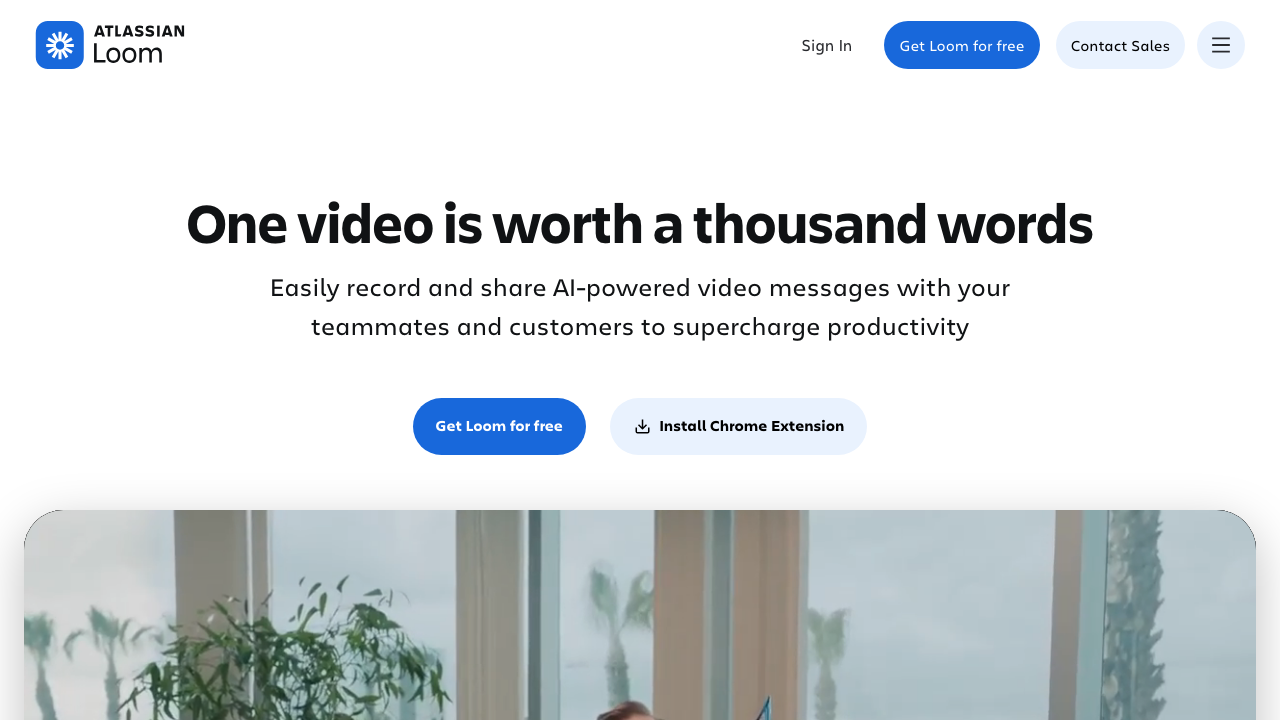
Loom records your screen and camera into a shareable link with a transcript, and it is the default answer for asynchronous show-and-tell. Its value is the friction it removes: recording and sharing is a few seconds of work, which is what makes people actually do it rather than scheduling a call. For bug reports, UI feedback, demos and orientation walkthroughs it saves genuine time across timezones.
Pros
- Very low friction to record and share, which is the entire reason it gets used rather than avoided
- Transcripts and viewer analytics, so you know whether the recording was watched at all
- Conveys tone, which matters for feedback that reads as harsher in text than intended
- Comments timestamped to points in the recording, keeping discussion attached to the moment
Cons
- Content is effectively unsearchable in practice, and transcripts mangle identifiers and command names
- Watching costs the viewer real time, and a twenty-minute recording shared with a team is expensive in aggregate
- Recordings describe a system at a moment and silently become wrong, with nothing flagging the drift
- A library of recordings accumulates into an unnavigable archive within a year
Best for: Showing something visual across timezones, where the alternative is four paragraphs of description that still would not land.
Pricing: Per-user subscription with tiers, with a free tier limited by recording length and library size.
Tuple
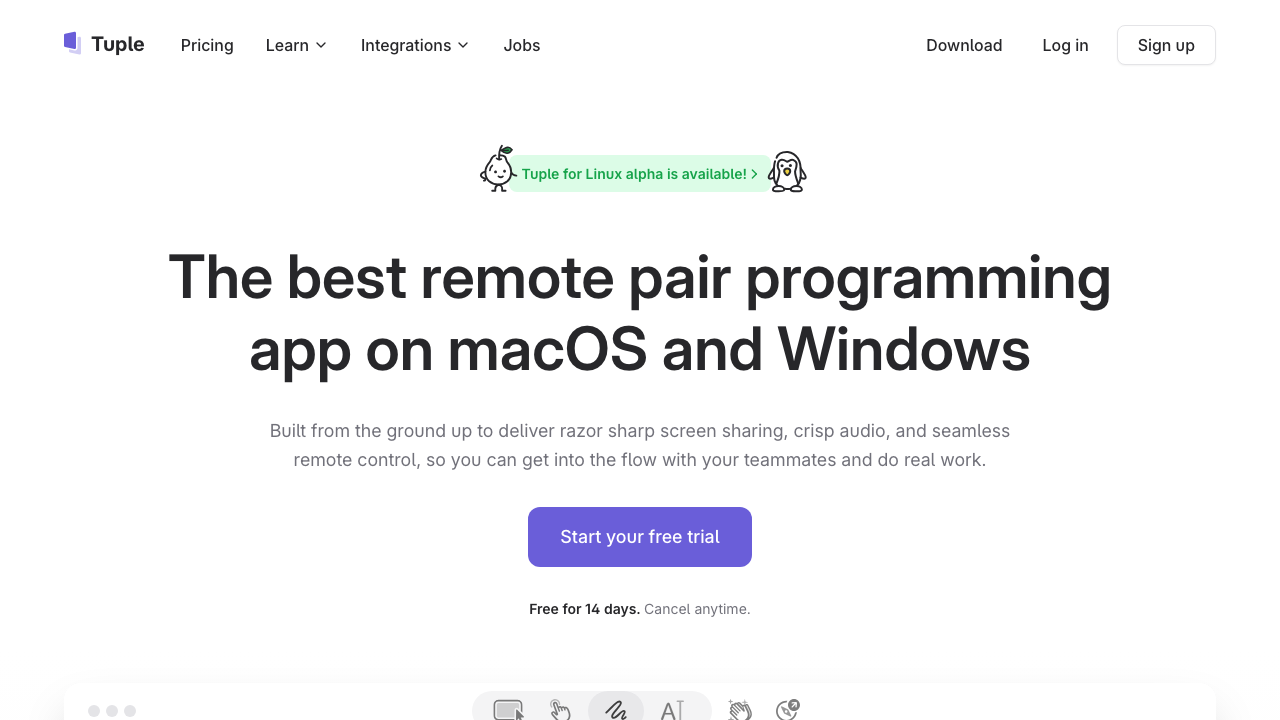
Tuple is remote pair programming built for the job rather than adapted from general screen sharing: low-latency screen sharing with both people able to control the machine, optimised for the text legibility that matters when the shared screen is an editor. It is synchronous by definition, which makes it the exception on this list, and its place on a distributed team is as the tool you use for the rare hour of overlap that genuinely needs two brains on one problem.
Pros
- Remote control for both participants, so pairing is genuinely collaborative rather than one person narrating
- Tuned for code legibility and input latency, which general video conferencing handles poorly
- Lightweight to start, so an ad hoc session does not feel like scheduling a meeting
- Best available answer for debugging something neither person understands
Cons
- Fully synchronous, so it needs overlap that zero-overlap teams do not have
- Nothing is recorded by default, so whatever was worked out exists only in two people’s memory
- macOS-centred, which constrains mixed-platform teams
- Per-seat cost for something used occasionally by a subset of the team
Best for: Teams with some overlap who pair regularly, particularly for debugging where the interaction is the value.
Pricing: Per-user subscription with tiers, billed for the people who pair rather than the whole team.
Slack
Slack is where most distributed engineering conversation happens, and huddles are its lightweight synchronous escape hatch: audio, optionally screen sharing, started in the channel where the discussion already is. That low friction is genuinely useful when a thread is going in circles and two minutes of talking would resolve it, and it is also the mechanism by which decisions escape into a medium with no record.
Pros
- Huddles start inside the existing conversation, so there is no scheduling or link-sharing overhead
- Threads keep parallel discussions separate, which is essential once a channel spans timezones
- Extensive integrations, so deploys, alerts and pull requests land beside the conversation about them
- Scheduled send and reminders help people avoid pinging colleagues in the middle of their night
Cons
- Conclusions are indistinguishable from discussion, so decisions are effectively lost unless someone lifts them out
- Message retention limits on lower tiers mean the record can expire before anyone needs it
- Huddles produce no artefact at all, so anything decided in one is invisible to the people who were asleep
- Creates a strong expectation of responsiveness, which is exactly the pressure a distributed team should be removing
Best for: Teams who already live in Slack and need a low-friction way to break a stuck thread, provided someone writes down what came of it.
Pricing: Per-user subscription with tiers, with a free tier that limits message history.
Linear
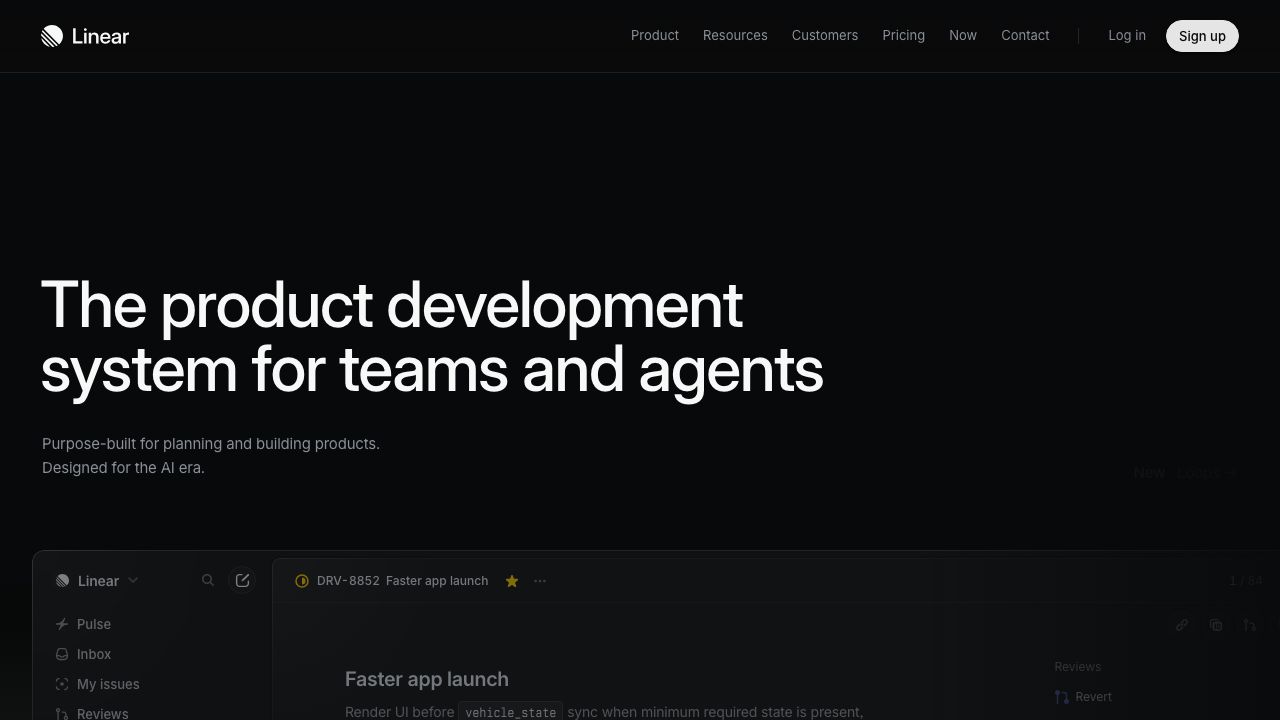
Linear is an issue tracker, and its place here is that on a well-run distributed team the tracker is the primary async communication surface. Discussion attached to a specific piece of work, with explicit state, an owner and a history, solves the problems chat cannot: it has a subject, it persists, and anyone can reconstruct what happened without having been present. Its speed and keyboard-first design matter more than they sound, because a tracker that is slow gets bypassed in favour of chat.
Pros
- Discussion is attached to work with clear state and ownership, so context does not need reconstructing
- Fast enough that people actually update it, which is the difference between a tracker and an archive
- Projects and documents give longer-form context a home next to the issues it governs
- Strong forge integration, so issue state follows pull request state without manual updates
Cons
- Structured for product and engineering work, so broader team discussion does not fit naturally
- Issue comments are a poor home for decisions that outlive the issue, and they get closed and forgotten
- Opinionated workflow that resists teams wanting a different process
- Another subscription alongside chat and documentation rather than a consolidation
Best for: Engineering teams who want work-attached async discussion with state, rather than conversation that scrolls away.
Pricing: Per-user subscription with tiers, with a free tier for small teams.
Threads
Threads is a discussion product built specifically for asynchronous decision-making, structured around threaded conversations with an explicit decision outcome rather than a scrolling feed. The premise is the gap this article describes: chat optimises for immediacy, documents optimise for permanence, and neither handles a bounded discussion that needs to reach a conclusion the whole team can see. It sits deliberately between them.
Pros
- Structured around reaching and recording a decision rather than around message flow
- Threaded by default, so a discussion does not compete with everything else in a channel
- Explicitly designed to remove the expectation of immediate response, which chat cultivates
- Discussions remain findable afterwards, unlike the chat threads that produced most decisions
Cons
- Another tool alongside chat, and the boundary between them is a judgment call people get wrong
- Adoption requires everyone to change a habit, which is the hardest thing to achieve on a distributed team
- Smaller vendor and ecosystem than the incumbents, which matters for procurement and longevity
- The same outcome is achievable with a decision log in a repository at no cost
Best for: Teams who want a dedicated space for bounded async decisions and will not adopt a repository-based process.
Pricing: Per-user subscription with tiers, with a free tier for small teams.
Twist
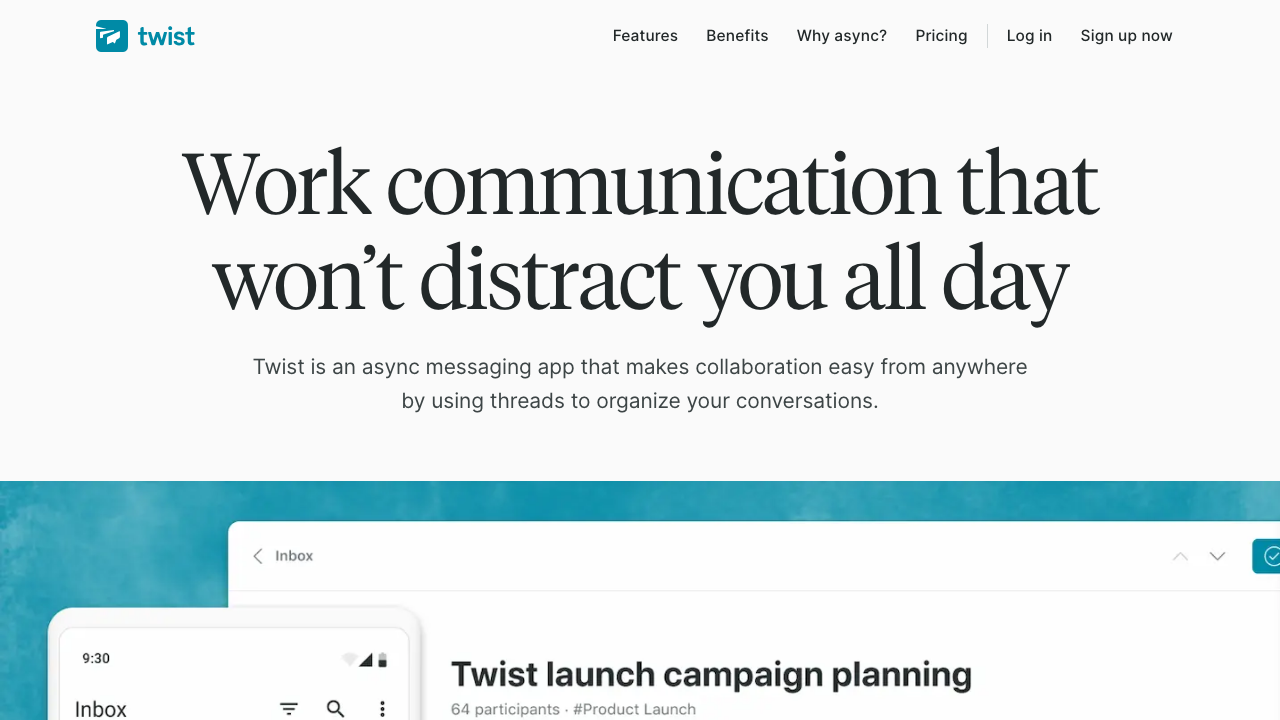
Twist is a communication tool built on the position that real-time chat is harmful to distributed teams, so it deliberately removes the features that create urgency. Conversation is organised into threads inside channels, there is no green presence indicator, and the design assumes a reply may come tomorrow. It is the most philosophically committed product in this category, and that commitment is both its strength and its adoption problem.
Pros
- Thread-first structure means every conversation has a subject and stays readable weeks later
- Deliberate absence of presence indicators removes the pressure to be visibly online
- Much better than chat at letting someone catch up on a week without reading everything
- Design assumptions match a zero-overlap team more closely than any general chat tool
Cons
- Requires giving up real-time chat, which most organisations will not do, leaving you with two tools
- Smaller integration ecosystem than the incumbent, so alerts and deploy notifications need work
- The discipline it enforces can be achieved in any tool by policy, at no migration cost
- Being a niche product makes it a hard sell to the rest of the company
Best for: Fully distributed teams with little overlap who are prepared to leave real-time chat behind entirely.
Pricing: Per-user subscription with a free tier limited by message history.
Almanac
Almanac is a document platform built around versioning and review, treating documents the way engineers treat code: branches, change proposals, review and approval. For distributed teams the interesting part is that it gives non-engineering documents the same async decision mechanism a pull request provides, so a policy or a process document can be proposed, discussed and approved without anyone meeting.
Pros
- Review and approval workflow on documents, which is the pull request pattern applied to writing
- Version history makes it clear what changed, when and who approved it
- Brings async decision structure to content that does not belong in a code repository
- Suits organisations that need an audit trail on process documents
Cons
- Overlaps heavily with the knowledge base you probably already run, so the boundary needs deciding
- Review workflow is overhead for the majority of documents that nobody disputes
- Smaller ecosystem and a less familiar model, so adoption needs explaining
- Engineering teams get the same workflow free in the forge they already use
Best for: Distributed organisations that need proposal-and-approval workflow on documents outside the code repository.
Pricing: Per-user subscription with tiers, with a free tier for small teams.
How to choose
Diagnose the specific failure, because these tools do not substitute for each other.
If decisions keep getting lost, no product fixes it. Start the decision log in your repository this week, with a one-page template and a rule about what warrants a record. Nothing else on this list addresses this, and it is the most common failure.
If explaining things in writing keeps failing, you need video. Loom, with the discipline that the conclusion gets written down separately and the recording is linked as background.
If people are blocked waiting for each other, the problem is your messages, not your tools. Add the default-action clause: what you will do, by when, if nobody responds. This single habit change usually halves decision latency.
If discussion is scattered and unfindable, attach it to the work. Linear, or whatever tracker you already run, used properly. A tracker nobody updates is not a communication tool.
If chat urgency is burning people out, that is policy before product. Set response-time expectations explicitly and protect the overlap window. Twist if you want the tool to enforce it and can commit to leaving chat behind.
If you genuinely need to solve a problem together, spend the overlap hour on Tuple. Do not spend it on standup.
| Tool | Best at | Leaves a findable record | Needs overlap |
|---|---|---|---|
| Decision log in a repository | Durable conclusions and reasoning | Yes, permanently | No |
| Loom | Showing something visual | Weakly, video is hard to search | No |
| Tuple | Solving a problem together | No | Yes |
| Slack | Fast coordination | Threads yes, huddles not at all | Partly |
| Linear | Work-attached discussion with state | Yes, until the issue closes | No |
| Threads | Bounded decision discussions | Yes | No |
| Twist | Long-form async conversation | Yes | No |
| Almanac | Document proposal and approval | Yes, with history | No |
The stack I would actually run on a zero-overlap team: chat for coordination with explicit response expectations, the tracker for work-attached discussion, Loom for anything visual, a written handoff at the end of each person’s day, and a decision log in the repository as the thing that makes any of it durable. That is one paid tool most teams already own, plus two habits.
For the artefacts this produces and where they should live, see knowledge base tools for engineering teams. And the hub at AI coding assistants covers a change that raises the value of all of this: assistants read your repository, so a decision log is now context that improves what your tooling produces, not just documentation for humans.
Frequently asked questions
What is the most important async communication habit for distributed teams?
Writing messages that cannot generate a clarifying question. State the context, the options, your recommendation, and what you will do by when if nobody responds. On a team with no timezone overlap, every clarifying round trip costs a full working day, so a message that removes one is worth more than any tool. The default-action clause in particular converts blocking questions into non-blocking ones.
Is Loom or a written document better for explaining technical work?
Video wins when the content is visual or when navigation is the point, such as a UI bug or an orientation walkthrough of unfamiliar code. Writing wins for everything that needs to be found later, quoted, updated, or read faster than someone can speak. The practical rule is that video may explain a decision but must never be the only place it exists, because a conclusion inside a recording is a conclusion nobody will find in a year.
How do you make decisions without meetings?
Give every decision a named owner and a deadline, write the options down before discussing them, and treat silence as consent once the deadline passes. Then record the outcome somewhere durable. Most async decisions stall not because people disagree but because nobody owns the conclusion, so the discussion expands until someone schedules a meeting that half the team cannot attend.
Do we need a dedicated async tool if we already use Slack?
Probably not a replacement, but you do need something Slack cannot do, which is make conclusions durable and findable. That gap is filled by a decision log in your repository at no cost, or by a tracker used properly. Adding another chat-shaped tool alongside Slack usually produces two places to look rather than one good one.
How do you onboard someone with no timezone overlap with their team?
Entirely through artefacts, which means the quality of your written material is the entire onboarding experience. A working local setup documented and verified, a service README for everything they will touch, a decision log explaining why the system is shaped as it is, and a named buddy who answers questions in writing within one working day. Then a first task small enough to complete without needing an unblocking conversation.
Related reading
- Best AI coding assistants — the hub, and why a written decision log now improves what your tools produce.
- Best knowledge base tools for engineering teams — where the durable artefacts live once you start writing them.
- Best developer onboarding tools — onboarding without overlap, which tests every gap in your written material.
- Best postmortem tools — the highest-stakes async writing most engineering teams do.
- Best incident management tools — coordination when async is not an option and the clock is running.
- Best engineering analytics platforms — measuring flow across timezones, and the pushback risk that comes with it.