Three different teams search for the same phrase. One has monitoring that fires into a Slack channel nobody reads at night and needs a phone to ring. One already has PagerDuty and cannot get anyone to write a retrospective. One has both and cannot answer “who was on call when the payment service broke on the 14th” without asking three people.
All three are sold the same platform, and the platforms are happy to sell all four capabilities at once. That is how teams end up paying for a coordination product they route around — the incident still gets run in a DM thread, the timeline still gets reconstructed from memory, and the only feature anyone touches is the part that makes a phone ring.
Separate the jobs first and buy the ones you genuinely cannot do. The mechanism sections below matter more than any product block: if you do not know how an escalation policy is evaluated, every vendor page looks identical, and you find the differences on the night the page did not arrive.
Key takeaways
- Incident tooling does four separable jobs — route the alert, page a human, coordinate the response, learn afterwards. Most teams need one or two on day one.
- An escalation policy resolves a schedule to a person at that instant, then runs that user’s notification rules. Notification rules belong to the user, not the policy, which is why one person gets a call and another does not.
- Deduplication keys decide your page count. Too fine and every host pages separately; too coarse and the second failure never pages at all.
- Consolidation is real here: Opsgenie is being retired, Blameless was absorbed into FireHydrant, and Squadcast now redirects to SolarWinds. Weigh that in a multi-year purchase.
The four jobs, and why buying all four fails
An incident management platform does four things that can be bought separately and often should be.
Detect and route. Ingest events from monitors, error trackers and logs, deduplicate them, and decide which are worth waking someone for. This overlaps heavily with alerting tools and with whatever your APM already does.
Page. Turn a routed alert into a ringing phone, with a schedule that knows who is on call right now and an escalation chain for when they do not answer. This is the irreducible core.
Coordinate. Open a channel, assign a commander, set severity, pull in service owners, drive the customer-facing status page, and record what happened as it happens.
Learn. Assemble a timeline, run a retrospective, and chase the action items until they are done — covered in postmortem tooling.
The failure pattern is buying job three before job two works. Coordination has the best demos and the highest per-seat cost, and it is worthless in a team that still has one person who somehow always gets paged.
How an escalation policy is actually evaluated
Every product implements the same sequence and almost none of them explain it.
1. The event is matched to a service or routing rule. Integration keys, event fields or a rules engine map the payload to one service. A misrouted alert is not an escalation failure — it never entered a policy.
2. The service points at an escalation policy. One policy is usually shared by several services, which is why changing it for one team quietly changes it for another.
3. Step one resolves its target to a person. If the target is a schedule, the tool asks who is on call at this instant, applying overrides on top of the base rotation layer. A schedule with a gap — nobody assigned for that window — resolves to nobody, and the step silently completes. Good tools show gaps in the calendar; go looking for them before your first real page.
4. That person’s notification rules fire. Push immediately, SMS after a minute, phone call after two. These rules belong to the user profile, not the policy — the most common surprise in this category. You can have a perfect escalation chain and one engineer who never enabled the call step, and the policy screen looks identical either way.
5. The acknowledge timeout runs. If nobody acknowledges within the step’s timeout, step two fires: secondary, then a manager, then the team. Set the timeout shorter than feels comfortable. Five minutes is not aggressive when the alternative is nobody looking for twenty.
6. Acknowledge stops escalation. Resolve closes the alert. Different states for a good reason. Acknowledging says “a human has this”; resolving says “the condition is gone.” Teams that conflate them end up with alerts sitting acknowledged and forgotten, or with an auto-resolve rule that closes an incident someone is still investigating because the monitor flapped back to green.
Two settings do more damage than the rest combined: re-escalation on unresolved alerts — does the page come back if the acknowledger falls asleep again? — and notification rules on a newly added team member, which default to something and are almost never checked.
Needs first-hand data: Send a test alert to each shortlisted tool at 3am to a real phone in do-not-disturb, on both iOS and Android, and record time from webhook to audible ring plus whether the critical-alert bypass worked. Repeat on a poor mobile connection. This is the only benchmark in this category that decides anything.
Deduplication keys decide how many times you get paged
Every ingested event carries a deduplication key, either supplied by the sender or derived from the payload. The rule is simple: an event whose key matches an already-open alert is appended to that alert instead of creating a new one, and a resolve event with the same key closes it.
The consequences are not simple, because the key’s granularity is a design decision you make once and feel forever.
Too fine — the key includes the host, pod name or a timestamp — and a bad deploy across forty pods creates forty alerts, forty pages, and an on-call engineer who silences the whole service to get through the night.
Too coarse — the key is just the check name — and the first failure pages, then the second, third and fourth merge silently into it. Nobody is told the blast radius grew, and one resolve event closes the alert while three hosts are still broken.
Most teams land on check plus service plus a stable resource identifier, with a separate grouping window on top that collapses a burst into one page while keeping the individual events visible inside it. Tools differ substantially in whether grouping is a fixed time window, a rules engine, or machine-learning correlation — the last being the AIOps pitch.
Needs first-hand data: Replay one real week of alert events through each candidate’s grouping configuration and count resulting pages and out-of-hours pages under two dedup key schemes. The difference between a tolerable rotation and one people quit is usually here, not in the product.
The timeline is the feature nobody shops for
An automatically assembled record of what happened and who did what is the difference between a retrospective that finds something and one written from memory a week later.
A good timeline captures, without anyone remembering to log it: when the alert fired and which monitor sent it, who acknowledged and when, every message in the incident channel, deploys and flag changes in the window, status page updates, and severity changes. Some tools snapshot graphs, so the dashboard state survives the retention window on the metric behind it.
Assembling that by hand is hours of scrolling Slack, a deploy log and three dashboards, days later, by someone who was not awake for half of it. So nobody does it. Timeline capture is the coordination feature that reliably earns its price, and it is what to test in a trial rather than the workflow builder.
Consolidation is a real factor in this purchase
The risk here is picking a tool that gets absorbed, and three things are true right now.
Atlassian’s Opsgenie page states that its alerting and on-call features now live in Jira Service Management, and that existing Opsgenie data and configuration must be moved before April 5, 2027. That is a forced migration for a large installed base, and competitors are campaigning on it openly.
Blameless — the original specialist in incident retrospectives — is gone as a standalone product; its domain redirects to FireHydrant, which describes itself as a Freshworks company. Squadcast now redirects to SolarWinds.
None of that makes the surviving products bad. It means asking one specific question in a sales call: what happens to my schedules, escalation policies and integration keys if this product is folded into a larger suite? A vendor that has already run one migration has a better answer than one that has never thought about it.
PagerDuty

PagerDuty is the reference implementation of this category and still the safest choice when the only thing that matters is that the page arrives. Event orchestration handles routing and dedup before an alert reaches a policy, and the mobile app and notification delivery are the most exercised in the market. The cost is per-seat pricing and a product surface far beyond what most teams use.
Pros
- Notification delivery and the mobile app are the most battle-tested here, which is the entire product at 3am
- Event orchestration does routing, dedup and suppression before an alert reaches a policy, keeping policies simple
- The largest integration catalogue in the category, so almost nothing needs a custom webhook
Cons
- Per-seat pricing gets punishing once responders, stakeholders and managers all need accounts
- Response, automation and analytics sit on higher tiers, so the quoted entry price is rarely the real one
- The configuration surface is large enough that tracing a misrouted alert back through orchestration rules takes real effort
Best for: Teams where reliable paging is the requirement and the budget can absorb per-seat pricing across everyone who needs access.
Pricing: Per-user subscription with feature tiers plus separate metering on some event and automation volume; the paging tier and the full response tier are different products commercially.
incident.io
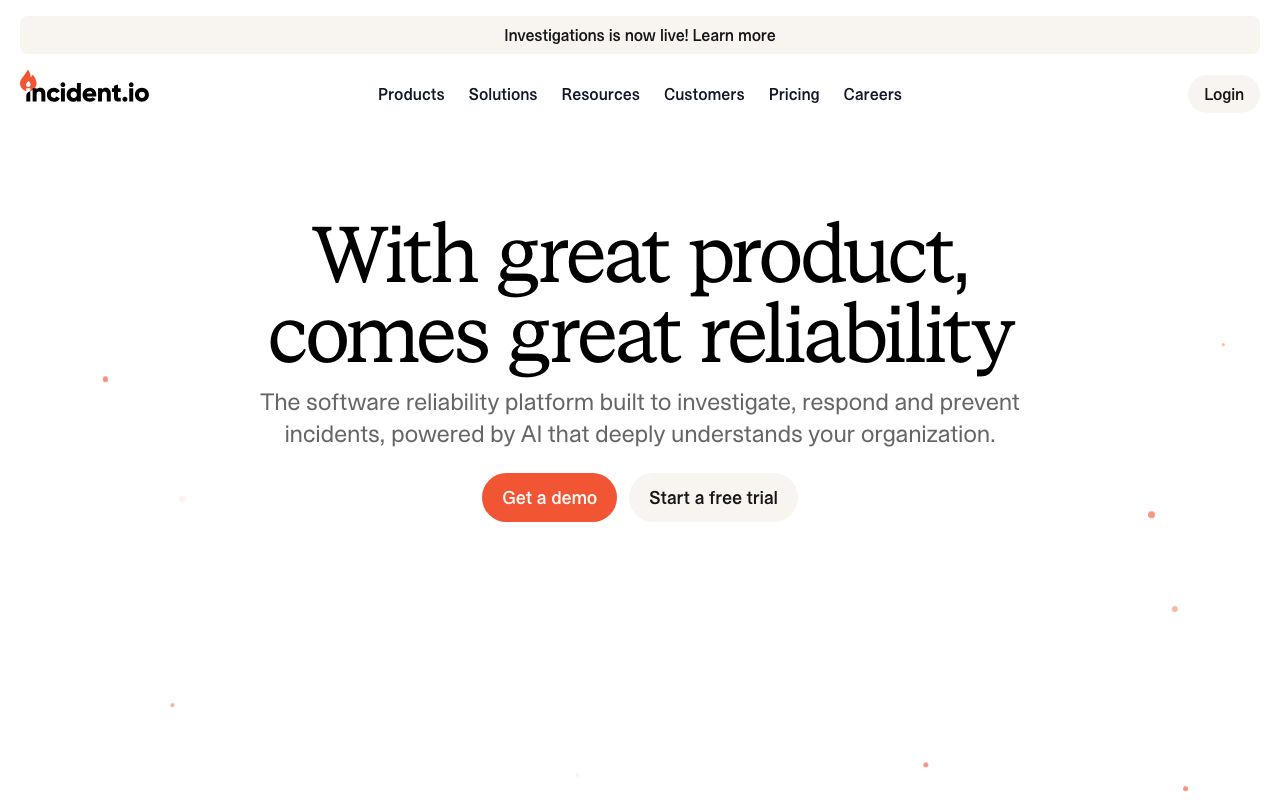
incident.io came at the category from the coordination end. It started as the tool that opens a Slack channel, assigns roles, tracks severity and writes the timeline, then added alerting and on-call so it could replace the pager too. That order shows: the response experience is the best-designed here, and adopting it for coordination while keeping an existing pager is a legitimate first step.
Pros
- Response coordination happens where the work already happens, so nobody remembers a second tool mid-incident
- Timeline capture from channel messages, alerts and deploys is automatic and genuinely cuts retrospective effort
- Now covers alerting and on-call too, so it can be the whole stack rather than a layer on one
Cons
- The design centre is Slack; teams on other chat platforms get a less natural fit
- The paging leg is younger than the incumbents’, and paging is where maturity counts most
- Per-seat pricing across responders adds up the same way PagerDuty’s does
Best for: Slack-first engineering teams whose paging works but whose incidents are run ad hoc in DMs with no record afterwards.
Pricing: Per-seat subscription with tiers separating basic response from on-call, automation and advanced analytics; on-call is priced as its own component.
FireHydrant
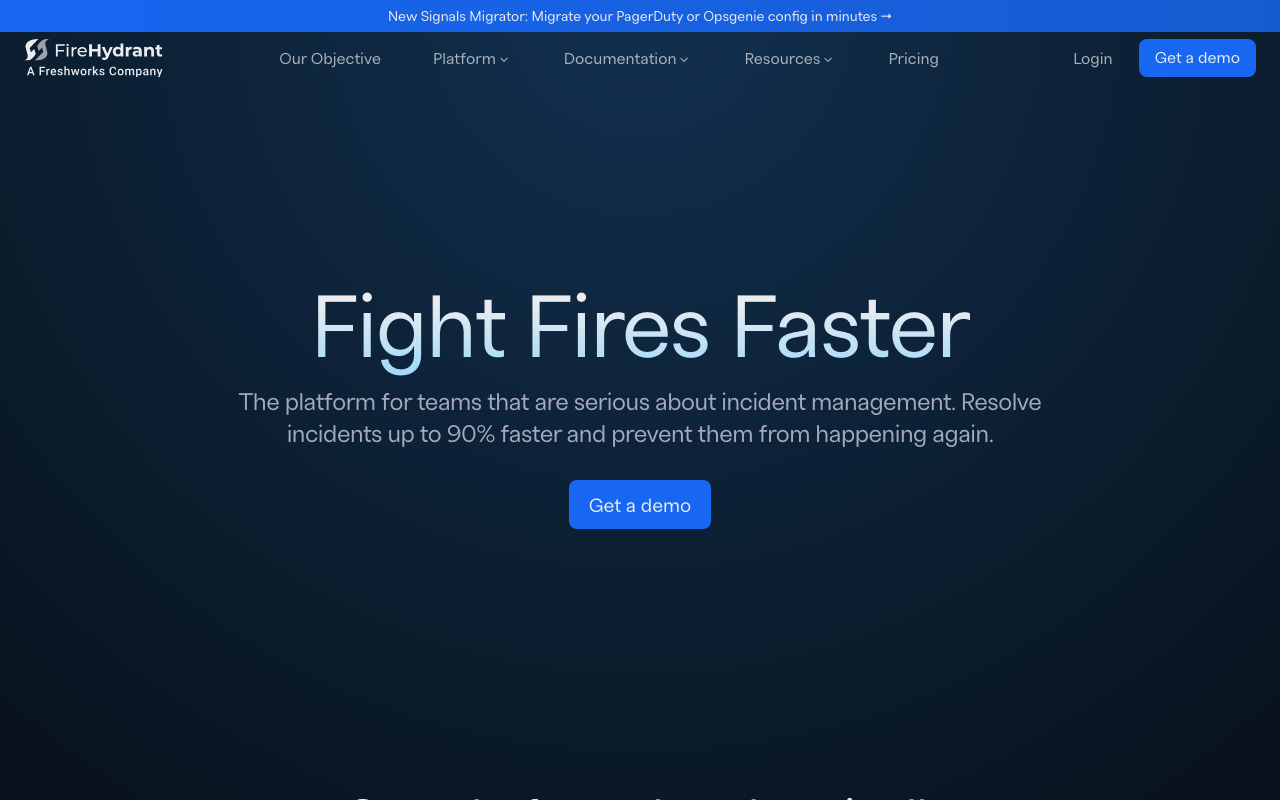
FireHydrant, now a Freshworks company, is the most process-oriented product here: a service catalogue that knows which team owns what, runbooks that fire automatically when an incident of a given severity opens, and retrospectives in the same system. It absorbed Blameless, the category’s original retrospective specialist, which tells you where its centre of gravity sits.
Pros
- Automated runbooks turn “what do we do for a SEV1” from tribal knowledge into steps that execute themselves
- The service catalogue makes ownership routing and blast-radius questions answerable rather than guessed
- Retrospective tooling is deeper than most platforms’, reinforced by the Blameless absorption
Cons
- The service catalogue is the source of most of its value, and populating it honestly is weeks of work
- Now inside a larger software company, so roadmap priorities answer to a suite strategy
- Heavier than teams who want a rota and a phone call will tolerate
Best for: Organisations with many services and unclear ownership who want incident process encoded rather than remembered.
Pricing: Per-seat subscription tiered by whether you need response only, or response plus on-call, automation and the service catalogue at scale.
Rootly
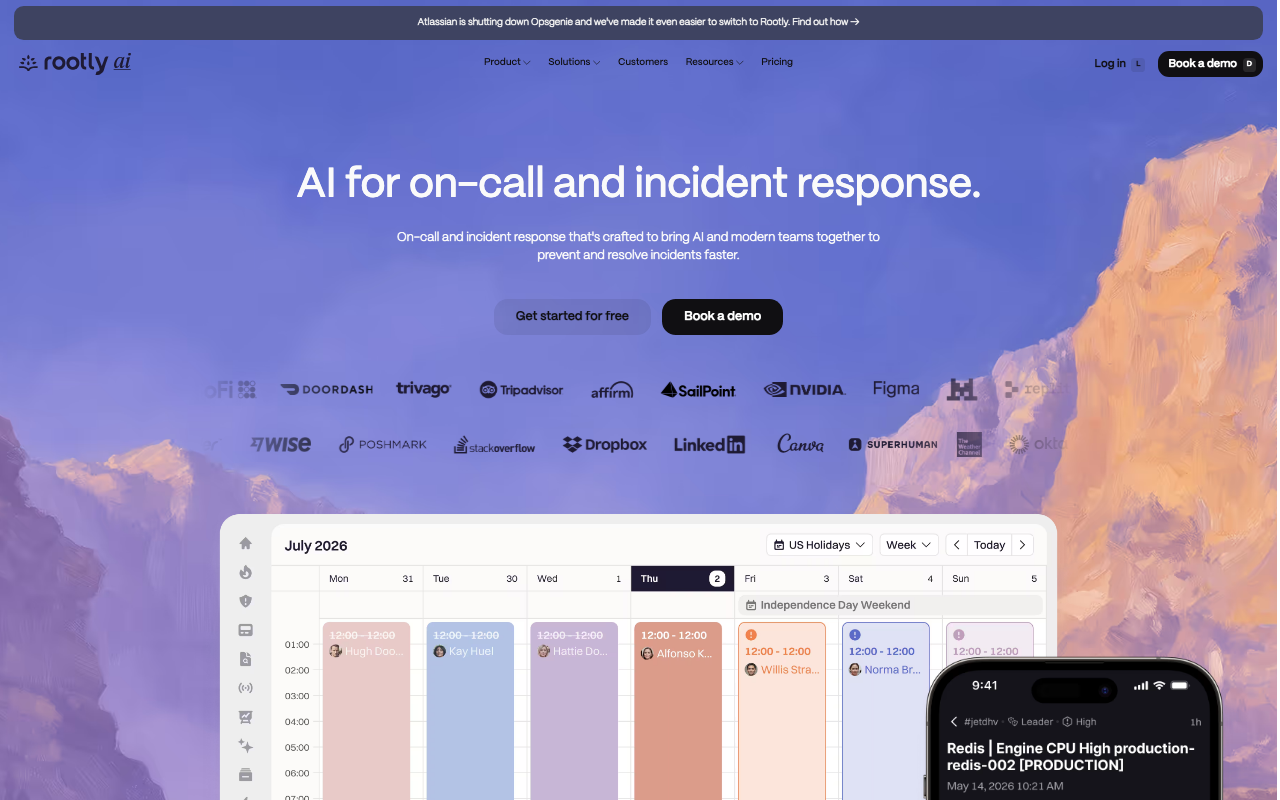
Rootly is the closest direct competitor to incident.io: chat-native response with a heavy workflow automation engine and its own on-call product. The differentiator is how far the automation goes — conditional workflows that create tickets, page specific teams and update status pages based on incident attributes. It runs Opsgenie migration messaging on its homepage.
Pros
- The workflow engine handles genuinely conditional process, not just fixed templates
- On-call, response and retrospectives in one product, so a full Opsgenie replacement is a single purchase
- Integrates deeply enough with ticketing that action items land where engineers already work
Cons
- The automation builder becomes its own maintenance surface; teams accumulate workflows nobody dares delete
- Packaging is shaped for larger organisations, and the entry point rarely survives the feature list you actually want
- Configuration depth means onboarding a new team is a project rather than a settings change
Best for: Mid-size and larger engineering organisations that want incident process automated conditionally rather than documented in a wiki.
Pricing: Per-seat subscription with tiers separating response, on-call and advanced automation; enterprise terms are quoted rather than listed.
Opsgenie / Jira Service Management
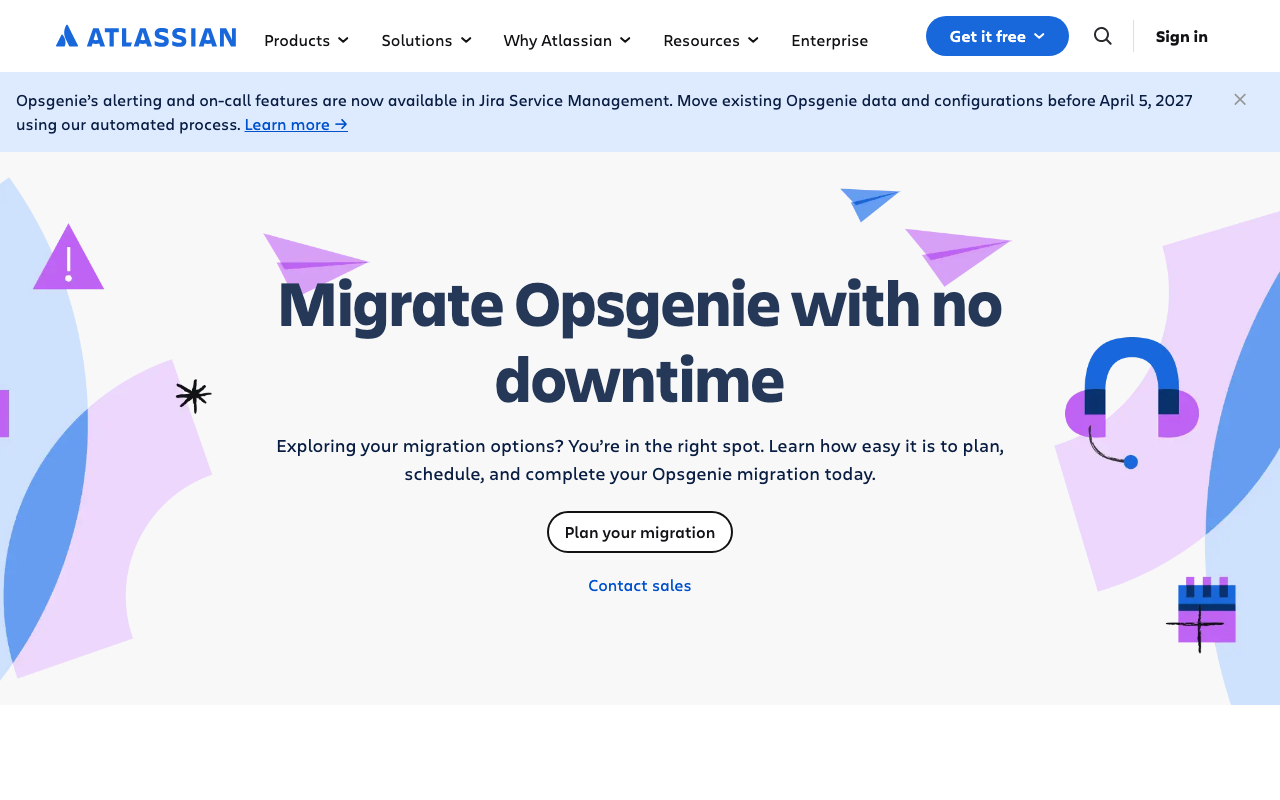
Opsgenie is being retired. Atlassian’s own Opsgenie page states its alerting and on-call features now live in Jira Service Management, and that existing Opsgenie data and configuration must be migrated before April 5, 2027. For existing customers this is a migration decision, not a purchase decision: move into Jira Service Management, which puts on-call inside an ITSM product built around a service desk, or treat the deadline as the moment to shop.
Pros
- Moving to Jira Service Management keeps on-call inside a suite most teams already own, with one vendor and one bill
- Alerting, on-call and the service desk share one data model, so incidents and customer tickets connect naturally
- Existing Atlassian identity, permissions and procurement carry over with no new vendor review
Cons
- The migration deadline is the headline fact, and it covers schedules, policies and every integration key embedded in your monitoring
- Jira Service Management is priced and shaped around service desk agents; on-call is one capability inside it rather than the point of it
- Teams that only wanted a pager end up adopting a service management platform to keep one
Best for: Existing Atlassian shops already running Jira Service Management who want on-call in the same suite rather than a separate vendor.
Pricing: Per-agent Jira Service Management subscription with tiers, where on-call is bundled into the plan rather than sold as a standalone pager.
ilert
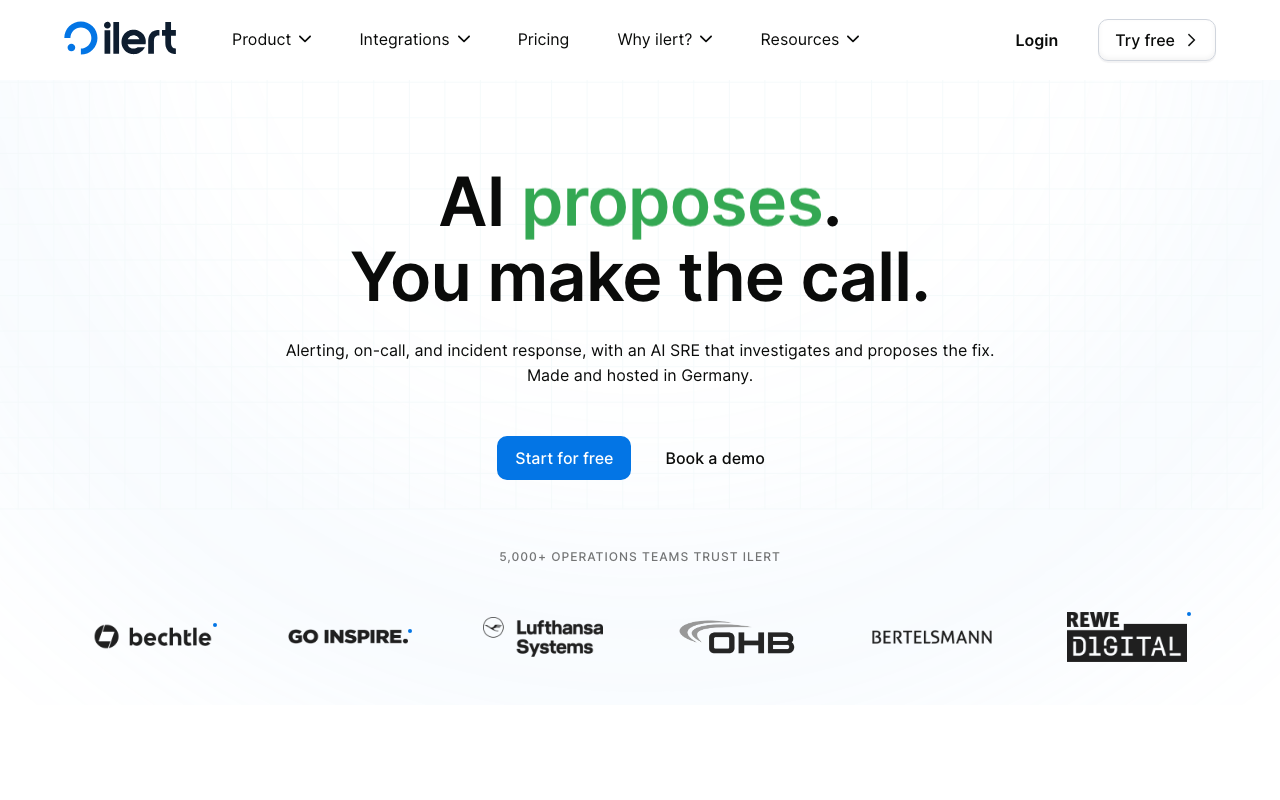
ilert is a European alerting and on-call platform covering paging, schedules, call routing and status pages in one product. Its distinguishing traits are practical: strong voice and telephony handling, and EU data residency as a default rather than an enterprise add-on.
Pros
- EU hosting and data residency by default, which shortens a specific and common procurement conversation
- Voice call and phone-tree routing are first-class, useful when on-call has to reach non-engineers
- Alerting, scheduling and a public status page in one subscription rather than three
Cons
- The integration catalogue is smaller than the incumbents’, so unusual sources need custom webhooks more often
- Coordination and retrospective features are lighter than in the chat-native platforms
- Less presence outside Europe, which means fewer community answers at the edge cases
Best for: European teams who need paging, schedules and a status page in one tool with data residency settled by default.
Pricing: Per-user subscription with tiers, and telephony-heavy usage such as voice calls and SMS metered separately from seats.
Spike.sh
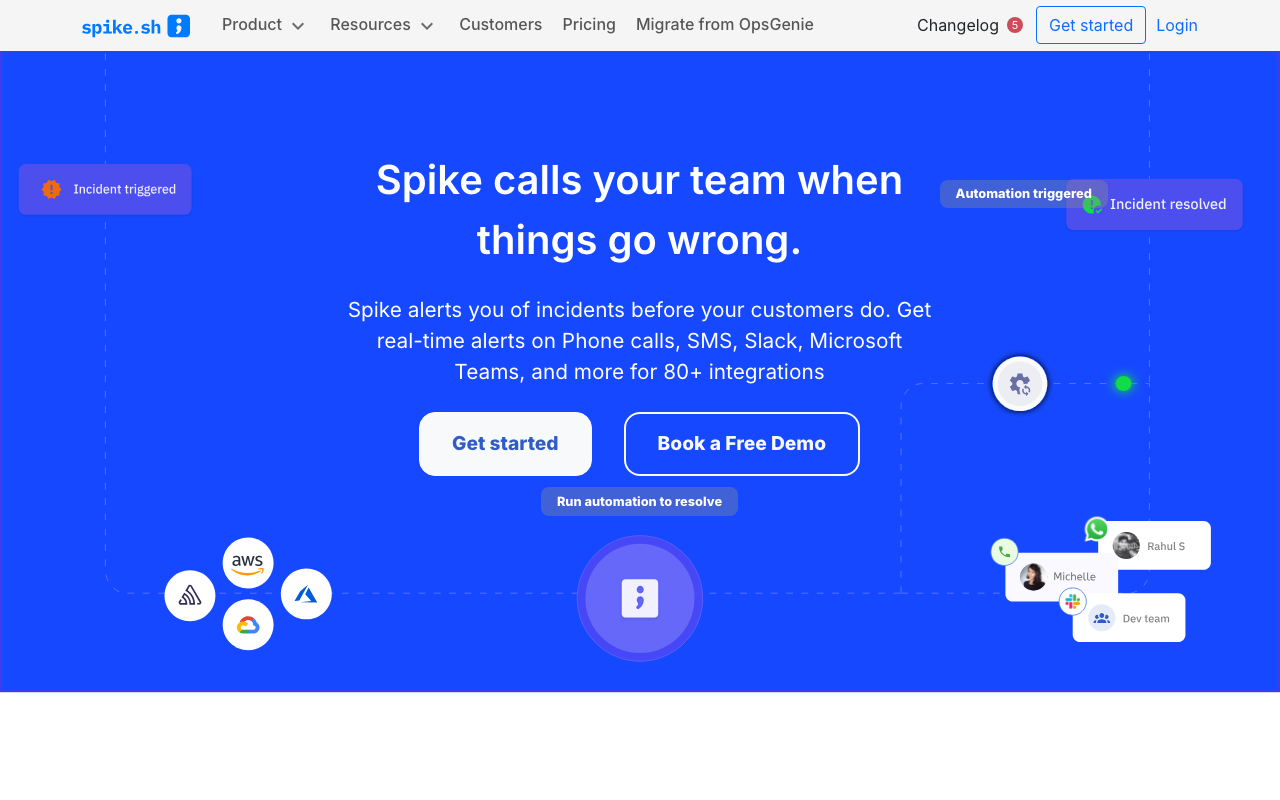
Spike.sh is deliberately small: get alerts in, get the right person paged, keep it cheap. It does not try to be a coordination platform, which is why some teams like it — the configuration surface is small enough to hold in your head. It carries a “Migrate from OpsGenie” item in its own navigation, which tells you where it expects its next customers to come from.
Pros
- Small enough to configure correctly in an afternoon, a real reliability advantage over a large rules engine
- Priced for small teams where incumbent per-seat pricing stops making sense
- Covers the irreducible core — routing, schedules, escalation, mobile paging — without upsell into a platform
Cons
- Coordination, runbooks and retrospectives are thin or absent; you will run incidents somewhere else
- Smaller vendor, a genuine consideration in a category currently consolidating
- Integration breadth and enterprise governance are well behind the incumbents
Best for: Small teams who need dependable paging and a rota and have no appetite for an incident management platform.
Pricing: Low per-user subscription with a small number of tiers, positioned explicitly against incumbent per-seat pricing.
All Quiet
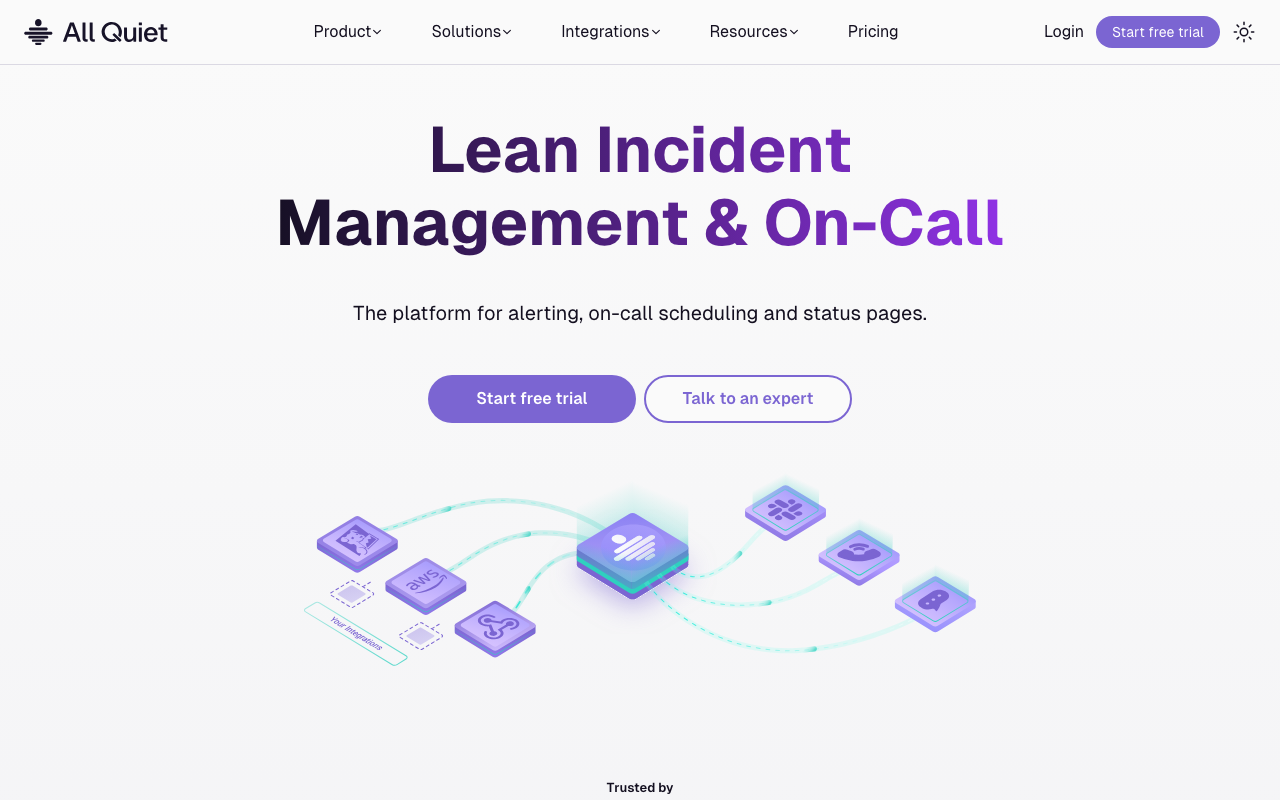
All Quiet sits in the same lane as Spike.sh: on-call schedules, escalation, mobile paging and incident tracking with a modern interface and simple pricing. It is worth a look for teams who bounced off the incumbents’ complexity — the setup path is short and the concepts map closely onto PagerDuty’s.
Pros
- Short setup path from zero to a working rotation with escalation
- Concepts map cleanly onto the incumbents’, so migrating a team’s habits is straightforward
- Pricing suits teams where everyone who might respond needs an account
Cons
- Young product with a smaller ecosystem: fewer prebuilt integrations, fewer community answers
- Coordination and retrospective capability is minimal next to the chat-native platforms
- Least track record here on the one thing that must not fail — notification delivery over years
Best for: Small to mid-size teams who want a clean, modern on-call tool without the configuration weight of an incumbent.
Pricing: Per-user subscription with a low-cost entry tier, aimed at teams priced out of incumbent seat costs.
IMR by Xurrent
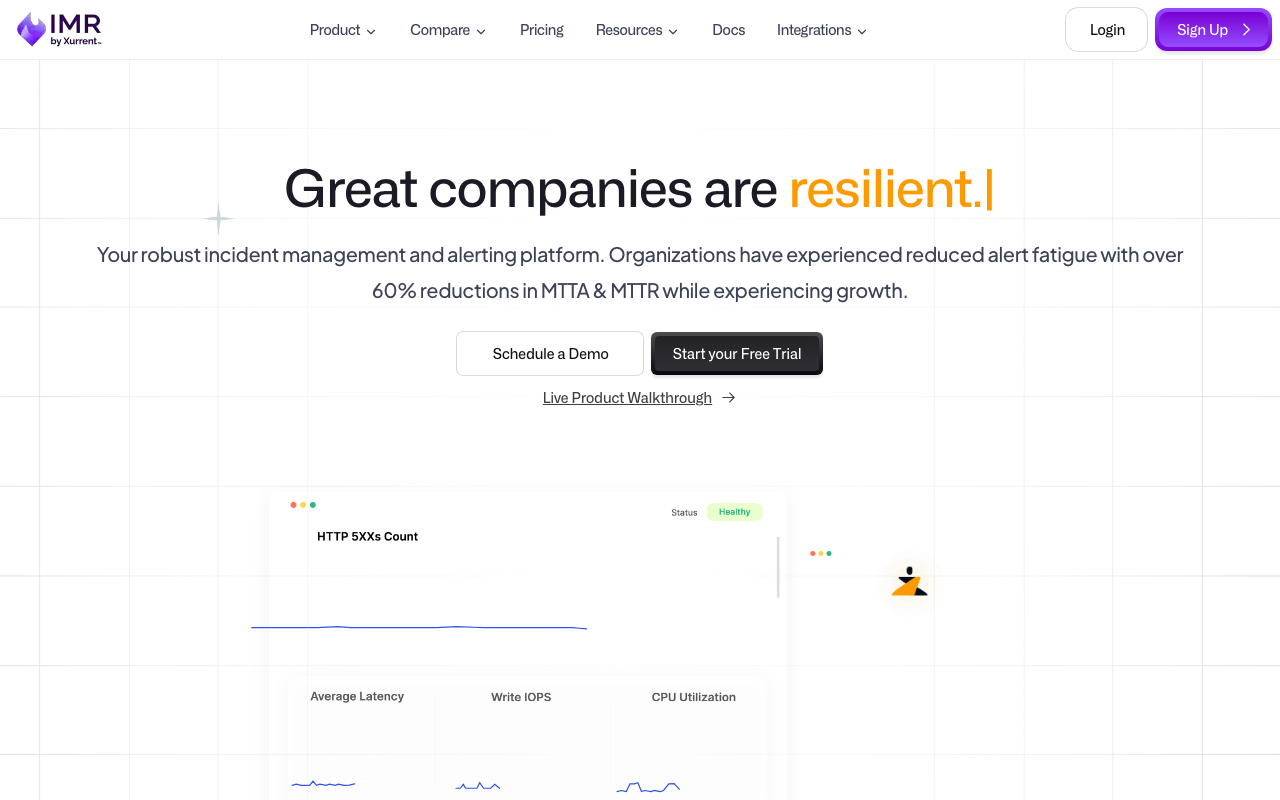
IMR by Xurrent is the product formerly known as Zenduty, now part of Xurrent’s service management portfolio. Underneath it is a full-featured incident response tool — routing, on-call, escalation, runbooks, postmortems — that competed on price and depth against PagerDuty. The rebrand matters practically: documentation and integration guides you find while evaluating will often still say Zenduty.
Pros
- Feature depth close to the incumbents’ — routing rules, on-call, runbooks, retrospectives — at a lower price point
- Sits alongside an ITSM platform, so incident and service management connect without a separate integration
- Covers the full lifecycle rather than paging alone, so it can replace two tools
Cons
- The rebrand fragments the documentation trail; expect to search under both names
- Direction is now tied to a service management suite’s strategy rather than a standalone incident product
- Less mindshare than the chat-native platforms, so fewer engineers arrive already knowing it
Best for: Cost-sensitive teams who want incumbent-level feature depth and are comfortable with a product mid-rebrand.
Pricing: Per-user subscription tiered by feature depth, positioned below incumbent pricing for comparable capability.
Better Stack
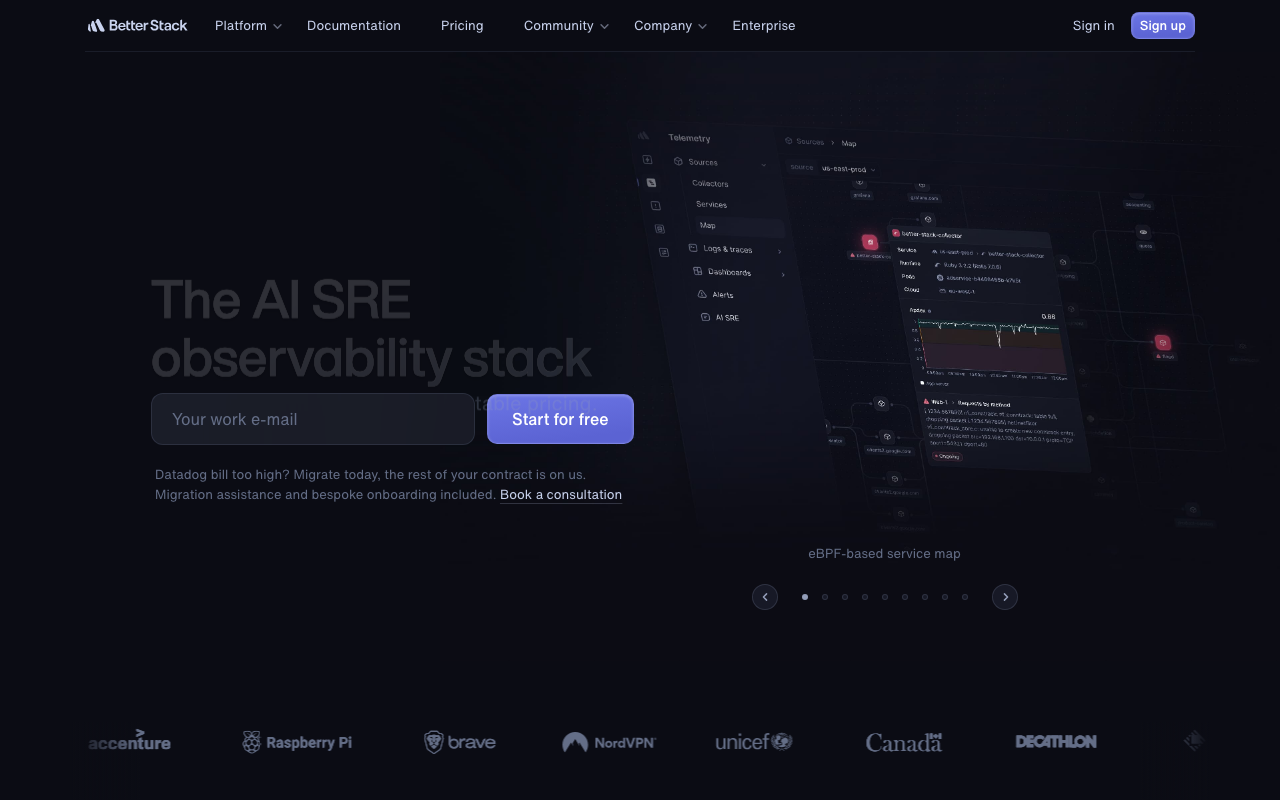
Better Stack bundles uptime monitoring, on-call, status pages and log management in one subscription. The appeal is coherence rather than depth: the monitor that detects the problem, the schedule that pages someone and the status page that tells customers are one product, so there is no integration to wire and no key to rotate.
Pros
- Monitoring, paging and the status page in one product, so detection to customer communication needs no integration work
- Removes a whole class of error where a monitor points at the wrong integration key
- Log management in the same place, so the alert and the log line are one hop apart
Cons
- Coordination and retrospective depth is well behind the specialists
- Bundling means the on-call product is judged against dedicated pagers and does not win on integration breadth
- Consolidating detection and paging in one vendor means one outage can take out both
Best for: Small teams who want uptime monitoring, paging and a status page from one vendor with no glue code.
Pricing: Tiered subscription combining monitor count, on-call seats and log volume, so the bill moves with several meters at once.
Grafana IRM

Grafana IRM is the on-call and incident response product inside Grafana Cloud, next to the dashboards and alert rules that generate most of the pages in a Prometheus-centric shop. That adjacency is the whole argument: the alert, the graph that explains it and the schedule that routes it live in one place.
Pros
- Alerts, dashboards, schedules and escalation in one product, so the page arrives with its context attached
- Natural fit for teams whose alerting already runs through Grafana Alerting or Prometheus Alertmanager
- Reduces the integration-key sprawl that makes later migrations painful
Cons
- The value drops sharply if your alerts originate outside the Grafana ecosystem
- Pulls on-call into Grafana Cloud, a wider commitment than buying a pager
- Coordination and retrospective features are lighter than in the dedicated platforms
Best for: Teams already running Grafana and Prometheus who want on-call adjacent to the alerts and dashboards they already use.
Pricing: Bundled into Grafana Cloud plans with usage-based metering across signals, rather than sold as a standalone per-seat pager.
How to choose
Answer these in order. Each removes more candidates than a feature comparison.
Does the phone reliably ring today? If not, buy paging and nothing else. Test it on real phones, both platforms, in do-not-disturb, on a bad connection. Everything else is irrelevant until this works.
Where do incidents actually get run? If the answer is Slack, a chat-native platform gets adopted and a separate console does not. If it is a mix of chat and ticketing, a process-oriented tool that writes into both is worth more.
Are you migrating off Opsgenie? Then the real choice is between staying inside Jira Service Management and moving to a vendor with migration tooling — and the real work is the integration keys embedded in every monitoring tool you own. PagerDuty alternatives covers those mechanics; they apply identically here.
Who needs an account? Per-seat pricing turns on whether stakeholders and managers need logins. Count them honestly before comparing list prices.
| Product | Strongest job | Picks itself when |
|---|---|---|
| PagerDuty | Page | Delivery reliability and integration breadth outrank cost |
| incident.io | Coordinate | Incidents already happen in Slack and leave no record |
| FireHydrant | Coordinate + learn | Many services, unclear ownership, process worth encoding |
| Rootly | Coordinate | Incident process needs conditional automation, not templates |
| Jira Service Management | Page | You are an Atlassian shop migrating off Opsgenie |
| ilert | Page | EU data residency and voice routing are hard requirements |
| Spike.sh | Page | Small team, tight budget, no appetite for a platform |
| All Quiet | Page | You want a clean modern pager with a short setup path |
| IMR by Xurrent | Page + learn | You want incumbent depth below incumbent pricing |
| Better Stack | Detect + page | One vendor for monitoring, paging and the status page |
| Grafana IRM | Detect + page | Your alerts already come from Grafana or Alertmanager |
Splunk On-Call is the remaining incumbent option and makes sense almost exclusively for organisations already standardised on Splunk, where the pager sitting beside the log search outweighs a better-designed standalone product. Teams who would rather run this themselves should start with open source incident management.
Frequently asked questions
What happens to Opsgenie customers?
Atlassian’s Opsgenie page states the alerting and on-call features now live in Jira Service Management, and that existing Opsgenie data and configuration must be moved before April 5, 2027. In practice that means migrating schedules, escalation policies and every integration key embedded in your monitoring tools — either into Jira Service Management or into another vendor. Several competitors publish migration tooling aimed specifically at this.
Do I need incident management if I already have alerting?
Only if the gap is human. Alerting decides what fires; incident management decides who is woken, what happens if they do not answer, and what record exists afterwards. A team with good alerting and one engineer who always somehow gets paged has an incident management problem, not an alerting problem.
Can we run incidents in Slack without buying a tool?
Yes, and many teams should. A channel-per-incident convention, a pinned template and the discipline of writing decisions into the channel gets you most of the coordination value. What you will not get is an automatic timeline or reliable action-item follow-up, and those are the two frictions that make retrospectives stop happening.
Related reading
- PagerDuty alternatives — why teams leave, and the migration mechanics that catch them out.
- Best on-call scheduling tools — rotas, overrides, follow-the-sun and fairness reporting.
- Best postmortem and incident retrospective tools — timeline capture and action items that actually get chased.
- Best alerting tools — the routing and deduplication layer that feeds all of this.
- Best status page tools — the customer-facing half of an incident.
- Best open source incident management — self-hosted options and what running them costs.
- Best error tracking tools — where a large share of real incident signals originate.
- Best log management tools — the evidence you need once the page has arrived.