A rota is easy to draw and hard to run. The whiteboard version — six engineers, one week each, hand over Monday morning — survives until the first Friday somebody has a wedding, the first hire in another time zone, the first illness at 4pm, and the first daylight saving change that lands the handover in a gap nobody thought about.
Scheduling is the part of on-call tooling that looks trivial in a demo and decides whether the whole thing works. Every product will show you a calendar with coloured blocks. The differences show up in the ugly cases: who does the tool say is on call at 02:30 on the morning the clocks change, how long does it take a tired engineer to hand off a shift from their phone without asking a manager, and can you answer the question “is this rotation fair” with data rather than an opinion.
That last one is where most tools stop and most teams start caring. “On-call is fine” is what you believe until you count how many times each person was woken.
Key takeaways
- “Who is on call now” is computed from a base rotation, optional time restrictions, and overrides applied on top. Overrides win, which is why override ergonomics matter more than calendar design.
- Daylight saving transitions are the reliable annual source of a missed page: a handover or restriction defined in local time can land in an hour that does not exist, or happen twice.
- Fairness needs measurement — pages per person, out-of-hours pages, and pages during each person’s own night. If the tool cannot report that, you are guessing.
- Schedules as code and calendar export are what turn a rota from a thing in a vendor UI into something the rest of your operation can consume.
How a schedule resolves to a person
Every scheduling product implements roughly the same evaluation, and knowing it prevents most of the mistakes people make setting one up.
Layers. A schedule is one or more rotation layers. A layer names a set of users, a rotation length (daily, weekly, custom), a handover time, and optionally a restriction — a window of hours or days when that layer applies at all. Layers stack: a higher layer covering 09:00 to 17:00 on weekdays takes precedence over a lower 24/7 layer for those hours, which is how “business hours go to the app team, nights go to the platform team” gets expressed.
Restrictions. Restrictions are where a 24/7 rotation quietly becomes a part-time one. A layer with a 09:00–17:00 restriction and no other layer beneath it produces sixteen hours a day when the schedule resolves to nobody. The escalation step completes silently, and the page goes nowhere. Every tool worth using shows gaps in the calendar view; go and look before your first real page rather than after.
Overrides. An override replaces whoever the layers resolved to, for a defined window, for a named person. Overrides sit on top of everything and are the mechanism behind holidays, sickness, swaps and “I am on a flight for four hours.” They are also the most-used feature in the product.
Resolution. When an alert reaches an escalation policy step that targets a schedule, the tool computes the layers at that instant, applies any override covering it, and returns a person. That result is then handed to that person’s own notification rules — a separate object, on the user profile, which is where a correctly built rota still fails to wake someone.
The whole chain is covered end to end in the incident management hub; this article is about the schedule half of it.
Time zones and daylight saving: the annual missed page
This is the failure mode that catches competent teams, and it has a specific mechanism.
A rotation is defined by a handover instant and a period. If the tool stores that as a wall-clock time in a named zone — “hand over Mondays at 09:00 Europe/Berlin” — then the underlying UTC instant moves twice a year. If it stores an absolute instant and adds a fixed period, the local handover time drifts instead. Both behaviours are defensible; they are not the same, and a team spread across zones will notice.
The sharp edges:
- A handover or restriction boundary between 01:00 and 03:00 local. On the spring transition that hour does not exist, so a shift starting at 02:00 may start immediately, an hour late, or not at all depending on the implementation. On the autumn transition it happens twice.
- Follow-the-sun handovers defined in each region’s local time. Europe, the Americas and Asia-Pacific do not change clocks on the same dates, and some regions do not change at all. For several weeks a year, coverage that looked contiguous has a one-hour gap or a one-hour overlap. The gap is the problem; the overlap is merely confusing.
- Users whose profile time zone is wrong. Notification rules and any “do not disturb outside my hours” setting are evaluated in the user’s configured zone. An engineer who moved country and never updated their profile gets quiet hours applied at the wrong time.
- A rota built in the creator’s local time. The person who built the schedule sees it correctly. Everyone else sees shifts starting at odd hours, and someone eventually “fixes” it in a way that shifts everyone.
Follow-the-sun is worth the trouble when you can genuinely staff three regions, because it removes night pages rather than distributing them. Two regions is not follow-the-sun; it is two teams each covering an awkward tail, and it usually degrades into one region absorbing the nights.
Needs first-hand data: Fast-forward each candidate’s schedule across the next spring and autumn transition in every time zone your team spans, and record who the schedule resolves to at 00:30, 02:30 and 03:30 local on each transition date. Do the same for the follow-the-sun handover boundaries between regions during the weeks when their transition dates differ.
Overrides decide whether the tool gets used
The override is the feature the team touches most and the one vendors demo least.
The requirement is specific: an engineer must be able to hand their shift to a colleague from a phone, in about thirty seconds, without a manager, without a laptop, and without knowing anything about layers. If it takes more than that, people stop using it — they text a colleague instead and the schedule silently becomes wrong. Then a page goes to somebody who is on a plane, and the escalation chain does the rest badly.
What to check in a trial, in order:
- From the mobile app, not the web console. Overrides get created in a car park before a flight, not at a desk.
- Self-service. Can a non-admin engineer create an override on their own shift and assign it to a peer? In some tools this needs a schedule-manager role, which means it needs a manager awake.
- Partial-shift overrides. “Cover me from 14:00 to 18:00” is more common than a whole-week swap.
- Visible to the person taking it. Does the receiving engineer get a notification, or do they find out when the phone rings?
- A swap, not a hand-off. Some teams want reciprocity recorded so the fairness numbers stay honest. Many tools only model one-way overrides.
Recurring absences matter too — a four-day week, a religious observance, a fixed childcare afternoon. A tool that only supports one-off overrides means somebody re-enters the same exception every month until they give up.
Fairness and load is the part most articles skip
Ask a team whether on-call is fair and you get an opinion. Ask the tool and you should get numbers. Three of them matter.
Pages per person over a period. Raw count, split by severity. This catches the case where one person owns the noisy service and their weeks are twice everyone else’s.
Out-of-hours pages per person. Pages outside that person’s working hours, which is not the same as pages outside a company-wide 09:00–17:00 window when the team spans zones.
Pages during each person’s own night. The one that predicts attrition. A page at 23:00 costs an evening; a page at 03:00 costs the next day too, and two in one night costs the week. Count them separately, in the responder’s local time.
A tool that reports total incidents per service but not interruptions per person is answering the wrong question. Some products publish this as a first-class report; others expose it only through an API export you assemble yourself, which is workable and worth doing.
What you do with the numbers is the actual point. The two useful responses are moving the noisy service’s alerts into a channel instead of a page — most alerts fired at 03:00 do not need a human at 03:00 — and rebalancing the rota so the same person is not permanently primary for the loudest system. The fix is usually alert quality, not scheduling, which is why the alerting and scheduling decisions are related.
Needs first-hand data: Export six months of page data and compute, per person: total pages, pages outside their working hours, and pages between 00:00 and 06:00 in their own time zone. Publish the table to the team. The conversation that follows is worth more than any tool comparison, and it will tell you which of the three metrics your candidate tools can actually produce.
Rotation shape: fixed shifts versus round-robin
Two models, different failure modes.
Fixed shift. One person owns a block — usually a week — and everything in it. Context carries across the shift, so the person who saw the first symptom is the one who sees the third. Follow-up is clear because there is one owner. The cost is that a bad week is a whole bad week, and one person’s life is disrupted at a time rather than everyone’s slightly.
Round-robin per incident. Each new alert goes to the next person in the list. Load spreads evenly, no single week is brutal, and the tool’s fairness numbers look excellent. The cost is that nobody owns a thread: three related alerts reach three people, each of whom starts from zero, and follow-up items get dropped between them.
Most teams should run fixed shifts for the primary rotation with a genuine secondary, and reserve round-robin for daytime triage rotations where continuity matters less. A secondary rotation is not decoration — it is what makes a shift survivable, and it needs its own escalation step rather than being a name in a wiki.
Schedules as code, calendars, and payroll
Three integration questions that decide how the rota fits the rest of your operation.
Schedules as code. Defining rotations in a Terraform provider or an API-driven config means changes go through review, the rota is diffable, and standing up a new team’s schedule is a copy of an existing file rather than an hour of clicking. Most major vendors have a Terraform provider; coverage of schedules, escalation policies and notification rules varies, and the gaps are usually in the objects you most want to template. Worth checking against the provider docs before committing, because a half-covered provider is worse than none — you end up with the rota split between code and UI, and no way to tell which is authoritative.
Calendar export. An iCal feed of who is on call, subscribable in a personal calendar, is a small feature with a large effect: people plan around shifts they can see. Check whether the feed covers overrides and secondary layers, and whether each person can subscribe to only their own shifts rather than the whole team’s.
Compensation reporting. In several European jurisdictions, standby time is compensable and rest periods after night work are regulated, and works councils will want to see the numbers. Payroll then needs a periodic report of hours on standby and hours actually worked out of hours, per person. Some tools produce that directly; for others it is an API export and a spreadsheet. Find out which before you promise finance a monthly file.
PagerDuty

PagerDuty’s scheduling model is the one the rest of the category copied: stacked rotation layers with time restrictions, overrides on top, and schedules addressed directly by escalation policy steps. It handles the awkward cases — multiple layers, per-user time zones, partial overrides — with the fewest surprises, and its Terraform provider covers schedules and escalation policies well enough to keep a large estate in code.
Pros
- The layered model handles genuinely complex coverage — business hours, nights, weekends, regional splits — without workarounds
- Per-user time zones are handled consistently through both the schedule and notification rules
- Mature Terraform provider, which is what makes managing dozens of team rotations sustainable
- Reporting on pages per responder and out-of-hours load is available rather than something you build from an export
Cons
- Per-seat pricing means everyone who might take an override needs a licence
- The configuration surface is large enough that a badly built schedule can be hard to debug from the calendar view alone
- Analytics that answer the fairness question properly sit on higher tiers
Best for: Larger organisations running many rotations across regions who need the schedule model to hold up under real complexity.
Pricing: Per-user subscription with feature tiers; the analytics that answer load and fairness questions are gated above the entry paging tier.
Opsgenie / Jira Service Management
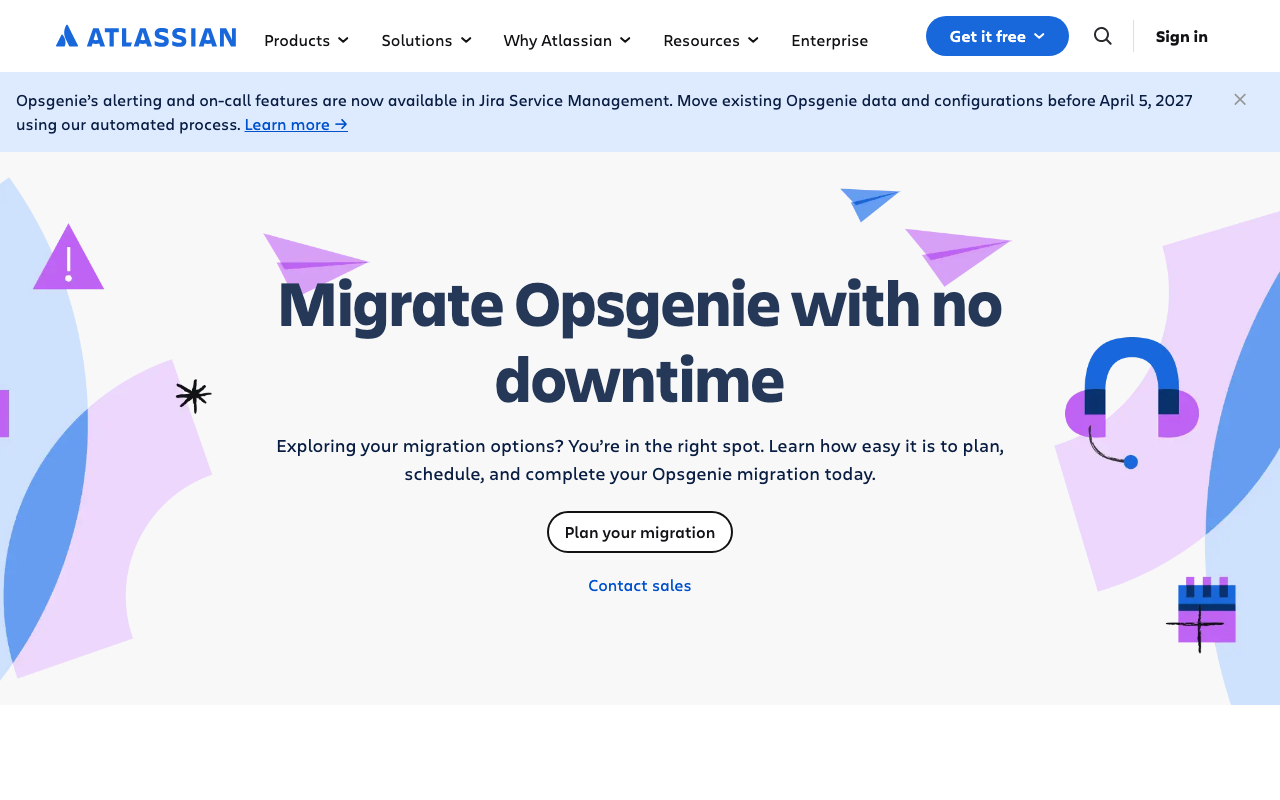
Opsgenie had one of the better scheduling implementations in the category — rotations with restrictions, straightforward overrides, and a clean mobile experience for both. That capability now lives in Jira Service Management: Atlassian’s own Opsgenie page states its alerting and on-call features have moved there, and that existing Opsgenie data and configuration must be migrated before April 5, 2027. So this is a schedule you are moving, not one you are building.
Pros
- The rotation and override model is familiar and capable, and it carries into Jira Service Management
- On-call schedules sit next to the service desk, so support and engineering rotas live in one system
- Existing Atlassian identity and permissions apply, so no separate access review for the rota
Cons
- Every schedule, override rule and escalation policy has to be migrated ahead of the April 2027 deadline
- Jira Service Management is priced around service desk agents, so a rota for engineers is bought inside an ITSM licence
- Teams who wanted a schedule and a pager end up adopting a service management platform
Best for: Atlassian shops consolidating engineering rotas and service desk shifts into one licensed suite.
Pricing: Per-agent Jira Service Management subscription with tiers, where on-call scheduling is bundled into the plan rather than sold separately.
incident.io
incident.io’s on-call product is newer than its response product, and it is built around the assumption that the team lives in Slack. Schedule changes, overrides and shift handovers happen from chat, which removes most of the friction that stops people keeping the rota accurate. Coverage gaps and upcoming shifts get surfaced in the channel rather than waiting to be discovered.
Pros
- Overrides and swaps happen in chat, which is where people already are when they need one
- Shift reminders and gap warnings arrive in the channel rather than in an email nobody reads
- Schedules connect directly to the response product, so the timeline knows who was on call without a lookup
Cons
- The scheduling engine is younger than the incumbents’, so unusual coverage patterns can hit limits
- Heavily oriented to Slack; other chat platforms lose most of the ergonomic advantage
- Per-seat pricing across everyone who might take a shift
Best for: Slack-first teams who want the rota to be maintained in the same place they run incidents.
Pricing: Per-seat subscription where on-call is a separately priced component from the incident response product.
Rootly
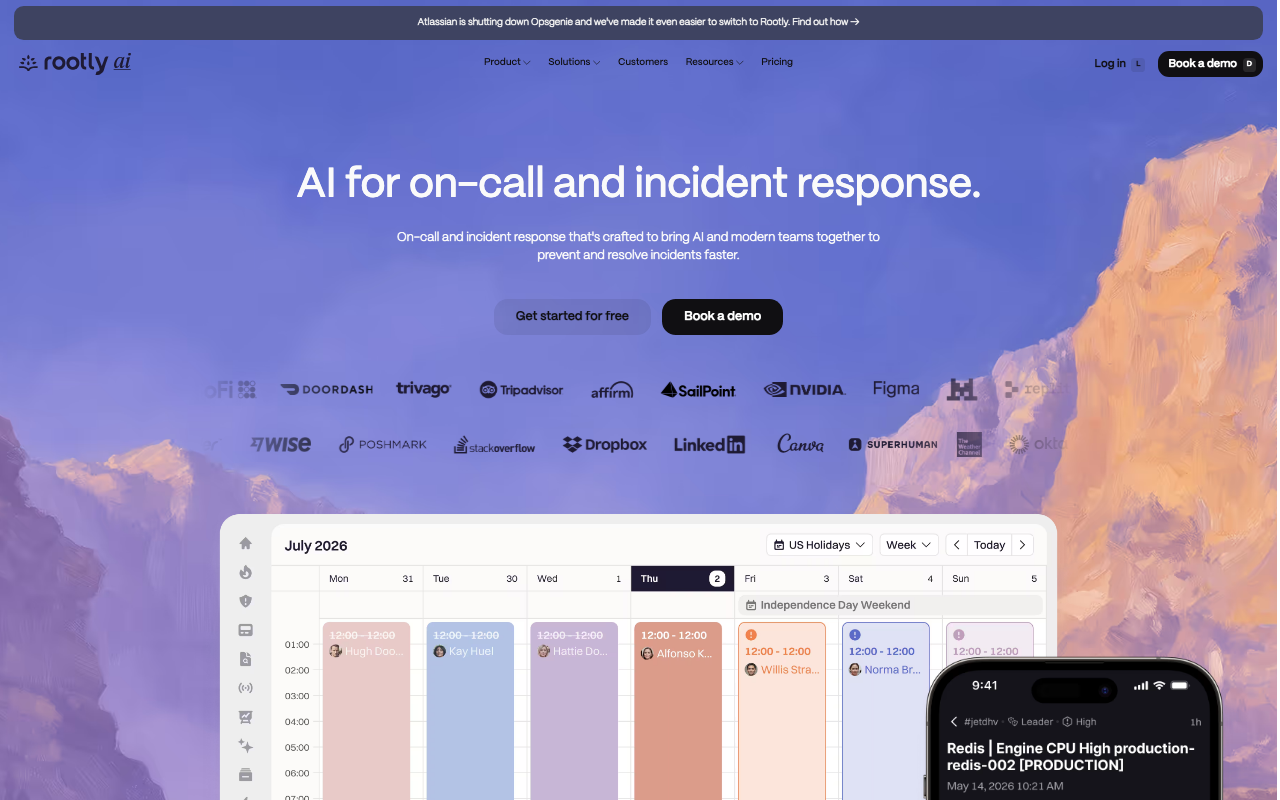
Rootly’s on-call product covers schedules, escalation and overrides with the same automation-first philosophy as the rest of its platform, so rota changes can trigger workflows — announcing handovers, updating a channel topic, or syncing shift data outward. It publishes Opsgenie migration messaging on its homepage, which makes it a common destination for teams whose rota is currently in Opsgenie.
Pros
- Schedule events can drive automation, so handovers and coverage warnings become workflows rather than habits
- Migration tooling and messaging aimed specifically at teams moving rotas off Opsgenie
- On-call, response and retrospectives in one product, so shift data and incident data share a home
Cons
- The automation surface adds configuration to a part of the stack that benefits from being simple
- Packaging targets larger organisations, so a team that only needs a rota is buying a platform
- Onboarding each new team’s schedule is a project rather than a form
Best for: Larger organisations moving rotas off Opsgenie who want handover and coverage automation alongside them.
Pricing: Per-seat subscription with on-call tiered separately from response and advanced automation.
FireHydrant
FireHydrant, a Freshworks company, added on-call and signals to a product whose centre of gravity is the service catalogue. That shapes the scheduling story: rotas are attached to services with known owners, so “who is on call for checkout” is answered from the catalogue rather than from a schedule someone named well. It also runs Opsgenie migration messaging prominently.
Pros
- Schedules attach to catalogued services, so ownership and coverage are one question rather than two
- Coverage gaps surface against services rather than against calendars, which is how the risk is actually felt
- Response, retrospectives and rotas in one system with a documented Opsgenie migration path
Cons
- The value depends on a populated service catalogue, which is weeks of work before the rota benefits
- On-call is a newer part of this product than the response and retrospective features
- Overkill for a team that wants one rotation and a phone call
Best for: Organisations with many services who want the rota derived from ownership rather than maintained beside it.
Pricing: Per-seat subscription tiered by whether you need response only, or response plus on-call and the catalogue at scale.
ilert

ilert covers scheduling, escalation, call routing and status pages in one European product, with EU hosting as the default. For scheduling specifically its useful trait is telephony depth — voice escalation and phone-tree routing — which matters where on-call has to reach people who will not install an app, and where regulation makes standby time a payroll question rather than a cultural one.
Pros
- EU hosting and data residency by default, which matters when rota data is personnel data
- Strong voice escalation, useful when the rotation includes people outside engineering
- Scheduling, escalation and a status page in one subscription rather than three vendors
- Pricing and packaging aimed at small and mid-size teams rather than enterprise negotiation
Cons
- Smaller integration catalogue than the incumbents’, so more sources become hand-maintained webhooks
- Reporting depth on per-person load is lighter than the incumbents’ analytics tiers
- Less presence outside Europe means a thinner community trail for edge cases
Best for: European teams where rota data residency and standby reporting are procurement questions, not preferences.
Pricing: Per-user subscription with tiers, and voice and SMS usage metered separately from seats.
Spike.sh
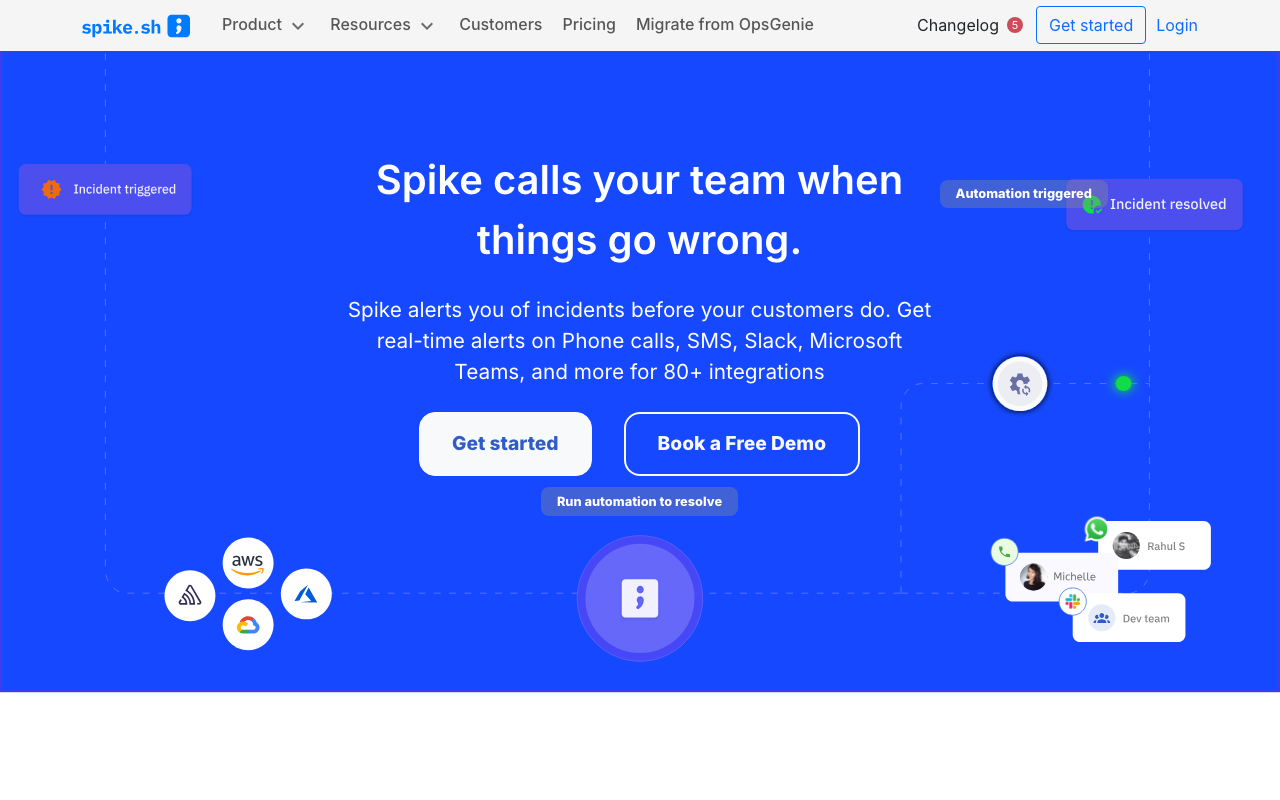
Spike.sh does schedules, escalation and paging and deliberately stops there. For a team with one or two rotations, that constraint is a feature: there is very little to configure incorrectly, and the calendar shows you the whole truth. It carries a “Migrate from OpsGenie” item in its navigation, aimed at teams whose rota needs a new home before 2027.
Pros
- Small enough that a rota can be built correctly in an afternoon with nothing hidden
- Priced for teams where incumbent per-seat costs are the reason they are looking
- Explicit Opsgenie migration path for the largest group of buyers currently in the market
Cons
- Limited support for complex layered coverage — regional splits and multi-layer restrictions strain it
- Fairness and load reporting is thin; expect to build it from an export if you want it
- Small vendor in a consolidating category
Best for: Small teams with one or two straightforward rotations and no appetite for a scheduling engine.
Pricing: Low per-user subscription with a small number of tiers, positioned against incumbent seat pricing.
All Quiet
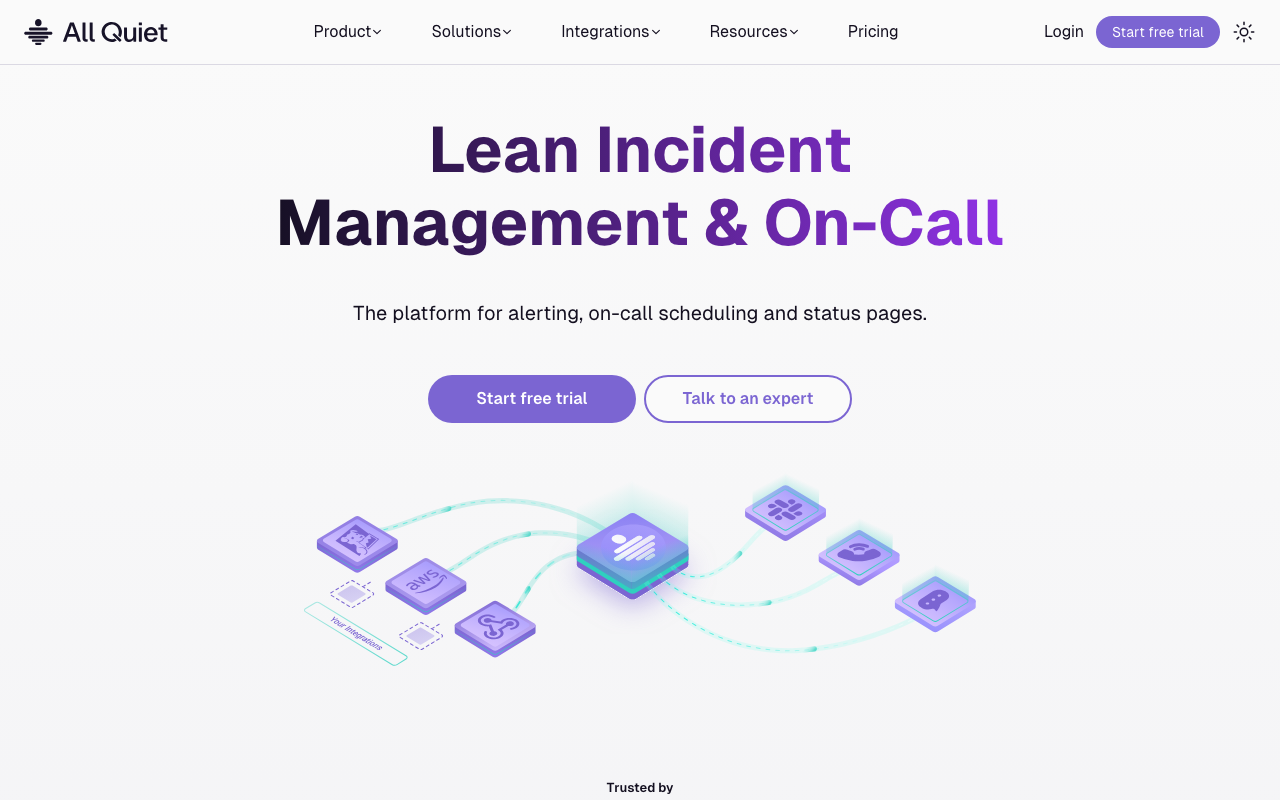
All Quiet is a modern take on the same small-team bracket: schedules, escalation, overrides and mobile paging with a short setup path. Its concepts map closely onto the incumbents’, so a team migrating a rota does not have to relearn the model, and pricing is designed for the case where everyone who might take a shift needs an account.
Pros
- Quick to build a working rotation with escalation and overrides, with little surface to misconfigure
- Familiar model, so an existing team’s mental map of rotations and overrides transfers directly
- Pricing suits teams where every possible responder needs a login
Cons
- Youngest track record here on notification delivery, which is the risk you take on any rota tool
- Fairness and load analytics are minimal compared with the incumbents’
- Smaller integration ecosystem means more manual webhook work
Best for: Small to mid-size teams who want a clean modern rota tool and can accept limited reporting.
Pricing: Per-user subscription with a low-cost entry tier aimed at teams priced out of incumbent seats.
IMR by Xurrent
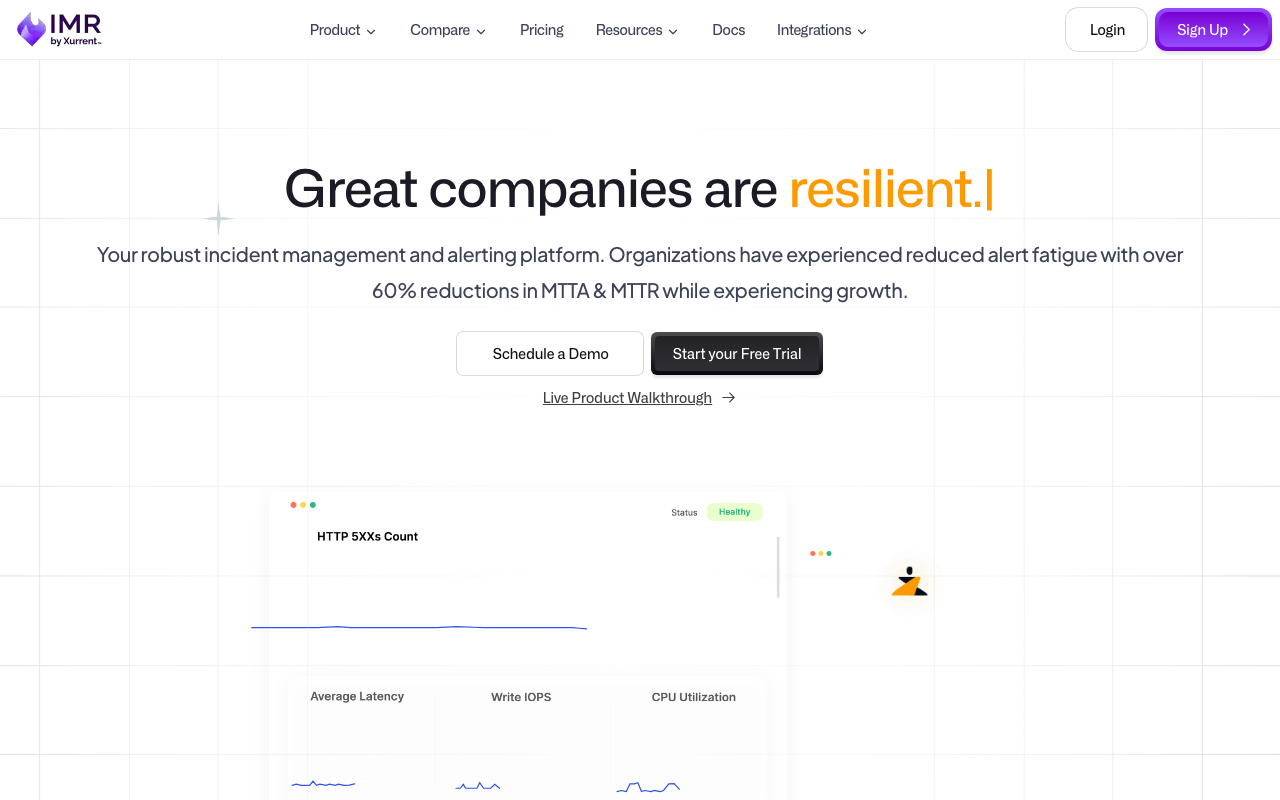
IMR by Xurrent, formerly Zenduty, offers scheduling close to incumbent depth — layered rotations, restrictions, overrides, escalation policies — at a lower price point, now inside Xurrent’s service management portfolio. When evaluating, search under both names: the documentation and community answers you need predate the rebrand.
Pros
- Layered rotation model with restrictions and overrides, closer to incumbent capability than the budget tools
- Covers escalation, response and retrospectives too, so the rota is not a separate subscription
- Sits alongside an ITSM platform, useful if support and engineering rotas need to relate
Cons
- Rebrand splits documentation and community answers across two product names
- Roadmap now follows a service management suite’s priorities
- Smaller community, so fewer worked examples for unusual coverage patterns
Best for: Cost-sensitive teams who need layered scheduling rather than a single simple rotation.
Pricing: Per-user subscription tiered by feature depth, positioned below incumbent pricing for comparable capability.
Grafana IRM
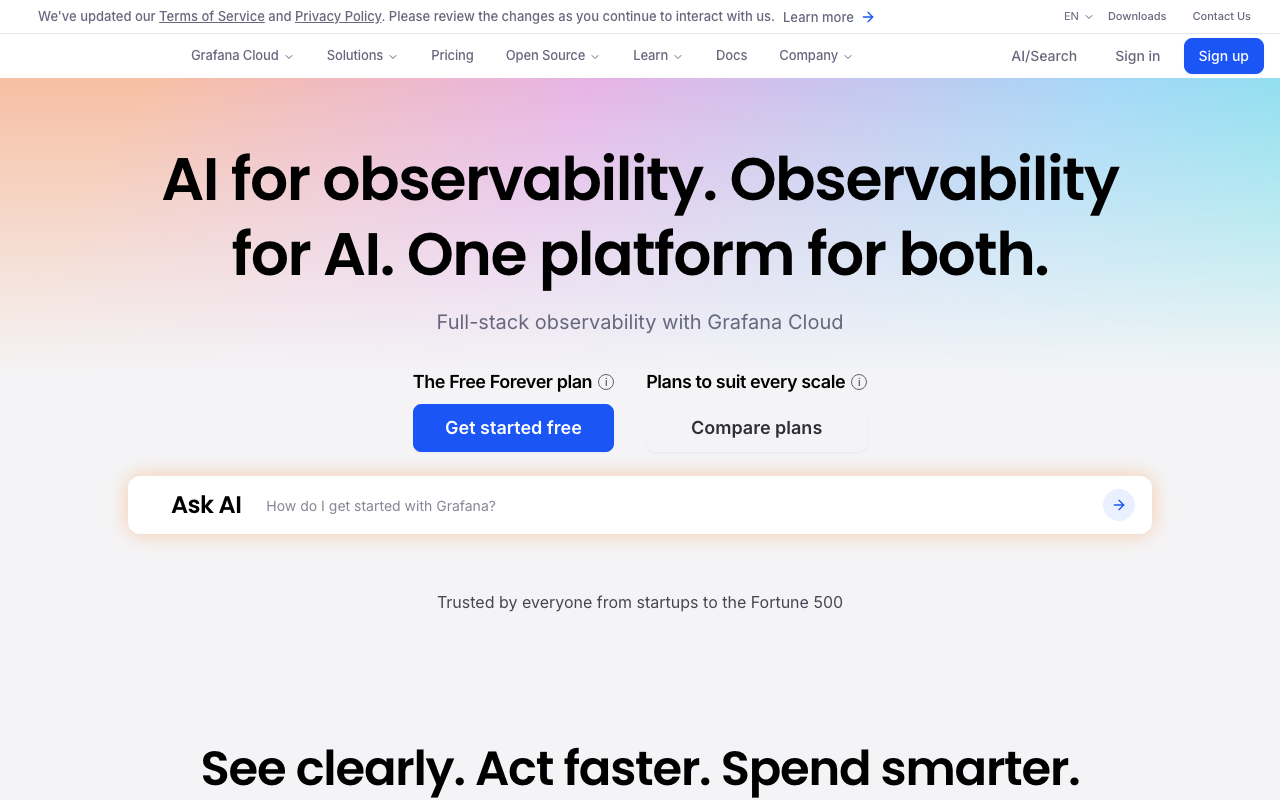
Grafana IRM provides on-call schedules and escalation inside Grafana Cloud, next to the alert rules that generate the pages. For teams whose alerting already runs through Grafana Alerting or Prometheus Alertmanager, that adjacency means no routing keys between alert and rota, and schedules that can be managed with the same tooling as the rest of the Grafana estate.
Pros
- Schedules live beside the alert rules that page them, so there is no integration key to maintain between the two
- Fits teams already managing Grafana resources declaratively, keeping the rota in the same workflow
- Included in a subscription many teams already hold rather than being an additional vendor
Cons
- Little reason to adopt if your alerts do not originate in the Grafana ecosystem
- Commits the rota to Grafana Cloud, a wider decision than choosing a scheduler
- Per-person load and fairness reporting is not the focus, so expect to build it from exports
Best for: Prometheus and Grafana teams who want the rota in the same platform as the alert rules.
Pricing: Bundled into Grafana Cloud plans with usage-based metering across signals rather than sold as a per-seat scheduler.
How to choose
The order matters, because the first two questions eliminate most candidates.
How complex is your coverage, honestly? One rotation with a secondary is served by anything here, and the small tools will serve it better because there is less to get wrong. Regional splits, business-hours layers and separate weekend rotas need a layered model that holds up — that is the incumbents, IMR by Xurrent, and to a lesser degree the chat-native platforms.
Where will overrides be created? If the honest answer is “on a phone, by a tired engineer, at short notice,” test that path first in every tool and let the result carry more weight than the feature list.
Do you need to answer the fairness question with data? If yes, check what the tool reports natively before you buy. Building it from an API export is possible everywhere and happens almost nowhere.
Does payroll or a works council need a report? Then standby-hours reporting is a requirement, not a nice-to-have, and it should appear in the trial.
| Tool | Coverage complexity it handles | Watch out for |
|---|---|---|
| PagerDuty | High — layers, regions, restrictions | Per-seat cost; fairness analytics on higher tiers |
| Jira Service Management | High, inherited from Opsgenie | Mandatory migration before April 2027 |
| incident.io | Moderate | Younger scheduling engine; Slack-centric |
| Rootly | High | Platform weight for a team that only needs a rota |
| FireHydrant | Moderate to high | Depends on a populated service catalogue |
| ilert | Moderate | Lighter per-person load reporting |
| Spike.sh | Low | Complex layered coverage strains it |
| All Quiet | Low to moderate | Minimal analytics; youngest delivery record |
| IMR by Xurrent | High | Two product names in the documentation trail |
| Grafana IRM | Moderate | Only compelling inside the Grafana ecosystem |
Better Stack is a reasonable eleventh option for small teams that also want uptime monitoring and a status page from the same vendor, though its scheduling depth sits with the simpler tools rather than the incumbents. If the driver for this whole exercise is cost, the wider comparison is in PagerDuty alternatives; if you would rather run this yourself, start with open source incident management.
Frequently asked questions
How do on-call schedules handle daylight saving time?
It depends on whether the tool anchors a rotation to a wall-clock time in a named zone or to an absolute instant plus a fixed period. The first keeps handovers at the same local time and moves the UTC instant twice a year; the second does the reverse. Either is workable, but a handover or restriction boundary between 01:00 and 03:00 local will behave strangely on transition days, and follow-the-sun coverage develops gaps in the weeks when regions change clocks on different dates. Test it by fast-forwarding the calendar rather than by reading the documentation.
What is a fair on-call rotation?
There is no universal answer, but there is a measurable one. Track pages per person, pages outside each person’s working hours, and pages during each person’s own night, then look at the spread. If one person absorbs twice the interruptions of the median, the problem is usually that they own the noisiest service — and the fix is alert quality, not a different rota shape.
Should we use round-robin or fixed shifts?
Fixed shifts for the primary rotation, because context and follow-up need an owner, with a real secondary so a bad shift is survivable. Round-robin suits daytime triage rotations where each item is independent and continuity does not matter. Round-robin on a primary production rotation looks fair in the reports and drops follow-up items in practice.
Can we manage on-call schedules in Terraform?
Most major vendors publish a Terraform provider, and for large estates it is the only sane way to manage dozens of rotations. Check coverage carefully before committing: providers often cover schedules and escalation policies but not user notification rules or every override type, and a rota split between code and the UI with no authoritative source is worse than one managed entirely by hand.
Related reading
- Best incident management tools — how the schedule fits the rest of the escalation chain.
- PagerDuty alternatives — the cost and migration case for moving a rota.
- Best alerting tools — the layer that decides how often the rota gets used at all.
- Best postmortem and incident retrospective tools — what happens after the shift ends.
- Best open source incident management — self-hosted scheduling and what it costs to run.
- Best uptime and synthetic monitoring tools — a common source of the pages your rota absorbs.