Nobody switches pagers because the interface is dated. They switch because the renewal quote arrived and someone noticed that eleven of the twenty-two seats belong to people who have never acknowledged an alert, or because the team already runs every incident in a Slack channel and the pager is a separate console nobody opens except to silence it.
There is a third reason that is bigger than both right now: Atlassian’s Opsgenie page states its alerting and on-call features now live in Jira Service Management, and that existing Opsgenie data and configuration must be moved before April 5, 2027. That is a large installed base being pushed into a decision, and most of them are evaluating PagerDuty at the same time as everyone else. If you are one of them, the migration mechanics section below is the part to read.
Before any of that, one thing needs saying plainly, because it is missing from most comparison articles: if the pager does not reliably reach a sleeping human on a bad connection, nothing else on the comparison table matters. Every feature below is a rounding error against that.
Key takeaways
- PagerDuty’s real moat is notification delivery and the mobile app. Test that first on every alternative, on real phones, before comparing anything else.
- Teams leave for three distinct reasons — per-seat cost, unused feature surface, and Slack-native workflow — and each reason points at a different shortlist.
- Opsgenie customers must migrate before April 5, 2027 per Atlassian’s own page, which makes them the largest group in this market and puts Jira Service Management on every shortlist by default.
- The migration step teams skip is re-installing and re-testing the mobile app for every responder, including notification permissions and critical-alert bypass.
What PagerDuty is genuinely better at
Three things, and they are not marketing.
Notification delivery. The whole product is one question: does a phone in do-not-disturb, at 3am, on one bar of signal, make a noise. PagerDuty has had more chances to get that wrong than anyone else in the market and has fixed most of them — push, SMS, voice call with retries, critical-alert bypass on iOS, and a delivery path that has survived years of carrier and OS changes. A newer competitor may be equally good. You have no way to know that from a feature table, which is why the test below is the only benchmark that decides anything.
The integration catalogue. Whatever emits your events almost certainly has a first-party PagerDuty integration with a documented payload shape and correct deduplication key handling. On a smaller vendor, the long tail is generic webhooks you map yourself — which works, and which is an afternoon per source plus the maintenance when the source changes its payload.
Enterprise governance. Audit logs, SSO and SCIM, granular role scoping, and the ability to prove to an auditor who could have changed an escalation policy in March. Smaller vendors have some of this; the depth is not comparable.
What PagerDuty is not better at: cost at team scale, fitting a Slack-first workflow without an extra console, and being simple enough that a new team can configure it correctly without help.
Needs first-hand data: Run both pagers in parallel for two weeks. Fan the same alerts into PagerDuty and the candidate, and record per responder: time from event to audible ring, missed pages, and whether critical-alert bypass worked on their actual phone and OS version. This is the only comparison that should be allowed to decide the purchase.
The three reasons teams leave, and what each one implies
Per-seat cost at the wrong team size. The model bites hardest between roughly fifteen and a hundred engineers, where everyone plausibly needs a licence but nobody is on call often enough to justify one. Watch for the tier boundary too: the paging tier and the full incident response tier are effectively different products commercially, and the features people assume are included — automation, analytics, response coordination — usually are not. If cost is the driver, your shortlist is the low-price focused pagers, and the number that decides it is seats you actually need, not list price.
Feature surface far beyond what you use. Some teams use three of thirty capabilities and pay for the configuration weight of all thirty. That weight is a real cost: a misrouted alert takes an hour to trace through orchestration rules that four people understand. If this is the driver, buy something small enough to hold in your head, and accept that you lose the long tail of integrations.
Slack-native workflow. If every incident already happens in a channel, a separate console is a place people go to acknowledge and then leave. The chat-native platforms invert that — the channel is the incident, roles and severity are chat commands, and the timeline writes itself. If this is the driver, cost is secondary and the shortlist is short.
Be honest about which of the three you actually have. Teams that pick a cheap pager to solve a workflow problem end up with a cheap pager and the same workflow problem.
If you are migrating off Opsgenie
You are choosing between Jira Service Management and everyone else, and the choice is mostly about how much of Atlassian you already own.
Staying inside the Atlassian suite means no new vendor review, no new identity integration, and on-call living next to the service desk. It also means adopting an ITSM product priced around service desk agents to keep a capability you thought of as a pager.
Leaving means a real evaluation while under a deadline, which is the worst condition for buying software — but the deadline also gives you a rare mandate to fix the alert routing you have been meaning to clean up for three years. Rootly and FireHydrant both run Opsgenie migration messaging on their homepages, and spike.sh carries a “Migrate from OpsGenie” item in its navigation. Migration tooling exists; use it, then verify by hand.
What the migration actually costs
Four pieces of work, in increasing order of how badly they are underestimated.
Schedules and rotations. Usually the easiest, because most tools import them or you rebuild a handful of rotas in an afternoon. The traps are time zones and the layered-override model: a rotation that looks right in the new tool’s calendar can still resolve to nobody during a daylight saving transition. Walk the calendar forward six months and look for gaps. The on-call scheduling guide covers this in detail.
Escalation policies. Also straightforward to recreate, and also where the semantics differ quietly between vendors — acknowledge timeouts, whether re-escalation repeats indefinitely, and whether a step targeting a team means everyone or the current on-call. Read the new tool’s docs on each of those rather than assuming the shape carries over.
Integration keys. This is the long pole. Every monitoring tool, cloud account, error tracker, CI system and homegrown script that sends events holds a routing key, and half of them were configured by someone who left. Inventory them before you start: grep your infrastructure repositories, then walk the integration list in the old tool and match each entry to a source you can name. The ones you cannot name are the ones that will silently stop paging.
The mobile app. Every responder must install the new app, sign in, grant notification permissions, enable critical alerts or the platform equivalent, and receive a test page that actually wakes them. This is the step people skip because it is not engineering work, and it is the one that produces the first missed page after cutover. Do it as a scheduled exercise with a checklist, not an announcement in a channel.
Needs first-hand data: Do a dry run on one team before committing: migrate their schedule, escalation policy and ten integration keys into the candidate, run a week of shadow paging, and record the hours spent and the number of sources that turned out to be unaccounted for. Multiply by your team count for the real project cost.
Run both systems in parallel through the cutover. Overlapping subscriptions for a month is cheaper than one missed page.
incident.io
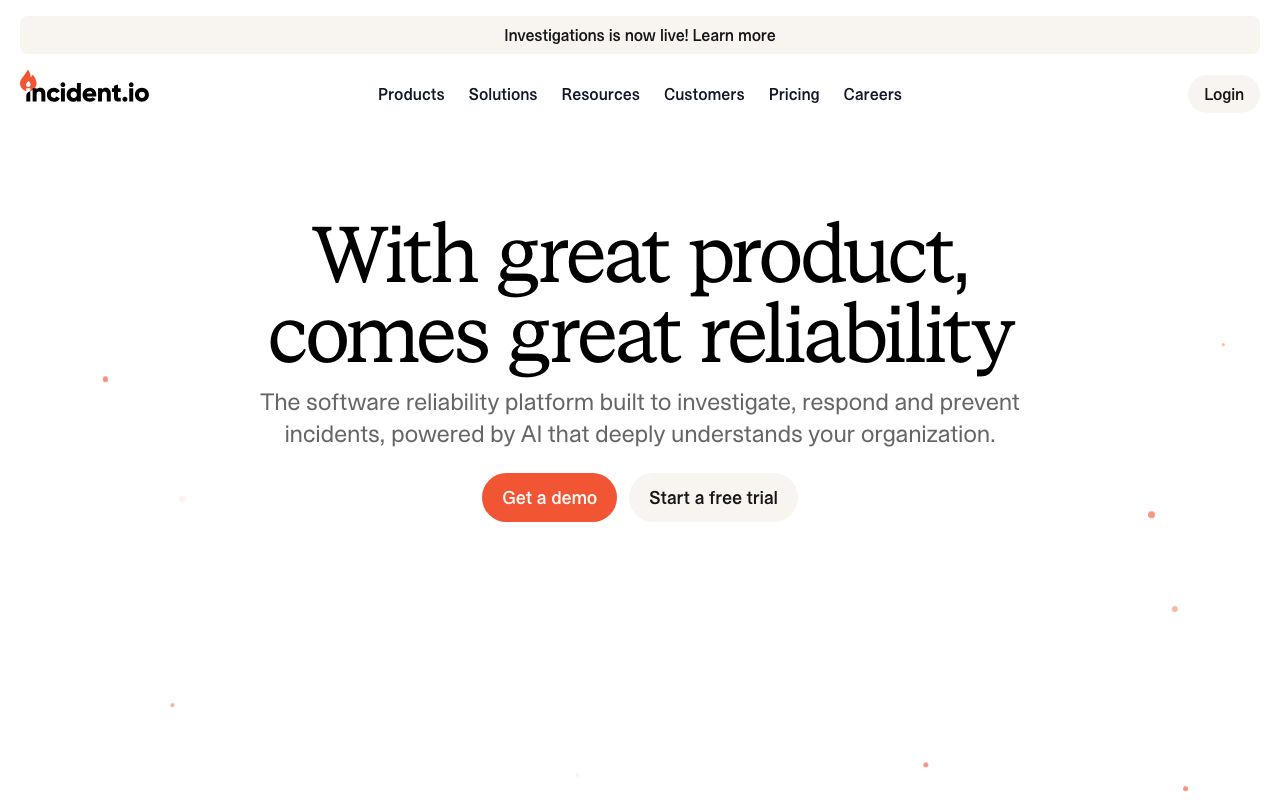
incident.io is the strongest answer when the reason for leaving is workflow rather than cost. It began as Slack-native response coordination — channel, roles, severity, automatic timeline — and added alerting and on-call so it can now replace the pager outright. Teams commonly adopt it alongside PagerDuty first and cut over once the paging leg has proved itself, which is a sensible order.
Pros
- The incident happens in the channel the team already uses, so adoption needs no behaviour change
- The timeline assembles itself from messages, alerts and deploys, which removes the main friction in retrospectives
- Covers alerting, on-call, response and retrospectives, so it can consolidate two or three subscriptions
Cons
- Slack is the design centre; other chat platforms get a less natural experience
- The paging leg is younger than PagerDuty’s, and paging maturity is exactly what you are trading away
- Per-seat pricing across responders means cost is rarely the reason to switch here
Best for: Slack-first teams leaving PagerDuty because the console is a place people acknowledge and then abandon.
Pricing: Per-seat subscription with tiers, and on-call priced as a separate component from the response product.
Rootly
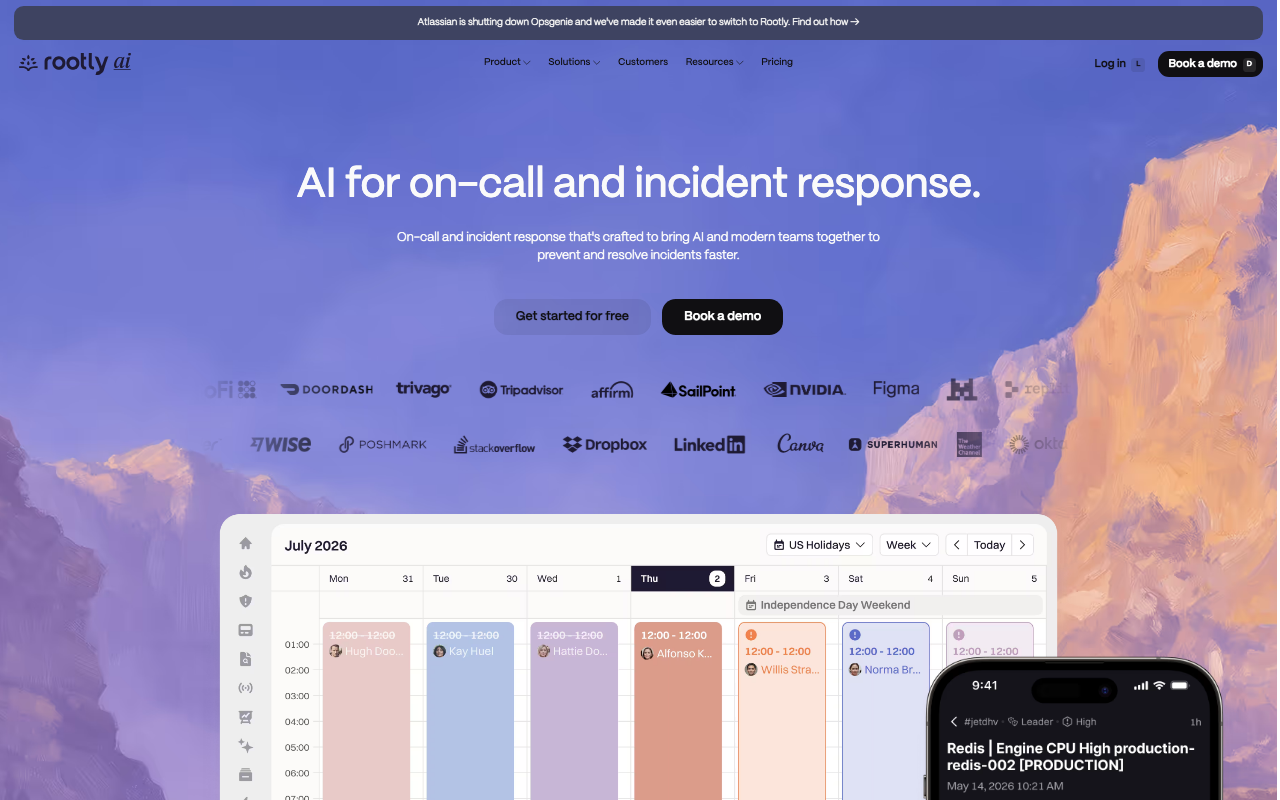
Rootly is the other chat-native platform in this bracket, distinguished by a workflow engine that handles genuinely conditional process — different severity, different service, different sequence of tickets, pages and status page updates. It runs Opsgenie migration messaging on its homepage, and its on-call product means it can be a one-purchase replacement rather than a layer on top of another pager.
Pros
- Conditional workflows replace the runbook nobody reads with automation that runs on its own
- On-call plus response plus retrospectives in one product, so a full PagerDuty replacement is one contract
- Active migration tooling and messaging for teams arriving from Opsgenie
Cons
- The workflow builder is a maintenance surface of its own; teams accumulate automations nobody dares delete
- Packaging targets larger organisations, so the entry tier rarely covers the features that drew you in
- Configuration depth means onboarding each new team is a project, not a settings change
Best for: Mid-size and larger organisations that want incident process automated by condition rather than documented in a wiki.
Pricing: Per-seat subscription tiered across response, on-call and advanced automation, with enterprise terms quoted rather than listed.
FireHydrant
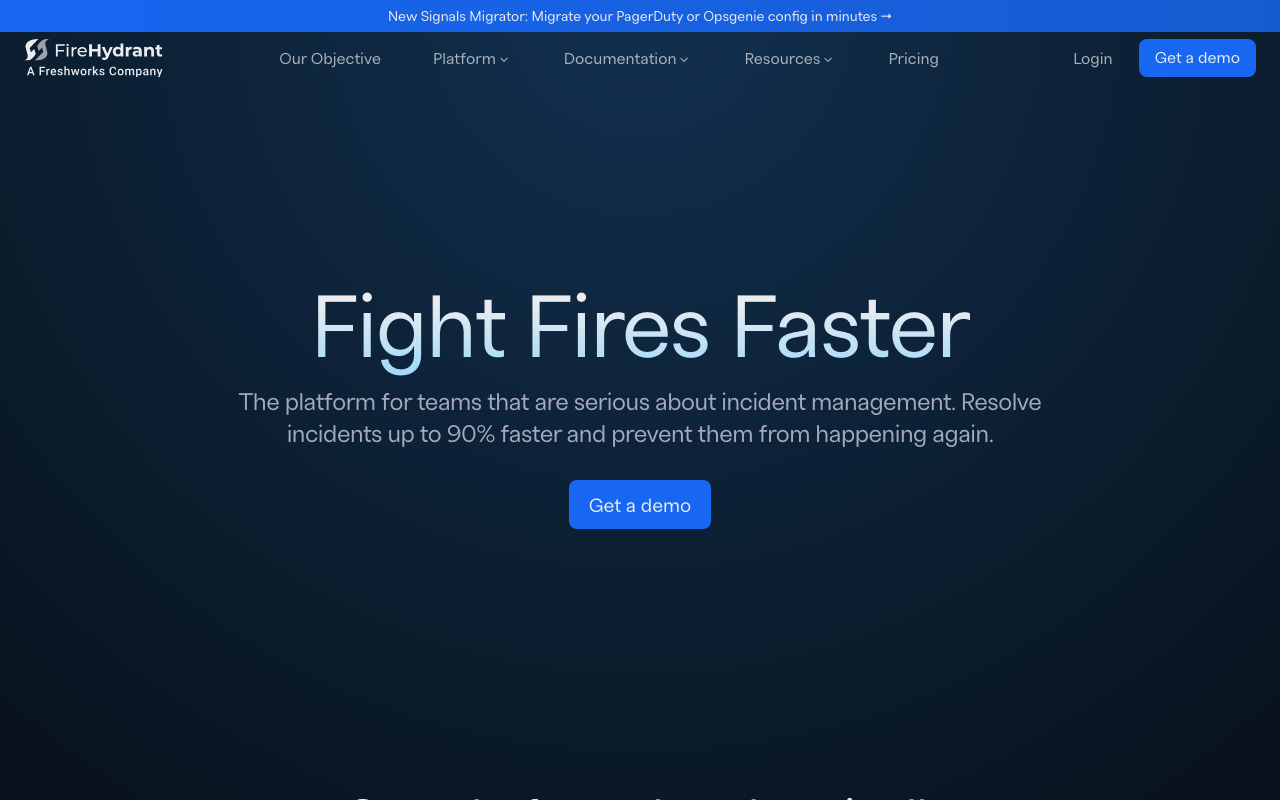
FireHydrant, a Freshworks company, replaces PagerDuty for organisations whose real problem is that nobody knows who owns what. Its service catalogue drives routing and blast-radius questions, runbooks fire automatically by severity, and it absorbed Blameless, the original retrospective specialist. It also runs Opsgenie migration messaging prominently.
Pros
- Service catalogue turns ownership routing from tribal knowledge into data the tool can act on
- Automated runbooks execute the response process rather than describing it
- Retrospective depth is stronger than most, reinforced by the Blameless absorption
Cons
- Most of the value depends on the catalogue, and populating it honestly is weeks of work before you see benefit
- Now inside a larger software company, so this product’s roadmap answers to a suite strategy
- Considerably heavier than the pager it is replacing
Best for: Organisations with many services and unclear ownership, where the incident problem is coordination rather than paging.
Pricing: Per-seat subscription tiered by whether you need response only, or response plus on-call, automation and the catalogue at scale.
Jira Service Management
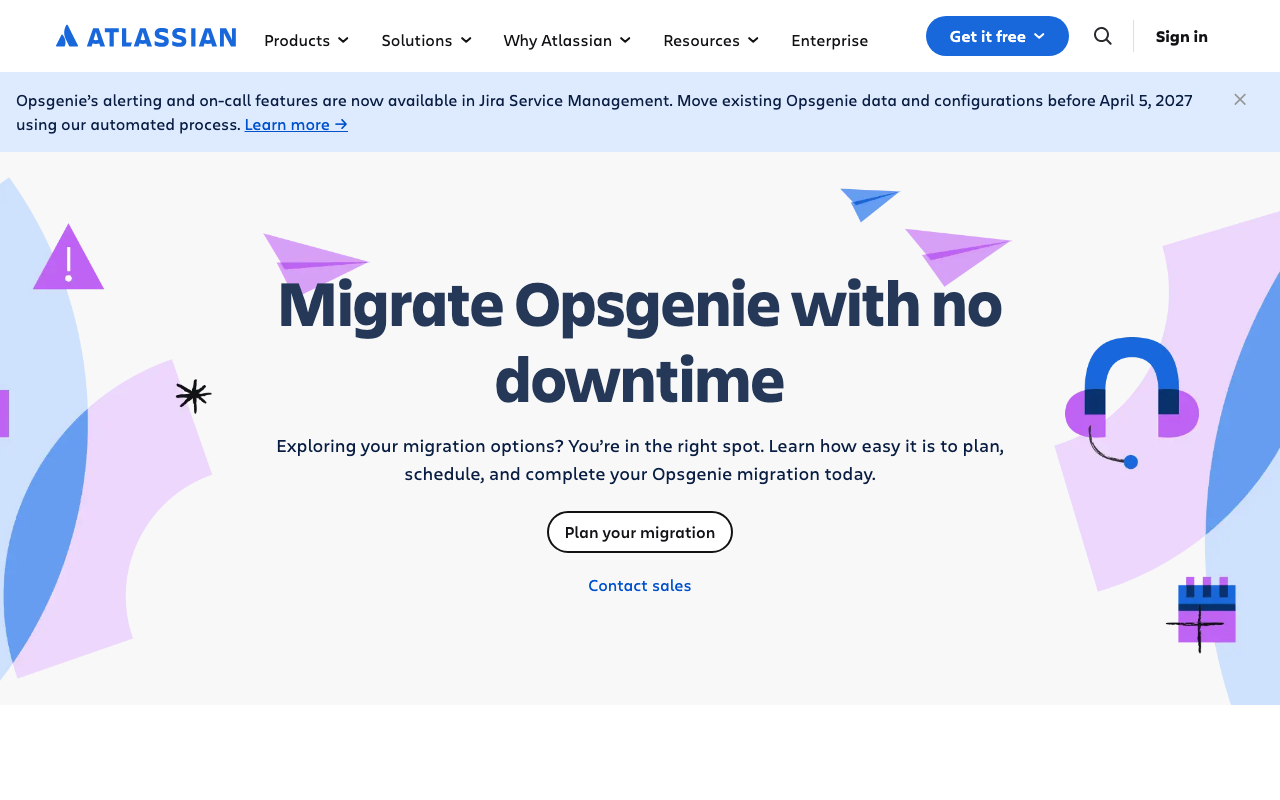
Jira Service Management is where Opsgenie’s alerting and on-call features now live, per Atlassian’s own Opsgenie page, with existing Opsgenie data and configuration required to move before April 5, 2027. As a PagerDuty alternative it is compelling only for organisations already deep in Atlassian, where identity, procurement and the service desk are already there and on-call is one more capability in a licence you hold.
Pros
- No new vendor, no new identity integration, no new procurement cycle for existing Atlassian customers
- On-call and the customer-facing service desk share one data model, so incidents and tickets connect without glue
- The migration path from Opsgenie is the vendor’s own, which is the shortest available route for that installed base
Cons
- Priced and designed around service desk agents, so teams who wanted a pager adopt an ITSM platform to get one
- On-call is one capability inside a large product rather than the focus of it, and the depth reflects that
- The forced migration means even satisfied Opsgenie customers must do the work; only the destination is optional
Best for: Atlassian-standardised organisations migrating off Opsgenie who want on-call inside a suite they already license.
Pricing: Per-agent subscription with tiers, where on-call capability is bundled into the plan rather than sold as a standalone pager.
ilert

ilert is the practical European alternative: alerting, on-call schedules, call routing and a status page in one subscription, with EU hosting and data residency as the default. If your objection to an American incumbent is where the data sits, this removes the argument rather than answering it with a contract addendum.
Pros
- EU data residency by default, which shortens a procurement conversation that otherwise stalls for weeks
- Voice call and phone-tree routing are first-class, useful when escalation has to reach people outside engineering
- Paging, scheduling and a status page in one subscription instead of three vendors
Cons
- Smaller integration catalogue, so more of your long-tail sources become generic webhooks you maintain
- Response coordination and retrospective features are light next to the chat-native platforms
- Less presence outside Europe means fewer community answers when you hit an edge case
Best for: European teams whose driver is data residency and cost rather than incident workflow.
Pricing: Per-user subscription with tiers, and voice and SMS usage metered separately from seats.
Spike.sh
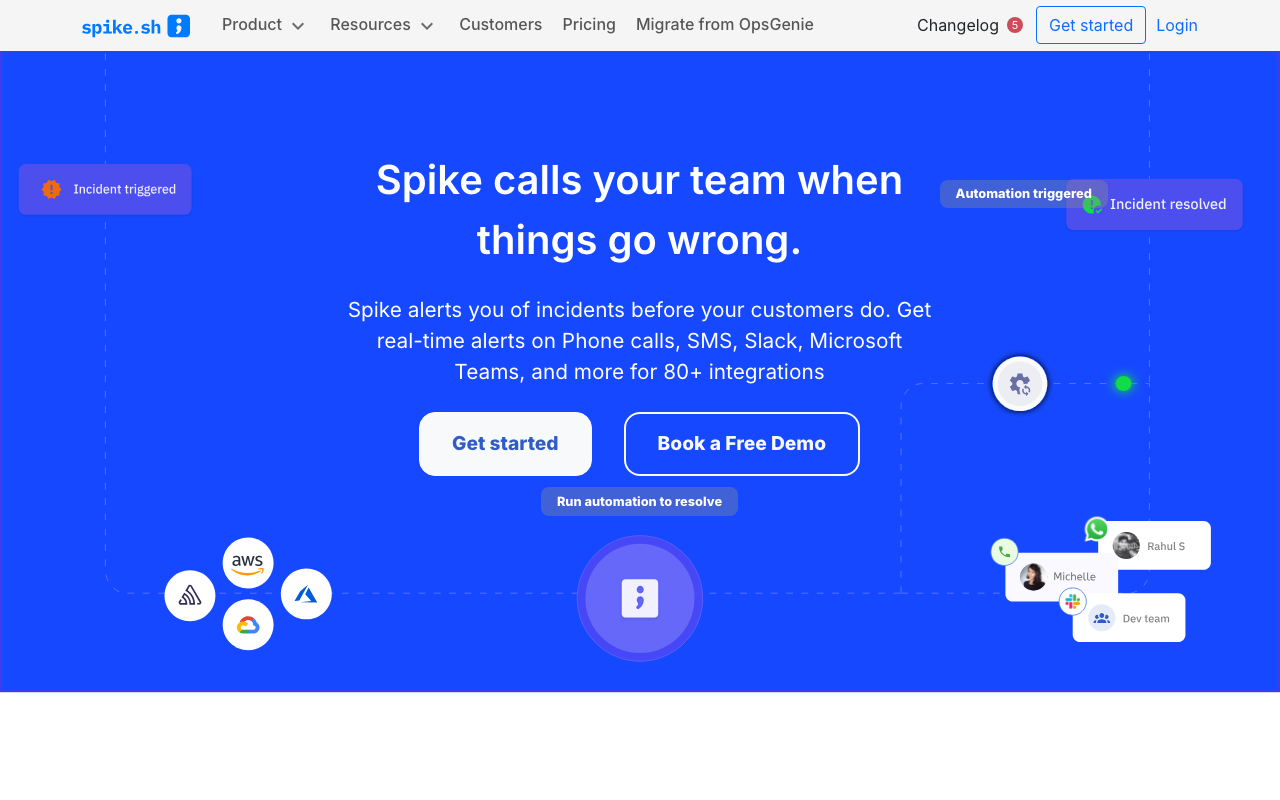
Spike.sh is the answer when the reason for leaving is purely cost and surface area. It does routing, schedules, escalation and mobile paging, and it stops there. The configuration surface is small enough that one engineer can hold all of it in their head, which is an underrated reliability property. It carries a “Migrate from OpsGenie” item in its navigation.
Pros
- Configurable correctly in an afternoon, which prevents the misrouted-alert class of failure entirely
- Priced for teams where incumbent per-seat costs stopped making sense
- Explicit Opsgenie migration path for the largest group of buyers in the market right now
Cons
- No meaningful response coordination or retrospective capability; incidents get run elsewhere
- Small vendor in a consolidating category, which is a fair thing to weigh
- Governance features — audit depth, role granularity — are well behind the incumbents
Best for: Small teams whose renewal quote is the reason they are reading this.
Pricing: Low per-user subscription with a small number of tiers, positioned directly against incumbent seat pricing.
All Quiet
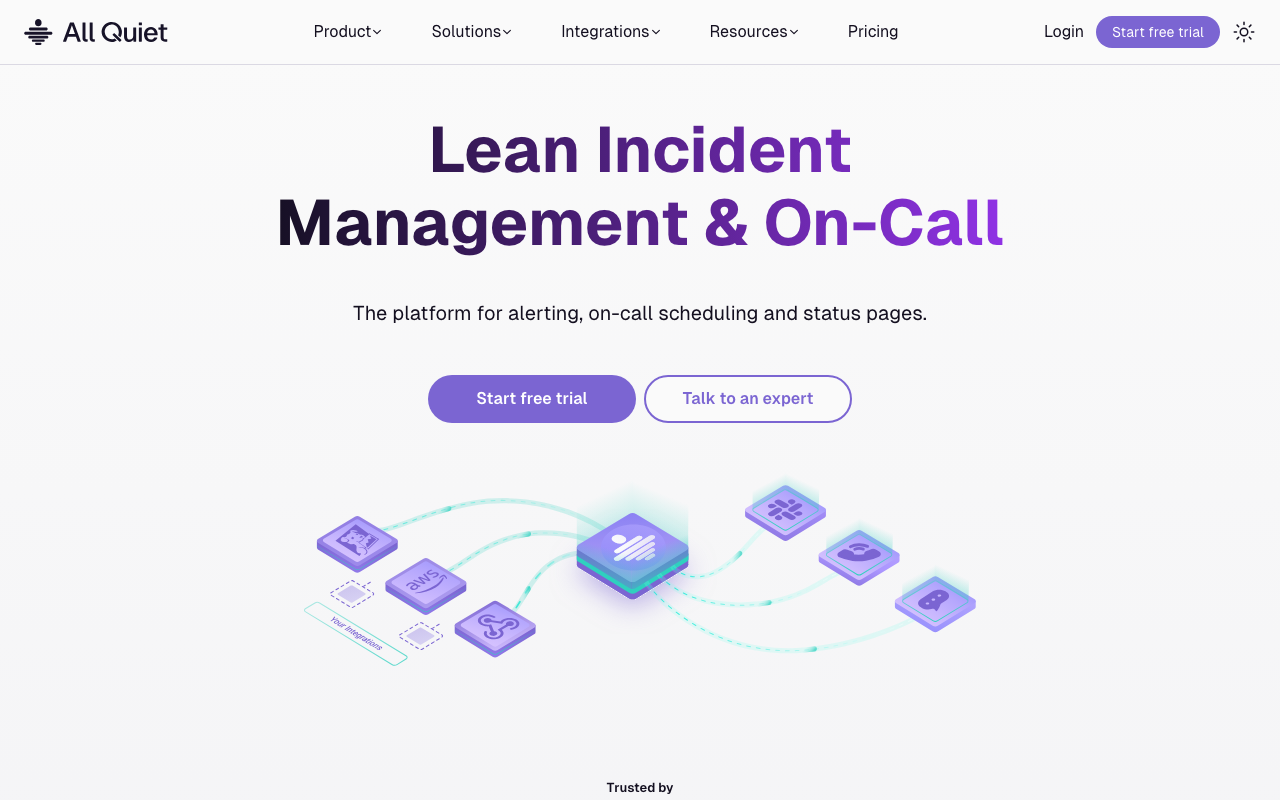
All Quiet is a newer pager in the same bracket as Spike.sh: schedules, escalation, mobile paging and incident tracking, with a short setup path and pricing aimed at teams that need everyone to have an account. Concepts map closely onto PagerDuty’s, so the team’s existing mental model transfers.
Pros
- Short path from zero to a working rotation with escalation, with little to misconfigure
- Familiar concepts, so migrating habits costs almost nothing
- Pricing suits teams where every possible responder needs a login
Cons
- Youngest track record here on notification delivery, the exact thing you are trading away from PagerDuty
- Smaller integration ecosystem, so expect more webhook mapping
- Coordination and retrospective features are minimal
Best for: Small to mid-size teams who want a modern pager without an incumbent’s configuration weight.
Pricing: Per-user subscription with a low-cost entry tier, aimed at teams priced out of incumbent seats.
IMR by Xurrent
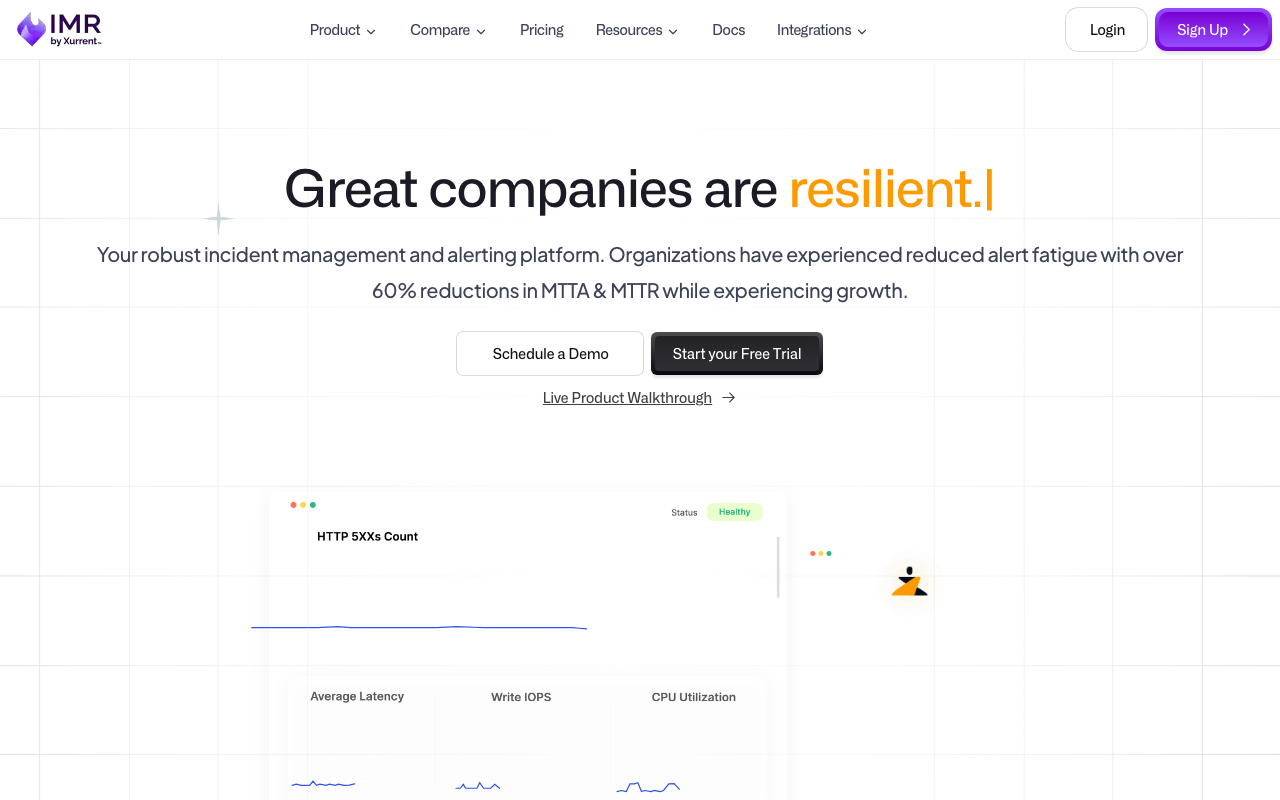
IMR by Xurrent, formerly Zenduty, competes on giving you close to incumbent feature depth — routing rules, on-call, escalation, runbooks, postmortems — below incumbent pricing. It now sits inside Xurrent’s service management portfolio. Expect to search under both names while evaluating, because the documentation and community trail predate the rebrand.
Pros
- Feature depth approaching PagerDuty’s at a materially lower price point
- Covers response and retrospectives as well as paging, so it can consolidate more than one subscription
- Sits alongside an ITSM platform, connecting incidents to service management without an integration project
Cons
- The rebrand fragments documentation and community answers across two product names
- Direction now follows a service management suite’s strategy rather than a standalone incident product’s
- Lower mindshare, so fewer engineers arrive already knowing how it works
Best for: Cost-sensitive teams who want incumbent-level capability and can tolerate a product mid-rebrand.
Pricing: Per-user subscription tiered by feature depth, positioned below incumbent pricing for comparable capability.
Better Stack
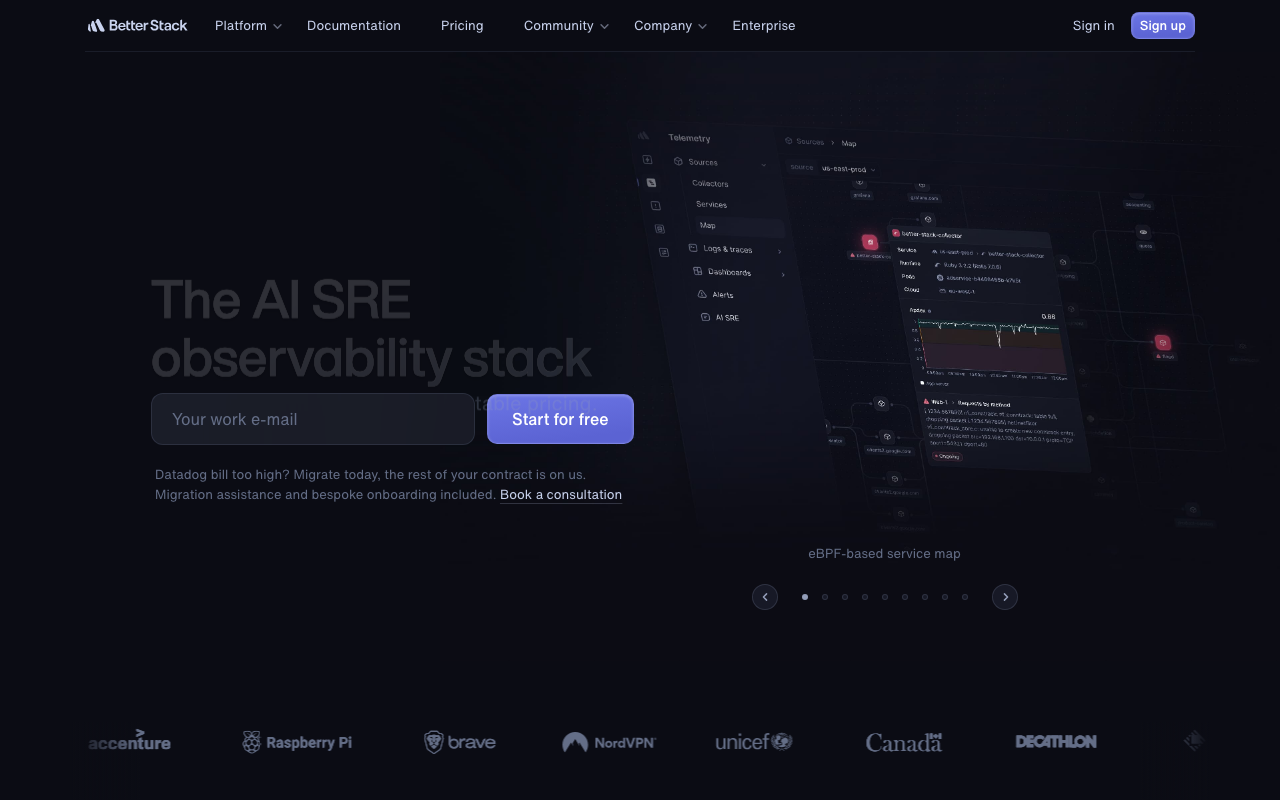
Better Stack replaces PagerDuty for teams who would rather buy one thing: uptime monitoring, on-call, status pages and log management in a single subscription. The monitor that detects the problem and the schedule that pages someone are the same product, so there are no integration keys between them to lose during a migration.
Pros
- Detection, paging and customer communication in one product, which removes the integration-key problem entirely
- One subscription instead of three vendors, usually the deciding factor for small teams
- Logs live in the same place, so the alert and the evidence are one hop apart
Cons
- Coordination and retrospective depth is well behind the specialists
- Judged purely as a pager, it does not match the incumbents on integration breadth or governance
- Putting detection and paging in one vendor means a single outage can remove both
Best for: Small teams consolidating uptime monitoring, paging and a status page into one vendor.
Pricing: Tiered subscription combining monitor count, on-call seats and log volume, so several meters move the bill at once.
Grafana IRM

Grafana IRM is the on-call and incident response product inside Grafana Cloud. For teams whose alerts already come from Grafana Alerting or Prometheus Alertmanager, it removes the layer of integration keys between the alert and the pager, and the person who gets woken lands on the dashboard rather than a link to one.
Pros
- Alerts, dashboards, schedules and escalation in one product, so pages arrive with context attached
- Natural fit where alerting already runs through Grafana or Alertmanager, with near-zero integration work
- Consolidates a subscription you may already hold rather than adding a vendor
Cons
- Value drops sharply when alerts originate outside the Grafana ecosystem
- Commits on-call to Grafana Cloud, a broader decision than replacing a pager
- Coordination and retrospective features are lighter than the dedicated platforms’
Best for: Prometheus and Grafana shops who want the pager next to the alert rules that fire it.
Pricing: Bundled into Grafana Cloud plans with usage-based metering across signals rather than sold as a standalone per-seat pager.
Datadog On-Call
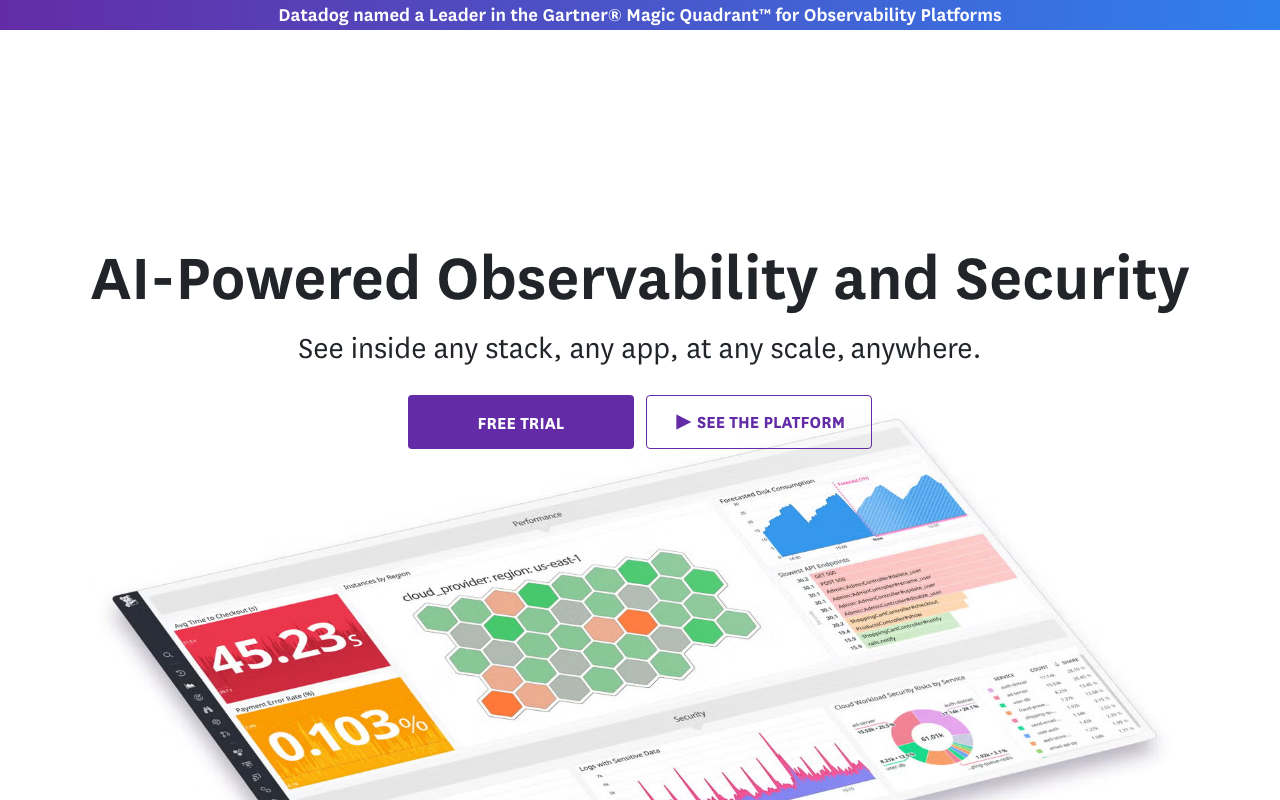
Datadog On-Call is the same argument as Grafana’s, for the other large monitoring platform: schedules, escalation and paging inside the product that already generates your monitors. If Datadog is where your alerts come from, this collapses the detection-to-page path into one system and one vendor relationship.
Pros
- No integration keys between monitor and pager, which removes the most fragile part of any migration
- The page arrives attached to the monitor, its graph and the related traces and logs
- One vendor, one contract, and no new identity or procurement review for existing customers
Cons
- Only makes sense if Datadog is genuinely your monitoring platform; as a standalone pager it has no argument
- Adds another meter to a bill already known for growing in ways teams did not forecast
- Response coordination and retrospective capability is thin next to the specialists
Best for: Teams already standardised on Datadog who want paging in the same platform as detection — see APM tools for that wider decision.
Pricing: Usage-based metering alongside the rest of the platform rather than a separate per-seat pager subscription.
How to choose
Start from your reason for leaving, not from the feature grid.
Cost. Count the seats you actually need under each vendor’s role model — responder, stakeholder, read-only — then compare. Spike.sh, All Quiet and IMR by Xurrent are the shortlist. Verify delivery reliability first, because that is what you are trading.
Workflow. incident.io and Rootly, in that order if you are Slack-first, reversed if you need conditional automation across ticketing and status pages.
Ownership chaos. FireHydrant, because the service catalogue is the actual product.
Already inside a platform. Grafana IRM, Datadog On-Call, Better Stack or Jira Service Management, depending on which platform. Splunk On-Call belongs in this bracket too, and makes sense almost exclusively where Splunk is already the log platform.
| Alternative | Leave PagerDuty for it when | Main thing you give up |
|---|---|---|
| incident.io | Incidents live in Slack and leave no record | Cost savings; paging maturity |
| Rootly | Process needs conditional automation | Simplicity; entry-tier pricing |
| FireHydrant | Nobody knows who owns which service | Weeks of catalogue setup |
| Jira Service Management | You are Atlassian-standardised, leaving Opsgenie | A pager-focused product |
| ilert | EU data residency is a hard requirement | Integration breadth |
| Spike.sh | The renewal quote is the whole reason | Coordination and governance |
| All Quiet | You want a modern pager, minimal setup | Track record on delivery |
| IMR by Xurrent | You want incumbent depth for less | A settled brand and docs trail |
| Better Stack | One vendor for monitoring, paging, status | Depth in every individual area |
| Grafana IRM | Alerts already come from Grafana | Independence from Grafana Cloud |
| Datadog On-Call | Datadog is already your monitoring | Another meter on that bill |
Whichever you pick, keep the alert sources pointed at a routing layer you control where you can — a change of pager should ideally not mean editing forty monitor configurations twice. The category overview is in incident management tools, and the routing layer itself in alerting tools.
Frequently asked questions
What is the best PagerDuty alternative for a small team?
Spike.sh or All Quiet if cost is the driver, Better Stack if you also want uptime monitoring and a status page from the same vendor, and Grafana IRM or Datadog On-Call if your monitoring platform already sells on-call. In all four cases, test notification delivery on real phones before signing, because that is the capability you are trading down on.
Can I migrate schedules and escalation policies from PagerDuty automatically?
Most competitors offer import tooling for schedules and policies, and it usually works. What no tool migrates for you is the integration keys embedded in every monitoring tool, cloud account and script that sends events, and the mobile app setup for each responder. Budget for those two separately and run both systems in parallel through the cutover.
Is PagerDuty still worth it?
For organisations where a missed page is a regulatory or revenue event, and where governance depth has to satisfy an auditor, yes — the delivery track record and the integration catalogue are what you are paying for. For a twenty-engineer team using three features and paying twenty-two seats, no.
What happens to Opsgenie customers?
Atlassian’s Opsgenie page states that its alerting and on-call features now live in Jira Service Management, and that existing Opsgenie data and configuration must be moved before April 5, 2027. So the migration is mandatory; only the destination is a choice. Several competitors publish Opsgenie-specific migration tooling and are actively campaigning for that installed base.
Related reading
- Best incident management tools — the whole category, and which of its four jobs you actually need.
- Best on-call scheduling tools — rotas, overrides and the fairness reporting that decides whether a rotation survives.
- Best postmortem and incident retrospective tools — the half of the job a pager does not do.
- Best alerting tools — the routing layer that keeps your next pager migration cheap.
- Best status page tools — customer communication during the incident.
- Best open source incident management — the self-hosted route out of per-seat pricing.