The most common mistake in this category is treating a status page as a monitoring feature. It is not. It is a communication product that happens to display monitoring data, and almost everything that makes one good or bad follows from that distinction.
Consider what a status page is for. A customer’s integration starts failing at 09:40. They spend twenty minutes checking their own code, then another ten in your docs, then they open a ticket, and your support team — who are already busy because two hundred other customers did the same thing — has to answer each one individually. A status page’s job is to intercept that sequence with a sentence: yes, we know, here is what is affected, here is when we will update you next. Every design decision should serve that sentence.
Which is why the first requirement has nothing to do with features. Your status page must be hosted somewhere that cannot go down when you do. A status page running in the same cluster, behind the same load balancer, on the same cloud region as the product is worthless in exactly the incident it exists for — and that is not a hypothetical, it is the single most common way status pages fail. Everything else is negotiable. That is not.
Key takeaways
- A status page hosted on your own infrastructure fails during your own outage, which is the only time it matters. Independent hosting is the hard requirement, not a feature.
- Model components on what customers buy — “API”, “Dashboard”, “Webhooks” — not on your service topology. Nobody outside your team knows what
auth-svc-v2is.- Fully automated pages post fast and say nothing useful; human-written updates say something useful and get forgotten. The workable answer is automated detection with a human-written narrative.
- Auditors and enterprise customers ask for incident communication history, which makes a durable, exportable record of past incidents a compliance artifact rather than a nicety.
Independent hosting is the whole requirement
If you take one thing from this article: the page must not share a failure domain with the product it reports on.
That means a different cloud provider, or at minimum a different region and a different DNS zone, and a static page served from a CDN rather than an application that queries a database. Hosted status page vendors get this for free — their entire business is being up when yours is not, and they typically serve a static page from a global CDN with a separate control plane for updates.
Self-hosting is not automatically wrong, but it moves the requirement onto you. A self-hosted status page is only credible when it runs in an account, a region and a provider your production stack does not touch, with its own DNS. Running Cachet in the same Kubernetes cluster as your API is a page that will be down every time you need it, and it will erode trust more than having no page at all — customers who find a status page saying “all systems operational” during an outage conclude you are lying, not that your page is broken.
Two related details that catch teams out:
- DNS. If
status.example.comresolves through the same authoritative DNS asexample.com, a DNS-layer incident takes both. Some teams keep the status hostname in a separate provider entirely for this reason. - The login page. If your status page requires an operator to log in through your own SSO to post an update, and your SSO is the thing that is down, nobody can post. Check that the posting path does not depend on your production identity provider.
Needs first-hand data: For your current setup, trace every dependency of the status page — DNS, CDN, hosting account, and the auth path required to post an update — and mark which of them are shared with production. Then simulate the failure of each shared dependency and record whether you could still publish an update. Most teams find at least one shared dependency they had not considered.
Component modelling: what customers buy, not what you run
The components list is the part of the page customers actually read, and the near-universal mistake is to mirror the service topology.
Your architecture has forty services. Your customers bought three things. If the page lists orders-api, orders-worker, orders-cache and orders-search, a customer whose checkout is broken has no way to know which of those is theirs, and your incident update has to explain your architecture before it can explain the impact. If it lists Checkout, Reporting and Webhooks, everyone knows immediately.
Practical guidance that holds up in real incidents:
- Name components in customer language, matching the terms in your pricing page and docs. If they bought “API access”, the component is “API”.
- Keep the list short. Five to ten components is readable. Forty is a wall of green squares nobody scans, and it makes partial degradation impossible to spot.
- Model regions or plans separately only if customers experience them separately. A multi-region product genuinely needs per-region components; a single-region product with three internal availability zones does not.
- Use degraded, not just up and down. Most real incidents are partial: latency spikes, one endpoint failing, a queue backing up. A binary page forces you to either overstate or understate, and both cost trust.
The mapping from your monitors to these components is where the work is. One customer-facing component is usually backed by several checks, and the rule for combining them is a judgment call: any check failing marks the component degraded, all checks failing marks it down, and you tune from there.
Automation posts fast and says nothing
There are two ways a status page gets updated and both fail in a predictable direction.
Automated from health checks. The monitor fails, the component flips to degraded, subscribers get an email. This posts within a minute of the failure, which is genuinely valuable, and it says nothing a customer can use — no impact description, no scope, no expectation of when it will be fixed. Worse, it flaps: a check that fails twice and recovers sends four notifications for something nobody experienced. Fully automated pages train customers to ignore your notifications, which is the exact opposite of the goal.
Human-written updates. Someone in the incident channel writes what is happening, who is affected and what they should do. This is the update that actually works. It also does not get posted, because during an incident the people who understand the impact are the people fixing it, and writing customer communication is the first thing that falls off the list at 03:00.
The pattern that works in practice is neither: automated detection flips the component and posts a minimal holding update immediately, then a human replaces it with a real one within a defined window. That requires two things from the tool — automation that can be scoped to detection only, and a fast path for a human to post an update from wherever the incident is being run, usually Slack or Teams. A status page you have to remember to open in a browser tab is a status page that stays stale.
The other half is discipline rather than software. Name a communications role in your incident process — separate from the person fixing it — and give them a template: what is affected, who is affected, what to do meanwhile, when the next update comes. The “next update at 10:30” line is the highest-value sentence on the page, because it stops customers refreshing and stops support answering the same question. It also creates an obligation, so post at 10:30 even if the answer is “still investigating”.
Public, private, and whether you need a product at all
Public pages are the default and they carry a marketing cost: your incident history is permanently visible to prospects and competitors. That is the price of the trust you get from publishing it, and for most infrastructure and developer products it is a good trade. Enterprise buyers increasingly check the status page history during evaluation, so an empty history looks less like reliability and more like a page nobody uses.
Private or customer-scoped pages sit behind authentication and show only what a given account is entitled to see — a specific region, a specific tenant, or a single enterprise customer’s dedicated environment. This is a genuine enterprise requirement and it is one of the clearest dividing lines between the cheap tools and the expensive ones. Ask specifically how audience scoping works: some tools do a single shared password, some do per-account SSO, and those are very different products.
The compliance angle. SOC 2 and ISO 27001 auditors ask how you communicate incidents to customers, and enterprise contracts frequently commit you to notifying within a stated window. A status page with a durable, timestamped, exportable incident history is the evidence for both. If your SLA has service credits tied to downtime, the status page becomes the record used to calculate them — which means how you mark a component degraded is now a commercial decision, not just an operational one. Get legal to read your component model once.
Do you need a product? Honestly, sometimes not. If you have a handful of customers, a static page on a CDN in a different account, updated by editing a Markdown file, satisfies the hard requirement and costs nothing. What you give up is subscriber fan-out — email, SMS, webhook and RSS notification to people who asked to be told — and that is the feature you eventually buy, because manually emailing subscribers during an incident does not happen. Fan-out, not the page, is what you are paying for.
The other thing you are paying for: uptime monitoring feeding the page, which overlaps with uptime and synthetic monitoring. Several tools below are monitoring products with a status page attached, and that is a reasonable way to buy it if you need both.
Atlassian Statuspage
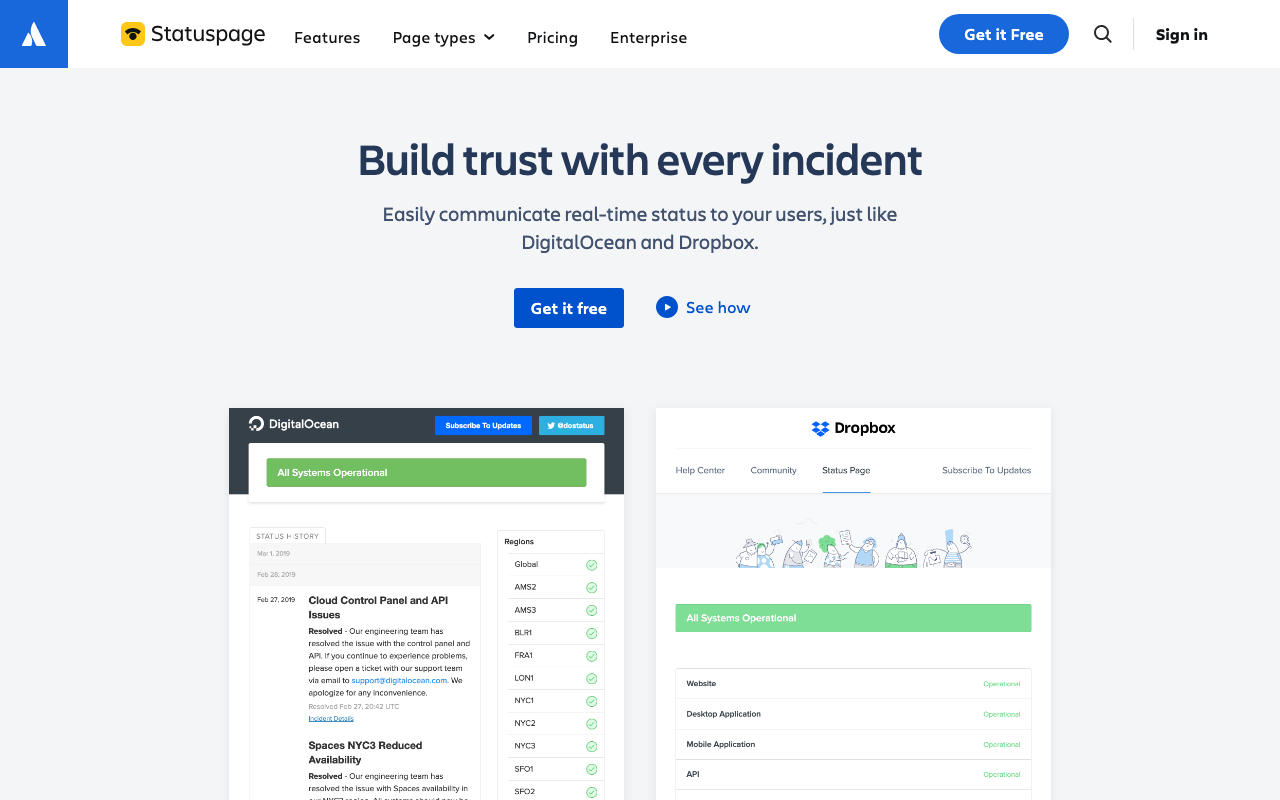
Statuspage is the category default and the page shape everyone else copies: components, incident timeline, scheduled maintenance, subscriber notifications over email, SMS, webhook, Slack and RSS. It is the most established option, which matters more here than in most categories — enterprise customers recognise it, and an incident history in the format their procurement team already knows is worth something. It supports public and audience-specific pages, and integrates with the Atlassian incident tooling.
Pros
- The format enterprise buyers and auditors already recognise, which shortens questions during procurement
- Full subscriber fan-out across email, SMS, webhook, Slack and RSS with per-component subscriptions
- Audience-specific pages for scoping visibility to individual customers or accounts
- Mature scheduled-maintenance workflow, including notifying subscribers ahead of a window
Cons
- Priced well above the newer entrants for equivalent public-page functionality
- Audience-specific and private pages sit in the higher tiers, which is where the cost jumps
- Now one product in a large Atlassian portfolio whose on-call tooling is being consolidated into Jira Service Management
Best for: Companies selling to enterprises, where a recognisable status page and per-customer scoping are procurement requirements.
Pricing: Tiered by page type and subscriber count, with private and audience-specific pages in higher tiers than public pages.
Instatus
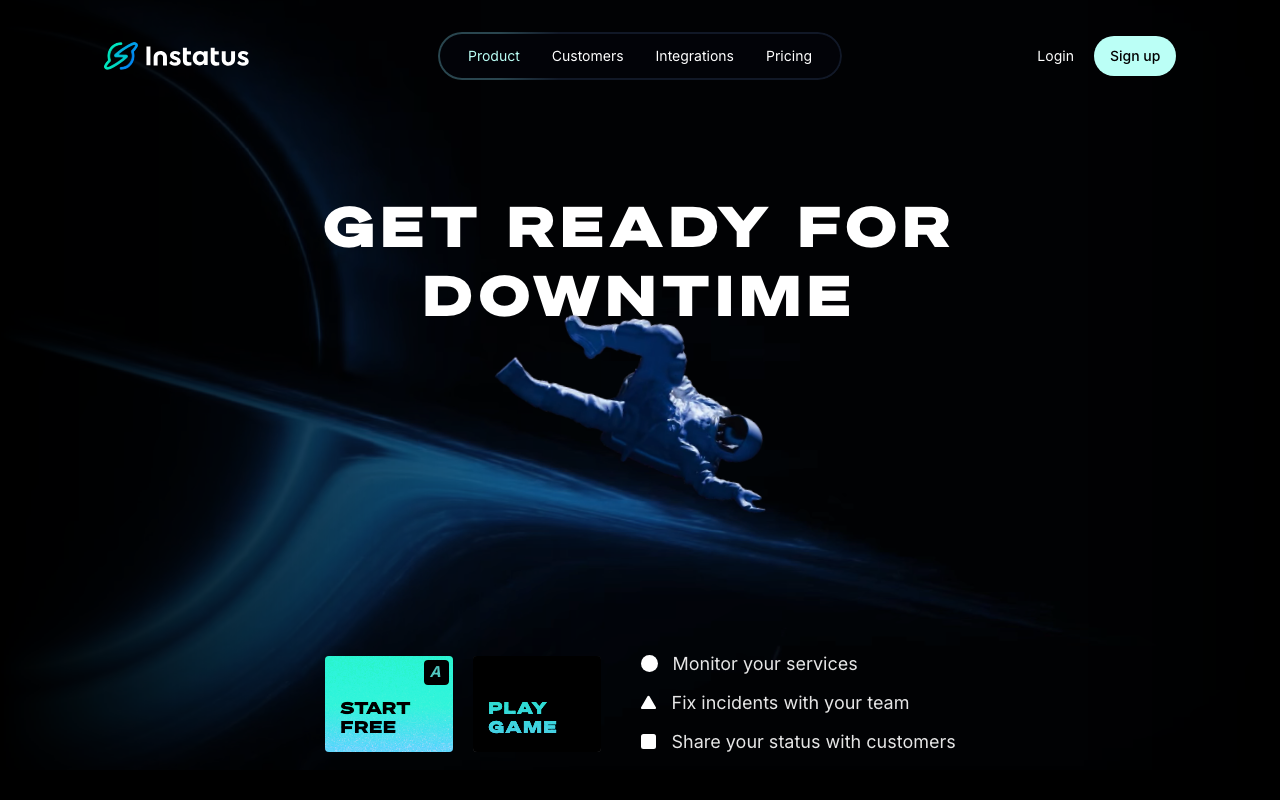
Instatus is the direct answer to Statuspage’s pricing: the same conceptual model — components, incidents, subscribers, maintenance — delivered as a fast static page with a much simpler commercial structure. The pages are deliberately lightweight and load quickly, which matters more than it sounds when thousands of anxious customers hit them at once. For a team whose requirement is “a credible public status page with subscriber notifications”, it covers the requirement without the enterprise tier.
Pros
- Very fast static pages, which hold up under the traffic spike an incident creates
- Simple, predictable pricing compared with the incumbent, including subscriber notifications
- Straightforward setup and a clean editing experience for posting updates quickly
- Private and multi-page options available without an enterprise negotiation
Cons
- Less depth in enterprise audience scoping and permission models than the incumbent
- Smaller integration ecosystem, so wiring it into an existing incident workflow may take custom work
- Brand recognition is lower, which occasionally matters in enterprise procurement
Best for: Teams that want a fast, credible public status page with subscriber notifications without enterprise pricing.
Pricing: Flat subscription tiers by page count and subscriber volume, with a free tier for basic public pages.
Status.io
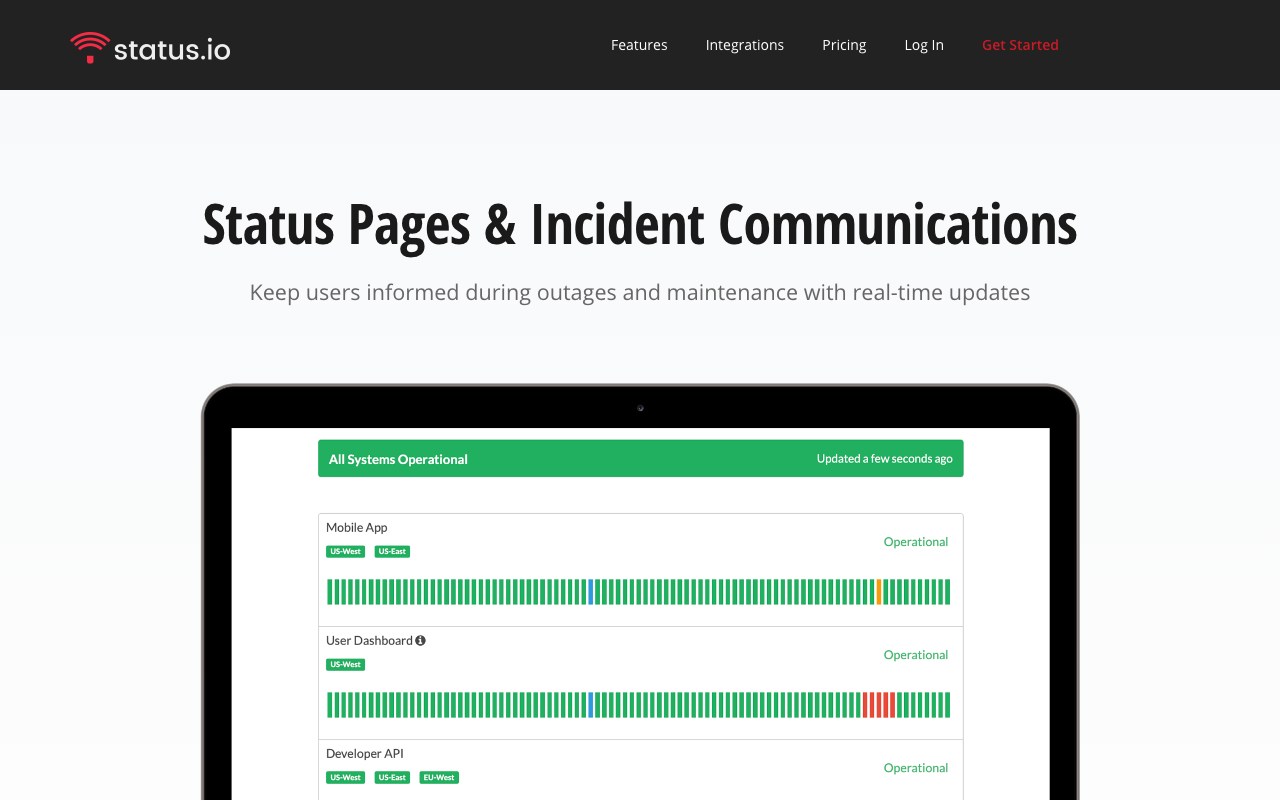
Status.io is a long-running dedicated status page product with an unusually granular model: components, containers and per-status severity levels that let you express partial degradation precisely, rather than collapsing everything into up, degraded or down. That granularity is the reason to look at it — a complex product with many surfaces and regions can be described accurately instead of approximately.
Pros
- Fine-grained component and container model handles multi-region and multi-surface products well
- Established dedicated product with public, private and audience-scoped page options
- Broad notification channel support including email, SMS, webhook and RSS
Cons
- Interface feels older than the newer entrants, which slows down posting under pressure
- Granularity is only a benefit if you use it; a small product gets complexity with no payoff
- Smaller modern integration ecosystem than the incumbent
Best for: Multi-region or multi-product companies that need to express partial degradation precisely rather than with a binary state.
Pricing: Subscription tiers by number of pages, components and subscribers, with private pages in higher tiers.
Better Stack
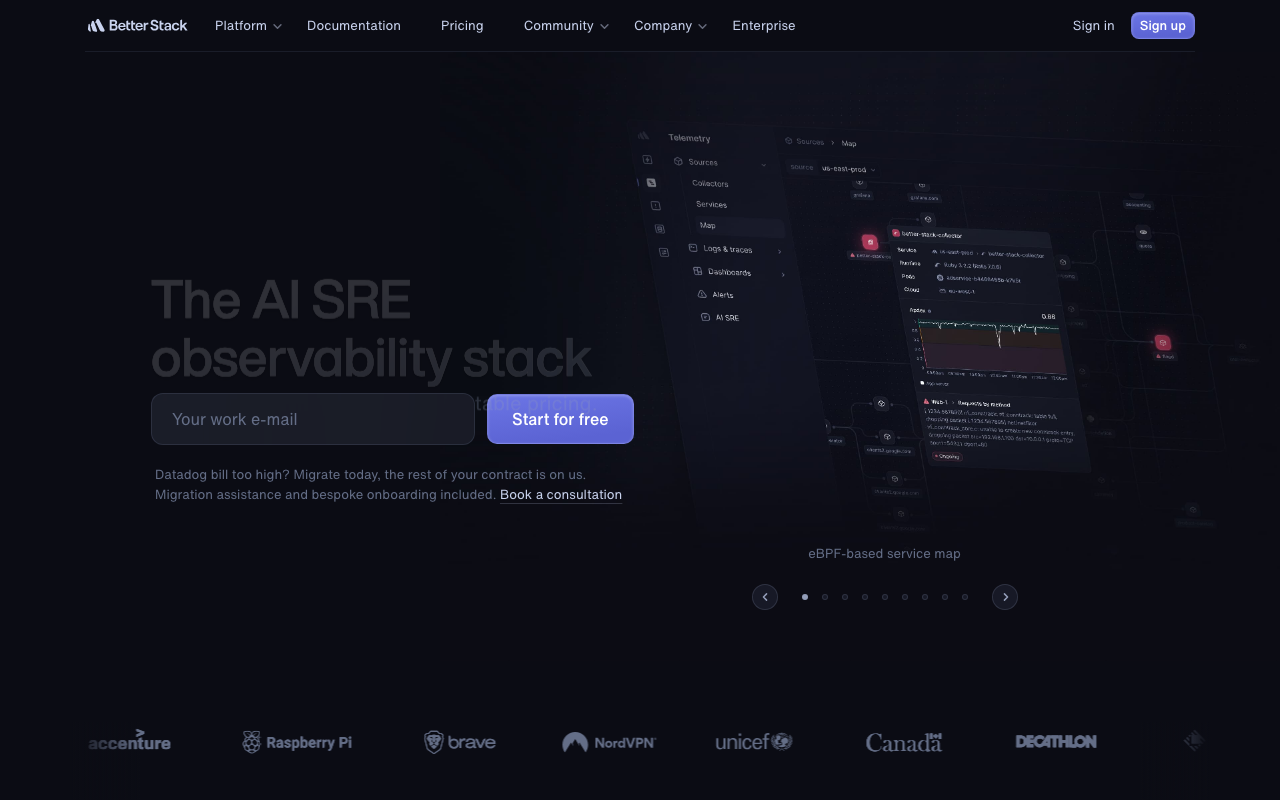
Better Stack bundles uptime monitoring, on-call scheduling, incident management and status pages in one product, and for a small team that bundle is the argument. The check that detects the outage, the alert that wakes someone, and the page that tells customers are one system, so the wiring between them is not your integration project. The status pages themselves are polished and hosted independently of your infrastructure.
Pros
- Monitoring, on-call and status page in one product, so detection-to-communication needs no integration
- Status pages are hosted by the vendor, satisfying the independence requirement automatically
- Attractive default page design that most teams ship without customisation
- One bill and one vendor across three categories that are usually three purchases
Cons
- Bundling means the status page is one feature among many rather than the product’s focus
- Advanced audience scoping and enterprise permission models are thinner than the dedicated tools
- Adopting it for status pages alone means paying for monitoring and on-call you may already have
Best for: Small teams buying uptime monitoring and on-call anyway, who want the status page to come from the same system.
Pricing: Subscription tiers combining monitors, on-call seats and status pages, rather than metering the status page separately.
Uptime.com
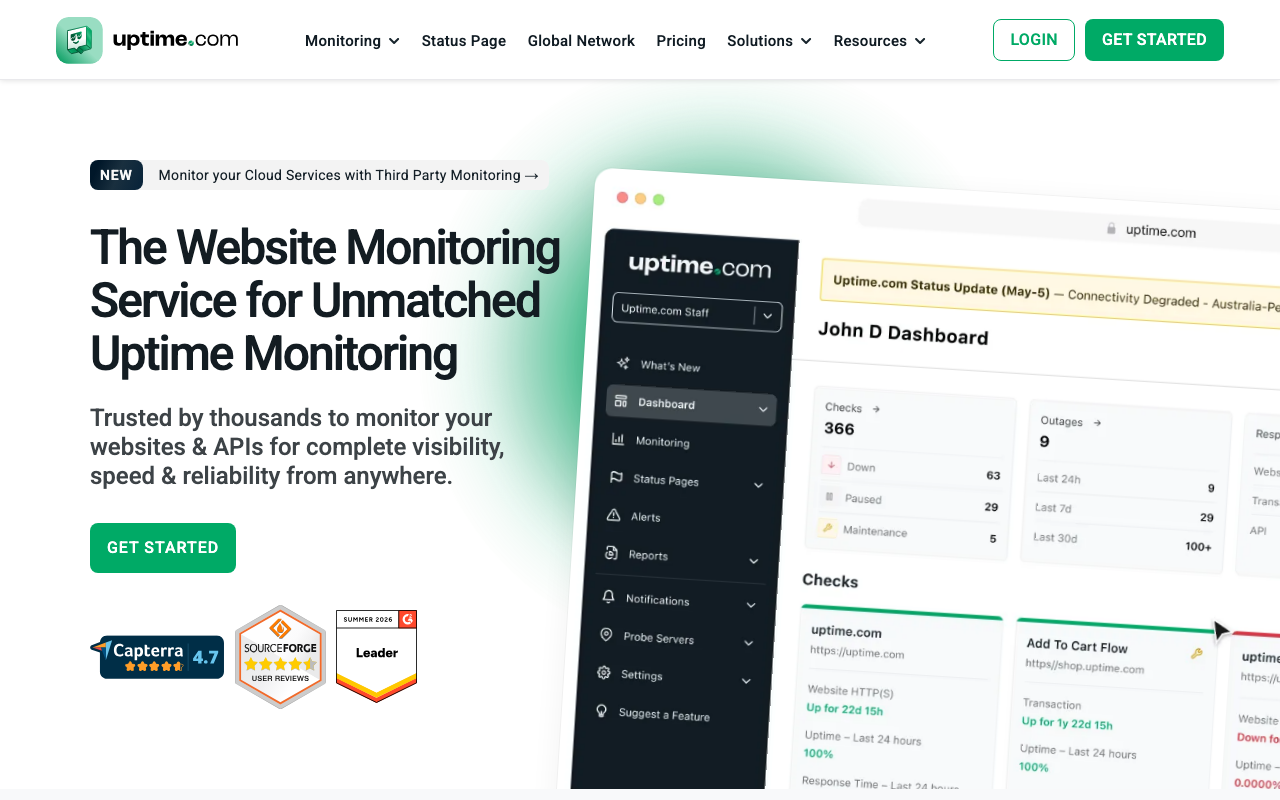
Uptime.com is a monitoring product first — external checks, synthetic transactions, SSL and domain monitoring — with status pages as the customer-facing output of those checks. The advantage of buying it this way is that the page is driven by real external checks from multiple locations rather than by a self-reported health endpoint, which is a meaningfully more honest signal.
Pros
- Status is driven by external checks from multiple locations, not by your own health endpoint
- Synthetic transaction monitoring catches broken user journeys that a ping check reports as healthy
- Public, private and internal status pages supported from the same monitoring data
Cons
- Status pages are an output of a monitoring product rather than a communication product in their own right
- Automation-first orientation makes it easy to end up with a page that posts fast and says nothing
- Priced as monitoring, so it is expensive if the page is all you want
Best for: Teams that want external synthetic monitoring and a status page fed directly by those checks.
Pricing: Subscription tiers by number and frequency of checks, with status pages included rather than metered separately.
Cachet
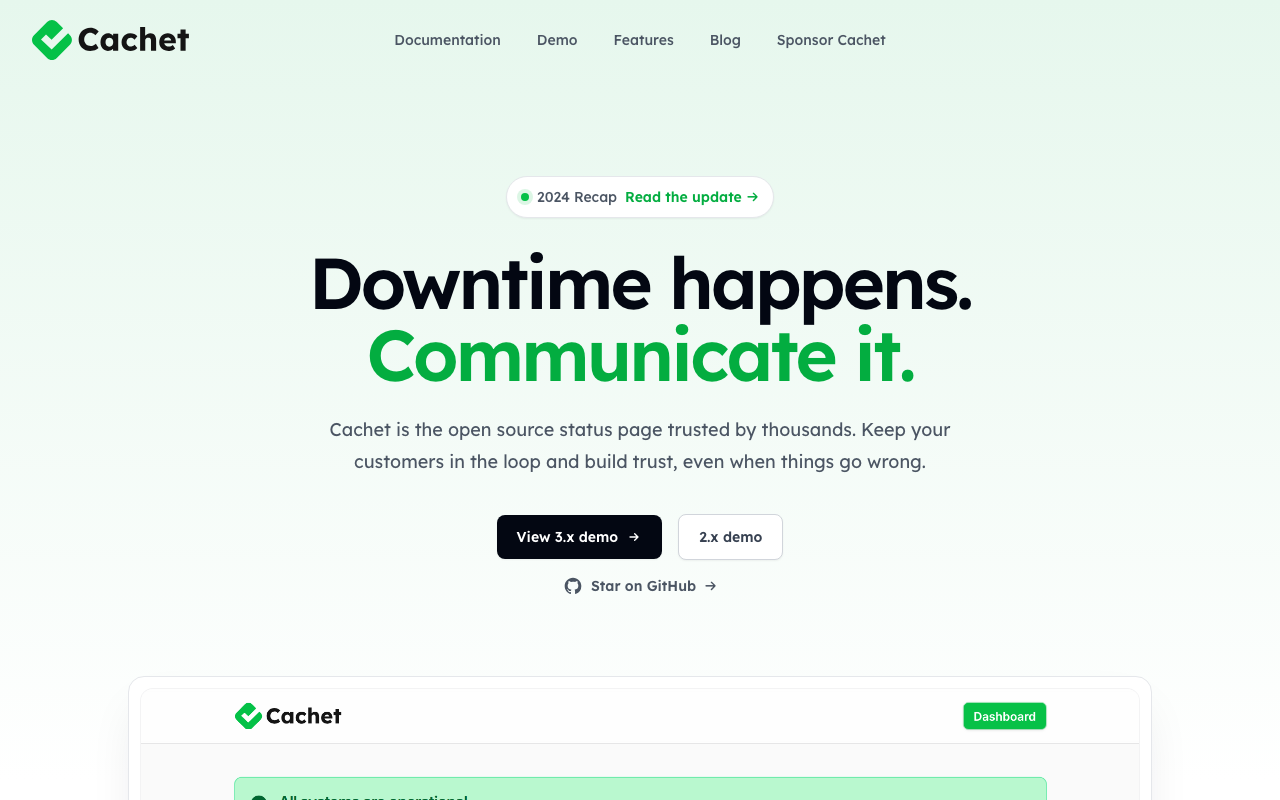
Cachet is the best-known open-source, self-hosted status page: components, incidents, scheduled maintenance and subscriber notifications in an application you deploy. It is the right answer when the page must live inside your own environment for policy reasons — but only with the discipline to host it somewhere your production stack cannot take down with it.
Pros
- Fully self-hosted with no vendor holding your incident history
- Familiar component and incident model with subscriber notification support built in
- Free of licence cost, so the spend is infrastructure and operator time
Cons
- Self-hosting a status page means you must give it a separate failure domain, which most teams do not, and a page that dies with production is worse than none
- It is a database-backed application, not a static page, so it needs to survive a traffic spike from anxious customers
- You own upgrades, backups and the availability of the thing that speaks for you during an outage
Best for: Organisations with a policy requirement to self-host, who will genuinely run it in a separate account and region.
Pricing: Open source with no licence cost; the real cost is separate hosting infrastructure and the operations around it.
Gatus
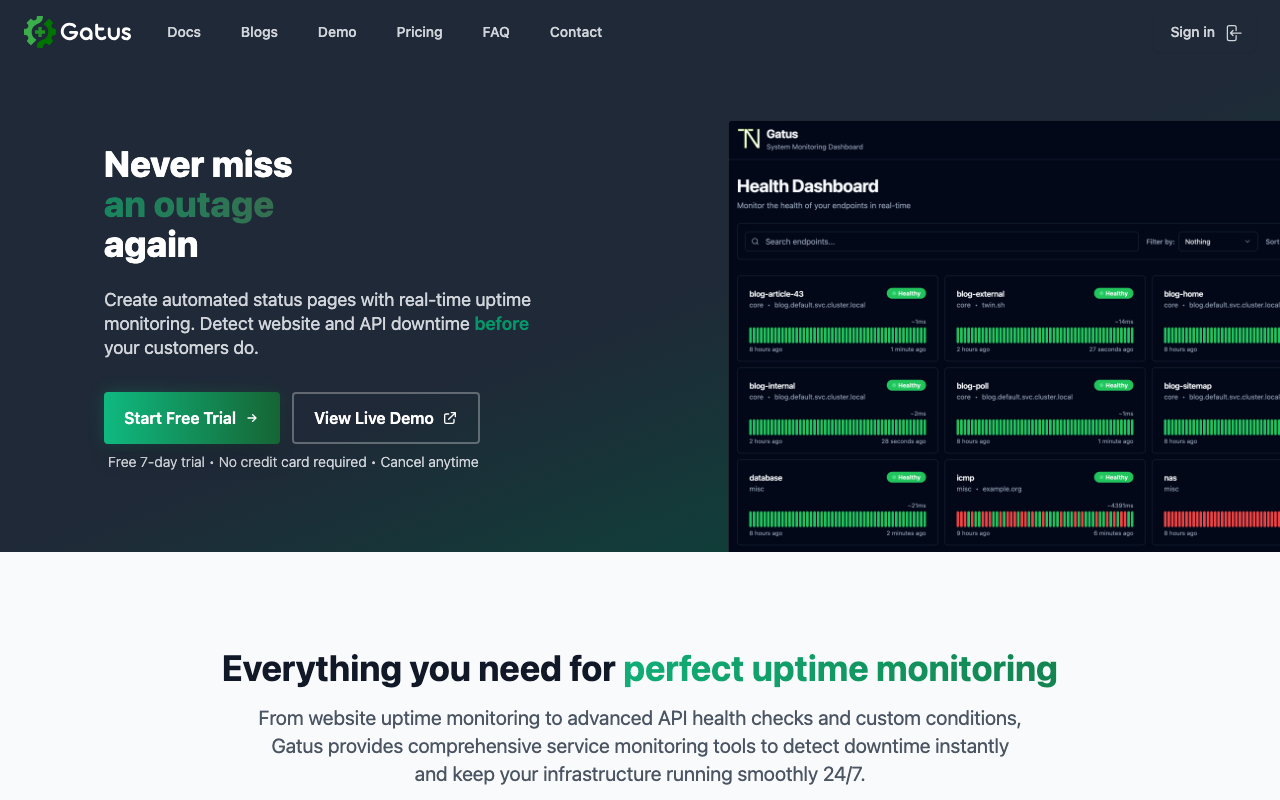
Gatus is a health-check dashboard defined entirely in a YAML configuration file, with a status page as its front end. It is not a communication product — there is no incident narrative workflow, no subscriber management in the sense the hosted vendors mean — but it is an excellent automated health page, declaratively configured and version controlled alongside the rest of your infrastructure.
Pros
- Configuration as code in YAML, so the page’s definition lives in git and gets reviewed like everything else
- Very lightweight to run: a single binary with modest resource requirements
- Supports conditions on response body and status, so checks assert real behaviour rather than reachability
Cons
- No incident communication workflow: this is a health dashboard, not a place to write a customer update
- Subscriber fan-out is not the model, so telling customers still requires something else
- Self-hosted, with the same failure-domain obligation as any self-hosted page
Best for: Engineering teams that want a declarative, version-controlled health dashboard, often for internal audiences.
Pricing: Open source with no licence cost; you pay for the infrastructure it runs on.
OpenStatus
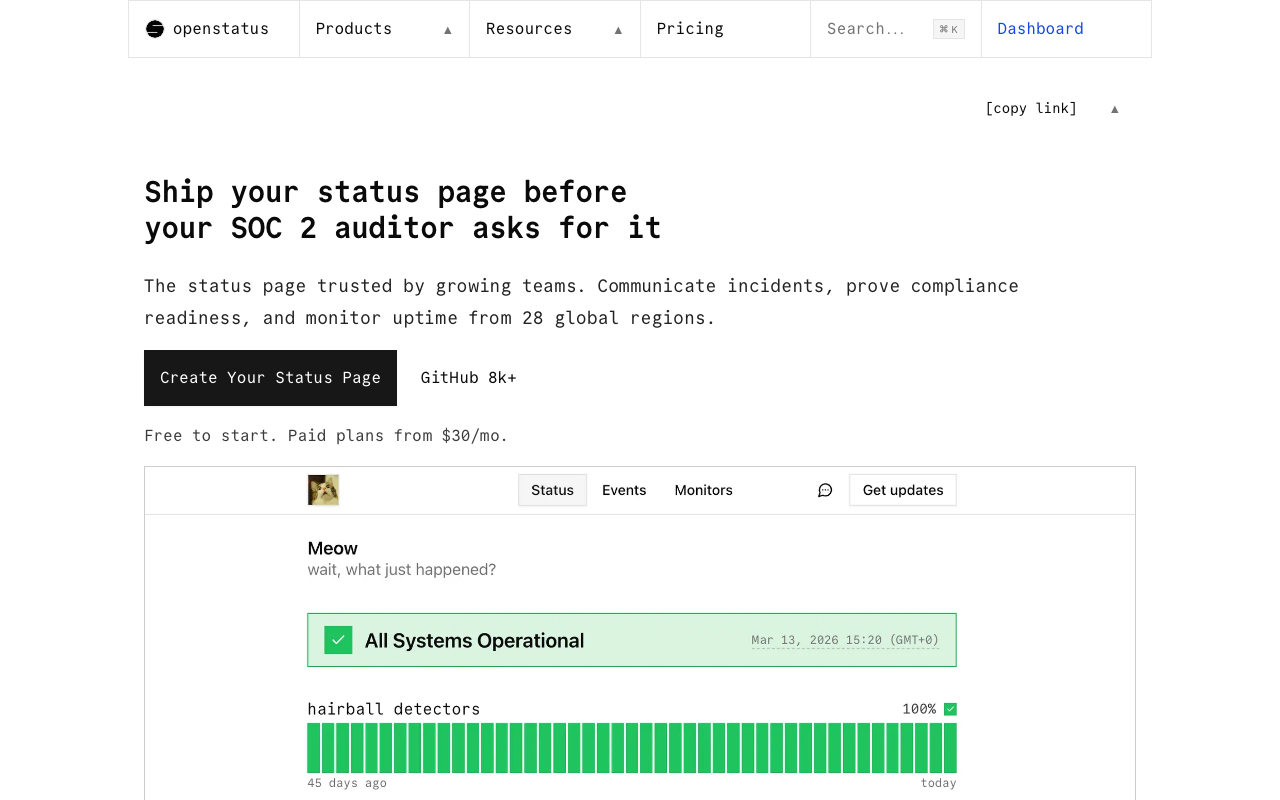
OpenStatus is an open-source synthetic monitoring and status page platform available both as a hosted service and self-hosted, which is a genuinely useful combination: you can start on the hosted version — satisfying the independence requirement immediately — and move to self-hosting later without changing product. It covers checks from multiple regions, status pages and subscriber notifications.
Pros
- Open source with a hosted option, so independence from your infrastructure comes free at the start
- Monitoring and status page from one project, with checks from multiple regions
- Modern developer-oriented setup with a clean page design and API access
Cons
- Younger project, so the integration and feature surface is narrower than the incumbents
- Enterprise features like fine-grained audience scoping are not the focus
- Self-hosting reintroduces the failure-domain problem you must solve yourself
Best for: Developer-led teams that want an open-source monitoring and status page stack with a hosted option to start on.
Pricing: Open source and free to self-host, with hosted plans tiered by monitors, check frequency and status pages.
Uptime Kuma
Uptime Kuma is a self-hosted monitoring tool with a built-in status page, and it is enormously popular for a simple reason: it takes minutes to run, the interface is pleasant, and it covers the monitoring most small teams need with dozens of notification integrations. For internal dashboards and side projects it is close to unbeatable. As a customer-facing status page it needs the same warning as any self-hosted option, more strongly, because it is usually deployed on the same box as everything else.
Pros
- Extremely quick to deploy and operate, typically one container with a local database
- Wide notification channel support out of the box, covering most chat and paging destinations
- The included status page is adequate for internal use with no extra tooling
Cons
- Almost always deployed inside the same failure domain as the thing it monitors, which defeats the purpose for a public page
- Single-instance design with no high-availability story, so the monitor itself is a single point of failure
- No incident communication workflow: no narrative updates, no subscriber management of the kind customers expect
Best for: Internal dashboards, homelabs and small teams who need monitoring quickly and are not publishing the page to customers.
Pricing: Open source with no licence cost; the cost is the host you run it on.
All Quiet
All Quiet is an incident management and on-call product with status pages included, aimed at teams who want alert routing, escalation and customer communication from one place without enterprise pricing. Buying the status page this way makes sense when the same tool is already the place your incidents are declared, because the update reaches customers from where the incident is being run rather than from a separate browser tab.
Pros
- Status page sits next to on-call routing and incident handling, so posting an update is part of the incident workflow
- Simpler and cheaper than the established incident platforms for teams that do not need their depth
- Vendor-hosted, so the page is independent of your infrastructure by default
Cons
- Status page depth trails the dedicated products on audience scoping and subscriber management
- Adopting it for the status page alone means buying an on-call product you may already have
- Smaller vendor, which is a consideration for a tool your customer communication depends on
Best for: Small teams standardising on one tool for on-call, incident handling and customer updates.
Pricing: Per-user subscription covering on-call, incident management and status pages together rather than metering the page separately.
How to choose
Work through these in order.
Is the page independent of your production stack? Any hosted vendor passes automatically. Any self-hosted option passes only if you will genuinely run it in a separate account, region and DNS zone — and if you will not, choose hosted. This eliminates more candidates honestly than any feature comparison.
Do you need subscriber fan-out? If your answer to an incident is “we will email the affected customers”, you need it, because that email does not get sent by hand. If you have twenty customers in one Slack Connect channel, you might genuinely not.
Do you need per-customer or private pages? This is the enterprise dividing line. If a customer’s contract requires status visibility scoped to their environment, the cheap tools drop out immediately.
Are you buying a page, or a system? If you also need uptime checks and on-call, buying them together removes an integration project. If you already have both, buying them again to get a page is waste.
| Tool | Hosting | Fan-out | Picks itself when |
|---|---|---|---|
| Atlassian Statuspage | Vendor-hosted | Full | Enterprise procurement recognises the format |
| Instatus | Vendor-hosted | Full | You want the incumbent’s model without its price |
| Status.io | Vendor-hosted | Full | Partial degradation must be expressed precisely |
| Better Stack | Vendor-hosted | Full | Monitoring, on-call and page from one system |
| Uptime.com | Vendor-hosted | Full | External synthetic checks should drive the page |
| Cachet | Self-hosted | Built in | Policy requires self-hosting and you can isolate it |
| Gatus | Self-hosted | Minimal | You want a declarative health dashboard in git |
| OpenStatus | Either | Yes | Open source, with a hosted path to start on |
| Uptime Kuma | Self-hosted | Notifications only | Internal dashboards and small-team monitoring |
| All Quiet | Vendor-hosted | Yes | On-call and customer updates in one tool |
Then do the part the tool cannot do for you: write the update template, name who posts it, and decide the maximum interval between updates during an incident. A cheap page with a disciplined process beats an expensive one nobody updates. The wider process sits in the incident management hub.
Needs first-hand data: During your next game day, time the gap between the monitor firing and a human-written update appearing on the page, and count how many support tickets arrived in that window. That number is what you are buying down, and it tells you whether the constraint is the tool or the process.
Frequently asked questions
Can I host my status page on my own infrastructure?
Only if it is a genuinely separate failure domain — a different cloud account, a different region, and ideally different authoritative DNS. A status page in the same cluster as your API is down during your outage, and a page showing “all systems operational” while customers cannot log in damages trust more than having no page. If you cannot guarantee isolation, use a hosted vendor.
Should my status page update automatically from monitoring?
Use automation for detection and a human for the narrative. Automated flips post within a minute, which is valuable, but they say nothing about impact and they flap when a check recovers. The workable pattern is an automatic holding update followed by a human-written one within a defined window, posted from wherever the incident is being run.
Do auditors care about status pages?
Yes, indirectly. SOC 2 and ISO 27001 assessments ask how you communicate incidents to customers, and a timestamped, exportable incident history is the evidence. If your SLA ties service credits to downtime, the page also becomes the record used to calculate them, which makes your component model a commercial artifact worth reviewing with legal once.
What is the difference between a status page and uptime monitoring?
Monitoring detects that something is broken; a status page tells customers about it. They are frequently sold together and they are not the same product — monitoring is measured on detection accuracy and alert quality, a status page on whether a customer reads it and stops filing a ticket. Several tools bundle both, which is a reasonable way to buy them if you need both.
Related reading
- Best incident management tools — the process that produces the update your status page publishes.
- Best uptime and synthetic monitoring tools — the external checks that should drive component state.
- Best on-call scheduling tools — who gets woken up and who is responsible for posting the update.
- Best alerting tools — turning monitoring signals into a decision to declare an incident.
- Best postmortem tools — the record you write after the page goes green again.
- Best error tracking tools — where the failure usually surfaces before anyone declares an incident.