Say the honest thing first: a postmortem tool cannot give you a postmortem culture. A team that does not read its retrospectives will not read them faster in a nicer template, and a team that treats the document as a formality will produce a beautifully formatted formality. If nobody has asked “what did we learn from the outage in March,” buying software will not create the person who asks.
What tooling genuinely does is remove the two frictions that kill the practice in teams that do want it. The first is assembling the timeline — hours of scrolling Slack, a deploy log and three dashboards, done days later by someone who slept through half of it. The second is tracking the action items after everyone has moved on, which is where almost all of the value of a retrospective actually lives and where almost all of it gets lost.
Those two are worth paying for. The rest is a document, and you already have a place to put documents.
Key takeaways
- Tooling removes two frictions — timeline assembly and action-item follow-through. Everything else in this category is a template.
- Action items that sync into the tracker your team already uses, with real follow-up, is the highest-value feature and the one most teams cannot get their existing tool to do.
- A blameless retrospective is a practice, not a product. No tool prevents a manager asking who broke it.
- MTTR mostly measures how you classify and declare incidents. Track time-to-detect and time-to-mitigate separately, as distributions, on a definition you do not change.
The two frictions worth paying to remove
Assembling the timeline. The raw material of a retrospective is a sequence: the alert fired at 02:14, someone acknowledged at 02:19, a deploy went out at 01:58, the feature flag flipped at 02:31, the status page updated at 02:47, severity dropped at 03:20. Reconstructing that by hand means correlating a chat channel, a deploy log, a monitoring UI and a pager’s event history — none of which share a clock display, and one of which has probably aged out of retention. It takes hours, it happens days later, and it gets skipped, which is why so many retrospectives read as a summary of what the loudest participant remembers.
A tool that captures the timeline as the incident happens changes the economics completely. The document starts with the facts already in it, and the meeting argues about causes rather than about what time something happened.
Chasing the action items. Everyone leaves the meeting with three follow-ups. Two weeks later, one is done, one is in someone’s head, and one was never written down anywhere a human will see it again. The retrospective was still useful — people learned something — but the system did not change, and the same incident recurs.
This is the part to be uncompromising about when evaluating. An action item must become a real ticket in the tracker where your team already works, with an owner, and something must surface it again when it goes stale. A checkbox inside the incident tool that nobody opens after the meeting is not tracking; it is a second place to forget.
Needs first-hand data: Take the last twenty action items your team generated in retrospectives. Count how many are complete, and find the median age of the open ones. If completion is high, you have a culture that works and need less tooling than you think. If it is low, that number — not a feature list — is the case for buying something.
What automatic timeline capture actually collects
The useful sources, roughly in order of how much they contribute:
- The incident chat channel. Every message, with author and timestamp, which is where decisions and reasoning live. This is why chat-native tools have a structural advantage here.
- Alert lifecycle events. Fired, acknowledged, escalated, resolved, with who and when. Comes from the pager, so a tool that also owns paging gets this free.
- Deploys and feature flag changes. Usually the highest-signal entries in the whole timeline, and usually the ones a human reconstructing it forgets to look for.
- Status page updates and customer comms. Matters for the “when did we tell people” question that follows most public incidents.
- Severity and role changes. When it became a SEV1 and who took command.
- Graph snapshots. A few tools capture the dashboard state at the time. Worth more than it sounds, because your metric retention is often shorter than the time it takes to write the retrospective.
Where it stops: nothing captures the conversation that happened in a video call, the DM where two engineers worked out the actual cause, or the thing someone tried on a production shell and did not mention. The tool gives you a skeleton that is accurate and incomplete. Someone still has to add the reasoning, and the value of doing it within a day or two rather than a week is mostly about whether that person still remembers.
Needs first-hand data: For one recent incident, have a person assemble the timeline by hand and record how long it takes. Then compare it against the candidate tool’s automatic timeline for the same incident, and count both what the tool missed and what it captured that the human forgot. That comparison is the entire purchasing argument in this category.
Check retention while you are there. Many teams run a short message-retention policy on chat, which means the raw material of the timeline expires before the retrospective is written unless the incident tool has copied it out.
Action items: the feature to be difficult about
Three properties separate tracking from theatre.
It becomes a ticket where work already happens. Jira, Linear, GitHub Issues — whichever your team actually looks at. If action items live only in the incident tool, they compete with the backlog and lose, because the backlog is what gets planned.
It carries context back. The ticket should link to the incident and say which retrospective produced it. Six weeks later, the person picking it up needs to know why it exists, and “add a timeout to the payment client” without the incident behind it looks like optional cleanup.
Something chases it. A weekly digest of open incident action items, an owner reminder, or a report of items older than thirty days. This is the difference between a system and a folder, and it is where most tools are weakest — creating the ticket is easy, and nudging is the part that requires the tool to have an opinion.
A fourth property matters if you run many incidents: searchable history. Being able to find the four previous times this same failure happened turns a retrospective from an isolated document into evidence. The recurring-incident argument is the one that gets systemic fixes funded, and you can only make it if you can find the previous four.
Blameless retrospectives and incident command: practices, not products
These are the two ideas most often sold alongside this software, and neither is something you can buy. They are ways of working. A tool can support them or quietly undermine them, but no purchase installs them.
A blameless retrospective starts from the position that people act reasonably given the information and pressure they had at the time, so the useful question is why the action made sense then — not who did it. It moves the analysis from individuals to the system: the deploy tool that made the dangerous option the default, the runbook that was wrong, the alert that fired for six months without anyone believing it.
The incident-command model, borrowed from emergency services, separates the roles that fall onto one overloaded person by default: a commander who runs the response and makes calls, an operations lead doing the technical work, a communications lead handling status updates and stakeholders, and a scribe. The point is not ceremony; it is that the person debugging should not also be answering the executive asking for an ETA.
What they give you
- A retrospective people will be honest in, which is the precondition for finding anything true
- Analysis aimed at the system, producing fixes that generalise rather than one person being more careful
- Clear ownership during response, so decisions get made and someone other than the debugger is talking to stakeholders
- A shared vocabulary — severity, commander, comms lead — that lets people from different teams work together at 3am without negotiating roles
What they do not do
- Nothing here prevents a senior person asking who broke it, in the meeting or afterwards, which ends blamelessness immediately regardless of the template
- Incident command needs enough people to fill the roles; a three-person team at 3am has a commander who is also doing the work
- Neither produces prioritisation. A blameless retrospective can identify the right fix and still not get it scheduled
- They are training and repetition, not configuration — the first few run badly and that is normal
Severity definitions belong in the same bracket. SEV1 through SEV4 is a shared vocabulary you write down and enforce, not a feature. Every tool will let you name them; only your team can make them mean the same thing twice.
MTTR measures your classification policy more than your engineering
MTTR is the number every dashboard in this category leads with, and it deserves more scepticism than it gets.
Start with the clock. When does it start — when the failure began, when a monitor noticed, when a human acknowledged, or when a customer complained? When does it stop — when impact ended, when the fix shipped, or when someone closed the incident record? Both ends are policy choices, and moving either changes the number without anything about the system changing.
Then the population. MTTR is a mean over a small, heavily skewed sample. One eight-hour incident distorts a quarter. Worse, the denominator is under your control: a team that declares many small, quickly-resolved incidents will show a lower MTTR than a team that only declares the bad ones, and the second team is probably doing incident response better. Comparing MTTR between companies is meaningless. Comparing it between quarters is only meaningful if nobody changed the declaration threshold, and someone always does.
What is still useful:
- Time to detect, separately. This maps to something you can fix — alert coverage, monitor sensitivity — and does not depend on how the response went.
- Time to acknowledge, separately. This maps to paging reliability and rotation health, both fixable, and it is the one number in this set that is genuinely comparable over time.
- Time to mitigate as a distribution, not a mean. Median and 90th percentile within a single severity class, tracked over quarters on a definition you do not change. The shape tells you something; the average mostly tells you about the tail.
- Recurrence. How often the same failure mode comes back. This is the honest measure of whether retrospectives are producing change, and it is the one worth putting in front of leadership.
If a vendor’s headline metric is MTTR and there is no way to see the underlying distribution or the incident count behind it, treat that as a signal about the product’s seriousness.
incident.io
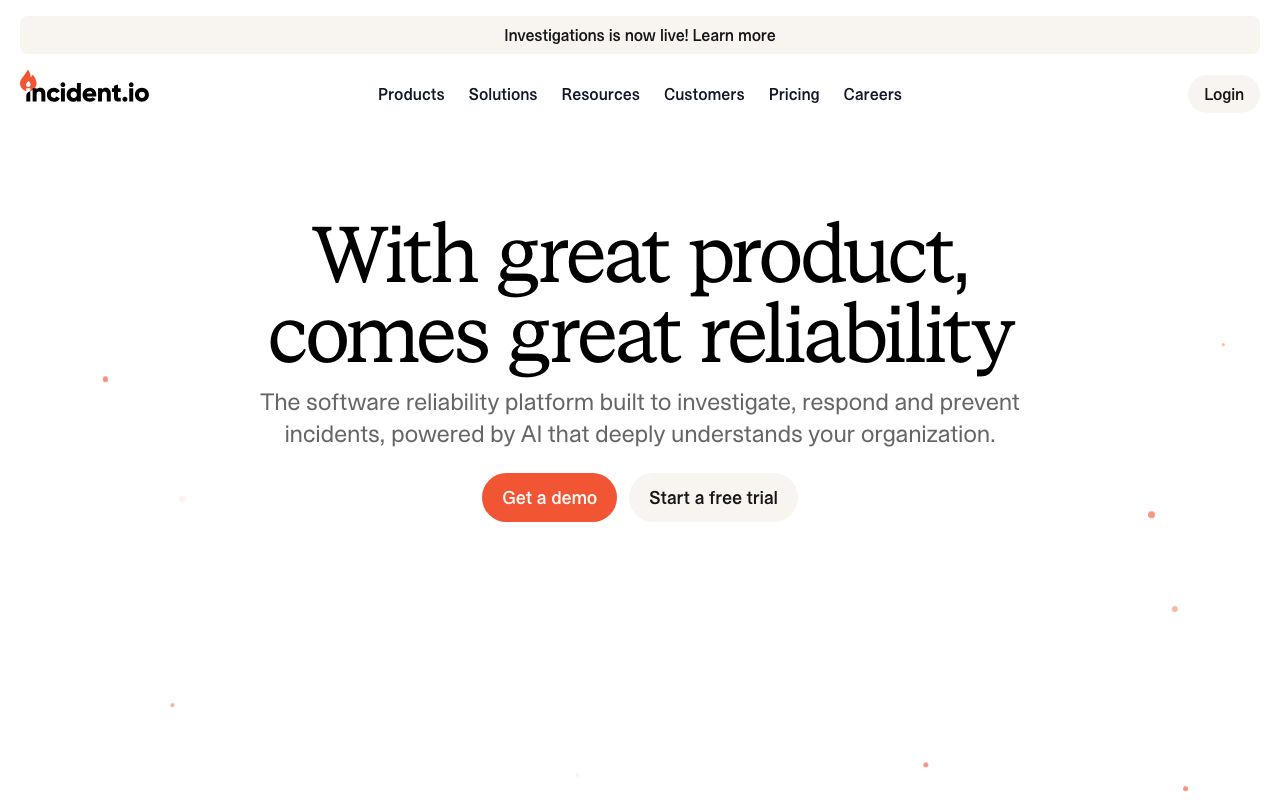
incident.io has the strongest timeline story here, and for a structural reason: the incident runs in a Slack channel it owns, so every message, role change, severity change and alert event is captured as it happens rather than reconstructed. The retrospective document is generated from that timeline, and action items become tickets in your tracker with follow-up. For a team whose retrospectives currently stall on “somebody needs to write up what happened,” this removes the stall.
Pros
- Timeline is captured from the channel, alerts and deploys as the incident runs, so the document starts mostly written
- Action items become real tickets in the tracker your team uses, with the incident linked back
- Searchable incident history makes the “this is the fourth time” argument possible
- Copies chat content out of Slack, so a short message-retention policy does not erase the evidence
Cons
- Slack is the design centre; on other chat platforms the timeline capture is the thing you lose most of
- The generated document is a skeleton — analysis and causes still take a human an hour or two
- Per-seat pricing means the retrospective capability is bought for everyone who might participate
Best for: Slack-first teams whose retrospectives are blocked on timeline assembly rather than on willingness.
Pricing: Per-seat subscription with tiers; retrospective and analytics capability sits above the entry response tier.
FireHydrant
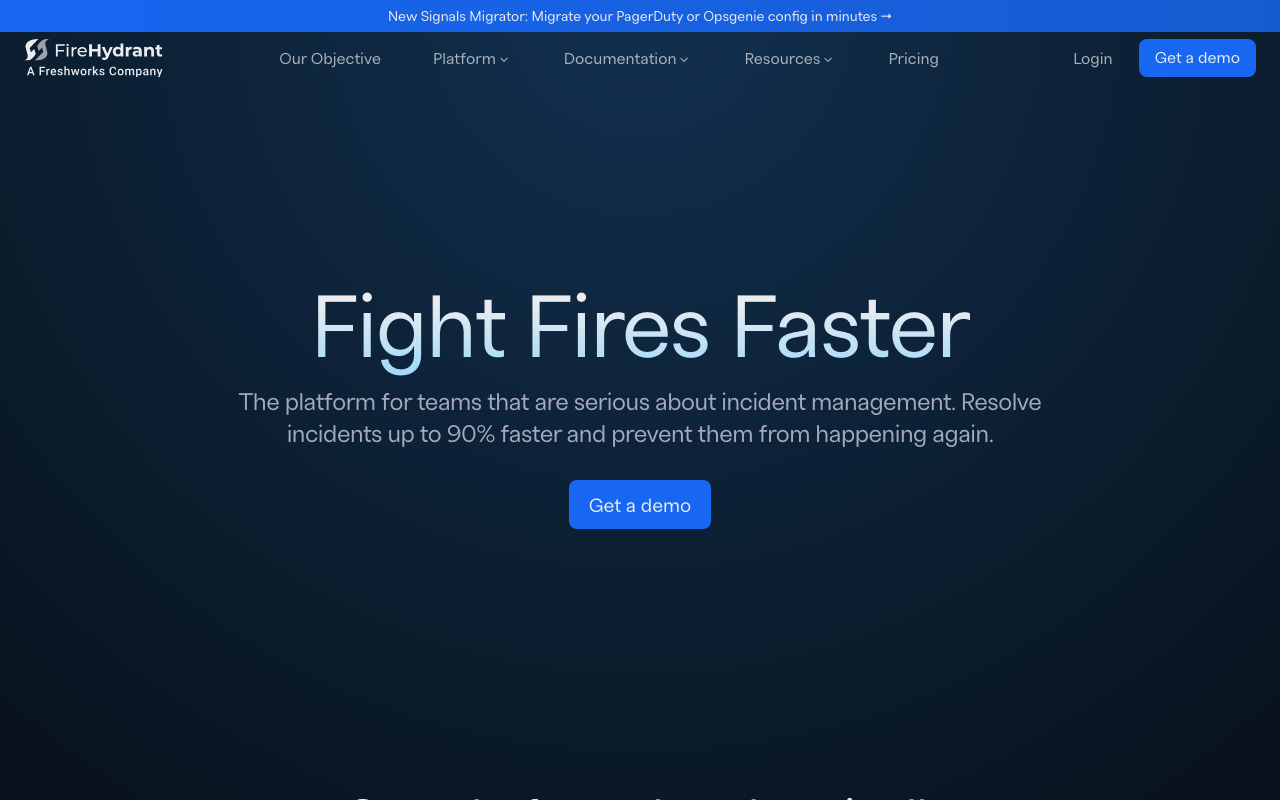
FireHydrant absorbed Blameless, the category’s original retrospective specialist, and is now a Freshworks company. Retrospectives here connect to the service catalogue, so an incident is attributed to services with known owners and recurring failures can be counted per service rather than per document. That is the difference between a folder of write-ups and evidence you can take to a planning meeting.
Pros
- Retrospective depth reinforced by absorbing the category’s original specialist product
- Incidents attach to catalogued services, so recurrence and ownership are queryable rather than anecdotal
- Runbooks and retrospectives in one system, so process changes from a retrospective can be encoded immediately
- Action items route into the tracker with the service and owner already attached
Cons
- Most of that value depends on a populated service catalogue, which is weeks of work before the retrospectives improve
- Now inside a larger software company, so this product’s direction follows a suite strategy
- Considerably heavier than a team that just wants a template and a nudge will accept
Best for: Organisations with many services who need to prove which systems keep failing, not just record that they did.
Pricing: Per-seat subscription tiered by whether you need response only, or response plus the catalogue and automation at scale.
Rootly
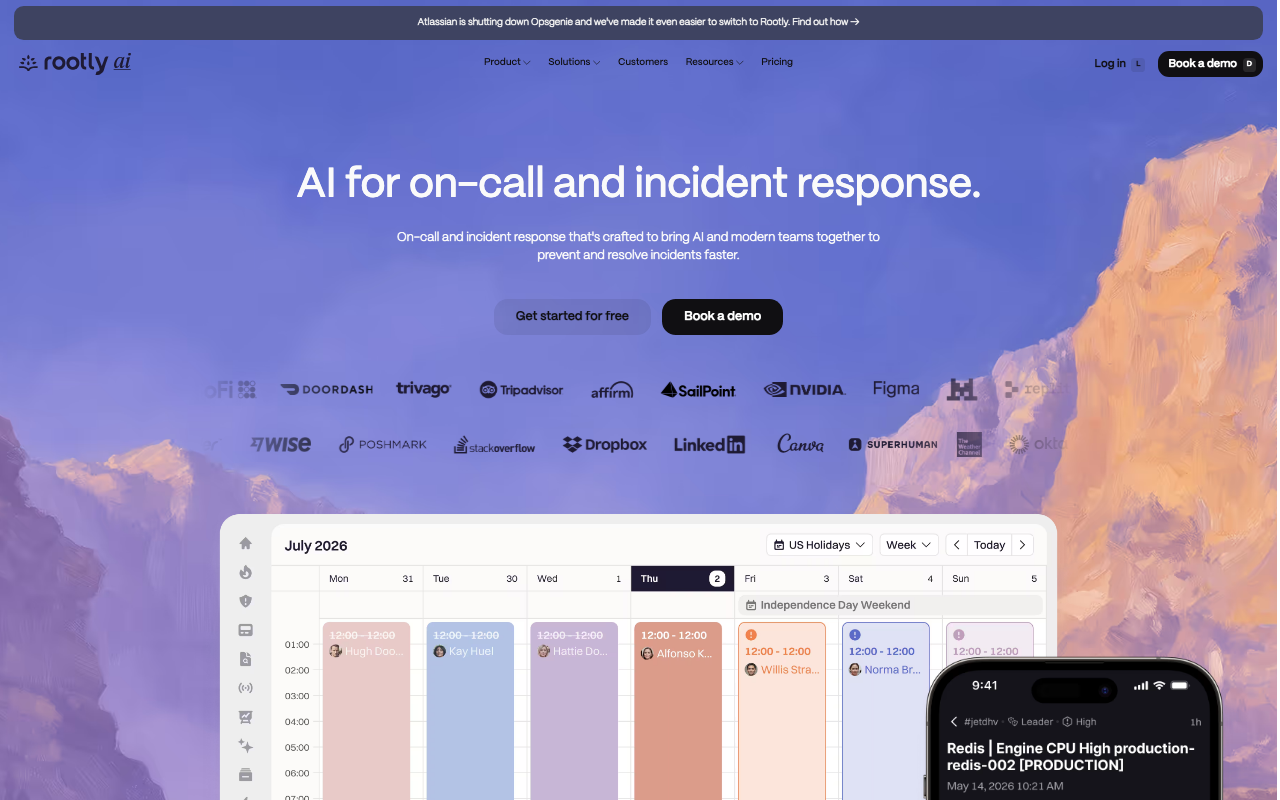
Rootly generates retrospectives from the same workflow engine that runs the incident, so the document, the tickets and the follow-up notifications can all be conditional on severity or service. If your problem is that SEV1s get a thorough retrospective and everything else gets nothing, encoding that rule rather than relying on discipline is exactly what this does.
Pros
- Retrospective creation and action-item routing can be automated by severity and service rather than remembered
- Deep ticketing integration, so action items land where planning happens with context attached
- Timeline, response and retrospective in one product, with the chat conversation captured as it happens
Cons
- The automation is a maintenance surface; workflows accumulate and nobody is confident deleting them
- Packaging targets larger organisations, so a team that wants retrospectives alone buys a platform
- Configuration depth means the retrospective process itself takes real setup before it saves anyone time
Best for: Larger organisations that want retrospective rigour applied consistently by rule rather than by whoever remembers.
Pricing: Per-seat subscription with tiers separating response, on-call and the advanced automation that drives retrospective workflows.
PagerDuty

PagerDuty’s postmortem capability is built on the incident record it already owns: alert fired, acknowledged, escalated, notes added, resolved. That gives an accurate spine for the timeline with zero setup if PagerDuty is already your pager. What it does not have is the conversation, unless the discussion happened in the tool rather than in chat — which in most teams it did not.
Pros
- The alert lifecycle spine of the timeline is exact and free if PagerDuty already pages you
- No additional vendor or integration for teams already standardised on it
- Ties retrospectives to the same service and escalation objects used in response, so attribution is consistent
Cons
- The timeline is pager-shaped: it knows about alerts and acknowledgements, not about the Slack thread where the cause was found
- Postmortem and analytics capability sits on higher tiers, so it is rarely included in what a team already pays for
- Action-item follow-through is weaker than in the products that built around chasing them
Best for: Teams already on PagerDuty who want a consistent record attached to incidents without adding another vendor.
Pricing: Included in higher subscription tiers rather than sold separately, so access depends on the plan you already hold.
Jira Service Management
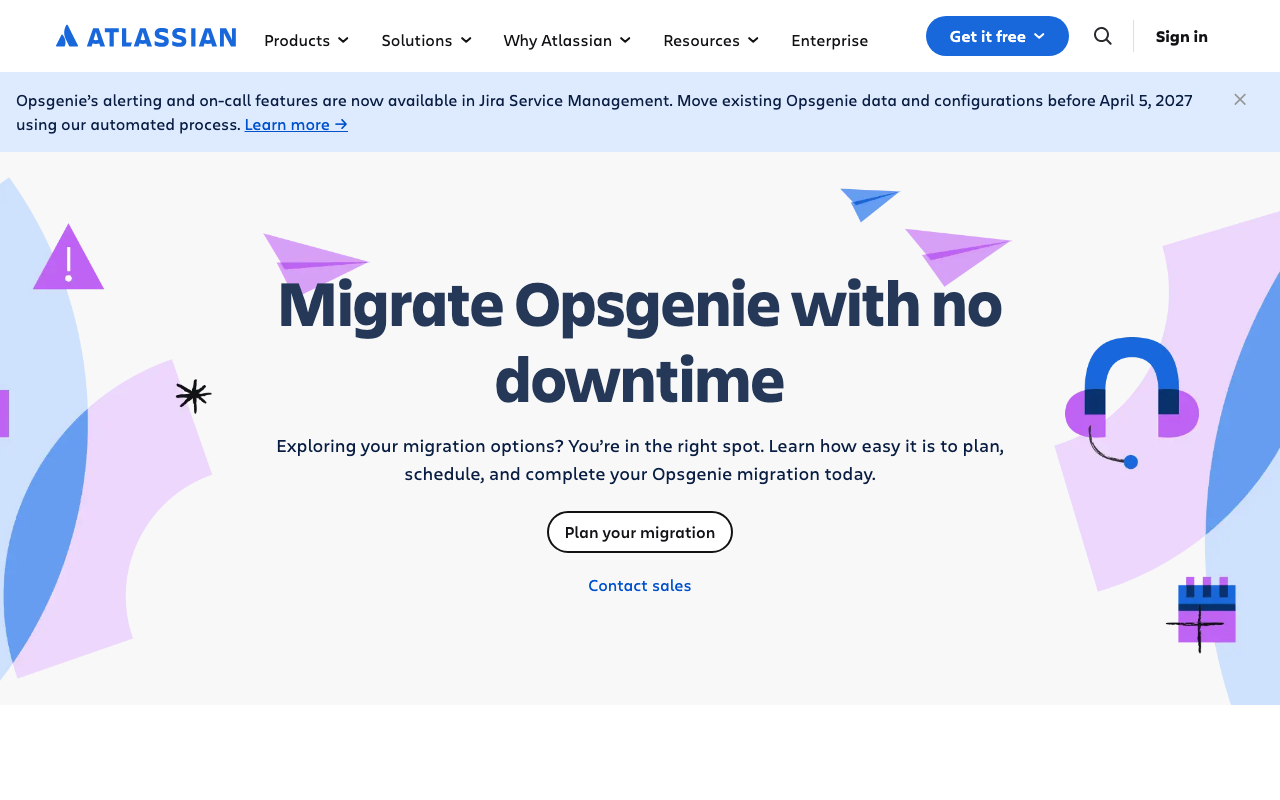
Jira Service Management has the structurally strongest action-item story of anything here, for a simple reason: the tracker and the incident tool are the same product. A post-incident review action item is a Jira issue natively, in the same project and the same board as the rest of the team’s work, with no integration to break. This is also where Opsgenie’s alerting and on-call features now live — Atlassian’s Opsgenie page states existing Opsgenie data and configuration must be moved before April 5, 2027.
Pros
- Action items are native issues in the tracker teams already plan from, with no sync to fail
- Post-incident reviews link to changes, problems and the service desk tickets customers raised
- Reporting on action-item completion uses the same Jira reporting the organisation already runs
- No additional vendor, identity integration or procurement for existing Atlassian customers
Cons
- Timeline capture is much weaker than the chat-native tools — it knows about tickets and alerts, not about the incident conversation
- Shaped around ITSM process, so the retrospective feels like a change-management artefact rather than an engineering one
- The Opsgenie migration deadline is a project you must complete regardless of what you think of the retrospective features
Best for: Atlassian-standardised organisations where the failure mode is action items disappearing rather than timelines going unwritten.
Pricing: Per-agent Jira Service Management subscription with tiers, with post-incident review included rather than sold separately.
Better Stack
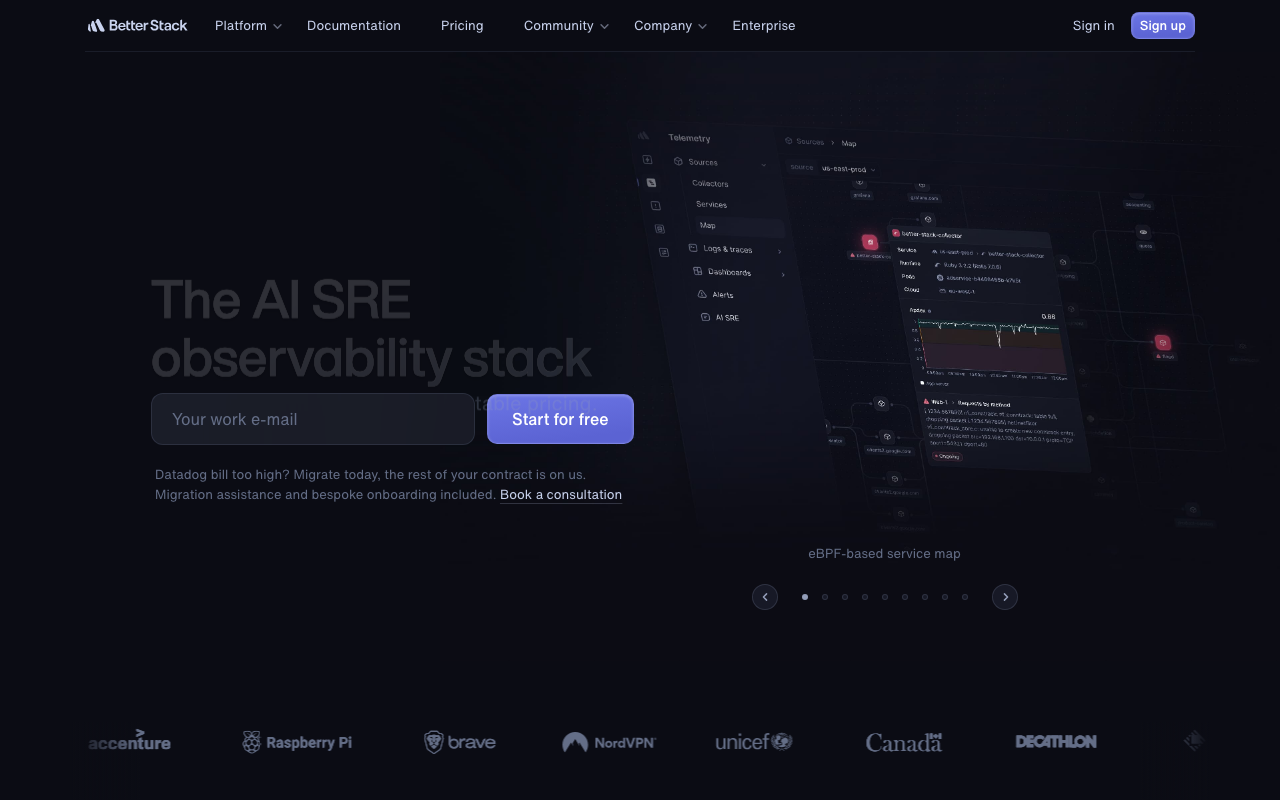
Better Stack keeps an incident record built from its own monitors and on-call events, so a small team gets a usable factual timeline without configuring anything. The retrospective layer on top is light — it is a record and a place for notes rather than a retrospective practice — but for a team currently writing nothing, a record that exists automatically is a real step up from a document that does not.
Pros
- Timeline of detection, paging and resolution assembles itself because the same product did all three
- No integration work, since monitoring, on-call and the incident record are one system
- Included in a subscription small teams are already buying for monitoring and paging
Cons
- Templates, structured analysis and action-item chasing are minimal next to the specialists
- The timeline covers monitors and pages, not the conversation where the reasoning happened
- Retrospective capability is a bundled extra rather than a product with an opinion about the practice
Best for: Small teams already using it for monitoring and paging who want an automatic factual record rather than a retrospective programme.
Pricing: Included in the bundled subscription that covers monitoring, on-call and status pages rather than priced as its own product.
Grafana IRM

Grafana IRM builds an incident record from alerts and chat activity inside Grafana Cloud, with the significant advantage that dashboard snapshots can be attached to it. That solves a specific and annoying problem: high-resolution metrics often age out before the retrospective is written, so the graph that explained everything is gone by the time anyone writes it down.
Pros
- Dashboard snapshots preserve the graphs at incident time, outliving the underlying metric retention
- The alert that fired, the query behind it and the incident record are in one system with no correlation work
- Included in a Grafana Cloud subscription many teams already hold
Cons
- Retrospective structure and action-item chasing are light; the strength is evidence capture, not the practice
- Only compelling if your alerting and dashboards already live in Grafana
- Chat capture depends on integrations rather than owning the channel, so conversation coverage is thinner
Best for: Prometheus and Grafana teams whose retrospectives keep losing the graphs that explained the incident.
Pricing: Bundled into Grafana Cloud plans with usage-based metering across signals rather than sold as a separate retrospective product.
ilert

ilert keeps incident records with post-incident notes alongside its alerting, on-call and status page features, hosted in the EU by default. It is not a retrospective product and does not claim to be one; what it offers is an accurate record of detection, escalation and customer communication in one place, which for a small European team may be all the structure the practice needs.
Pros
- Detection, escalation and status page updates recorded together, which covers the customer-communication half of most retrospectives
- EU hosting by default, relevant when incident records include personnel and customer detail
- One subscription rather than a separate retrospective vendor on top of the pager
Cons
- Genuinely light on retrospective structure — no meaningful templating, analysis workflow or action-item chasing
- Chat conversation is not captured, so the reasoning still has to be written from memory
- Recurrence analysis across many incidents is not what this product is for
Best for: Small European teams who want an accurate incident record beside their pager and will run the retrospective itself in a document.
Pricing: Per-user subscription with tiers, with the incident record included rather than sold as a separate retrospective product.
The zero-cost option, taken seriously
A markdown template in the repository plus an action-item label in your tracker beats an unloved tool, and it beats it by a wide margin. Treat this as a real answer, not a fallback.
The setup is about an hour. A postmortems/ directory with a template — summary, impact, timeline, contributing factors, what went well, action items — and a filename convention with the date and service. A label or component in your tracker for incident action items, and a saved filter for open ones. A recurring calendar item where someone reviews that filter.
What you get: version control, review through pull requests, grep across every retrospective you have ever written, and no vendor. What you do not get: automatic timeline capture, and any chasing that a human does not do. Those are precisely the two things the products above sell, which is the honest way to frame the decision.
The middle path is worth knowing about too: keep the documents in the repository, and buy the timeline. Several tools will export or push a generated timeline out, and pairing that with a template you own gives you the expensive half without moving your writing into a vendor’s editor.
How to choose
Diagnose which of the two frictions is actually stopping you. They point at different products.
If timelines never get written, buy chat-native capture: incident.io first, Rootly if you need the process automated by severity. This is the friction most teams have.
If action items disappear, the answer is wherever your tracker is. Jira Service Management is structurally the strongest here because the tracker and the incident record are one product. Otherwise choose on the quality of the sync and whether anything nudges.
If neither is broken and you just want structure, write the template yourself and keep the money.
If recurrence is the argument you need to make, you need the service catalogue and searchable history — FireHydrant, or incident.io’s history.
| Tool | Timeline capture | Action-item follow-through | Picks itself when |
|---|---|---|---|
| incident.io | Strongest, from the Slack channel | Ticket sync with follow-up | Retrospectives stall on writing up what happened |
| FireHydrant | Strong, tied to the service catalogue | Routed with service and owner | You need to prove which services keep failing |
| Rootly | Strong, from chat and workflows | Deep ticketing integration | Rigour must be applied by rule, not by memory |
| PagerDuty | Alert lifecycle only | Basic | It is already your pager and you want a record |
| Jira Service Management | Weak | Strongest — items are native issues | Items vanish and the tracker is already Jira |
| Better Stack | Automatic but monitor-shaped | Minimal | Small team, already using it to monitor and page |
| Grafana IRM | Alerts plus dashboard snapshots | Light | The graphs expire before the write-up happens |
| ilert | Detection and comms only | Minimal | You want an accurate record and will write the rest |
| Markdown in the repo | None | Whatever you build | The practice works and you want to keep the money |
All Quiet, the other small pager in this bracket, is a scheduling and paging tool rather than a retrospective one — see on-call scheduling for where it fits. For the wider category, including the paging and coordination decisions that feed all of this, start at incident management tools.
Frequently asked questions
Do we need a postmortem tool, or is a template enough?
A template is enough if your retrospectives get written and your action items get done. Measure both before buying: count completed action items from the last twenty, and time how long the last timeline took to assemble. Tooling is worth it when timeline assembly is stopping the write-up from happening at all, or when items are being generated and never finished. It is not worth it as a way of starting a practice that does not exist.
Is MTTR a useful metric?
Only carefully. It depends on when you start and stop the clock and on which incidents you choose to declare, so it measures classification policy as much as engineering. Track time-to-detect and time-to-acknowledge separately — both map to fixable things — and look at time-to-mitigate as a median and 90th percentile within one severity class rather than as an average. Never compare it across organisations.
What makes a retrospective blameless in practice?
Facilitation, not templates. The question is always “why did this action make sense at the time,” and the output is a change to the system rather than to a person’s carefulness. The fastest way to lose it is a senior person asking who deployed it — once that happens, people write defensive documents and the exercise stops finding anything. No tool prevents this.
Where should action items live?
In the tracker your team already plans from, with the incident linked and an owner named. Action items kept only inside the incident tool compete with the backlog and lose, because the backlog is what gets scheduled. Whatever tool you use, add one recurring review of open incident action items — the nudging is what makes the difference, and it is the weakest feature in most products.
Related reading
- Best incident management tools — the four jobs of the category and which of them you need.
- Best on-call scheduling tools — the rota that produces the incidents you are reviewing.
- PagerDuty alternatives — cost and migration if the retrospective features are gated above your tier.
- Best alerting tools — where most retrospective action items end up pointing.
- Best status page tools — the customer-communication record your timeline needs.
- Best error tracking tools — the first evidence in a large share of incident timelines.
- Best log management tools — retention here decides how much of the timeline still exists a week later.
- Best APM tools — metric retention decides whether the graph that explained the incident still exists when you write it up.