Almost every list of Okta alternatives is wrong in the same way. It puts Auth0, Keycloak, JumpCloud, Microsoft Entra ID and Clerk in one ranked list, as though they compete. They do not. Half of them authenticate your employees into SaaS applications you buy. The other half authenticate your customers into software you sell. Those are different products, bought by different people, with different failure modes and different meters.
Okta sells both. Workforce Identity is the directory and single sign-on layer that your IT and security team runs so that employees get into Salesforce and AWS and the laptop fleet stays governed. Customer Identity, which is Auth0, is the platform your engineers integrate so that the people who pay you can log in to your product. One vendor, two businesses, and the fact that they share a logo is the reason this search query produces such bad results.
So before you look at a single alternative, answer this: when you say “we want to replace Okta”, whose login are you talking about? If the answer is employees, your shortlist contains directories, device trust and lifecycle management. If the answer is customers, your shortlist contains developer platforms and multi-tenant SaaS features. If the answer is both, you have two projects and you should run them separately, because trying to buy one product for both is how organisations end up with a customer identity system that requires an IT ticket to add a feature flag.
One more thing worth saying up front, since it catches people. Auth0 is Okta. If you are leaving Okta Workforce because of a pricing or vendor relationship problem and you move your customer identity to Auth0, you have not changed vendors. That may be fine. It should at least be deliberate.
Key takeaways
- Workforce identity is bought by IT and security and priced per employee. Customer identity is bought by engineering and priced per end user or per enterprise connection. Do not shortlist across the line.
- On the workforce side the hard part is not authentication, it is lifecycle: provisioning on day one and, more importantly, deprovisioning on the day someone leaves.
- On the customer side the hard part is per-tenant configuration: every enterprise customer wants their own identity provider connection, and somebody has to own that.
- Auth0 is Okta. Moving customer identity from Okta to Auth0 is a product change, not a vendor change.
The split, and why it changes the shortlist
The two categories look similar at a protocol level. Both speak SAML and OIDC. Both do MFA. Both have an admin console. Underneath, almost nothing else matches.
Who the user is. Workforce identity assumes a bounded, known population of people your organisation employs, whose identities are created by an HR process and destroyed by an offboarding process. Customer identity assumes an unbounded population that self-registers, that you did not vet, that includes bots trying to register, and that will contain people who forget which social login they used three years ago.
Who buys it and who operates it. Workforce identity is bought by IT or security and operated by an identity team. Customer identity is bought by engineering, integrated by engineering, and lives in the critical path of your product’s revenue. The procurement conversations, the evaluation criteria and the definition of an incident are all different.
What “integration” means. On the workforce side an integration is a connector to a SaaS application you purchased, and the value of the vendor is the size of their catalogue of pre-built connectors plus the quality of the provisioning connector behind each one. On the customer side an integration is your own application calling an API, and the value of the vendor is SDK quality, documentation and how quickly a developer gets to a working login.
What the meter is. Workforce is priced per employee, per product module, and your employee count changes slowly and predictably. Customer identity is priced per monthly active user or per enterprise connection, and that number can change by an order of magnitude because marketing ran a campaign.
What breaks. Workforce identity fails as a deprovisioning gap: someone left in March and still had access to a tool in September because the SCIM connector to that tool silently stopped syncing and nobody watches it. Customer identity fails as a login outage, a per-customer SAML assertion that validates in one identity provider and not another, or a token that a downstream service will not accept.
If any of that sounds like it applies to both, run the test: does a failure here page an SRE, or does it produce an audit finding? That tells you which side you are on.
SCIM: the standard underneath, not a product
Nearly every workforce identity evaluation turns on provisioning, and nearly every one of them treats SCIM as if it were a feature you can buy. It is a specification, so it is worth separating from the products.
SCIM defines a REST API and a JSON schema for managing user and group records across systems. An identity provider acts as the client and pushes creates, updates and deletes to a target application that implements the SCIM endpoints. The point is that the identity provider does not need bespoke integration code per application, because every compliant application exposes the same shape.
What it gives you
- A standard schema for users and groups, so an identity provider can create an account in an application it has never seen before
- Lifecycle operations as protocol rather than as a nightly CSV job, which is how this was solved before
- Group membership synchronisation, which is what actually drives role assignment in most applications
- A defined deactivate operation, which is the single most important thing in the specification because it is how access ends
What it does not do
- It does not define roles, permissions or entitlements beyond group membership, so the meaning of a group is a per-application convention you still have to agree
- It does not guarantee an application implements the whole specification, and in practice implementations diverge heavily on filtering, PATCH semantics and how deactivation is represented
- It does not tell you when it has silently stopped working, which is the failure mode that produces audit findings months later
- It is not a product, so it cannot be compared on price or support, only on how completely each vendor and each target application implement it
The divergence problem is real enough to deserve its own treatment, which is in SCIM provisioning tools. For this article the relevant point is that on the workforce side, “supports SCIM” is where evaluation begins rather than ends.
Workforce alternatives
These replace what Okta Workforce Identity does: a directory of employees, single sign-on into the applications you buy, MFA policy, and lifecycle management. The buyer is IT or security.
The thing to test in every case is not whether SSO works. It will. Test what happens when you deactivate a user: how many of your actual applications get the deprovision signal, how fast, and what alerts you if one of them stops receiving it.
Microsoft Entra ID
If your organisation already pays for Microsoft 365, you already own an enterprise identity provider, and this is the first question to ask before evaluating anything else. Entra ID is the directory and access management layer of the Microsoft cloud, covering SSO, conditional access policy, MFA, device state and identity governance, with deep native integration into Windows endpoints, Office and Azure. For a Microsoft-centric organisation the argument for a separate identity vendor is a lot harder to make than it used to be.
Pros
- Very likely already licensed as part of an existing Microsoft agreement, which changes the cost comparison completely
- Conditional access policy is genuinely strong, combining user, device, location and risk signals into one enforcement decision
- Native to Windows device management and the Microsoft application estate, so device trust is not an integration project
- Identity governance features such as access reviews and entitlement management are available within the same platform rather than as a separate purchase
Cons
- Non-Microsoft applications are supported but are clearly not the centre of gravity, and the connector experience is uneven outside the ecosystem
- Licensing tiers are complicated enough that working out what you actually have entitles a spreadsheet, and the features you want tend to sit in the higher tiers
- Administration spans multiple portals and concepts, and the learning curve for someone who came from a focused identity product is steep
- Deep coupling to one vendor for identity and productivity concentrates risk in a single relationship
Best for: Organisations already standardised on Microsoft 365 and Windows endpoints, where the directory exists anyway and a second identity vendor is hard to justify.
Pricing: Licensed per user as part of Microsoft 365 plans or as standalone tiers, with governance and advanced protection features gated to higher tiers, so the real question is which tier you already hold.
JumpCloud
JumpCloud takes a wider swing than Okta at the workforce problem: rather than being a single sign-on layer that sits above your existing directory, it aims to be the directory, the SSO provider, the device management layer and the privileged access layer at once, across Windows, macOS and Linux. For organisations without an existing on-premises Active Directory, and without the appetite to build one, that consolidation is the pitch. It is most compelling for small and mid-size organisations where the alternative is three separate tools and a person to reconcile them.
Pros
- Directory, SSO, MFA and device management in one platform, which removes the integration seams where deprovisioning usually leaks
- Cross-platform device management including macOS and Linux, which is where Microsoft-centric stacks get weakest
- Suits organisations with no legacy on-premises directory, since it can be the system of record rather than a layer on top of one
- Consolidation means one place to answer the question of who has access to what, which is the question auditors ask
Cons
- Breadth over depth: each individual capability trails the specialist tool in that category, and a mature security team will notice
- SaaS application connector catalogue is smaller than the established SSO vendors, so long-tail applications may need manual SAML configuration
- Aimed at small and mid-size organisations, so complex enterprise governance requirements outgrow it
- Being the directory as well as the SSO layer makes it more load-bearing than a pure SSO product, which raises the cost of a future migration
Best for: Small and mid-size organisations with mixed macOS, Windows and Linux fleets and no existing Active Directory, who would rather buy one platform than integrate four.
Pricing: Priced per user with packages that bundle directory, SSO and device management differently, so the cost depends on how many of the modules you actually turn on.
Authentik
Authentik is an open-source identity provider you self-host, covering SAML, OIDC, LDAP and proxy-based authentication for applications that have no SSO support of their own. That last capability is the interesting one for workforce use: a forward-auth proxy lets you put authentication in front of internal tools that were never built with SSO, which is a large fraction of what a small platform team actually needs. It is a realistic answer for homelab-to-mid-size internal SSO, and it is not an answer for enterprise identity governance.
Pros
- Self-hosted with no per-employee cost, which changes the arithmetic for organisations with many internal tools and a small budget
- Proxy-based authentication brings SSO to internal applications that have no SAML or OIDC support, which is otherwise a custom project each time
- Flow-based configuration makes login, enrolment and recovery journeys explicit and editable rather than fixed
- Speaks LDAP as well as modern protocols, so legacy internal systems can still bind against it
Cons
- You operate it, and an identity provider outage means nobody gets into any internal tool including the monitoring for the identity provider
- Governance features such as access reviews, certification campaigns and entitlement management are not the product
- Device management and endpoint trust are outside its scope entirely, so it replaces part of Okta Workforce and not all of it
- Smaller ecosystem and commercial support surface than any of the managed vendors, which is a procurement problem at larger organisations
Best for: Platform teams that want SSO across internal tooling, including applications with no native SSO, without a per-employee bill and with the capacity to run it.
Pricing: Open source with no licence cost, plus a paid enterprise offering for support and additional features; the self-hosted cost is infrastructure and the engineer who owns it.
Customer identity alternatives
These replace what Okta Customer Identity, which is Auth0, does: authenticating the users of software you sell. The buyer is engineering, the integration is code, and the requirements that actually decide the evaluation tend to be multi-tenancy and per-customer enterprise connections rather than login itself.
The question that separates these products is what a tenant is. In a B2B product every customer organisation may want its own identity provider, its own MFA policy, its own session lifetime and its own domain. Whether that is a first-class concept or something you simulate determines how much code you write. That axis is covered in more depth in auth providers for B2B SaaS.
Auth0
Auth0 is Okta’s customer identity product, and stating that plainly matters because moving here is a product migration inside the same vendor relationship. Architecturally it is the most general platform in this category: connections of many types including social, enterprise SAML and OIDC, LDAP through a connector and custom database connections against your own store, plus Actions, which are hosted JavaScript running at defined points in the login pipeline. That generality is why it can model almost any requirement, and why its configuration surface is larger than teams with simple needs want.
Pros
- The broadest set of connection types in the category, including the legacy and awkward ones that eliminate most alternatives
- Actions give you hosted code inside the authentication flow, including the ability to deny a login, which webhook-only products cannot do
- Organisations, per-organisation connections and a management API covering essentially the whole configuration surface
- Long track record with enterprise identity provider quirks, which is unglamorous and saves real weeks
Cons
- Same vendor as Okta, so if the driver is the commercial relationship this changes nothing
- Priced on monthly active users with enterprise features gated by tier, which is the most common reason teams leave
- Large configuration surface, so a simple product ends up with a tenant configuration more complex than the product it serves
- Managed only, with no self-hosting path for data residency requirements
Best for: Teams that need maximum connection breadth and hosted pipeline logic, and for whom staying inside the Okta vendor relationship is acceptable or actively preferred.
Pricing: Metered on monthly active users with enterprise connections, organisations and advanced security features tiered separately, so the effective rate depends heavily on which plan your requirements force.
WorkOS
WorkOS approaches customer identity from the enterprise-readiness end: rather than being the login for all your users, it normalises the features that B2B buyers demand, meaning SSO against any customer identity provider, directory sync over SCIM, audit logs and an admin portal your customer’s IT team configures themselves. It has grown a full user management layer, so it can be the whole system, but its distinctive value is still that it removes per-customer identity provider work from your engineers.
Pros
- One normalised API across customer identity providers, so per-customer SAML differences stop being engineering work you schedule
- Admin portal lets the customer configure their own connection, which removes the back-and-forth that makes enterprise onboarding slow
- Directory sync and audit logs shipped as product, covering the procurement checklist items that otherwise block deals
- Adoptable as a layer beside your existing authentication, which makes it a partial migration rather than a full replacement
Cons
- Consumer-scale concerns such as social login breadth, progressive profiling and bot registration defence are not the focus
- Per-connection pricing is excellent when enterprise customers are few and expensive when they are many and small
- Running it alongside existing auth means two systems with opinions about what a user is, and the reconciliation is yours
- Managed only, so data residency constraints are not addressed
Best for: B2B SaaS teams whose Okta or Auth0 pain is per-customer enterprise connection configuration rather than authentication itself.
Pricing: Metered per enterprise connection and per feature rather than per end user, which is the structural difference that makes it cheap or expensive depending on your customer shape.
Frontegg
Frontegg is built around the idea that a B2B product needs more than authentication: it needs the whole self-service administration layer that customers expect, meaning team management, roles and permissions, invitations, SSO configuration, audit logs and API tokens, all as embeddable UI plus backend. If your roadmap contains a ticket called “build the admin settings section”, this is the product aimed at deleting it.
Pros
- Multi-tenancy, teams, roles and invitations are the core data model rather than something layered on a user table
- Embeddable admin UI covers the self-service screens B2B customers ask for, which is significant scope you do not build
- Per-tenant configuration including SSO, MFA policy and session settings is a first-class concept
- Positions authentication and account administration as one purchase rather than two integrations
Cons
- Embedded UI means adopting their component and theming model, and a strict design system will fight it
- The broad surface means you are coupling more of your product to one vendor than a token-issuing service would
- Not aimed at consumer-scale identity, so high-volume self-registration is not where its strengths are
- Managed only, with no self-hosted option
Best for: B2B SaaS teams who want tenant administration, roles and SSO configuration as embeddable product rather than a quarter of engineering time.
Pricing: Tiered with metering on monthly active users and tenants, with enterprise capabilities gated by plan, so tenant count as well as user count drives the number.
LoginRadius
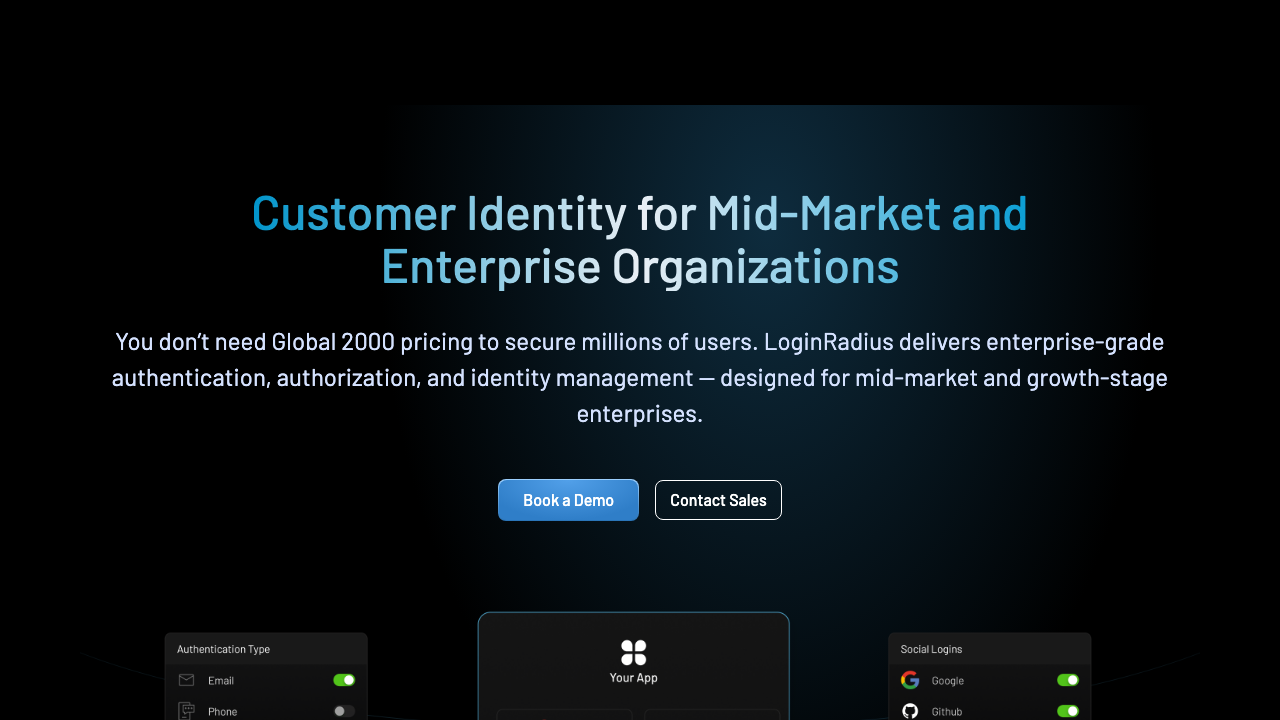
LoginRadius is a consumer identity platform rather than a developer tool, and that distinction is the whole point of considering it. Its centre of gravity is consumer scale: broad social login coverage, progressive profiling, consent and preference management, and data residency options for regulated markets. For an organisation whose customer identity problem is millions of consumers across multiple jurisdictions rather than a few hundred enterprise tenants, the requirements list is genuinely different, and most developer-first products do not address it.
Pros
- Consent and preference management built in, which matters when privacy regulation applies to your consumer base rather than to your enterprise customers
- Very broad social and regional identity provider coverage, including providers that matter outside North America and Europe
- Data residency options, which is frequently the requirement that eliminates every other managed option
- Built for consumer scale, where registration volume and bot abuse are the operational realities
Cons
- Enterprise-sales motion rather than self-serve, so evaluation is a conversation and not a weekend
- Developer experience and time to first login trail the developer-first products noticeably
- B2B multi-tenancy is less natural than in products designed around organisations
- Platform breadth means paying for capabilities a focused team will not enable
Best for: Organisations with large consumer user bases across multiple jurisdictions where consent management and data residency are hard requirements.
Pricing: Enterprise agreements metered on monthly active users with tiers for consent, residency and advanced security capabilities, negotiated rather than listed.
Descope
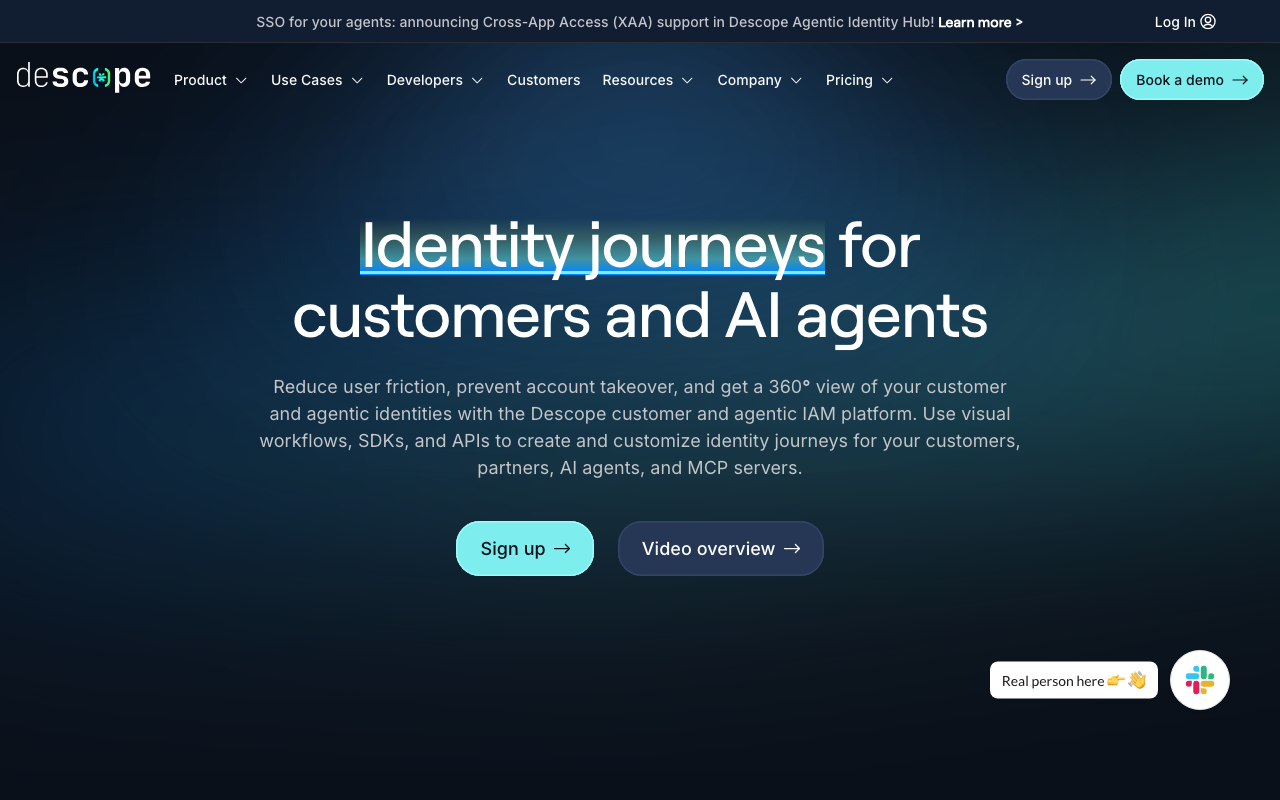
Descope’s distinguishing idea is a visual flow builder for authentication journeys. Login, registration, MFA, step-up and risk checks are nodes in a drag-and-drop workflow with conditions and connectors, changeable without a deployment. For teams whose Okta or Auth0 frustration is that changing login behaviour means a code review, a deploy and a rollback plan, it is a direct answer, with the corresponding tradeoff that a flow is harder to diff than a function.
Pros
- Login logic is changeable without shipping code, which shortens the loop on adding a step-up factor or an extra check
- Passwordless and passkey flows are the default path rather than an added option
- The flow is visible to people other than its author, which makes review and handover meaningfully easier
- Connectors cover much of what teams previously did with custom pipeline code
Cons
- Visual flows resist code review, version control and rollback in ways that create their own maintenance problem as complexity grows
- Managed only, so no answer for self-hosting or data residency
- Younger vendor with a shorter track record on the system that gates everything else
- Porting existing imperative pipeline code means re-expressing it, which is translation rather than copying
Best for: Teams that want passwordless and step-up authentication as configurable journeys and are willing to trade code review for deployment-free changes.
Pricing: Metered on monthly active users with tiers for enterprise connectivity and advanced capabilities.
Keycloak
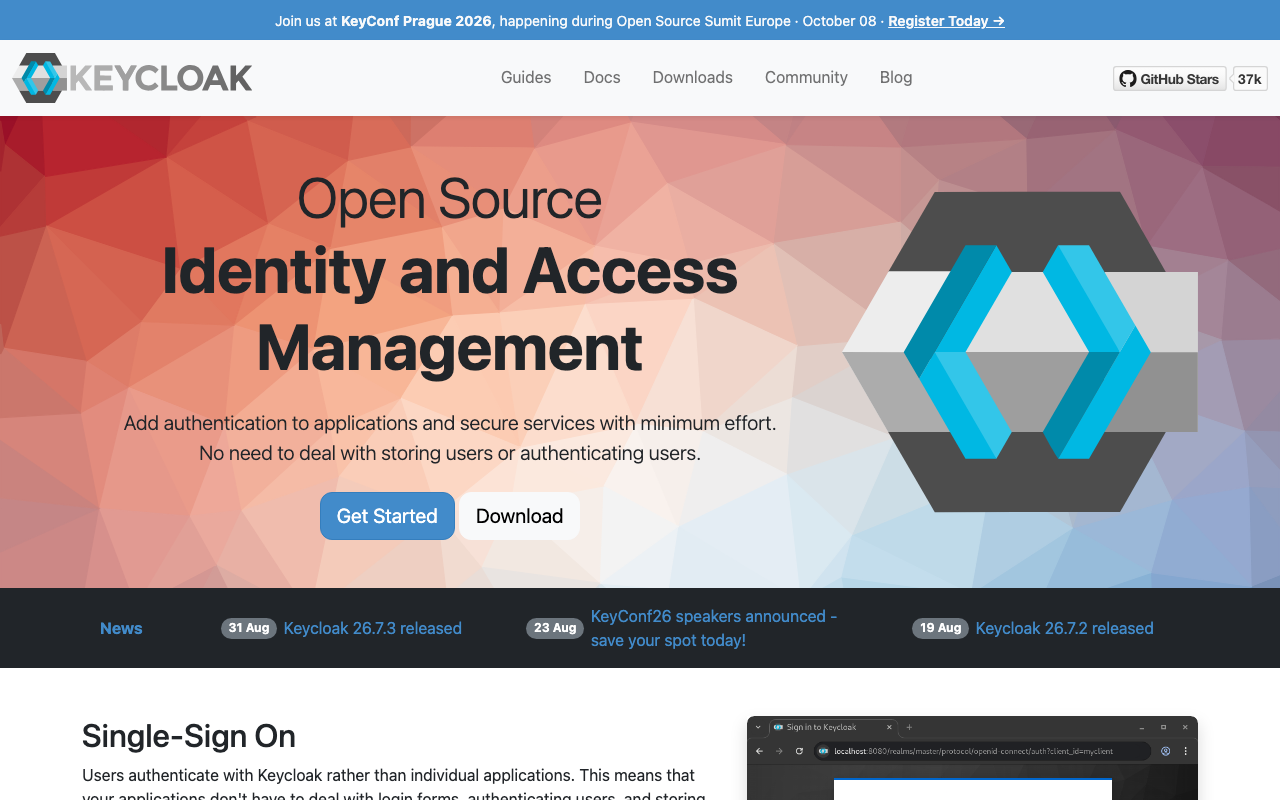
Keycloak is the open-source identity server that self-hosting teams evaluate first, and it is unusual in this list because it can credibly serve both sides of the split. It implements OIDC, OAuth 2.0 and SAML thoroughly, federates to LDAP and Active Directory, models realms as a tenancy boundary, and exposes server-side extension points deep enough to implement anything. What you are accepting is that it is a Java application with a database that you now operate, patch and upgrade.
Pros
- Complete protocol coverage including acting as a SAML identity provider, which many modern alternatives do not do at all
- Extension SPIs let you replace authenticators, storage providers and mappers with your own code, a superset of what hosted pipeline code allows
- No per-user cost, so consumer scale stops being a budget conversation
- LDAP and Active Directory federation out of the box, which is the feature that decides many workforce-adjacent evaluations
Cons
- You own uptime for the service that gates every other service, and major upgrades have historically required real planning
- Customisations are Java packaged with the server, so auth logic becomes part of a deployment artifact rather than configuration
- Console and developer ergonomics are dated next to the managed alternatives, and onboarding an engineer takes time
- High availability, session store sizing and key rotation are your design problems, and mistakes surface as intermittent login failures
Best for: Teams with platform engineering capacity that need self-hosting, LDAP federation or unbounded user counts, with a named owner for the deployment.
Pricing: No licence cost. The bill is infrastructure and the engineering time to run it, with commercial support available from third parties.
Zitadel
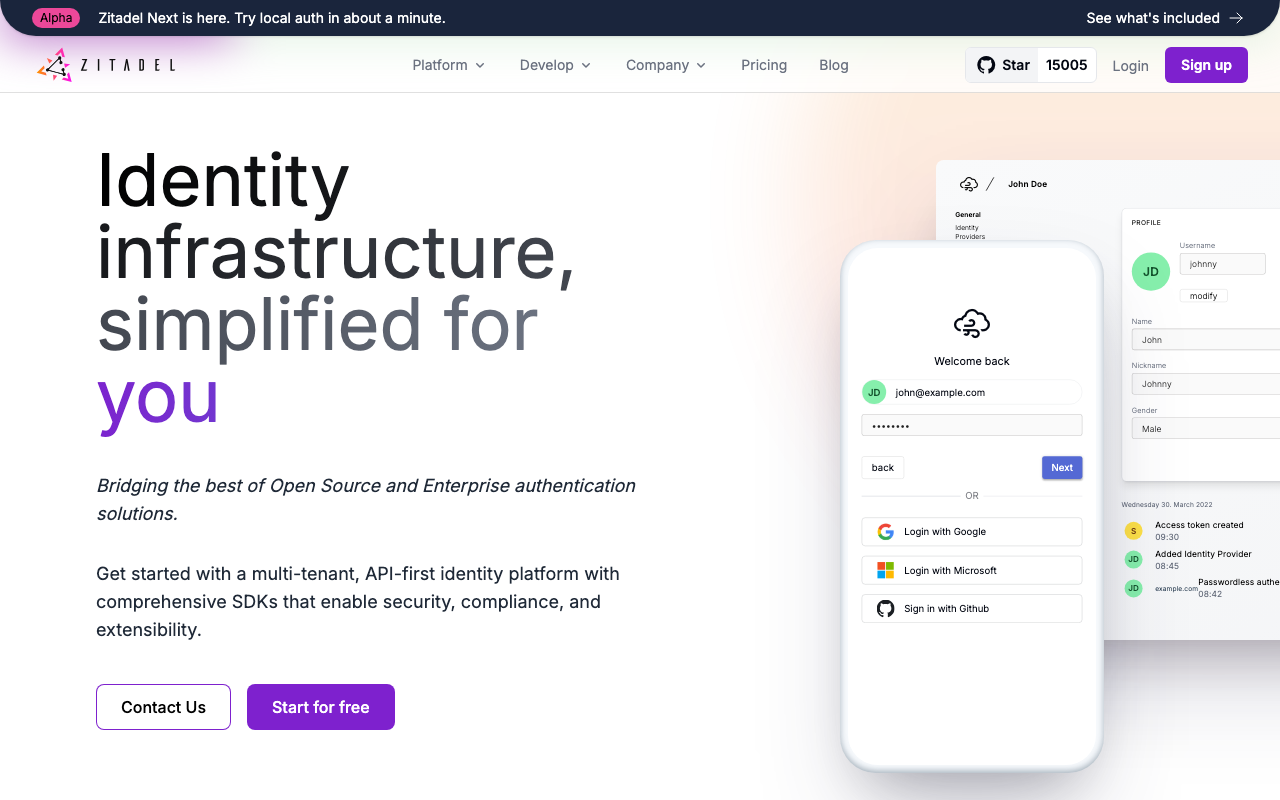
Zitadel is a modern open-source identity platform with an event-sourced core and organisations as a primary concept rather than a bolt-on. It speaks OIDC, OAuth 2.0 and SAML, supports Actions for custom JavaScript in the flow, and ships as a Go binary you either self-host or consume as managed cloud. Among the self-hostable options it is the closest to a managed product in developer experience, which makes it the common landing spot for teams that want to leave a hosted vendor without adopting Keycloak’s operational weight.
Pros
- Organisations and projects are in the data model, so B2B multi-tenancy does not have to be simulated
- Actions give hosted JavaScript in the authentication flow, which is rare in self-hostable products
- Event-sourced core means an audit trail of identity changes is a property of the design rather than a feature
- The same software runs self-hosted and managed, so the deployment decision stays reversible
Cons
- Event-sourced storage is operationally unfamiliar, and capacity planning looks different from a conventional schema
- Smaller community than Keycloak, so unusual problems have fewer existing answers
- Narrower coverage of legacy enterprise protocols and identity provider edge cases than the incumbents
- Younger product, which matters for the system whose failure takes everything else with it
Best for: Teams that want self-hosting with real multi-tenancy and hosted flow logic, without taking on Keycloak.
Pricing: Open source with no licence cost self-hosted, plus usage-metered managed cloud and enterprise support tiers.
Ory
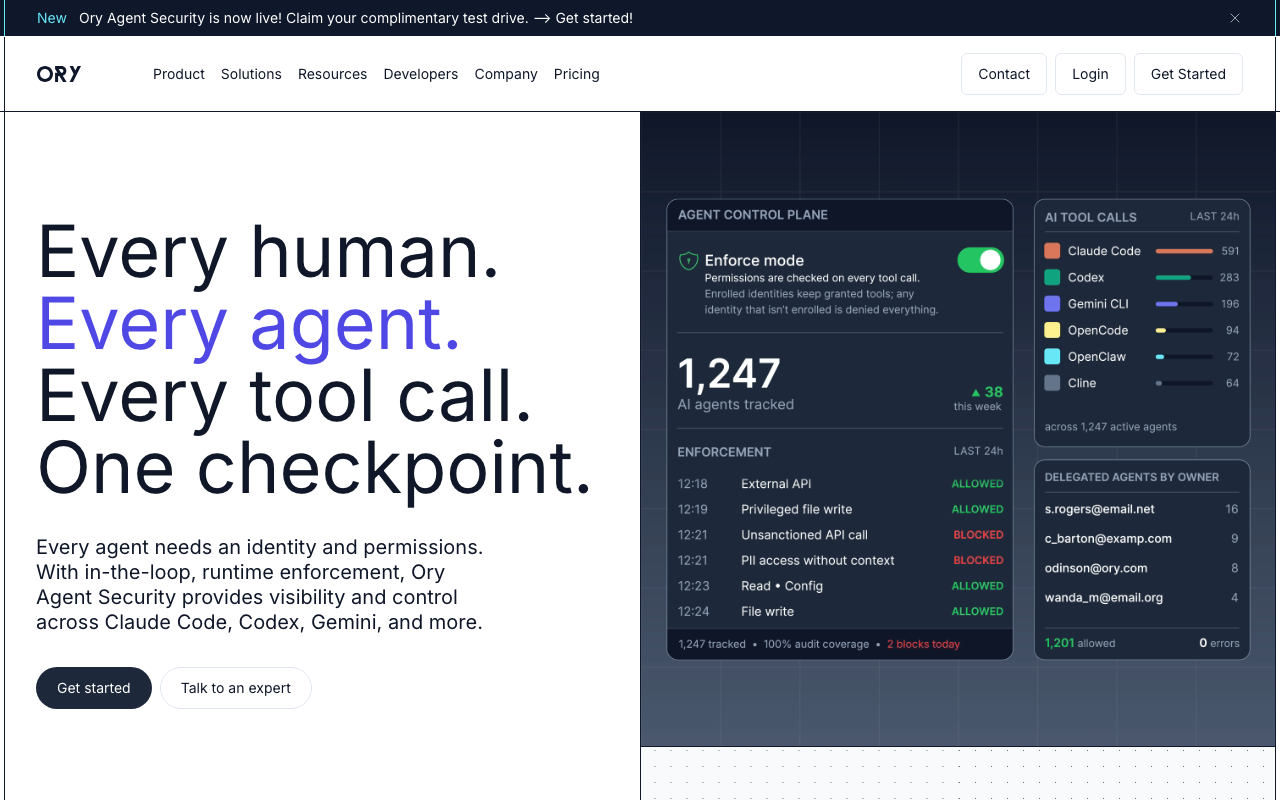
Ory is a set of composable open-source services rather than a single platform: identity management, an OAuth 2.0 and OIDC provider, a permissions service and a zero-trust proxy, each with its own API. The design suits teams who want to own the login experience entirely and treat identity as APIs their application orchestrates. It is the wrong fit for teams who wanted a login page to exist without writing one.
Pros
- API-first with no imposed UI, so the login experience is entirely yours on every surface including native and CLI
- Components are separable, so adopting the OAuth 2.0 server without the identity store is a supported shape
- Go services against your database is a much lighter operational footprint than a JVM application server
- Managed cloud and self-hosted run the same software, keeping the decision reversible
Cons
- You build the login, registration, recovery and settings flows, and that is consistently underestimated
- More moving parts to configure before anything works end to end than a single-binary product
- Smaller pool of examples and community answers than Keycloak for equivalent problems
- Feature lines between open source and cloud need checking, because an evaluation on one may not reflect the other
Best for: Engineering teams who want identity as composable APIs under their own control and consider owning the auth UI a feature.
Pricing: Open source with no licence cost for self-hosted components, plus usage-based managed cloud; self-hosted cost is infrastructure and the time to run several services.
How to choose
Answer the split question first, then run the row.
| Which Okta are you replacing | What decides it | Where to start |
|---|---|---|
| Workforce, Microsoft-centric estate | Whether you already hold the licence and which tier | Microsoft Entra ID |
| Workforce, mixed fleet and no legacy directory | Device management and directory in one platform | JumpCloud |
| Workforce, internal tools, small budget | Proxy auth for applications with no native SSO | Authentik |
| Customer, need maximum connection breadth | Legacy protocol support and hosted pipeline code | Auth0 |
| Customer, enterprise SSO is the actual requirement | Per-customer connection setup without engineering time | WorkOS |
| Customer, need the whole tenant admin layer | Teams, roles, invitations and SSO config as embeddable UI | Frontegg |
| Customer, consumer scale and regulated markets | Consent management and data residency | LoginRadius |
| Customer, want self-hosting | Who operates it and whether you have that person | Keycloak, Zitadel, Ory |
Then validate with the tests that a feature grid cannot answer.
On the workforce side, deactivate a real test user and time how long it takes for access to actually end in each of your top five applications. Then break the connector deliberately, by revoking its credential, and see whether anything alerts. That second test fails more often than the first, and it is the one that produces audit findings.
On the customer side, take the SAML metadata from two real customers running different identity providers and configure both, using only the candidate product’s documentation and no vendor assistance. Time it. That number, multiplied by your enterprise pipeline, is the actual cost of the decision. The per-identity-provider quirks are covered in enterprise SSO solutions.
Needs first-hand data: For the workforce evaluation, produce a list of every SaaS application in use and mark which ones support SCIM at all, which support only SAML SSO, and which support neither. The proportion in the third bucket determines whether any SSO vendor solves your problem or whether you still need manual offboarding runbooks.
Needs first-hand data: For the customer identity evaluation, count enterprise customers with their own identity provider connection and divide by total customers. Below a small fraction, per-connection pricing wins on cost. Above it, per-user pricing does. Run the arithmetic on your real numbers rather than assuming.
Frequently asked questions
Is Auth0 an alternative to Okta?
For customer identity, yes, in the sense that it is a different product with a different developer experience. For vendor diversification, no, because it is the same company. Decide which of those two things you were trying to achieve before moving.
Can one product cover both workforce and customer identity?
Keycloak genuinely can, and some organisations run it for both with separate realms. Most managed products cannot, because the pricing model, the admin experience and the feature investment all point at one side or the other. Attempting it with a product designed for the other side usually shows up as either a customer identity system that needs IT tickets, or a workforce system with no governance features.
What is the biggest risk in a workforce identity migration?
Deprovisioning coverage regressing without anyone noticing. Every application currently getting a SCIM deprovision signal has to be reconnected to the new provider, and the failure mode is silent. Build the inventory before you migrate, and add monitoring that alerts on a connector that has not synchronised recently, regardless of which vendor you end up with.
Do we need device management as part of identity?
Only if your access policy depends on device state. If conditional access rules such as “only from a managed, encrypted device” are part of your security model, then identity and device management need to share signals and buying them separately creates an integration you own. If your policy is user and factor based, a pure SSO product is enough.
How do we handle applications that do not support SSO at all?
A reverse proxy that enforces authentication in front of the application, which is what Authentik’s proxy provider and similar forward-auth patterns do. It is not as good as native SSO, because the application still has its own idea of identity inside, but it puts the front door under your control and it means deprovisioning actually ends access.
Related reading
- Best authentication providers for developers — the full category map and the build versus buy decision behind it.
- Auth0 alternatives — the customer identity migration in detail, including hashes, sessions and Actions.
- Best enterprise SSO solutions for B2B SaaS — per-customer identity provider quirks and self-serve admin setup.
- Best SCIM provisioning tools — where implementations diverge and why deprovisioning fails silently.
- Best self-hosted identity providers — the operational load if you decide to run identity yourself.
- Best CIAM platforms — consumer scale, consent management and bot registration defence.