Sentry is the default error tracker for good reasons, and most teams that go looking for an alternative are not unhappy with the product. They are unhappy with one specific thing about it, and that thing determines which replacement is right. Get the reason wrong and you will migrate to something that solves a problem you did not have.
There are four reasons, in roughly the order of how often they come up. The bill scaled with event volume in a way nobody modelled. A customer contract or a regulator says stack traces with request context cannot leave your infrastructure. You only ever wanted error tracking and are now paying for a platform with tracing, replay, profiling and logs attached. Or you tried self-hosting to fix one of the first three and discovered that self-hosted Sentry is a serious multi-service deployment.
Different problems, different answers. A team leaving over cost and a team leaving over data residency should not end up on the same tool, and they usually do because most comparison articles rank alternatives on a feature grid instead of asking why you are here.
This is also a guide that tells you when to stay. Sentry’s SDK matrix, symbolication tooling and release features are the best in the category, and for a lot of teams the correct move after reading this is to fix their sampling configuration and stay put.
Key takeaways
- Four reasons drive almost every Sentry migration — cost, data residency, scope, and self-hosting complexity — and each maps to a different alternative.
- GlitchTip and Bugsink accept events from official Sentry SDKs by changing the DSN, so the instrumentation in your code survives the move.
- What does not survive: alert rules, ownership rules, source map upload in CI, commit and release integration, and every issue link already in your tracker.
- If your complaint is a spiky bill, fix client-side sampling and filtering first. That is a configuration change and migration is a project.
The four reasons, and what each one points at
Your bill scaled with event volume in a way nobody modelled. This is the most common reason and the one most often misdiagnosed. Event-quota pricing is fine until a dependency starts throwing on every request, a retry loop multiplies one failure into thousands, or a browser extension generates errors from user machines you do not control. Volume is not proportional to how many bugs you have; it is proportional to how badly the worst one is behaving.
If this is you, the honest first move is not migration. It is client-side filtering and sampling: drop known-noisy error classes before they leave the process, sample high-volume issues you have already triaged, filter bot traffic and browser extension noise, and set per-issue rate limits. If the bill is still wrong after that, the answer is a tool priced on a different meter — a flat per-project subscription like Honeybadger, per-application pricing like AppSignal, or self-hosting, where volume costs disk instead of dollars.
Data cannot leave your infrastructure. A stack trace carries local variables, a request body and user context. That is exactly the payload a data-residency clause or a healthcare or financial customer contract is written to stop. Server-side scrubbing does not answer it, because the data crossed the boundary before it was scrubbed.
This one has only self-hosted answers: GlitchTip, Bugsink, or self-hosted Sentry. Pick on operational appetite, which the open source error tracking guide covers in detail.
You only wanted error tracking. Sentry now sells tracing, session replay, profiling, cron monitoring, logs and uptime checks. If you use them, that consolidation is good value. If you do not, you are managing quotas and navigating a UI built for a platform in order to do one job. The answer here is a focused product — Rollbar, Honeybadger, Airbrake or Bugsink — where the entire interface is the issue list.
Self-hosted Sentry turned out to be a real deployment. The self-hosted distribution is not one service. It is a set of them — ingest relay, event processing workers, a symbolication service, Kafka, ClickHouse, Redis and PostgreSQL — because that is what it takes to run Sentry’s scale. It works, and it is a genuine operations commitment with upgrade risk at every version. Teams that reach for it to avoid a bill and staff it with nobody end up worse off than they started. The answer is a smaller self-hosted tool, not a bigger cluster.
Where Sentry is still the right answer
Four situations where migrating is a mistake, stated plainly so you can check yourself against them.
You ship mobile or native code. dSYM, R8 mapping and native debug file handling, plus release health measured per session, are the strongest in the category. Replacing them is a project with a real chance of leaving you with unreadable crash reports.
Your grouping problems are configuration, not product. Fingerprint overrides at the throw site and server-side grouping rules solve most over-splitting and over-merging. Moving to a tool with simpler grouping to fix a grouping complaint is a common and expensive mistake.
You genuinely use the platform. If your team opens a replay from an issue and then reads the trace attached to the same event, that correlation is doing real work. Splitting it across three vendors to save on one meter is a net loss.
You are polyglot at scale. Sentry’s SDK coverage across languages, frameworks and runtimes is not matched by the focused tools. If a new service in a new language should have error tracking on day one, breadth is the feature you are paying for.
What a migration actually breaks
The good news first: your instrumentation survives. Because GlitchTip and Bugsink implement the Sentry event protocol, you keep the official Sentry SDKs and change the DSN — typically one environment variable. Every set_tag, set_user, add_breadcrumb and fingerprint call in your code keeps working, and so does the initialisation you already tuned.
Everything you built around Sentry is what breaks. Budget for these specifically:
- Alert rules. Conditions like “issue is new”, “issue regressed”, or a frequency threshold over a window are Sentry’s own rule engine. They do not export. Rebuild them, and expect the target tool to express some of them less precisely.
- Ownership rules. Path-based auto-assignment to teams is the feature that makes a large issue list navigable, and it is not a protocol feature. Some alternatives have no equivalent at all.
- Source map and symbol upload. Your CI job talks to Sentry’s upload API through its CLI or a bundler plugin. A protocol-compatible backend does not automatically implement that API. Verify symbolication end to end on the target before you cut over, because a migration that silently leaves you with minified frames is worse than no migration.
- Release and commit integration. Commit association, suspect-commit attribution and deploy notifications depend on a version control integration, not on the event protocol. Most alternatives have a thinner version or none.
- Issue links in your tracker. Every ticket that references an issue points at a Sentry URL. Those links die when the account does. Decide whether you care before you cancel, not after.
- Non-error envelope types. Session health for release adoption, cron check-ins, replays and profiles are separate item types. Support varies by backend, and when it is missing the failure looks like a feature quietly not working rather than an error.
The migration pattern that works is dual-send followed by a delay. Most Sentry SDKs let you construct a second client so events go to both backends, or you can fan out in front of ingest. Run both for a full release cycle. Compare the issue lists — not the counts, the lists — because two backends fed identical events will group them differently. Then cut over, and keep the old account read-only until nothing references it.
Needs first-hand data: During dual-send, export the issue list from both backends after one week and diff them by underlying defect. Record how many issues in the new tool correspond to one issue in Sentry, and vice versa. That ratio is the actual cost of the grouping difference and it is the number that decides whether the migration is acceptable.
Needs first-hand data: Measure your current event volume split by issue before doing anything else. If a small number of issues produce most of your events — which is typical — then filtering and sampling those specific issues may remove the reason you are reading this article at all.
GlitchTip
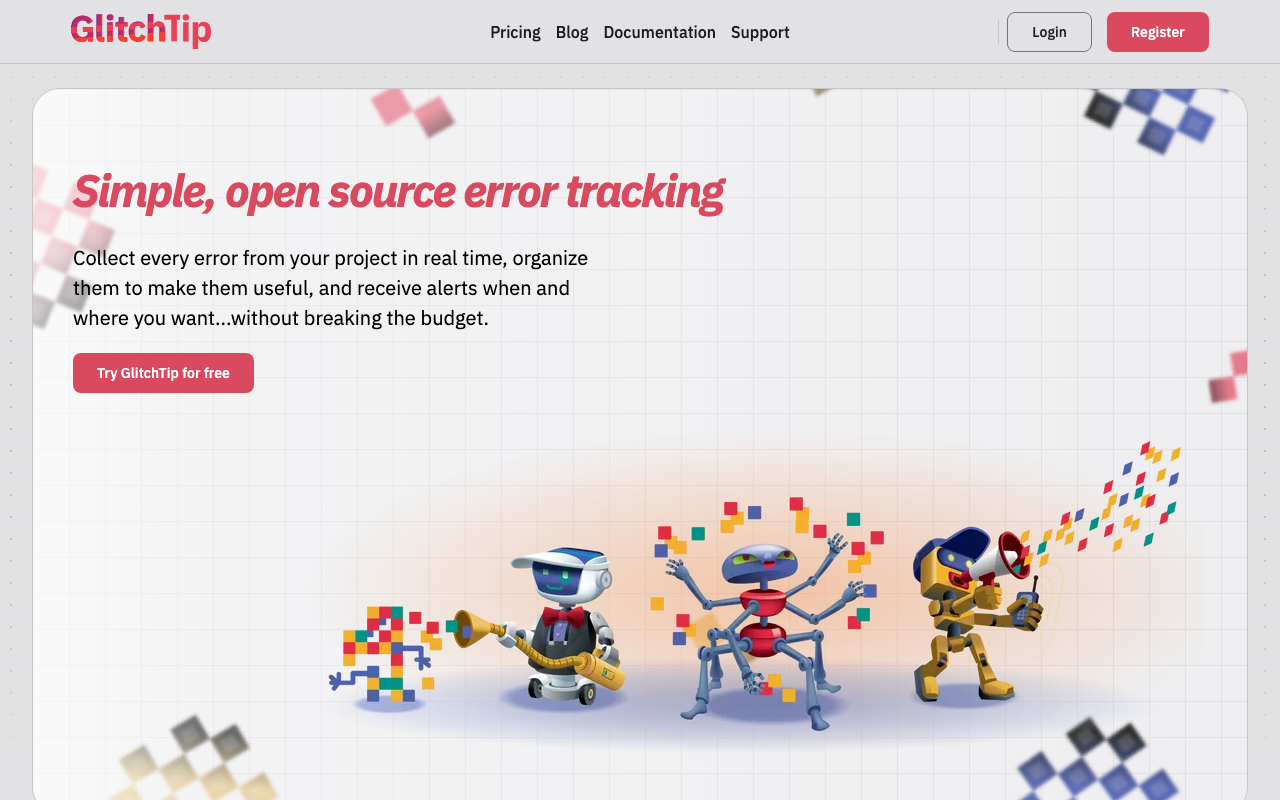
GlitchTip is the closest thing to a drop-in replacement: an open source error tracker that implements the Sentry event protocol, so official Sentry SDKs point at it by changing the DSN. It is a Django application with PostgreSQL and a Redis-backed worker, which is an operational commitment most teams can size in their heads. It also offers a hosted plan, so “self-hosted” is a choice rather than a requirement.
Pros
- Official Sentry SDKs work unchanged, so the instrumentation you already wrote transfers intact
- A Django and PostgreSQL footprint is a fraction of self-hosted Sentry’s, and made of parts your team already runs
- OSI-approved open source licensing, which clears policy hurdles that Sentry’s Functional Source License creates
- Hosted option means you can validate the grouping before taking on any operations
Cons
- Tracks Sentry’s error features, not the newer envelope types, so replay, profiling and rich tracing are absent or partial
- Grouping is simpler than Sentry’s, with fewer levers for a codebase with a catch-all handler problem
- PostgreSQL growth and retention pruning become your responsibility
Best for: Teams leaving over cost or data residency who want the same SDKs and the same workflow with a footprint they can operate.
Pricing: Free to self-host at infrastructure cost, with a hosted plan metered on event volume.
Bugsink
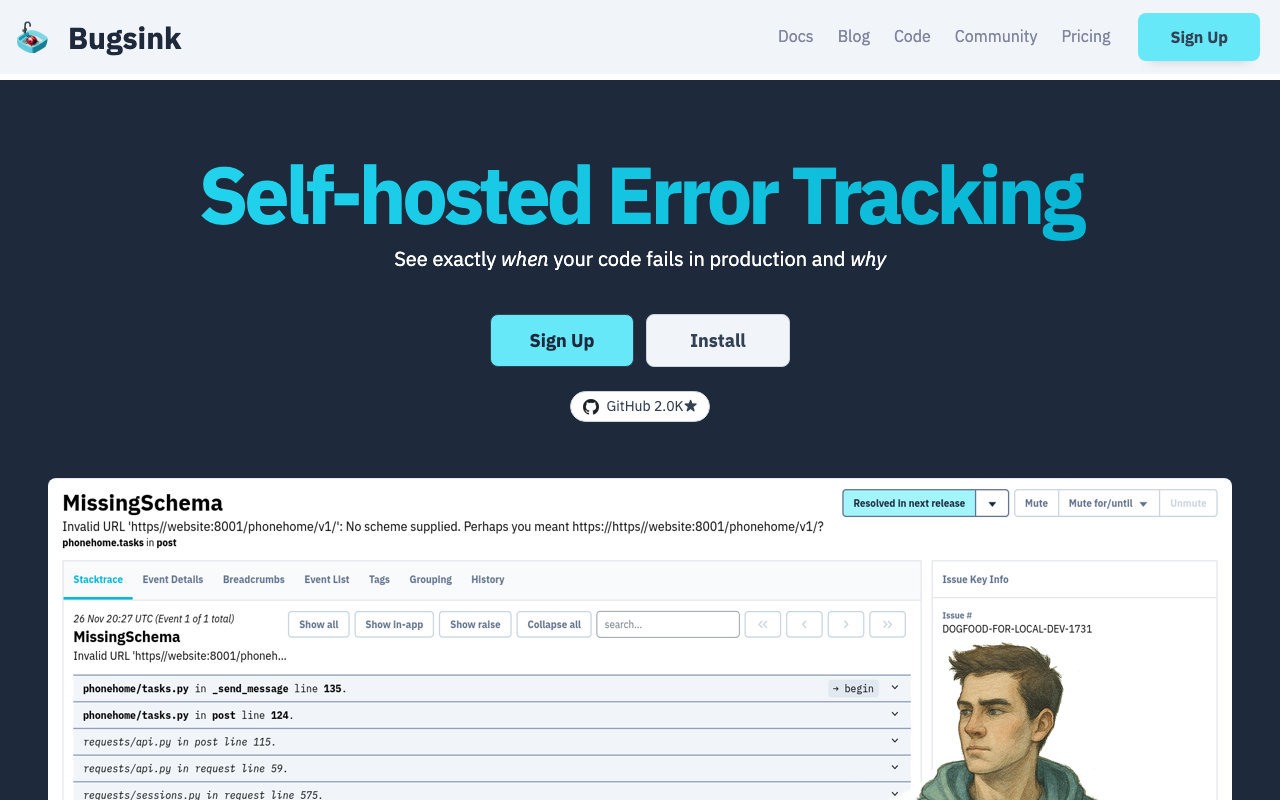
Bugsink answers the fourth reason directly. It speaks the Sentry protocol and is built to run as a single container against a single conventional database, with explicit controls on retention and disk usage. Where self-hosted Sentry is a platform you operate, Bugsink is closer to an appliance you install and stop thinking about — which is the honest requirement for most teams that only wanted somewhere for exceptions to land.
Pros
- Single-container deployment against a normal database, which is the lowest operational commitment in the category
- Sentry-SDK compatible, so the DSN change is the whole integration
- Retention and disk-usage limits are first-class, addressing the failure mode that kills small self-hosted deployments
- Small enough in scope that one engineer can hold all of it in their head
Cons
- Deliberately narrow: no tracing, no replay, limited dashboards, a short integration list
- Young project with a small ecosystem, so continued maintenance is a bet you are making
- Read the licence text yourself if OSI-approved open source is a hard procurement requirement
Best for: Small teams who want Sentry SDKs pointed at something inside their network that needs no ongoing attention.
Pricing: Self-hosted with licence tiers by team size plus infrastructure cost; no per-event metering.
Rollbar
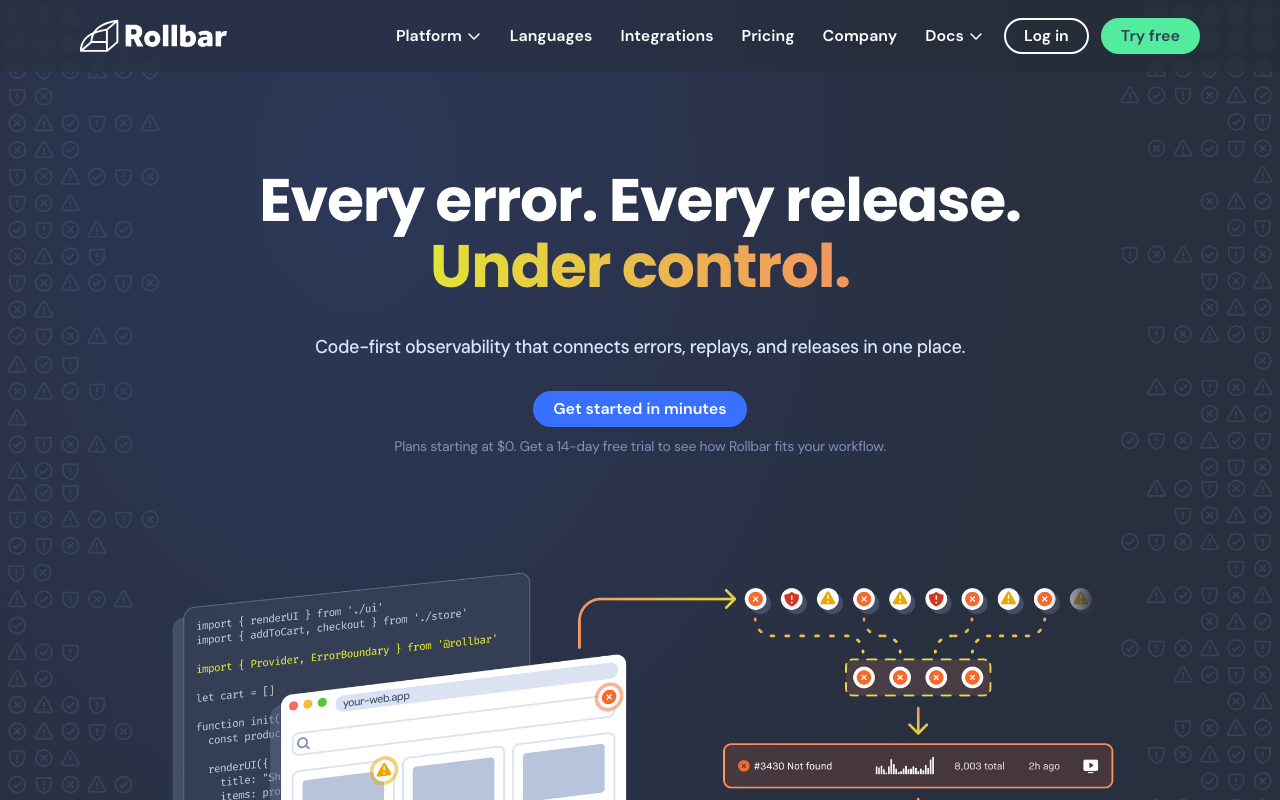
Rollbar is the managed answer for teams leaving because Sentry became a platform. It has stayed an error tracking product, and its distinctive strength is that grouping is configurable server-side: you write rules that reshape fingerprints for events already arriving, including from services whose code you cannot change. It also exposes a query language over items and occurrences rather than only a filter sidebar.
Pros
- Server-side grouping rules fix bad fingerprints without shipping code, which no self-hosted alternative here matches
- Query language over items and occurrences supports triage patterns a faceted filter cannot express
- Deploy tracking with per-release error rates is core workflow rather than an add-on
- Scope stays on errors, so nothing in the product competes for your attention
Cons
- Still event-volume priced, so a team leaving purely over a volume-driven bill may not have solved anything
- No replay, tracing or profiling, so consolidation-minded teams will buy a second tool
- Migration means re-instrumenting with Rollbar’s SDKs — the DSN trick does not apply here
Best for: Teams who want a focused, managed error tracker with the deepest grouping controls available.
Pricing: Event-volume tiers with retention bands, metered on occurrences ingested rather than per seat.
BugSnag / SmartBear Insight Hub
BugSnag, now part of SmartBear’s Insight Hub, replaces Sentry best for mobile and client-heavy teams. Its organising idea is the stability score: the share of sessions or users in a release that were error-free, measured against a target you set. That turns error data into a release gate rather than a backlog, which is the right frame when you cannot roll back a build that is already on users’ phones.
Pros
- Stability targets make releases pass or fail on a number, which is a decision rather than a queue
- Session-based measurement does not move with traffic volume the way raw error counts do
- Mature mobile symbolication and per-build health comparison across staged rollouts
- Sits in a wider quality and testing portfolio if that is already your vendor relationship
Cons
- Session-based pricing is a different forecasting model and is easy to get wrong when traffic grows
- One product inside a larger suite now, so roadmap attention is shared
- Full re-instrumentation with its own SDKs
Best for: Mobile teams leaving Sentry who want release stability expressed as a gate with a target.
Pricing: Tiered subscription metered on tracked sessions and events with retention bands.
Honeybadger
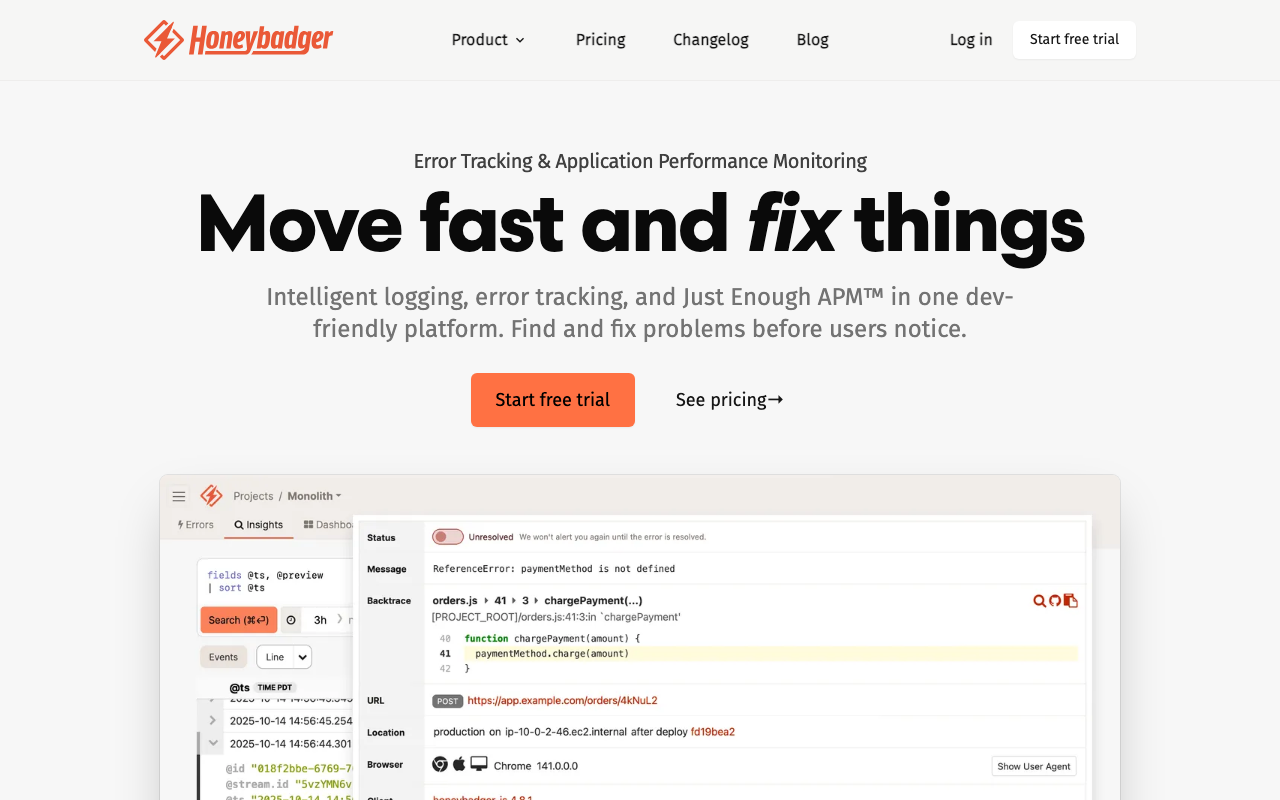
Honeybadger is the answer for a small team whose Sentry bill is unpredictable and whose needs are modest. Pricing is flat subscription tiers rather than event metering, which removes the specific anxiety of a runaway issue turning into an invoice. It also bundles uptime checks and cron or background-job check-ins, covering the three ways a small application fails: it threw, it is down, or the nightly job stopped running and nobody noticed.
Pros
- Flat subscription pricing makes the bill immune to a bad deploy’s event volume
- Errors, uptime and cron monitoring in one subscription removes two other vendors
- Opinionated defaults mean useful data without a configuration project
- Excellent Rails ergonomics with solid coverage of the other common web stacks
Cons
- No tracing, no replay, and correlating with infrastructure data is manual work
- Grouping controls are shallower than Rollbar’s or Sentry’s if over-merging is your real problem
- Requires re-instrumentation with its own SDKs
Best for: Small Rails-shaped teams who want a predictable bill and one vendor for errors, uptime and jobs.
Pricing: Flat per-project or per-team subscription tiers rather than usage metering.
AppSignal
AppSignal is the consolidation answer for teams in its supported runtimes — Ruby, Elixir, Node and Python. One agent produces errors, transaction performance, host metrics and custom metrics, so you get the correlation Sentry’s platform offers without buying a platform’s worth of surface. Per-application pricing rather than event quotas also changes the failure mode: a spike costs you nothing extra.
Pros
- One agent covers errors and performance, so an exception opens into the request that caused it with no setup
- Per-application pricing means an incident does not produce a bill
- Runtime-specific depth rather than a generic wrapper, and the best Elixir support in the category
- Alerting on custom metrics is in the same tool, covering “it broke” and “it got slow”
Cons
- Narrow language coverage by design; a polyglot organisation needs a second tool immediately
- Not a distributed tracing product, so large microservice estates outgrow it
- Full re-instrumentation, and the mobile story is not comparable to Sentry’s
Best for: Ruby, Elixir, Node or Python teams who want errors and performance from one agent on a predictable per-app bill.
Pricing: Subscription per application with tiers by data volume and retention rather than per seat.
Raygun
Raygun is the alternative for teams who use Sentry’s replay and performance features and want that correlation from a smaller vendor. Crash reporting, real user monitoring and APM share one session identity, so an error opens into what the user was doing and what the backend was doing at the same moment. It is a tighter product than the platforms rather than a shallower one.
Pros
- Error, user session and backend trace share an identity, so user impact is a query not an investigation
- Strong client-side coverage across web and mobile with the symbolication to match
- Priced on ingested events rather than per host, which suits few servers and many users
- Small enough surface that a team can actually learn all of it
Cons
- APM depth trails the dedicated platforms; treat it as error context, not as your tracing tool
- Multiple correlated data types on one meter makes forecasting harder than a pure error product
- Event-volume pricing again, so it does not by itself solve a volume-driven bill
Best for: Teams who use Sentry for errors plus session context and want the same shape from a focused vendor.
Pricing: Volume-based across errors, RUM and APM with retention tiers rather than per-host licensing.
Airbrake
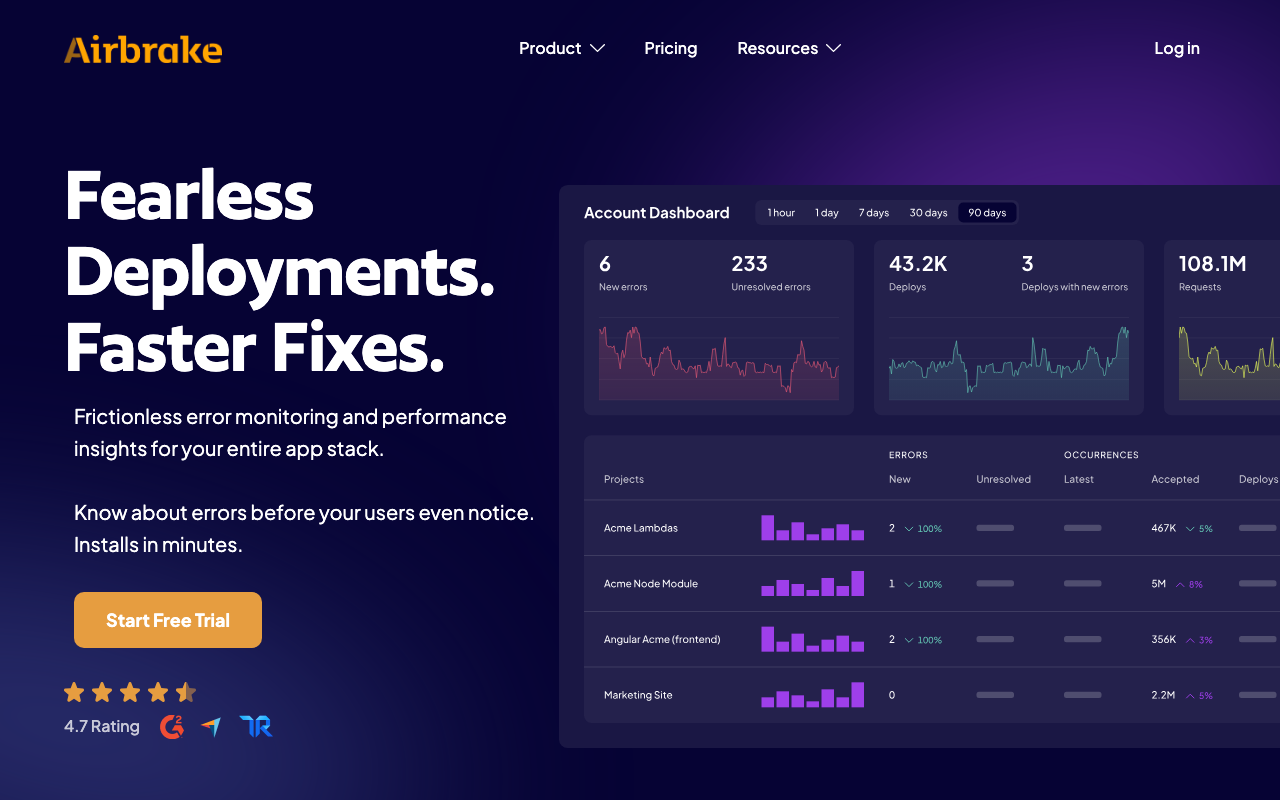
Airbrake is one of the oldest error trackers still running, and its appeal is exactly that: it does error and deploy tracking, it has done so for a very long time, and there is almost nothing to learn. For a team whose complaint is that Sentry became a platform, a product that never became one is a reasonable answer — as long as you check that its coverage of your stack is current, because longevity in this category can mean stability or it can mean stasis.
Pros
- Narrow, stable scope: errors, deploys, notifications, and little else to configure
- Long-established SDKs across the mainstream server-side languages
- Simple mental model that a new engineer understands in one sitting
- Deploy tracking ties error rate to releases without extra setup
Cons
- Little modern surface — no replay, no tracing, no profiling, thin frontend and mobile story
- Evaluate the pace of SDK and integration updates for your specific stack before committing
- Full re-instrumentation for a feature set that is a strict subset of what you have
Best for: Server-side teams who want the simplest possible managed error tracker and nothing else.
Pricing: Tiered subscription by monthly error volume and project count.
Highlight.io
Read the status before the features: the hosted Highlight.io service was deprecated on February 28, 2026, and the commercial product now lives inside LaunchDarkly Observability. The open source project remains, so this is a self-host option rather than a SaaS one. What it does is pair session replay with error monitoring and backend logging in one project you run yourself — the closest open source shape to what Sentry’s platform offers, if replay is the feature keeping you there.
Pros
- Replay, errors and backend logs in one self-hosted project, which no other open source option here combines
- Self-hosting keeps session recordings inside your compliance boundary, which matters more for replay than for errors
- OpenTelemetry alignment on the backend keeps server instrumentation portable
- Genuinely open source, so the residency question is answered completely
Cons
- The hosted service is gone; if you want someone else to run it you are evaluating LaunchDarkly Observability, not this
- Running a session-recording pipeline is real storage and operational work, well beyond hosting an error tracker
- Not Sentry-protocol compatible, so this is a re-instrumentation, not a DSN change
Best for: Teams leaving over residency who need session replay as well as errors and will run the pipeline themselves.
Pricing: No hosted tier to price; self-hosting converts cost entirely into storage, compute and operator time.
Datadog Error Tracking
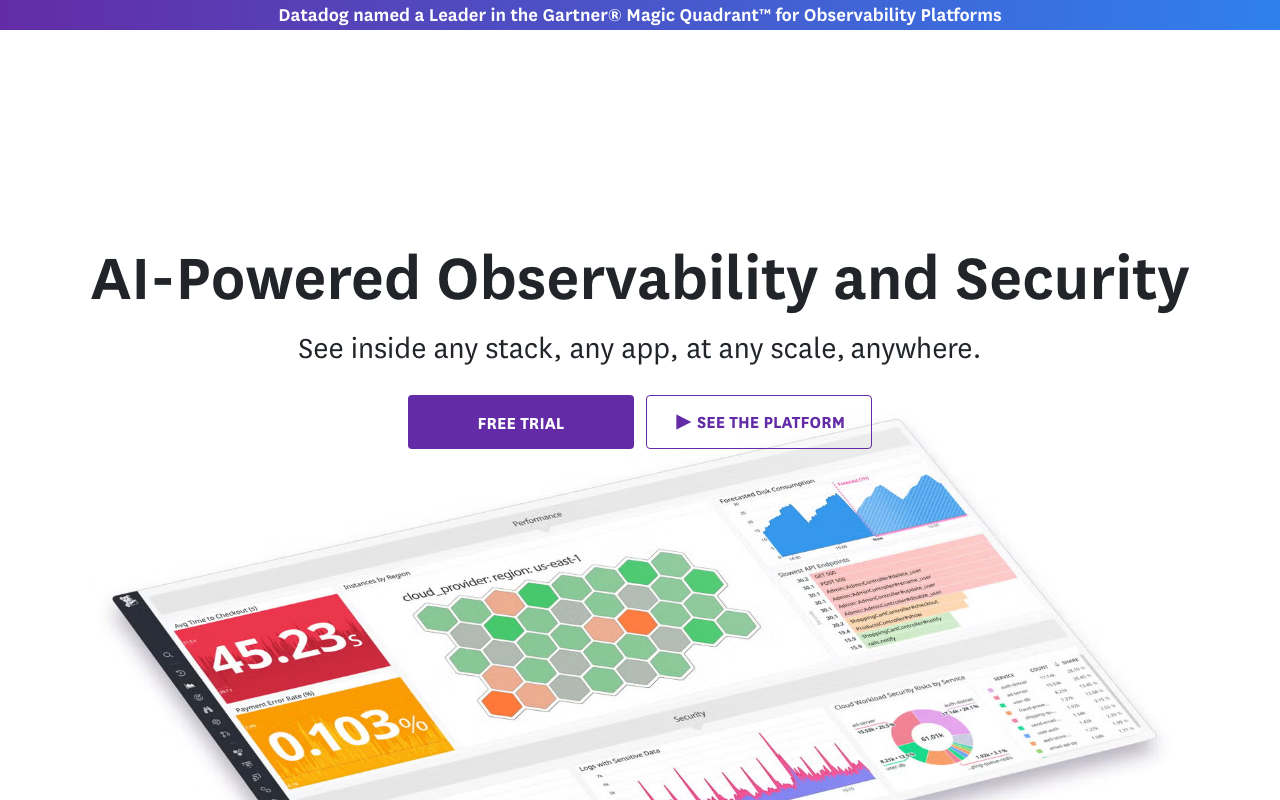
If you already pay Datadog for APM, logs and RUM, its error tracking groups exceptions out of data you are already sending. For teams whose reason for leaving is “too many vendors” rather than “too expensive”, removing the Sentry line item entirely is the cleanest version of that. The tradeoff is that error fidelity is now bound to your ingest and sampling configuration.
Pros
- No new SDK, no new quota, no new contract — errors group from telemetry you already send
- Correlation with traces, logs, metrics and replay is native rather than a link between products
- Alerting and ownership reuse the routing and on-call integrations you already configured
- Removes a vendor rather than swapping one
Cons
- Errors follow your trace sampling, so a sampled-out request is an error you never see — a real behavioural difference from a dedicated error SDK
- Cost rides on overall ingest and indexing, so it is not separately controllable when you need to cut
- Deepens platform coupling, which is its own risk — see Datadog alternatives
Best for: Teams already fully on Datadog whose reason for leaving Sentry is vendor count rather than capability.
Pricing: Included in existing APM, log and RUM meters rather than a separate line, so cost tracks ingest volume.
How to choose
Match the reason to the answer and ignore the rest of the grid.
| Why you are leaving | Go here | Do not go here |
|---|---|---|
| Volume-driven bill | Honeybadger, AppSignal, or self-hosting | Another event-metered tool |
| Data cannot leave the network | GlitchTip, Bugsink, self-hosted Sentry | Any managed option |
| Paying for a platform you do not use | Rollbar, Airbrake, Honeybadger | A different platform |
| Self-hosted Sentry is too heavy | Bugsink, then GlitchTip | A bigger cluster |
| Too many vendors | Datadog or New Relic error tracking | A standalone tool |
| Mobile release confidence | BugSnag / Insight Hub | Anything without session-based health |
Then run the boring checks before committing: symbolication working end to end for every artifact type you ship, alert routing rebuilt and tested with a real page, and a dual-send period long enough to compare issue lists rather than counts. The error tracking hub covers what to look for in grouping quality, and error tracking for startups covers the case where the bill is small and attention is the scarce resource.
Frequently asked questions
Can I keep using Sentry SDKs with a different backend?
With GlitchTip and Bugsink, yes — both implement the Sentry event protocol, so you change the DSN and the SDK keeps working. Coverage is strongest for error events; newer envelope types like session health, cron check-ins, replays and profiles vary by backend, so verify the specific features you rely on rather than assuming full parity.
Is self-hosted Sentry free?
There is no licence fee, and it is not free. The self-hosted distribution runs a set of services including Kafka, ClickHouse, Redis and PostgreSQL alongside Sentry’s own components, and each upgrade is a real operation with real risk. Cost moves from an invoice to infrastructure plus the engineer who owns it. If nobody’s job description includes that, pick a smaller self-hosted tool.
Will my historical issues come with me?
No. Issue history, comments, resolution state and links are internal to whichever tool holds them, and nothing in the event protocol covers them. Plan an overlap where both backends receive events, and keep the old account readable until no ticket or runbook points at it.
Should I leave Sentry just because of the licence?
Only if you have a policy that requires OSI-approved open source. Sentry ships under the Functional Source License, which is source-available and converts to an OSI-approved licence after a delay, not open source on day one. That is a genuine blocker in some organisations and irrelevant in most.
Related reading
- Best error tracking tools — how grouping, symbolication and quotas differ across the category.
- Best open source error tracking tools — what each self-hosted option costs to run, tier by tier.
- Best error tracking tools for startups — free-tier shapes and alerting that survives the first month.
- Best APM tools for developers — if the real plan is to consolidate errors into a platform.
- Best incident management tools — where the alert rules you are rebuilding should actually live.