Teams leave Splunk for two reasons, and they are unusually consistent across companies of every size.
The first is the licence cost at ingest volume. Splunk prices on data, so every new data source is a budget conversation, and the predictable result is that teams stop sending data to the tool they bought for searching data. When someone proposes dropping firewall logs to stay under the licence, the product has already failed at its job.
The second is that SPL expertise concentrates. Three people can write a correlation search that finds anything; everyone else files a ticket and waits. That is not a criticism of SPL, which is a genuinely good language for the problem. It is an observation about what happens when the query language is unlike anything else your engineers use, and self-service dies as a result.
Both reasons are real. Neither is a good enough reason to move on its own, because Splunk is better than most of its alternatives at things that only become visible after you have switched. This article names those first, then splits the field by why you are actually leaving — because the answer for a team fighting an ingest bill is not the answer for a team that needs a SIEM.
Key takeaways
- Splunk’s real strengths are correlation search across years of retained data, mature RBAC and audit, and a compliance app ecosystem. Most alternatives replace the search and not the other two.
- The migration cost is not the data. It is the parsing rules, saved searches, dashboards and alert definitions accumulated over years, none of which port.
- If you need SIEM rather than operational logging, the field narrows sharply and several popular alternatives drop out entirely.
- Cribl is a pipeline in front of a destination, not a destination, and it is how a lot of teams cut a Splunk bill without leaving Splunk.
What you lose by leaving, stated honestly
Three things, and every one of them is a project on the other side.
Correlation search over long retention. Splunk was built to join events across unrelated sources over long time spans — an auth log, a VPN log, a badge reader and an application audit trail in one search that spans a year. Most operational log tools are tuned for the last few days of application logs at high speed. They will run the query; whether it finishes over a year of data at acceptable cost is a different question. Test that specific workload before you commit, not a request-ID lookup.
RBAC and audit maturity. Splunk’s access model is granular in ways that matter when the users are auditors and analysts rather than engineers: index-level and field-level restrictions, controlled sharing of knowledge objects, and an audit trail of who searched what. Several strong alternatives here have per-index or per-workspace access and stop there. If a regulator asks who ran a query against payroll data last March, know in advance whether your new tool answers that.
The app ecosystem. Prebuilt content for compliance frameworks and vendor data sources removes a large amount of the work of onboarding a data source. Moving to a general-purpose log store means somebody writes the parsers, dashboards and detections that came in a package before.
Also worth stating plainly: Splunk is owned by Cisco. That is neither good nor bad on its own, but it changes the shape of a multi-year bet — pricing and packaging now answer to a much larger portfolio strategy, and the product’s future is bundled with a networking and security vendor’s roadmap rather than being a standalone company’s only product.
Sort the field by why you are leaving
The alternatives do not form one ranked list. They form four, and picking from the wrong one is how migrations fail.
You are leaving because of cost at volume. Your problem is bytes, and the fix is either a cheaper storage architecture or a pipeline that sends fewer bytes. Cheaper storage means a label-indexed store or a columnar one — Loki or ClickHouse and the products built on them. Fewer bytes means a pipeline tier: Cribl, Coralogix, or routing rules in your own collectors. Note that the second option does not require leaving Splunk at all.
You want the query language to be SQL. This is a real and underrated motivation. If your analysts already write SQL against a warehouse, a columnar store removes the expertise bottleneck entirely — ClickHouse and the products on top of it, or any store that speaks SQL. The cost is that you design the schema, and that free-text search across message bodies is a scan rather than an index lookup.
You want open source. Usually driven by a licence policy, an air-gapped environment, or a refusal to have ingest metered. OpenSearch, Graylog, Loki and ClickHouse are the serious candidates. Be honest that you are trading a licence bill for cluster operations, and that the operations are not optional. Open source log management works through the three layers you now own.
You need security use cases rather than operational logging. This narrows the field sharply. Detection rules, correlation across long windows, case management, threat intelligence enrichment and compliance reporting are not features that Loki, Axiom or a raw ClickHouse cluster have. The credible landing spots are Elastic, OpenSearch with a security distribution, Graylog’s security edition, or another commercial SIEM. If security is the driver, treat most of this list as out of scope on the first pass.
The migration cost is the parsing rules
Everyone plans the data migration and nobody plans the knowledge migration. The data is the easy part — you dual-write to both systems for a retention period and cut over when the new one has enough history.
What does not port, in rough order of pain:
- Field extractions and parsing rules. Years of accumulated regex and props/transforms configuration that turn raw lines into fields. This is the actual switching cost. Every one has to be rewritten in the new system’s syntax, and the ones nobody documented get discovered when a dashboard goes blank.
- Saved searches and dashboards. No tool converts SPL to LogQL, SQL or a Kibana query with any fidelity. Assume a rewrite. The useful discovery is that a large fraction of saved searches have not been opened in a year and should not be rebuilt at all.
- Alert definitions. Same problem, higher stakes. An alert that silently fails to port is one nobody notices until the incident it was supposed to catch.
- Lookups and enrichment tables. Usually straightforward to move and easy to forget until a dashboard shows IDs instead of names.
The lever that makes all of this cheaper is upstream: if applications emit structured JSON, most field extraction disappears in both systems. Fixing log formats before migrating is unglamorous and it shortens the project more than any tooling choice.
Needs first-hand data: Count your saved searches and alerts, then check last-run and last-viewed timestamps. Rebuild only what has been used in the last quarter and record the number. That count, times your estimate per rebuild, is the honest migration estimate — not the data volume.
Elastic
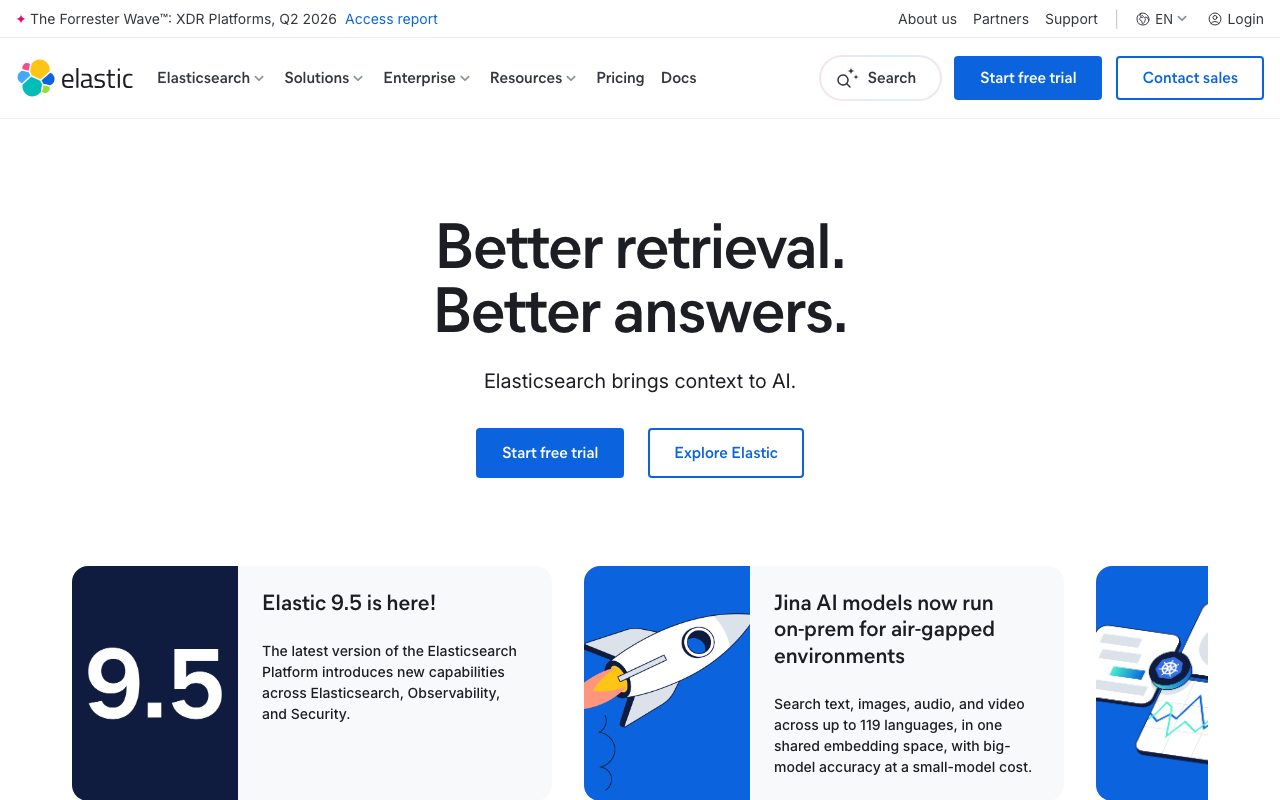
Elastic is the closest architectural match to Splunk on this list: an inverted index over arbitrary fields, so unpredictable full-text search stays fast, plus a security product with detection rules and case management. That last part is why it is the default destination for teams whose Splunk use is SIEM-shaped rather than purely operational.
Pros
- Same query profile as Splunk — arbitrary full-text search without knowing the query in advance
- A real security product with detection rules, not just a log search you build detections on top of
- Runs self-managed, on Elastic Cloud, or on a cloud provider’s managed offering
Cons
- Index plus document regularly exceeds the size of the raw logs, so long retention is expensive — the same problem you may be leaving
- Mapping explosions and shard sizing are ongoing operational work, and JVM heap tuning is a real subject
- SSPL and the Elastic Licence rather than Apache 2.0, which is a blocker for some policies
Best for: Teams whose Splunk usage is security and correlation rather than volume-driven operational logging, and who want the same search profile.
Pricing: Resource-based on the managed cloud — compute and storage per deployment tier rather than per ingested gigabyte, which is the main structural difference from a Splunk licence.
OpenSearch
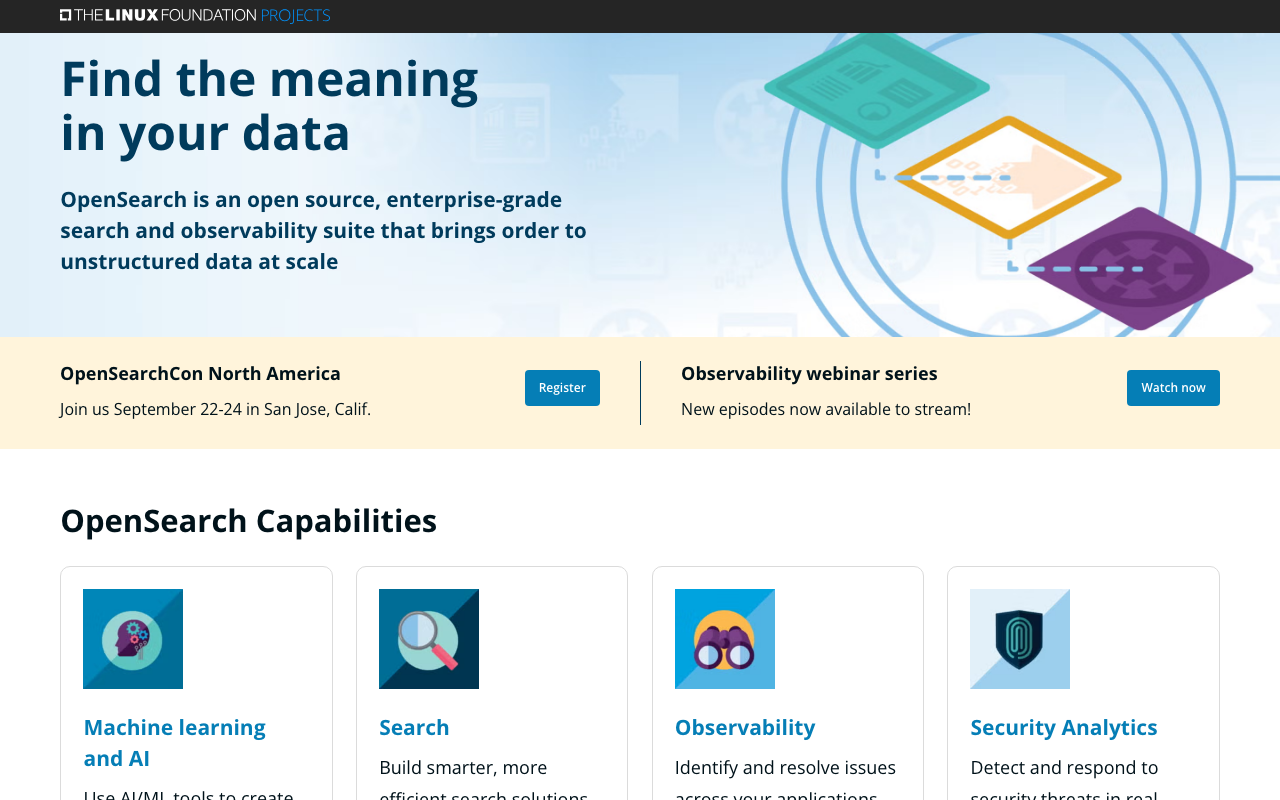
OpenSearch is the Apache 2.0 fork of Elasticsearch, created after Elastic changed its licence, with OpenSearch Dashboards in place of Kibana and its own security and alerting plugins. Functionally it is close to Elasticsearch for log search, and the licence is the reason it exists — if your policy or your product cannot accept SSPL, this is the version of that architecture you can use.
Pros
- Apache 2.0 throughout, which settles the licence question for policy teams and for anyone shipping a product on top
- Security, alerting and anomaly detection plugins are included rather than tiered
- Available as a managed service from major cloud providers, so you can avoid running it yourself
Cons
- You still own shard sizing, mapping design and heap pressure, exactly as with Elasticsearch
- Feature parity with Elastic’s commercial tiers is not the goal, and the gap shows in the newer machine-learning and security features
- Storage economics are the inverted-index ones, so this does not solve a volume-cost problem
Best for: Teams that want the Elasticsearch architecture under an Apache 2.0 licence, especially where a managed cloud version removes the operations.
Pricing: No licence cost; self-hosted you pay infrastructure and operator time, and managed cloud versions bill on instance and storage.
Graylog
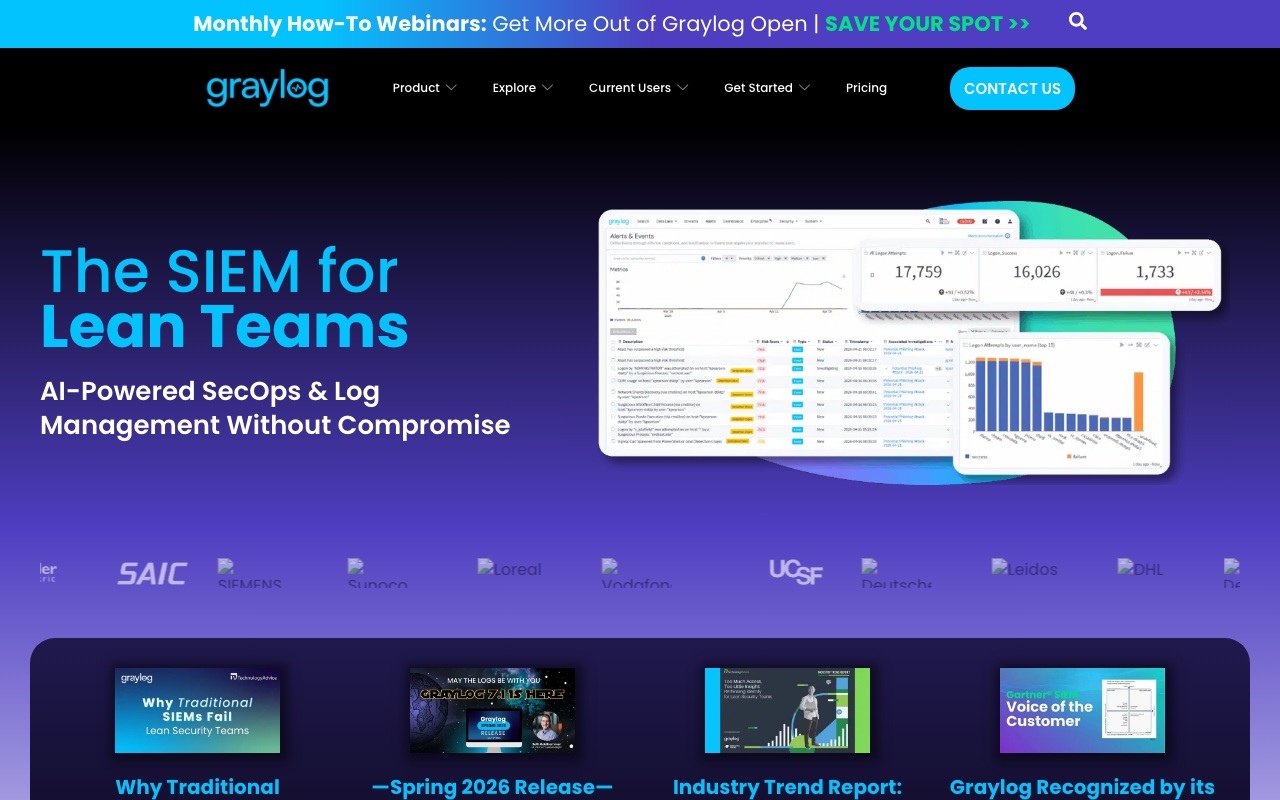
Graylog puts an actual operations product around an Elasticsearch or OpenSearch backend — stream routing, parsing rules, dashboards, alerting and access control through a UI rather than configuration files. It also sells a security edition, which makes it a common landing spot for teams leaving Splunk who still need SIEM-shaped capability without a SaaS contract.
Pros
- Parsing rules and stream routing are configured in a UI, which is the closest thing here to Splunk’s knowledge-object workflow
- Self-hosted, so there is no ingest meter and data stays in your network
- A security edition exists, so the SIEM use case does not have to be abandoned on migration
Cons
- You operate the underlying search cluster, inheriting all of its shard and heap work
- Archiving, correlation and audit features sit in the paid editions, so the free version is not the one you compare against Splunk
- Paid editions are licensed by daily ingest volume, which is the same meter shape you may be trying to escape
Best for: Teams replacing Splunk on their own infrastructure who need parsing, RBAC and security features rather than just a log search box.
Pricing: Free open source edition, with paid operations and security editions licensed by daily ingest volume.
ClickHouse
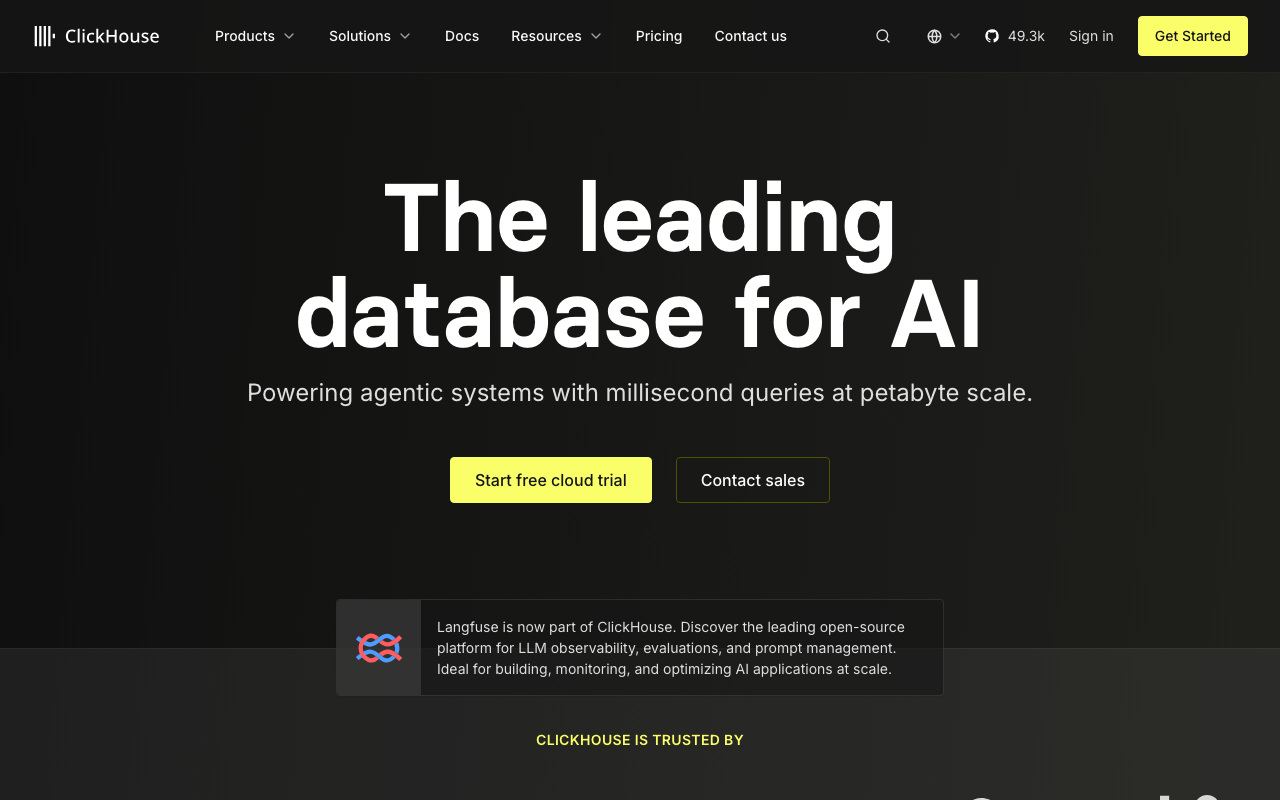
ClickHouse is the answer when the motivation is cost plus a query language people already know. It is a columnar database, so compression on repetitive log fields is excellent, long retention is genuinely affordable, and aggregations across a month of data run fast enough to use interactively. Analysts write SQL instead of SPL, which dissolves the expertise bottleneck rather than relocating it.
Pros
- Best storage economics on this list at the same retention, which directly addresses the cost driver
- Plain SQL removes the language bottleneck and lets logs be joined against business data
- Aggregation across long windows is where it is strongest, which is a large share of what long-retention Splunk searches actually do
- Your tables on your storage, with no proprietary format to be locked into
Cons
- Free-text search across unstructured message bodies is a scan or a bloom filter, not an inverted index — the opposite of Splunk’s strength
- You design the schema, sort key and TTLs, and correcting a bad choice at scale is painful
- No UI, alerting, parsing or access model out of the box unless you adopt a product built on top
Best for: Teams leaving on cost whose queries are mostly aggregation and filtered lookup, with SQL skills already in the building.
Pricing: Open source with no licence cost self-hosted; ClickHouse Cloud meters compute and storage separately so retention cost is decoupled from query cost.
Grafana Loki
Loki indexes labels only and keeps compressed log chunks in object storage, scanning them at query time. That makes ingest and storage dramatically cheaper than an indexed store, which is the single most direct answer to a Splunk licence bill. It is also the least like Splunk of anything here, and teams that move without understanding that are unhappy.
Pros
- Cheapest ingest and storage of the mainstream options, because there is almost no index to build
- Label model matches Kubernetes metadata exactly, so container logs need no schema work
- LogQL shares syntax with PromQL, so Prometheus users are productive immediately
Cons
- A broad filter across a wide label selector is a distributed grep, which is exactly the search pattern Splunk users rely on most
- Cardinality is a hard limit — a request ID in a label will break the cluster, not merely slow it
- No SIEM capability at all: no detection rules, no case management, no compliance content
Best for: Kubernetes-heavy teams whose Splunk bill is driven by application log volume and whose queries start with a narrow label selector.
Pricing: Open source and free to self-host on object storage; Grafana Cloud meters ingested gigabytes with retention tiers. Grafana Cloud vs Datadog compares the managed side.
Cribl
Cribl is not a Splunk replacement and does not claim to be. It is a pipeline that sits between your sources and your destinations, where you drop noise, trim fields, sample repetitive events, reshape data, and route different copies to different places — the full-fidelity copy to cheap object storage, the reduced copy to the expensive indexed system. It is included here because it is the most common way teams cut a Splunk bill without a migration project at all.
Pros
- Reduces indexed volume without changing application code or losing the original data, which is the fastest cost win available
- Routes the same stream to multiple destinations, so you can run a new store in parallel during an evaluation with no dual-instrumentation
- Makes a future migration far cheaper, because the pipeline already sits between sources and destinations
Cons
- It is another system to run, tune and reason about, and a misconfigured rule silently drops data you needed
- It does not store or search anything, so you still pay for a destination
- Reduction rules become their own accumulated knowledge base — the same problem you have with parsing rules, in a new place
Best for: Teams whose only real complaint is the Splunk bill and who would rather cut ingest than run a migration.
Pricing: Priced by data volume processed through the pipeline, which means it has to save more than it costs — model that before buying.
Datadog Logs
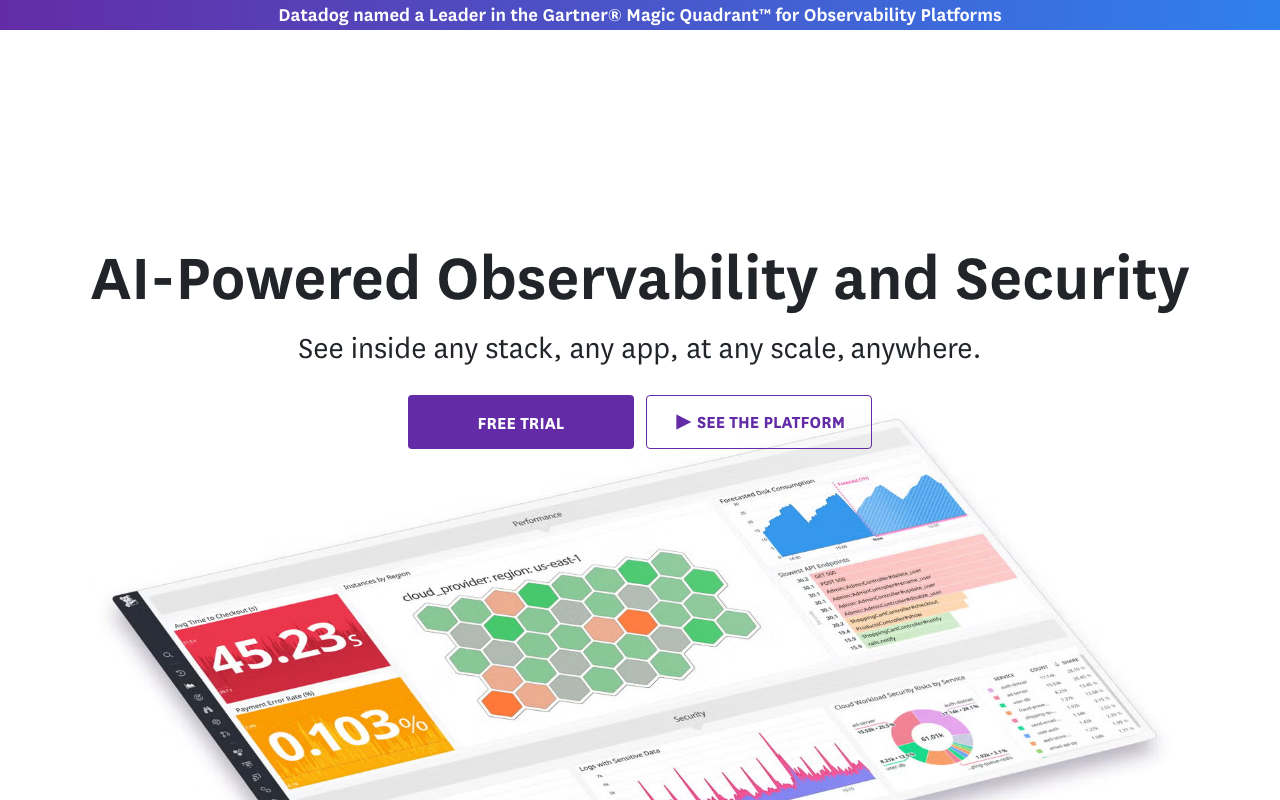
Datadog splits ingest from indexing: everything you send is ingested and archivable, and only what matches an index filter becomes searchable at full speed. For a team leaving Splunk on cost, that split is the same idea as a Cribl pipeline built into the product. The other draw is that logs sit beside APM traces, so log-to-trace correlation needs no work.
Pros
- Ingest-versus-index split lets you keep everything cheaply and pay search prices only on what you query
- Logs, traces and metrics in one query surface, which Splunk does not give you for application performance
- Vendor-side parsing pipelines and sensitive-data scanning, so agents stay simple
Cons
- Several independent meters make the bill hard to predict — swapping one unpredictable bill for another is a real risk here
- Index filter governance is a job someone must own or you lose the line you needed
- Nothing like Splunk’s compliance app ecosystem or long-retention correlation depth
Best for: Teams whose logging is application-centric and who want log-to-trace correlation more than they want SIEM features.
Pricing: Separate meters for ingested gigabytes and indexed events with retention tiers and rehydration billed on top. Datadog alternatives covers what happens if this bill becomes the next problem.
Sumo Logic

Sumo Logic is a managed log analytics platform that tiers data by how you intend to use it — continuously searched, occasionally searched, or kept for compliance — and prices accordingly. It also has a security operations product on the same ingested data, which puts it in the small set of alternatives that can carry a SIEM use case as well as an operational one.
Pros
- Explicit analytics tiers give a structural answer to the “we cannot afford to index everything” problem
- Operational and security use cases run on one ingested dataset rather than needing two pipelines
- Fully managed, so the cluster operations you would inherit from OpenSearch or Graylog do not exist
Cons
- Tier assignment happens at ingest and moving data later is not free, so a wrong call sticks
- Another proprietary query language, which reproduces the expertise-concentration problem you may be leaving
- Managed only, so air-gapped and residency-constrained deployments are out
Best for: Organisations that need both operational and security logging, want tiered cost control, and do not want to run the store.
Pricing: Credit-based consumption across ingest, storage tier and search, so cost tracks both volume and how actively data is queried.
Coralogix
Coralogix classifies data in-stream into tiers, so high-value logs get full indexing while noisy ones become metrics, get archived to your own object storage bucket, or stay searchable directly from that archive. It is the pipeline-first answer built into a platform — closer to buying Cribl and a destination together than to buying a conventional log tool.
Pros
- Cost is decoupled from volume by policy at ingest rather than by index filters written after the invoice
- Archives land in your own bucket and remain queryable, so long retention is your storage cost rather than a vendor tier
- Generates metrics and alerts from log streams without indexing them first
Cons
- The tiering model needs real configuration effort; defaults will not deliver the savings on their own
- Archive queries are a different performance profile from the hot tier and you need to know which you are hitting
- Smaller ecosystem than the incumbents, so integration work shifts to you
Best for: High-volume teams with a hard cost ceiling who want the pipeline and the store from one vendor.
Pricing: Priced by volume and the processing tier each stream is assigned, with archive storage in your own bucket rather than metered.
How to choose
Start by writing down which of the four reasons is actually yours, because it determines everything else.
If it is cost only, try a pipeline before a migration. Cribl or Coralogix in front of your existing setup can remove a large share of indexed volume in weeks, against a migration measured in quarters. Run that experiment first; if it gets you under budget, you are done.
If it is the query language, go to SQL and go deliberately — ClickHouse or a product built on it. Test the free-text search patterns your team actually uses before committing, because that is where the architecture disagrees with your habits.
If it is licence and control, OpenSearch or Graylog keep the search profile you are used to, and Loki or ClickHouse change it in exchange for much better economics. Budget for the operations honestly; see self-hosted observability stacks.
If it is SIEM, your shortlist is Elastic, OpenSearch with a security distribution, Graylog’s security edition, or Sumo Logic. Everything else on this page is an operational log tool being asked to do a job it was not built for.
| Option | Replaces | Picks itself when |
|---|---|---|
| Elastic | Search and SIEM | Detection rules matter as much as search |
| OpenSearch | Search and SIEM | Apache 2.0 is a hard requirement |
| Graylog | Search, parsing, RBAC | Self-hosted with a real operations UI |
| ClickHouse | Search, cheaply | SQL skills exist and queries are aggregation-heavy |
| Grafana Loki | Application log search | Kubernetes, narrow selectors, lowest ingest cost |
| Cribl | Nothing — it feeds a destination | The bill is the only complaint |
| Datadog Logs | Search, plus APM correlation | Application logs and traces belong together |
| Sumo Logic | Search and SIEM, managed | Tiered cost control without running a cluster |
| Coralogix | Pipeline and store together | High volume with a fixed ceiling |
Needs first-hand data: Take the ten Splunk searches your team runs most, and run their equivalents against a candidate loaded with a month of the same data. Record wall-clock time and whether the query was even expressible. The searches that cannot be expressed are the migration risk, not the ones that are slow.
Frequently asked questions
Can I cut my Splunk bill without migrating?
Usually yes, and it is the first thing to try. Most Splunk estates contain data that is ingested at full fidelity and never searched — verbose debug output, health checks, duplicated agent metrics. A pipeline tier such as Cribl, or routing rules in your existing collectors, lets you send a reduced copy to the index and a full copy to cheap object storage. That is weeks of work against a migration measured in quarters.
Is there a tool that converts SPL to another query language?
Nothing that converts a real estate with acceptable fidelity. Some vendors offer assistance for simple searches, but field extractions, lookups, macros and eval expressions do not have clean equivalents in LogQL, SQL or a Kibana query. Plan a rewrite of the searches that still matter, and use the migration as the opportunity to delete the ones that do not.
What is the cheapest Splunk alternative?
By storage architecture, a self-hosted ClickHouse or Loki deployment on object storage is the cheapest place to keep log data at long retention. Cheapest overall depends on whether you count the engineers. If your team cannot absorb cluster operations, a managed tiered product like Sumo Logic or Coralogix will often be cheaper in total than a self-hosted store that needs a person.
Does leaving Splunk mean losing my SIEM?
It does if you pick an operational log tool. Loki, Axiom and a bare ClickHouse cluster have no detection rules, no case management and no compliance content, and building those yourself is a security engineering project rather than a configuration exercise. If SIEM is part of what Splunk does for you, only Elastic, OpenSearch with a security distribution, Graylog’s security edition or another commercial SIEM belong on the shortlist.
Related reading
- Best log management tools — the full category and the architecture decision underneath every price list.
- Elasticsearch vs Loki vs ClickHouse — the three storage designs compared in depth.
- Best open source log management tools — what you own when the licence bill goes away.
- Datadog alternatives — for teams who moved to Datadog and met a new bill.
- Best incident management tools — where the alerts your saved searches fire should land.